11 Event Planning Tools for Nonprofits in 2026

.post-6386 .content_rapper_box > .post-thumbnail {
display: none;
}

.dryfta-nonprofit-tools-hero,
.dryfta-nonprofit-tools-figure,
.dryfta-nonprofit-tools-cta {
display: block;
margin: 0 auto 28px;
max-width: 100%;
width: 900px;
}
.dryfta-nonprofit-tools-hero img,
.dryfta-nonprofit-tools-figure img,
.dryfta-nonprofit-tools-cta img {
border-radius: 6px;
box-sizing: border-box;
display: block;
height: auto;
max-width: 100%;
object-fit: contain;
object-position: center;
width: 900px;
}
.dryfta-nonprofit-tools-figure img {
border: 1px solid #e2e5e8;
}
.dryfta-nonprofit-tools-caption {
color: #5f6770;
font-size: 14px;
font-style: italic;
line-height: 1.5;
margin-top: 9px;
text-align: center;
}
.dryfta-nonprofit-tools-note {
background: #f5f8fb;
border-left: 4px solid #2f6f9f;
font-style: italic;
margin: 24px 0;
padding: 16px 18px;
}
.dryfta-nonprofit-tools-table-wrap {
margin: 22px 0 30px;
max-width: 100%;
overflow-x: auto;
-webkit-overflow-scrolling: touch;
}
.dryfta-nonprofit-tools-table-wrap table {
border-collapse: collapse;
min-width: 980px;
width: 100%;
}
.dryfta-nonprofit-tools-table-wrap th,
.dryfta-nonprofit-tools-table-wrap td {
border: 1px solid #d9d9d9;
padding: 12px;
text-align: left;
vertical-align: top;
}
.dryfta-nonprofit-tools-table-wrap th {
background: #f4f6f8;
}
.dryfta-nonprofit-tools-callout {
background: #fffbea;
border: 1px solid #ead77a;
font-style: italic;
margin: 24px 0;
padding: 18px 20px;
}
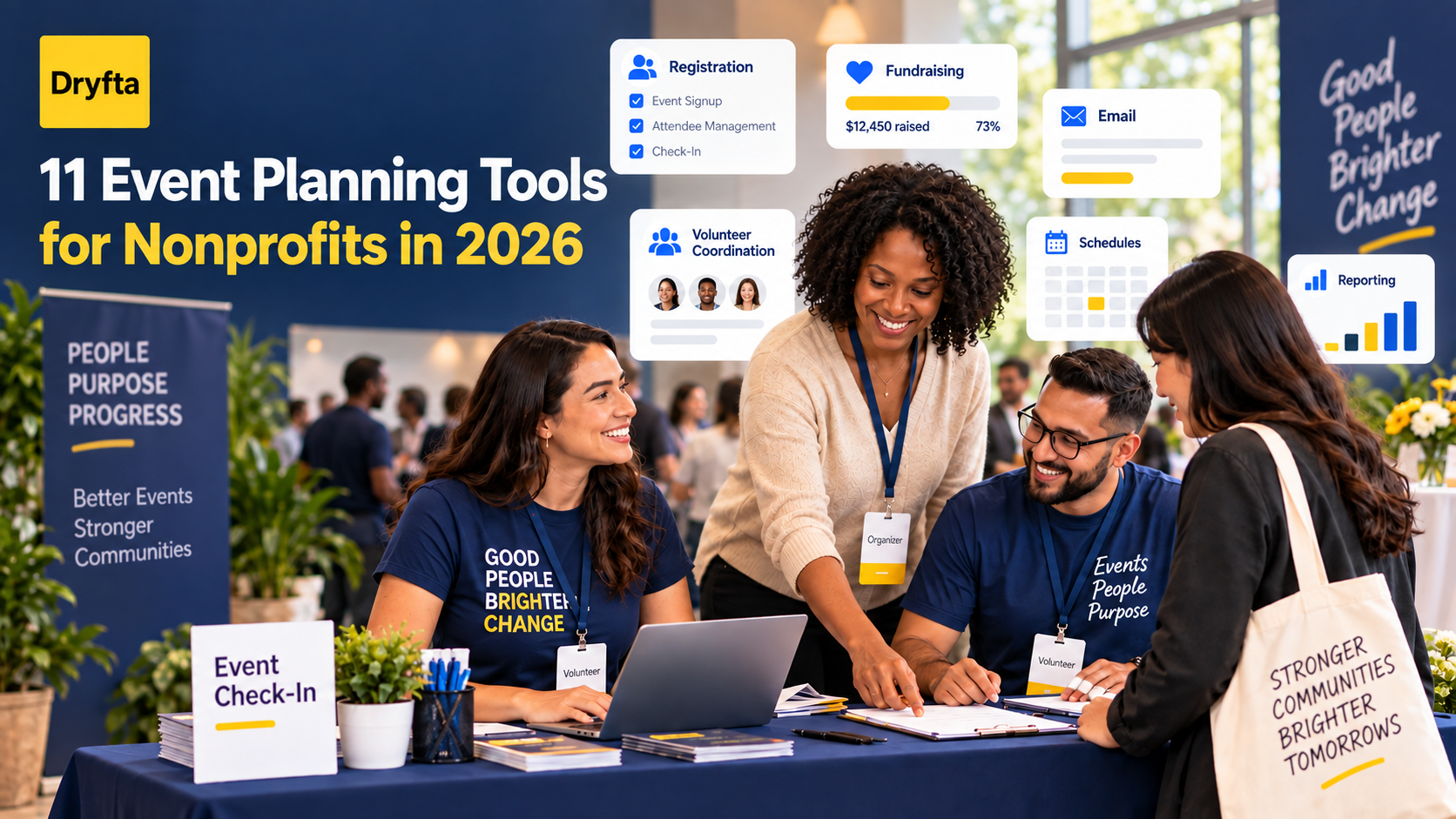
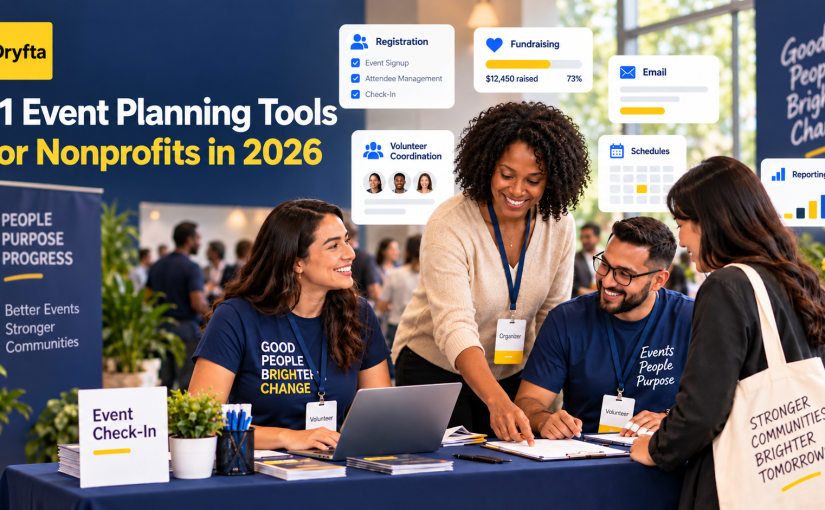
11 event planning tools for nonprofits in 2026, covering registration, fundraising, volunteers, email, schedules, and reporting

The best event planning tools for nonprofits are not always the products with the longest feature lists. They are the ones that fit the event, reduce manual work, protect supporter data, and leave more time for the mission behind it.

A fundraising gala, volunteer orientation, annual conference, and community workshop each create a different workload. One team may need ticketing and donations. Another needs abstract submissions, session schedules, certificates, and detailed attendance records. Before comparing brands, it helps to decide which jobs your technology must handle.

This guide compares 11 useful tools across the nonprofit event workflow. You will find options for project planning, design, email, fundraising, ticketing, volunteers, donor records, agendas, audience participation, virtual delivery, and connected event operations.

The central choice is not simply which tool has the most features. It is whether separate tools will stay simple or force your team to become the connection between them. That difference often decides whether an event feels manageable in its final weeks.

Editorial note: Dryfta publishes this guide and appears in the comparison. We reviewed official product and help information available on September 24, 2026. We assessed each tool for a specific job rather than declaring one product the winner in every situation. We did not run the same event on every platform. Features, nonprofit eligibility, pricing, and integrations can change, so confirm the details that affect your event before signing a contract.
Continue reading

How a Survey Management System Improves Event Feedback

How a Survey Management System Improves Event Feedback

Gone are the days of paper feedback forms left on banquet tables. Today, event success is measured in real-time digital insights. While the excitement of a live event is easy to feel at the moment, many of the most important insights about what worked well and what did not can quickly fade once the event ends.

Continue reading

How to Plan a Multi-Day Event Agenda Without Overwhelming Attendees

How to Plan a Multi-Day Event Agenda Without Overwhelming Attendees

Planning a multi-day event sounds exciting. It also brings pressure. You want to deliver value and respect the time attendees spend. The biggest challenge sits at the centre of it all: the agenda. A packed agenda looks impressive on paper. In reality, it can drain attendees fast. Continue reading

10 Must-Have Tools for Academic Conference Planning

10 Must-Have Tools for Academic Conference Planning

Planning an academic conference isn’t just picking a date and locking down a venue. It’s a full-on adventure that needs sharp coordination, constant communication, and smooth execution from start to finish. If you use the proper academic conference tools, you will drastically cut down your working hours and reduce the chance of errors. These tools also make it easy to manage registrations, abstract reviews, scheduling, attendee engagement, and report generation. Continue reading

18 Event Planning Tips for Before, During, and After Your Event

18 Event Planning Tips for Before, During, and After Your Event

Event planning for academic conferences is much more than deciding on a venue and distributing invites. It is creating an environment that encourages knowledge sharing and collaboration. For a global research conference, a university-based symposium, and a student-led academic gathering, the act of planning is important to every facet of making the event fruitful. Continue reading

Event Task Management: Owners, Deadlines and Handoffs

Task Management Tools for Event Planners


Use this guide to turn an agreed event plan into an action tracker. Give each deliverable an owner, a due date, its prerequisites and evidence of completion, so the team can see what is ready, blocked or waiting for a decision.

If you are still choosing where the team will chat, share documents and manage event information, use the event planning collaboration-tool comparison first. The task here is to run the work once those responsibilities and tools are agreed.

Build an event action tracker around handoffs

  1. Write a deliverable, not a vague activity. Replace “work on the programme” with a result such as “programme approved for publication.” Record what must exist for the task to be complete and where the approved result will be kept.
  2. Name an owner and any approver. One person takes responsibility for moving the task forward. If another person must accept the result, record that approval separately. Agree who covers the task if the owner is unavailable; a department name alone leaves the handoff unclear.
  3. Set the deadline for the next person’s work. Record the date, time and time zone, then link the task to any prerequisite. For example, a speaker briefing may depend on a confirmed session time and room. Give the receiving team time to act instead of using the event’s opening time as every task’s deadline.
  4. Use a small set of meaningful states. Agree what not started, in progress, blocked, awaiting approval and done mean. For a blocked item, record the missing decision or input, the person who can supply it and the next action. A conversation about the problem is not the same as completing the task.
  5. Control changes at the handoff. If an approved session time changes, identify the briefing, signage, web and onsite tasks that depend on it. Reopen the affected tasks, link to the current approved version and confirm who must acknowledge the change. Keep access appropriate to each person’s role.
  6. Review exceptions and close with evidence. In the team check-in, focus on overdue items, blockers and decisions that delay other work. Close a task with its approval, document version or other agreed evidence. Carry unresolved items into the next shift or event-day handoff with a named owner and next action.

Copy these tracker fields: task ID, deliverable, owner, approver, due date and time zone, prerequisite, status, next action, and completion evidence. For “publish the final programme,” the evidence could be the approved version and published page; the next team should use that version rather than a separate attachment.

Ask any tool you consider to demonstrate this record, a blocked task, an approval and a change passed to the next team. Keep messaging, audience engagement and ticketing roles distinct from task ownership; confirm what the product actually supports and what your team will manage through another process.

Use the tool profiles to check workflow fit

The profiles below are legacy reference material covering several different tool roles. Check current availability, features and integrations with each supplier, then apply the handoff checklist above to the tools you use. A messaging, polling or ticketing role does not by itself establish who owns a task or how its completion reaches the next team.


#1 Trello

Trello
Continue reading