.post-6386 .content_rapper_box > .post-thumbnail {
display: none;
}
.dryfta-nonprofit-tools-hero,
.dryfta-nonprofit-tools-figure,
.dryfta-nonprofit-tools-cta {
display: block;
margin: 0 auto 28px;
max-width: 100%;
width: 900px;
}
.dryfta-nonprofit-tools-hero img,
.dryfta-nonprofit-tools-figure img,
.dryfta-nonprofit-tools-cta img {
border-radius: 6px;
box-sizing: border-box;
display: block;
height: auto;
max-width: 100%;
object-fit: contain;
object-position: center;
width: 900px;
}
.dryfta-nonprofit-tools-figure img {
border: 1px solid #e2e5e8;
}
.dryfta-nonprofit-tools-caption {
color: #5f6770;
font-size: 14px;
font-style: italic;
line-height: 1.5;
margin-top: 9px;
text-align: center;
}
.dryfta-nonprofit-tools-note {
background: #f5f8fb;
border-left: 4px solid #2f6f9f;
font-style: italic;
margin: 24px 0;
padding: 16px 18px;
}
.dryfta-nonprofit-tools-table-wrap {
margin: 22px 0 30px;
max-width: 100%;
overflow-x: auto;
-webkit-overflow-scrolling: touch;
}
.dryfta-nonprofit-tools-table-wrap table {
border-collapse: collapse;
min-width: 980px;
width: 100%;
}
.dryfta-nonprofit-tools-table-wrap th,
.dryfta-nonprofit-tools-table-wrap td {
border: 1px solid #d9d9d9;
padding: 12px;
text-align: left;
vertical-align: top;
}
.dryfta-nonprofit-tools-table-wrap th {
background: #f4f6f8;
}
.dryfta-nonprofit-tools-callout {
background: #fffbea;
border: 1px solid #ead77a;
font-style: italic;
margin: 24px 0;
padding: 18px 20px;
}
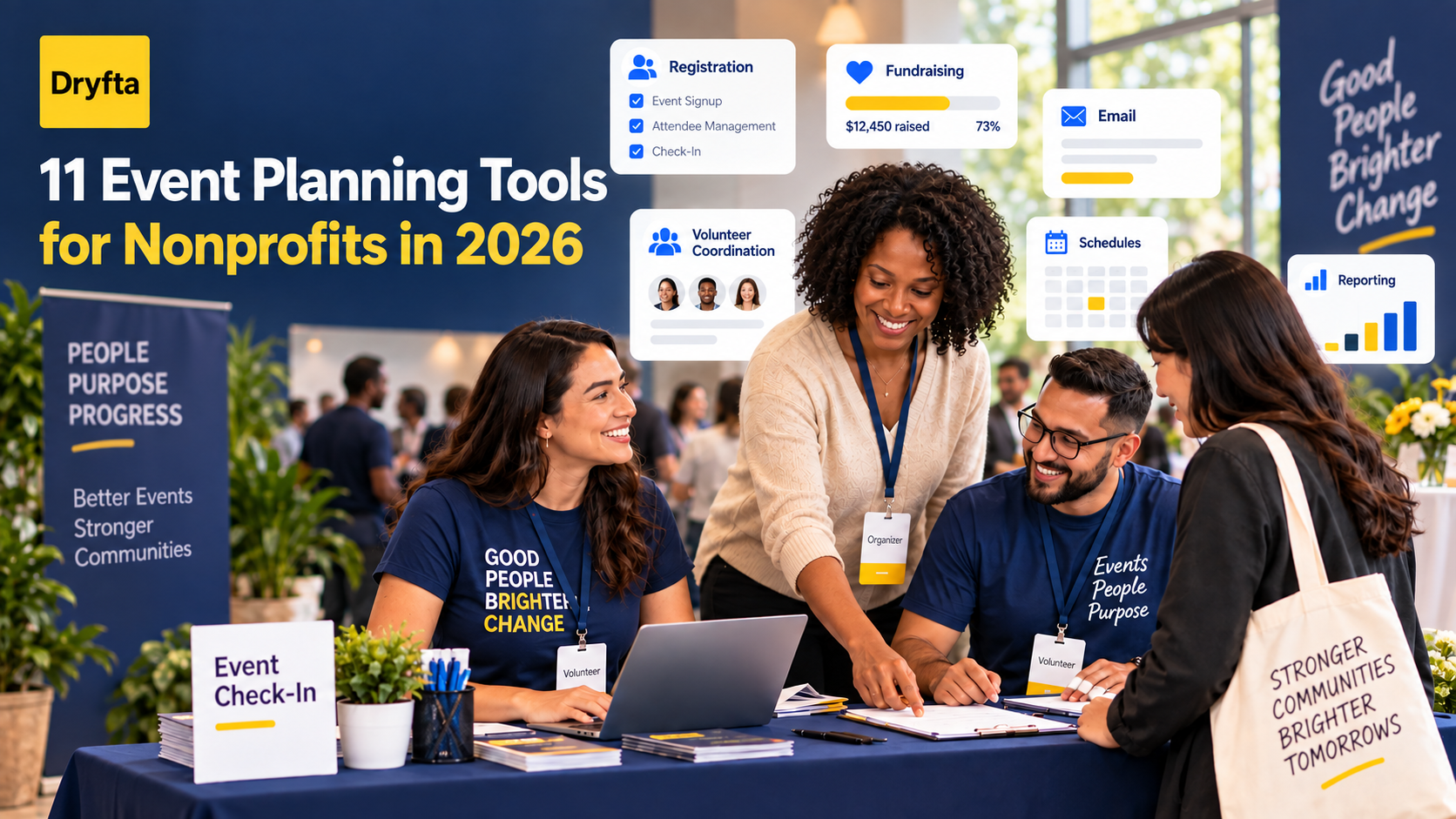
The best event planning tools for nonprofits are not always the products with the longest feature lists. They are the ones that fit the event, reduce manual work, protect supporter data, and leave more time for the mission behind it.
A fundraising gala, volunteer orientation, annual conference, and community workshop each create a different workload. One team may need ticketing and donations. Another needs abstract submissions, session schedules, certificates, and detailed attendance records. Before comparing brands, it helps to decide which jobs your technology must handle.
This guide compares 11 useful tools across the nonprofit event workflow. You will find options for project planning, design, email, fundraising, ticketing, volunteers, donor records, agendas, audience participation, virtual delivery, and connected event operations.
The central choice is not simply which tool has the most features. It is whether separate tools will stay simple or force your team to become the connection between them. That difference often decides whether an event feels manageable in its final weeks.
Editorial note: Dryfta publishes this guide and appears in the comparison. We reviewed official product and help information available on September 24, 2026. We assessed each tool for a specific job rather than declaring one product the winner in every situation. We did not run the same event on every platform. Features, nonprofit eligibility, pricing, and integrations can change, so confirm the details that affect your event before signing a contract.
Begin with the sentence your team keeps repeating
The fastest route to a sensible shortlist is to name the frustration that keeps returning:
- “We keep copying the same people and event details between systems.” Look at Dryfta.
- “Nobody is sure who owns the next task.” Look at Asana.
- “Every event graphic looks as if it came from a different organization.” Look at Canva.
- “Our invitations, reminders, and follow-up are reaching the wrong groups.” Look at Mailchimp.
- “Tickets and donations need to feel like one fundraising campaign.” Look at Givebutter.
- “We need new people to discover and book a straightforward public event.” Look at Eventbrite.
- “Volunteer shifts are being managed through spreadsheets and email.” Look at VolunteerHub.
- “The development team cannot see what supporters did at the event.” Look at Bloomerang.
- “Attendees cannot make sense of a crowded program.” Look at Sched.
- “Only the most confident people are asking questions.” Look at Slido.
- “Our online program has outgrown a single webinar room.” Look at Zoom Events.
You may only need one or two of these. A small workshop can run well with a registration tool, an email list, and a shared project plan. A multi-track conference may benefit from a connected platform that keeps registration, submissions, schedules, check-in, email, and reporting in one participant record.
Important distinction: This is a guide to building a practical nonprofit event tool stack. If you want to compare full event platforms side by side, see our guide to event management software for nonprofits.
A tool had to earn its place
A polished demo is easy. The harder test is whether the product still helps when the event team is small, volunteers change, the budget faces scrutiny, and the event history must remain useful months later. Each tool in this guide had to answer six practical questions:
- Does the tool solve a clear event job? A focused product should remove work, not create another system to maintain.
- Can staff and volunteers learn it quickly? Occasional users need a clear workflow and sensible permissions.
- What happens to the data? Registration, donation, attendance, and engagement records should be useful after the event.
- Can the nonprofit control the real cost? Subscription charges are only one part of the expense. Transaction fees, add-ons, equipment, integrations, and staff time also matter.
- Will it fit existing systems? The right tool should connect with the nonprofit’s CRM, email, finance, video, or reporting workflow where needed.
- Can it grow with the event? A workable setup should cope with more attendees, sessions, volunteers, or event types without a complete rebuild.
Nonprofit discounts were a welcome advantage, not a free pass. A low-cost tool becomes expensive when staff spend hours copying, cleaning, or reconciling its data.
11 event planning tools for nonprofits at a glance
| Tool | Primary job | Good fit when | Confirm before choosing |
|---|---|---|---|
| Dryfta | Connected event management | A recurring or complex event needs registration, submissions, schedules, check-in, communication, and reporting to share participant data | Which modules, services, payment setup, and nonprofit pricing fit your program |
| Asana | Project and task planning | Staff need clear owners, dates, approvals, and dependencies | Nonprofit eligibility, guest access, and the features included in the selected plan |
| Canva | Event graphics | Several people create social posts, signs, slides, and sponsor material | Nonprofit eligibility, brand controls, and who can approve final designs |
| Mailchimp | Email communication | The event depends on segmented invitations, reminders, and follow-up campaigns | Contact limits, automation needs, consent rules, and how event data will sync |
| Givebutter | Fundraising events | Tickets, donations, auctions, and peer fundraising belong in one campaign | Fee settings, payment processing, donor data flow, and receipting requirements |
| Eventbrite | Public ticketing and discovery | A simple public event needs a familiar listing and mobile ticket scanning | Paid-ticket fees, payout timing, data access, and support for complex sessions |
| VolunteerHub | Volunteer coordination | Many shifts, roles, reminders, waivers, or hour records must be managed | CRM connections, check-in setup, admin access, and reporting requirements |
| Bloomerang | Donor CRM and fundraising | Event activity should inform cultivation and stewardship after the event | Migration, duplicate handling, event functionality, and payment costs |
| Sched | Agenda and personal schedules | A conference needs an easy-to-browse program, speaker pages, and attendee schedules | Registration options, branding, app features, and data exchange with other tools |
| Slido | Audience participation | Sessions need moderated Q&A, polls, quizzes, or feedback | Participant limits, moderation controls, exports, and presentation integrations |
| Zoom Events | Virtual and hybrid delivery | The program has several online sessions, speakers, sponsors, or networking needs | Licensing, host roles, production support, recordings, and attendee data |
A nonprofit event stack, one job at a time
1. Dryfta: Connected event operations
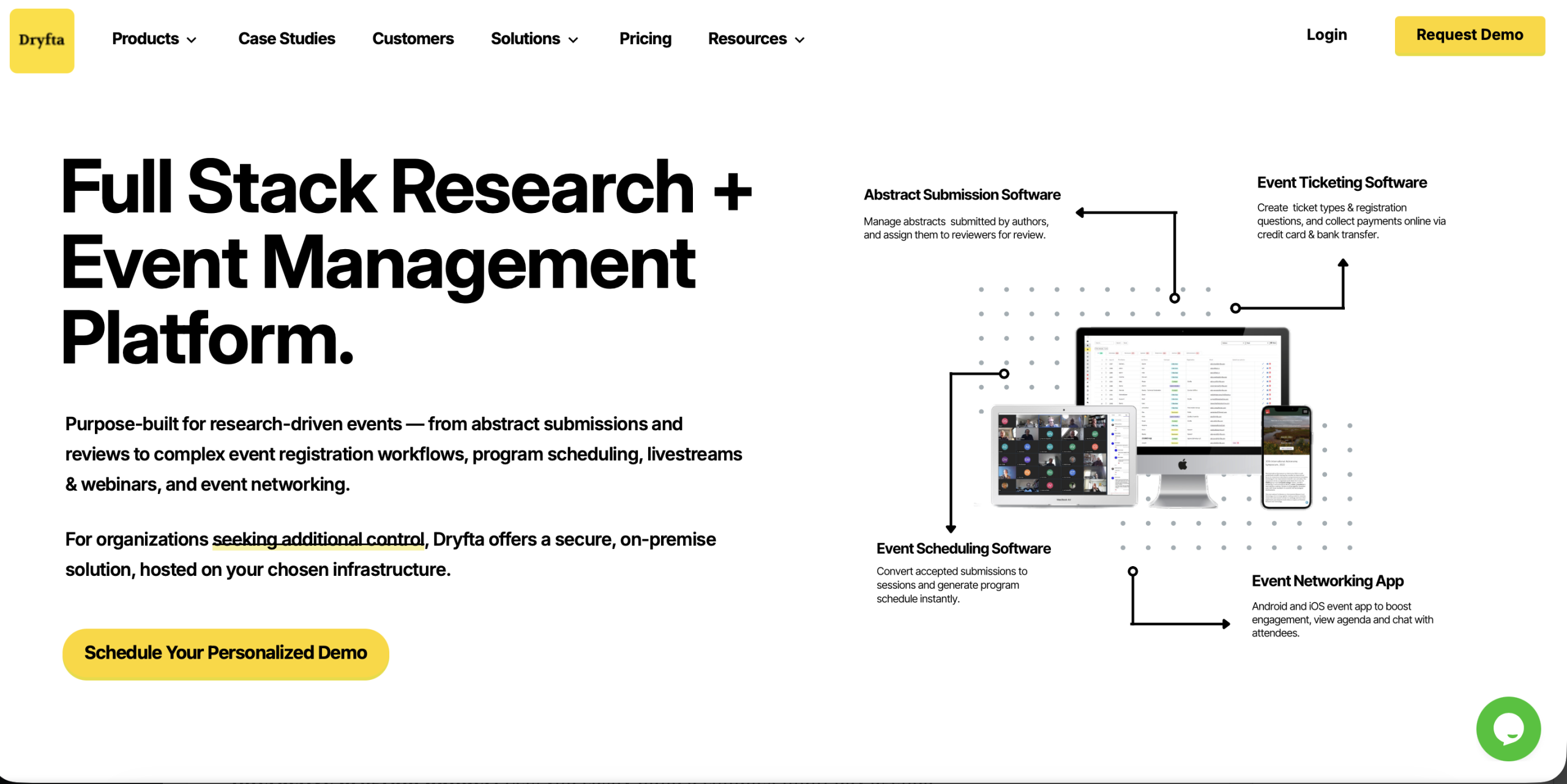
Dryfta suits conferences, training programs, and multi-session nonprofit events that need several workflows to share the same participant data. Registration, ticketing, donations, attendee CRM, submissions, schedules, email, check-in, and reporting sit in one system, so staff spend less time matching spreadsheets.
Its cost advantage is easier to see when you compare the full setup rather than one subscription price. Dryfta offers annual and pay-as-you-use options, eligible nonprofits can ask about discounted plans, and organizations using their own payment gateway do not pay an added Dryfta service fee or wait for Dryfta to release their funds.
For recurring events, the one-click event-copy workflow lets an organizer reuse selected forms, settings, roles, and event details instead of starting again. That can save useful setup time across an annual conference or regular training series.
A lighter tool may be enough for a small, one-time meetup. When an event is recurring or data-heavy, a connected platform can reduce handoffs and preserve participant history. If that sounds familiar, explore Dryfta’s event platform before comparing the specialist tools below.
2. Asana: Project planning and accountability
When missed deadlines and unclear ownership cause more trouble than registration itself, Asana can give the planning team a shared view of the work.
Asana can turn an event plan into a reusable project. Teams can assign venue tasks, sponsorship deliverables, content approvals, volunteer preparation, and post-event work to clear owners. A timeline helps show when one late decision will affect another, while templates reduce the setup needed for recurring events.
Eligible nonprofits can apply for a discount on selected paid plans. Even with a discount, avoid giving every stakeholder full access by default. Decide which people need to edit the plan, which only need a view, and where final documents should live.
Its boundary is just as important as its strength. Asana manages the work around an event, but it does not replace registration, ticketing, check-in, or an event CRM.
3. Canva: Consistent event graphics
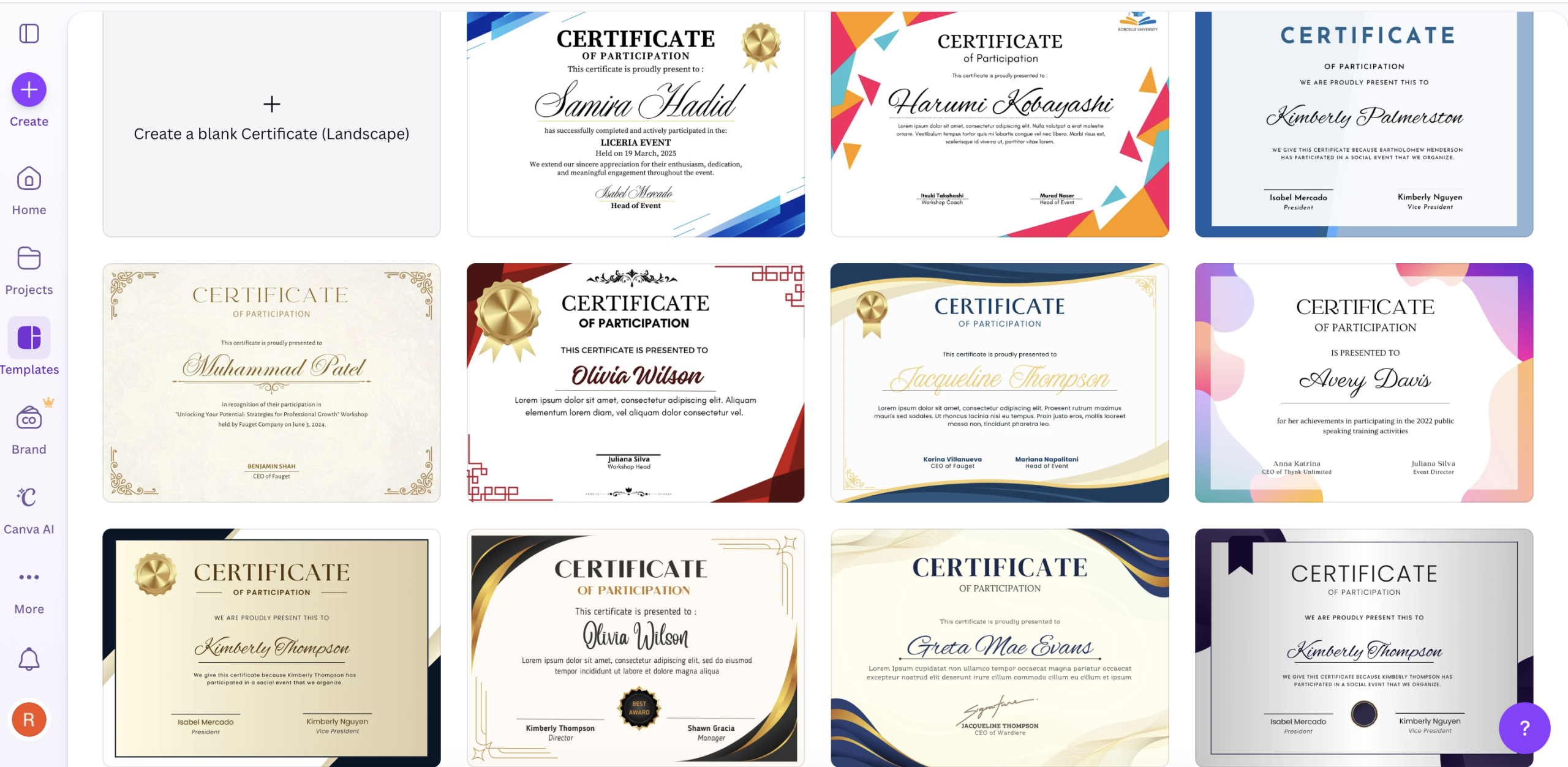
A shared Canva kit can keep invitations, social posts, speaker cards, slide covers, signs, and sponsor material recognizably part of the same event.
Canva helps a small team produce a large set of event assets without sending every change to a designer. Brand kits and locked template elements can keep logos, colors, and type consistent while still allowing staff or volunteers to update dates, names, and calls to action.
Eligible organizations can apply to Canva for Nonprofits, which includes premium design and collaboration features. Eligibility rules apply, so confirm approval before building the event plan around those features.
Easy editing can also create too many versions. Name one approver, define accessible color and text standards, and keep final files in a clearly marked folder.
4. Mailchimp: Invitations, reminders, and follow-up
For nonprofits that already maintain supporter lists in Mailchimp, event invitations and follow-up can stay close to the wider communication program.
Mailchimp can support invitation campaigns, registration reminders, speaker announcements, volunteer updates, and post-event follow-up. Segments help teams avoid sending every message to every contact. For example, registered attendees should not keep receiving “reserve your place” emails.
Verified nonprofits and charities can request a discount, but it needs to be arranged through Mailchimp and may depend on eligibility. The larger question is how contacts reach the right segment. A manual CSV upload may work for a small event. A recurring program needs a dependable connection to its registration or donor system.
Set a source of truth for consent, unsubscribes, and contact updates. Otherwise, a corrected email address in the event tool may remain wrong in the email platform.
5. Givebutter: Fundraising events and campaigns
Givebutter is most relevant when a gala, auction, walkathon, or peer-led event is first and foremost a fundraising campaign.
Givebutter combines event tickets with donation options, peer-to-peer fundraising, auctions, mobile check-in, and campaign displays. That can make the donor journey feel more connected than using a ticket form and a separate fundraising page.
The platform’s cost depends partly on payment processing and whether optional donor tips are enabled. Review the actual checkout experience before choosing a fee setup. What looks free to the organization may shift part of the cost decision to supporters.
Before committing, test receipts, tax language, donor attribution, refunds, and the handoff to your CRM and accounting process. A successful event should not create weeks of reconciliation work.
6. Eventbrite: Public ticketing and event discovery
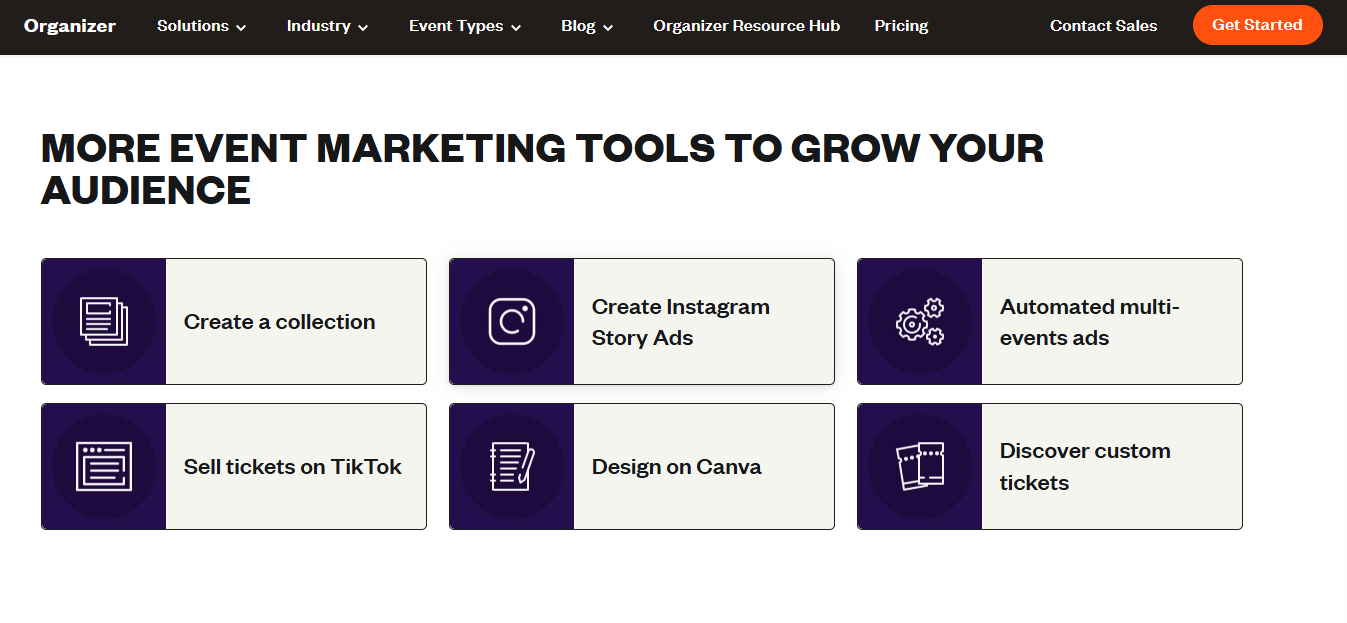
Classes, performances, local gatherings, and other straightforward public events can benefit from Eventbrite’s familiar marketplace and ticket flow.
Eventbrite makes it straightforward to publish a listing, sell or issue tickets, send basic reminders, and scan attendees through its organizer app. Free events can be published without ticketing fees, while paid tickets and donations involve charges that vary by market and setup.
Its public marketplace can help people discover an event, which is useful when the audience extends beyond an existing supporter list. The tradeoff is that a marketplace-first system may offer less control over complex roles, submissions, multi-track agendas, or a long-term event CRM.
Run the numbers using your likely ticket mix, confirm payout timing, and export a sample attendee file. If you need several session choices or detailed nonprofit records, test those workflows before launch.
7. VolunteerHub: Volunteer shifts and service records

Events that depend on many volunteers across shifts, locations, or responsibilities can quickly outgrow sign-up sheets and email chains.
VolunteerHub lets volunteers choose available shifts while organizers set capacity, collect required information, manage waitlists, send reminders, and record service hours. Check-in and reporting can give the coordinator a clearer picture than a shared spreadsheet and a long email thread.
This is especially useful when volunteers support more than one event. Their history can help staff identify experienced team leads and understand which roles are hardest to fill.
Before adding a separate volunteer system, decide whether volunteers also need event registration and whether their records must sync to a donor or constituent CRM. Review permissions carefully when temporary coordinators help manage a program.
8. Bloomerang: Donor relationships after the event
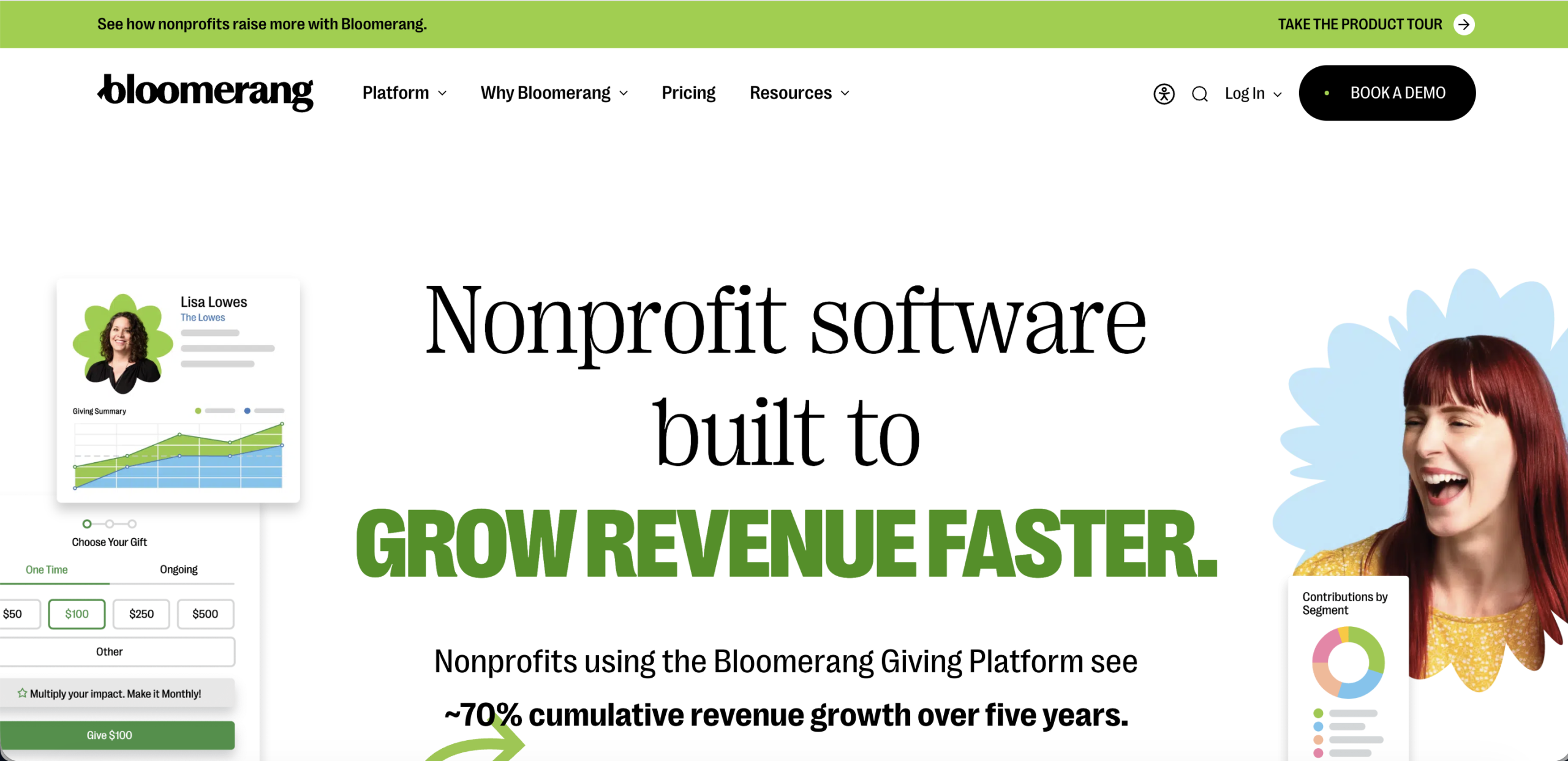
Bloomerang looks beyond the event day, which is useful when a ticket purchase or contribution should become part of a longer donor relationship.
Bloomerang combines donor CRM capabilities with fundraising tools that cover areas such as ticketing, check-in, auctions, peer fundraising, and text giving. Its main advantage is what happens after the room empties. Staff can view event activity alongside the donor record and plan more relevant stewardship.
That connection helps prevent a common problem: an attendee makes a meaningful contribution at an event, but the development team receives only a spreadsheet and no useful context.
A CRM decision reaches far beyond one event. Review migration, duplicate handling, reporting, integrations, payment processing, staff training, and contract terms with the wider fundraising team.
9. Sched: Programs and personal agendas
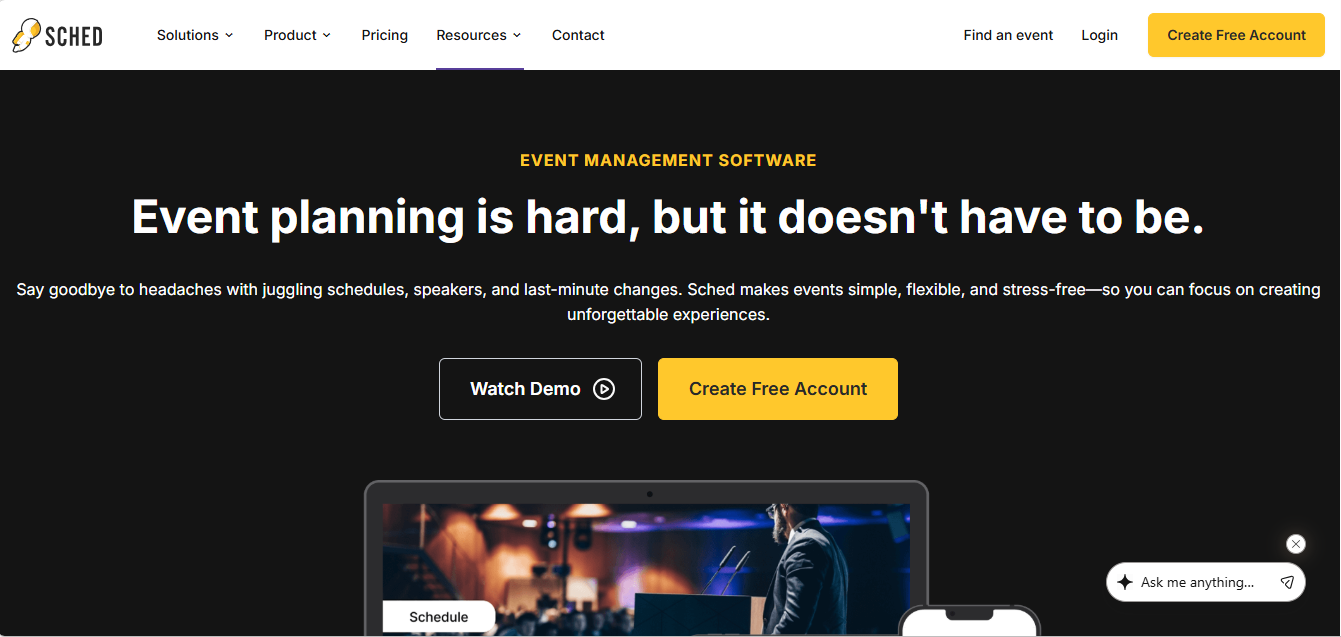
When a conference, festival, or training event has more sessions than attendees can hold in their heads, Sched gives the program a clearer public face.
Sched helps organizers publish a searchable program and lets attendees create personal schedules. Speaker profiles, session information, mobile access, notifications, and offline schedule access can make a complex agenda easier to navigate.
A dedicated schedule tool can be a sensible addition when the registration system handles tickets well but presents the program poorly. It also gives content teams a focused place to manage late room or time changes.
The key question is what must be maintained elsewhere. Confirm how registration choices, capacity rules, attendee profiles, and attendance data move between Sched and your other systems. A polished agenda is less helpful if staff must maintain the same session data twice.
10. Slido: Live Q&A, polls, and feedback

Slido gives meetings and sessions another route to participation, especially when not everyone is comfortable walking up to a microphone.
Slido adds live polls, moderated questions, quizzes, and surveys to an in-person, virtual, or hybrid session. Attendees can contribute from their own devices, which gives quieter participants another way to take part. Moderation tools help the host manage a busy Q&A without relying only on raised hands.
Poll and survey exports can support post-event reporting, provided the team decides in advance which questions will produce useful evidence. A long list of novelty polls rarely helps a grant report.
Check audience limits, moderation roles, accessibility, data retention, and the exact integration with your presentation or video platform. Always prepare a simple verbal alternative in case connectivity is poor.
11. Zoom Events: Virtual and hybrid programs
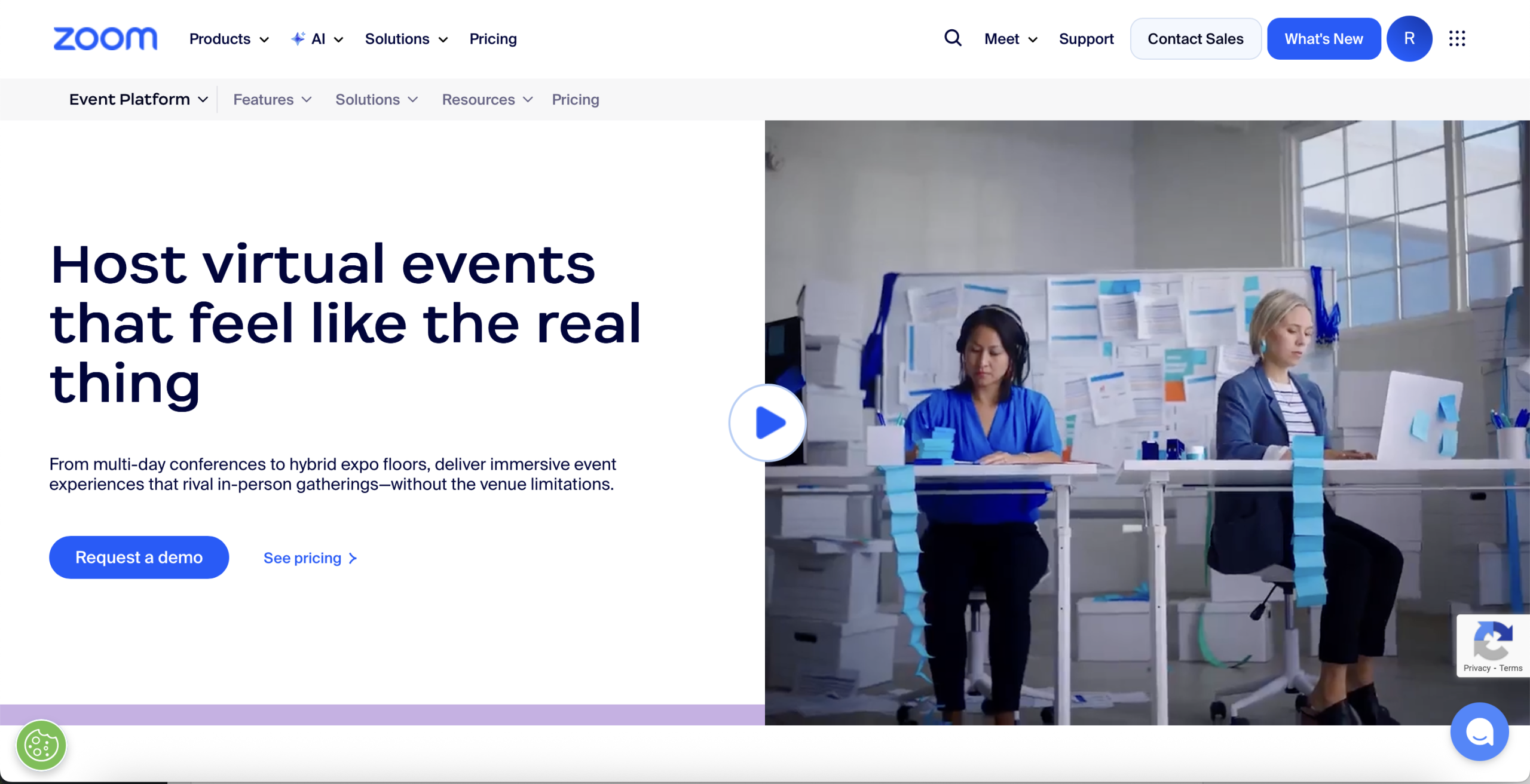
Zoom Events extends a familiar meeting environment into multi-session online and hybrid programs with registration, lobbies, sponsors, networking, and controlled access.
Zoom Events builds on a meeting product that many speakers and attendees already know. It can support multi-day programs, several session types, breakout spaces, event lobbies, sponsor areas, and ticketing. Organizers can choose webinar-style sessions for controlled broadcasts or meeting-style sessions when attendees need to interact more freely.
Familiar software does not remove the need for production planning. Speaker rehearsals, host permissions, captions, recording consent, technical support, and a backup communication channel still matter.
Confirm which licenses the event requires, who will host each session, how registrations sync, where recordings will live, and which attendee data your nonprofit can retain.
Follow the event journey before buying another tool
Start with the attendee and staff journey
Write down what happens from the first invitation to the final follow-up. Include the awkward cases: a donor buys a table for guests, a speaker also registers as an attendee, a volunteer changes shifts, or a participant needs an invoice instead of a card payment.
Then mark which system handles each step. Gaps become visible quickly, as do places where the same data would need to be entered twice.
Choose one source of truth
Decide where the most reliable person and event record will live. For a fundraising dinner, that may be the donor CRM. For a conference with submissions, schedules, and check-in, it may be the event platform. Supporting tools should update or export data in a way that preserves that record.
Count the full cost, not just the subscription
Include ticket and payment fees, text messages, extra administrators, mobile apps, equipment, integrations, setup services, training, and renewal terms. Staff time also belongs in the calculation. Ten hours of weekly spreadsheet cleanup can erase the saving from a cheaper plan.
Test real nonprofit cases
Ask vendors to demonstrate your actual workflow instead of a standard sales tour. Bring five representative cases, such as a sponsor with several guests, a discounted member, a donor who declines optional fees, an attendee requesting accessibility support, and a volunteer who also joins a session.
Check data ownership and exit paths
Your nonprofit should be able to export the records it needs in a usable format. Confirm who owns attendee and donor data, which subprocessors may receive it, how long records remain available, and what happens when the contract ends.
Keep the stack as small as practical
Every additional tool introduces another login, permission set, privacy review, invoice, integration, and possible point of failure. Add a product only when it solves a clear problem better than the tools already in use.
A useful test is to count the manual handoffs. If staff regularly export registrations, match email addresses, rebuild speaker details, reconcile payments, update schedules in two places, and combine attendance reports, the low subscription cost of separate tools may be hiding a much larger operating cost. At that point, a connected platform deserves a place on the shortlist.
See how the pieces change with the event
A community fundraiser
Givebutter can handle tickets, donations, and campaign activity. Canva supports promotional and onsite graphics, while Mailchimp can manage invitations and follow-up if it already holds the organization’s email list. Add VolunteerHub only if volunteer scheduling has enough complexity to justify a separate system.
A public workshop series
Eventbrite can provide straightforward listings and ticket scanning. Asana keeps the repeated planning tasks visible, and Canva supplies a reusable visual template. If participants should become long-term supporters, define how their consent and event history will reach the nonprofit’s CRM.
A multi-track nonprofit conference
Dryfta can keep registration, submissions, speakers, schedules, communication, check-in, and reporting connected, which gives the team one participant history instead of several partial lists. Zoom Events may support the virtual portion when the program is hybrid. Slido can add focused audience participation when the built-in interaction tools do not meet the session plan.
These are starting points, not fixed recipes. The best stack is the smallest one that supports the event experience and leaves the organization with reliable data afterward.
When Dryfta becomes the simpler choice
Several focused tools can work well until staff spend more time moving information than using it. Dryfta is worth a closer look when:
- The program has several attendee types, ticket rules, sessions, or approval paths.
- Speakers, reviewers, donors, sponsors, volunteers, and attendees sometimes overlap.
- Staff repeatedly match records across registration, email, schedules, check-in, and reports.
- The event runs again and the team wants to reuse its setup and participant history.
For a useful demo, bring one real registration type, one speaker or submission path, and the report your team needs afterward. Seeing that journey from beginning to end will show whether the platform fits the way your organization works.
Frequently asked questions
What are event planning tools for nonprofits?
They are software products that help nonprofit teams plan, promote, deliver, and evaluate events. The category includes project management, registration, fundraising, volunteer scheduling, email, design, agenda, engagement, virtual event, check-in, and reporting tools.
What is the best event planning tool for a nonprofit?
The answer depends on the event. Givebutter is well suited to fundraising-led events, VolunteerHub focuses on volunteers, and Asana manages planning tasks. Dryfta is a stronger fit when a conference or recurring program needs several event workflows and participant records to stay connected.
Can nonprofits plan events with free tools?
Yes, especially for a small event. Free plans can cover tasks, graphics, tickets, or video meetings, and some vendors offer nonprofit programs. Check limits on contacts, users, storage, exports, branding, support, payment fees, and automation. Free software is not a saving if manual work becomes the largest cost.
Should a nonprofit use one platform or several tools?
Use one platform when several workflows depend on the same participant data and the team wants fewer handoffs. Use a small set of specialist tools when the event is simple or one job needs a deeper feature set. In either case, name the source of truth and test how data moves between products.
Which integrations matter most?
Most nonprofits should examine connections to their donor or constituent CRM, email platform, payment gateway, accounting process, video service, and analytics setup. The important integration is the one that removes a real manual handoff while preserving consent and accurate records.
How should a nonprofit compare event software pricing?
Build the estimate around a real event. Include attendee volume, paid and free tickets, donation value, payment fees, administrators, emails or texts, apps, hardware, setup, support, and renewal terms. Ask whether a nonprofit discount applies to the entire package or only the base subscription.
Build around the mission, not the software
A good event tool should make the work feel lighter. It should help a volunteer understand the next task, help an attendee find the right session, help a fundraiser recognize a supporter, or help a program team prove what the event achieved.
Start with the experience you want to create and the records you need afterward. Then choose the smallest set of tools that can deliver both. If spreadsheets have started acting as the bridge between registration, speakers, schedules, communication, check-in, and reporting, it may be time to see what changes when those workflows share one participant record.
Request a Dryfta demo and bring one of your real event journeys. A practical walkthrough will tell you far more than another feature checklist.