Support academic work
Keep submissions, reviewers and author decisions together.

Universities & research institutions
Manage calls for abstracts, peer review and scientific programs alongside registration and participant activities. Support research conferences and symposiums, with the same tools available for student, faculty and alumni events.
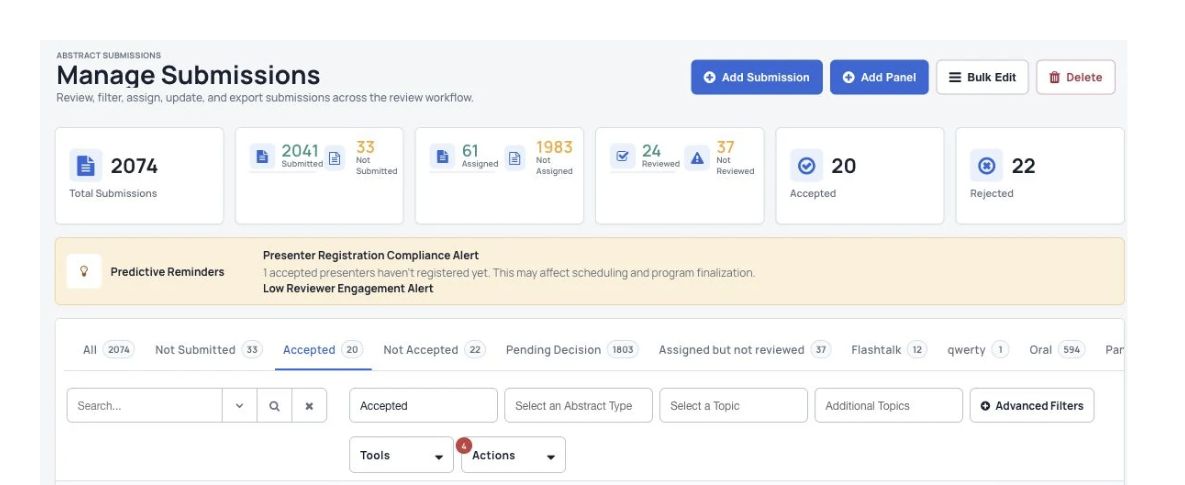
Keep submissions, reviewers and author decisions together.
Help faculty, students, researchers and guests take part.
Use registration, attendance and feedback reports to plan what comes next.
Organizations that have used Dryfta






Ways to use Dryfta
Manage registration, abstract submissions, peer review and hybrid session schedules.
Showcase student and faculty research with sessions and speaker management.
Organize meetings, workshops and awards with registration, RSVPs and personal schedules.
Share schedules, campus tour information and networking through the event app.
Manage academic sessions, certificate courses and participant activity.
Bring alumni together with tickets, donations and networking tools.
Plan cultural festivals and international student celebrations with connected event tools.
Reach prospective students through online or hybrid sessions, questions and answers, and campus tour videos.
Tools & features
Connect committee work with the wider conference experience, while retaining the tools for other university events.
Collect different types of research submissions, assign reviewers and record committee decisions.
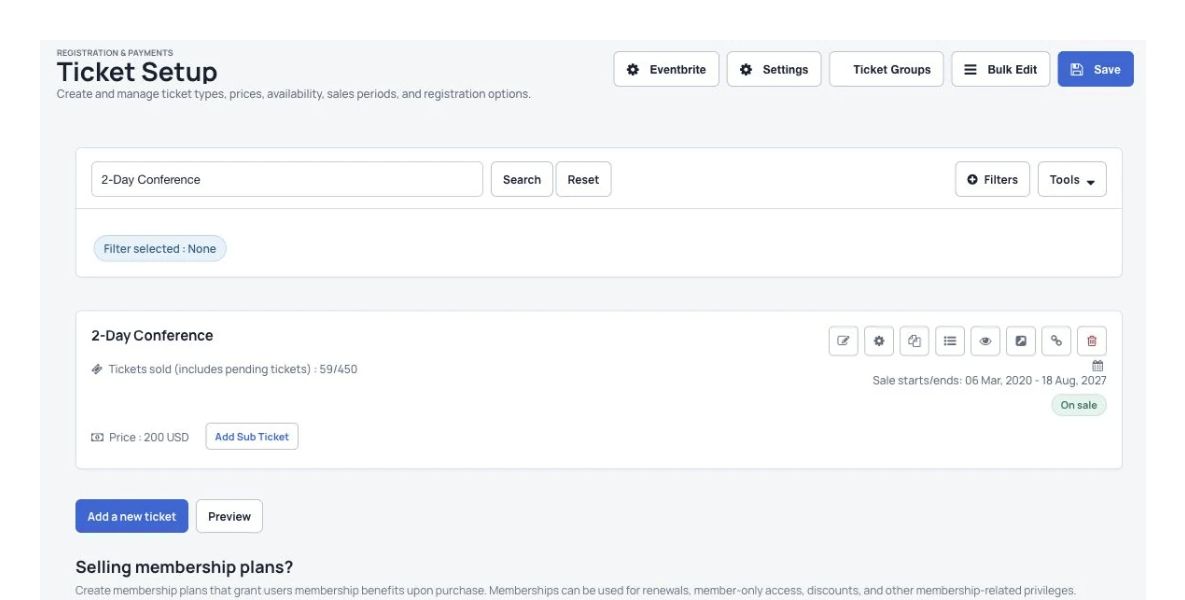
Collect the participant details, ticket choices and payments your conference needs.
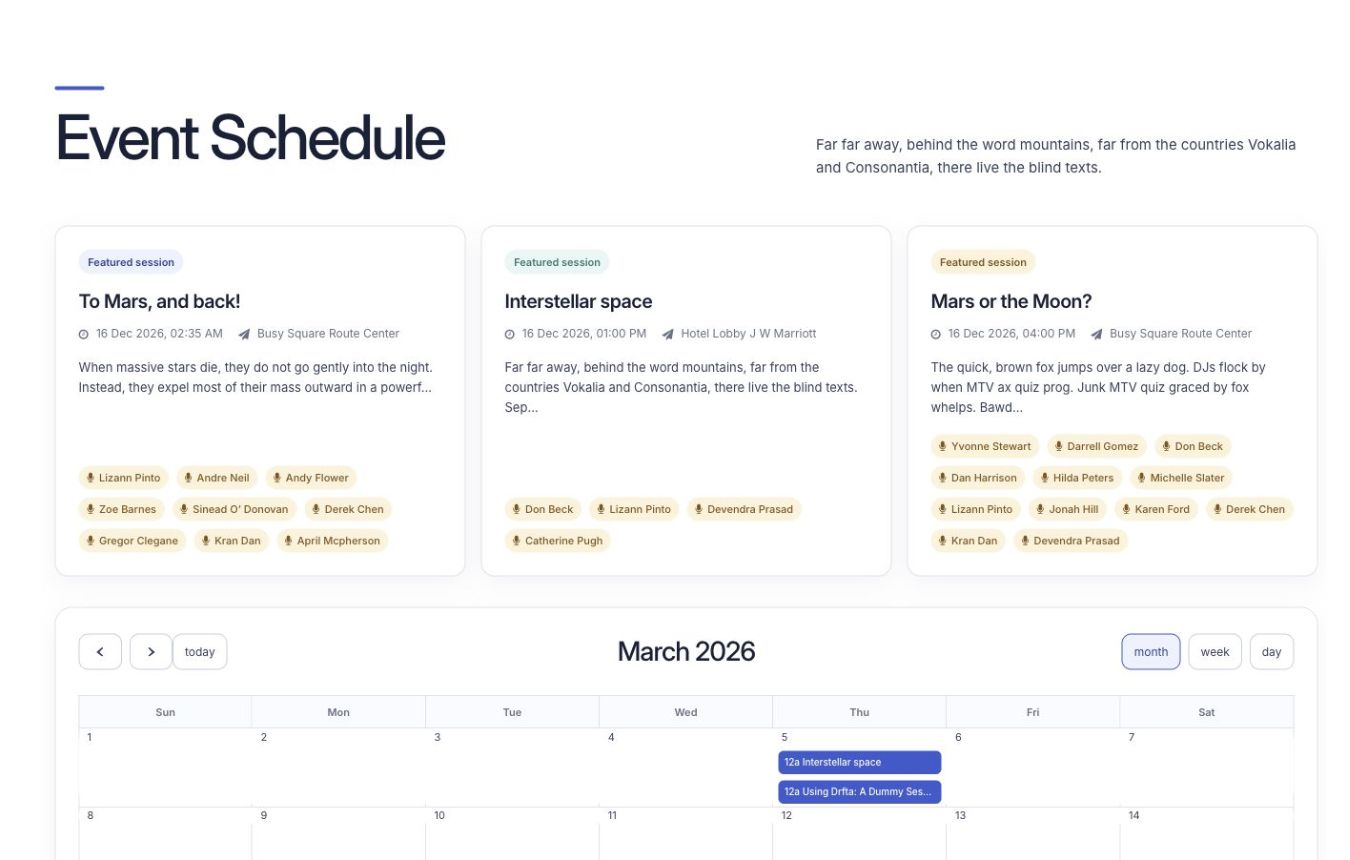
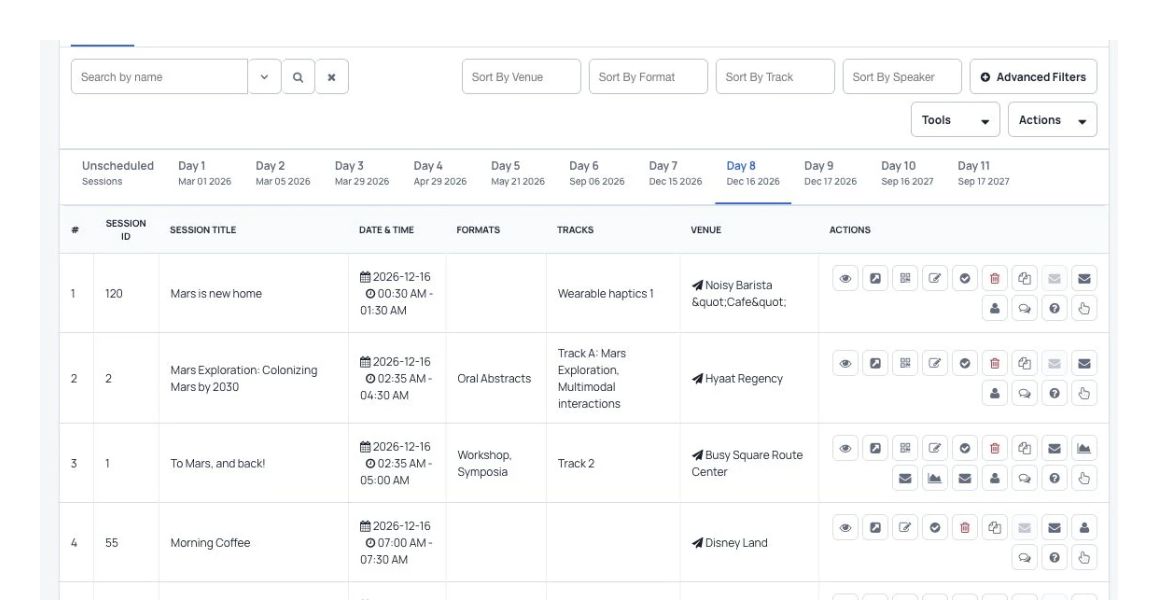
Arrange research sessions and help participants build personal schedules.
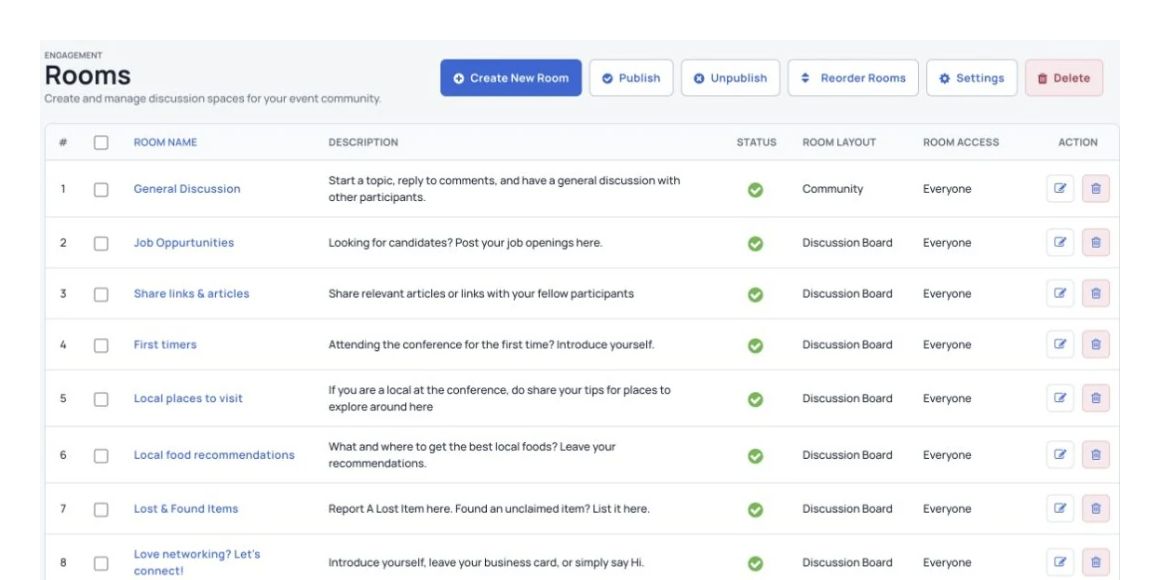
Connect people through private messages, live chat and research discussions.
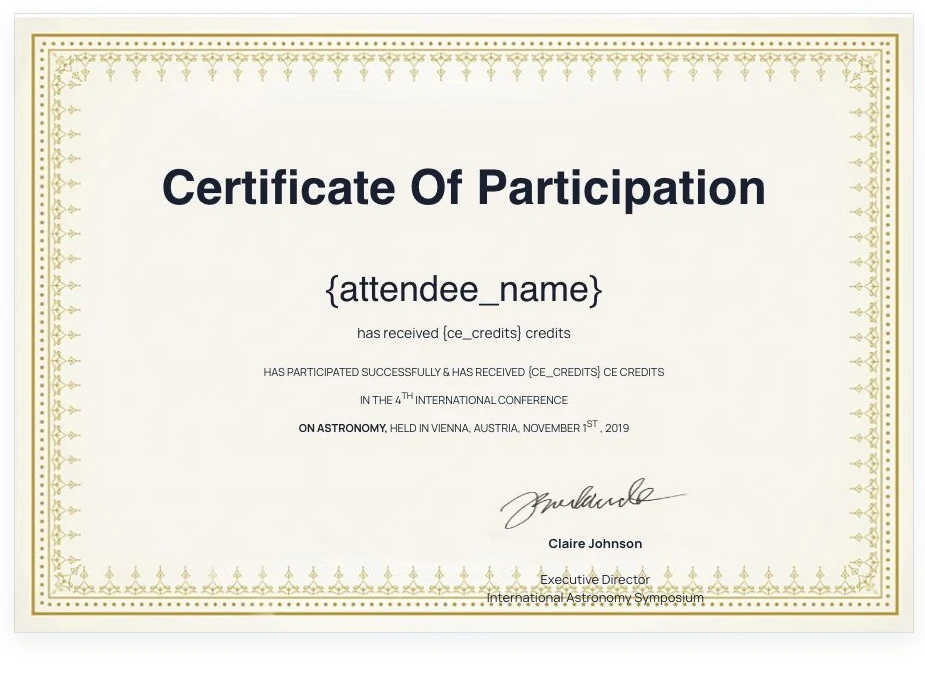
Create and send a record of participation to conference attendees and speakers.
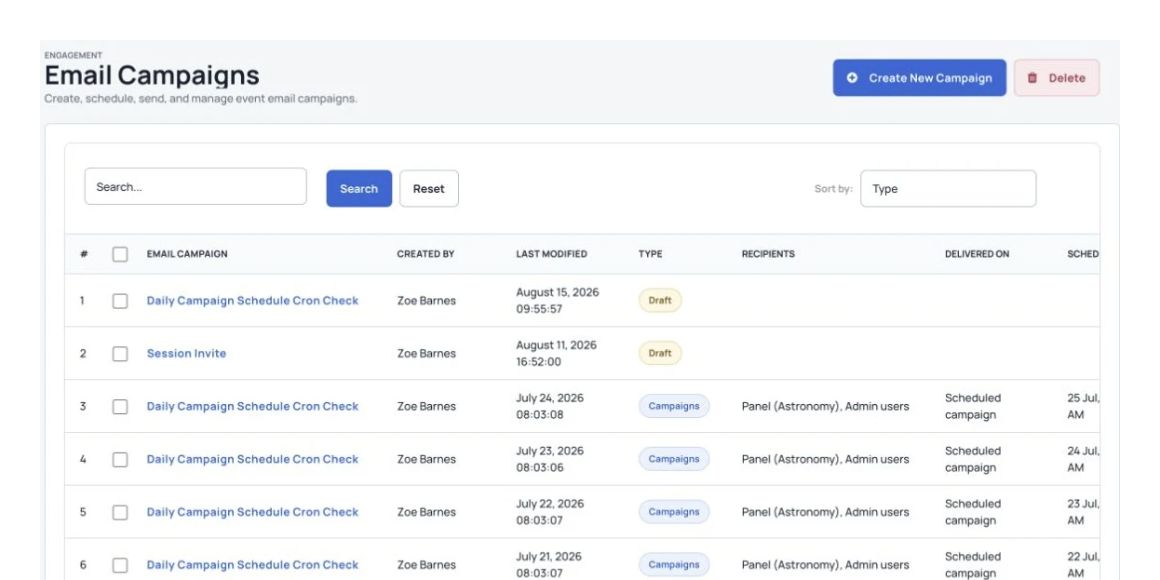
Send calls for abstracts, reminders and updates to the right groups.
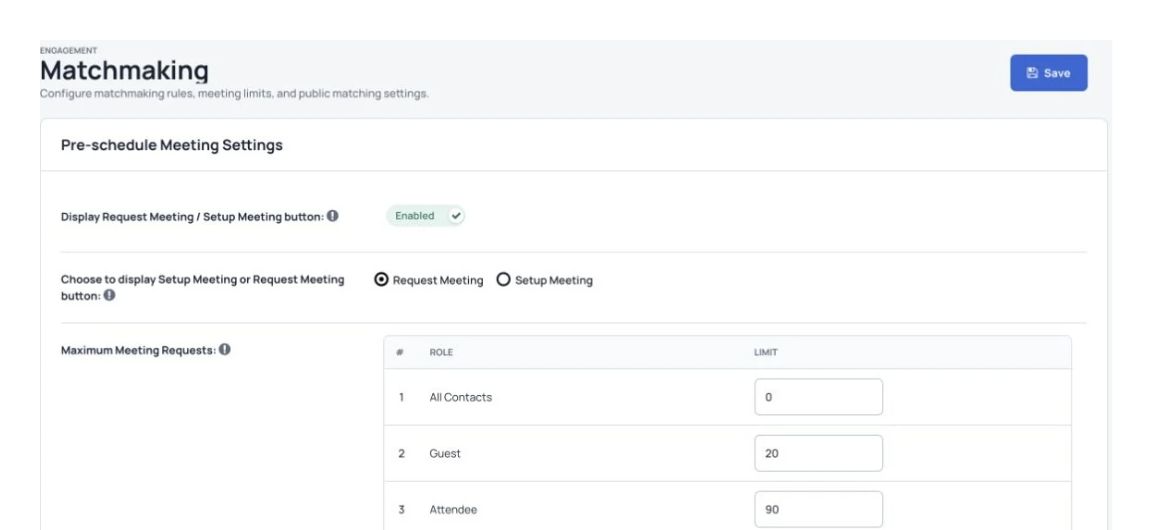
Help participants find relevant people and arrange one-to-one conversations.
Include people joining remotely through live streams and interactive tools alongside the event at the venue.
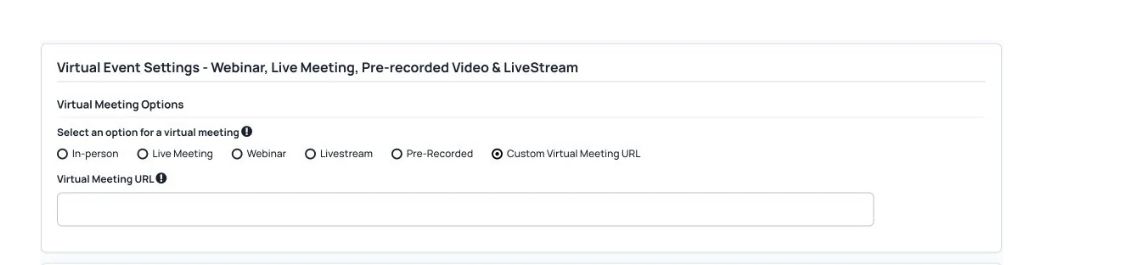
Share recorded sessions for later viewing and configure continuing education credits where needed.
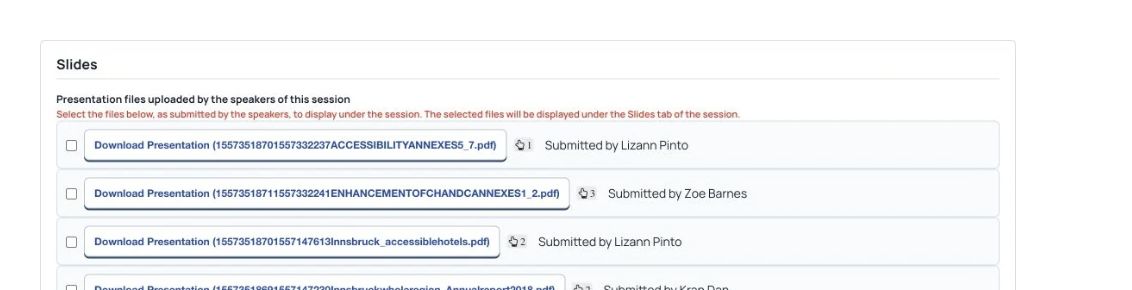
Collect donations for the causes your event or organization supports.

Your organization’s priorities
Manage abstract submissions, registration and tickets for academic and social events.
Connect faculty, students and guests through schedules, speaker profiles and networking.
Use current reports to review event activity and return on spending.
Combine live streams, online networking and recordings with in-person events.
Use the tools for a seminar or a larger international academic conference. Confirm capacity for your event.
A planning checklist
| Event need | How Dryfta helps |
|---|---|
| Abstracts & review | Collect submissions and organize the review process. |
| Registration & tickets | Register people and collect event fees. |
| Personal schedules | Let attendees choose the sessions they want to attend. |
| Community networking | Help participants connect and keep discussions going. |
| Hybrid events | Bring online and in-person participation together. |
| Android & iPhone apps | Give attendees useful event information on their phones. |
| Participation certificates | Create a record of participation for attendees and speakers. |
| Pricing | Choose a plan for your event’s size and required tools. See the current pricing page. |
Customer examples
Read about the conferences, participants and event teams in these customer stories.

Read the case study“AILA 2021 received 1700+ abstract submissions from over 2000 authors. We can only recommend them with the highest scores. Excellent service and friendly & outstanding support for their top-notch platform!”

Read the case study“IMNHC 2023 generated over $0.5M in ticket sales, registered more than 1700 attendees and collected 2100+ abstracts. It received over 159k unique website visits along with 620+ app downloads.”

Read the case study“This 5-day MSA 2021 conference had nearly 1500 participants from all over the world. The program included 230 panels, roundtables and special sessions. We did not have a single technical glitch during the entire event.”

Read the case study“Dryfta is a great piece of software. The flexibility for customization that it has built-in is really incredible compared to other platforms – SBCC SUMMIT 2022”
From event organizers
“We didn’t have a large budget but greatly needed a conference management software that would help us manage our speakers, abstracts, sponsors, ticket sales, website and mobile app in one place. I didn’t think it would be possible to find all of these features in one solution. That is until we found Dryfta!”
“Dryfta offers tons of great features and it takes a little time to explore everything. Invest the time and really check it out—the results are worth it in time and cost savings. I researched countless platforms for event registration and abstract management, and couldn’t find anything else this robust at this price point.”
“I love the fact that Dryfta is well suited for using for conferences, and that academics conferences fit into this just as well as commercial ones. The straightforward flow from start to finish – including easy integration of payments – is a big, big plus.”
“We have a large academic conference every year which gets bigger and bigger. It can no longer be handled by a few people, so this system was a godsend, since disparate tasks can be split and accomplished together in the same system. Specifically designed for academic conferences, including judging, there are no other products that do all of the things that this system does.”
Security & hosting
Review current assurance information and agree the controls that apply to your event.
Review how your event will be hosted and recovered.
Understand payment processing and ongoing checks.
Agree the protection needed for your setup.
Help for your team
Send a question to the support desk from the contact button in your dashboard.
Subscriptions include two one-hour training sessions, with more available to purchase.
Use the tutorial videos and help articles to set up your event.
Join the Friday live demo and Q&A. Check the current session time with the team.
Your brand
Use Dryfta’s tools with the branding your participants recognize.
Use your own website address, logo, colors and wording.
Set up a branded event without building the software from scratch.
Spend more time on your events while Dryfta maintains the platform.
Get platform updates, security fixes and ongoing support.
Common questions
Have a question about your event? Let’s talk it through.
The abstract and registration tools support large submission and attendee lists. Use reviewer assignments, blind review, progress tracking, personal schedules and reports. Confirm capacity and support for your expected event size with the team.
Cost depends on event size, required tools and support. Check Dryfta’s current pricing page and ask for a quote for your university. Compare whether other providers charge by attendee, transaction or a fixed plan.
Yes. Manage several events with their own setup, branding and attendee lists, including events in different locations.
Yes. Combine online registration, abstract submissions, a shared program and networking with the supported live-streaming and virtual-session tools. Confirm the video services and capacity your event needs.
Use staff permissions, protected connections and the agreed hosting and data-handling setup. Review the current security information and your university’s privacy requirements with the team.
Change registration forms, branding, schedules and the information participants see. Discuss any special requirements before choosing your setup.
Yes. Collect abstracts, assign reviewers, choose review questions, record decisions and send updates to authors and reviewers.
The team provides onboarding, live training and help with setup and event questions. Agree any extra support you need before your event.
See Dryfta for yourself
Tell us about your event and the tasks you want help with. We’ll show you how to do them in Dryfta.