Make booking simpler
Bring exhibitor packages, payments and booth choices into one registration process.

Exhibitor Management
Sell exhibitor packages, collect payments and let companies book a booth. Give every exhibitor a place on your event website and app, with tools to share their work and meet attendees.
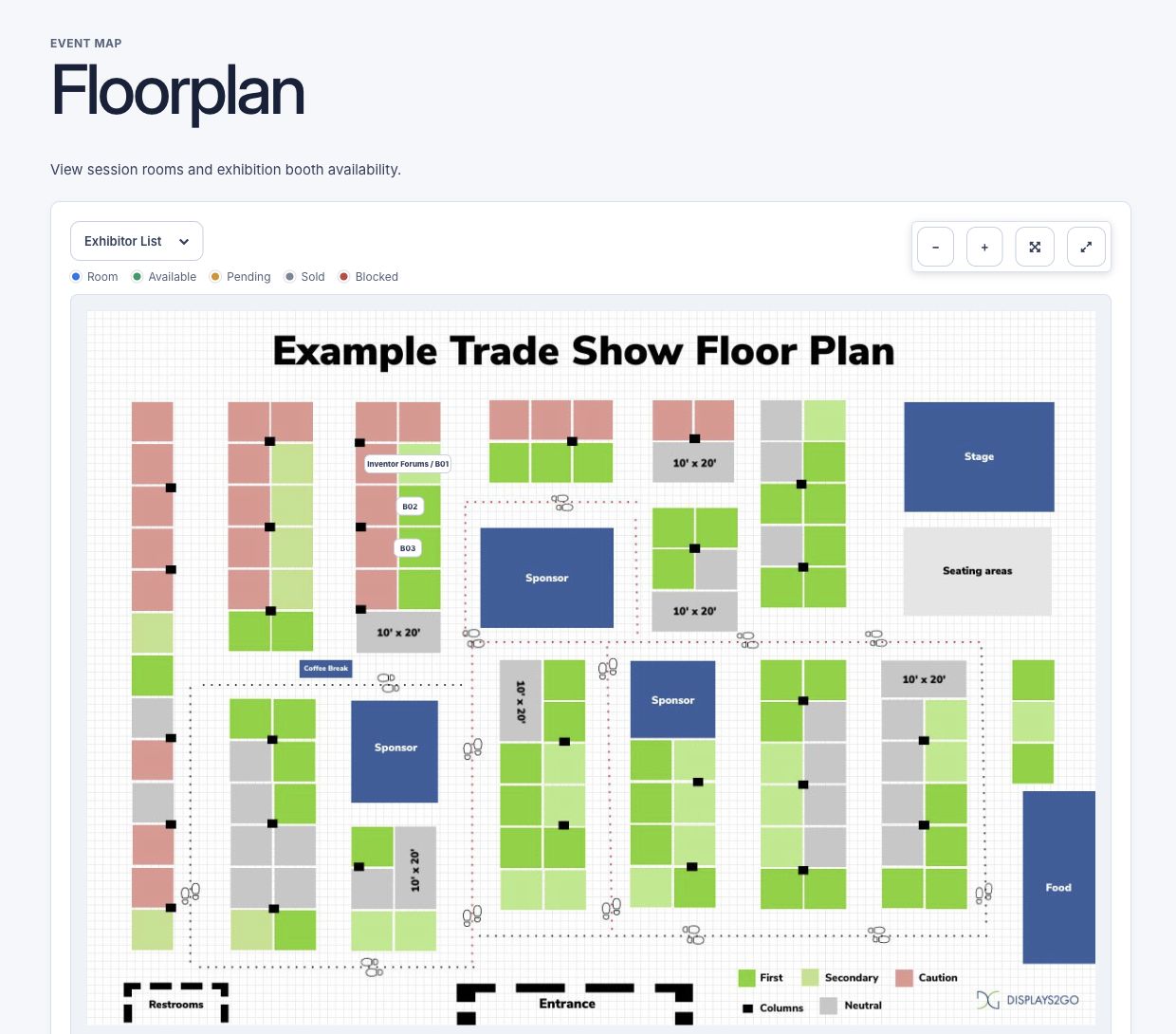
Bring exhibitor packages, payments and booth choices into one registration process.
Give exhibitors a clear presence on your website, floor plan and event app.
Help representatives meet attendees and follow up on the interest their booth receives.
How it works
Create packages, add your floor plan and link the booths that each package can book.
Publish your packages and payment options so exhibitors can register and choose a space.
Assign representatives, publish company profiles and let exhibitors add their material and meet attendees.
All features
Find the tools your team needs and see how they fit your event.
Give companies a clear choice of stands, pavilions or other exhibitor packages. Explain what each option includes before they register.
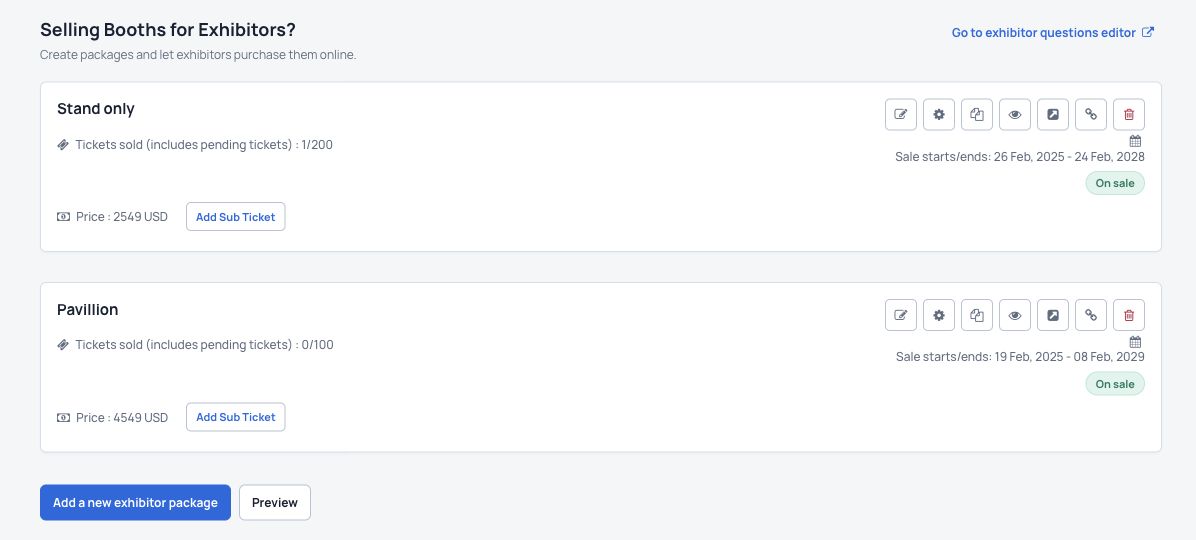
Let exhibitors pay for their package through your event website. Keep payment and order information with the rest of your event registrations.
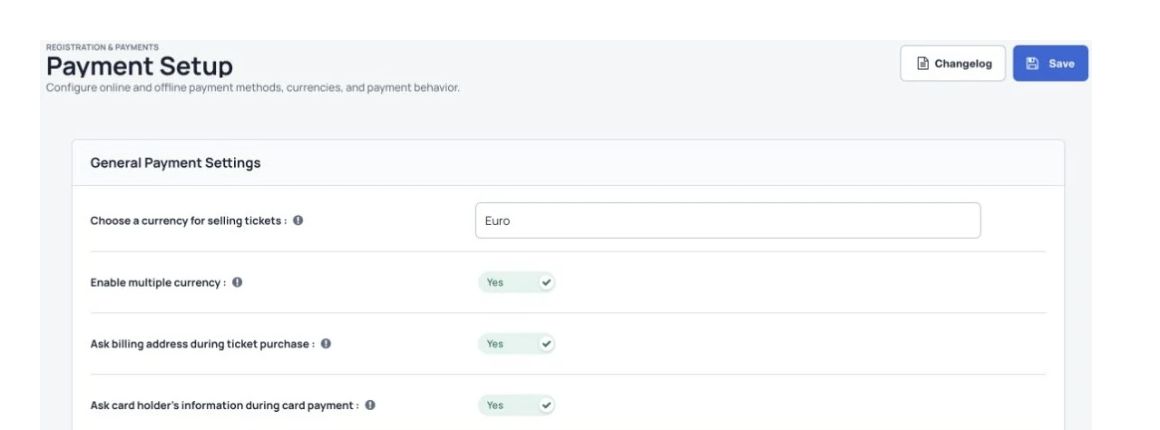
Connect your exhibitor packages to bookable spaces. During package registration, exhibitors can choose from the booths available for their selected package.
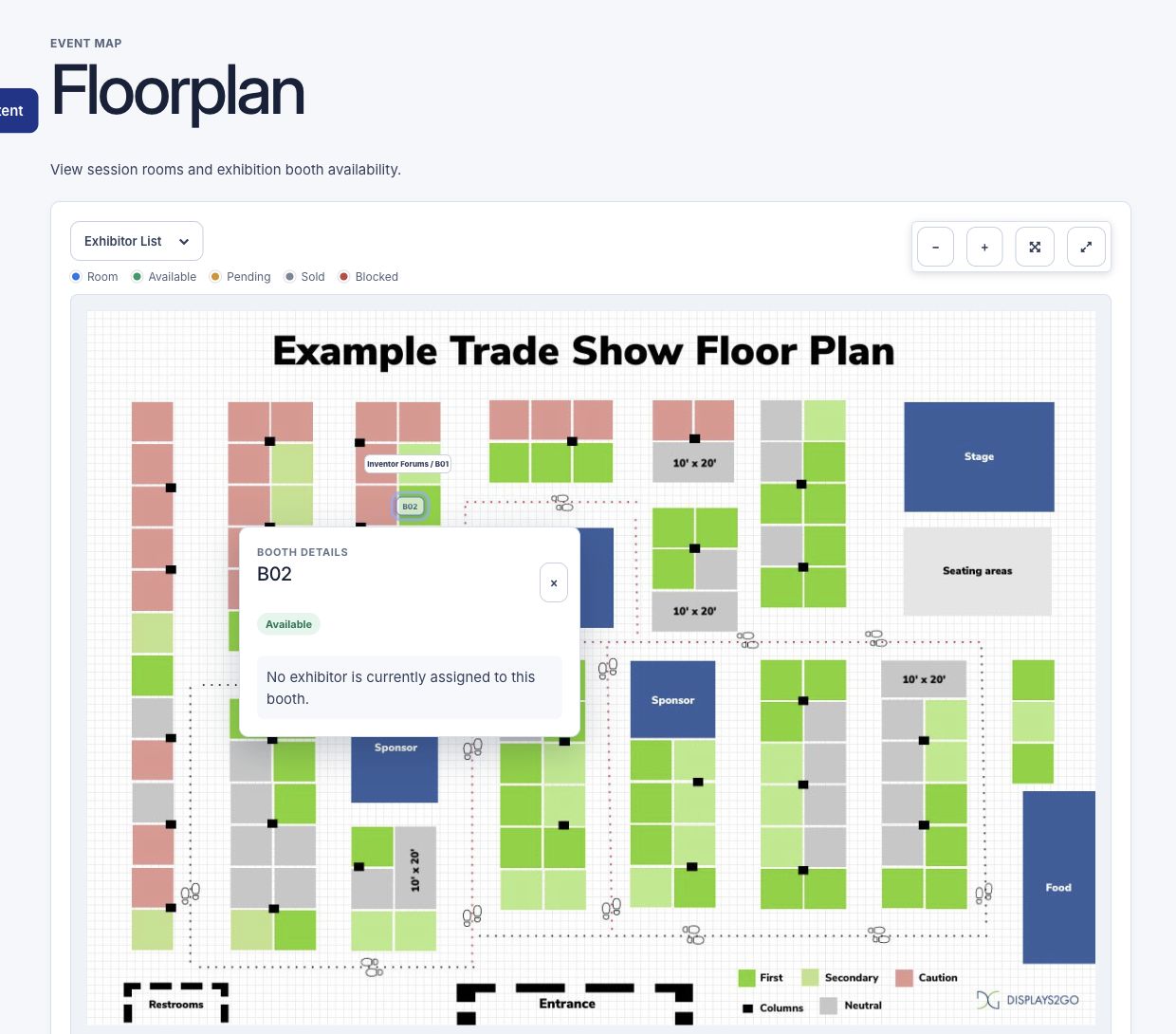
Give visitors an interactive floor plan instead of a map they have to work out on their own. They can find a booth, check its details and see where exhibitors are located.
Create a dedicated exhibitor profile or online booth where attendees can learn about a company and find the people representing it.
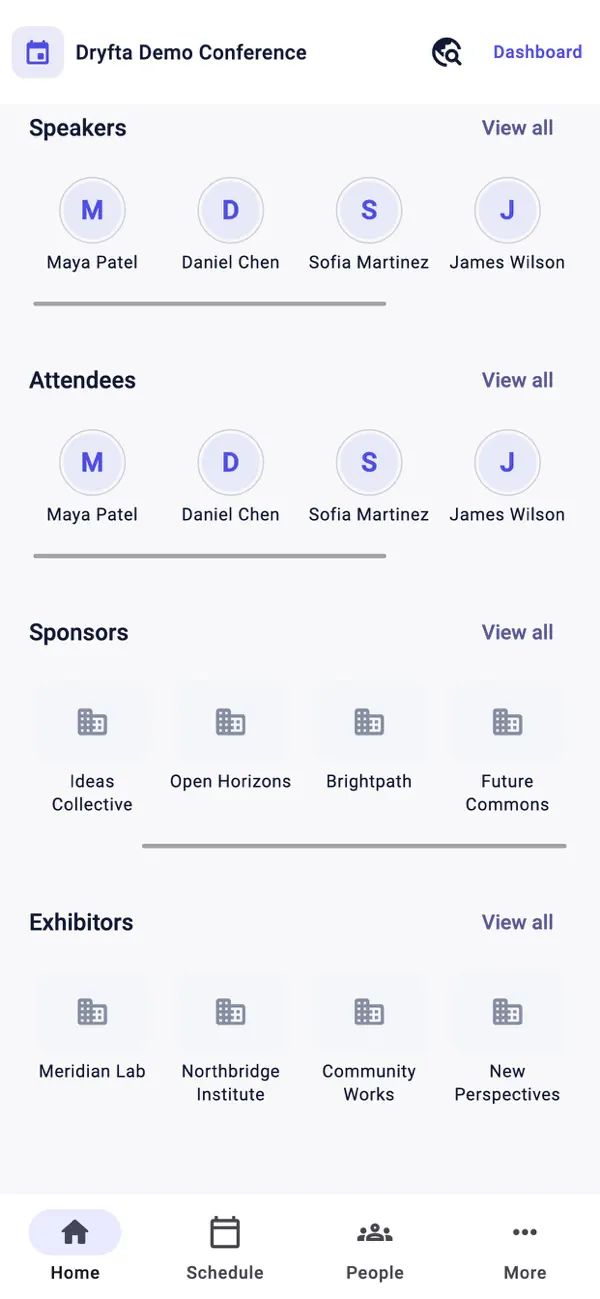
Help attendees discover sponsors and exhibitors from their phones. Keep partner information alongside the event schedule, attendee directory and networking tools.
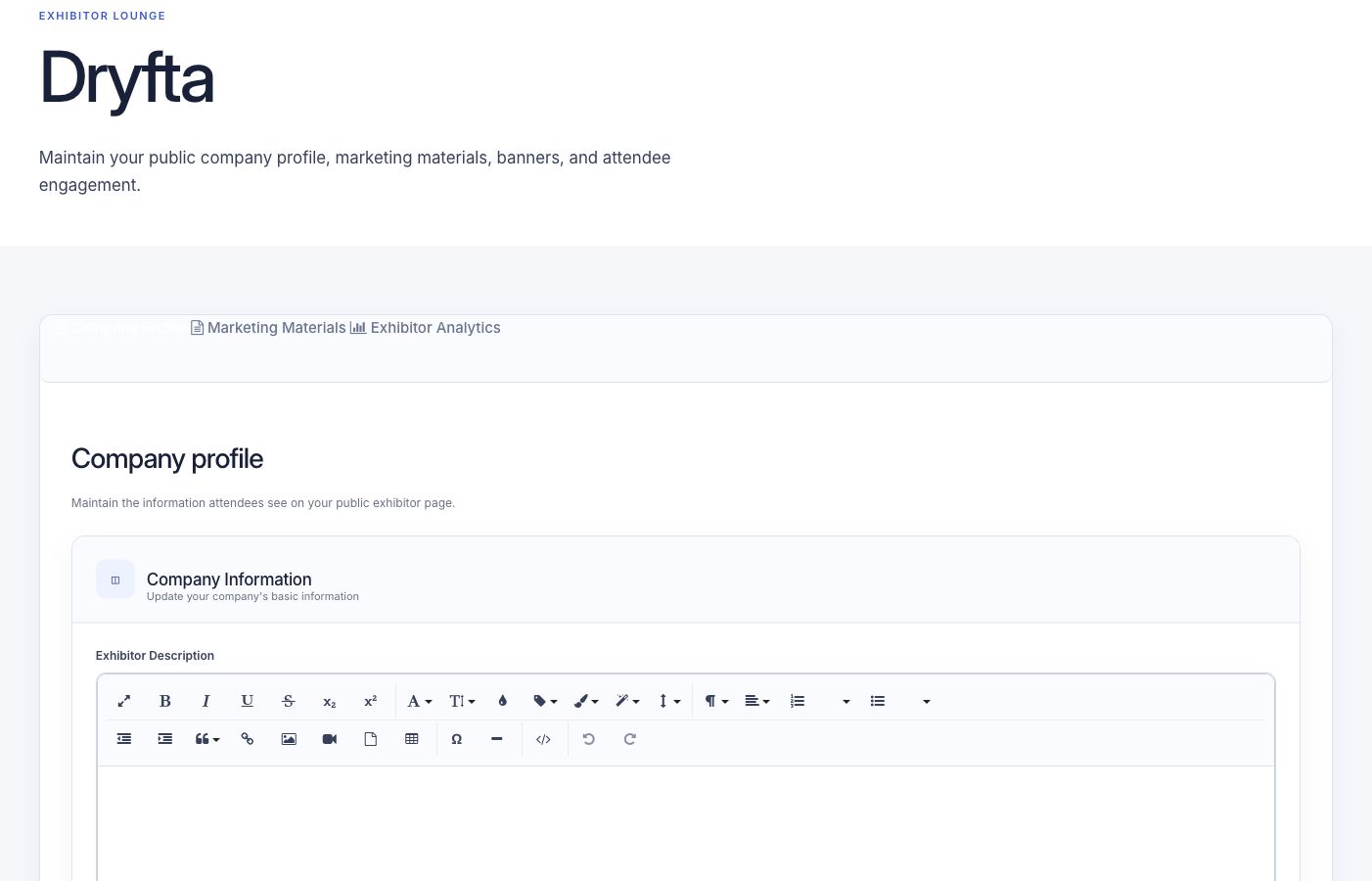
Give assigned representatives an exhibitor workspace to maintain the company information attendees see. Reduce the updates your team has to collect by email.
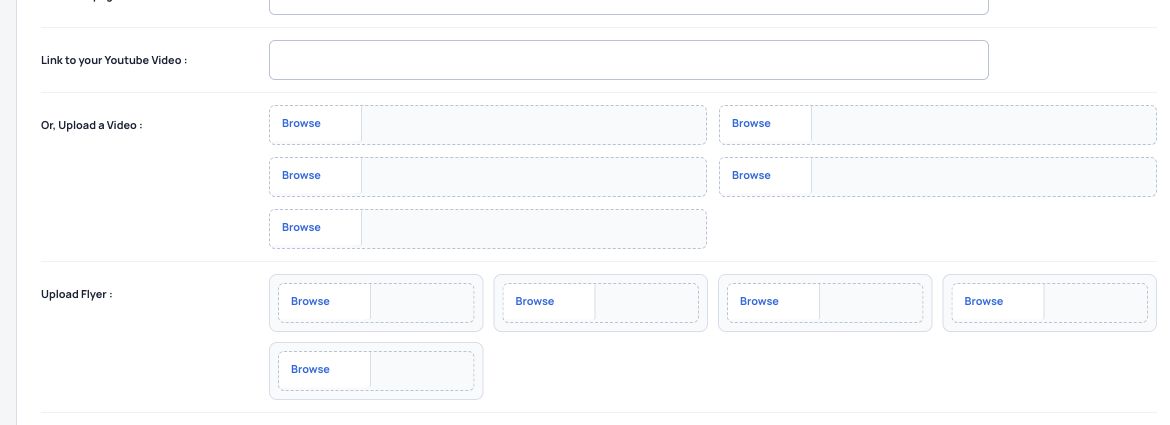
Help exhibitors explain what they offer with useful material attendees can explore before, during and after a conversation.
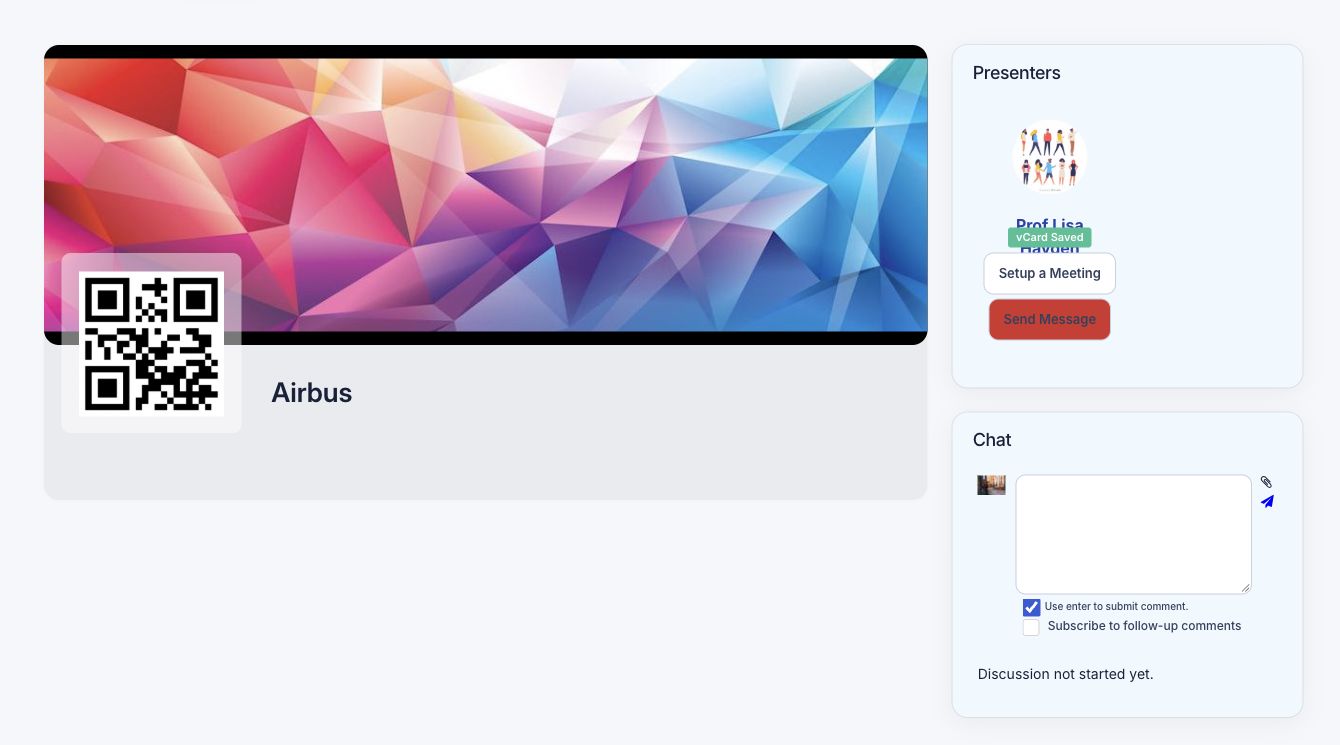
Assign registered attendees as exhibitor representatives. Visitors can find who is at the booth and use the networking options enabled for your event.
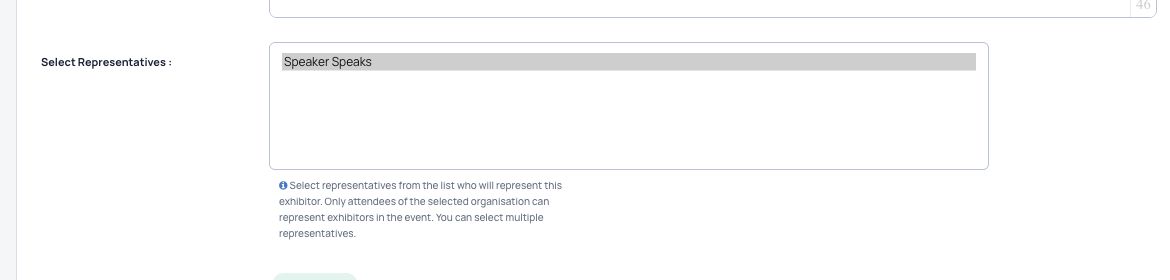
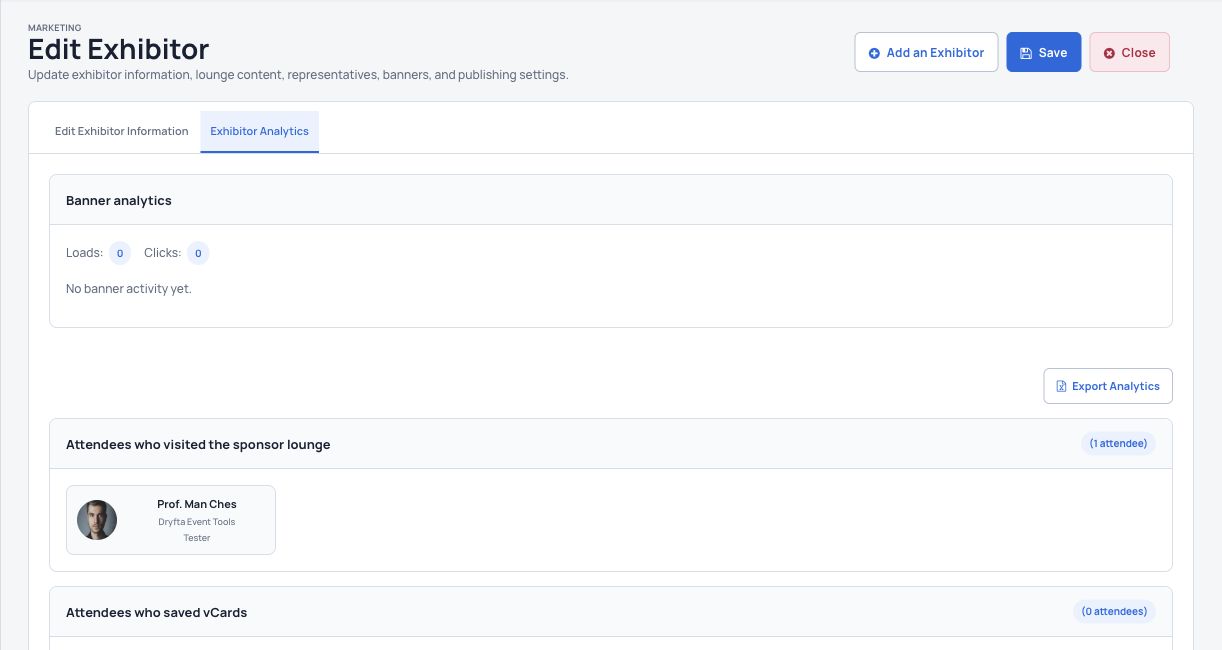
Help representatives follow up on interest in their company. Exhibitors can review recorded visits and contact exchanges rather than rely on a pile of business cards.
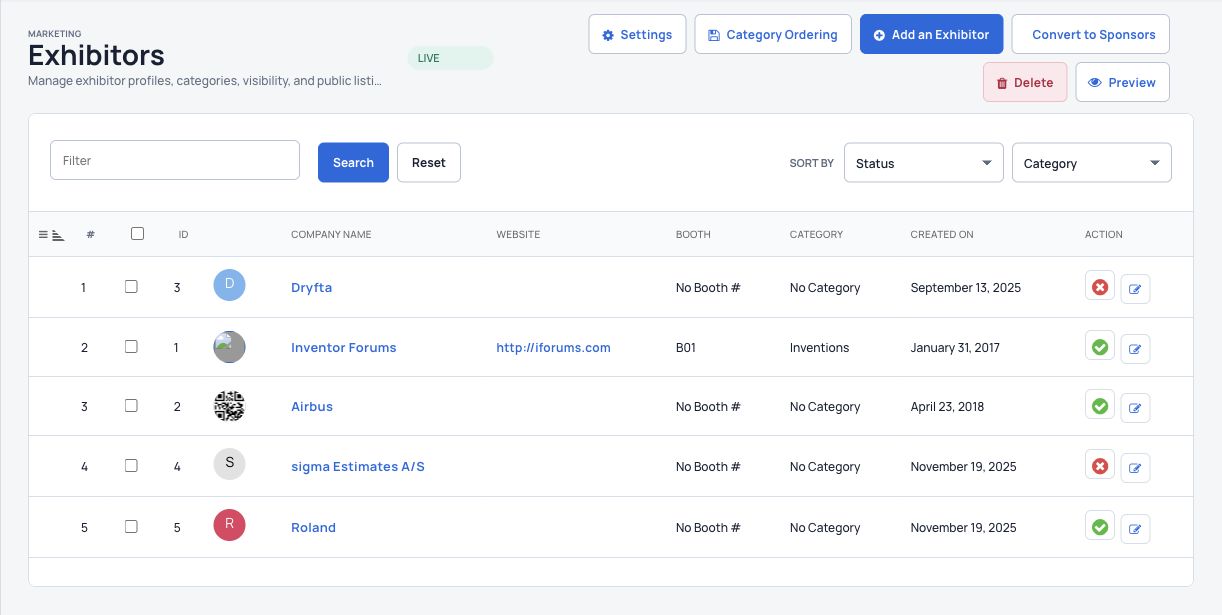
Manage the company, booth, category and representatives in one place. Keep the public exhibition accurate without maintaining a separate spreadsheet for every detail.
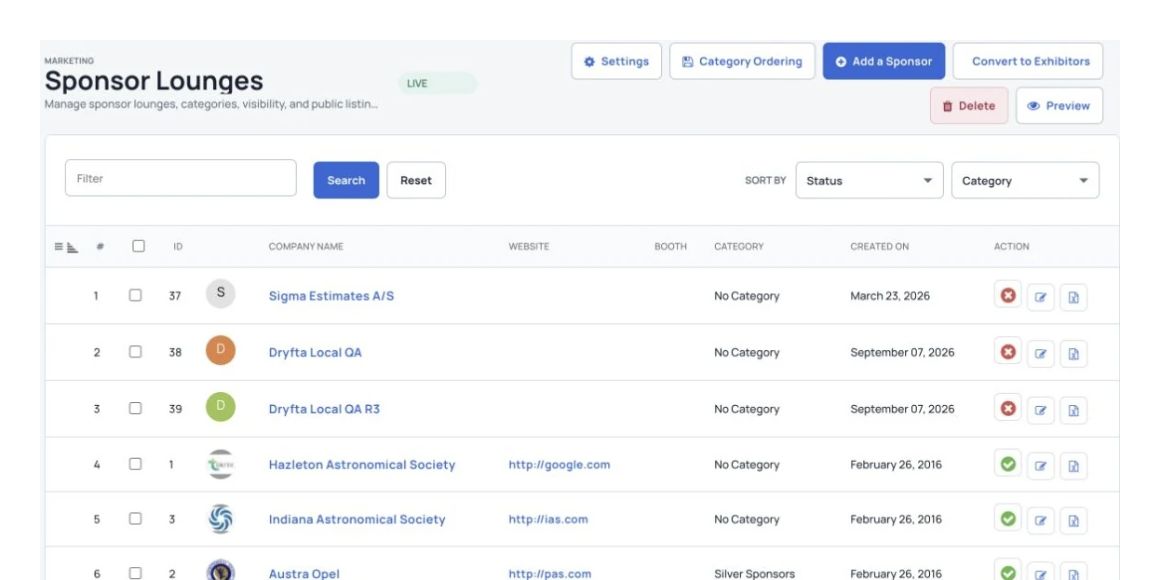
Keep sponsors, exhibitors and event partners in the same platform. Present their details clearly while keeping their packages and categories organized.
Common questions
Have a question about your event? Let’s talk it through.
Yes. Set up an exhibitor package, publish a floor plan and link the available booths to that package. During registration, exhibitors choose a booth for each exhibitor ticket. The booking is confirmed when the order is placed; available choices depend on your event setup.
Assigned representatives can use the exhibitor lounge to update the company profile and upload the materials allowed by your event. Organizers manage the exhibitor record, representative assignments and publishing settings.
Dryfta supports exhibitor and sponsor listings on the event website and in the event app. Publish the relevant content and enable the modules you want attendees to use. The website and app have different layouts.
Yes. You can manage sponsors, create sponsorship packages, organize categories and display company and representative details alongside your exhibitor program.
See Dryfta for yourself
Tell us about your event and the tasks you want help with. We’ll show you how to do them in Dryfta.