Single blind review
Single blind review is the default setting. Reviewers can see author details while assessing a submission; authors do not see reviewer identities.
Review privacy
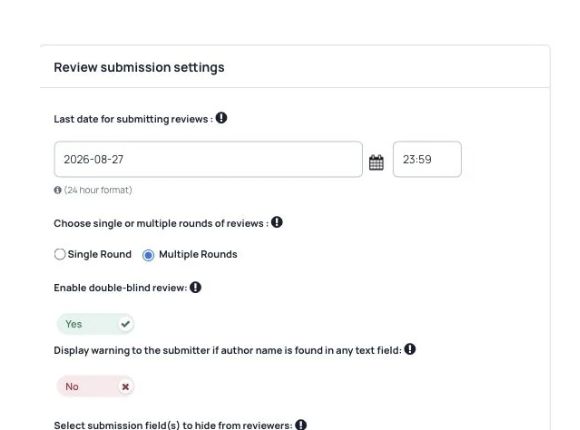
Choose how author and reviewer details appear during review. Use single blind, double blind, triple blind or open review settings to support the process your scientific committee agrees.
What you can do
Single blind review is the default setting. Reviewers can see author details while assessing a submission; authors do not see reviewer identities.
Use double blind review to hide author details from reviewers. Authors also do not see reviewer identities. Review uploaded files and submission content for identifying information as part of your committee’s process.
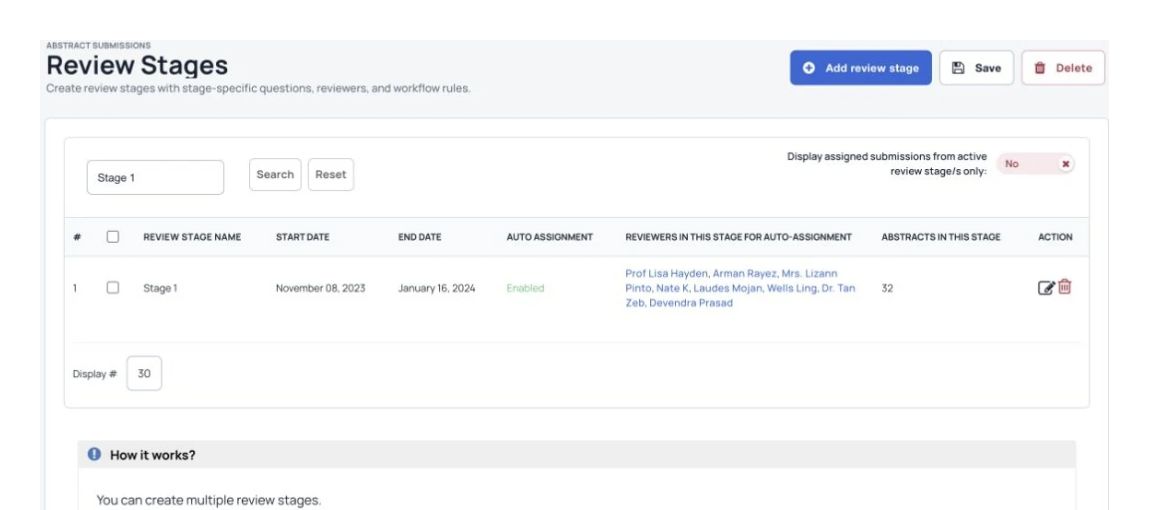
Use triple blind settings to hide author and reviewer details from track chairs. Track chairs can still read the submission content.
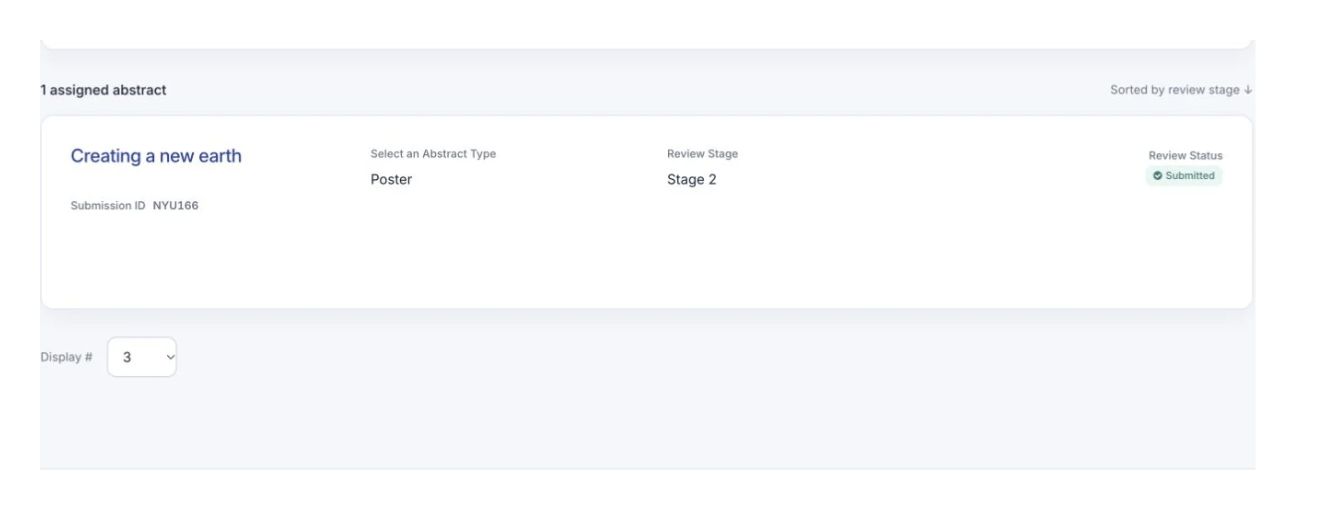
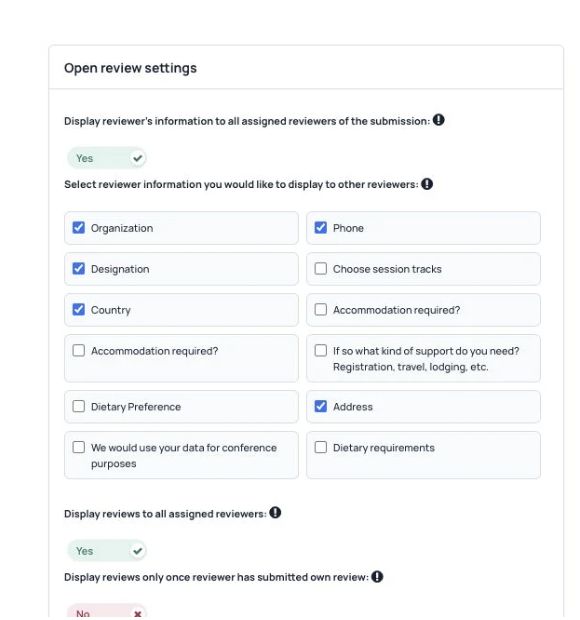
Where open review is enabled, show reviewer details to the other reviewers assigned to a submission. Let them discuss the work before submitting their reviews.
See Dryfta for yourself
Tell us about your event and the tasks you want help with. We’ll show you how to do them in Dryfta.