Make the scientific program accessible
Give online participants a clear program with links to their live sessions.

Virtual Events
Connect the call for abstracts, peer review and scientific program with live online sessions. Help participants ask questions, discuss research and return to recordings after the conference.
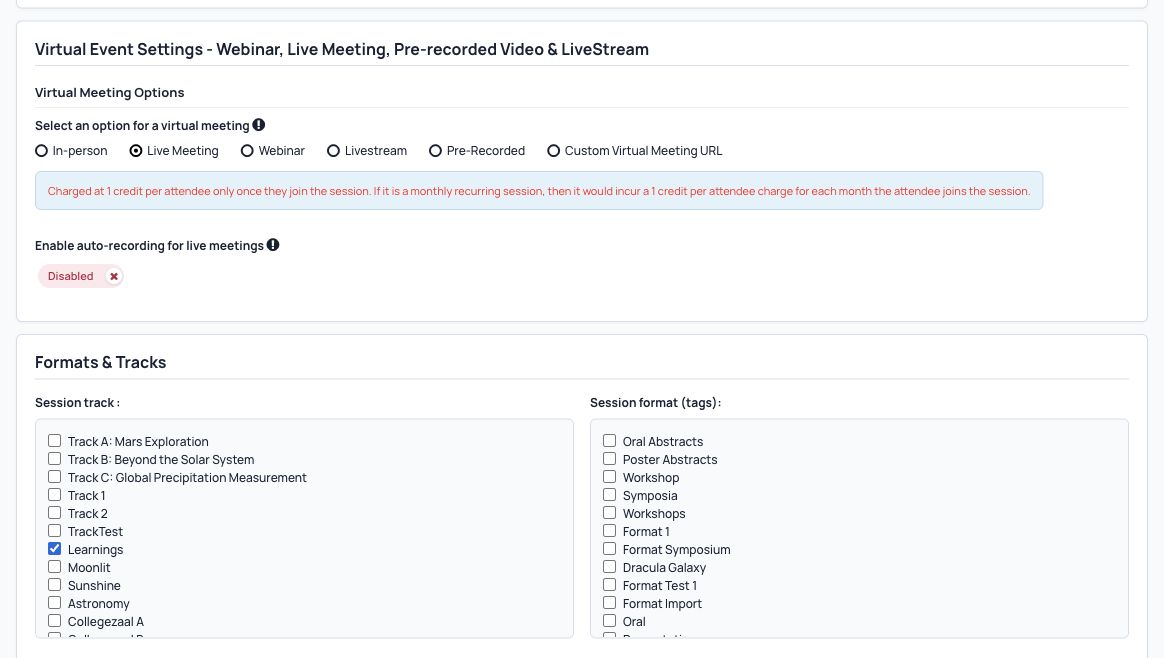
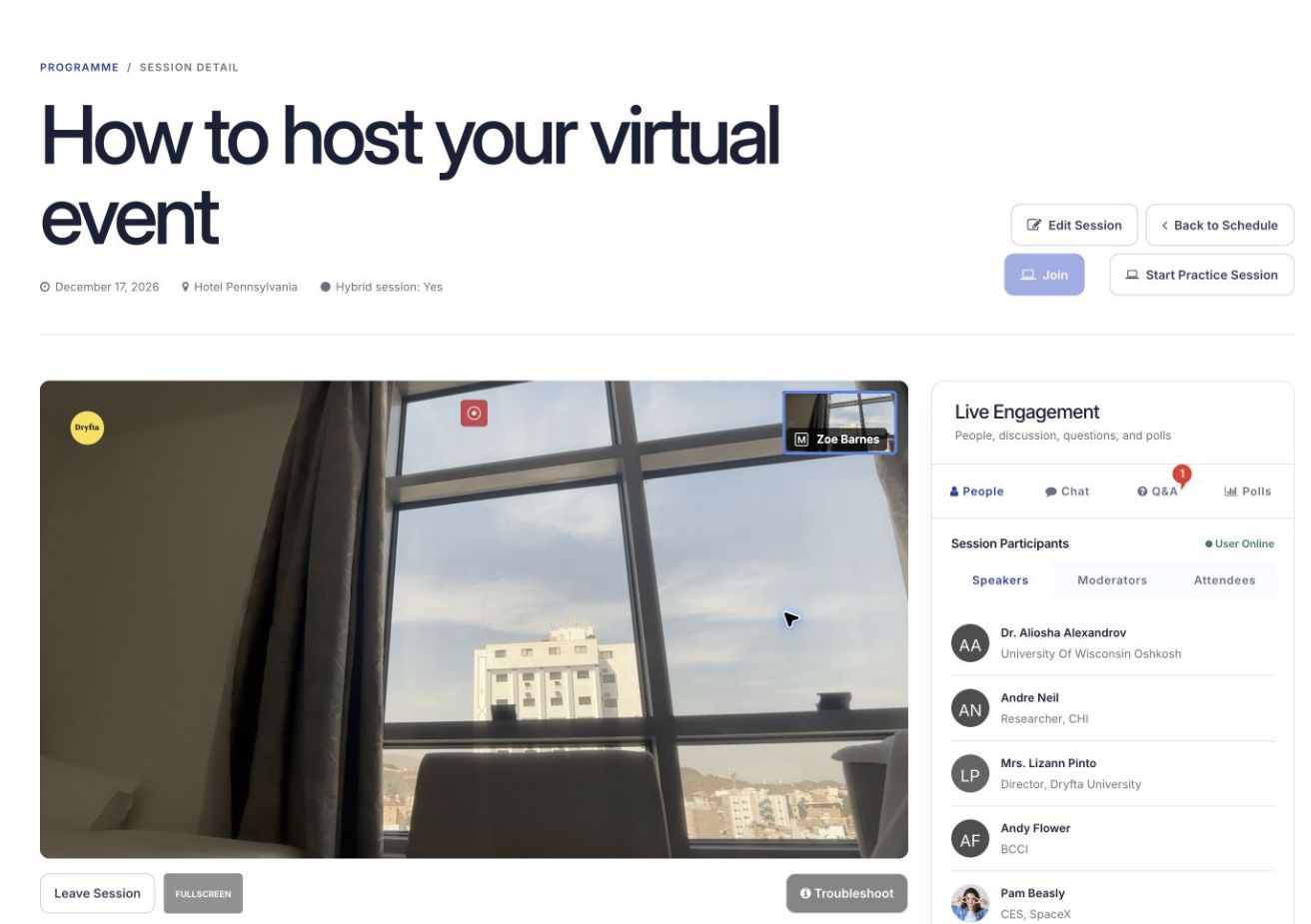
Give online participants a clear program with links to their live sessions.
Use questions, polls, chats and meetings to help people discuss the work being presented.
Connect registration and ticket access to live sessions and recordings.
How it works
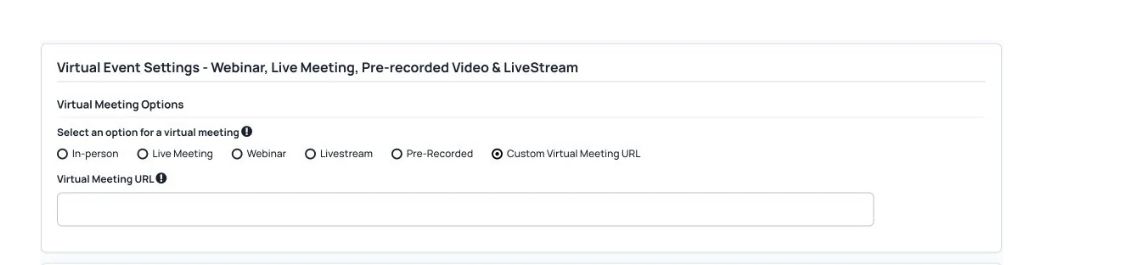
Add research sessions, speakers, times and the meeting or streaming options you need.
Open registration, set ticket access and share the scientific program.
Help people take part, share recordings and send participation certificates.
All features
Find the tools your team needs and see how they fit your event.
Give online participants browser access to research talks, panels and discussions.
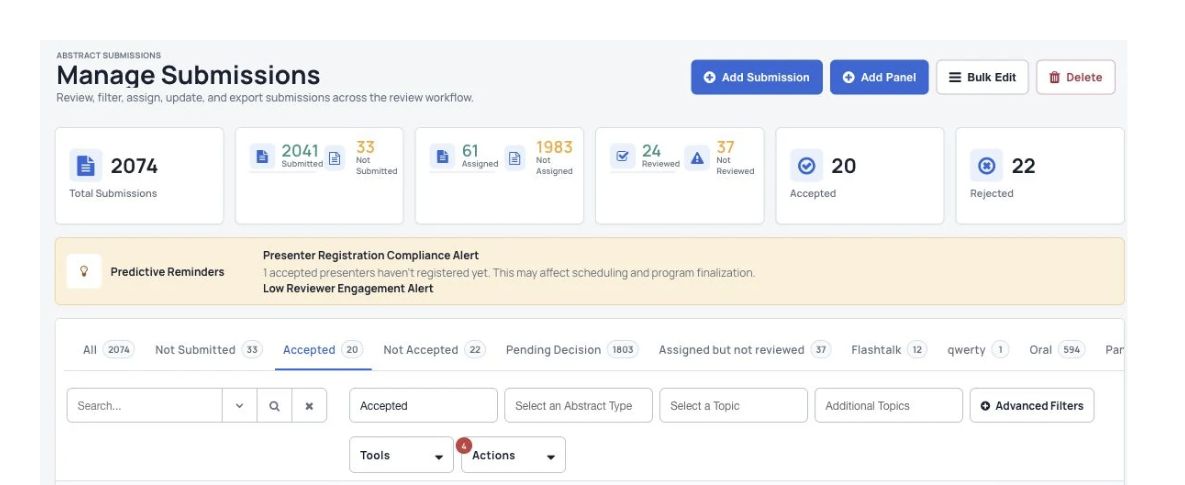
Connect multiple submission types, reviewer assignments and committee decisions with the scientific program.
Help participants find live research sessions and return to recordings afterwards.
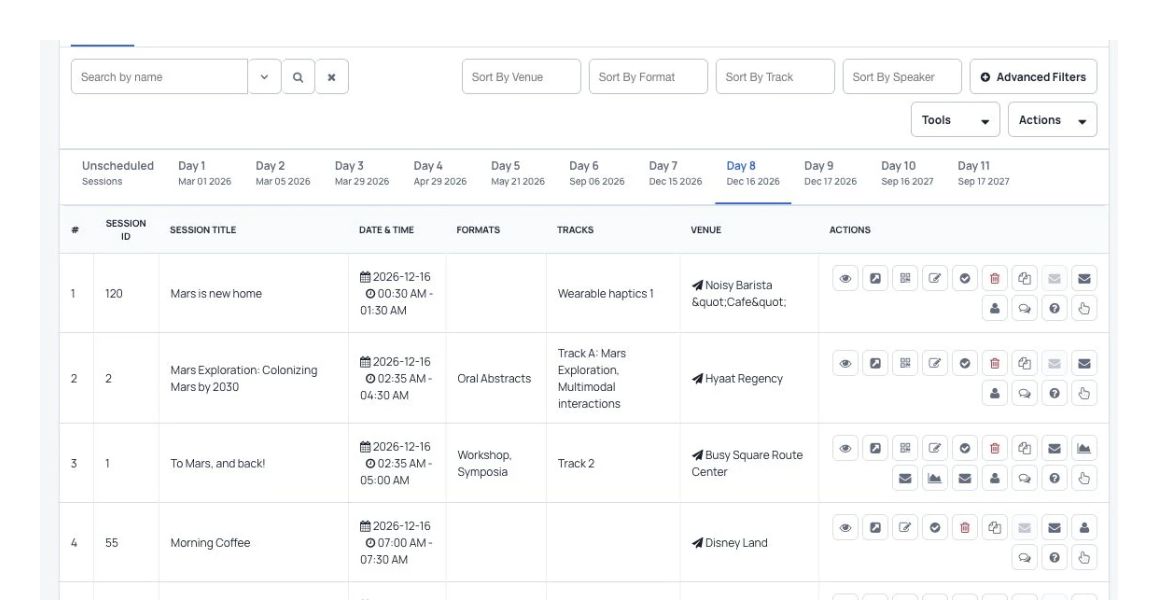
Arrange scientific sessions and review scheduling clashes as you build the online program.
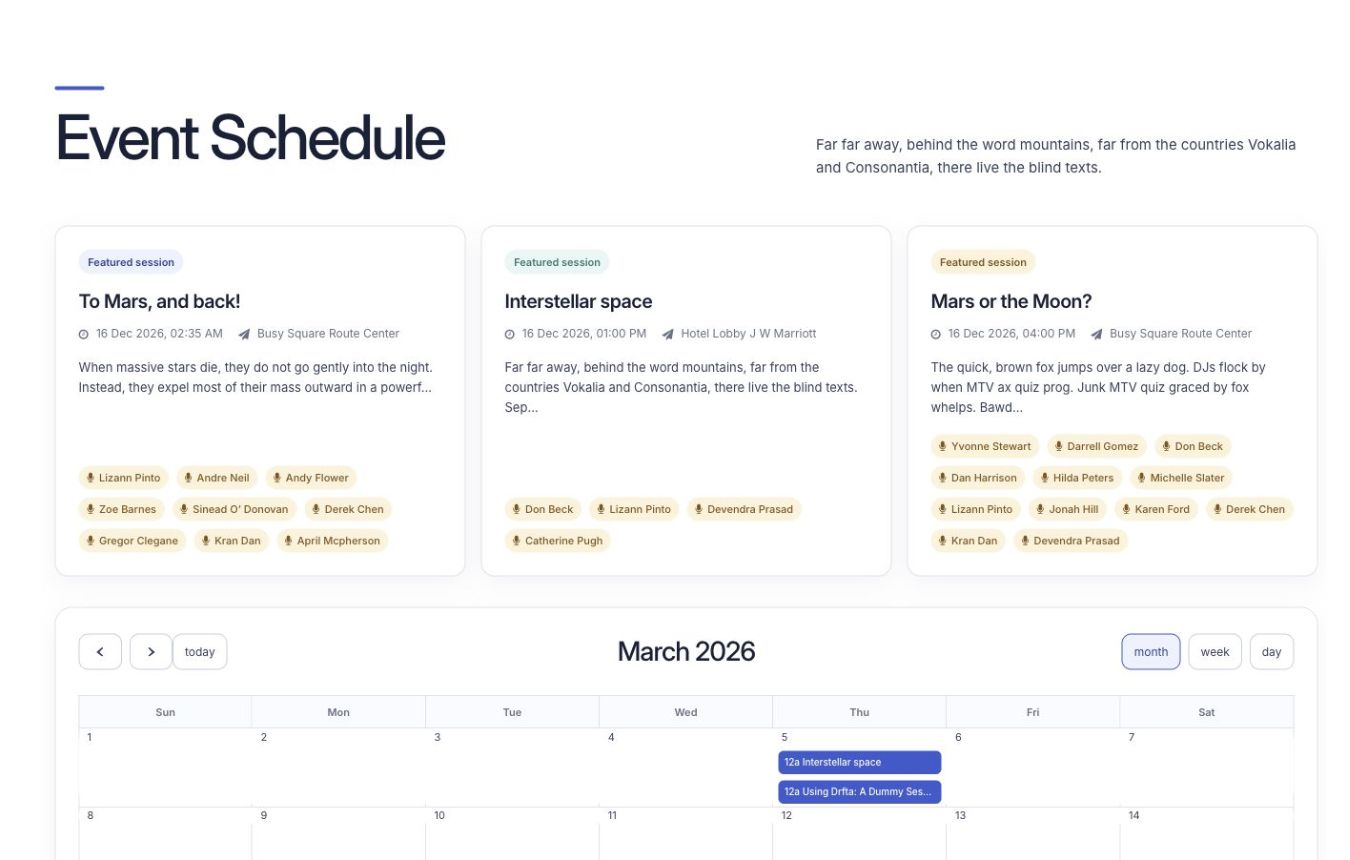
Manage conference tickets and access to live sessions or recordings together.
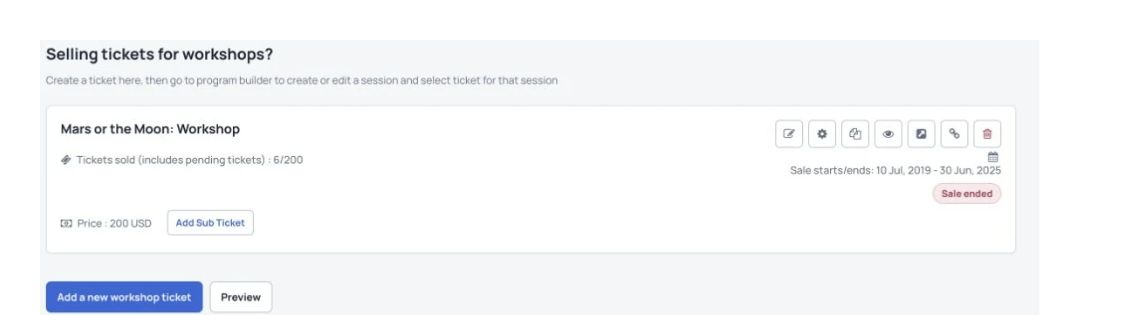
Give presenters, moderators and participants tools for questions, polls and discussion.

Help people meet around shared research interests and continue the conversation.
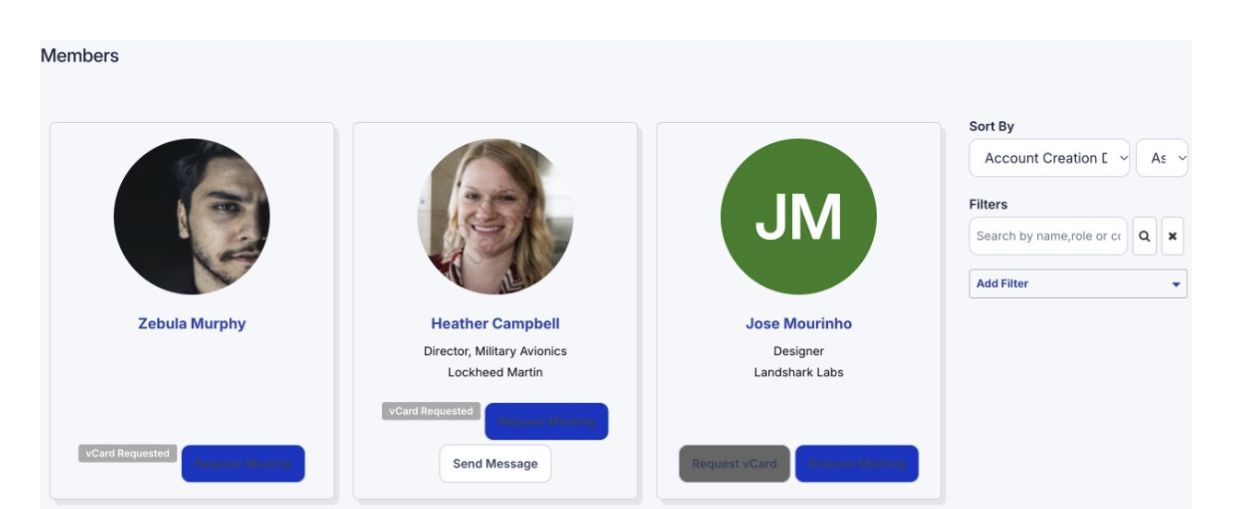
Give sponsors a clear place to present their work and meet interested conference participants.
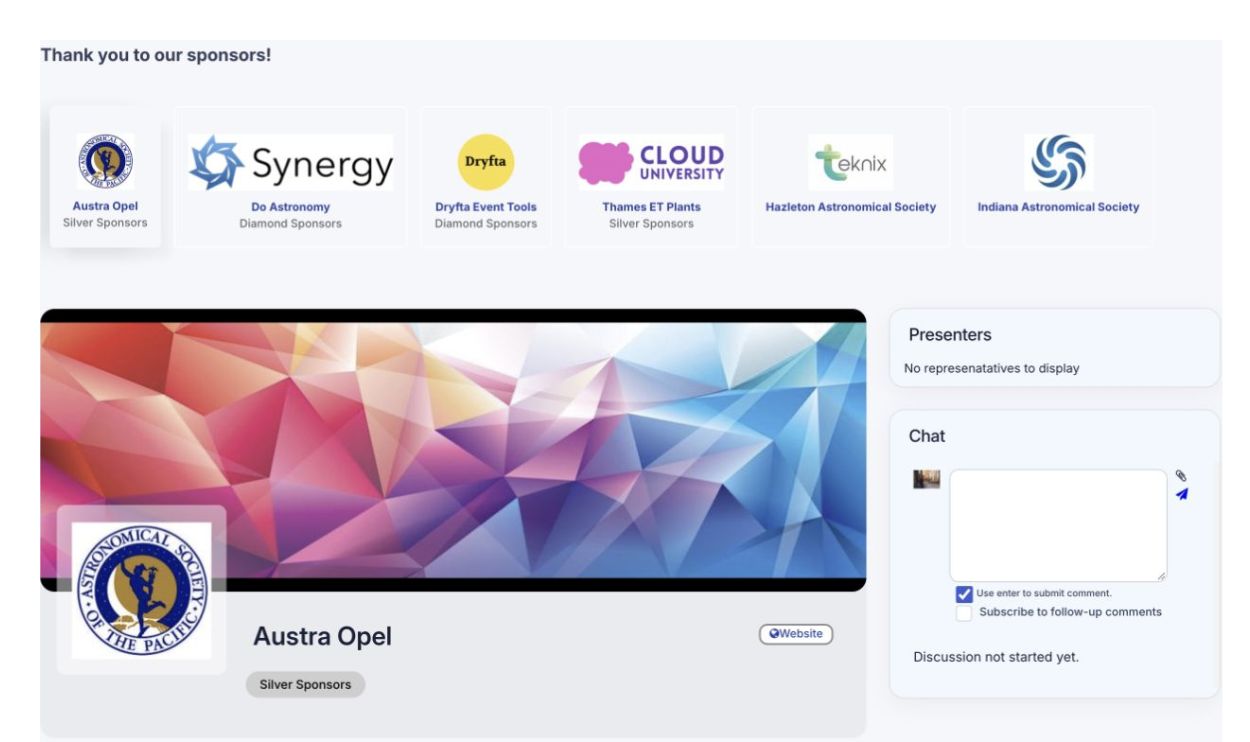
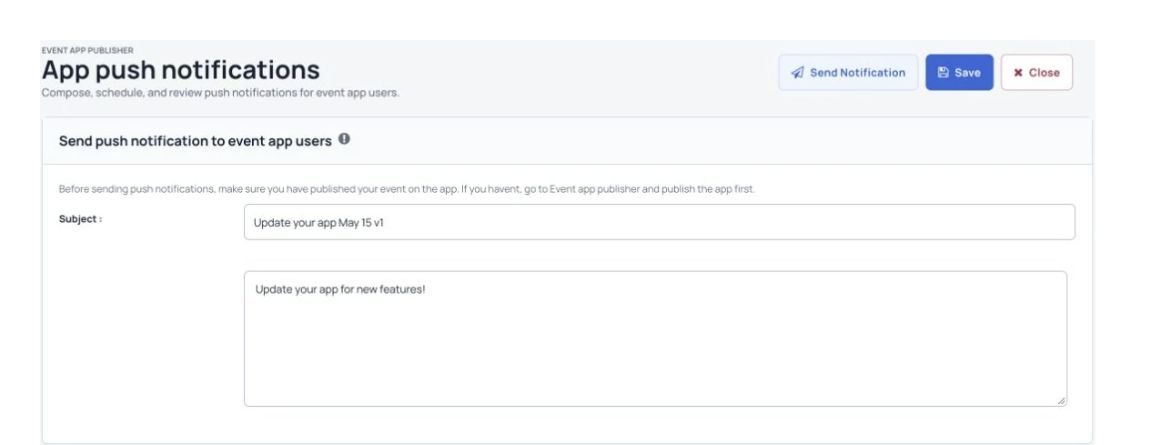
Send session reminders, speaker instructions and conference updates to the right groups.
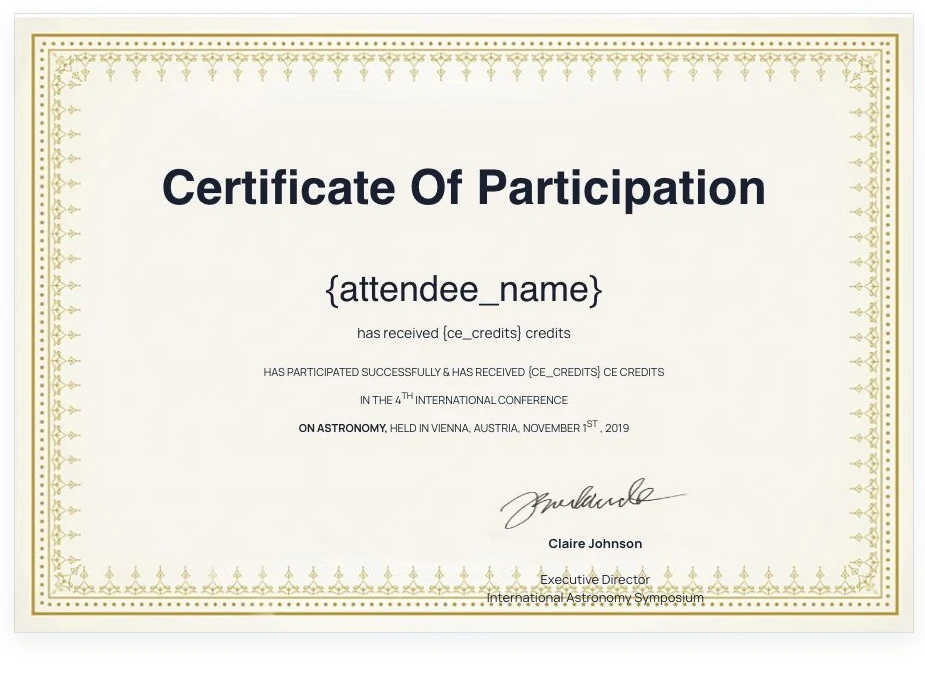
Create a personalized record of conference participation for speakers and attendees.
Agree the training and live-event support your conference team needs.
A customer example
The World Congress of Applied Linguistics brought more than 2,400 participants together with Dryfta. Its team managed more than 1,700 submissions, 1,400 recorded videos and 270 virtual sessions.

The conference used embedded Zoom meetings, live streaming and personal agendas. Attendees sent more than 25,000 private messages and session chats.
Read the case studyFrom the event team
We used the Dryfta conference platform to organize the Memory Studies Association Fifth Conference “Convergences” (5-9 July 2021). This event, held entirely online, lasted five days and had nearly 1500 participants from all over the world. The program included 230 panels, roundtables and special sessions. We did not have a single technical glitch during the entire event, at least none caused by Dryfta!
The Dryfta team, and especially our personal assistant, Zeb Reyaz were very, flexible, supportive, responsive and communicative. They did their best to adjust the platform functionalities to our specific needs and were very quick to implement changes and remove any errors. Zeb and his team supported us throughout the conference, often going well beyond their obligations (e.g. by staying over hours or by downloading the recordings of the sessions much faster on the website than it was originally agreed on).
Common questions
Have a question about your event? Let’s talk it through.
It is a website where people register, join online sessions, ask questions and meet other attendees. Dryfta also connects these activities with abstracts, tickets, the event program and reports.
Start with the work your team needs to manage. A small meeting may only need a meeting tool. A conference may also need registration, abstracts, several sessions, recordings and networking. Ask for a demo using your event’s requirements.
Plan your sessions, choose the meeting and streaming setup, add speakers, open registration and publish the program. Test the joining process with your speakers and moderators before inviting attendees.
Check audience size, session capacity, accessibility, participation tools, registration, reporting, support and the full cost. Confirm which features are included in your plan and which need another service.
Give people ways to ask questions, answer polls, use chat and meet in smaller groups. Assign a moderator and explain how attendees can take part.
Attendees register, sign in and open the event program from their device. They can join the sessions they have access to, ask questions and use the available networking tools.
See Dryfta for yourself
Tell us about your event and the tasks you want help with. We’ll show you how to do them in Dryfta.