Choose a private setup
Agree dedicated hosting or supported deployment on your infrastructure.

Large organizations
Bring registration, abstracts, schedules and attendee activity together in a managed private environment. Agree the hosting, access and workflows that fit your organization.
Agree dedicated hosting or supported deployment on your infrastructure.
Choose staff permissions and review your security requirements.
Plan branding, sign-in connections and custom workflows with the team.
Organizations that have used Dryfta





Ways to use Dryfta
Manage industry events and partner gatherings with a private setup, registration and connected event tools.
Coordinate town halls, staff training and meetings across teams and regions.
Organize abstracts, peer review and research presentations in the agreed dedicated environment.
Give sponsors, exhibitors and attendees branded profiles, networking tools and activity reports.
Combine live streaming, virtual networking and available AI matching tools with in-person participation.
Tools & features
The same connected tools support registration, research, event-day participation and follow-up.
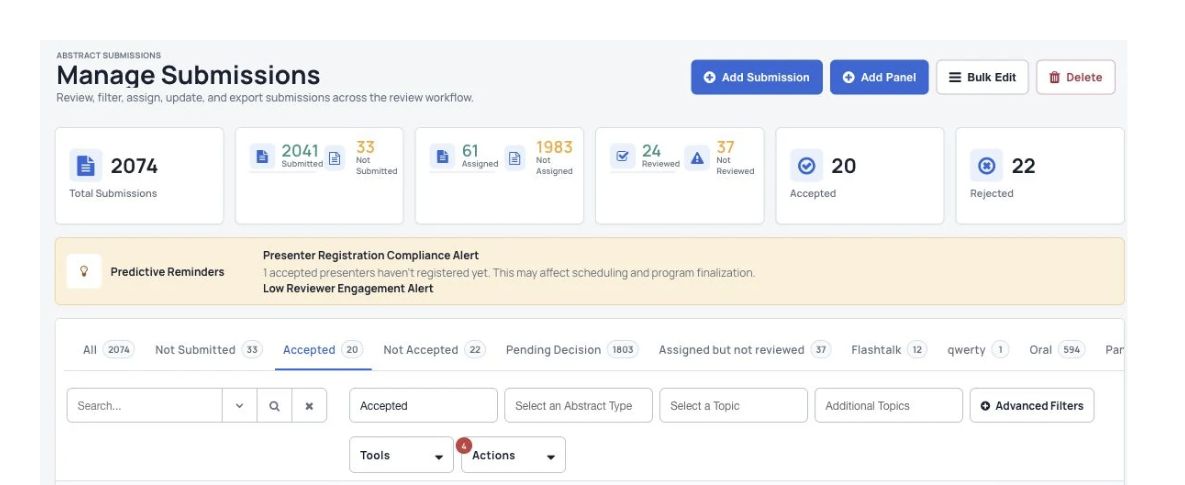
Collect abstracts, assign reviewers and record decisions.
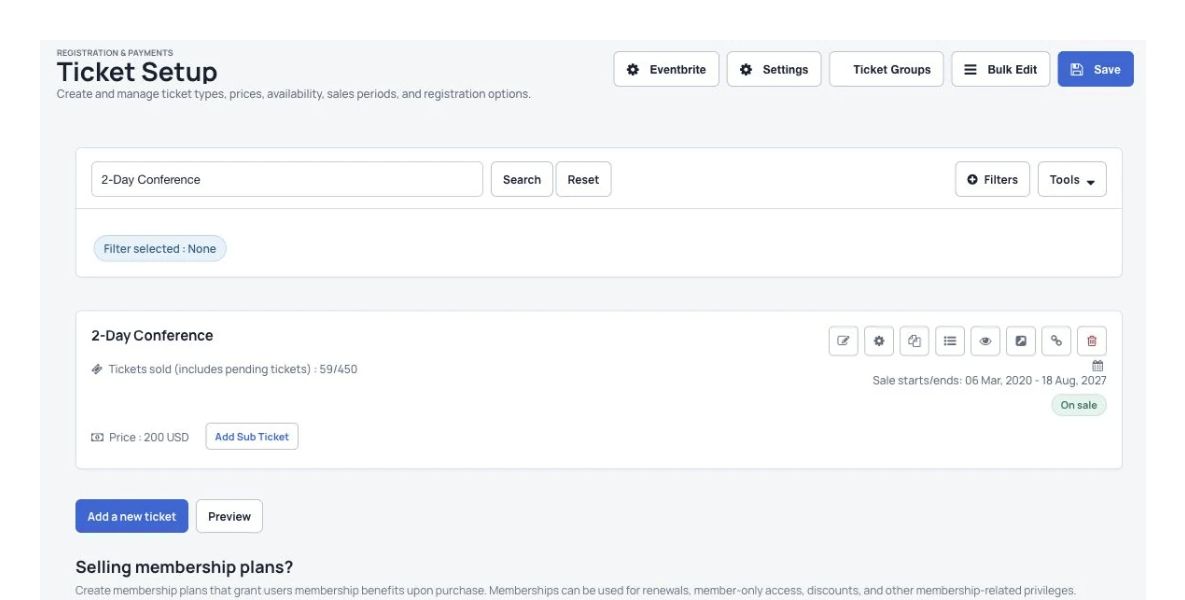
Choose your questions, collect payments and manage attendees.
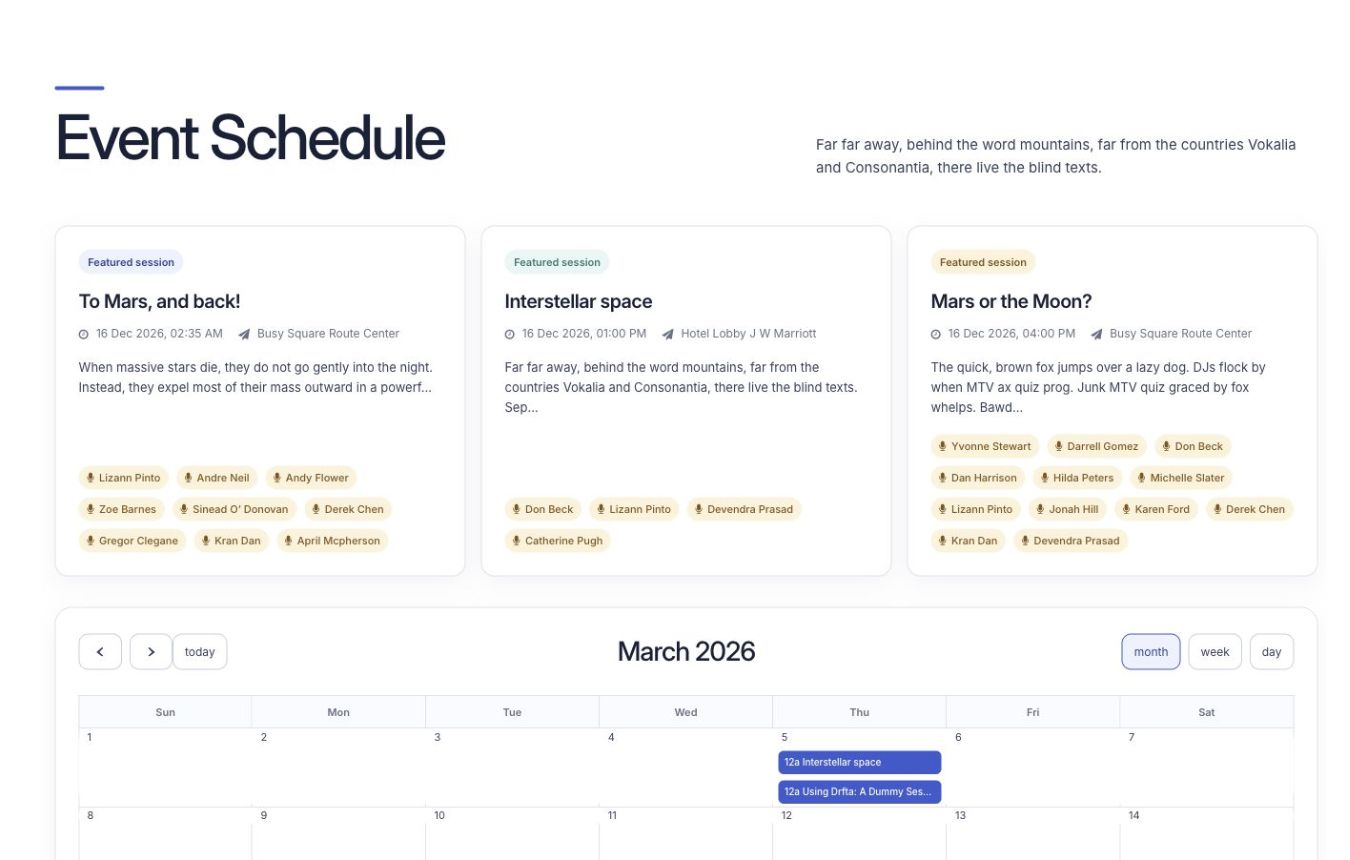
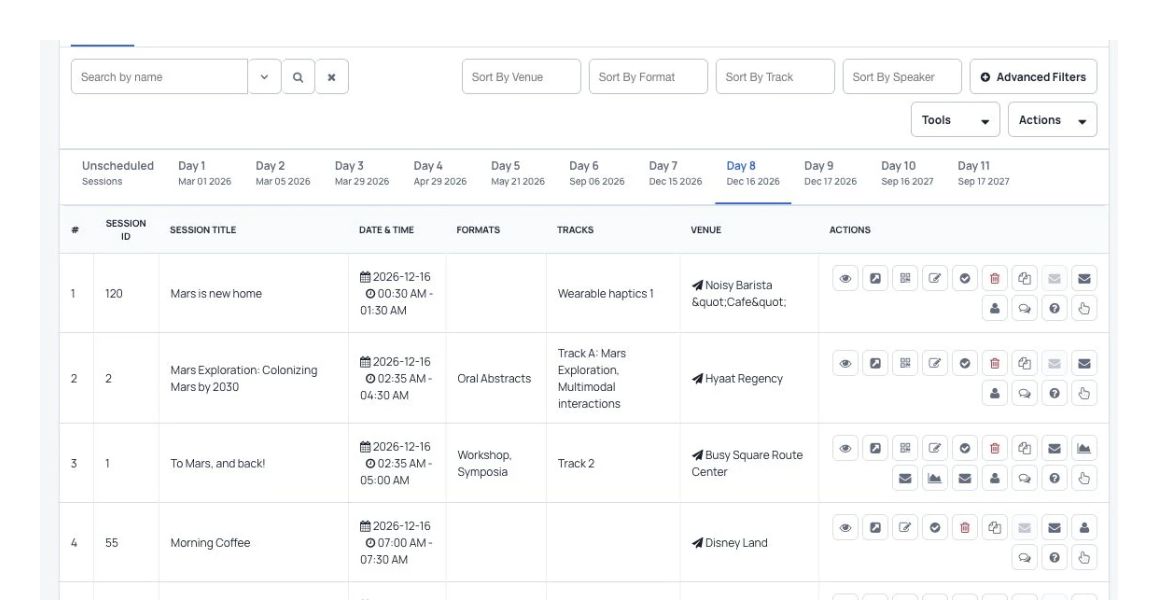
Arrange sessions and let attendees save a personal schedule.
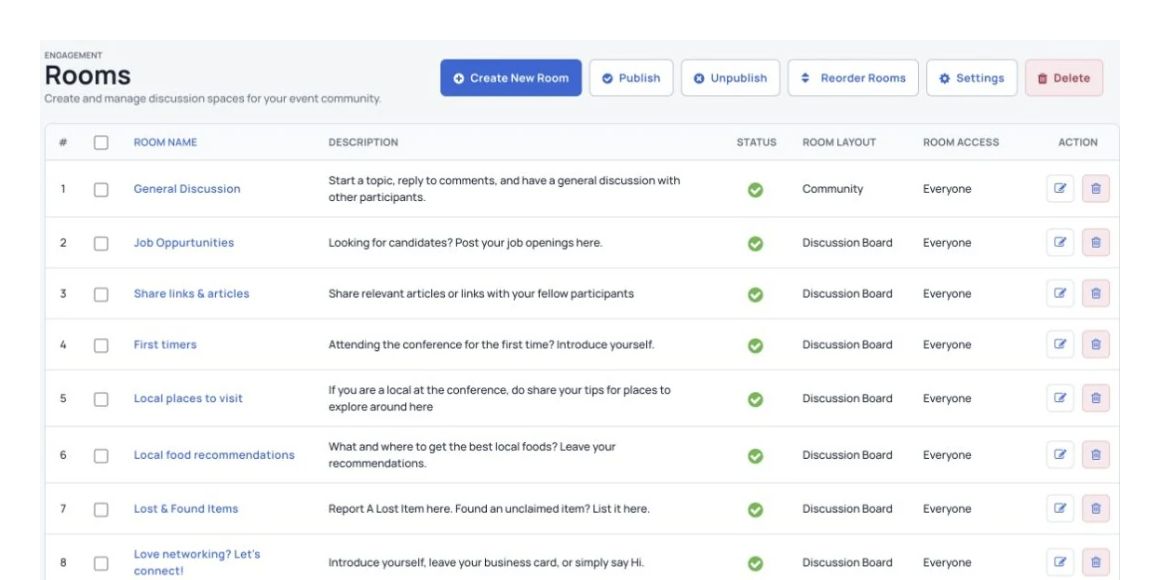
Help people connect through private messages, live chat and discussions.
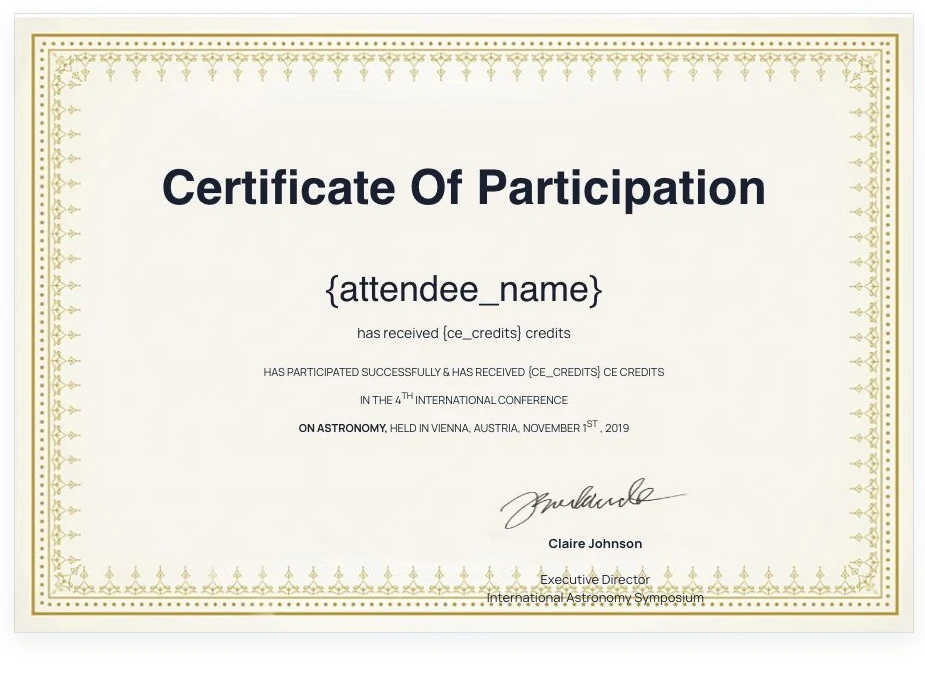
Create and send certificates to attendees and speakers.
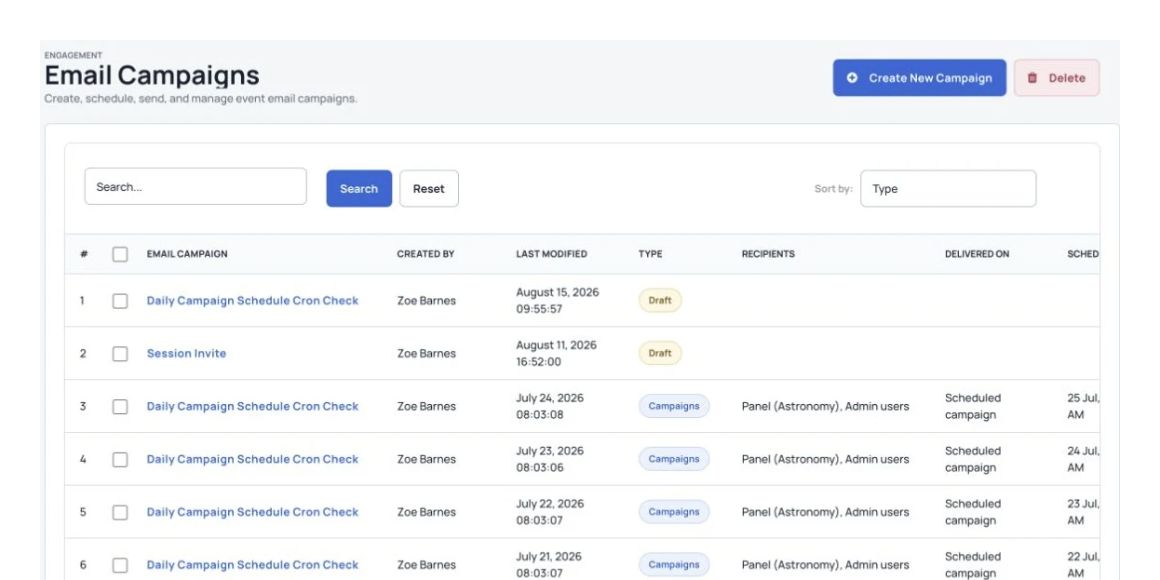
Send useful messages and updates to selected people.
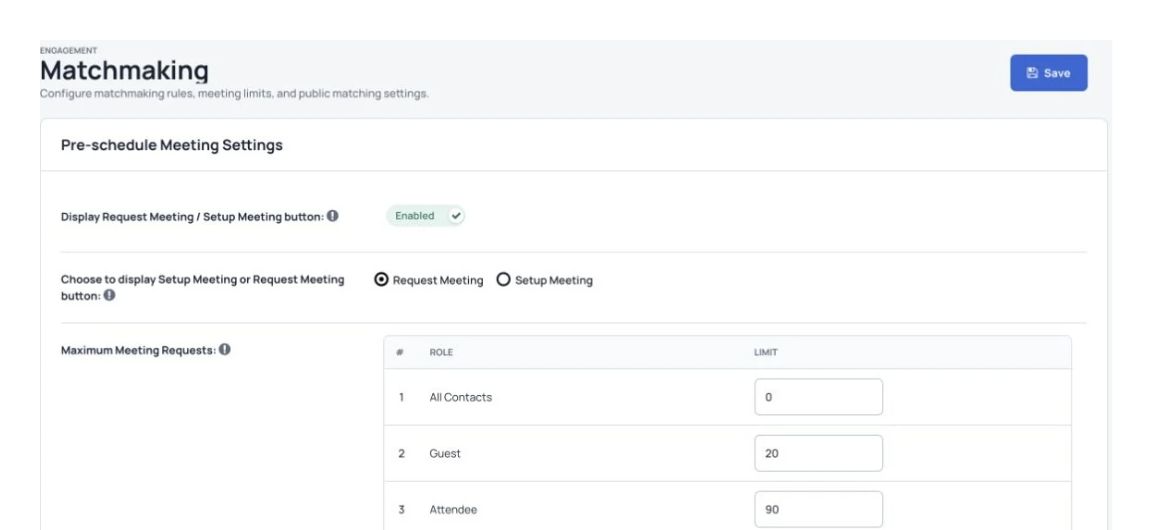
Help attendees find relevant people and arrange one-to-one meetings.
Combine live streaming, interactive online tools and attendance at the venue.
Offer recorded sessions for later viewing and set up continuing education credits where needed.
Collect donations and manage fundraising for your event.

More useful tools
Use registration questions, ticket choices, discount codes and payment processing.
Manage abstracts, reviews and acceptance decisions in a clear process.
Plan sessions, manage speakers and share program changes.
Share personal schedules, live polls and networking through a branded app where included.
Give companies a place to manage profiles, booths and promotional information.
Coordinate speakers, proposals and live session questions.
Send personal email campaigns and timely app notifications.
Provide discussions, private messages and available AI matching.
Follow attendee activity, ticket sales and popular sessions.
Your organization’s priorities
Keep your event platform in an isolated private cloud setup, with data location and access agreed for your organization.
Discuss multi-location events, expected attendance, capacity and scaling requirements.
Plan custom features, integrations and your own brand where your agreement includes them.
Agree ownership, staff permissions and data-handling requirements.
Discuss OIDC, SAML or LDAP connections so people can use their organization account.
Set account management, monitoring, maintenance, uptime and response commitments in your service agreement.
Your private environment
Agree an isolated environment, data location and access arrangements.
Review GDPR, SOC 2 and ISO 27001 requirements with your security team and request current supporting evidence.
Plan the infrastructure, scaling and performance needed for large events.
Agree API connections, workflows and branding for your organization.
Discuss available AI reporting and predictive analysis for your setup, including what data and review are needed.
Coordinate event work between teams and regions.
Agree support coverage, uptime and response targets in your service agreement.
Customer examples
Read about the conferences, participants and event teams in these customer stories.

Read the case study“AILA 2021 received 1700+ abstract submissions from over 2000 authors. We can only recommend them with the highest scores. Excellent service and friendly & outstanding support for their top-notch platform!”

Read the case study“IMNHC 2023 generated over $0.5M in ticket sales, registered more than 1700 attendees and collected 2100+ abstracts. It received over 159k unique website visits along with 620+ app downloads.”

Read the case study“This 5-day MSA 2021 conference had nearly 1500 participants from all over the world. The program included 230 panels, roundtables and special sessions. We did not have a single technical glitch during the entire event.”

Read the case study“Dryfta is a great piece of software. The flexibility for customization that it has built-in is really incredible compared to other platforms – SBCC SUMMIT 2022”
Security & hosting
Review current assurance information and agree the controls that apply to your event.
Review how your event will be hosted and recovered.
Understand payment processing and ongoing checks.
Agree the protection needed for your setup.
Help for your team
Send a question to the support desk from the contact button in your dashboard.
Subscriptions include two one-hour training sessions, with more available to purchase.
Use the tutorial videos and help articles to set up your event.
Join the Friday live demo and Q&A. Check the current session time with the team.
Your brand
Use Dryfta’s tools with the branding your participants recognize.
Use your own website address, logo, colors and wording.
Set up a branded event without building the software from scratch.
Spend more time on your events while Dryfta maintains the platform.
Get platform updates, security fixes and ongoing support.
Common questions
Have a question about your event? Let’s talk it through.
It is a managed event platform in a dedicated environment. Agree hosting, capacity, access, ownership and customization with Dryfta before setup.
Review the isolated hosting setup, encryption, permissions and monitoring with your security team. Ask for current evidence for your GDPR, SOC 2 or ISO 27001 requirements rather than assuming a certification from this page.
Yes. The platform supports multiple events. Agree the attendance, locations, traffic and capacity needed for your events before deployment.
Discuss branding, custom workflows, API connections and feature development with the team. Availability and delivery depend on your agreement.
Yes. Discuss the branding and app setup you need. Attendees can use personal schedules, live polls, networking and event updates where enabled.
Agree the support hours, response targets, uptime monitoring and account management in your service agreement. Enterprise support can include round-the-clock coverage.
The team can help plan migration of attendee records, schedules and abstracts. Agree the file formats, field mapping and checks before transferring the data.
Discuss organization sign-in, contact management, payment providers and other supported integrations. API connections may need configuration or development.
See Dryfta for yourself
Tell us about your event and the tasks you want help with. We’ll show you how to do them in Dryfta.