Set up member content and private sessions.
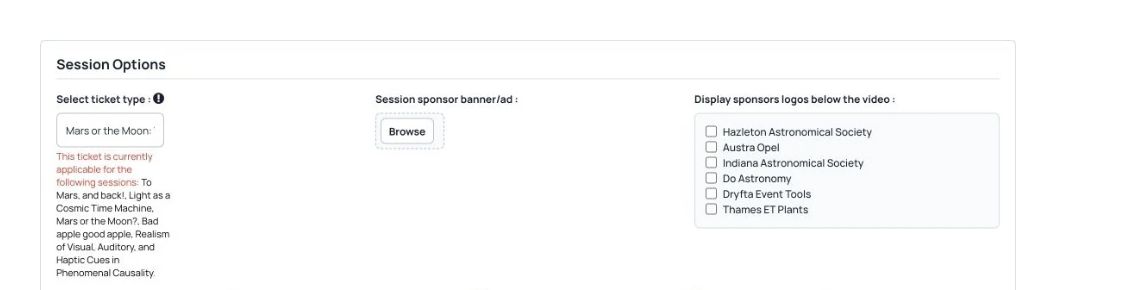

Roles & permissions
Choose which content attendees can see and which organizer tools staff and volunteers can use.
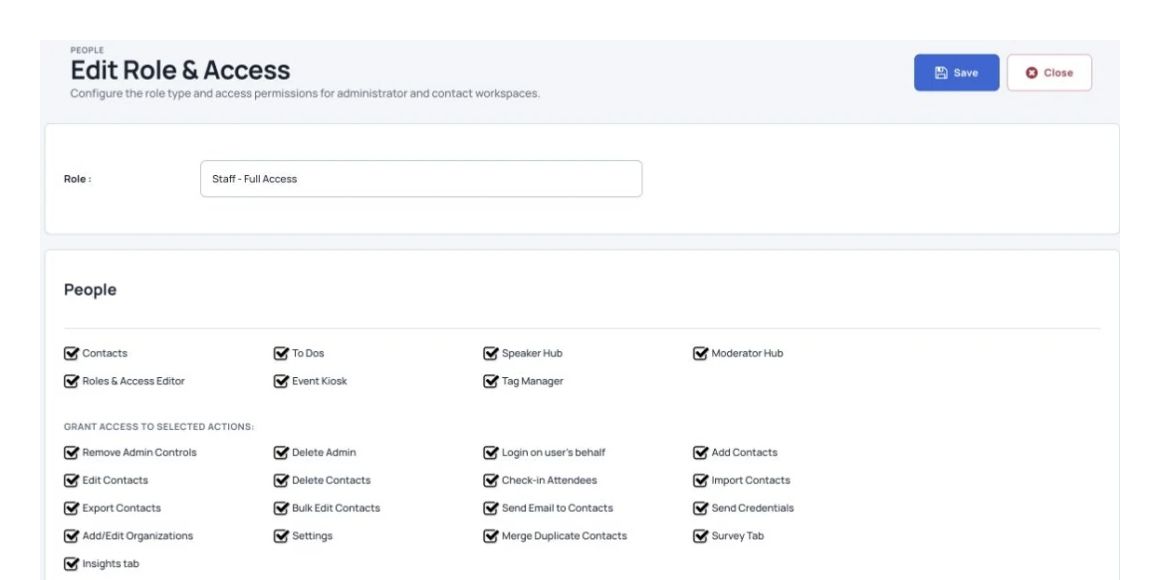
What you can do
Provide access to registrants, with selected roles, to invite-only sessions.
Set permissions and access control to pages and actions for each role. Then assign newly created roles to your respective staff members.
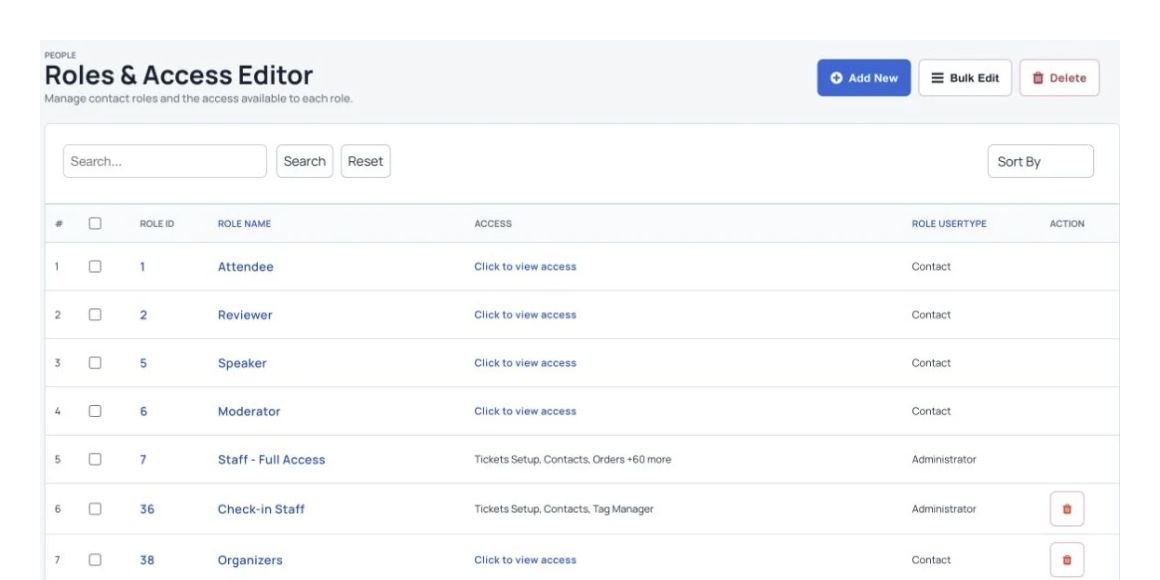
Give staff permission to view, edit or do both.
See Dryfta for yourself
Tell us about your event and the tasks you want help with. We’ll show you how to do them in Dryfta.