🚀 Join our
Live Demo every Friday at 11:00AM EST and see Dryfta in action!
×
Skip to content
Products / Event Schedule Scientific programs, sessions & speakers
Build the scientific program your conference needs. Bring accepted research into sessions. Organize talks, posters, panels and workshops across parallel tracks, with speakers, rooms and schedules connected.
Organizers: build the program
Attendees: explore the schedule
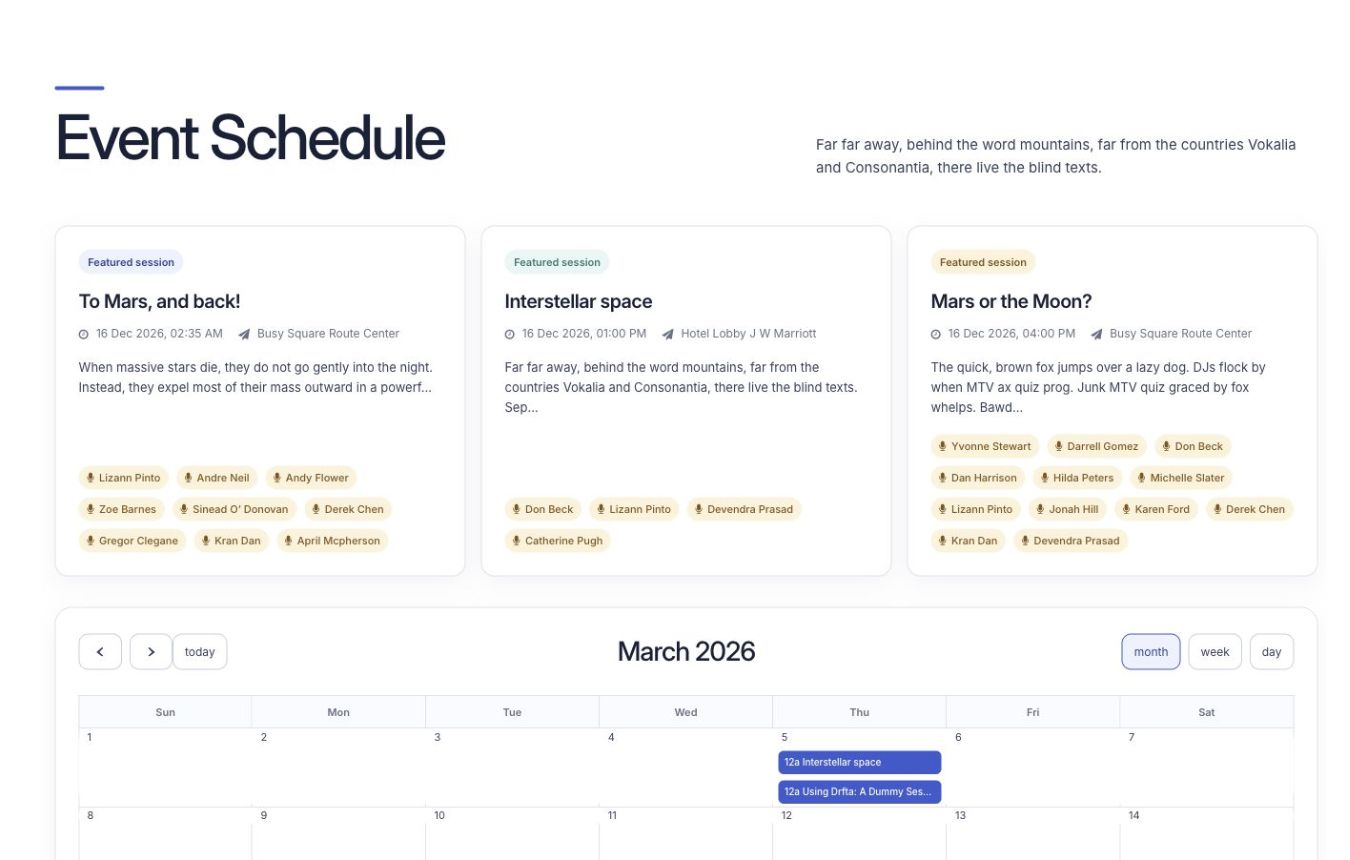
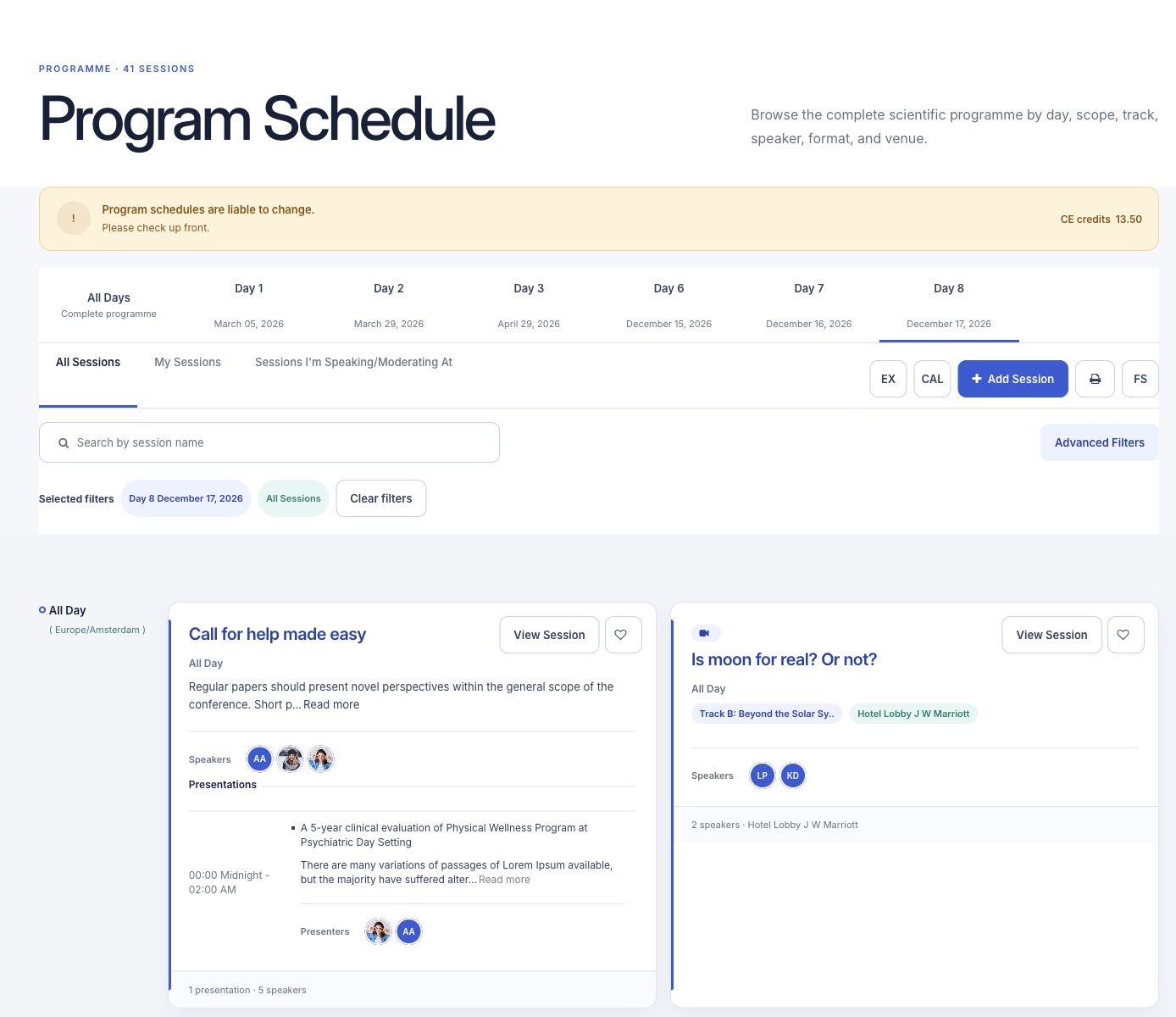
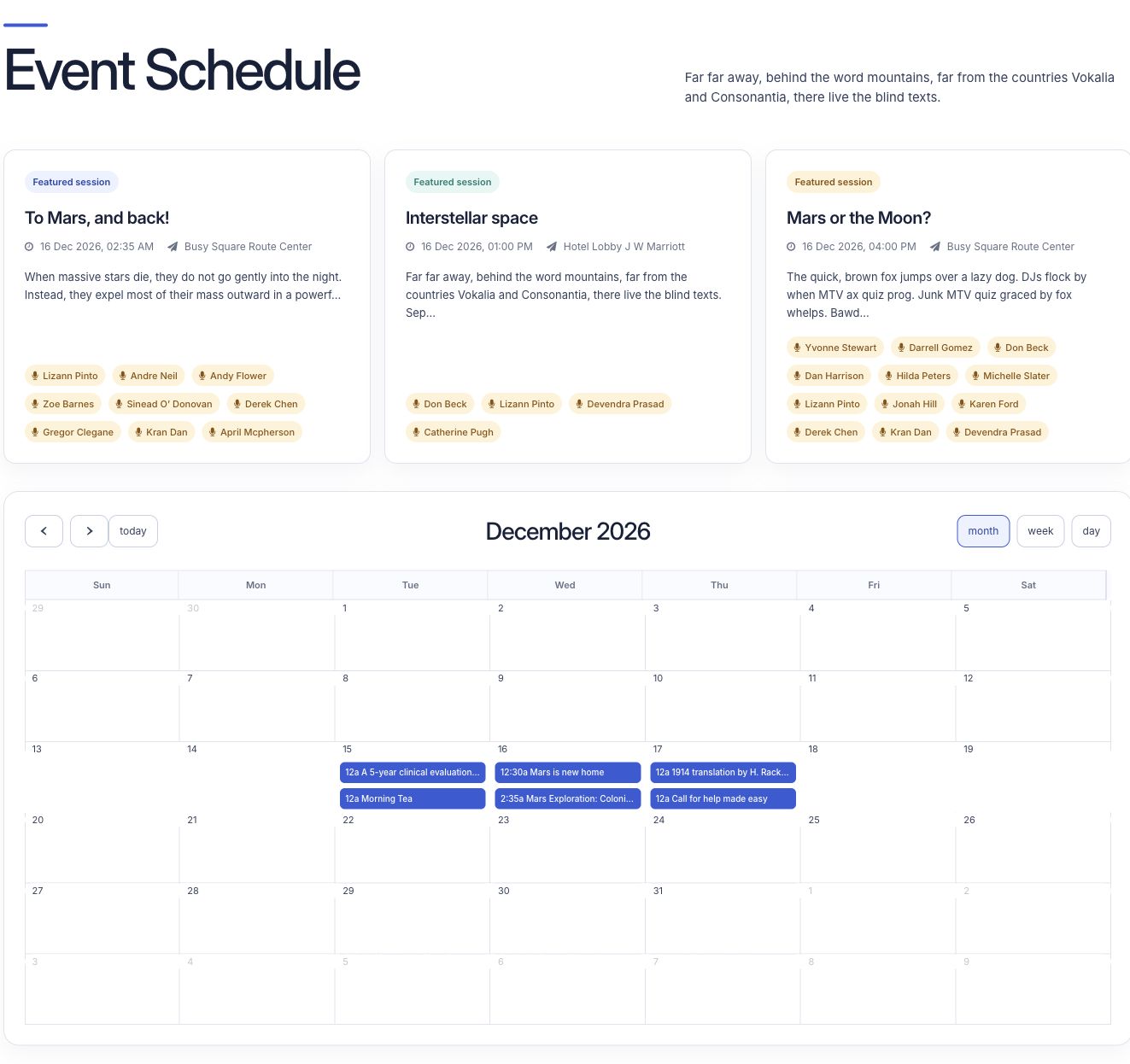
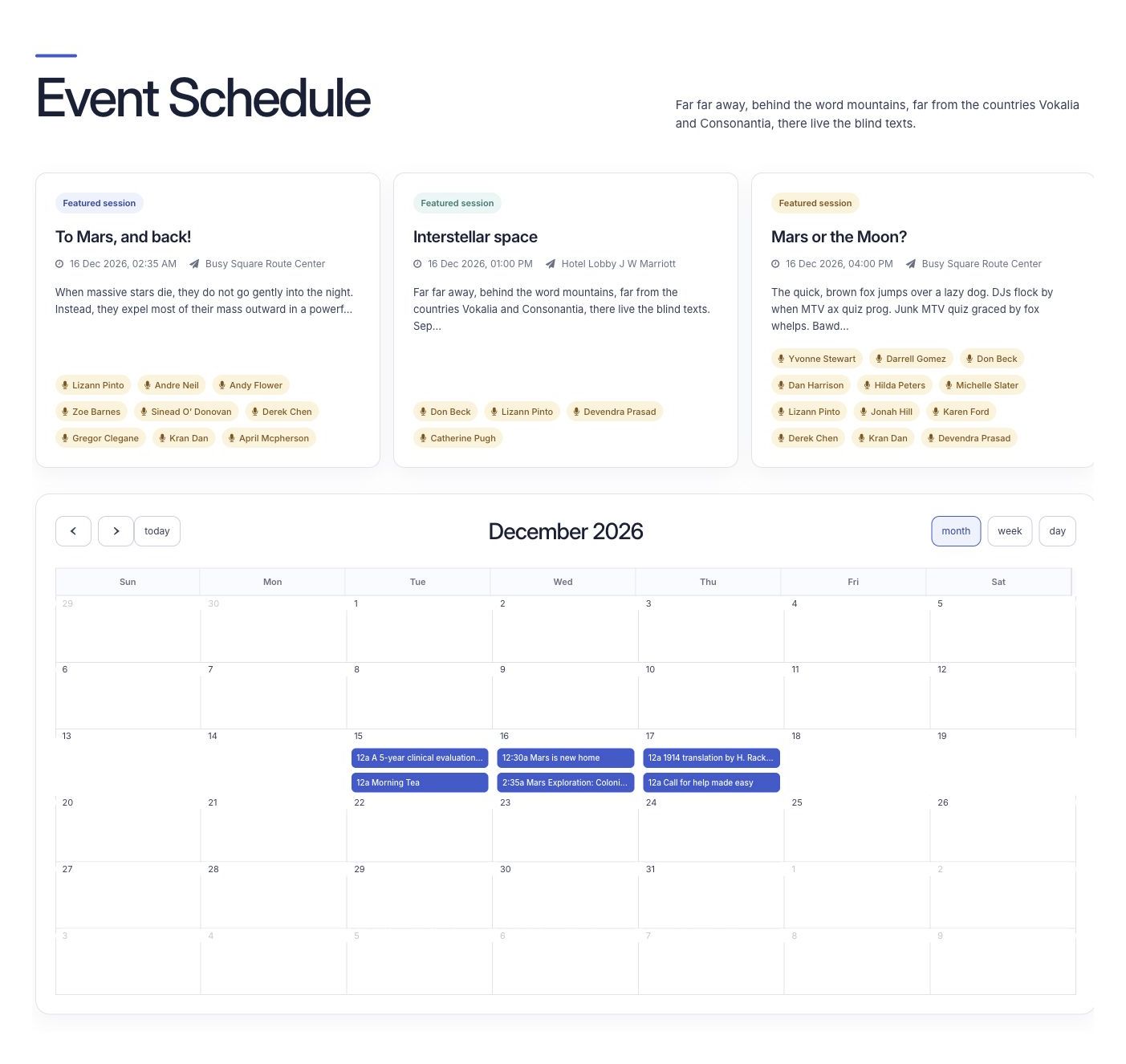
Attendees browse session cards and the event calendar on the event website.
Bring accepted research into sessions Group papers, add presenters and choose the session formats your committee needs.
Keep a complex program organized Plan parallel tracks and rooms, then find speaker, room and schedule clashes.
Connect the program to participation Share personal schedules, materials and session updates, and track attendance and credits.
How it works
Follow the research conference workflow. 1 Start with accepted research Create sessions from accepted submissions or import an existing program.
2 Arrange sessions and speakers Group papers, choose formats, tracks and rooms, and check for scheduling clashes.
3 Publish and keep people informed Share the program on the website and app, then support personal schedules, materials and attendance.
Event Schedule
Keep research, presenters and sessions together Give each session the people, papers, materials and practical details participants need.
Accepted abstracts grouped into sessions Speaker and moderator details Presentation files and personal schedules
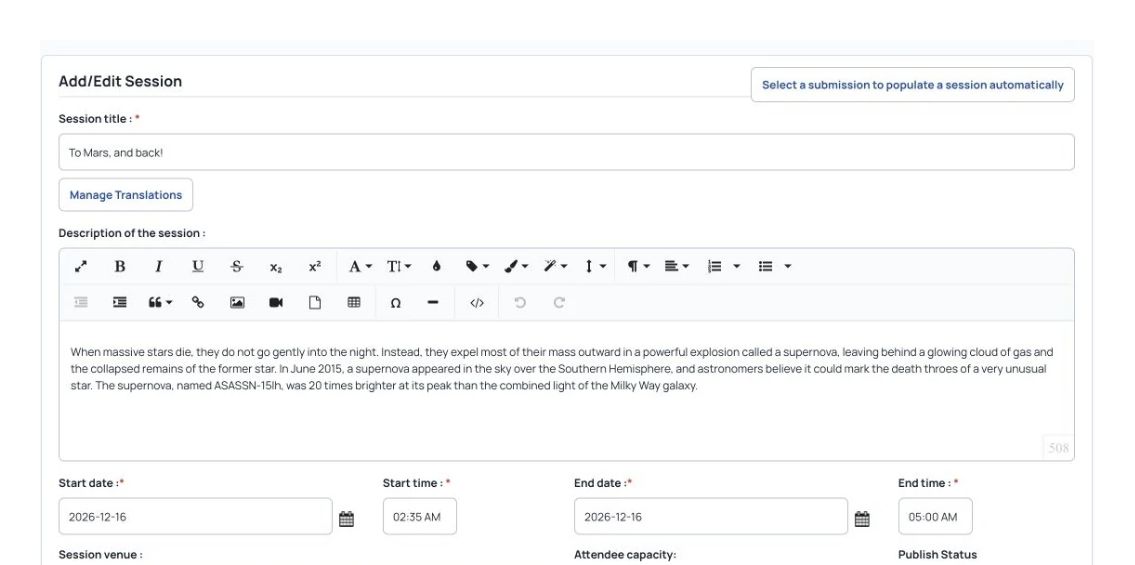
Session title, description, dates and times.
Event Schedule
Plan parallel tracks with fewer clashes Arrange sessions by topic, format and room. Find speaker and room overlaps while preparing a busy scientific program.
Parallel tracks, formats and locations Speaker, room and schedule conflict checks Program and presenter imports from spreadsheets
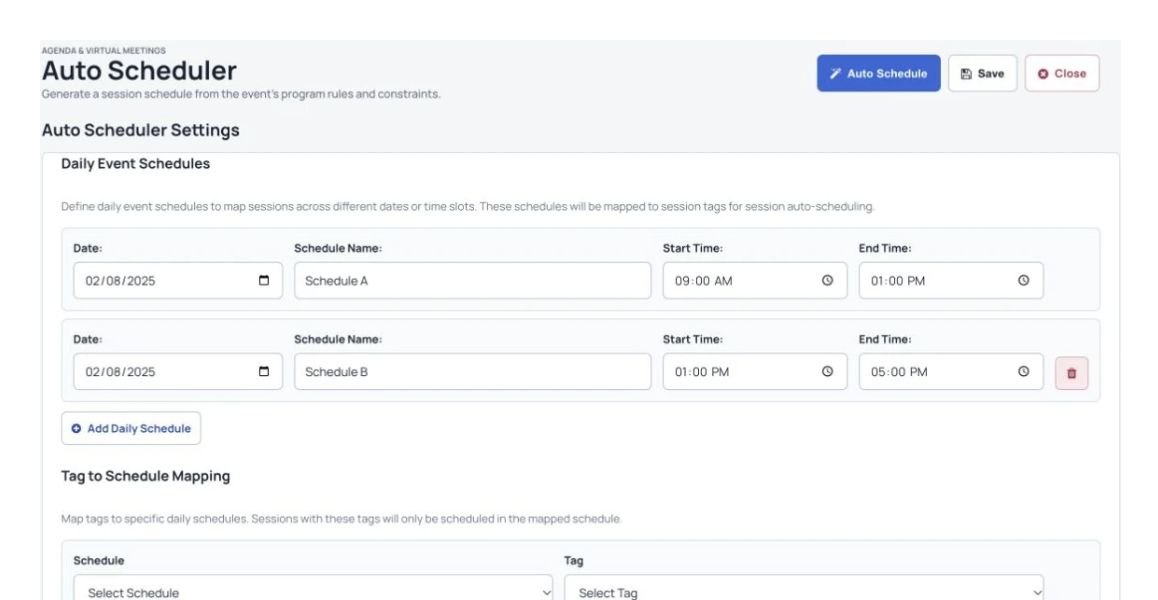
Set daily time slots and scheduling rules before generating a program.
Event Schedule
Build and share the scientific program Put sessions, people and rooms into a schedule attendees can follow.
Share a program attendees can explore
Attendees browse session cards and the event calendar on the event website. Show sessions that run at the same time in separate tracks. Let attendees browse sessions by speaker, track, format or time. Let attendees add sessions to a personal schedule. Let attendees check in to sessions. Let people share sessions on social media.
Put session details in one place
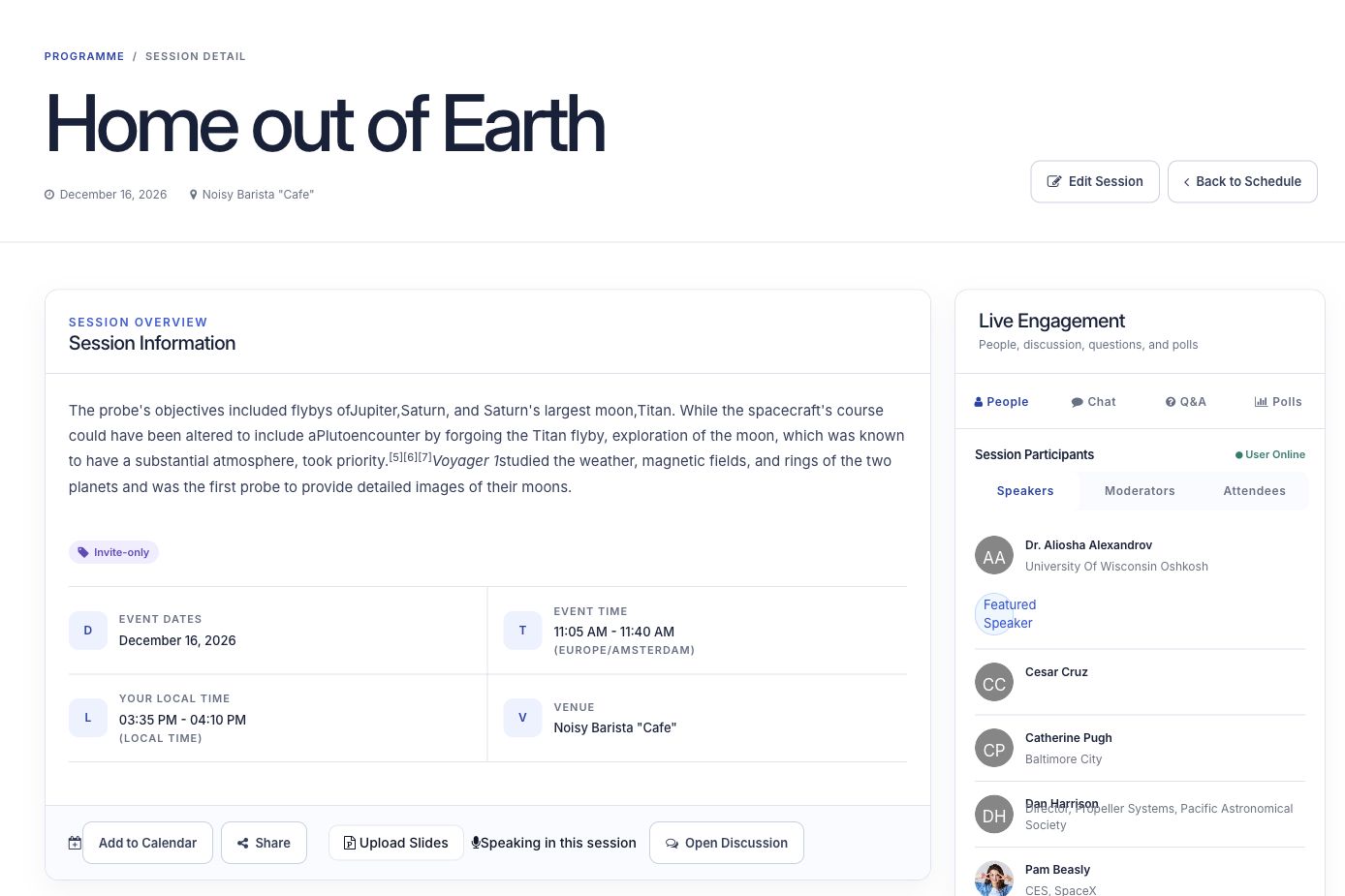
Show speakers, moderators, attendees and presentation files with each session. Include buttons to save a session, share it or check in.
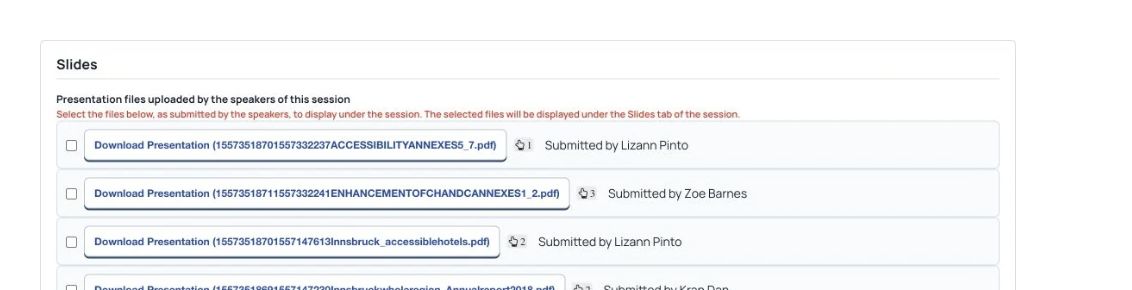
Manage presentation files attached to an event session.
Organize topics, formats and rooms
Organize oral presentations, poster sessions, panels and workshops by format, track and room. Help people find their way when several sessions run at the same time.
Group sessions by track, format and location so people can find their way through a program with several sessions running at once.
Session title, description, dates and times.
Plan sessions, breaks and event days
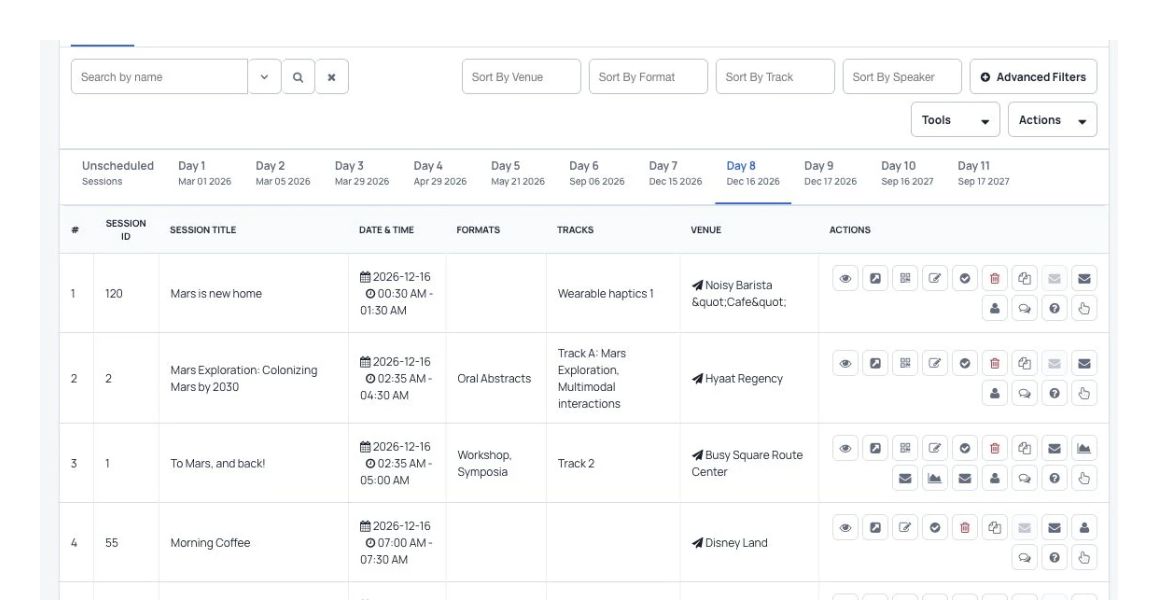
Create sessions and breaks, with a separate tab for each event day. See who checked in, who is waiting for a seat and what attendees commented.
Set daily time slots and scheduling rules before generating a program.
Choose what each session shows
Share complete session information in an easy-to-read public program. Add the date, time, venue and track, and check for track conflicts automatically. Show presentation files uploaded to speakers’ profiles so attendees can download them. Set how many attendees can join a session.
Bring your program in from a spreadsheet
Import sessions from a spreadsheet file (CSV). Check for overlapping times and speaker or venue clashes during the import.
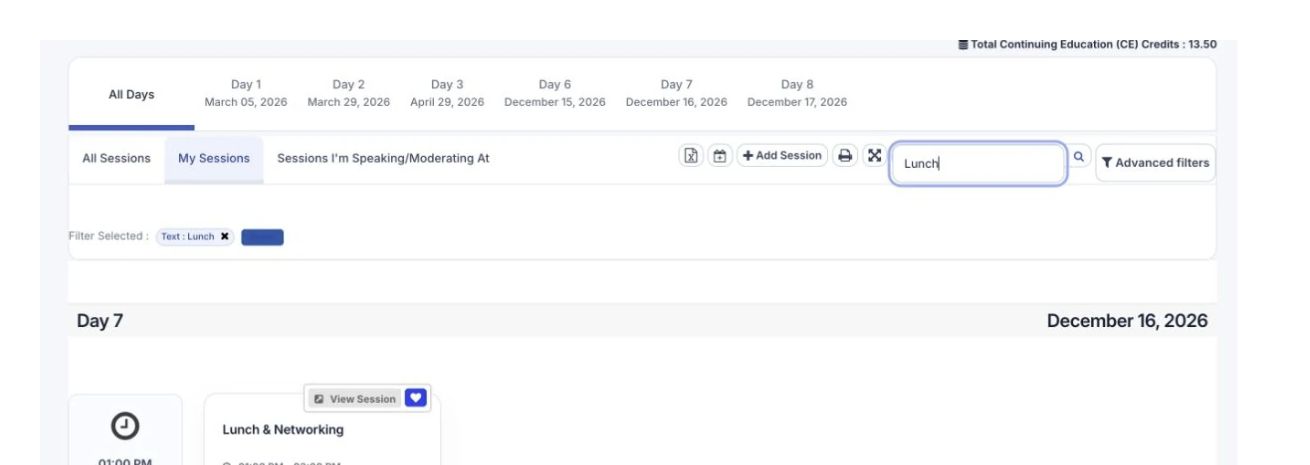
Review the event program by date and open the sessions that need attention.
Event Schedule
Run sessions and include your attendees Support people joining in person or online, including paid sessions.
Bring remote attendees into the session
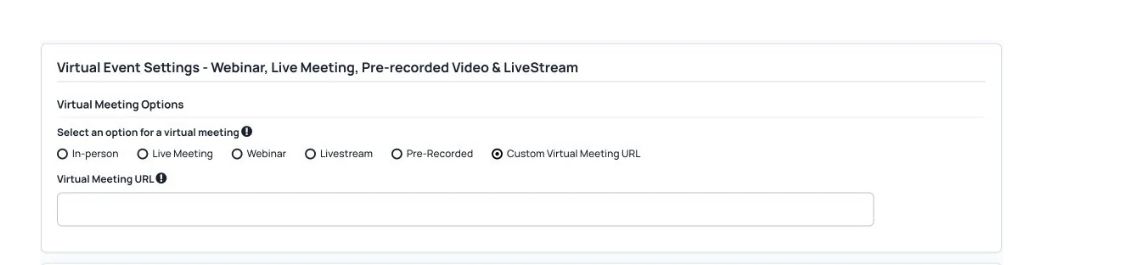
Choose a virtual session format and meeting settings. Host live meetings for up to 500 participants, with audio, video and screen sharing. Show live broadcasts on your website using Vimeo Enterprise. Let people join from different devices, and use a waiting room to control who enters.
Keep the conversation going during sessions
Controls for session chats, questions and live polls. Let participants discuss a session and share photos and files in live chat. Let participants choose a speaker and ask a question. Notify the speaker immediately and by email. Let speakers launch polls and alert session attendees in their browser when a poll opens.
Track attendance and continuing education credits
Session access, attendance and capacity controls. Download a session attendance report with check-in and check-out times. Use time spent in sessions to add continuing education (CE) credits manually, or award credits automatically when someone checks in.
Sell access to workshops, videos and webinars
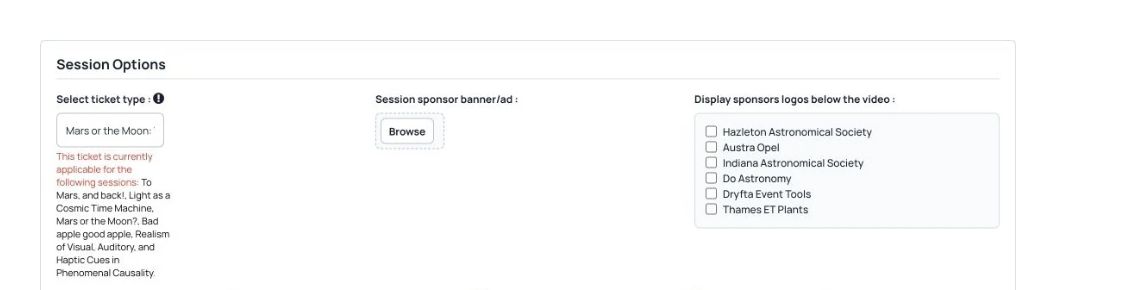
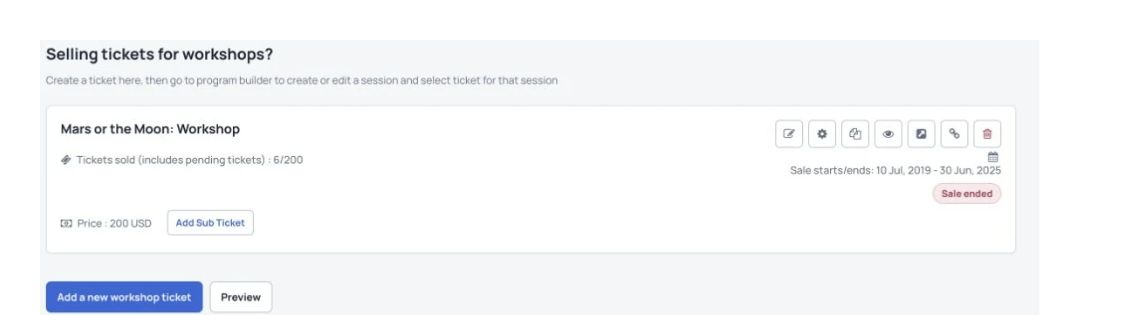
Create a workshop ticket, then link it to a session in the program builder. Link a ticket type to one or more sessions so people can buy access from the session page. Upload speakers’ recorded presentations and sell access to the videos. Connect your Zoom account to create webinars. Let people buy a ticket and join on the scheduled day.
See what is coming next. Find planned program-planning tools and their availability in AI Research Workflows.
AI Research Workflows More useful tools
More ways to manage your event. Before you start Choose seat limits, check-in rules, waiting lists and continuing education settings to suit your event.
Can we run several sessions at the same time?+ Yes. Group sessions by topic, format and room so attendees can find the sessions they want, even when several run at once.
Can we import an existing program?+ Yes. You can add sessions from a spreadsheet saved as a CSV file. Check the file format and review the imported schedule before sharing it.
Can attendees create a personal schedule?+ Yes. Attendees can add sessions to their personal schedule and access the schedule on the website and event app.
See Dryfta for yourself
See event schedule in action. Tell us about your event and the tasks you want help with. We’ll show you how to do them in Dryfta.
Request a demo