🚀 Join our
Live Demo every Friday at 11:00AM EST and see Dryfta in action!
Home/Session check-inSession check-in
Keep track of who attends each session.
Simplify your event session check-ins with Dryfta’s software. Use QR codes or self check-in kiosks for seamless attendee management.
 The self-service check-in kiosk.
What you can do
Tools for your event.
Manage Event & Session Check-ins
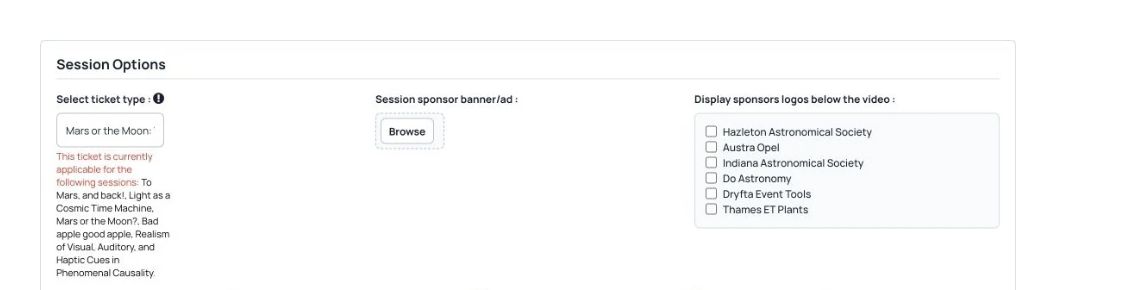
 Session access, attendance and capacity controls in the Dryfta demo event.
- Find guests by their photo, name and details.
- Create access control for checkin staff and set permissions so they can access the checkin tool only.
- Record session check-in and check-out times, then export them.
- Set CE credits for each session/workshop and let Dryfta automatically award credits to checked-in attendees.
Self Check-in Kiosks
The self-service check-in kiosk.
- Kiosk-based self-check-in to let attendees scan their badges and check-in.
- Alternatively, they can enter their email address and system will check them in instantly.
- Kiosk can also be used to print badges and participation certificates.
Check in with a QR code.
The self-service check-in kiosk.
- Set up Dryfta scanner for each session so attendees can scan their QR code and get checked-in instantly.
- Alternatively, assign a volunteer for each session to scan attendees’ QR code via event app‘s built in QR code scanner.
See Dryfta for yourself
See how Dryfta can help your team.
Tell us about your event and the tasks you want help with. We’ll show you how to do them in Dryfta.