🚀 Join our
Live Demo every Friday at 11:00AM EST and see Dryfta in action!
×
Skip to content
Home / Email updatesEmail updates
Keep authors, reviewers and attendees informed. Send calls for abstracts, deadline reminders, program updates and conference follow-up to the people who need them. Prepare messages, choose contact groups and schedule campaigns from one place.
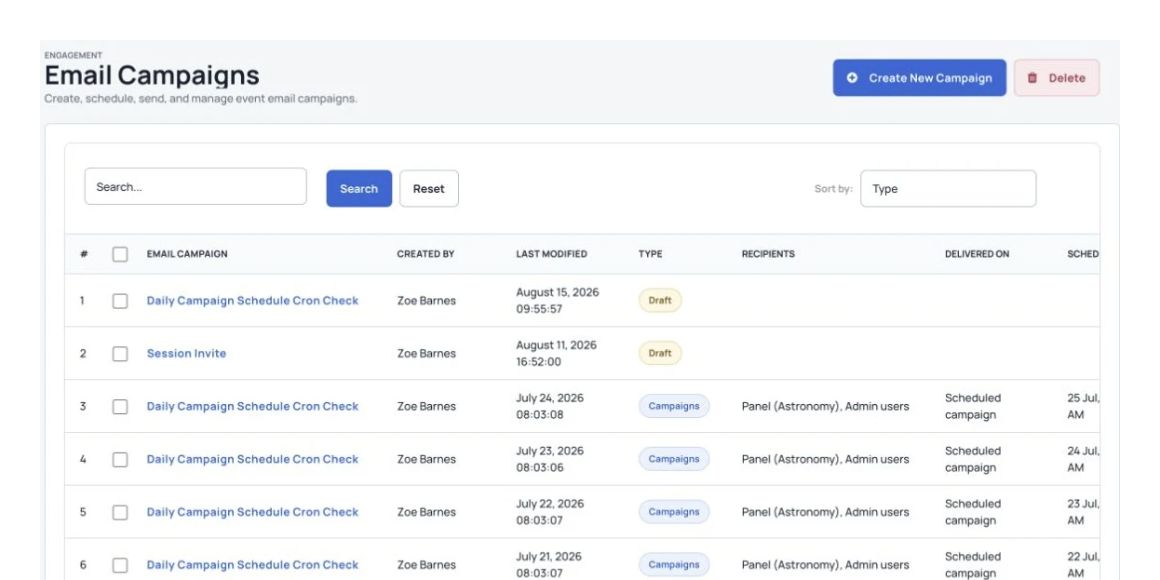
Create and schedule email campaigns for your event. What you can do
Tools for your event.
Create and schedule email campaigns.
Send to multiple segments and mailing lists at once.
Create and schedule email campaigns for your event.
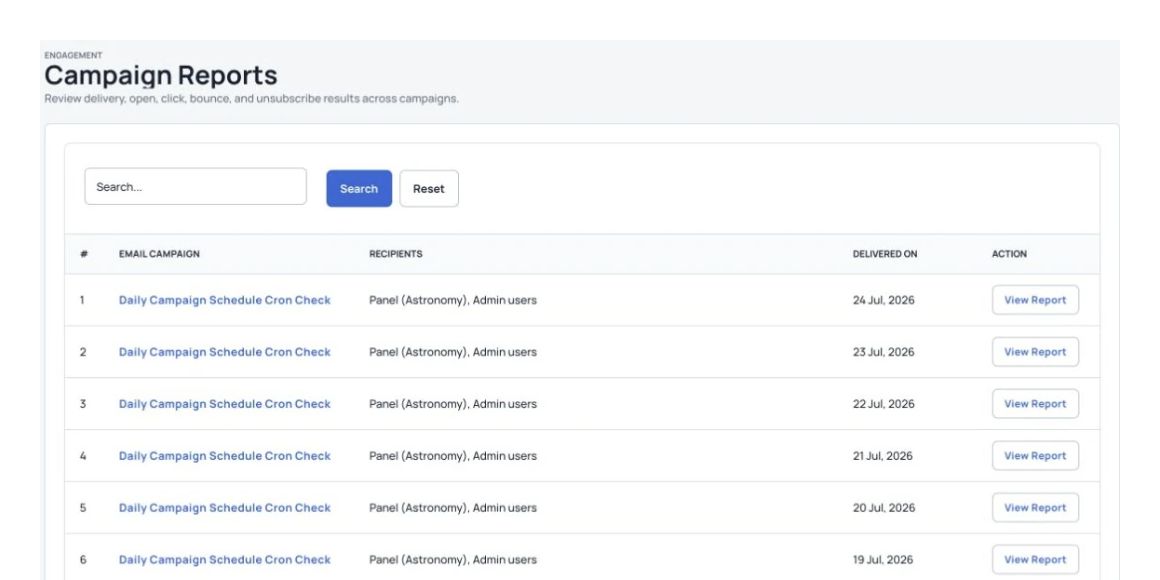
See how your emails perform.
See sent emails, bounces, opens, clicks, spam reports and unsubscribes in a chart for each campaign. Export the results for your own reports.
Email delivery and campaign reporting.
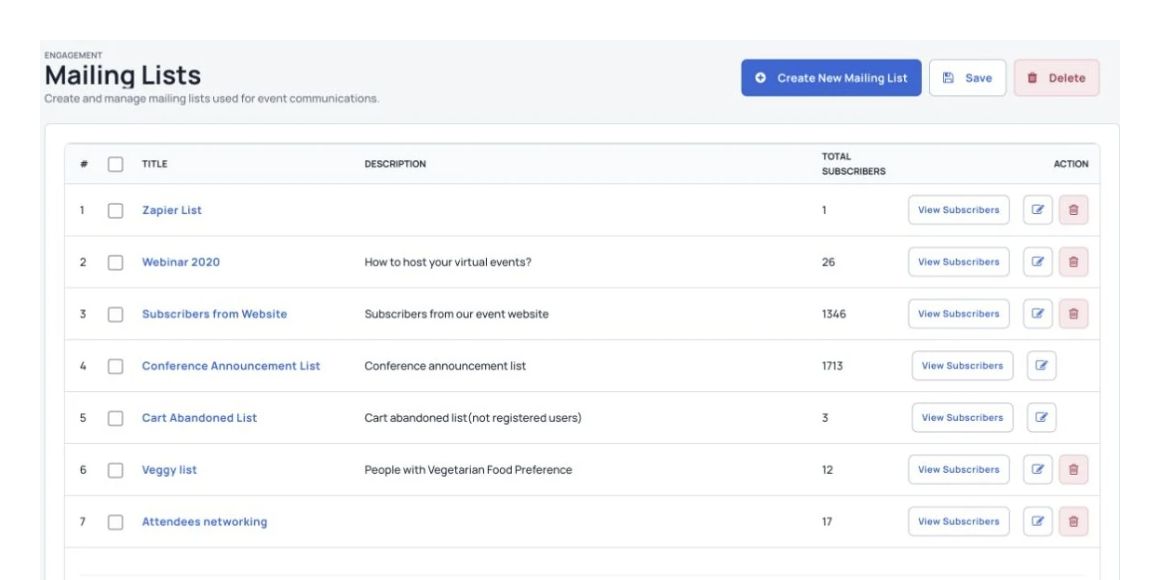
Manage mailing lists and sign-up forms.
Sync subscribers to and from Constant Contact and Mailchimp.
Organize mailing lists and subscription forms.
Start with a ready-made email template.
Leave the email design to us, so you can focus on writing better emails.
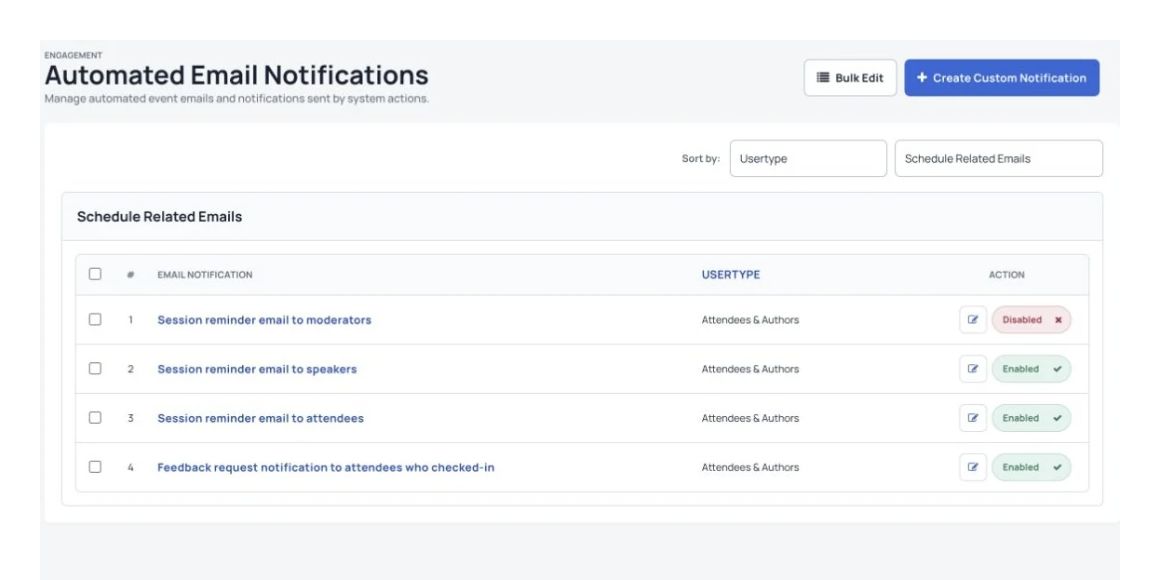
Automated event messages for registration, orders and submissions.
Group contacts by the details they share.
Send customized email campaigns to everyone in the segment.
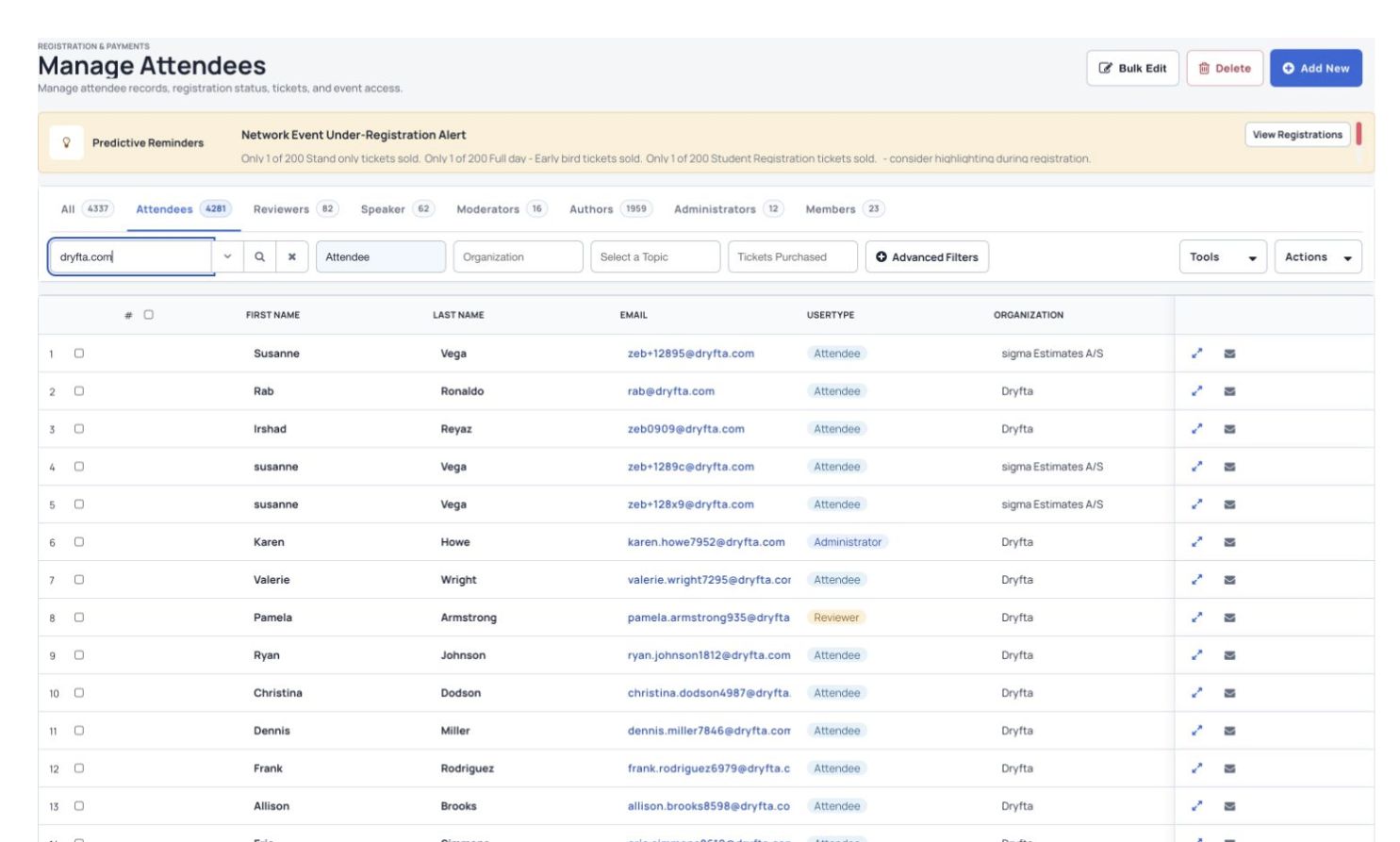
Search and organize attendee records in Manage Attendees. More tools for conference email Create and schedule email campaigns for your event.
Mailchimp integration for Dryfta – Sync subscribers and mailing lists
Sendgrid integration for Dryfta – Send email campaigns through your own domain and email addresses
Constant Contact integration for Dryfta – Sync subscribers and mailing lists
Customizable and personalized email campaigns
Custom campaigns for custom segments/groups of attendees
Subscribers are automatically removed from the campaign list once they register
Notifications buttons to enable/disable all email notifications
Send email button for each contact to send private emails with multiple custom email templates to choose from.
Email history – logs of all emails sent to a contact
Email templates with placeholders for fields from the central contact database AND Event details
Supports email templates with placeholder for event header, logo, text, placeholders
Use custom email templates created by your designer.
Export a CSV list showing each automatic notification and when it was sent.
See Dryfta for yourself
See how Dryfta can help your team. Tell us about your event and the tasks you want help with. We’ll show you how to do them in Dryfta.
Request a demo