According to MoldStud, teams that employ the proper digital tools can finish event-planning tasks 30% quicker. This shows how much event-planning tools can help a team work better together. In the case of event planning, you are essentially juggling tasks, deadlines, communication, vendors, the speakers, and hundreds of other details. If you don’t have the right tools, things will spiral out of control very quickly. But in the case of planning events, the right tools can help you achieve your objectives without stress.
Nowadays, event planners are not just looking for software. They want tools that eliminate misunderstandings and make every team member walk in the same direction. This is the point where event planning tools, particularly all-in-one platforms like Dryfta, come into play.
Through this blog, you will know about 11 collaboration tools that make the process of event planning not only easier and faster but also more enjoyable.
What Are Event Planning Collaboration Tools?
Events run on collaboration. The lack of which undermines the very operational core of any type of event, be it a conference, a college frat party, or even a casual coworkers’ get-together. An event involving a number of people gathered in a single venue for a specific purpose or goal inevitably demands coordination. Without collaboration, your event will fail to materialize. Or it will do so in a gauche manner. Event planners who go about putting together their event in inexperienced and bungling ways are bound to watch their event underperform on D-day.
Good event planning starts with smooth collaboration. Ensure that all members involved in your planning team are aboard your vision. A disconnect here is a recipe for disaster. Effective event planning begins with collaboration between and within event functions. It is a collaboration between organizers, the event being organized, and those for whom it is being organized. Sounds confusing? Well, we’ve got you.
An often overlooked set of objects that can elevate your event planning are what we collectively refer to as “event planning collaboration tools.” This comprises tools such as event collaboration software, event planning software, and other collaboration tools for event planning. Collaboration between peers in workplaces is a theme that has been time-honored. There is plenty of discourse around the subject, overwhelmingly positive. Effective collaboration between teams means a good rapport has been established. This, in turn, reflects in the workplace’s outcomes. Tasks are finished better, in more coordinated ways. Employees and teams are more in touch with larger company goals and objectives. This time-tested positive relationship between collaboration and outcomes holds true for events as well. But chinks and cracks in the event management collaboration process begin to show up much more quickly than in other settings. This is because the event management industry ipso facto runs across a web of highly interconnected and inextricable functions that are powered by collaboration. A failure to collaborate in any one function creates ripples of ramifications across others.
Event planning collaboration tools exist precisely to make this collaboration flow smoothly, with no interruptions and compromises. Collaboration tools for event planning are productivity tools that event teams utilize to better organize their event. Each tool comes with varying degrees of functionality and fit for events. Generally, event planning collaboration tools are built across 6 functions that are fundamental to event management:
- Team Communication: Modern event management platforms like Dryfta come equipped with features such as intuitive dashboards and community chats that can be accessed by and navigated by all members within a team. Automated notifications and alerts make it possible for all involved members to remain up to speed on the team’s functions.
- Task Management: Contemporary task management tools for event collaboration let planners assign ownership of tasks to specific employees as well as keep abreast of set deadlines all via a semi-automated task manager. All one has to do is input tasks, iterate and reiterate deadlines, and have employees log finished tasks as and when ticked off the broader checklist. Task managers work as incredible event collaboration tools, making organization and streamlining possible.
- Vendor Coordination: Vendors make up a very crucial aspect of event management. Everything from food and beverage vendors to technical vendors must be finalized and kept on standby prior to the event. Collaboration tools for event planning centralize vendor coordination via contracts, contacts, and deliverable timelines in a single accessible place.
- Speaker Collaboration: Speakers need to be up to the minute leading up to event day. Any last-minute modifications in agenda or session timing and all other official clarifications about the venue make up the speaker collaboration function. A mix-up in session timings or a conflict in speaker themes at the last minute can irreversibly alter your entire event. When a speaker messes up, the effects play out like a domino. Forthcoming sessions are affected, chaos ensues, and attendees may be left disappointed.
- Shared Workspaces: Be it remote or in person, a key ingredient to good events is excellent teamwork. This kind of teamwork rarely happens when employees work within their own bubbles. Quite literally and metaphorically, team members must collaborate on their tasks with one another. The best way to accomplish this is via a shared workspace. If this is a virtual event collaboration, shared workspaces look like common repositories for all event documents and assets.
- Event Workflow Management: Event workflow management tools help automate the procedural, run-of-the-mill steps that are involved in event management. Modern event management platforms like Dryfta now offer the best kind of event collaboration we’ve seen. They work across tracks, themes, and events to establish connectivity and continuity in workflow across the entire event lifecycle. Beginning right from ideation to final execution, event collaboration tools built for workflow management work like an exemplar, guiding you across stages. Created from archetypes of previous similar events, event workflow
Why Event Teams Struggle With Collaboration
It would be unfair a conclusion to make if we attribute teams struggling with collaboration to some kind of flaw in their work ethic. As a matter of fact, event teams with good organizational skills struggle with collaborating when it comes to organizing real-time events, where the stakes are high and the convolution of tasks even higher. Event management is one of those fields wherein miscommunication is almost latent, waiting to creep up. This is particularly for teams operating completely remotely.
A series of studies by Breeze revealed a greater potential for miscommunication when teams work virtually. The likelihood of misreporting and fault communication was recorded at 40%.
Besides this, the very working environments for event planners set the stage up for several other challenges in event collaboration. Many, if not all of which, can be resolved or substantially removed by using collaboration tools for event planning and an apt event planning software. Before we get to the solution, let’s take a closer look into the challenges that necessitate them:
- Information silos: Information silo is a term that is used to refer to the accumulation of information or knowledge related to work that remains concentrated at only a few levels of the communication hierarchy. Not all teams who may benefit from this information or intelligence have access to them. The transfer of this information from the higher executive levels to lower frontline workers, therefore becomes challenging. Often under the guise of protecting sensitive information, companies withhold important information from lower-level employees and instead depend on another executive to act as a bridge between the disconnected two levels. Much information can be lost or diluted on the way down. The registration lead has one spreadsheet, the sponsorship manager has another. The AV coordinator, on the other hand, is working from an email thread that is weeks old and is no longer up-to-date. No one appears to have a complete and current picture of where things stand, and decisions consequently get made on partial information. All of this is the result of event planners barring equal access to information across work functions within a unified interface.
- Missed deadlines: This is a downstream symptom of working with chunks of information silos. Tasks continue to accumulate as the very act of assigning them usurps time. More time is lost as a coordinator or manager attempts to keep track of individual progress. And more brain cells are lost when they realize that the teams are nearly not where they should be now on the planning scope. The teams are way behind and no single individual can be blamed for the failure to catch up to deadlines. When task ownership is informally assigned and progress is tracked nowhere in particular, items slip without anyone noticing until the window for action has already closed. This is why an event planning software that offers dashboards and progress indicators can be a valuable addition to your collaboration tools for event planning.
- Vendor miscommunication: This challenge scales in severity with the number of external parties involved. Events routinely engage catering companies, audio-visual firms, venue staff, printing vendors and transport coordinators, each with their own understanding of what has been agreed and their own interpretation of what constitutes a final decision. Without a documented, centralized communication trail, the gap between what was promised and what is delivered becomes almost inevitable.
- Multiple stakeholders: More the stakeholders, merrier the capital that flows in for your event. But before you can secure that money, stakeholder management is the final part of your event’s character arc. It’s the final test before everything falls into place. And having more than a single stakeholder can compound this challenge further. Internal teams, external agencies, sponsors, venue managers and speakers all carry different information needs, different levels of authority and different expectations about how they will be kept in the loop. Managing these relationships through ad hoc channels, as many teams continue to do, produces sustained confusion about who has committed to what.
- Manual tracking: Tracking everything by hand is both time-consuming and severely prone to errors. In the age of all-in-one event management software that allow for smooth, spotless vet planning, clinging on to manual methods is more of a downgrade. If you are sticking to manual tracking out of familiarity or out of a notion that you are ‘saving money’, you are gravely mistaken. Yes, you may be saving hundreds of dollars but you’ll be losing out on team efficiency and collaboration.
- Last-minute changes: And then there are the last-minute changes. The usual suspects are involved: A speaker cancels, a venue modification 2 days out, a sponsor makes a change right before print. These situations can make you break a sweat and send your world spinning. They’re only ordinary, after all. All types of events, even those at the highest level, are prone to cancellations and inevitable inconveniences. What makes or breaks your event when such a situation arises is how you deal with it. If you are moving by purely manual teams, slapdash revisions and communications need a massive workforce to accomplish. Just goodwill and group chats can work for a fair bit but as you begin to scale your event, a unified interface wherein changes can be communicated to and within teams turns non-negotiable.
What Are The Types of Event Planning Collaboration Tools?
Event planning collaboration tools are a fairly broad umbrella. Under this, one can segment the tools even further based on tenets such as function of work, area of collaboration and even the place of specific challenge. In this section, we”ll take a comprehensive look into the types of collaboration tools for event planning that exist in the market now.
1. Project and Task Management Tools
Task management tools are wonderful facilitators for teams to remain organized and focused on their work. By using these, the event planners can perform the work of assigning the tasks, tracking the progress, and checking the deadlines.
The event planning process is a maze of different aspects that require the attention of the planners. It could lead to the event’s being delayed if only one deadline is missed. A task management tool is like a safety net that connects all the people involved and thus ensures they are on the same page.
Dryfta offers event management dashboards, where teams can create tasks, set due dates, and assign responsibilities. Every team member is able to see each task, which is an excellent means of communication and a way of ensuring that everyone is doing their part.
2. Centralized Contact Management
An event planner is like a hub that connects with many different people – speakers, attendees, reviewers, sponsors, volunteers, and vendors. Managing all these contacts in separate files will definitely confuse you.
A centralized tool is a way of bringing together all the contacts, changing the information quickly, and being sure of the data.
Dryfta comes with a very powerful CRM system that allows you to keep contact records, log interactions, and create targeted lists. Any team member can get the most updated information whenever they want from the office or remotely.
3. Communication and Messaging Tools
Efficient communication is the main thing in a successful event plan. Logically, it is obligatory for a team to share updates all the time, especially when they are in a high-pressure situation.
One of the biggest troubles of email chains is that in a very short time, they become extremely long and very difficult to navigate. The essential messages are getting lost among others. Consequently, misunderstandings arise that slow down the working process.
With Dryfta’s automated, broadcast, and personalized email workflows, along with its built-in messaging module, teams can send updates to attendees, speakers, and reviewers in just seconds.
4. Real-Time Collaboration Documents
Shared documents have become the standard of communication for the teams, in which you can see schedules, floor plans, speaker lists, and budgets all in one place. The changes are visible to everyone immediately.
The fact is that real-time collaboration teams can double their output in half the time without the need to exchange files. Google Docs, Google Sheets, and Notion are excellent instruments when a team member’s active collaboration engagement is required.
5. Registration and Ticketing Tools
An efficient registration tool is a great gift to both the team of organizers and the audience. It is a mechanism that signs up, charges, confirms, and even produces badges.
If you are still doing registration manually, then people have to wait in a long queue, the registrations are prone to errors, and the whole experience of the attendees gets worse.
Dryfta offers online registration forms, ticket sales, promotional codes, attendee profiles, and payment processing. The whole registration can be set up in a limited time, and you will be able to track every attendee live.
6. Abstract Management & Peer Review Tools
An academic conference or a research symposium as an event needs a set of tools that efficiently handle abstracts, peer reviews, author communication, and the upload of the final paper version.
Just managing hundreds of submissions via email will be a complete disaster. Essentially, a well-organized platform is a mistake prevention system.
Dryfta is very well known internationally for its platform for abstract submission, double-blind peer review, methods for reviewer assignment, decision notifications, and author dashboards. Hence, the company process between the organizers, track chairs, reviewers, and authors becomes very simple and free of confusion.
7. Scheduling and Agenda-Builder Tools
An event requires a definite schedule that can be followed by the participants. A powerful scheduling system enables the staff members to plan the sessions, select the speakers, and update the news at once.
Schedules are changing frequently. Editing them manually leads to mistakes, and thus the schedule has to be published again.
Dryfta comes with a drag-and-drop program schedule builder that allows the staff members to prepare the event agenda, allocate the rooms, add the speakers, and publish the final program on the event website.
8. Event Website Builders
A professional website is a must for any event featuring registration, speakers, schedules, and announcements. A responsive website creates confidence and makes the user experience better for the attendees. Dryfta provides the event websites that are customizable with themes, sections, pages, menus, forms, and SEO elements.
9. Attendee Engagement Tools
Without an attendee interaction, networking, questioning, and energizing participation, events are less successful.
When attendees participate more, they stay longer, learn more, and remember the event better.
With Dryfta, the community can enjoy discussions, private messaging, event apps, polls, announcements, and tools for networking among the attendees.
Such features ensure your event remains full of life and interaction throughout the time interval from the beginning to the end.
10. Analytics and Reporting Tools
An essential part of event planning is data. Measurement of success is impossible without data. By using analytics, teams can grasp various aspects such as attendance, participation, income, and the overall influence of an event.
Dryfta offers dashboards for various data sources such as registration, abstract statistics, finances, demographic of the attendees, engagement, and the popularity of the sessions. Decision-making becomes more effective when the team has complete information.
11. Payment Processing Tools
Efficient payment methods enable the recording of ticket income, invoices, refunds, and money-related reports from a single place. Money mistakes can lead to huge problems for those who organize events.
Dryfta connects with safe payment gateways, monitors transactions, issues receipts, and makes money management easy for the whole team.
Best Event Planning Collaboration Tools by Category
In the previous section, we looked at how event collaboration tools for event planning can be categorized across functions cutting across event logistics and planning. The behind the scenes of your event can become much more effortless and trouble-free when you adopt an event planning collaboration software. While a full-fledged event planning software is placed aside, there are several other tools that work as solutions for singular challenges in specific event functions. In this section, let’s go over what these tools are.
Project Management Platforms
Asana
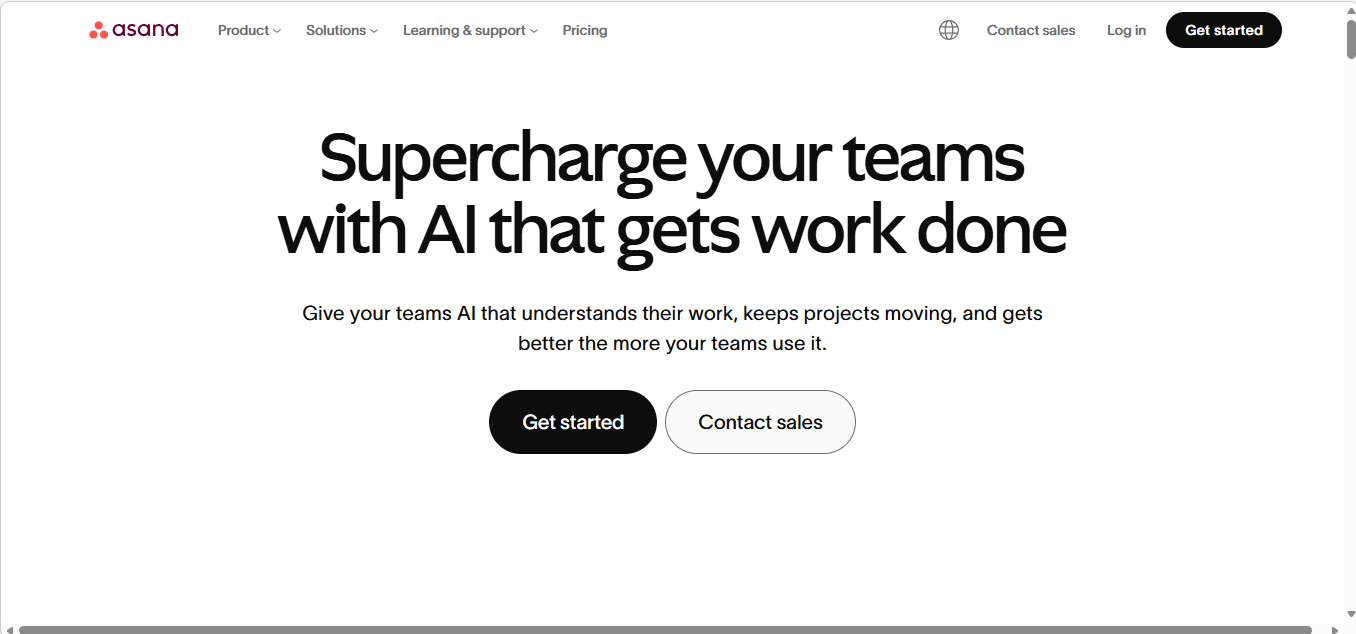
Asana is among the most widely used project management platforms for event teams that need task tracking without the overhead of a purpose-built event tool. Its timeline and workload views, native support for task dependencies and a well-developed library of project templates make it well suited to the multi-phase planning timelines that complex events typically require. Asana connects natively with Slack, Google Workspace, Zoom and a large number of other platforms, and works best for teams where sequencing and cross-departmental task assignment are the primary coordination challenges.
Monday.com
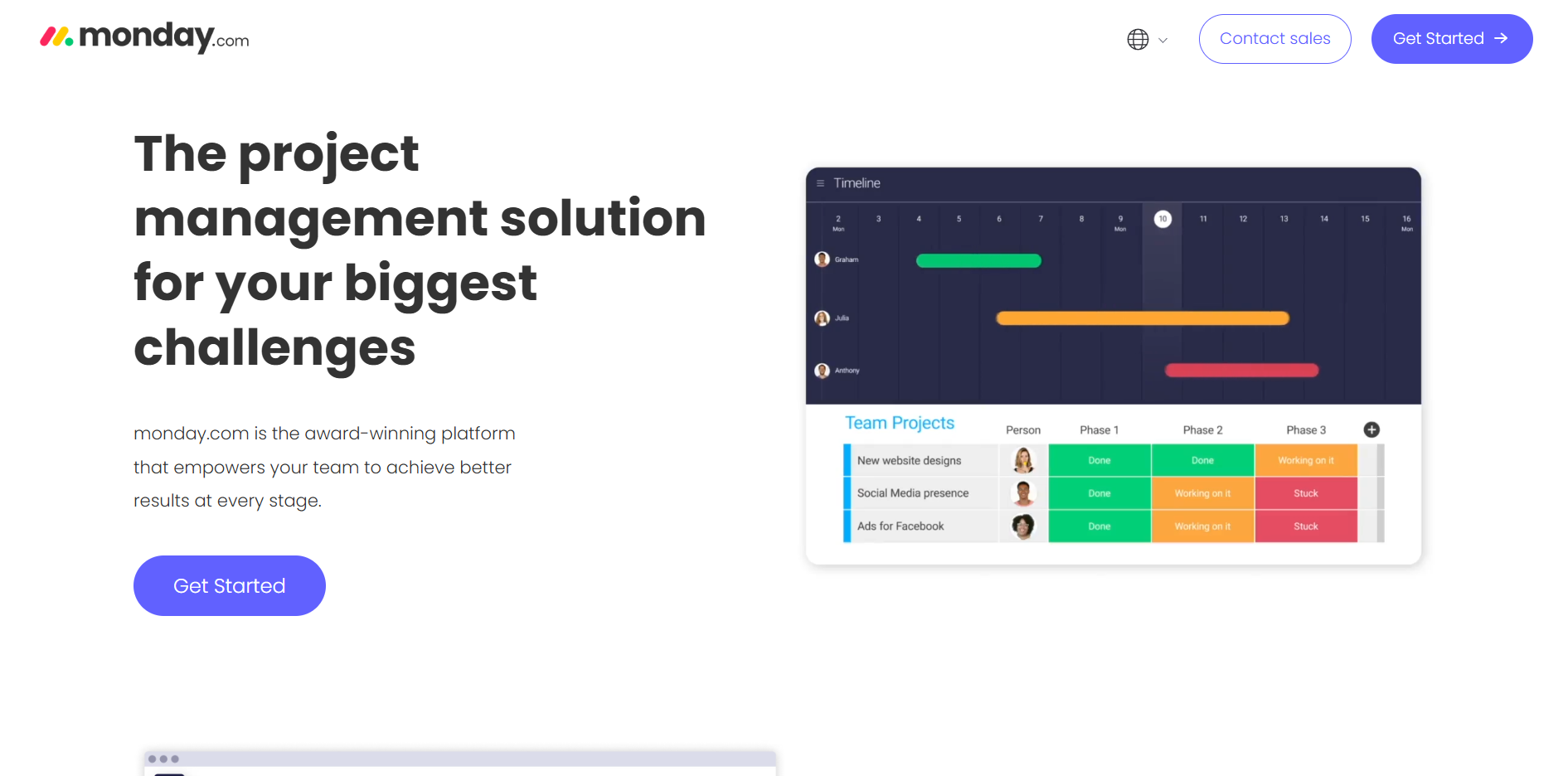
Monday.com takes a visual-first approach, with customizable boards organized around color-coded status columns and automation rules that can trigger notifications based on conditions the team defines. Event teams use it for everything from vendor deliverable tracking to marketing campaign timelines. Monday.com offers a dedicated Events template that pre-structures the board layout most planning teams would otherwise spend time building from scratch.
ClickUp
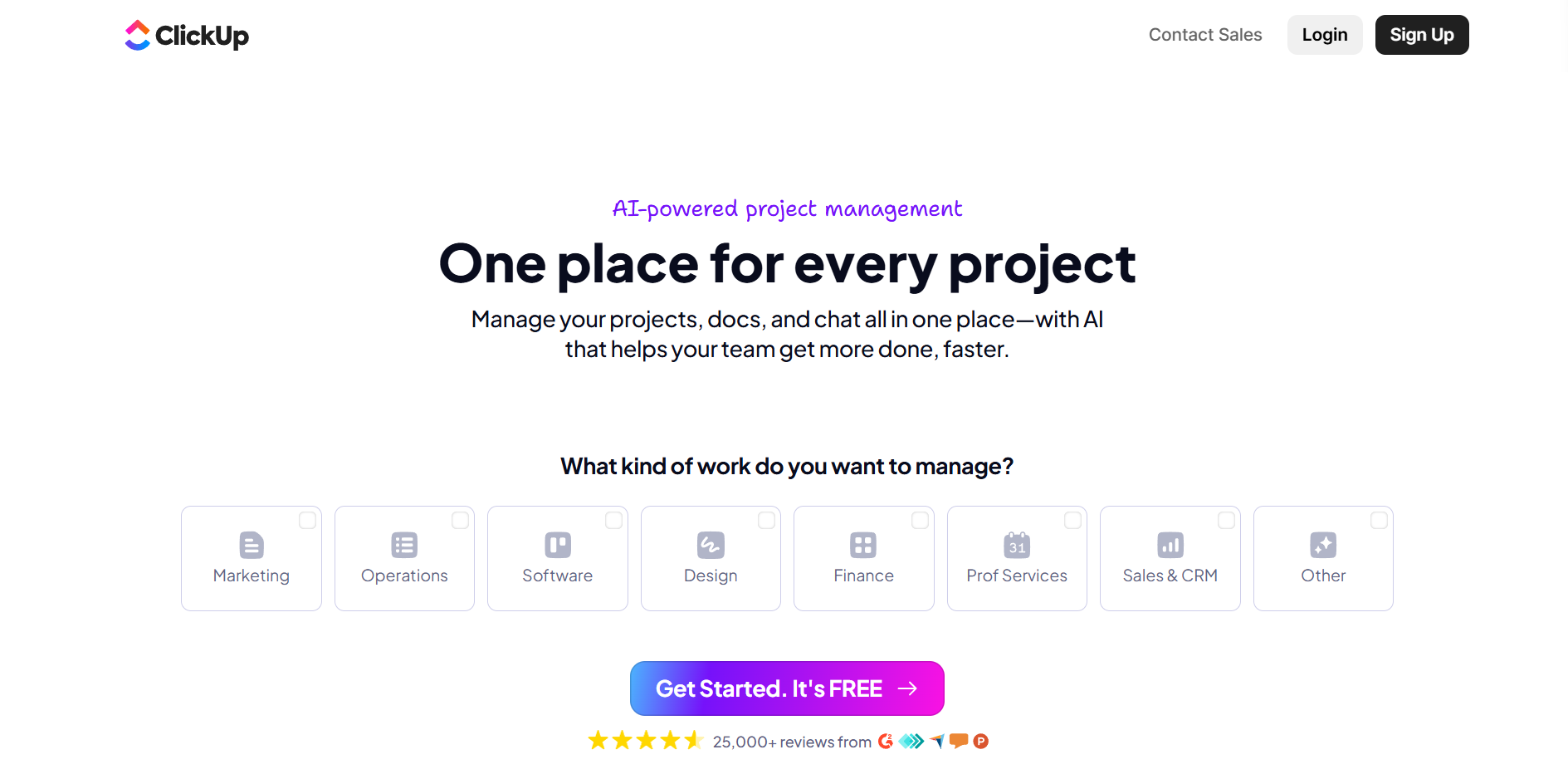
ClickUp positions itself as a consolidated productivity platform, combining tasks, documents, goals, in-app chat and time tracking in a single interface. For event teams looking to reduce the number of separate tools they manage, ClickUp’s range makes it worth considering. It supports multiple task views, including list, board, calendar, Gantt and timeline, allowing different team members to work with the same underlying data in whichever format suits their role. The initial setup effort is considerable. Teams that invest in it tend to find the consolidation worthwhile.
Trello
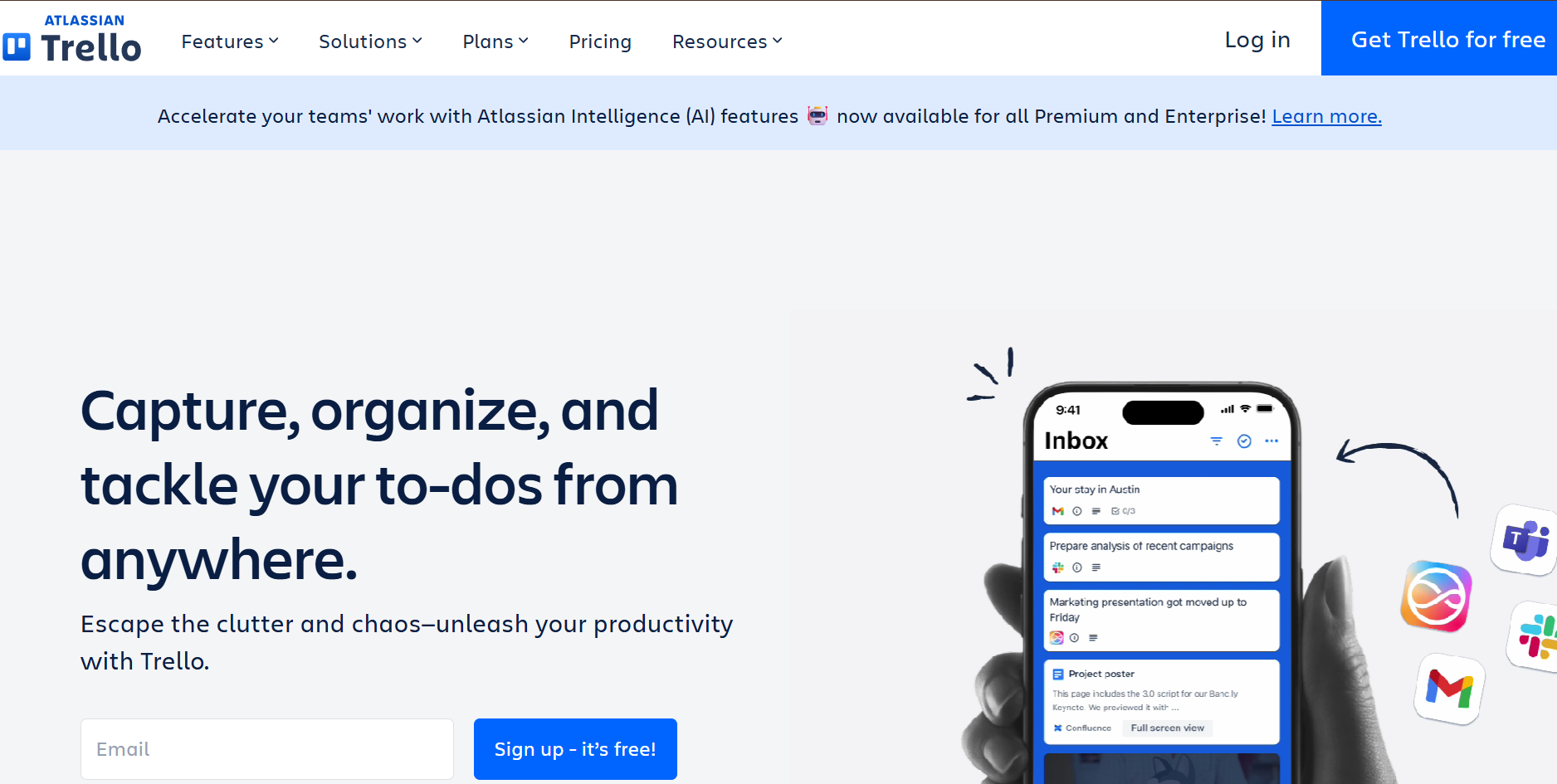
Trello uses a Kanban board structure that maps onto event planning workflows in a visually intuitive way. Cards move across columns as their status changes, giving the team a real-time overview of where each item stands. Trello’s simplicity is its greatest asset for teams with uncomplicated planning needs and its most significant limitation for teams managing multi-track events with dependencies and approval hierarchies that a flat Kanban board cannot adequately make up for.
Communication Tools
Slack

Slack has become the default communication layer for a large number of event teams, particularly those managing distributed workforces or multiple simultaneous projects. Its channel-based structure organizes conversations by project, vendor category, function or topic, keeping discussions searchable without requiring anyone to excavate an inbox. Integrations with Asana, Google Docs, Zoom and event management platforms allow updates in one tool to surface automatically in Slack. The guest access feature enables external collaborators to participate in designated channels without accessing the broader workspace.
Microsoft Teams
Microsoft Teams combines messaging, video conferencing and file collaboration within a platform built on the Microsoft 365 infrastructure. For organizations that already rely on SharePoint, OneDrive, Outlook and Excel, Teams functions as a natural extension of an existing environment rather than an addition to it. Event teams operating within enterprise Microsoft infrastructure frequently find that Teams covers enough of their communication and document collaboration needs to reduce or eliminate reliance on separate tools for those functions.
Event Management Platforms
Dryfta
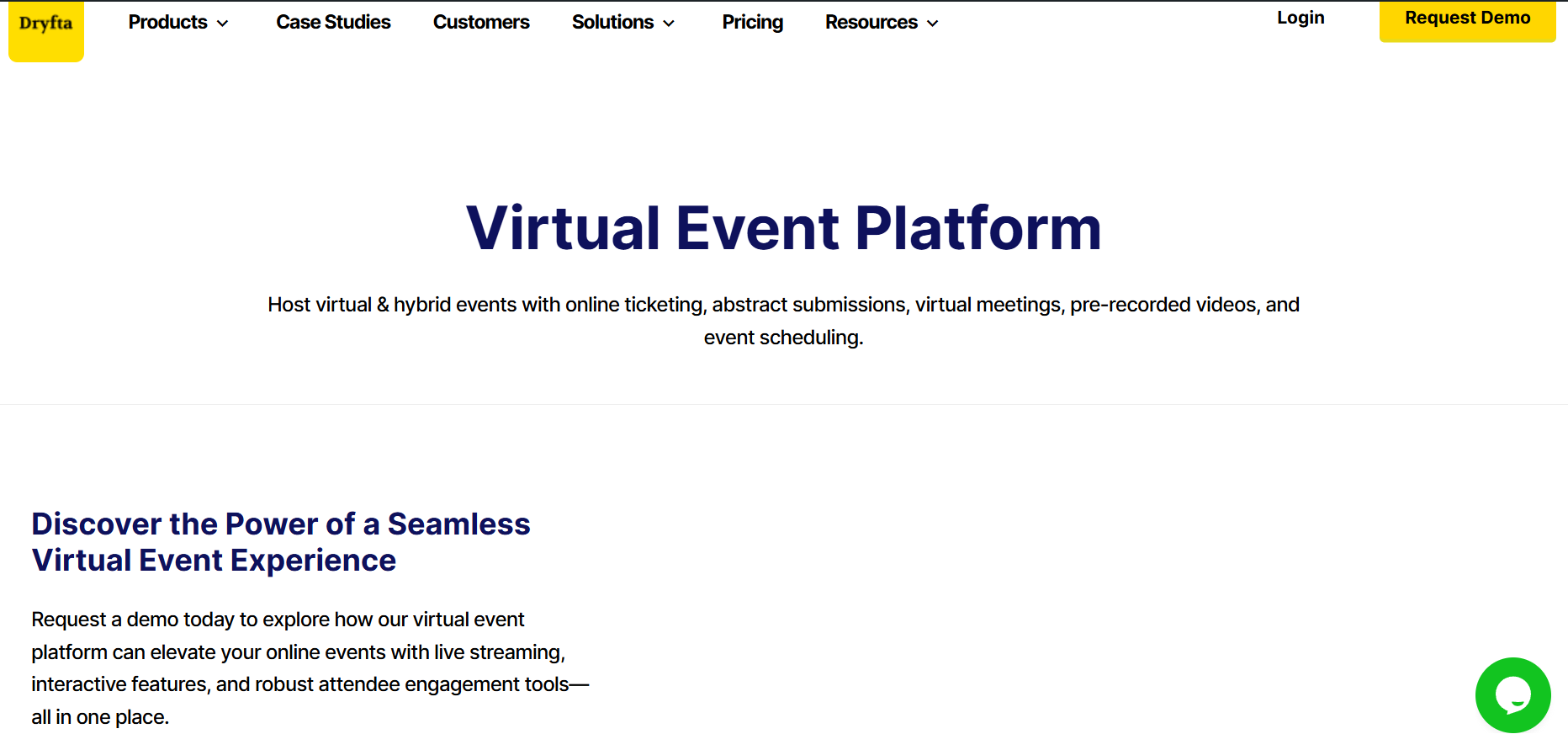
Dryfta is a purpose-built event management platform covering the full event lifecycle, from registration and abstract submission through speaker management, sponsor coordination, event websites, mobile event apps and hybrid session delivery. The distinction between Dryfta and general-purpose project management tools adapted for events is a meaningful one. Where the latter requires teams to build event-specific functionality on top of a generic architecture, Dryfta is organized around the workflows that event organizers actually run. Its centralized dashboard provides every stakeholder category, including organizers, speakers, sponsors and attendees, with a role-appropriate interface that surfaces what each party needs without exposing what they do not.
Cvent
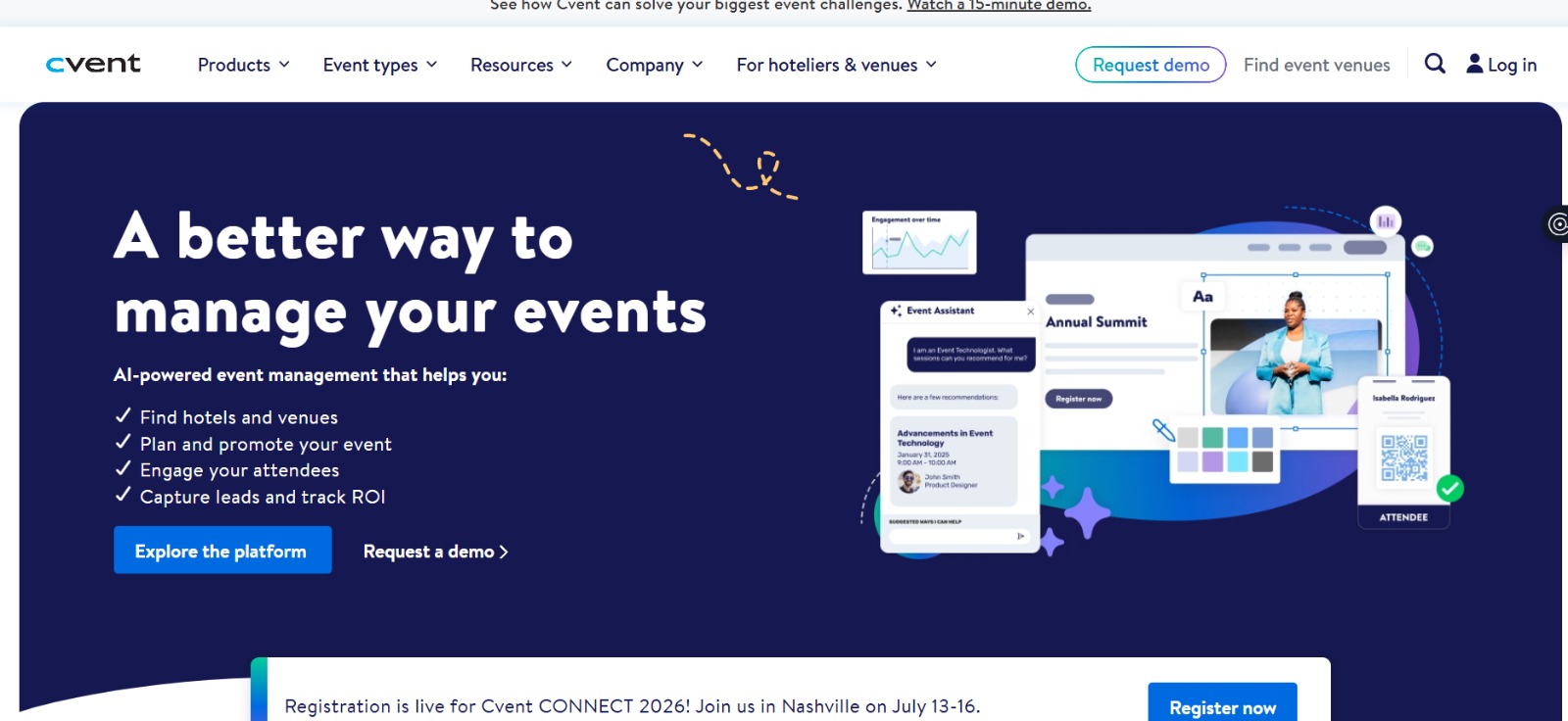
Cvent is an enterprise event management platform with broad adoption among large organizations managing high-volume event portfolios. Its feature set covers venue sourcing, event marketing, registration management, mobile event apps and post-event analytics in a single environment. Cvent is most appropriate for corporate event teams managing dozens of events annually with complex procurement processes and institutional compliance requirements that smaller platforms may not fully accommodate.
Whova
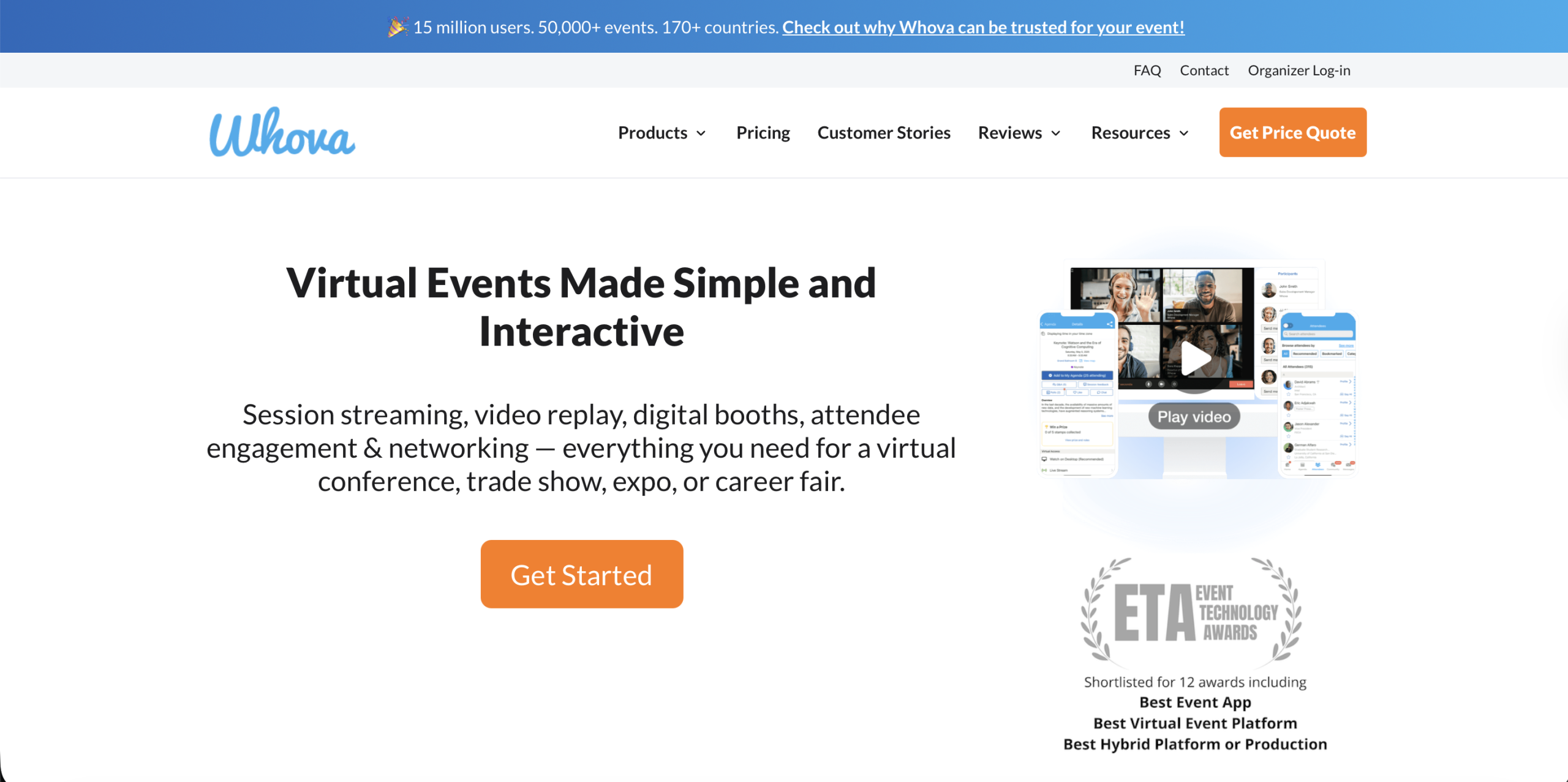
Whova is oriented primarily toward attendee engagement and event networking. Features including interactive agendas, in-app messaging, community boards and exhibitor management make it particularly well suited to academic and professional conferences, where the value of the event is distributed between the formal programming and the networking that occurs around it.
Documentation and Collaboration
Google Workspace
Google Workspace combining Docs, Sheets, Slides, Drive and Meet, functions as the documentation backbone for a large number of event teams, particularly those that have not yet adopted a dedicated event management platform. Real-time co-editing allows multiple team members to work simultaneously on the same document, with changes visible to all, without the version control problems that attend emailed attachments. Shared drives organized by event provide a central, device-agnostic location for all planning assets.
Notion
Notion combines documents, databases and project views within a flexible, block-based workspace that event teams use to construct custom planning systems. The capacity to link related content, a speaker database connected to the session schedule, a vendor directory referencing the budget tracker, creates an information architecture that serves both day-to-day coordination and longer-term institutional knowledge building. Notion is particularly well suited to teams that want to document their processes alongside their operational work.
Event Planning Collaboration Tools Compared
| Tool | Best For | Task Management | Communication | Event-Specific Features |
|---|---|---|---|---|
| Dryfta | End-to-end event management | Strong | Yes | Registration, speakers, sponsors, apps, hybrid |
| Asana | Multi-phase task tracking | Strong | Limited | None |
| Monday.com | Visual workflow management | Strong | Limited | None |
| ClickUp | All-in-one productivity | Strong | Yes | None |
| Trello | Simple signboard-based workflows | Basic | No | None |
| Slack | Team communication | No | Strong | None |
| Microsoft Teams | Enterprise communication | Basic | Strong | None |
| Cvent | Enterprise event programs | Basic | Limited | Registration, venue, marketing |
| Whova | Attendee engagement | Basic | Yes | Networking, exhibitors, agenda |
| Google Workspace | Document collaboration | Basic | Yes (Meet) | None |
| Notion | Knowledge management | Basic | No | None |
How to Choose The Right Event Planning Collaboration Software
The selection of a collaboration platform is one of the more consequential operational decisions an event team makes, and it is often made in the least deliberate way: on the basis of what someone on the team already knows, or what a peer at another organization happened to mention. A more considered approach starts with the recognition that different tools are built for genuinely different conditions, and that what works exceptionally well for one team can be actively counterproductive for another.
- Team size: The number of people in your event team sits at the very bottom of your event planning collaboration software checklist. This is the first consideration you should make as everything else depends on it. If you are a 5-person team, well, say goodbye to sophisticated event collaboration tools. What you need are better interpersonal skills. Free event planning collaboration tools are everywhere, feel free to use them. But more specialized event collaboration softwares such as Dryfta exist to cater to bigger teams and larger events wherein manual spreadsheet tracking and email extensions just don’t suffice.
- Event complexity: Your assessment of your event’s complexity is what will shape your other collaboration needs. As an instance, a single-track half-day workshop might need only a fraction of the infrastructure that a multi-day hybrid conference with concurrent sessions, sponsor exhibitions and virtual attendance uses. It is important to not overdo your event collaboration and planning needs. Purchasing way beyond your event’s immediate scope is simply a waste of money and other resources.
- Task management requirements: This deserves more scrutiny than event planners are ready to give them. Basic task lists with due dates are adequate for events with linear planning timelines. Complex events, particularly those with interdependent workstreams, benefit from platforms that support task dependencies, sub-task hierarchies, workload distribution views and completion dashboards that surface the state of the entire project at a glance.
- Communication features: Look for features that will prove valuable for your team. The features that come with your event collaboration software are genuinely useful insofar as the whole team uses them. A platform with sophisticated messaging capabilities that half the team ignores in favor of email has not improved collaboration; it has added one more location to check. The most effective tools here are those with notification controls calibrated precisely enough to surface what people need, without generating the kind of noise that drives disengagement.
- Integrations: It determines whether your event planning software functions as the operational center of your team’s work or as one more silo in an already disconnected stack. A tool that connects natively with Google Workspace, Stripe and Zoom eliminates the manual data transfers that are themselves a primary source of the errors that collaboration platforms are supposed to prevent.
- Mobile accessibility: Mobile accessibility and compatibility is a key concern for event planners today. The final days before an event, and the day itself, require decisions and communication in conditions that are quite incompatible with sitting at a desk. A platform that’s fully functional on a phone is a materially different operational asset from one that is merely usable on a phone.
- Reporting capabilities: Misreproting is a commonly cited challenge in team collaboration. To avoid this, reporting capabilities come as part of modern event collaboration softwares and serve both accountability during planning and institutional learning after it. Useful reports cover task completion rates, registration volume over time, attendee demographics, session attendance patterns and sponsor return on investment. Teams that cannot measure their events are limited in their capacity to be able to improve them. Therefore, look out for event collaboration softwares that offer provisions for data collection, analysis and post-event reporting.
- Budget: Here is an aspect that many event planners leave out when choosing an event planning software. They lock in budgets based on only the upfront figure that the platform advertises only to realize that they forgot to account for things such as the cost of adoption. The budget also includes other indirect costs that add up, including investing in training for employees, integration configuration and potential data migration. To work in the most cost-effective way, choose a platform that has a relatively small or no learning curve, where adoption is easy and self-evident.
Event Management Software vs Project Management Tools
The differences between these two categories is something that event teams frequently underestimate when choosing tools for the first time. Often used synonymously, it is worth being precise about what each truly offers.
Project management platforms like Asana, Monday.com, ClickUp and Trello are built around a universal model of work coordination. Tasks. Deadlines. Dependencies. Team communication. They handle all of this without assuming anything specific about the nature of the work being managed. That generality is genuinely useful. Event teams can construct custom workflows, adapt existing templates and connect these tools to other systems. The constraint is equally real. Every event-specific process must be configured from scratch. No built-in registration form. No speaker submission portal. No session scheduling engine. No attendee-facing application. A team using a project management tool for event coordination is, in practical terms, building the functionality of an event management platform on top of a generic task architecture. It takes time to build and effort to maintain.
Event management platforms, on the other hand, are purpose-built for the specific workflows that events require. Dryfta, Cvent and Whova include registration and ticketing as standard. They manage the submission and review of session proposals. They give speakers dedicated self-service portals. They support attendee engagement before, during and after the event. They produce analytics covering registration trends, session attendance and revenue by ticket category, without requiring teams to build custom reporting infrastructure. The attendee experience, the sponsor experience and the speaker experience are all treated as first-class functions of the platform, not afterthoughts.
The practical implication to this is noteworthy. Teams that are planning simple, occasional events with linear coordination requirements can mostly manage effectively with a project management tool and something like Google Workspace. But for bigger teams planning conferences, trade shows, academic symposia or multi-track events with hybrid attendance, a purpose-built event management platform can work wonders. It takes off the coordination overhead that undermines many events and allows for attendee and stakeholder experiences that cannot be matched with just manual teamwork.
Why Event Teams Choose Dryfta
Event teams who have grown tired of repeated misreporting, miscommunication and disconnected workspaces find Dryfta at the just the right time. Dryfta is a modern event planning software that is built to make event planning fun again rather than something you dread and avoid like the plague. Dryfta’s features let you begin each day of planning your event in a coordinated manner. You return, day after day, to the same workspace. You are able to update your progress and cross-verify that of your teams via dashboards that are accessible to all. At Dryfta, we don’t believe in information silos or disjointed remote workspaces. The coordination overhead that accumulates when these functions are managed separately is, in Dryfta’s architecture, replaced by a unified operational environment. Forthcoming patterns show us that event planners are pumping money into collaboration tools for event planning more than ever.
Research by SchedulingKit notes that 65% of organizations with 500+ employees were investing significantly into event planning workflows to support collaboration of growing operations.
Why are these enterprise-grade companies investing into event planning collaboration tools? Well, because they know that it leads to better performance outcomes for their employees.
Gitnux reports that 81% of employees report feeling more involved in their work when workspaces incorporate event planning collaboration tools.
And event organizers investing into collaboration tools for event planning appear to have a certain preference, one that platforms like Dryfta have mastered down to a T.
The same study by SchedulingKit also made another important inference, that modern corporate event planners are increasingly preferring all-in-one event collaboration software. 72% of corporate executives know that working with a bunch of tools is no fun. Therefore, they’re opting for unified solutions.
Speaking of unified, all-in-one solutions, we’d like to introduce you to the capabilities and features offered by Dryfta below:
- Centralized event planning: This means that every team member, whether managing sponsors, coordinating speakers, running registration or overseeing the event website, works from and contributes to the same admin management portal. There is no reconciliation required between systems. And zero version confusion. No critical information exists only in one person’s inbox.
- Registration management: Dryfta’s comprehensive registration tools cover ticket types, pricing tiers, discount codes, group tickets and payment processing without requiring third-party integrations for basic functionality. Custom registration forms allow organizers to collect precisely the information they need, and the resulting data populates the attendee database directly.
- Speaker management: Our intelligent platform gives speakers a dedicated self-service portal through which they can submit session proposals, upload presentation materials, complete profile information and monitor the status of their submissions. Organizers can communicate with speakers individually or in the aggregate, assign sessions to time slots and manage the full speaker lifecycle without navigating between platforms.
- Sponsor management: Centralized sponsor contracts, asset delivery and communication that is made available within a single environment. Sponsors access their own portal to submit logos, company descriptions and other required materials, which reduces the back-and-forth that typically absorbs a disproportionate share of coordinator time in the weeks before an event.
- Team collaboration: Team collaboration features include role-based permissions that give organizers precise control over who can access and modify which areas of the platform. Co-organizers, volunteers and external vendors can be granted appropriate levels of access without exposing registration financials or sensitive operational data to parties who do not require it.
- Event websites: These can be built and published directly within Dryfta, with pages for the schedule, speakers, sponsors and registration that update automatically as the underlying data changes. The event website to be created draws from the event database itself and is therefore not a separate system needing extra synchronization.
- Mobile event app: At Dryfta, we acknowledge the importance of a dedicated mobile app for peak functionality for both organizers and attendees alike. Therefore, we host a native mobile application that is available for download across app platforms in IOS, android and equivalent. Because the app draws from the same data that you manage in the Dryfta backend, updates to the schedule or speaker lineup appear in real-time, without any additional publishing step.
- Communication workflows: Includes automated email sequences for registration confirmations, pre-event reminders, speaker notifications and post-event follow-ups and engagement. These sequences are configured once and allowed to run, preserving the team’s attention for communications that genuinely require a human judgment call.
- Event analytics: Intelligent and data-based infrastructure cover registration volume over time, ticket revenue by category, session attendance, mobile app engagement and attendee demographics. These event analytics reports are accessible during the event as well as after it. Organizers can act on what they are seeing in real time and enter the debrief phase with a complete record rather than a reconstruction.
- Hybrid and virtual event support: Dryfta accommodates in-person, virtual and hybrid formats within the same platform and offers steady support for the same event record. Live streaming, virtual session management, online networking and digital engagement tools are built in. They are not add-ons requiring separate subscriptions and separate coordination.
For teams that have reached the point where their current tool stack is generating more coordination problems than it resolves, Dryfta is offering the consolidated infrastructure that your next event needs. And this is without the overhead of having to build it from scratch. Would you like to centralize your event functions and bring your entire event under one roof? Book a free demo with Drfyta today to see how our event collaboration software can help you manage registration, speaker management, sponsor coordination and attendee engagement from within a single, intuitive platform.
Final Thoughts
Event planning is a breeze when you have devices that empower your team, automate the monotonous tasks, and keep everything neat in one place. A collaboration tool gives you enough time to concentrate on producing a top-notch event.
Dryfta is a single platform that integrates most of these tools that an event planner could use, thus saving them from the hassle of using multiple apps. No matter if you have a university conference, a corporate event, a workshop, or an exhibition, Dryfta is there to assist you in the whole planning process every step of the way.
Start using the event planning tools that are the first choice of thousands of organizers all over the world. Why not give Dryfta a try today? Schedule your free demo and witness how simple your event planning can be!