Keep clients organized
Move between events and track what each client needs.
Event agencies
Support committees with abstract submissions, peer review and scientific programs while your team manages registration, branding and delivery. Keep each client’s conference requirements and participant information together.
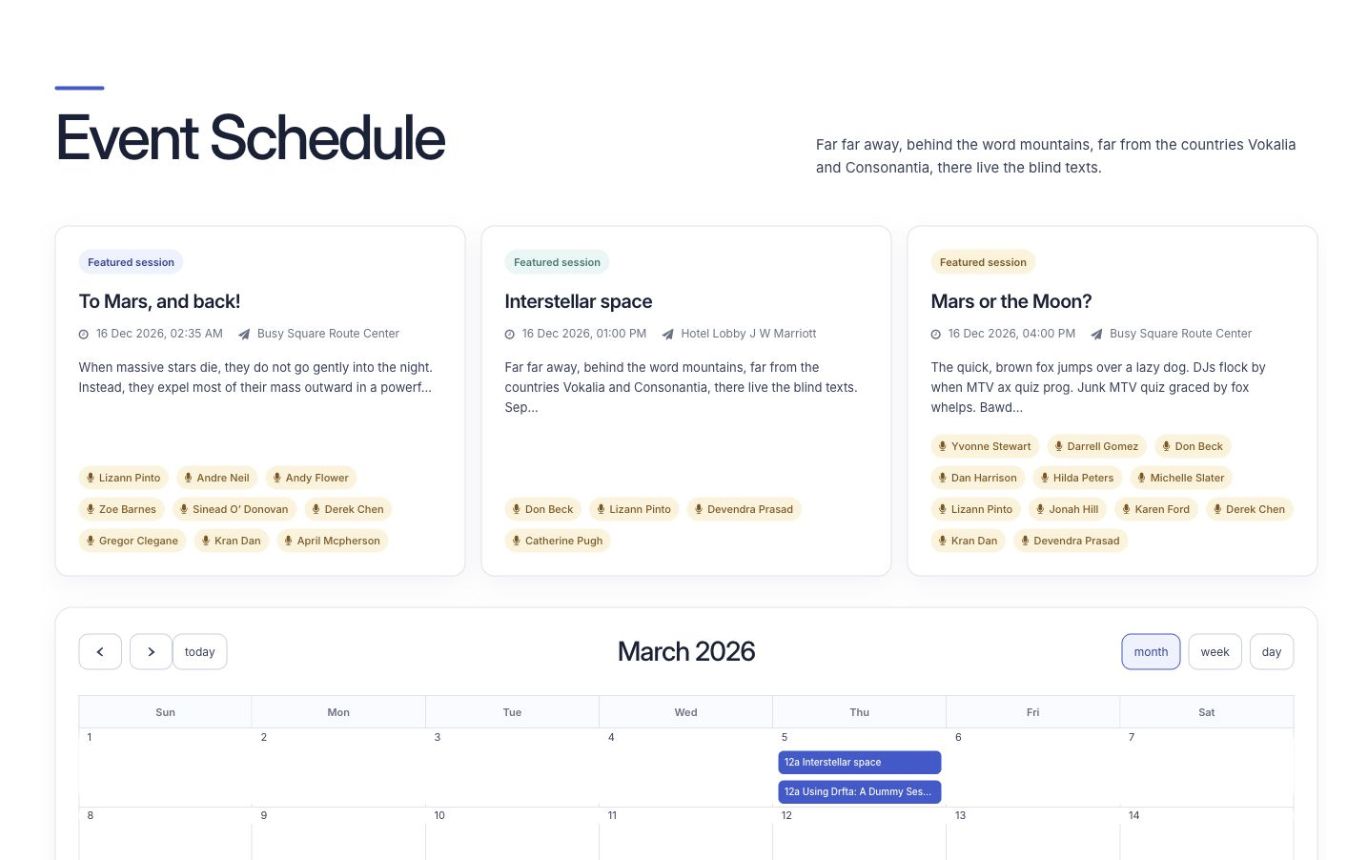
Move between events and track what each client needs.
Use event-specific branding, website addresses and content.
Share clear reports about registrations, attendance and activity.
Organizations that have used Dryfta




Working with clients
Use one dashboard to move between events and follow each client’s requirements.
Reduce repeated registration and payment tasks so your team can focus on planning and delivery.
Offer networking, an event app and personal schedules.
Assign roles and permissions so staff and partners know what they can manage.
Use readable reports to understand attendance, activity and event results.
Use supported API connections with your contact management and marketing tools.
Agree staff access, protected connections and payment and data-handling arrangements.
Use onboarding, troubleshooting and agreed support for setup and event changes.
Tools & features
Support your client’s research workflow and the practical work of running the conference in the same platform.
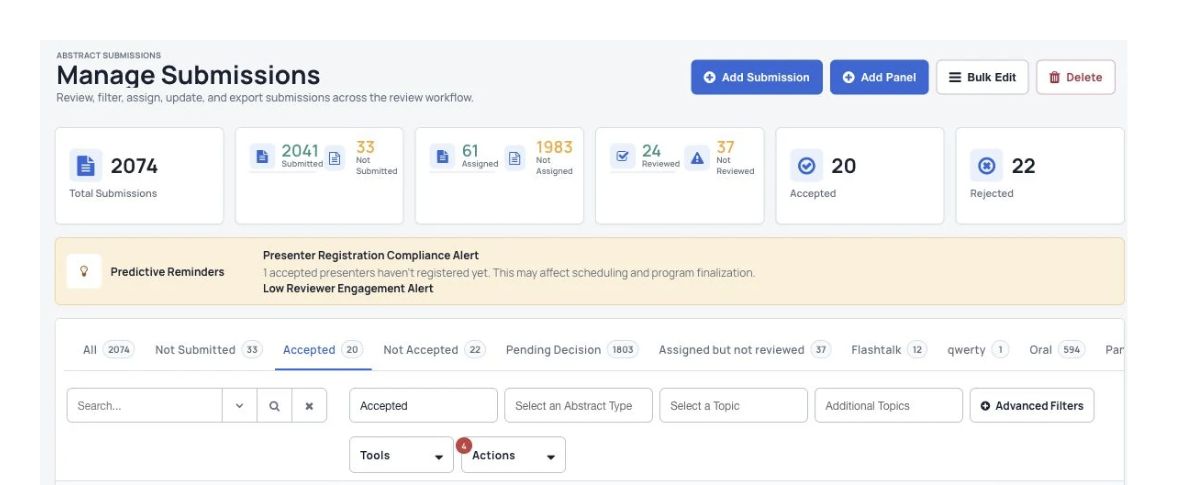
Collect different types of research submissions, assign reviewers and record committee decisions.
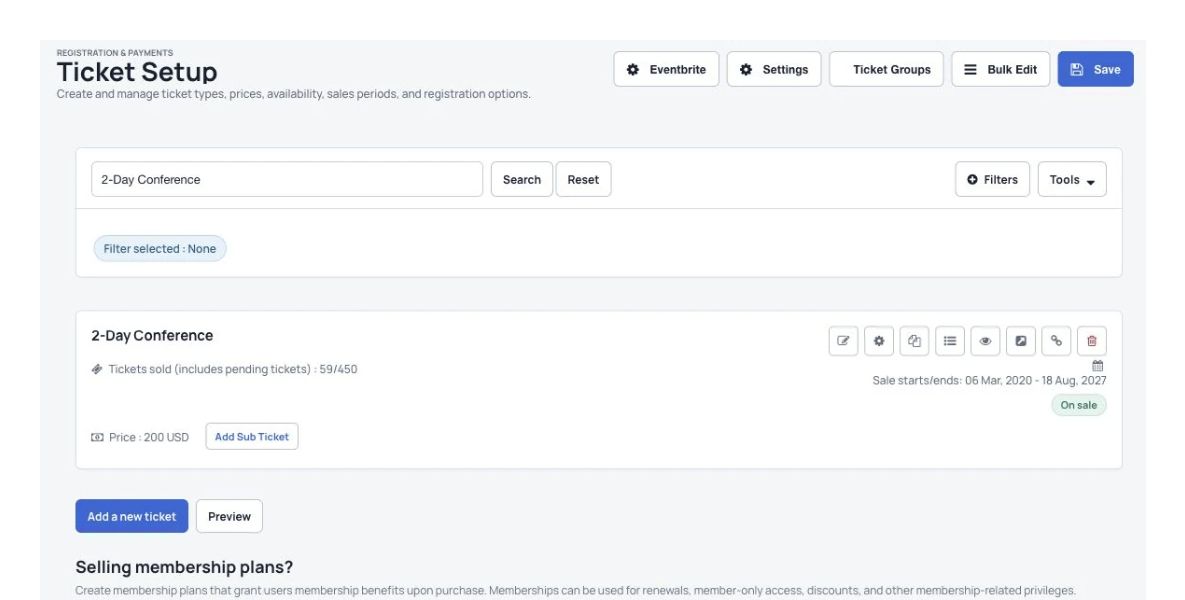
Collect the participant details, ticket choices and payments your conference needs.
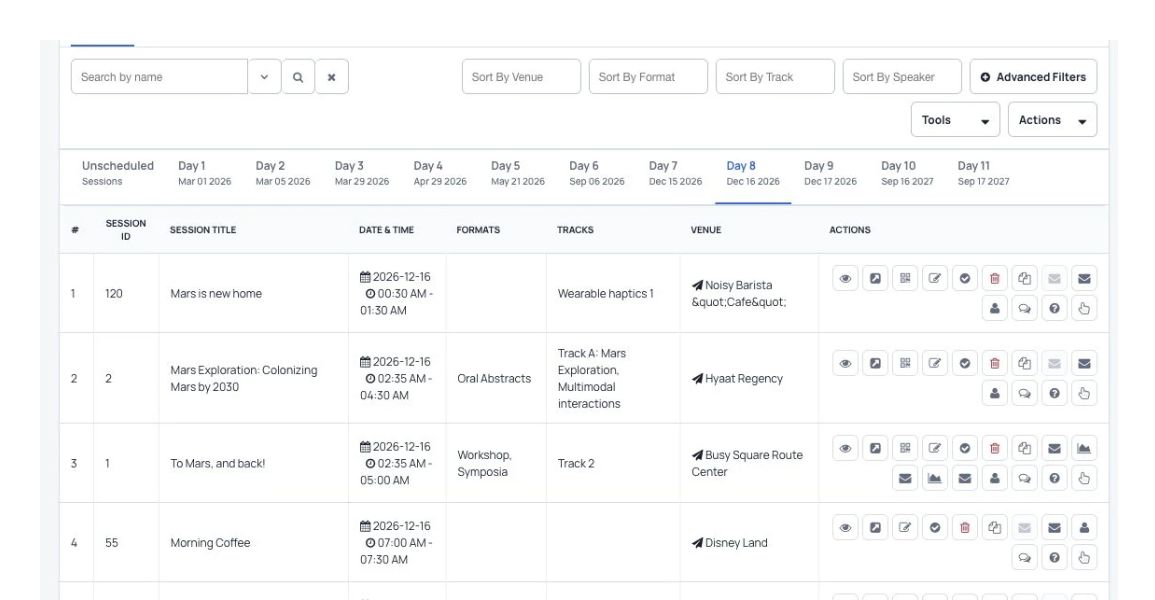
Arrange research sessions and help participants build personal schedules.
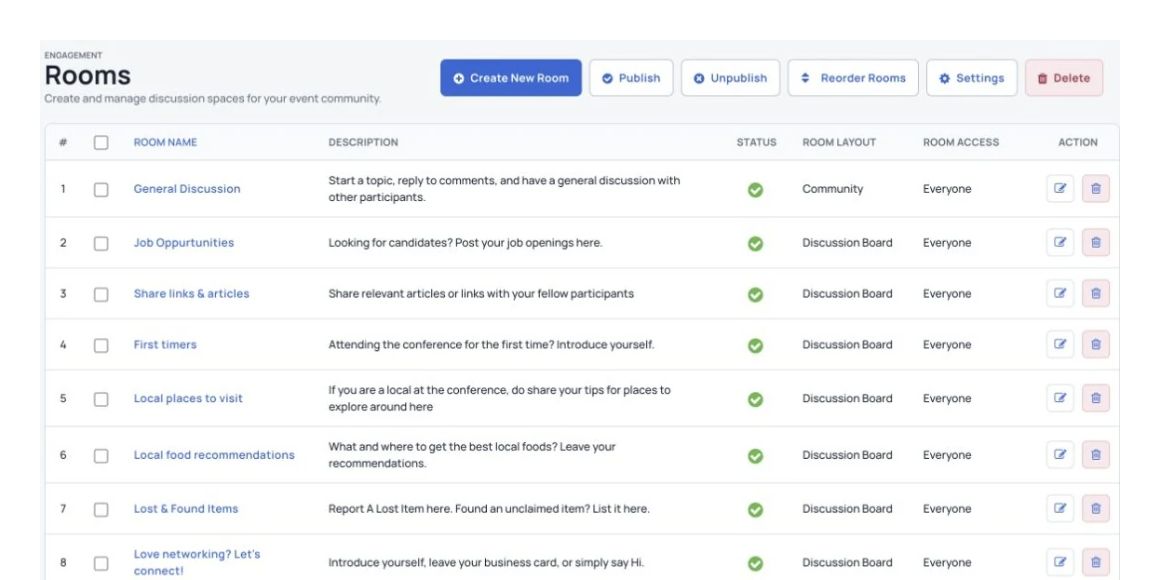
Connect people through private messages, live chat and research discussions.
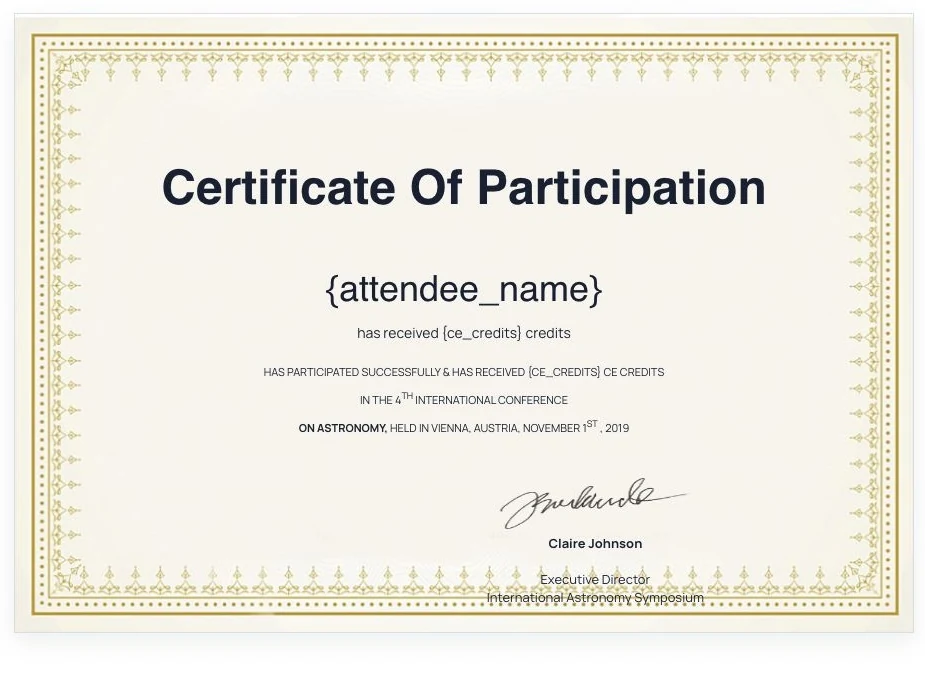
Create and send a record of participation to conference attendees and speakers.
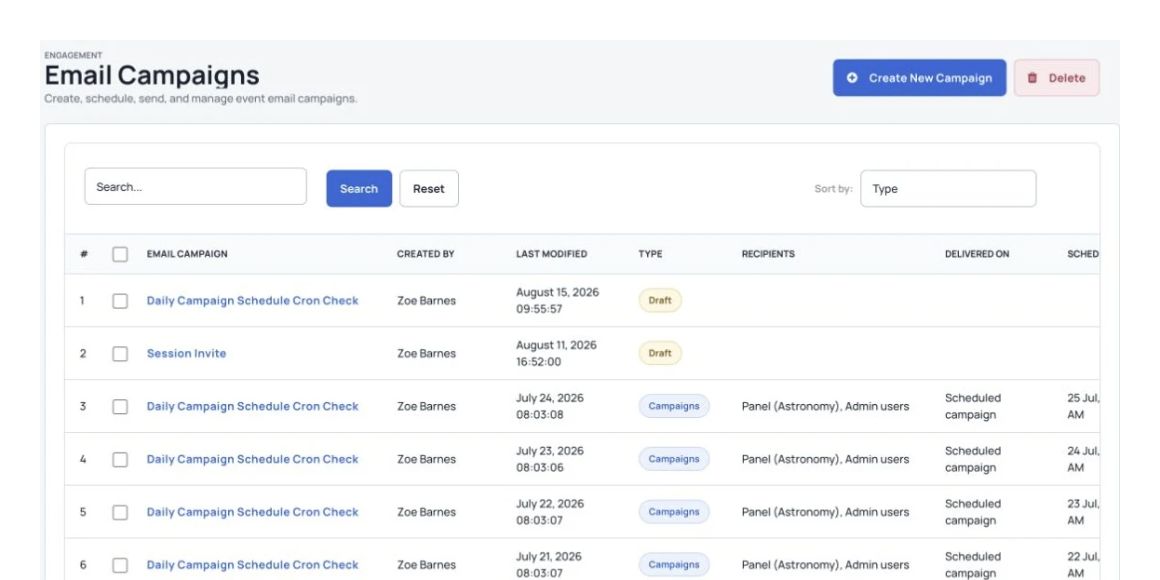
Send calls for abstracts, reminders and updates to the right groups.
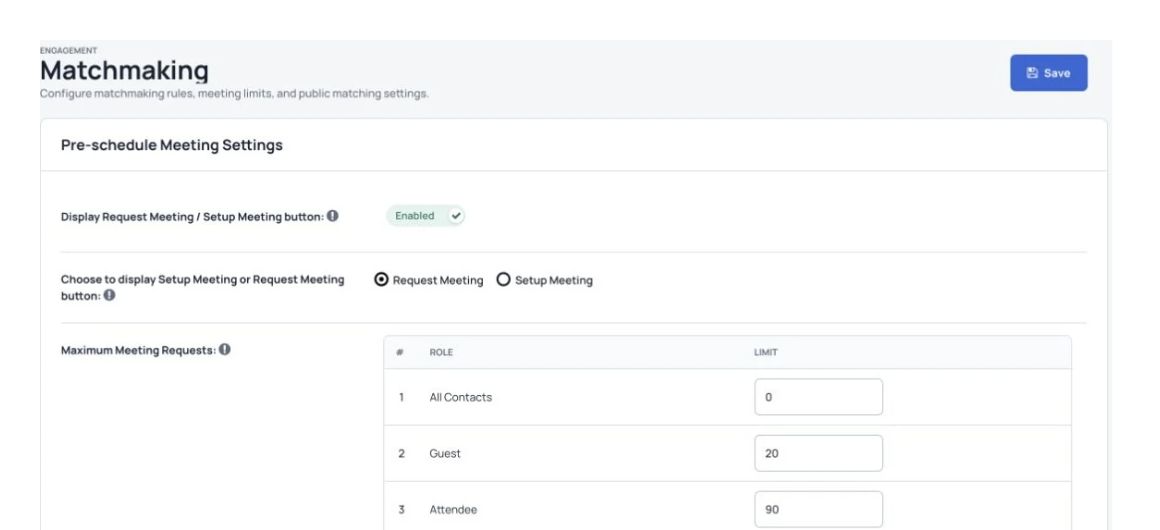
Help participants find relevant people and arrange one-to-one conversations.
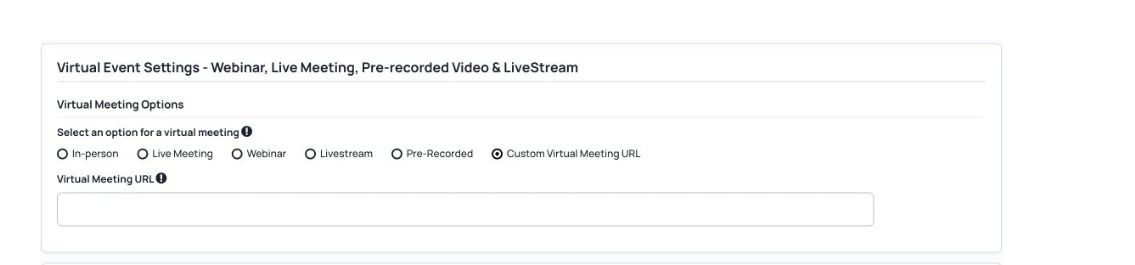
Include people joining remotely through live streams and interactive tools alongside the event at the venue.
Share recorded sessions for later viewing and configure continuing education credits where needed.
Collect donations for the causes your event or organization supports.

More useful tools
Use registration questions, ticket choices, discount codes and payment processing.
Manage abstracts, reviews and acceptance decisions in a clear process.
Plan sessions, manage speakers and share program changes.
Share personal schedules, live polls and networking through a branded app where included.
Give companies a place to manage profiles, booths and promotional information.
Coordinate speakers, proposals and live session questions.
Send personal email campaigns and timely app notifications.
Provide discussions, private messages and available AI matching.
Follow attendee activity, ticket sales and popular sessions.
Keep branding consistent across each client’s event.
Your organization’s priorities
Manage small company meetings and larger conferences. Agree capacity for each event.
Use automatic steps for registration, payments, messages, schedules and reports.
Choose the branding, content and tools each event needs.
Use supported live-streaming, networking and recording tools for online and hybrid events.
Use activity and attendee reports to improve the next event.
Security & hosting
Review current assurance information and agree the controls that apply to your event.
Review how your event will be hosted and recovered.
Understand payment processing and ongoing checks.
Agree the protection needed for your setup.
Help for your team
Send a question to the support desk from the contact button in your dashboard.
Subscriptions include two one-hour training sessions, with more available to purchase.
Use the tutorial videos and help articles to set up your event.
Join the Friday live demo and Q&A. Check the current session time with the team.
Your brand
Use Dryfta’s tools with the branding your participants recognize.
Use your own website address, logo, colors and wording.
Set up a branded event without building the software from scratch.
Spend more time on your events while Dryfta maintains the platform.
Get platform updates, security fixes and ongoing support.
Common questions
Have a question about your event? Let’s talk it through.
Yes. Use the central dashboard to switch between events and follow progress for each client.
Yes. Discuss the white-label setup, website address, colors and participant experience needed for each event.
Yes. Create ticket types, use discount codes and connect a supported payment provider.
Use networking, available AI matching, live polls, questions and answers, and the mobile event app where enabled.
Use supported integrations or the API to connect contact management, email marketing and other tools. Confirm the connection you need with the team.
Use the available automatic steps for registration, ticketing, email updates, scheduling and reports. Configure the rules for each event.
Choose staff permissions and review the hosting, encryption, payment processing and privacy arrangements for your clients. See the current security information.
The team provides onboarding, training and troubleshooting. Agree any priority or event-day support before your event.
See Dryfta for yourself
Tell us about your event and the tasks you want help with. We’ll show you how to do them in Dryfta.