
A hybrid conference rarely fails because someone cannot switch on a livestream. It fails in the seams: a remote attendee cannot find the right session, the room moderator misses questions from the online audience, or a schedule change reaches the mobile app but not the stream page.
The best hybrid event platforms close those seams. They give onsite and remote attendees different routes into the event while keeping registration, schedules, speakers, communication, engagement, and reporting connected behind the scenes.
This guide compares six platforms by the kind of event each suits best, the hybrid workflows it handles well, pricing visibility, and the compromises buyers should examine before signing a contract.
Editorial disclosure: Dryfta publishes this guide and is one of the platforms compared. We reviewed vendors’ official product, support, and pricing pages on September 23, 2026. We have identified a best-fit use case and a tradeoff for every option instead of naming one universal winner. We have not run identical hands-on tests of all six platforms, so confirm critical features, limits, and costs in a written proposal and a workflow-based demo.
Best hybrid event platforms at a glance
- Dryfta: Our leading choice for academic, research, and association conferences that want abstracts, peer review, registration, scheduling, onsite activity, virtual participation, and reporting in one cost-conscious workflow.
- RingCentral Events: Best fit for video-led event programs that value built-in production, networking, integrations, and post-event content reuse.
- vFairs: Best fit for expos, trade shows, career fairs, and exhibitor-heavy events that need virtual venues plus onsite technology.
- Zoom Events: Best fit for organizations already comfortable with Zoom that want to extend familiar video infrastructure into multi-session events.
- Airmeet: Best fit for marketing, community, and learning events where live interaction and facilitated networking are central.
- Swoogo: Best fit for event portfolios that begin with sophisticated registration, branded websites, automation, and connections to a chosen streaming provider.
Planning an entirely online event rather than a dual-audience conference? Use our separate virtual event platform guide. This comparison stays focused on events where people participate both onsite and remotely.
Hybrid event platform comparison
The matrix is split into three compact tables so it remains readable on mobile. “Unified analytics” means that onsite and remote activity can be reviewed in one reporting environment; it does not imply that every metric or integration is included in every plan.
Event fit and delivery
| Platform | Best fit | Onsite operations | Streaming |
|---|---|---|---|
| Dryfta | Academic, research, and association conferences | Registration, QR check-in, badge design and printing, mobile agendas, exhibitors, and lead retrieval | Interactive browser sessions plus livestream delivery; confirm credits, concurrent sessions, and audience scale |
| RingCentral Events | Video-first event portfolios and branded broadcasts | Onsite registration, mobile app, badge printing, floor plans, and lead capture on eligible plans | Built-in production studio and multi-track video; hybrid and onsite formats require Pro+ or Enterprise |
| vFairs | Expos, trade shows, career fairs, and sponsor-heavy events | QR check-in, kiosks, badges, mobile app, floor maps, lead retrieval, and onsite support | Live stages, breakout sessions, replays, and a virtual venue with vendor-supported delivery options |
| Zoom Events | Organizations already standardized on Zoom | Hybrid mobile tools can support maps, QR-based session access, chat, Q&A, and reactions; confirm the required plan | Familiar Zoom video for single sessions through multi-track hybrid conferences, with backstage and recording options |
| Airmeet | Engagement-led marketing, community, and learning events | Mobile app and onsite check-in are included in the Events offering; other hybrid controls may be add-ons | Multi-track stages, backstage controls, RTMP and social streaming, automated sessions, and replay |
| Swoogo | Registration-led portfolios running many events | Go Onsite check-in is included; advanced badging and onsite features are available as upgrades | Responsive Event Hub with connections to streaming providers rather than a production-first native studio |
Engagement, data, integrations, and accessibility
| Platform | Audience interaction | Networking | Unified analytics | Integrations and accessibility |
|---|---|---|---|---|
| Dryfta | Polls, Q&A, chat, forums, notifications, and surveys | Profiles, matchmaking, private messaging, video calls, and scheduled meetings | Connected registration, program, check-in, session, and engagement reporting | API and event-stack integrations; Dryfta publishes accessibility and security information, but buyers should validate their specific standards |
| RingCentral Events | Chat, Q&A, polls, reactions, expo areas, and branded engagement | Attendee profiles, direct messaging, meetings, and networking spaces | Registration, attendance, engagement, and content-performance reporting in the event environment | More than 40 integrations; confirm captioning, identity, security, and accessibility requirements by plan |
| vFairs | Shared polls and Q&A, live feed, gamification, booths, and replays | Chat, scheduled meetings, breakout rooms, speed networking, and AI matchmaking | Onsite and remote attendance, session, networking, and sponsor activity in one dashboard | CRM and marketing integrations; vFairs publishes WCAG-oriented features and VPAT evidence, with some accessibility services sold separately |
| Zoom Events | Chat, Q&A, polls, reactions, resources, sponsor areas, and recordings | Event lobbies, profiles, chat, and meeting tools | Event, session, attendance, and engagement analytics within the Zoom ecosystem | Zoom and third-party app ecosystem; confirm captions, interpretation, SSO, privacy, and mobile accessibility for the selected configuration |
| Airmeet | Interactive stages, Q&A, polls, breakout rooms, announcements, and social lounges | Tables, direct conversations, scheduled meetings, and community spaces | Registration, session, engagement, cohort, and hybrid-attendee reporting, depending on plan | CRM, marketing, Zapier, and API options; closed captions are listed, while live translation through Interprefy and some controls may be add-ons |
| Swoogo | Personalized agendas, chat, meetings, and sponsor interactions; richer engagement can come from integrations | One-to-one and one-to-many meetings in its event experience | Native event reports plus connected CRM and analytics workflows | 30+ included integrations, REST API, and webhooks; validate WCAG/VPAT needs and the accessibility of the chosen streaming provider |
Pricing and primary limitation
| Platform | Pricing model | Primary limitation to verify | Last verified |
|---|---|---|---|
| Dryfta | Annual and pay-as-you-use options without a required long-term contract; setup, data migration, two training sessions, and 24/7 email support are included | Virtual-session credits, event app, SSO, live chat, phone support, and some scale requirements may add cost | September 23, 2026 |
| RingCentral Events | Events Pro starts at $99 per organizer per month; hybrid and onsite capabilities sit in higher tiers | Organizer seats, organization structure, hybrid tier, integrations, and event-day support | September 23, 2026 |
| vFairs | Custom annual or per-event packages based on format, features, and volume | Attendees, booths, sessions, accessibility, managed services, and onsite add-ons | September 23, 2026 |
| Zoom Events | Subscription, capacity-based, pay-per-attendee, and custom options depending on product and license | Required base licenses, attendee capacity, production support, onsite tools, and add-ons | September 23, 2026 |
| Airmeet | Attendee-based plans; the Events tier is quote-based, with managed events priced separately | Hybrid controls, attendee data, SSO, translation, file management, and ticketing fees by package | September 23, 2026 |
| Swoogo | Professional starts at $11,800 per year per full user with unlimited events and registrations; Enterprise is custom | Mobile app, advanced onsite features, SSO, services, and the separate video-production stack | September 23, 2026 |
A platform can support hybrid events without being the right platform for your hybrid event. Use the table to create a shortlist, then make each vendor demonstrate your most difficult workflow with realistic data.
What makes a platform genuinely hybrid?
Putting a camera at the back of a room creates a broadcast, not a complete hybrid experience. A genuine hybrid platform coordinates two attendee journeys without forcing the event team to operate two disconnected events.
Look for five forms of continuity:
- One registration record: The system knows whether a person is attending onsite or remotely and gives them the correct tickets, fields, communication, and access.
- One authoritative program: A room change, speaker update, or cancelled session appears consistently on the website, mobile app, personalized agenda, and virtual venue.
- Shared participation: Remote questions, polls, chat, and networking should not feel like a side channel that moderators remember only when time permits.
- Connected onsite and online data: Check-ins, session attendance, stream views, meetings, and engagement should be reportable without days of spreadsheet reconciliation.
- A workable failure plan: Organizers need rehearsals, speaker checks, moderator controls, support routes, recording, and a documented response when a feed or connection fails.
The important word is not “virtual.” It is “connected.”
How we evaluated these hybrid event platforms
We reviewed each option across the work that conference teams actually have to complete:
- Audience management: registration paths, ticket types, permissions, communication, and switching between onsite and remote attendance.
- Program delivery: multi-track scheduling, rooms, streams, recordings, speaker preparation, and on-demand access.
- Participation parity: chat, Q&A, polls, matchmaking, meetings, mobile access, captions, and other accessibility considerations.
- Onsite operations: check-in, badges, room attendance, mobile agendas, exhibitor tools, and lead capture.
- Data and integrations: reports, APIs, CRM and marketing connections, exports, permissions, and security evidence.
- Total operating cost: licensing, attendees, organizers, streams, apps, hardware, implementation, support, and services.
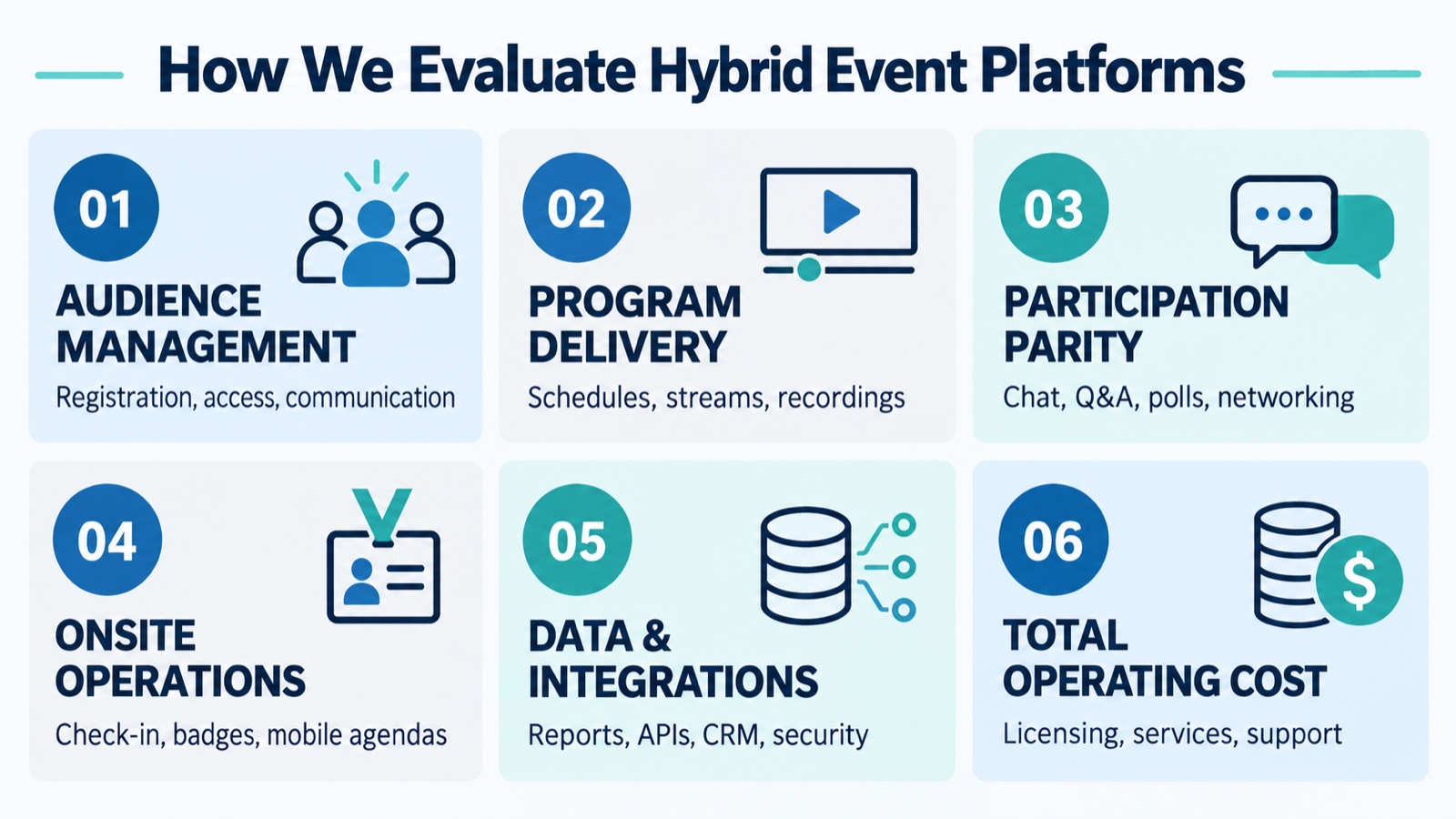
The six criteria used in this comparison.
We also considered whether a platform solves the months of work before and after the livestream. That distinction matters for conferences with submissions, reviewers, speakers, exhibitors, certificates, or complex programs.
6 Best Hybrid Event Platforms for Conferences
1. Dryfta: best for research, academic, and association conferences
Best fit: Conference teams that want the scientific or professional program, registration, onsite experience, remote participation, reporting, and support to remain part of one cost-effective system.
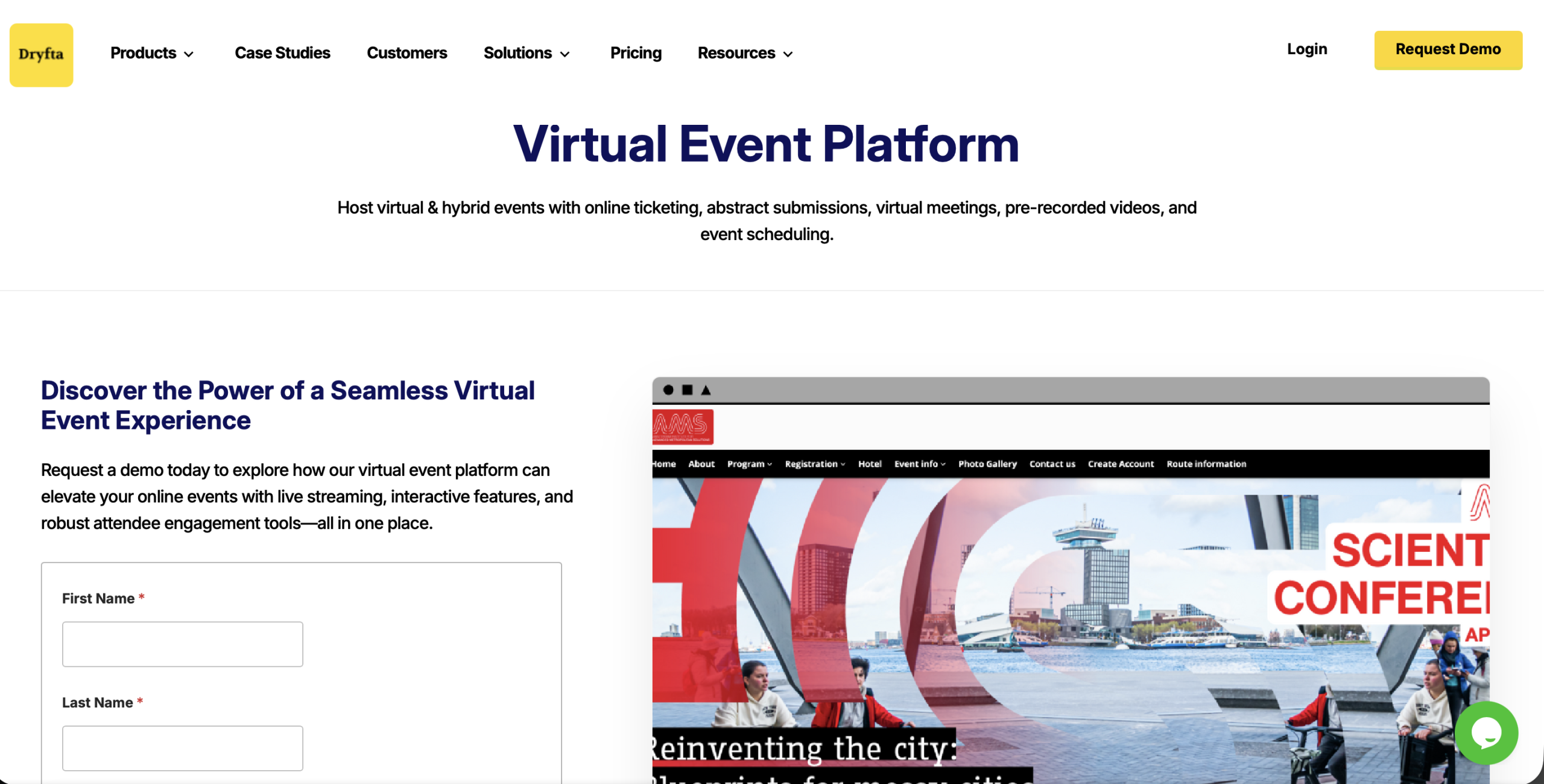
Dryfta hybrid and virtual event platform
For a research conference, the hybrid experience begins long before anyone enters a room or clicks “Join.” Authors submit work, reviewers evaluate it, organizers make decisions, accepted presentations become sessions, speakers upload materials, and attendees build personal agendas. Dryfta’s strongest advantage is that it connects this chain with ticketing, communication, mobile and web schedules, virtual meetings, live streams, polls, chat, Q&A, networking, check-in, and post-event content.
The Dryfta virtual and hybrid toolkit supports browser-based interactive meetings, recordings, livestreams, waiting rooms, personalized schedules, breakout discussions, and session engagement. Its published specifications list up to 500 interactive participants in a live meeting and up to 50 concurrent meetings. Larger broadcast audiences can use livestreaming rather than putting every viewer into the interactive meeting.
There is credible evidence behind that workflow. Dryfta reports that the International Association of Applied Linguistics used the platform for a 2023 hybrid congress with 1,500 attendees, including 500 virtual participants, after using it for a large virtual congress in 2021. That example is especially relevant to associations that need continuity between submissions, the program, and attendee participation rather than only a polished video stage.
Dryfta’s practical advantage is workflow continuity. The accepted-paper list, speaker profile, ticket record, mobile agenda, virtual-session permissions, onsite check-ins, and reports can remain connected instead of being reconciled across separate tools. For a lean conference team, that reduces duplicate data entry, integration work, and the risk of a last-minute mismatch.
Why Dryfta offers strong value
- Conference-specific depth: Abstract collection, multi-stage review, speaker administration, program building, ticketing, onsite tools, hybrid delivery, networking, certificates, and reporting sit in the same platform. Teams do not need to assemble a submission tool, registration system, agenda builder, event app, and virtual layer from unrelated vendors.
- Flexible purchasing: Dryfta publishes annual and pay-as-you-use options without a required long-term contract. Organizers can use their own payment gateway, and Dryfta says it does not add a ticket service fee; the payment processor’s normal fees still apply.
- Lower implementation burden: Free event setup and data migration are included with every plan, along with two live training sessions. That included work can materially improve total cost compared with a lower headline license that later requires paid implementation, migration, or basic training.
- Support before and during the event: Dryfta provides 24/7 email support, an extensive knowledge base and video library, weekly Q&A sessions, and direct onboarding help. Its support information also lists day-of-event assistance; organizations needing live chat, phone support, or additional training should include those items in their quote.
Cost and tradeoff to check: Dryfta is especially cost-effective when its connected workflow replaces several separate systems and the staff time required to reconcile them. Its pricing page includes setup and migration and states that there are no minimum usage requirements or hidden charges. The virtual-event toolkit uses separate credits, while the event app, SSO, white-label domain, live chat, and phone support can be optional costs. Ask for a written quote based on your sessions, attendee roles, support model, and onsite requirements so the comparison reflects total operating cost.
Our recommendation: If your conference manages abstracts or proposals and must serve onsite and remote attendees, put Dryfta first on the demo list. Its combination of research-conference workflows, flexible pricing, included onboarding, and ongoing support is difficult to match with a collection of point solutions.
2. RingCentral Events: best for video-first portfolios and content reuse
Best fit: Organizations running frequent branded webinars, virtual conferences, and hybrid events that want production, engagement, integrations, and reusable content in one video-led environment.
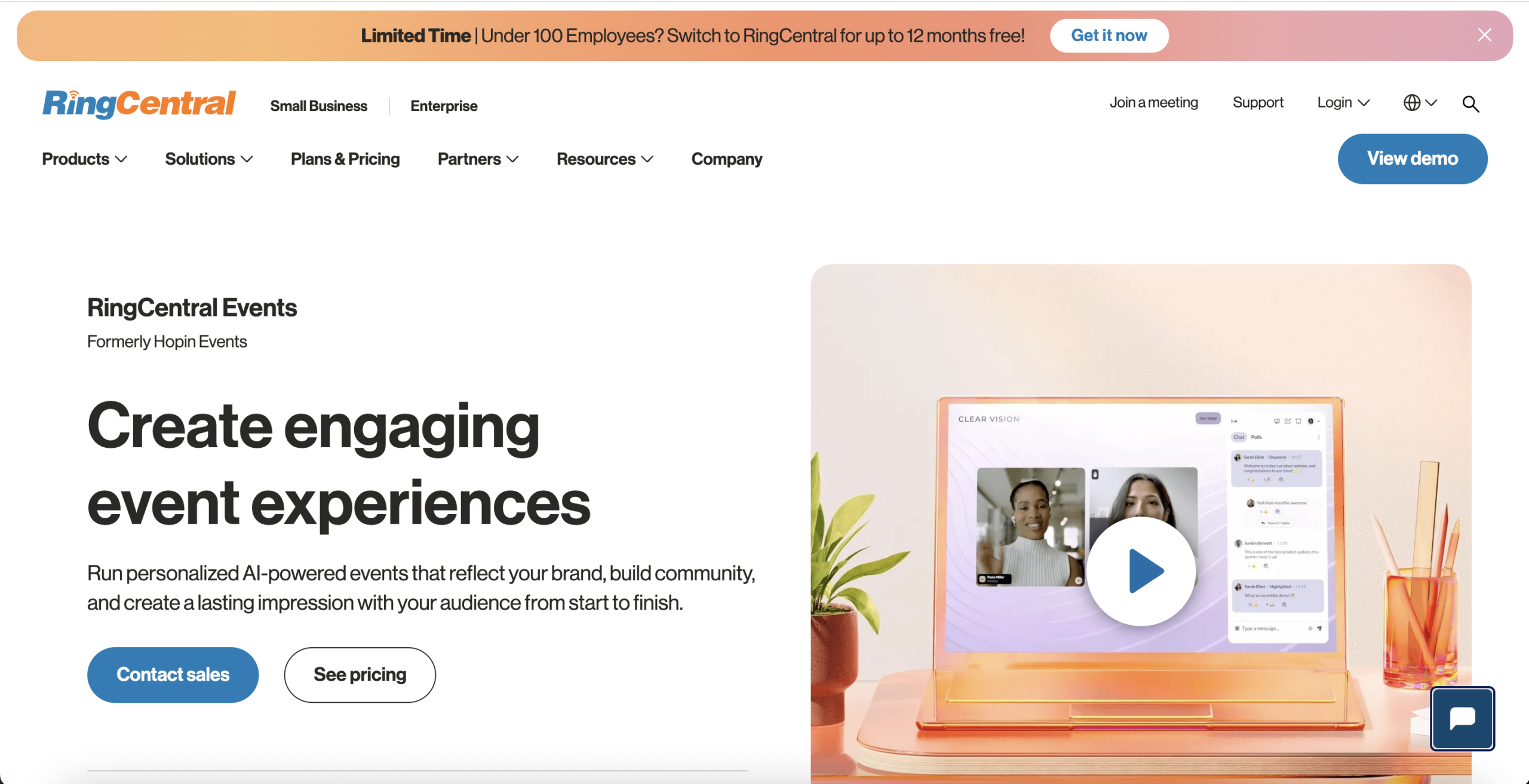
RingCentral Events platform
RingCentral Events, formerly Hopin Events, combines registration, branded event pages, a built-in production studio, multi-track virtual spaces, chat, Q&A, polls, networking, expo areas, analytics, and more than 40 integrations. Its content tools can turn recordings into clips, transcripts, articles, and follow-up material, which makes it attractive to marketing teams that want each event to keep producing value after the live date.
The company’s published pricing information says Events Pro starts at $99 per organizer per month and includes unlimited events and registrations. The important qualification is that its base Pro tier is for webinars and virtual events; hybrid and onsite formats appear in Pro+ and Enterprise. Buyers should count every organizer who needs access and confirm whether the same people need seats in more than one RingCentral organization.
Tradeoff to check: RingCentral is compelling when video production and digital engagement lead the decision. A research conference should separately test abstract review, complex program building, speaker administration, certificates, and other discipline-specific workflows rather than assuming the video platform will replace them.
3. vFairs: best for exhibitor-heavy hybrid experiences
Best fit: Trade shows, career fairs, expos, and sponsor-led conferences that want an immersive virtual venue alongside onsite check-in, badging, and exhibitor operations.

vFairs hybrid event platform
The vFairs hybrid platform supports separate registration paths for onsite and remote attendees, a shared multi-track agenda, streams and replays, polls and Q&A, mobile access, virtual booths, meeting scheduling, matchmaking, onsite check-in, badges, lead retrieval, and analytics. Dedicated project support is a meaningful differentiator for organizers who want the vendor involved in delivery rather than simply handing over software.
Tradeoff to check: vFairs uses custom packages, does not offer a free plan, and lists add-ons for areas such as attendees, booths, sessions, accessibility, managed services, and onsite requirements. A visually rich virtual venue can be valuable when exhibitors are central. However, it may provide more environment and services than a content-led association conference needs.
4. Zoom Events: best for organizations already using Zoom
Best fit: Teams that already trust Zoom for meetings and webinars and want to add multi-session event pages, networking, ticketing, recordings, and hybrid delivery.
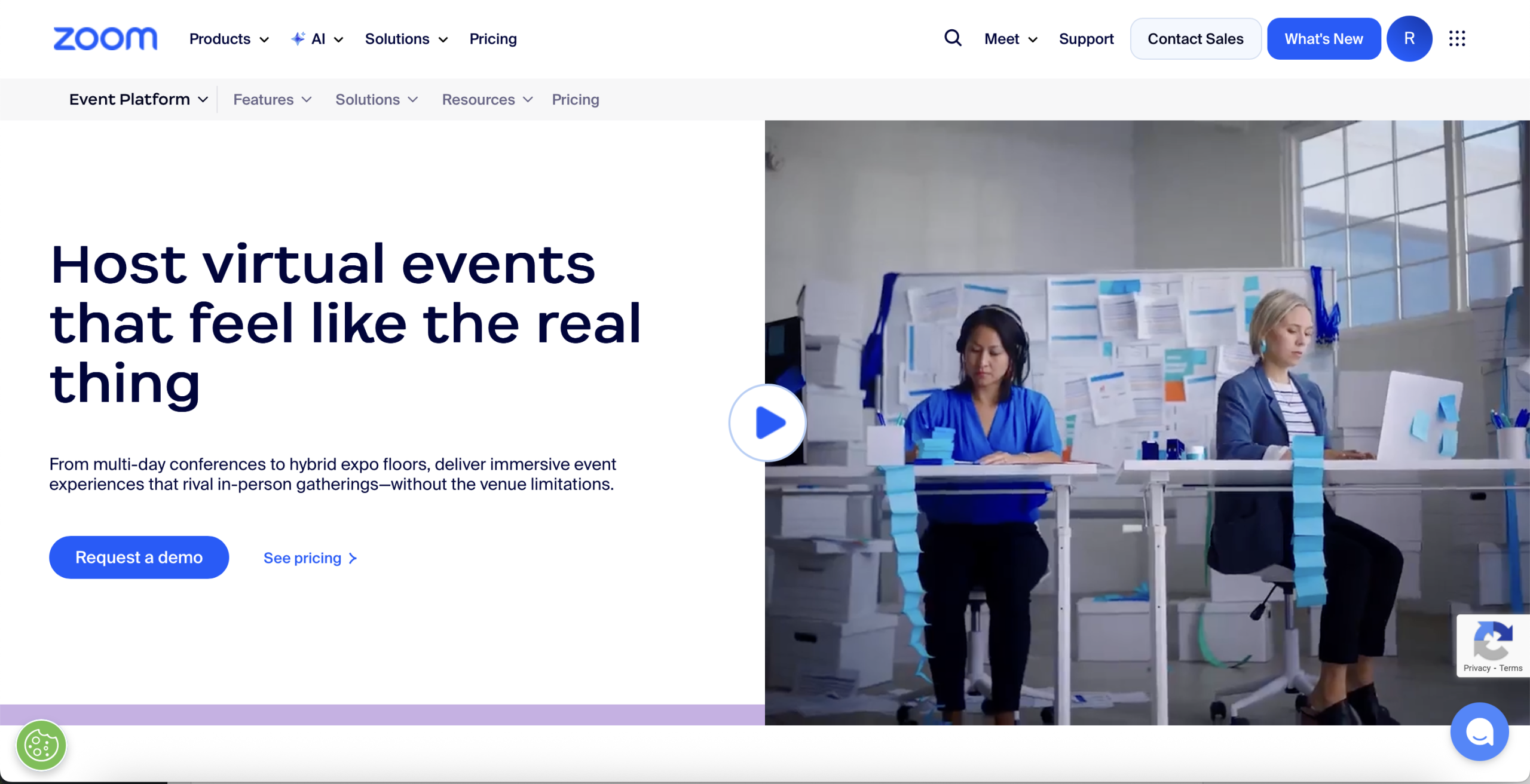
Zoom Events platform
Zoom Events builds on familiar Zoom video infrastructure. Its event offering includes simultaneous stages, ticket types, lobbies, sponsor connections, networking, recordings, analytics, backstage tools, branded pages, and features designed to bridge onsite and online participation. That familiarity can reduce speaker training when presenters already know Zoom.
Tradeoff to check: Familiar video does not automatically provide the complete operating system for every conference. Confirm the required Zoom licenses, attendee capacity, concurrent-session model, production support, event app, onsite tools, integrations, and any services. Academic teams should also demonstrate the path from accepted content to the final program.
5. Airmeet: best for facilitated engagement and community
Best fit: Marketing conferences, learning programs, community events, and internal gatherings that want conversation and networking to be part of the format rather than an afterthought.
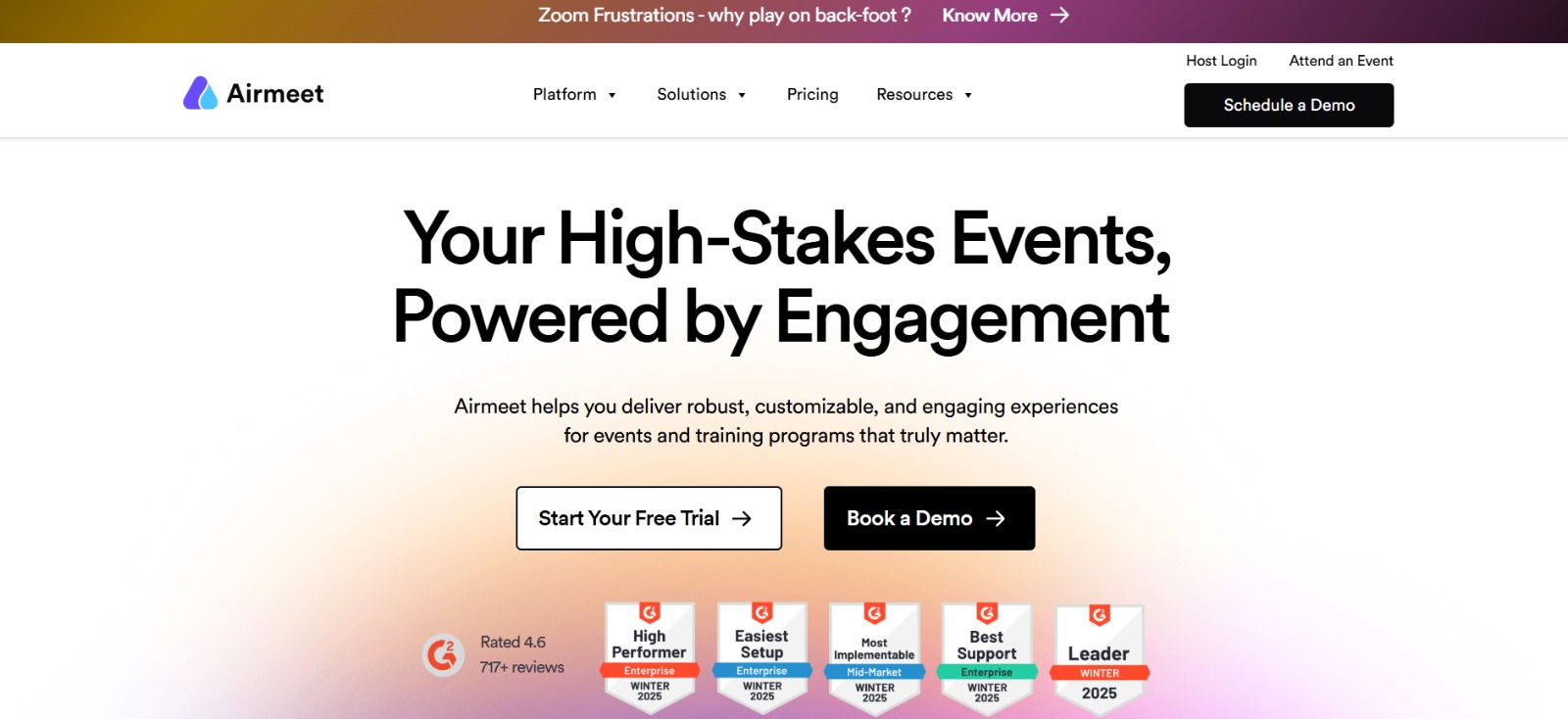
Airmeet hybrid event platform
Airmeet combines registration, multi-track stages, backstage controls, mobile access, onsite check-in, targeted communication, social lounges, breakout rooms, scheduled meetings, captions, integrations, and detailed engagement reporting. Its hybrid-event offering is designed to bring remote speakers and room production into the same stage while giving both audiences ways to participate.
Tradeoff to check: Airmeet publishes a starting price for its webinar plan, while its Events package uses a personalized quote. Its pricing matrix identifies some hybrid controls, hybrid attendee data, SSO, file management, and other capabilities as package-dependent or add-on items. Ask for the complete configuration rather than comparing the webinar headline price with a full hybrid-event proposal.
6. Swoogo: best for registration-led event portfolios
Best fit: Event teams and agencies that need flexible registration paths, branded websites, automation, and repeatable templates across many event formats.
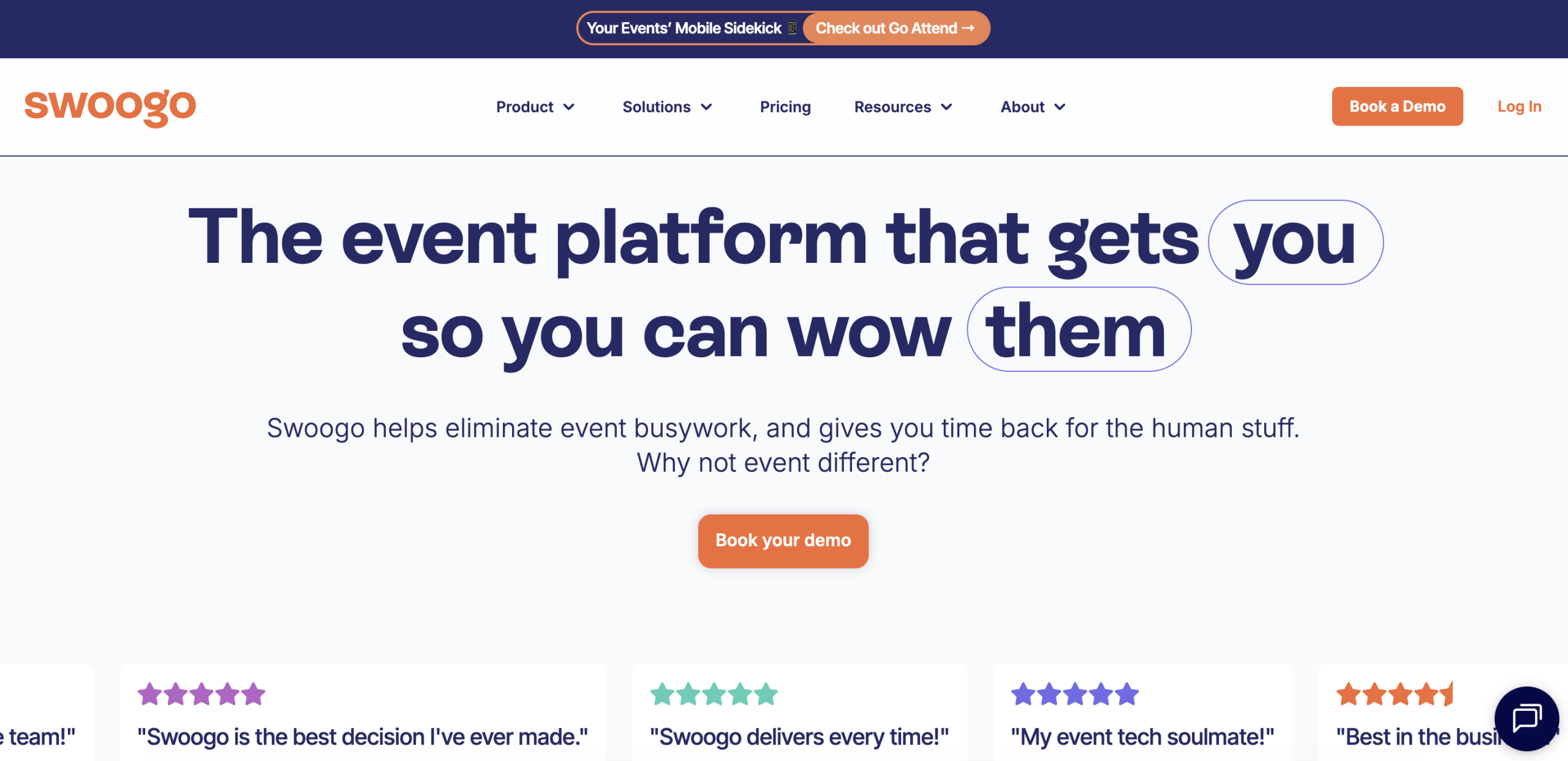
Swoogo event management platform
Swoogo’s strength is the operational layer around the event: configurable forms, conditional logic, websites, email, approval flows, integrations, check-in, reporting, and repeatable builds. For hybrid events, its Event Hub and mobile experience can connect onsite and digital attendees, while integrations such as Zoom Events handle video and engagement workflows.
Tradeoff to check: Swoogo’s Professional plan starts at $11,800 per year for one full user and one reporting user, with unlimited events and registrations. The mobile app, advanced onsite package, SSO, premium support, professional services, and other upgrades may add cost. Teams that want a native broadcast-production environment should price the streaming provider and integration alongside Swoogo.
Which hybrid event platform should you shortlist?
Choose from the operating model of your event, not the vendor with the longest feature page:
- Start with Dryfta if abstracts, reviews, accepted presentations, registration, scheduling, and hybrid participation need to stay connected. This is the most natural fit for research, academic, and association conferences.
- Start with RingCentral Events if video production, audience engagement, integrations, and content repurposing drive a recurring event program.
- Start with vFairs if exhibitors, sponsors, virtual booths, managed services, and an immersive venue carry much of the event’s value.
- Start with Zoom Events if your speakers and organization already use Zoom and reducing video-training friction is important.
- Start with Airmeet if facilitated networking and conversational engagement are the heart of the attendee experience.
- Start with Swoogo if registration flexibility, branded journeys, workflow automation, and an event portfolio come before the choice of streaming technology.
A shortlist of two or three platforms is enough. More demos usually produce more notes, not a clearer decision.
A practical hybrid-platform demo test
Do not ask a vendor to “show the hybrid features.” Give every shortlisted platform the same small event and watch what happens.
- Create onsite, remote, speaker, student, and sponsor registration types with different fields and access.
- Schedule one keynote, two parallel breakouts, a poster session, and a session with one remote speaker.
- Move a session to a different room and time. Check the website, app, personal agenda, notifications, and stream page.
- Send a question from a remote attendee and a poll response from someone in the room. Show the moderator’s view.
- Change an attendee from onsite to remote after registration and confirm access, communication, and reporting.
- End a session and publish its recording for the correct ticket holders.
- Export registrations, attendance, engagement, and consent data without vendor assistance.
- Explain exactly what happens if the venue internet, encoder, or primary stream fails.
This exercise exposes the difference between a polished demo and a workable event.
How to compare the real cost of hybrid event software
The license is only one line in a hybrid-event budget. Ask each vendor to price the same scenario and mark every item as included, limited, add-on, usage-based, or supplied by a third party.
- Organizer, administrator, speaker, exhibitor, and attendee allowances
- Concurrent sessions, interactive participants, stream viewers, and recording storage
- Mobile app, onsite check-in, badges, kiosks, scanners, and lead retrieval
- Virtual venue, booths, networking, captions, interpretation, and accessibility support
- Registration payments, ticket commissions, email, SMS, domains, and white-labeling
- API, CRM integrations, SSO, security reviews, implementation, migration, training, and event-day support
- Overages, annual increases, cancellation terms, and access to data after the contract ends
Cost-effectiveness is not the lowest quote. It is the lowest reliable cost for the workflow you would otherwise have to rebuild, integrate, or operate manually.
For research-led conferences, this total-cost test favors Dryfta when its native abstract review, registration, scheduling, onsite, hybrid, networking, and reporting tools replace several subscriptions. Free setup, data migration, and training also remove common implementation expenses. Compare that complete configuration—not only the base license—with each competitor’s software, integration, service, and support costs.
Final recommendation
The best hybrid event platform is the one that makes two audiences feel like one event and lets the organizing team manage them as one operation.
For research, academic, nonprofit, and association conferences, Dryfta is our top recommendation. It connects submissions and peer review with registration, speaker management, program building, onsite check-in, virtual sessions, attendee networking, and reporting. That continuity removes fragile handoffs that are easy to overlook during procurement and expensive to fix close to the event.
Dryfta also makes a strong cost-effectiveness case. Organizers can choose an annual or pay-as-you-use model without a required long-term contract, use their own payment gateway, and receive setup, migration, and two training sessions with the plan. The combination of 24/7 email support, self-service resources, onboarding help, and available event-day assistance gives conference teams practical support after the software decision—not just during the sales process.
Specialist formats can still point elsewhere: a large visual expo may favor vFairs, a production-led marketing broadcast RingCentral or Zoom, an engagement-led community Airmeet, and a registration-first portfolio Swoogo. But when a conference needs scholarly content workflows, onsite and remote delivery, flexible costs, and responsive support in one platform, Dryfta provides the most complete overall fit in this comparison.
Recommended next step: Request a personalized Dryfta demonstration. Bring sample ticket types, submissions, sessions, attendee roles, and your expected virtual-session volume. Ask the team to show the complete workflow and price the full configuration so you can compare features, implementation effort, support, and total cost on equal terms.
Frequently asked questions
What is the best hybrid event platform for academic conferences?
Dryfta is our leading recommendation when an academic conference needs abstract submission, peer review, registration, program scheduling, speaker management, onsite tools, virtual participation, and reporting to share one data flow. Its flexible pricing, included setup and training, and 24/7 email support strengthen the value for universities and associations. Confirm session volume, audience size, optional add-ons, and any large-exhibition requirements in a tailored demo and quote.
What is the difference between a hybrid event platform and webinar software?
Webinar software mainly delivers one-to-many video with controlled audience interaction. A hybrid event platform also manages registration, multiple attendee types, parallel sessions, onsite and mobile experiences, networking, speakers, exhibitors, recordings, access rules, and reporting across physical and remote participation.
Can Zoom be used for a hybrid conference?
Yes. Zoom Events supports multi-session virtual and hybrid events, while Zoom Webinars and Meetings can also form part of a hybrid production setup. Confirm which license, capacity, event-management, networking, recording, and onsite capabilities your conference requires.
How much does a hybrid event platform cost?
Pricing can be based on organizers, attendees, registrations, events, sessions, usage credits, or a custom package. Published entry prices rarely include every app, onsite, production, accessibility, integration, support, and service requirement. Compare written quotes against the same event scenario.
Does a hybrid conference need a 3D virtual venue?
No. A 3D environment can help an expo or sponsor-led event, but many conferences benefit more from a clear agenda, reliable streams, accessible recordings, useful networking, and consistent information across web and mobile. Choose the experience that supports the audience’s task.
What should we test before selecting a hybrid platform?
Test registration by attendee type, a last-minute schedule change, remote and room-based Q&A, speaker access, a stream failure, recording publication, mobile updates, support response, and a complete data export. Use your own sample data and ask the people who will operate the event to join the test.
Last fact-checked: September 23, 2026.
