We researched the best event planning tools based on their feature lists, popularity, verified reviews, user satisfaction and pricing.
The list includes the best tools available in the following categories: Project management, Event website, Email marketing, venue search and planning, social networks publishing, abstract management, event ticketing, agenda management, floor plan designer, polls and surveys, budget and expenses management.
What is Nonprofit Event Management Software?
Running a fundraiser or a community event is no small feat. Behind the scenes of every successful nonprofit event is a mountain of logistics that can quickly spiral beyond spreadsheets and sticky notes. This is precisely why event management software has gone from a nice-to-have to a practical necessity for nonprofits that take their mission seriously.
This is the technology that allows your team to spend less time chasing RSVPs and reconciling donation tallies, and more time doing what you are actually there to do: building relationships, inspiring donors, and furthering your cause.
At its core, event management software is a tool that consolidates the many moving parts of event planning into a single, navigable system. Depending on the platform you choose, this could mean setting up a budget, building a registration page, tracking auction items, managing guest lists or event registration platforms for nonprofits. This is a sector where resources are perpetually stretched and staff are perpetually juggling multiple responsibilities, that kind of operational coherence is in many ways today, non-negotiable.
What Should Nonprofits Consider Before Investing in Event Management Software?
Choosing the best event management software for nonprofits is not the same as choosing software for a corporate events team. In this case, your needs are very specific and your budget is likely limited. So the stakes of getting it wrong are higher than a disappointing product demo. Before committing to the event planning tools for your nonprofit event, here are a few key considerations worth sitting with.
-
- User-friendliness is perhaps the most immediately practical concern. A system that your team cannot navigate confidently is not an asset, it is a liability. Request demos from your shortlisted vendors and, crucially, involve everyone who will use the software day-to-day in the evaluation process. Their friction points matter just as much as the feature list.
- Features are another non-negotiable. Nonprofits have event needs that simply do not map neatly onto general-purpose event tools. You need fundraising capabilities, donor relationship features, and sponsor management built in. Registration, ticketing, reporting, constituent metrics, a branded mobile app and clearly defined user roles with permissions should all be on your checklist before you sign anything.
- Integrations determine how well your new software will sit within the ecosystem you have already built. Whether you rely on a CRM, an email marketing platform or a website CMS, your event software should communicate with these systems cleanly. Disconnected data creates disconnected experiences, and that shows.
- Hybrid and virtual event functionality is worth factoring in even if you are not currently running virtual events. The past few years have made abundantly clear that the ability to pivot matters. Livestreaming, audience polls, live Q&As, and virtual sponsorship promotions are features you may not need today but could find yourself urgently requiring tomorrow.
- Pricing is, of course, a conversation most nonprofits cannot avoid. When reviewing paid options, look carefully at what each pricing tier actually includes. A straightforward model that scales with the size of your organisation or the scope of features you need is far preferable to one that conceals its real costs in fine print.
- Technical support rounds out the picture. Even the most intuitive platform will throw up questions or complications during setup and configuration. Knowing what level of support a vendor provides and reading reviews from organizations like yours can save you a great deal of frustration down the line.
Choosing The Right Event Management Platform For Your Needs
The sheer number of event management platforms available can make the selection process feel overwhelming. It helps to narrow your criteria early. Here are the considerations that tend to matter most when choosing the best event management software for nonprofits
-
- Scalability is worth thinking about even when you are just getting started. A basic platform might serve your current needs adequately, but create real constraints as your event calendar expands. Starting with something built to grow with you means you avoid the cost, disruption and data headaches of switching systems a few years down the line.
- Comprehensive features in one place matter more than people sometimes appreciate. Having guest management, budget tracking, registration, attendee engagement, logistics and marketing under one roof keeps your team organized and your information easy to find. The alternative, stitching together several tools, creates more work, not less.
- Strong customer support is something that you should verify and not assume. Free and low-cost tools often lack meaningful support when something goes wrong at the worst possible moment. Read reviews. Ask vendors directly. It can be well worth paying more for a product that has your back when it matters.
- Flexibility across event types and sizes is also another particularly relevant feature for nonprofits that host a range of events across the year. Your software should handle a small donor cultivation dinner just as capably as a large annual gala and it should work equally well whether the event is in-person, virtual, or somewhere in between.
- Ease of use also cannot be overstated if you are an organization that relies on a small team of staff or volunteers. Software that requires extensive training introduces unnecessary risk. The simpler the system, the more your team can focus on the event itself.
- Integration with your existing tools is the final and yet important piece of the jigsaw puzzle when on the hunt for the best event planning tools for your nonprofit. Your event platform needs to slot in with your existing tools easily. The less manual data transfer involved, the better.
Types of Event Management Software for Nonprofits
The non-profit event market has come a long way since it first began. There are now several different types of event management software, divided into broader categories that can help you locate where your organization sits.
-
- All-in-one nonprofit platforms: These are software solutions that offer comprehensive organizational management alongside typical tools for primary event functions. Because everything lives in a single system, data silos between donor management, event management, and financial reporting essentially disappear. Staff learn one platform rather than several, and the organizational picture that emerges from unified reporting is genuinely more useful. These solutions are best suited to larger nonprofits with frequent, diverse programming.
- Specialized event management platforms: These are built to focus almost exclusively on event planning and execution. Hence, they often have more sophisticated event-specific features than their all-in-one counterparts. Specific scenarios, such as multi-day conferences or large-scale public events, tend to be where these platforms shine. They are a strong choice for organizations that prioritize event sophistication and host at a sufficient scale to justify a dedicated tool.
- No-code integrated solutions: For instance, platforms like Noloco, Monday.com and Airtable let nonprofits build their own and custom event management workflows without having to write a single line of code. The appeal here is flexibility: you can build the features your organization needs rather than adapting your processes to fit a rigid framework. These work particularly well for growing nonprofits with unconventional event models.
Best Event Planning Tools To Explore
Here’s a comprehensive list of event planning tools that you may find helpful in the process of organizing your events.
Dryfta
👍 Best Used For
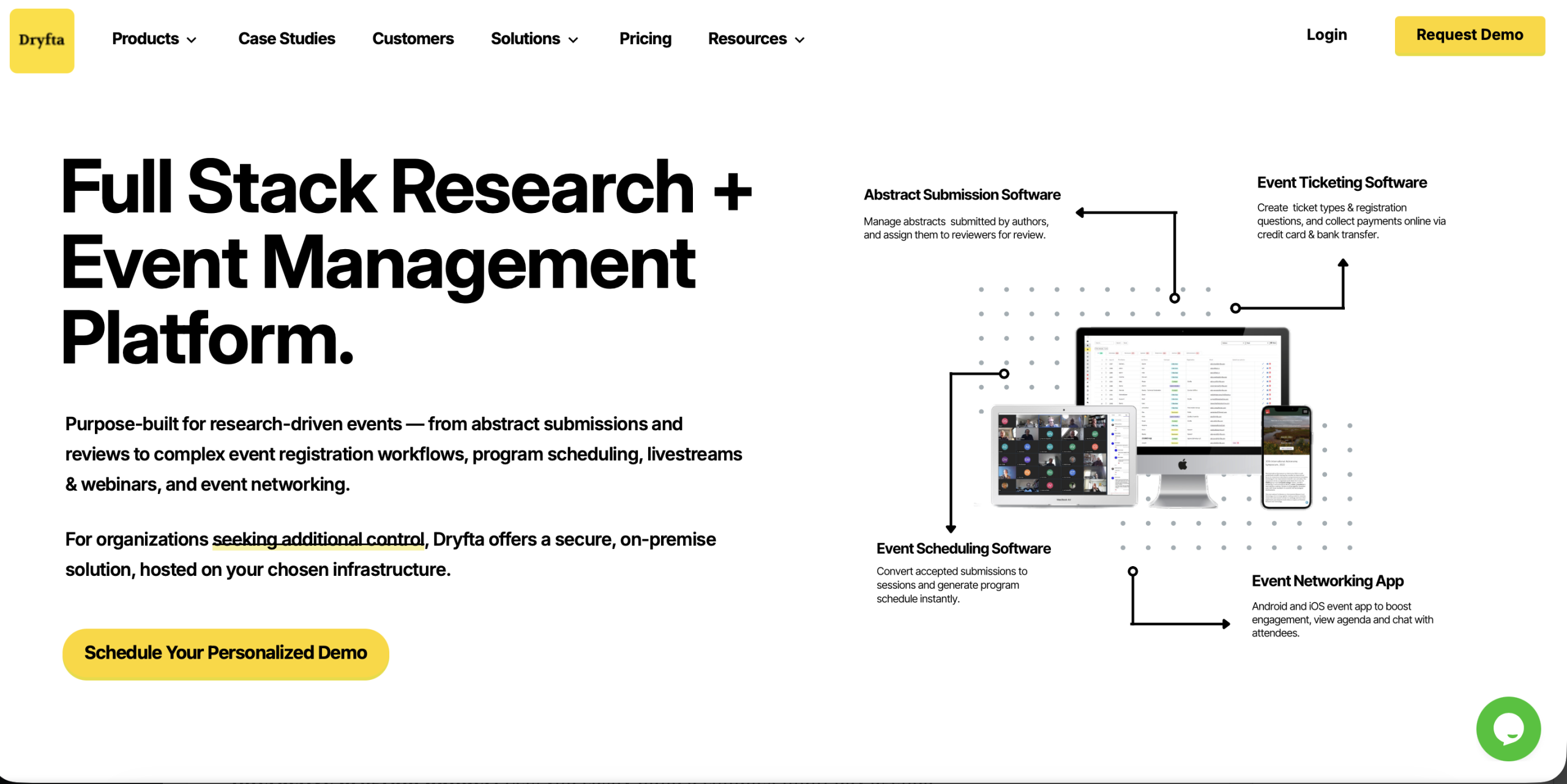
Fully-integrated event management software for Abstract Management, Event Ticketing, Email Marketing, Event Website Builder and Guest Check-ins
🎯 Key Features
☑ Abstract management & Peer review with simple & advanced workflows
☑ Create separate event registration forms for multiple user types, sell tickets & collect registration fees online
☑ Send personalized email campaigns and access in-depth analytics of the campaigns sent
☑ Manage contacts & attendees from a dedicated event CRM, your centralized resource to access all information about your attendees
☑ Create interactive event schedule (basic, expanded and calendar views) with personal scheduling for attendees
☑ One-click attendee check-ins using dedicated guest check-in dashboard – enable self check-in via QR code scanner
☑ Collect recurring donations online
☑ Design and send participation certificates to attendees & speakers
💰 Pricing
Starts at 1 credit/user; Up to 15% discount for nonprofits
Asana
👍 Best Used For
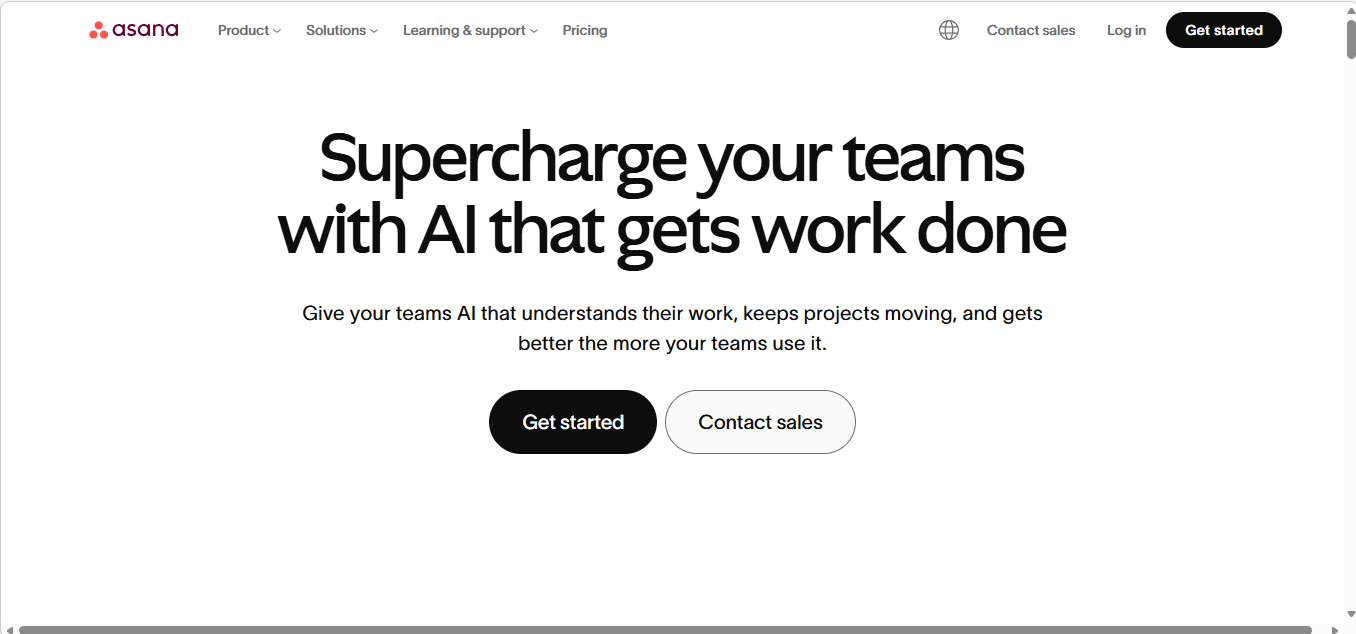
Project Management
🎯 Key Features
☑ Visualize your event plan on a timeline before you start working
☑ Plan and manage content calendars, campaigns, creative requests, and more
☑ Get real-time status updates, run reports, and more
☑ Map out goals and prioritize tasks to stay on schedule
☑ Improve collaboration by making all the important things easy to find, like project plans and details, files, feedback, and more
☑ Streamline communication by keeping conversations with teammates, clients, and vendors in one place, and keep everyone on the same page
💰 Pricing
Free for up to 15 teammates
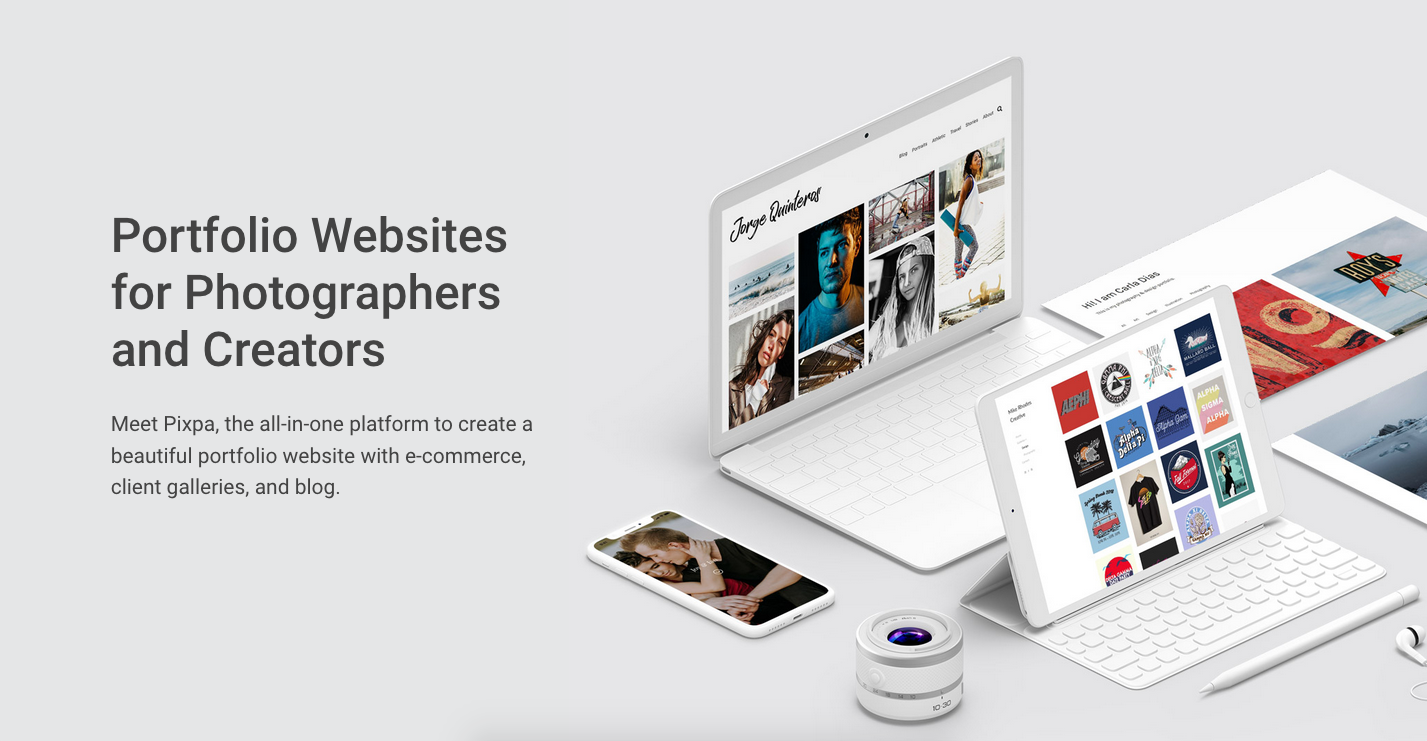
Pixpa
👍 Best Used For
Event Website Builder
🎯 Key Features
☑ Brand your website by adding your logo image, title text, and bio
☑ Connect your own custom domain with your website
☑ Mobile-friendly and adapts your content to provide the best experience across mobile devices
☑ Integrate with dozens of third-party applications to enhance the functionality of your website
☑ Customize any visual element of the theme easily
☑ Create guestbook, galleries, e-commerce stores, social sharing buttons and more
☑ Use the drag-and-drop Page Builder to create any kind of page in your site
💰 Pricing
$6/month or $72/year
Moosend

👍 Best Used For
Email Marketing
🎯 Key Features
☑ Unlimited 3x points on travel and dining purchases
☑ Easy-to-use drag & drop editor to create professional newsletters that look good on any device
☑ Automated workflows for sending targeted email campaigns
☑ Choose spot-on personalization to put your data to good use with highly relevant emails based on your customers’ purchases
☑ Follow your users’ steps through the whole journey and decode their every move with easy-to-use, in-depth analytics to fine-tune your marketing campaigns
☑ Track opens, clicks, social shares and unsubscribes and build the right strategies to maximize your ROI
💰 Pricing
Free for up to 1000 subscribers
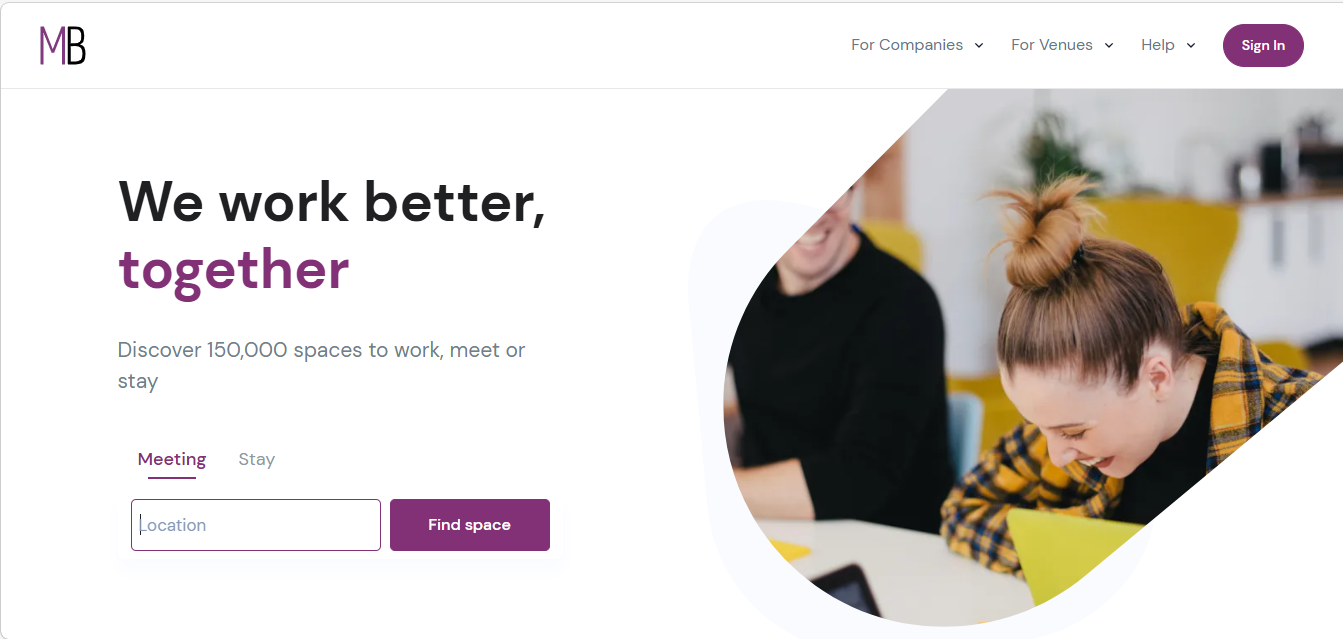
MeetingsBooker
👍 Best Used For
Venue Search, Instant Book & Planning
🎯 Key Features
☑ Choose from over 137,000 unique spaces
☑ Book instantly Or request to book
☑ Request quotes: Shortlist venues by filtering
☑ Send 1 request to multiple venues
☑ Receive offers as venues bid on your request to host your event
☑ Review offers and select your ideal venue. Once accepted you contract and pay venue direct
💰 Pricing
Free for event organizers; Free for listing space
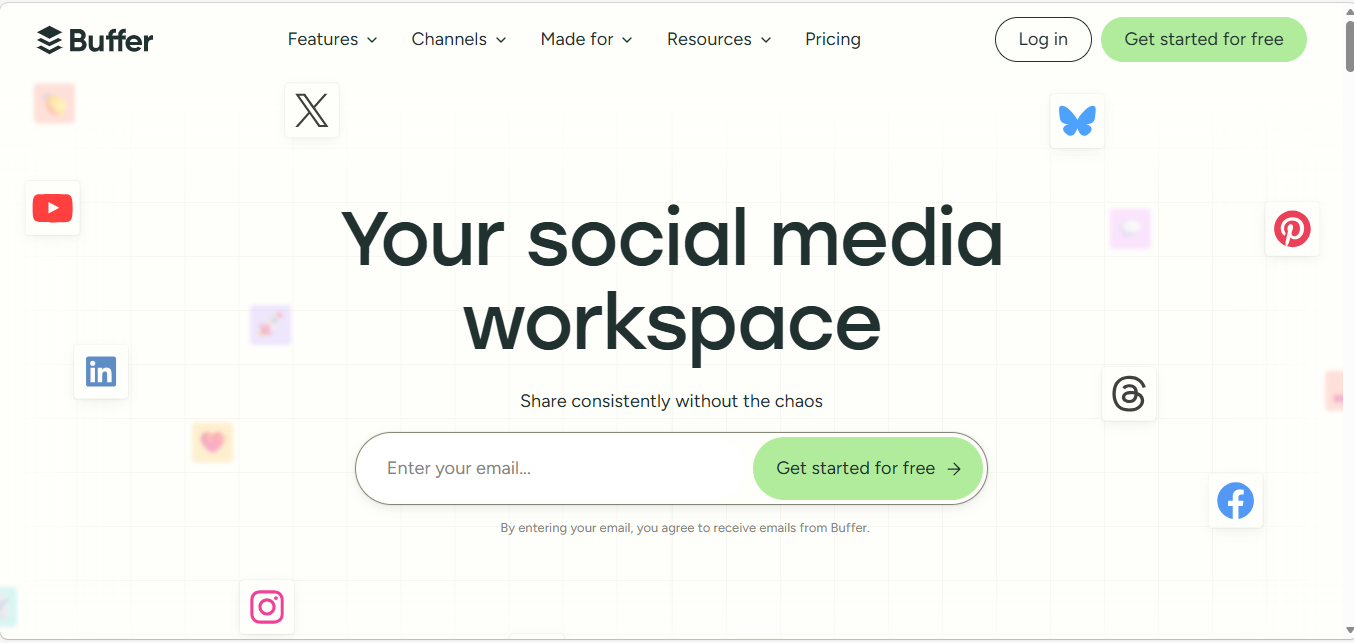
Buffer
👍 Best Used For
Publishing on Social Networks
🎯 Key Features
☑ Plan and publish your content for Instagram, Facebook, Twitter, Pinterest, and LinkedIn, all from one simple dashboard
☑ Draft your posts, coordinate with your team, and orchestrate your social media marketing campaigns
☑ Create a preset publishing schedule for each social account
☑ Custom tailor your posts for each social network
☑ Get an at-a-glance view of all the content you have lined up
☑ Work together with your team to create content that’s high quality, on-brand, and that your audience is going to love
💰 Pricing
$15/month
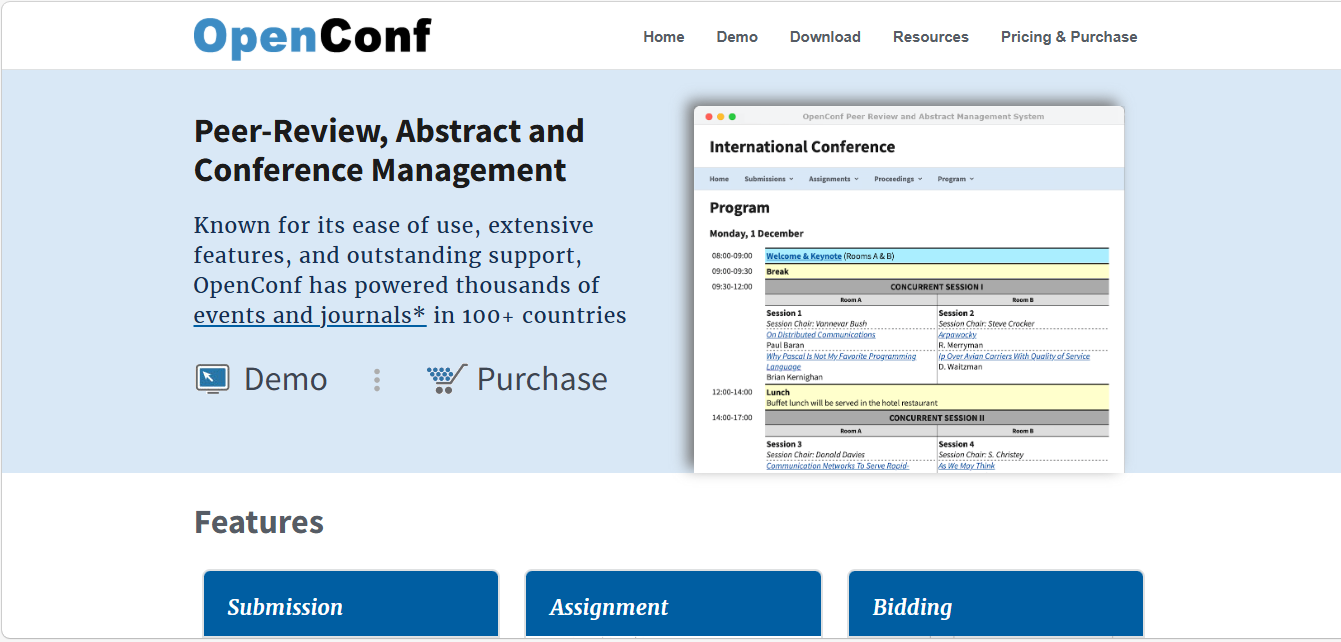
OpenConf
👍 Best Used For
Abstract Management & Peer Review
🎯 Key Features
☑ Assign Reviews (Auto Match & Manual)
☑ Conflict Detection (Automated & Manual)
☑ Review Scoring
☑ Submission Acceptance / Rejection
☑ Email Notifications
☑ Data Export in CSV, XML, Excel, SQL
☑ Submission and Reviewer Import
☑ Program building tool
☑ Customizable submission forms
💰 Pricing
$600/year for 100 submissions; Free community edition (Self-hosted)
Yapsody
👍 Best Used For
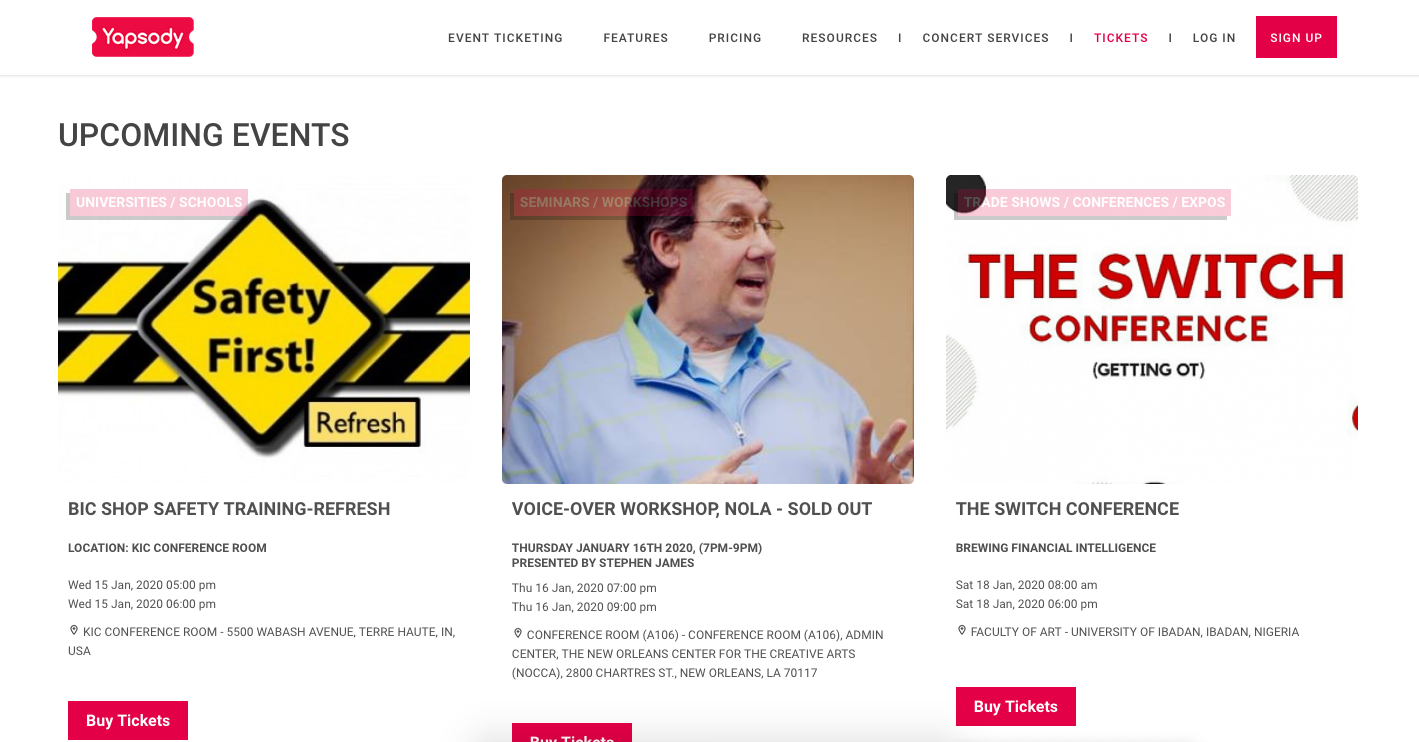
Event Ticketing for Non-profits
🎯 Key Features
☑ 50% off on Non-Profit Event Ticketing Fees
☑ “Accept Donations”is specially designed for non-profits to collect donations from your online stores and box office
☑ Create a custom subdomain for your online ticket store to showcase your events
☑ Accelerate ticket sales with Multi-use and single-use promo code discounts
☑ Choose to either pass Yapsody’s fees on to your customers or absorb them into your ticket prices
💰 Pricing
$0.59 + 1.75% per ticket sold
Sched 
👍 Best Used For
Agenda Management
🎯 Key Features
☑ Organize your schedule with tracks, color-coding, and filters
☑ Customize your schedule with CSS, brand with custom banners, and embed your Twitter feed right into Sched
☑ Embed your schedule, speaker list, and event information right into your existing website
☑ Use digital signage to display different versions of your schedule at your event
☑ Use Sched to manage session registration and control how many attendees can sign up for each session
☑ Check attendees into sessions and manage the waitlist on your mobile device during the event
☑ Keep your attendees in the loop with push notifications to their mobile device
💰 Pricing
Starting at $250 for 500 attendees per event; 50% off for Non-profits
Seats.io
👍 Best Used For
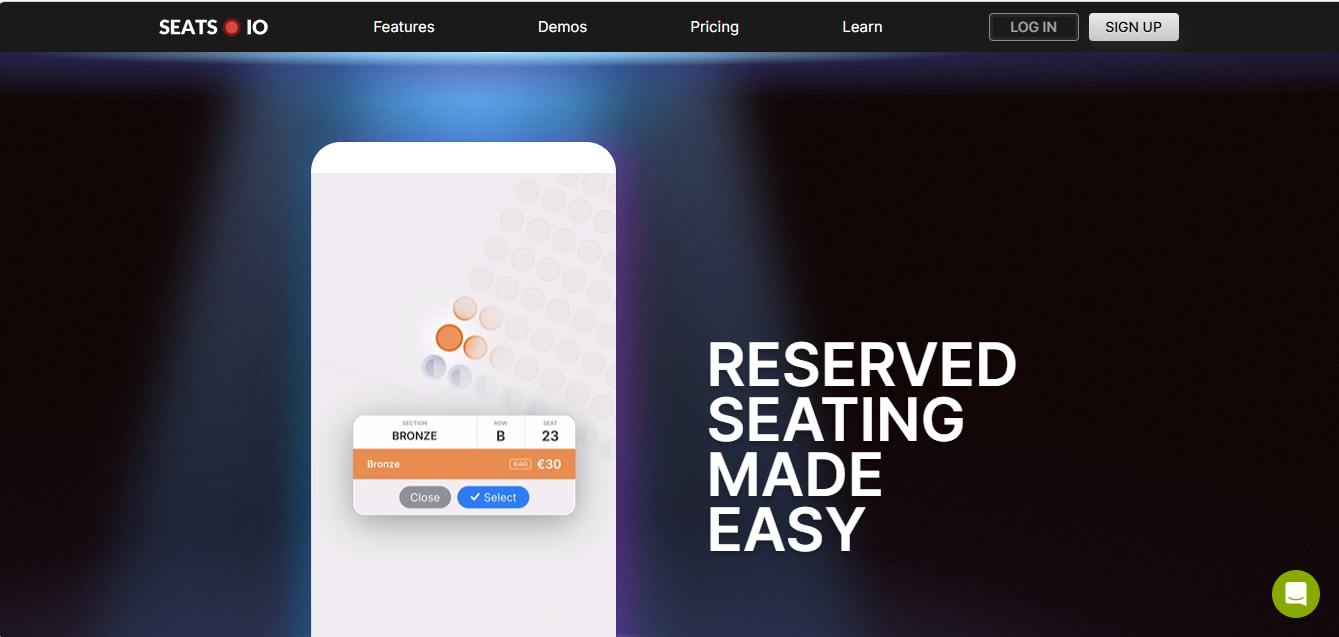
Floor Plan Designer
🎯 Key Features
☑ Precisely define rows of bookable seats and booths, determine best seating locations and more
☑ Use sections to draw a huge stadium, general admission areas for concerts, or trade booths
☑ Embed the designer into your web application, and configure which features are available to your customers
☑ Display all sorts of charts on your platform – mobile and desktop
☑ Let people choose their seats. Generate more revenue while delivering a better attendee experience
☑ Real-time availability updates ensure that ticket buyers cannot book the same seat twice
☑ Seats are held for the ticket buyer while making a selection, until they are booked or time out
💰 Pricing
€360/year for 2400 seats
Slido

👍 Best Used For
Polls & Surveys
🎯 Key Features
☑ Make your meetings and events more interactive by polling your audience in real time
☑ Crowdsource the best questions from your audience and make everyone part of the conversation
☑ Discover what topics resonate with your audience and share the insights with your stakeholders
☑ Allow your remote participants to ask questions and participate in live polling while watching the live stream
☑ Integration with third party apps including Google Slide
☑ Design quiz with questions that fit the topic of your presentation or training
💰 Pricing
$199/event for 5 polls
Spendesk
👍 Best Used For
Budget & Expenses Management
🎯 Key Features
☑ Secure payments with virtual and physical cards, invoices and more
☑ Conveniently upload receipts and track payments on the go
☑ Total control over spending using real-time insights, team-based spending policies
☑ Avoid repetitive data entry with a one-click custom export
☑ Track all your invoices in one place
☑ Certified eReceipts – Go fully paperless with dematerialised receipts
💰 Pricing
Request a Quote
Fonteva
👍 Best Used For
Event Management for Salesforce Users
🎯 Key Features
☑ Seamless integration of all attendee info in your Salesforce CRM
☑ Personalized registration pages for attendees
☑ Easy-to-use drag & drop dashboards and reporting
☑ Collect attendee information before, during, and after events
☑ Customizable event websites that are compatible for mobile devices
☑ Track vendors, sponsors, and speakers
💰 Pricing
Request a Quote
Essential Features for Nonprofit Event Management Software
Not all features are created equal and not all platforms will give you everything. That being said, there is a core set of features that the best event management software for nonprofits should be able to deliver for you.
-
- Online registration and ticketing should go beyond a simple sign-up form. Look for Event registration platforms for nonprofits that offer custom registration fields with the ability to create different ticket types and access levels, early bird and group pricing, and promotional codes. These details matter when you are managing a donor event where every attendee experience is a relationship opportunity.
- Payment processing should be flexible and secure. Credit cards, debit cards, ACH transfers, and digital wallets are all worth supporting. Systems that can prompt donors to set up recurring contributions during the registration process represent a meaningful fundraising advantage.
- Marketing and communication tools should either integrate with the platforms you already use or provide their own built-in email capabilities. The ability to promote events, send reminders, and manage post-event follow-up from a single system saves time and keeps your messaging consistent.
- Fundraising and donor integration are where nonprofit event software diverges from general-purpose tools. Silent auction management, live bidding, bid tracking, and winner notifications should all function without friction. More importantly, every event interaction should connect back into your donor management system, building a richer picture of each supporter’s relationship with your organization.
- Sponsorship tracking and recognition ensures that the organizations and individuals who support your events receive what they were promised. Package tracking, benefit fulfilment monitoring, and automated acknowledgement features protect these relationships.
- Analytics and reporting give you the visibility to make smarter decisions in real time and over time. Registration trends, revenue performance, and marketing effectiveness dashboards help you identify what is working and course-correct before problems compound. Demographic and historical data, meanwhile, help you spot your most engaged supporters before they slip through the cracks.
- Mobile optimization is, at this point, a baseline expectation rather than a distinguishing feature. Both the registration experience and check-in processes should work smoothly on a mobile device.
Nonprofit Event Management Software- Comparison Table
| Name of Software | Key Features | Pricing |
| Dryfta | Abstract management & peer review, event registration & ticketing, email campaigns, event CRM, interactive schedule, check-ins, donations, certificates | Starts at 1 credit/user; up to 15% nonprofit discount |
| Asana | Timeline visualization, content calendars, real-time updates, task prioritization, collaboration tools, streamlined communication | Free for up to 15 teammates |
| Pixpa | Custom branding, custom domain, mobile-friendly, third-party integrations, visual customization, galleries & e-commerce | $6/month or $72/year |
| Moosend | Drag & drop editor, automated workflows, personalization, in-depth analytics, track engagement | Free for up to 1000 subscribers |
| MeetingsBooker | Access 137k+ venues, instant booking, request quotes, venue bidding, direct payment | Free for organizers |
| Buffer | Multi-platform scheduling (Instagram, Facebook, etc.), team coordination, preset schedules, tailored posts, content calendar | $15/month |
| OpenConf | Review assignment, conflict detection, scoring, notifications, data export, customizable forms | $600/year for 100 submissions; free community edition |
| Yapsody | 50% off nonprofit fees, accept donations, custom subdomain, promo codes, flexible fee options | $0.59 + 1.75% per ticket |
| Sched | Tracks & filters, customization & embedding, session registration, mobile check-ins, push notifications | Starting at $250 for 500 attendees; 50% off nonprofits |
| Seats.io | Seat & booth definition, sections for venues, embeddable designer, real-time availability, seat holding | €360/year for 2400 seats |
| Slido | Real-time polling, Q&A crowdsourcing, audience insights, remote participation, integrations, quizzes | $199/event for 5 polls |
| Spendesk | Secure payments (cards, invoices), receipt tracking, spending controls, custom exports, invoice management | Request a Quote |
| Fonteva | Salesforce CRM integration, personalized registration, dashboards & reporting, mobile websites, vendor tracking | Request a Quote |
Final Thoughts
Finding the right tools to host memorable nonprofit events is the first step that organizers often worry about. This detailed guide lays out every little aspect of hosting events for a just cause and makes it smooth sailing for the planners.
If you are looking to host your next nonprofit event, give Dryfta a chance. Our sophisticated tools for registration, scheduling and networking will help you achieve your event goals effectively. Schedule a demo with us today.