Products / Event Website Builder Event Website Builder
Give your research conference a clear online home. Bring the call for abstracts, scientific program, speaker profiles and registration onto your event website. Keep important dates and practical information easy to find as the conference takes shape.
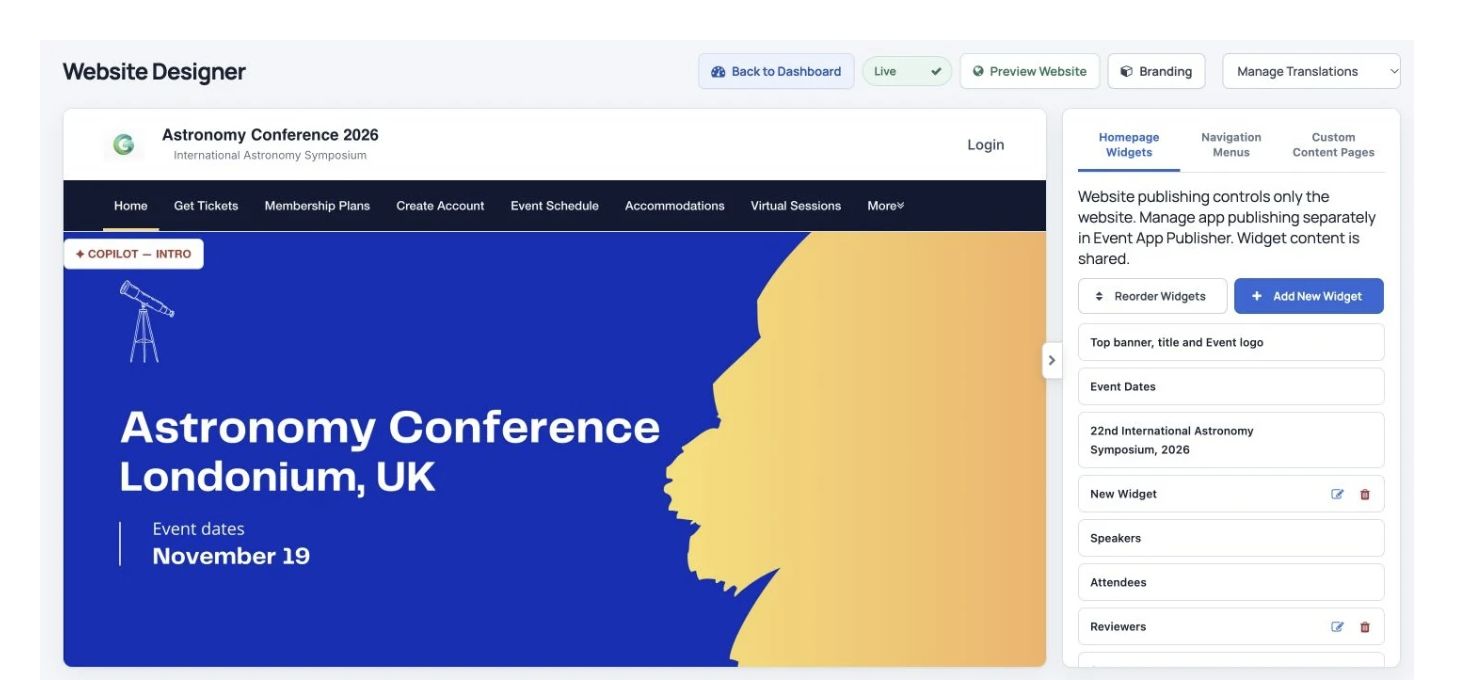
The Website Designer with homepage widgets and the live event layout.
Show the route through the conference Keep submission information, the program, speakers and registration easy to find.
Use a familiar conference identity Add your logo, colors, content and website address.
Prepare the next edition Copy an earlier website and choose which information to carry forward.
Teams who have used Dryfta
How it works
Three steps to get started. 1 Set up the conference website Choose your branding, website address and page navigation.
2 Publish the information people need Add the call for abstracts, program, speaker profiles, registration and practical details.
3 Keep the website current Update pages as plans change and reuse the setup for a future event.
All features
Explore the features. Find the tools your team needs and see how they fit your event.
Publish the information your attendees need.
Publish submission instructions, important dates and useful conference pages with a visual editor.
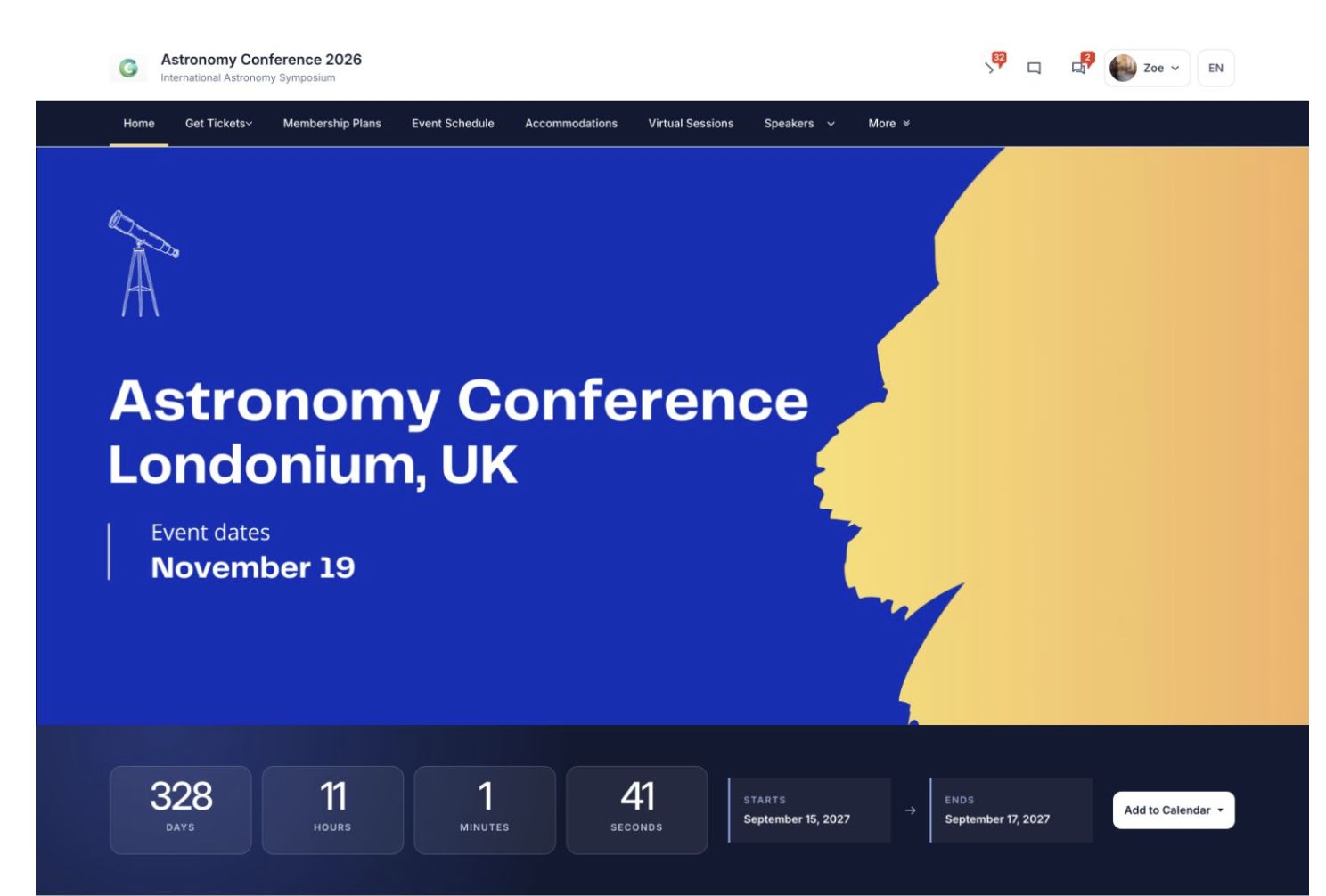
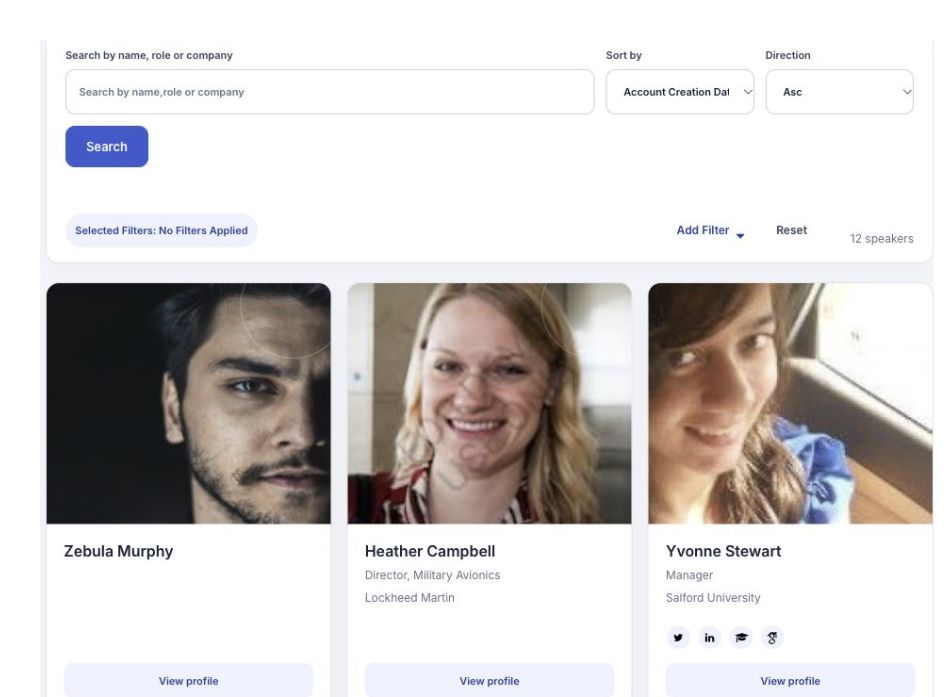
An event homepage, with navigation, an event banner and countdown. Add your own content with the visual editor. Create speaker profiles. Publish the event program. Add galleries for photos, documents and videos. Include sponsor lounges and exhibitor listings. Publish event news and blog posts.
Put the program on your event website.
Help participants explore scientific sessions, speakers and practical program information.
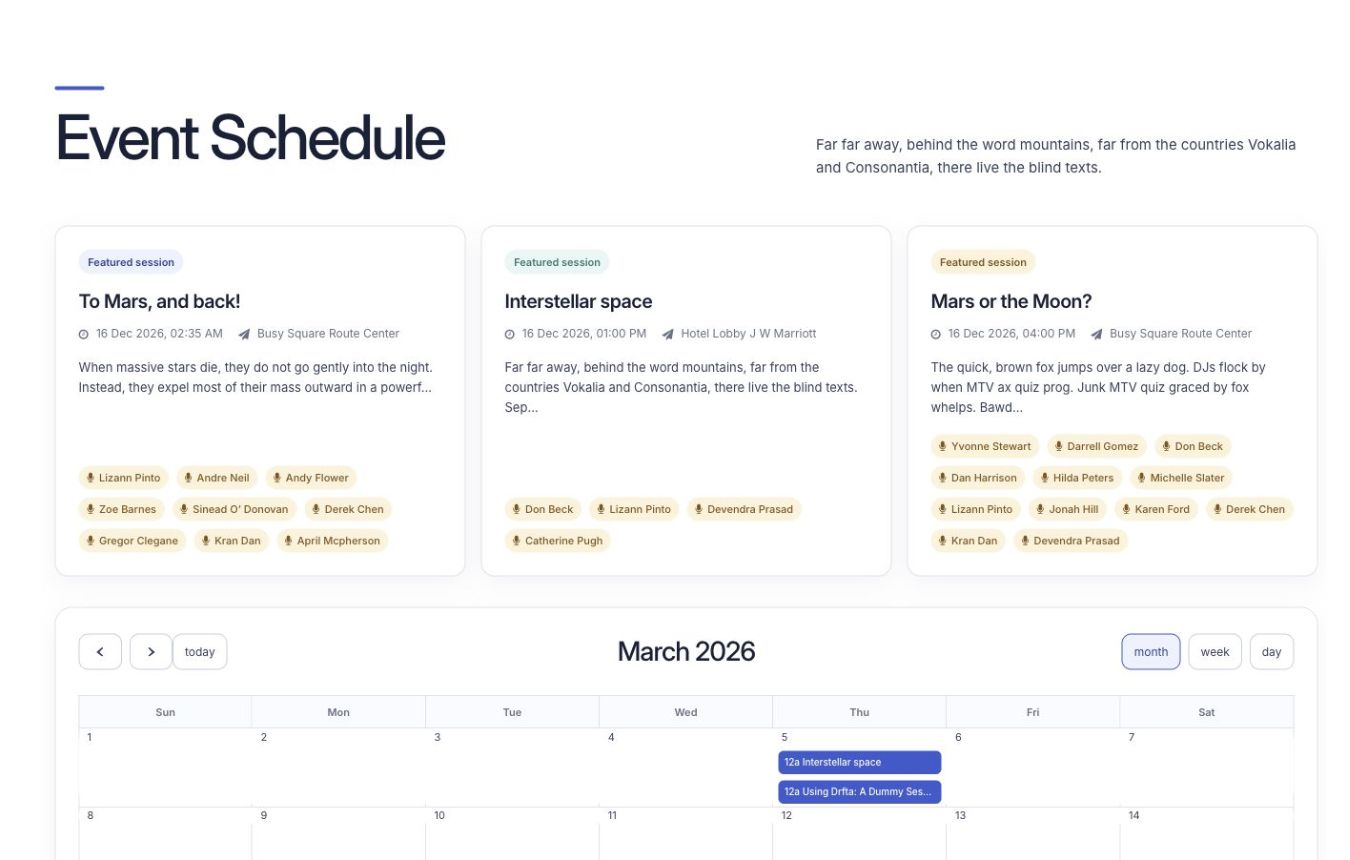
Attendees browse session cards and the event calendar on the event website. Add accepted proposals to sessions. Publish an interactive event program. Let attendees check in to sessions and save a personal schedule. Choose speakers and moderators for each session. Add videos and venue maps to session information.
Start your next event from an existing setup.
Reuse the relevant parts of a previous conference website for the next edition.
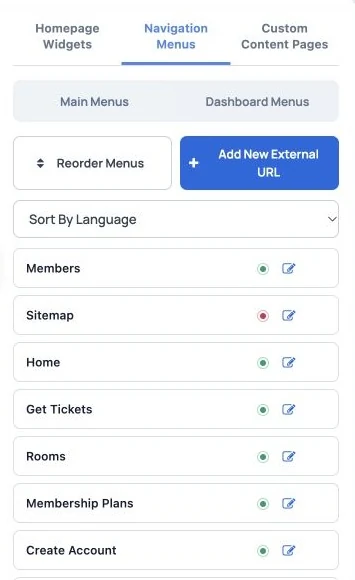
Navigation settings in the event website builder. Copy the whole event website or selected settings. Reuse registration and submission forms. Import contacts from a past event so participants can use the same login.
Create pages with your own content.
Publish conference text, photos and videos, and choose who can access premium content.
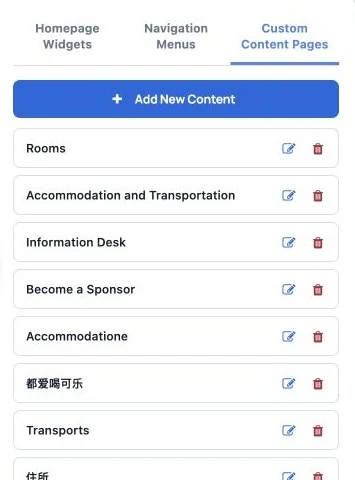
Create and manage event website pages.
Use your own website address.
Use a conference website address participants recognize, with an SSL certificate for protected connections.
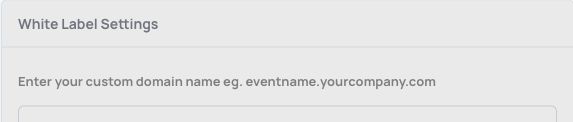
Enter the custom domain that visitors will use for the event website.
Match your organization’s design.
Use CSS snippets, sliders, videos and HTML content when your conference needs more detailed styling.
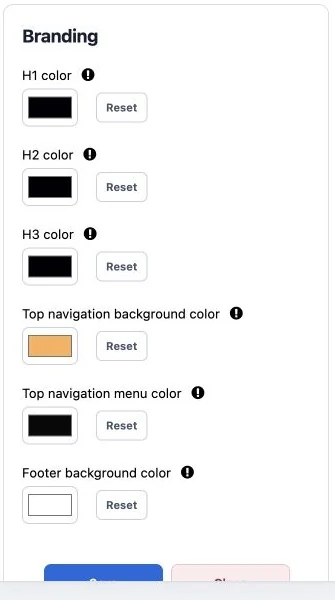
Choose the event website’s branding and appearance.
Keep people connected around the event.
Give the research community discussion spaces before, during and after the conference.
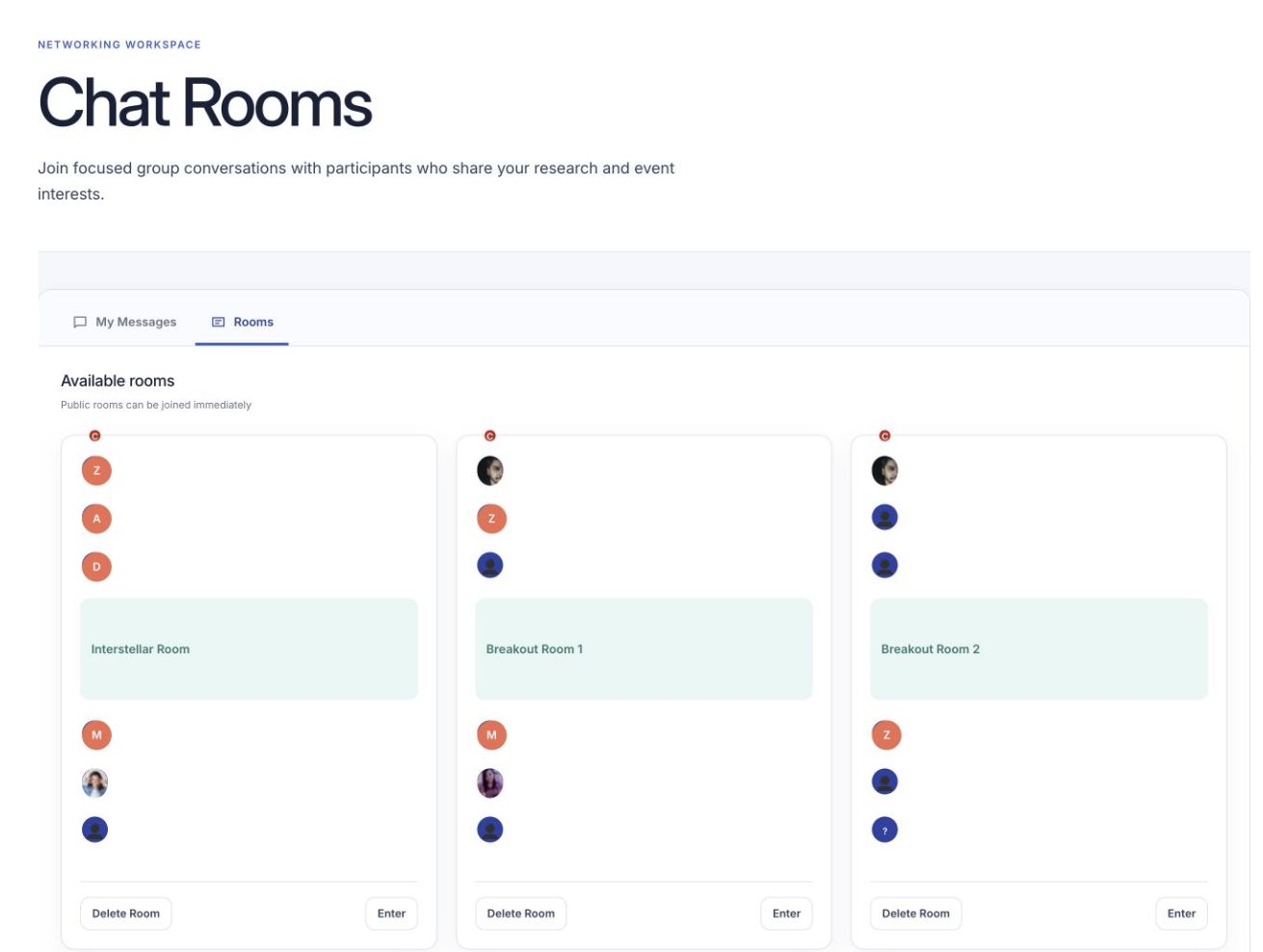
Attendees find public topic rooms on the event website. Create rooms for different topics. Encourage useful conversations about your event. Let attendees connect, arrange one-to-one meetings and send private messages. Notify people when new comments and replies are posted.
Organize and share event photos.
Organize conference photos into categories with useful titles and descriptions.
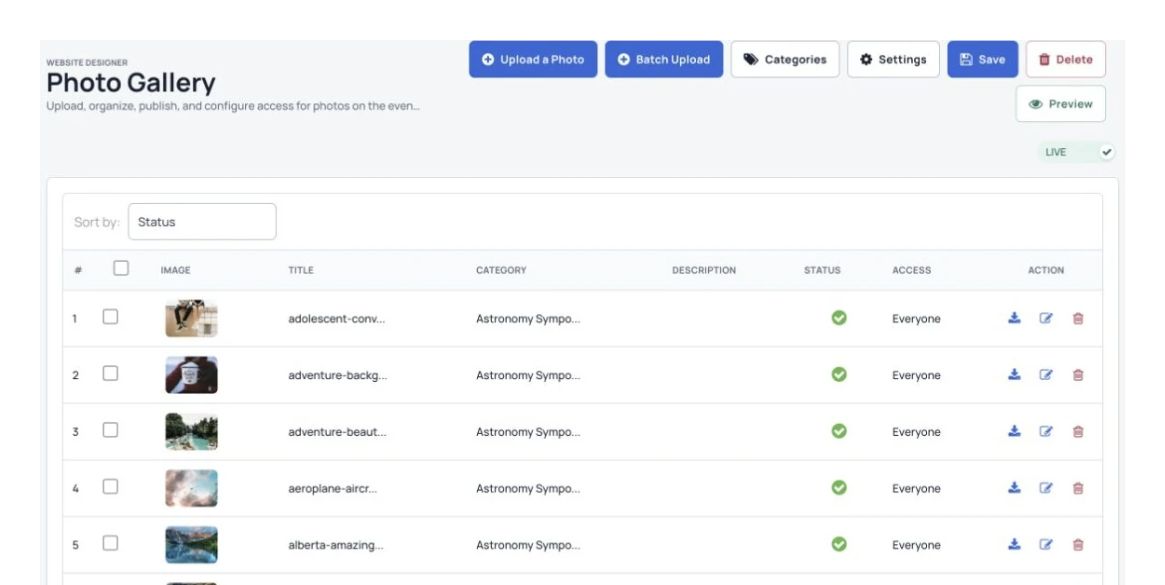
Manage photo collections, publication and access. Choose whether photos are available only to signed-in users. Create separate photo categories. Upload several photos together.
Add useful elements to the homepage.
Choose the conference information visitors see when they first arrive.
The Website Designer with homepage widgets and the live event layout. Add your own homepage text. Embed a newsletter sign-up form. Show a countdown timer or other supported embedded content.
Take registrations and payments.
Sell conference tickets, workshop places and memberships from your event website.
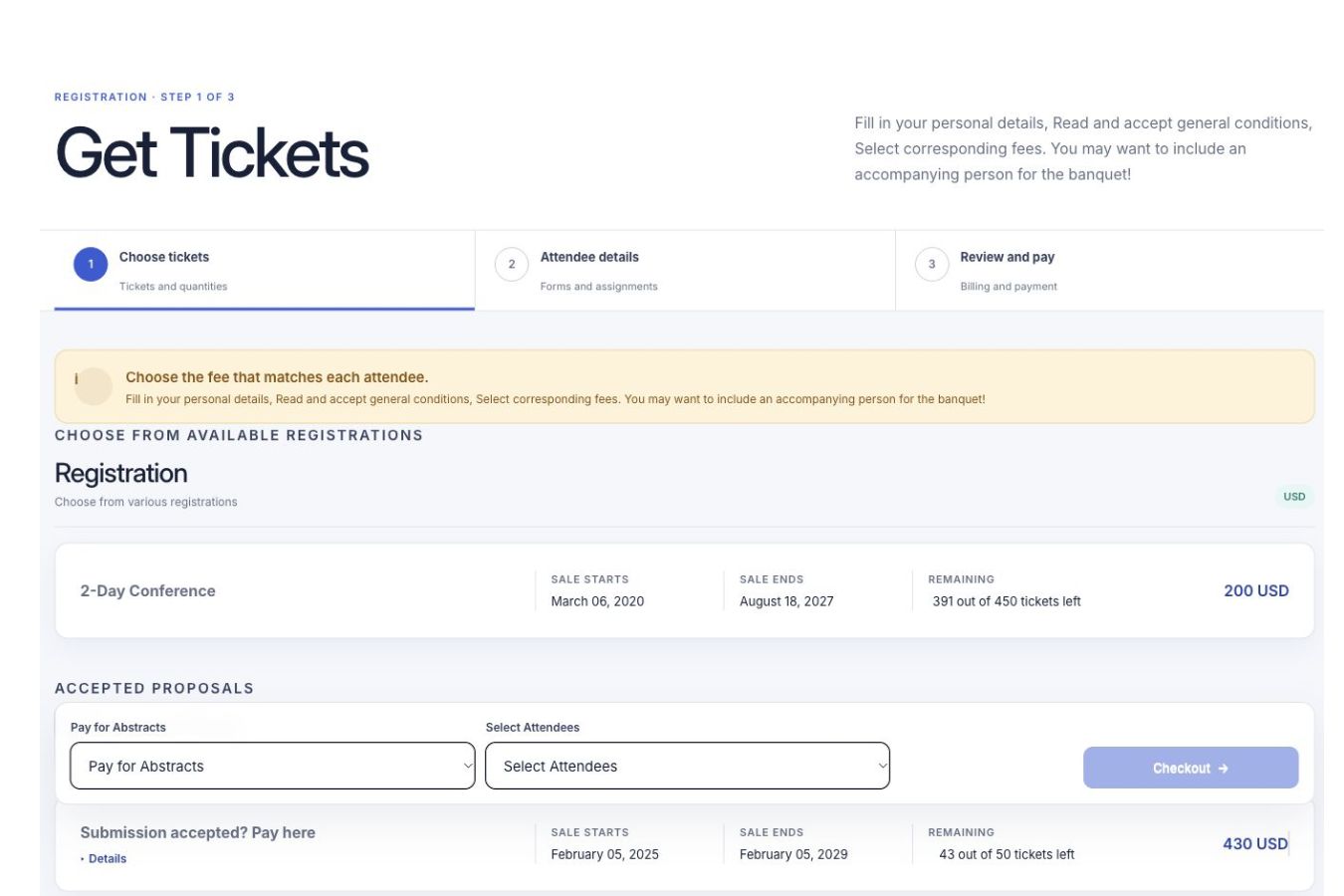
Attendees choose tickets and follow the registration steps on the event website. Create as many ticket types as you need. Offer membership plans with renewals. Take secure online payments and offer supported offline payment methods. See ticket sales as they happen.
Help people find and share your event.
Promote the conference with email, banners, social sharing, discount codes and Dryfta’s event listing website.
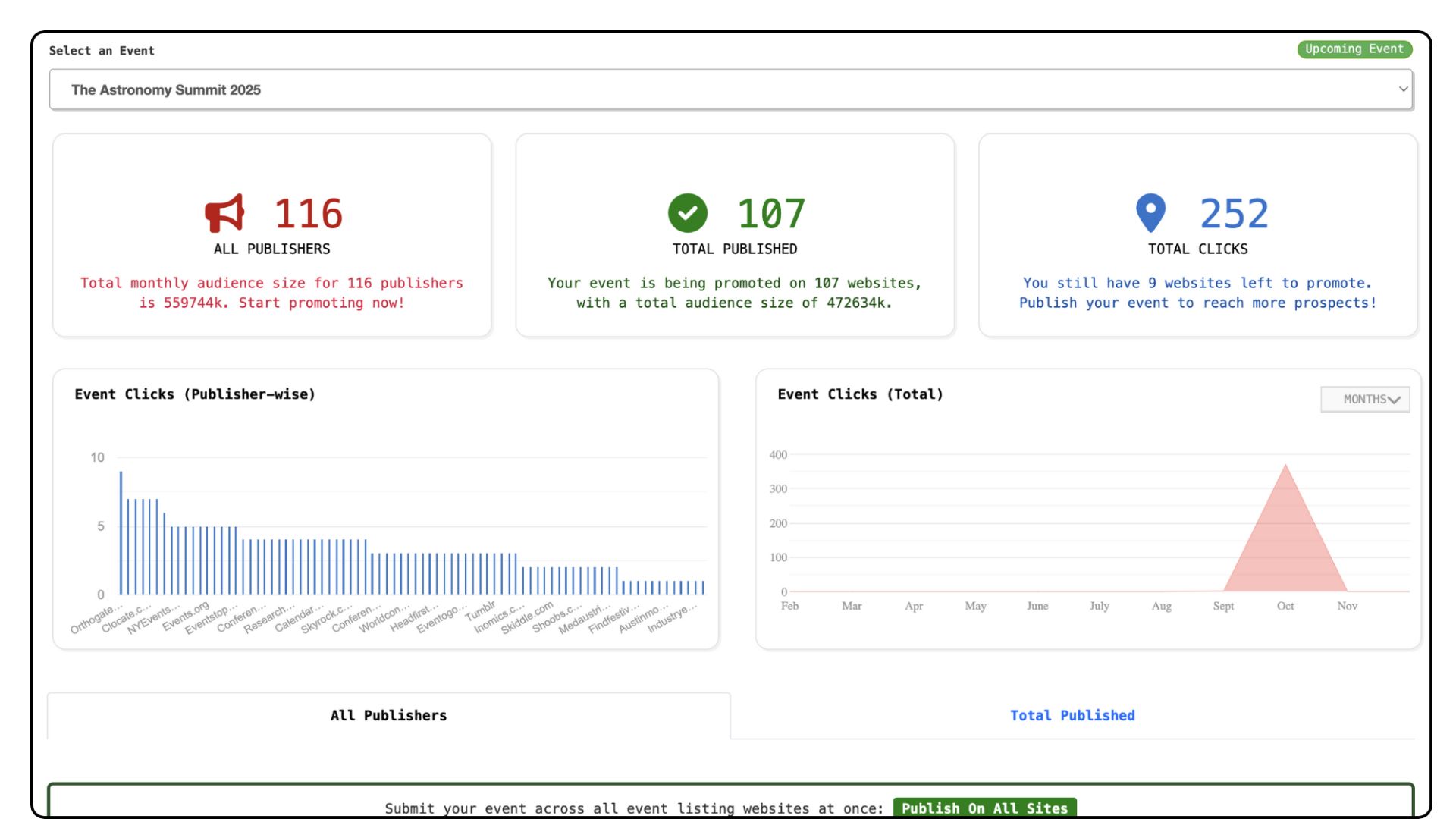
Publisher coverage and event clicks in the EventBoost dashboard. Before you start A custom domain needs access to its domain settings. Advanced HTML and CSS changes may need technical help. Confirm hosting, language options, video services, payment providers and any virtual-session limits for your event. The current page lists virtual events with up to 50 parallel sessions and 500 interactive participants per session; confirm the capacity available for your setup.
See Dryfta for yourself
See event website builder in action. Tell us about your event and the tasks you want help with. We’ll show you how to do them in Dryfta.
Request a demo