Record acceptance and rejection decisions.
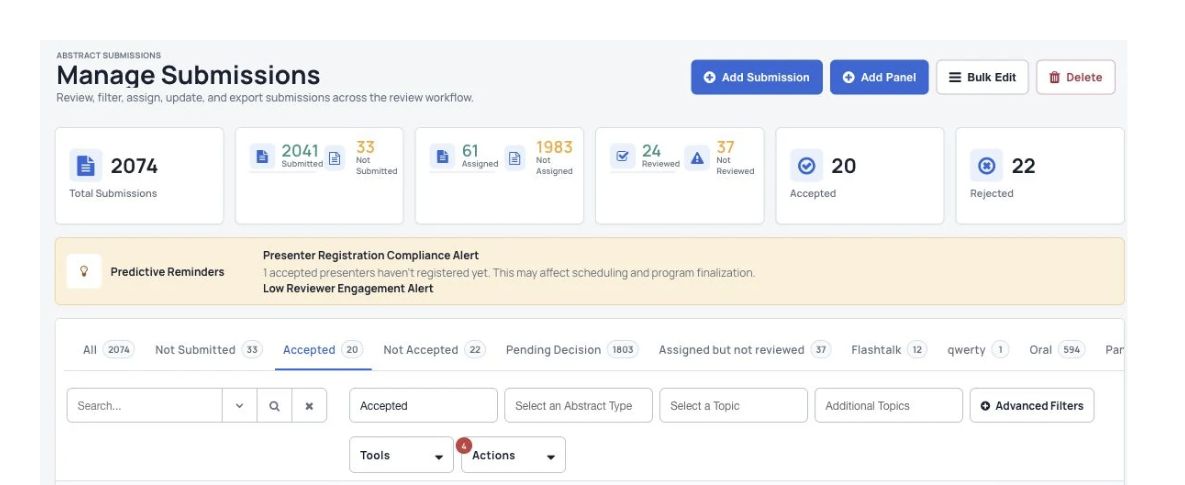
Submissions can be accepted or rejected from within the dashboard with one click. Multiple submissions can be accepted/rejected at once.

Decisions & author updates
Record acceptance, rejection or revision decisions and notify authors. Keep each submission’s outcome and the messages that follow connected to your conference review process.
What you can do
Submissions can be accepted or rejected from within the dashboard with one click. Multiple submissions can be accepted/rejected at once.
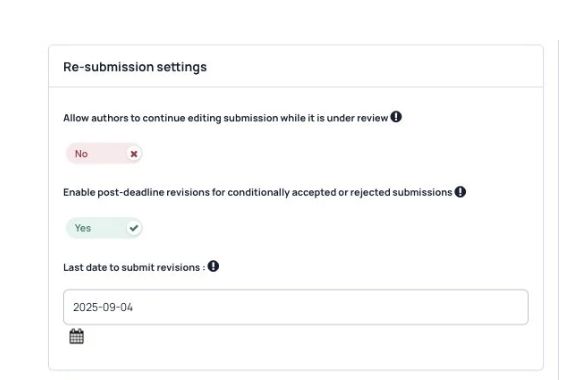
Set the status to “Accept with Revision” and add your feedback. The author reviews the feedback and submits an update. Dryfta then notifies the organizer.
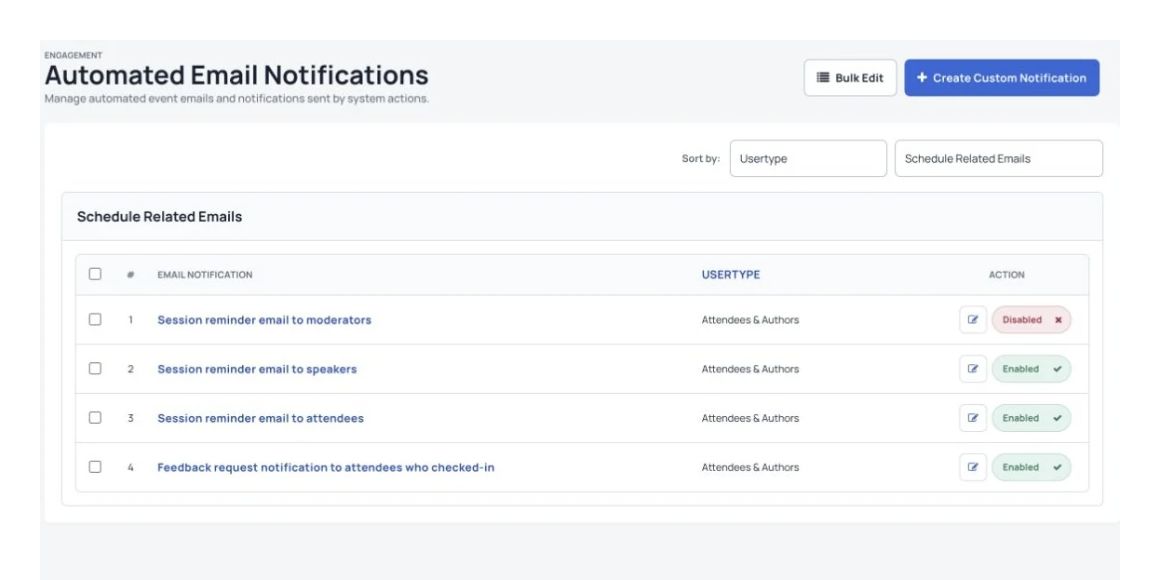
Authors receive an automatic email when their submission status changes. Organizers can edit the email sent for each status.
See Dryfta for yourself
Tell us about your event and the tasks you want help with. We’ll show you how to do them in Dryfta.