Here’s a step by step guide for integrating Dryfta with Salesforce CRM using Zapier. Using this guide, you will be able to move & sync contacts from Dryfta event platform to Salesforce CRM.
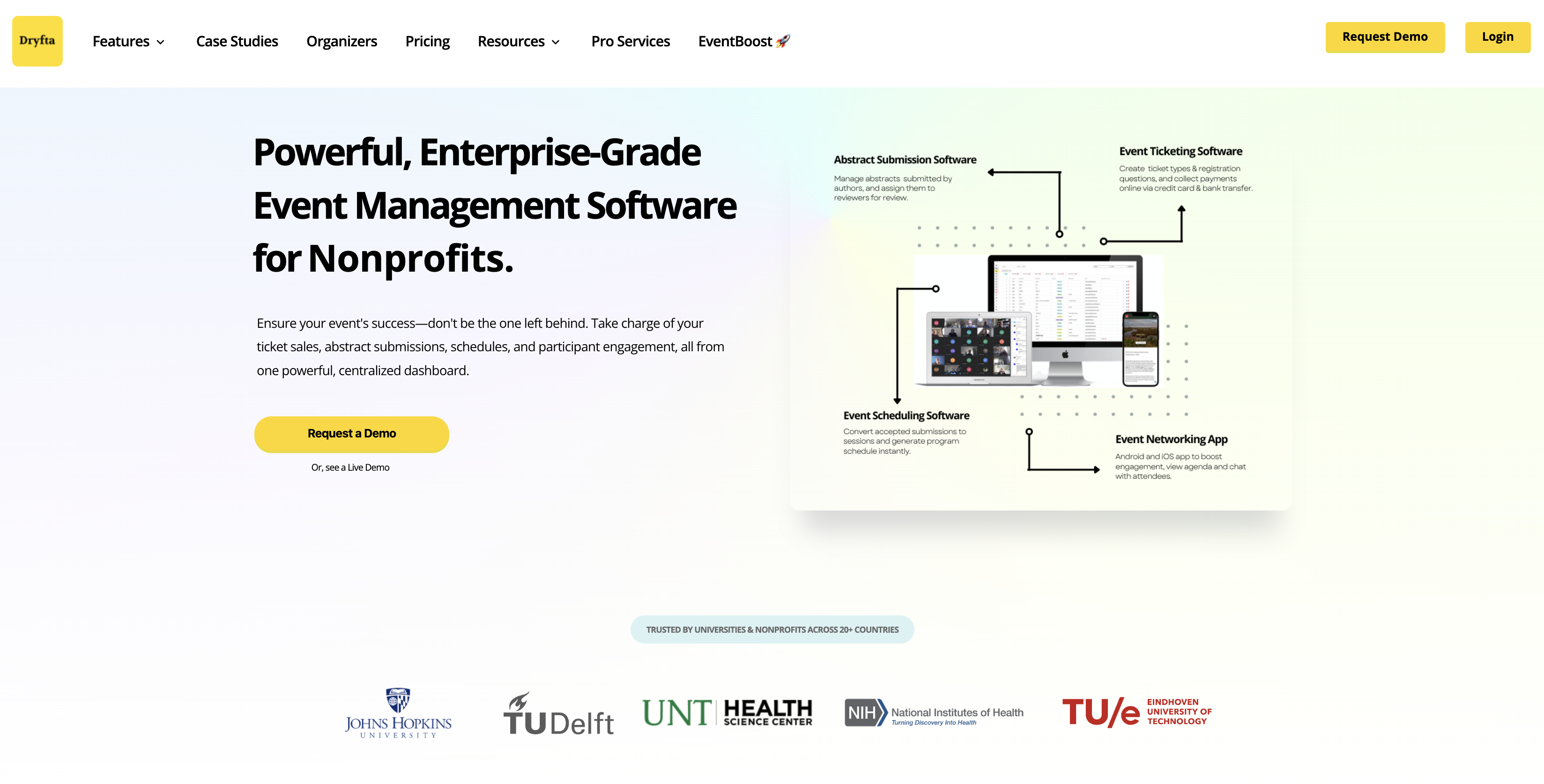
Powerful, Enterprise-Grade Event Management Software
Sell tickets & Collect registration fees online
Full-Service Abstract Management Software: Collect âž© Assign âž© Review âž© Decide âž© Notify
Customizable forms to collect & review abstracts, symposia, proposals & grants
The Complete Event Schedule Builder to Create Virtual & Hybrid Sessions
Create Event Schedule with Slides, Group Chats, Survey forms & more
Engagement Tools to Host Virtual Conferences & Online Community Website
Engage attendees & Produce knowledge with online networking portal
Secure, scalable event management for large enterprises with full data control
Simplify academic conferences and university event management
Powerful tools to manage multiple clients and events seamlessly
Host hybrid events with ticketing, abstract submissions, and virtual meetings
Insights and trends on event management and technology
Latest features and improvements in Dryfta
Step by step resources to maximize your event’s potential
Connect Dryfta with your favorite tools and platforms
Real success stories from events powered by Dryfta
Here’s a step by step guide for integrating Dryfta with Salesforce CRM using Zapier. Using this guide, you will be able to move & sync contacts from Dryfta event platform to Salesforce CRM.
The ability to delegate tasks and getting them done right and on time is the key to a successful event. For easier and efficient task management, it is important to have a well-planned, task-by-task approach for volunteers and admin staff and be able to hold them accountable for their tasks that they have been assigned with.
We’re happy to announce the partnership with Conferencebadge.com! Their state-of-the-art badge builder tool allows you to print customized name badges along with option to add attendee photo and QR code.
Simply go to Badge builder in your Dryfta event platform, select attendee data you wish to include in the name badges and export the file.
This file can then easily be uploaded to ConferenceBadge.com to create beautiful name badges that you can print at your premise or have Conference Badge print and ship right to your doorstep.
Here’s how to customize and print your name badges :
More than 1.2 billion users use Gmail everyday i.e. almost around 15% of the world population. With so many users, there have been moments when Gmail service experienced outages and crashes.
What’s more worrisome though is numerous horror stories of Gmail accounts being closed without consent. Gmail tends to close accounts without notice and there’s very little you can do to recover them. The only way you can keep your mails safe is by keeping a backup copy of your mails.
Continue reading
Less than 5 percent of the people have PayPal account, while more than 95 percent have credit cards. If your event website permits only PayPal, it will mean that most attendees will be unable to pay. In such a case the creation of your event website was pointless. Therefore, a credit card processor is necessary to facilitate all payments and not just PayPal.

Square payment gateway charges lower transaction fee (2.75% on card swipe), is very user-friendly, and has option to transfer money to your bank account instantly. Also, since we already have an integration built for Square, just like we have integration for Stripe, PayPal, Cybersource and other payment gateways, it takes only a few minutes to set up your payments form.
Dryfta has achieved 2018 High Performer Award based on the responses of real users for each of the Usability Index related questions featured in the G2 Crowd review form.
Dryfta’s Usability Index ratings were highlighted by ‘Ease of Use’, which scored [8.9], and Dryfta’s ‘Ease of Admin’ was [9.3] compared to the category average of [5.3].
The Usability Index Report is based on ratings by business professionals. Dryfta received ten or more reviews and five responses for each of the usability-related questions to qualify for inclusion in the Usability Index.

Are you planning an academic conference?
The first thing that comes to mind right away is how to pull it through successfully managing the conference, making sure every task is done seamlessly and smoothly. Online registrations and abstract submissions are being taken care of. Attendees are engaged, food is good, transportation & logistics are error-free, and last but not least, ensuring those event organizers get a decent ROI in monetary profits and attendees engagement.
We went through every step involved in conference planning and created a How-to guide for you. This event planning guide lists the step by step approach for planning and managing an academic conference:
Dryfta earned recognitions lately after having gone through a review of trusted B2B directory FinancesOnline.com. The results were very positive – our event management software emerged with a score of 8.0 out of 10 and a perfect user satisfaction rating of 100%. We were also mentioned as one of the top SaaS software solutions on their platfrom.
Reviewers observed how our platform specially designed for universities and non-profits is able to help users conceptualize, plan and manage events within a cloud based environment. The software experts further noted the comprehensive features and event management capabilities of Dryfta to facilitate planning events and turning them into successful events.
Continue reading
At times, attendees register twice using different email addresses for various reasons. For example, sometimes they forgot the password and instead of requesting a new password, they would simply create a new account. Or, if a subordinate has created an account for a user, and has not notified about the same, the user would unknowingly register again to create an account. There’re many other scenarios where duplicate accounts are created with each account holding some important information about the user. So, normally, the organizer would manually copy each piece of information from one account to another and then discard one of the accounts. This, however, results in lost time. Lots of lost time.
Continue reading
To find your event ROI quickly & easily, the simplest way is to sum all revenues and expenses and then subtract total expenses from total revenues (Event revenue – Event expense = Event returns). This is the fastest possible method to calculate your return on investment. Please note that this, however, does not include other more important event attributes viz. leads generated, returning attendees, meetings requested, marketing campaigns, attendee engagement, customer satisfaction, Press mentions, social network influence etc.
Step by step instructions for integrating Dryfta with Hubspot CRM using Zapier. Using this guide, you will be able to move & sync contacts from Dryfta event platform to Hubspot CRM.

We have a video tutorial about integrating Dryfta with Hubspot CRM using Zapier.
If you’re new to Zapier, click on Sign Up to create a free account. If you’re an existing user, click on Log In to log in to your Zapier account.
Continue reading
Using Dryfta API, you can create your own apps and integrate Dryfta platform with third-party web applications. However, most customers are not able to make use of APIs due to lack of developer resources and funds. Zapier makes it very easy for customers without technical know-how to use Dryfta API for automating workflows between Dryfta and third-party apps.
What is Zapier
Zapier is a task automation tool which connects Dryfta with other web apps eg. Hubspot, Salesforce, Mailchimp etc and automates workflows between them. With Zapier, your data is moved between your apps automatically so you and your team can focus on more important work. For example, to move contacts from Dryfta to Hubspot CRM, simply connect these apps using Zapier’s triggers & actions and it would automatically sync data between Dryfta & Hubspot every 15 minutes.
Continue reading