
Picture this: the abstract submission deadline is just minutes away, and hundreds of researchers are rushing to upload their final papers at the same time. The last thing any conference organizer wants is a platform that crashes when traffic peaks.
That is why choosing dependable peer review software for academic conferences is crucial. But with so many options out there in 2026, where do you even start?
Let’s pull back the curtain on the top 10 peer review software for academic conferences that will actually make your life easier.
What Is Peer Review Software for Academic Conferences?
Ever wondered how large-scale academic conferences manage thousands of paper submissions without getting overwhelmed? It certainly isn’t by chance. Most rely on peer review software for academic conferences to keep everything organized, from submission intake to reviewer assignments and final decisions. Think of it as the command center for your peer review workflow.
Let’s walk through how a research paper moves from submission to presentation.
- The abstract submission stage is the first step in which scholars submit research summaries to help identify papers aligned with the conference theme.
- Next comes the paper submission where authors securely upload their completed research.
- After that, the system automates reviewer assignment to instantly pair incoming research with field experts who understand the niche topic.
- To keep grading perfectly unbiased and fair, the peer review workflow masks author details and manages blind review workflows.
- Once the review stage is over, acceptance management tools present scores in an organized dashboard that simplifies abstract selection/rejection.
- Next comes program planning, where accepted submissions are organized into sessions and tracks.
- Finally, author communication tools send instant status updates and keep authors informed about their submission status.
At the end of the day, using a good peer review software for academic conferences saves you over 100 hours of hectic admin work. It gives you the freedom to focus on building a great event.
Why Email and Spreadsheet-Based Review Processes Break Down
Nobody starts out thinking they need peer review software. At first, emails seem manageable. A spreadsheet keeps your data organized. Then, submissions double and suddenly you’re wondering who reviewed what.
If you’re trying to figure out how to choose peer review software, it helps to see where the email-and-spreadsheet approach falls apart.
- Some reviewers end up with too many papers while others receive very few. Keeping the workload fair gets a lot harder without automation.
- Reviewers don’t all respond at the same time. That means you’re stuck sending reminder after reminder instead of focusing on the review process.
- The same paper gets shared back and forth until there are multiple versions floating around. Suddenly, everyone’s asking the same question: “Which one is the latest?”
- It’s easy to accidentally assign a paper to someone who has a conflict of interest when everything is managed manually.
- Organizers often have no simple way to see who has finished reviews or which submissions still need attention.
- It’s not the reviews themselves that slow teams down. It’s pulling together all the scores, comments, and final decisions afterward. That’s one of the biggest reasons organizations explore how to choose peer review software.
10 Questions to Ask Before Choosing Peer Review Software
Before making your final decision, ask these important questions. They’re a great starting point for how to choose peer review software.
- Does the platform support single-blind, double-blind, triple-blind, and open peer review?
- Can reviewers be matched automatically based on their expertise, research topics, keywords, bidding preferences, and current workload?
- Can you switch between different peer review methods for different events?
- Does the platform make it easy to invite reviewers, onboard new reviewers, send automatic reminders, and quickly reassign submissions if someone becomes unavailable?
- Can the software connect with your registration system, event website, agenda, payment gateway, mobile app, and other tools?
- Will the platform continue to perform well if your conference grows from a few hundred submissions to several thousand over the next few years?
- What security features are included to protect submissions, reviewer identities, and author data, and does the platform provide audit logs and permission controls?
- Which parts of the review process can be automated?
- What reporting features are available to help you track reviewer progress, completion rates, acceptance rates, reviewer workload, and overall review performance?
- Beyond the subscription fee, what other costs should you expect for onboarding, support, migration, training, integrations, or customizations before making a final decision on how to choose peer review software?
How to Choose Peer Review Software for Academic Conferences?
With so many peer review software out there nowadays, you need to focus on what actually saves your team time. Let’s look at the must-have features you should check before investing in a peer review software for academic conferences:
- Submission Volume: Figure out your expected headcount early. If you are dealing with thousands of abstract submissions, you need a high-performance peer review software specifically designed for academic conferences that won’t crash when everyone tries to upload their work at the exact same deadline.
- Single-Blind vs Double-Blind Reviews: Your chosen software must fully support your committee’s grading rules out of the box. It should let you hide author names or reviewer identities with a single click to keep the peer review unbiased.
- Reviewer Management: Look for a platform that makes tracking your panel of experts a total breeze. It needs to let you tag reviewers by their academic fields so papers land in the right hands.
- Workflow Automation: Nobody has time to send hundreds of individual emails. The best tools handle automated reminders, status updates, deadline extensions, reviewer invitations, review completion notifications, and acceptance announcements on autopilot so you can focus on bigger things.
- Conference Program Management: The best peer review software for academic conferences connects your accepted papers straight to your event schedule builder. This means you can create your multi-track presentation agenda without copying and pasting data.
- Integrations: Ensure that the software you choose integrates perfectly with your existing registration systems and final publication databases. Centralized workflows make it easier to avoid mistakes.
- Ease of Use: If the interface is too confusing, your busy reviewers will simply walk away. Pick a simple layout that anyone can navigate without a training manual.
10 Best Peer Review Software for Academic Conferences
Choosing the right peer review software for academic conferences can feel like an overwhelming responsibility, especially when you are managing hundreds of submissions. Also, with so many platforms available in the market these days, it’s not straightforward.
But, to help narrow down your options, here is a closer look at some of the leading tools available today and where each one stands out.
1. Dryfta
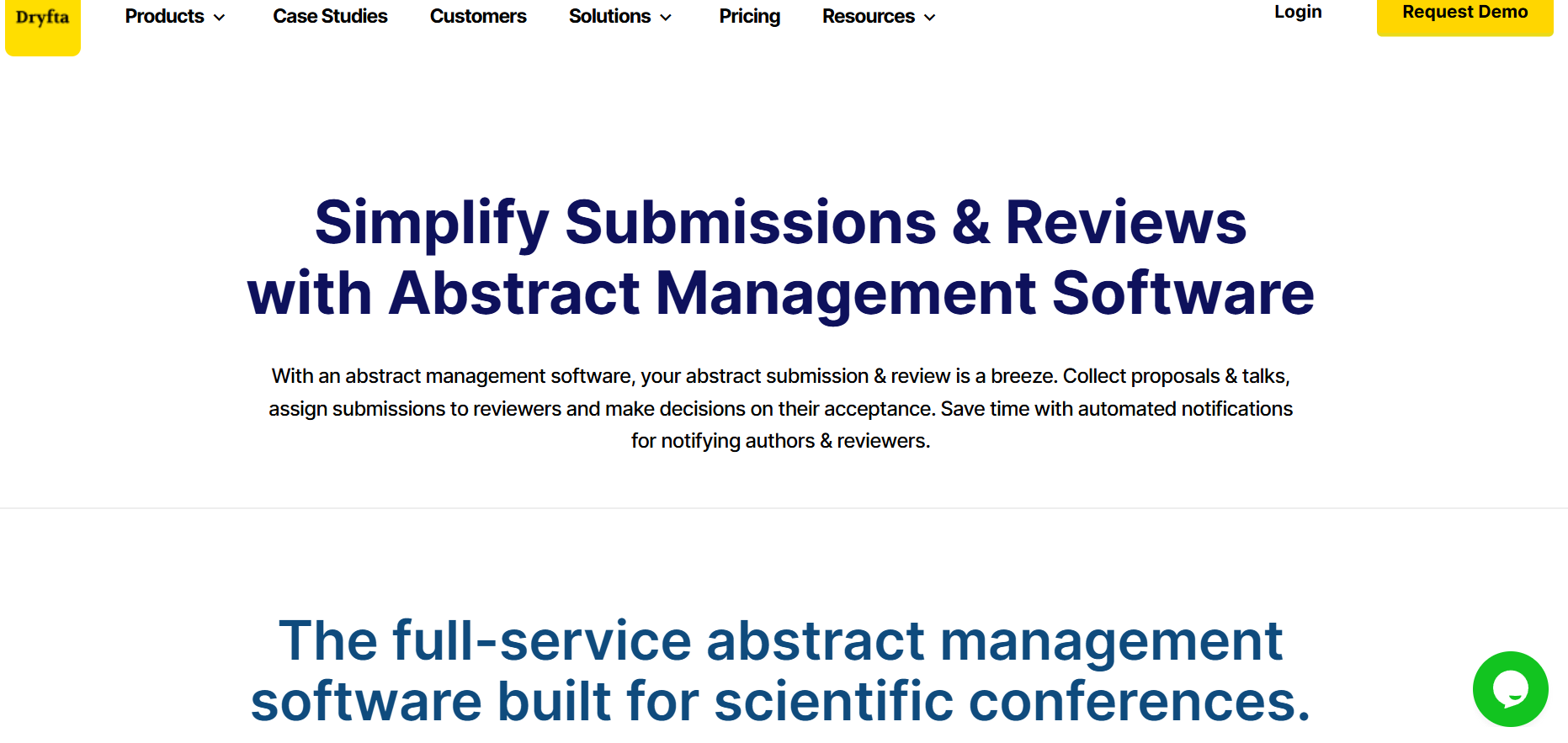
Best For: All-in-one event management platform for universities and academic societies wanting to link peer reviews directly with ticketing and scheduling.
Key Features
- Online abstract submission portal with customizable intake questions.
- Automated reviewer assignment tools to match papers based on specific topics.
- Strict single-blind, double-blind and triple-blind grading.
- Drag-and-drop session builder to move accepted papers into event schedules.
Strengths
- Offers end-to-end conference management, covering everything from submissions to a custom-branded event app.
- Saves time with automated reminders and status updates.
Limitations
- The comprehensive feature dashboard takes some initial time to master.
- It offers more features than a basic webinar requires which might feel complex.
Ideal Conference Types: Large-scale scientific and medical conferences that require registration and abstract management under a single roof.
2. EasyChair
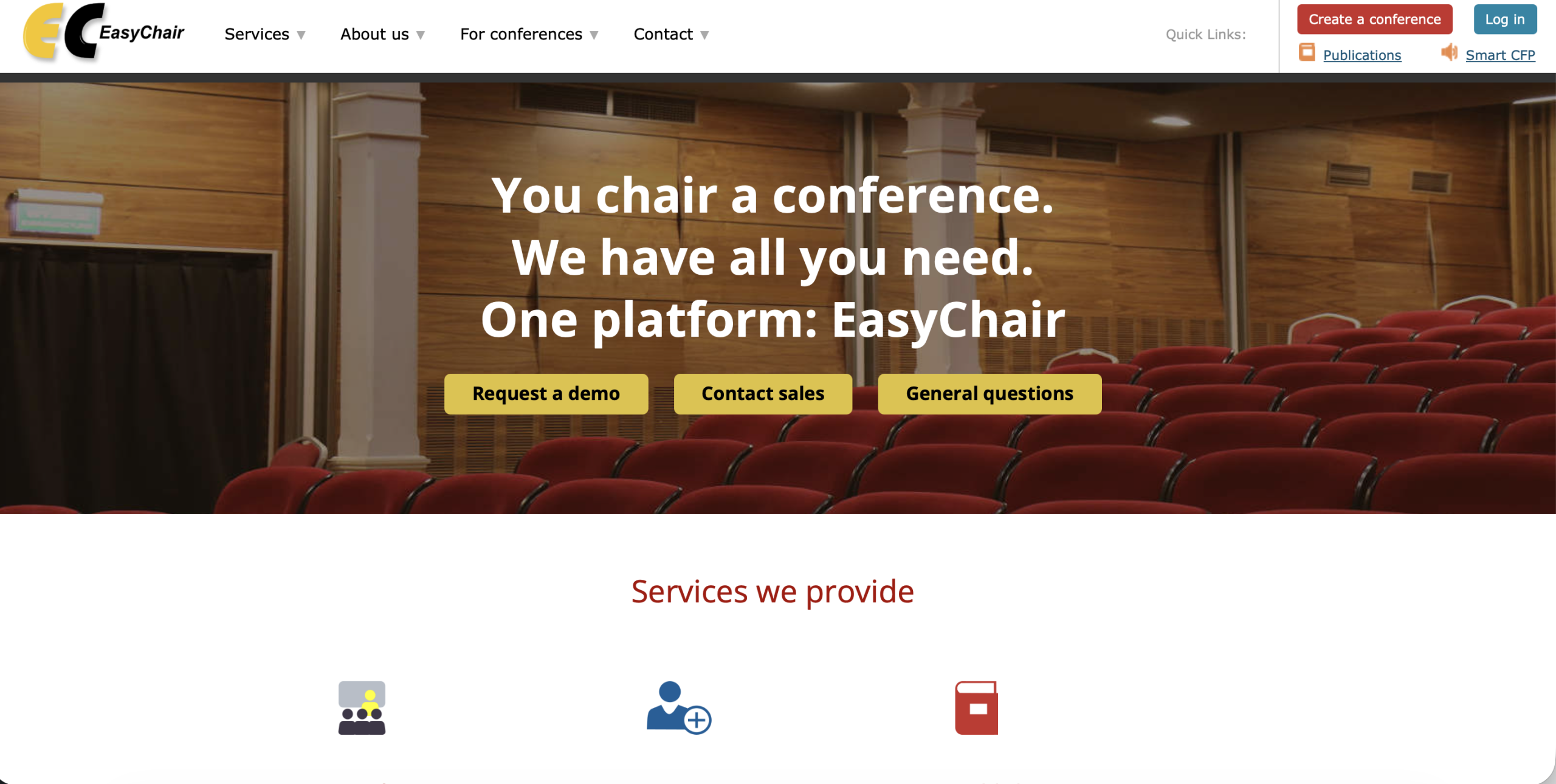
Best For: Research-heavy association conferences that want a modern interface for authors and reviewers.
Key Features
- Smart CFP portal for generating and managing initial calls for papers.
- Multi-stage author rebuttal phases for response collection.
- Built-in scientific publishing to easily format conference proceedings.
Strengths
- Highly recognized and trusted by major global academic publishers.
- Offers excellent data export options.
Limitations
- The user interface might feel outdated compared to newer platforms.
- The free plan comes with limited features and frequent upgrade prompts.
Ideal Conference Types: Highly specialized computing and mathematics symposia.
3. Ex Ordo

Best For: Large-scale research gatherings looking for a modern user experience backed by world-class support.
Key Features
- One-click panel decision controls to accept or decline group submissions instantly.
- An automated matching tool that links incoming research to specialized reviewers.
- Built-in presentation library to archive and share on-demand video sessions later.
Strengths
- Good customer onboarding with highly intuitive dashboards.
- Features a user-friendly UI.
Limitations
- The premium pricing structure is often too steep for low-budget events.
- Built-in templates allow only basic customization.
Ideal Conference Types: Medical and multi-disciplinary global association conferences where an intuitive user experience is a top priority.
4. Oxford Abstracts

Best For: Small to mid-sized academic events looking for a budget-friendly online abstract submission tool.
Key Features
- Auto-save feature protects reviewers from losing progress mid-evaluation.
- A reviewer tracking interface that shows real-time grading completion bars.
- Automated emailing engine to send bulk acceptance updates to authors.
Strengths
- Transparent and cost-effective pricing packages for low-budget events.
- Quick onboarding backed by great customer service across all time zones.
Limitations
- Requires third-party integrations to manage virtual stream hosting.
- Advanced features like multi-stage reviews require stepping up to expensive tiers.
Ideal Conference Types: International academic workshops and regional research summits.
5. ConfTool
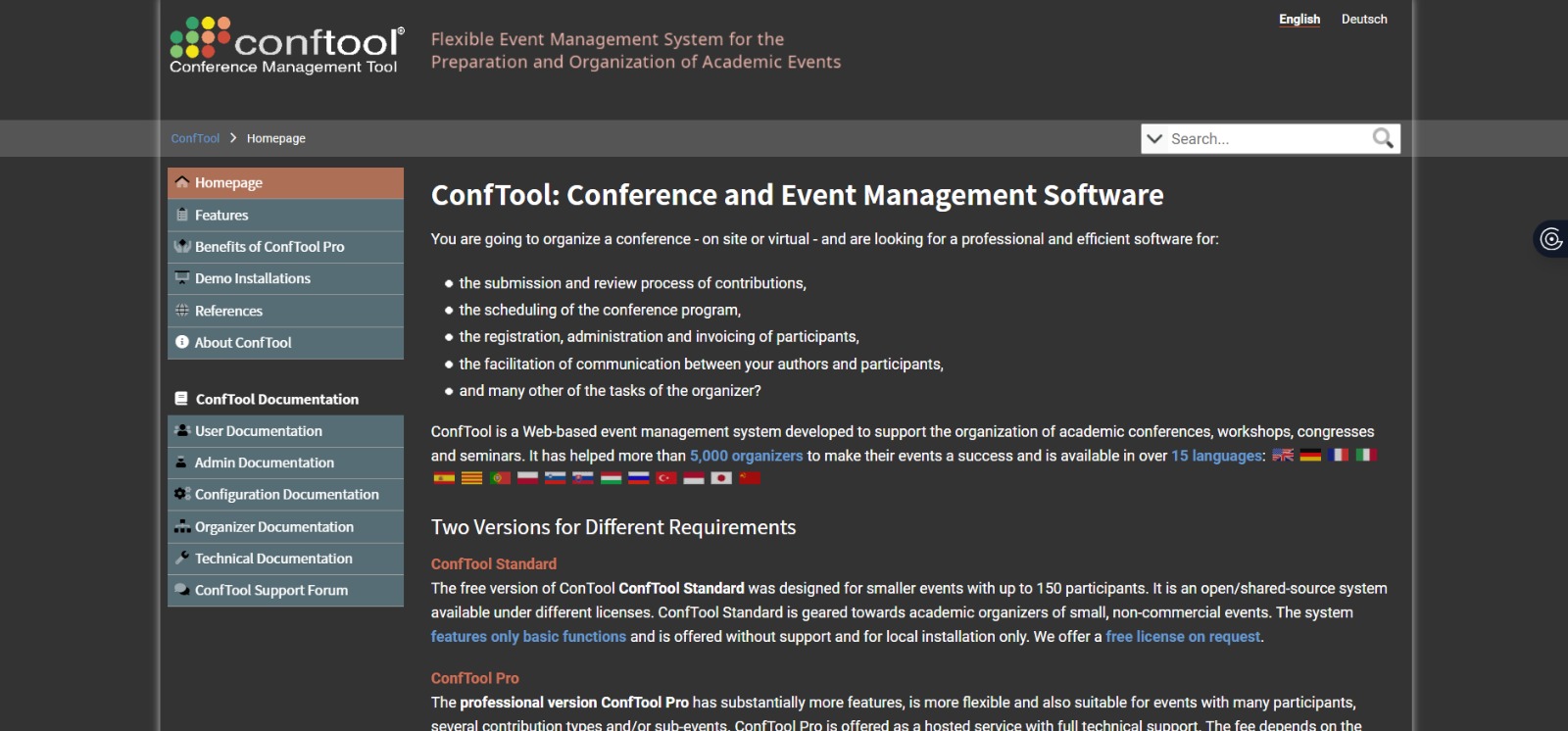
Best For: European university conferences that require highly customizable, GDPR-compliant registration workflows paired with data tracking.
Key Features
- Advanced search filters to track down specific submission metadata instantly.
- Multi-level user permission levels to manage authors and reviewers securely.
- Flexible bidding systems let reviewers select their favorite topics.
Strengths
- Rock-solid security compliance for strict global institutional requirements.
- Offers customization over every single form question and button layout.
Limitations
- The steep technical learning curve requires dedicated staff to configure.
- The design is practical but lacks a modern visual UI.
Ideal Conference Types: Institutional university symposia and highly regulated international research events.
6. OpenConf
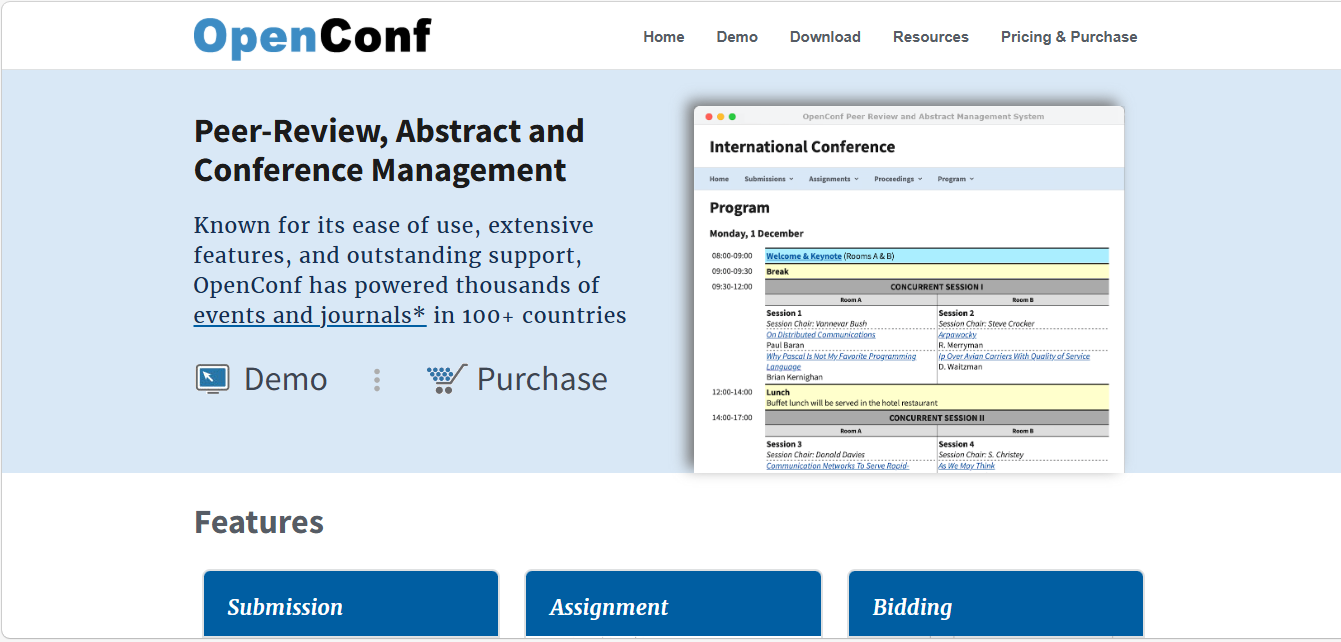
Best For: Budget-conscious academic committees searching for a low-cost tool focused entirely on abstract collection.
Key Features
- Basic single and double-blind peer review.
- Direct file upload that supports many format extensions.
- Automated conflict-of-interest screening algorithms.
Strengths
- Affordable entry-level pricing tiers that fit budget restrictions.
- Secure self-hosting options give institutions complete data custody.
Limitations
- Lacks modern collaborative tools like live panel discussion boards.
- Entirely lacks native virtual streaming or advanced mobile app integrations.
Ideal Conference Types: Local research workshops and low-budget departmental meetings.
7. Microsoft CMT
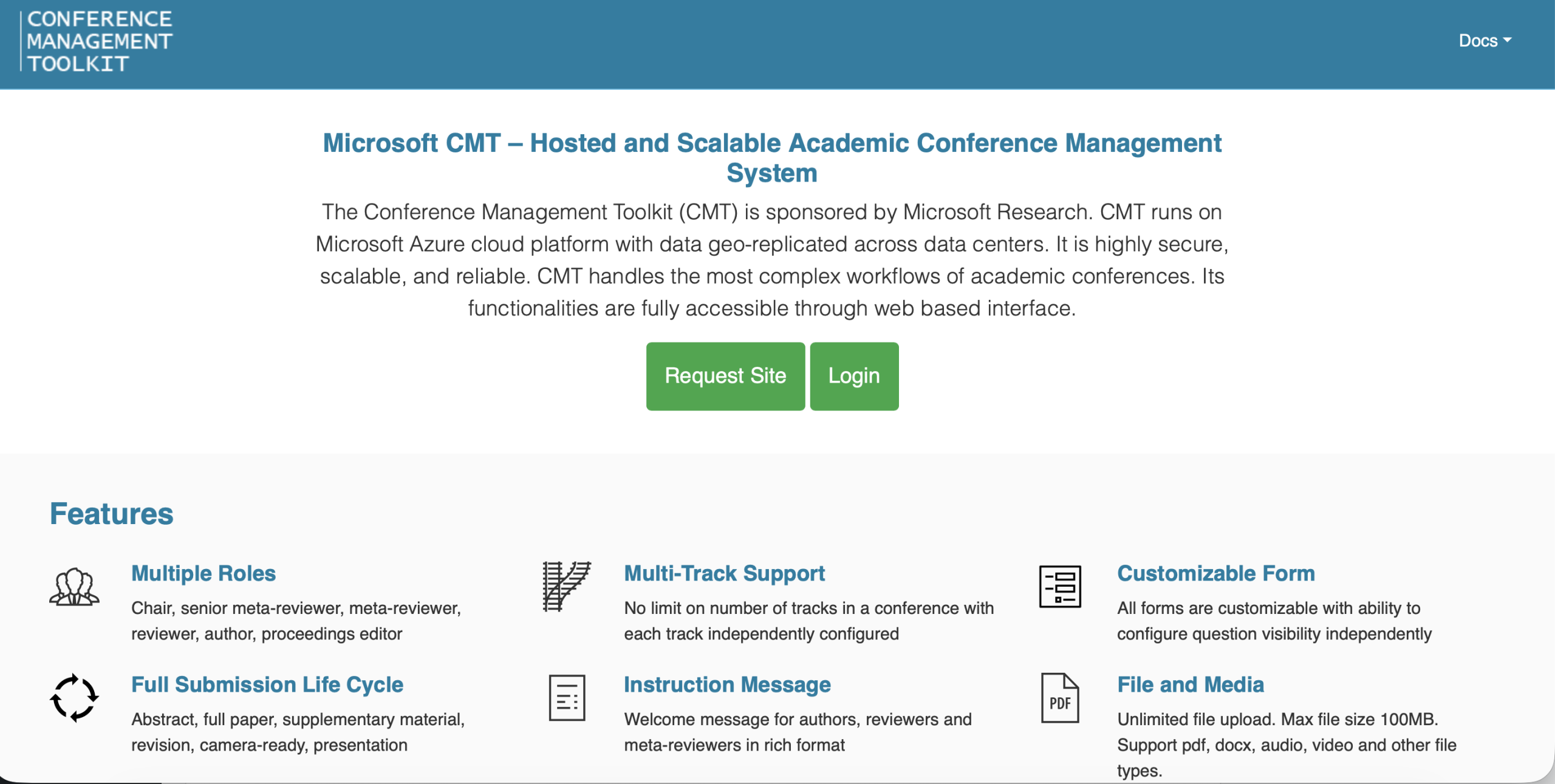
Best For: High-volume engineering and technical conferences requiring an enterprise-grade review workflow.
Key Features
- Complex meta-reviewer workflows built specifically for multi-tier committees.
- Advanced Toronto Paper Matching System (TPMS) integration for automated reviewer assignments.
- Author feedback loops that let writers submit formal review rebuttals.
Strengths
- The software is free to use for approved academic conferences.
- Capable of handling thousands of paper submissions simultaneously without slowing down.
Limitations
- The interface is highly technical and can confuse non-technical reviewers.
- Provides no registration or ticketing tools.
Ideal Conference Types: Large-scale global research conventions and high-volume corporate technology summits.
8. ScholarOne Manuscripts
Best for: Scholarly societies publishing academic journals alongside their annual association meetings.
Key Features
- Built-in plagiarism and duplication detection tools powered by iThenticate.
- Detailed operational audit trails that track every single review decision.
- An extensive reviewer database filled with pre-vetted global scientific experts.
Strengths
- Specialized workflow security and compliance standards for high-stakes research.
- Powerful analytical tools that predict errors in the review timeline.
Limitations
- Enterprise-level pricing puts it entirely out of reach for independent organizers.
- Configuration requires a dedicated system account manager from their team.
Ideal Conference Types: Medical and pharmaceutical scientific association gatherings.
9. Morressier
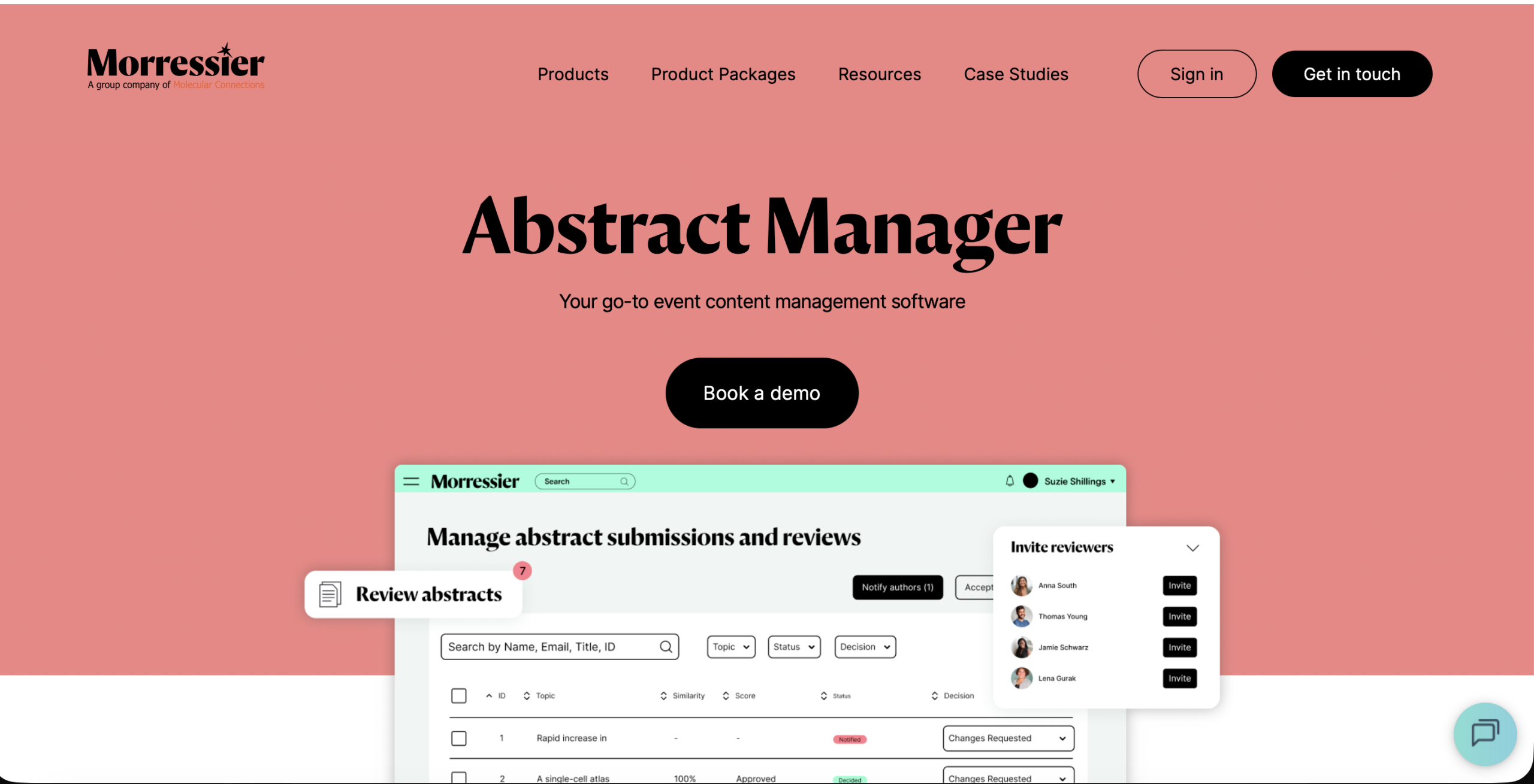
Best For: Research societies wanting to track early-stage findings and showcase video presentations alongside text documents.
Key Features
- Integrated video abstract submission tool supporting multimedia uploads.
- Automated Digital Object Identifier (DOI) assignment for accepted conference files.
- Seamless publishing that links conference content directly to open-access directories.
Strengths
- An advanced frontend that elevates the presentation of research posters.
- Strong emphasis on post-event content discoverability and indexing.
Limitations
- Text-heavy journals might find the media-centric options distracting.
- On-site badge printing tools are limited.
Ideal Conference Types: Innovation-focused scientific expos and hybrid research conventions.
10. Open Journal Systems (OJS)
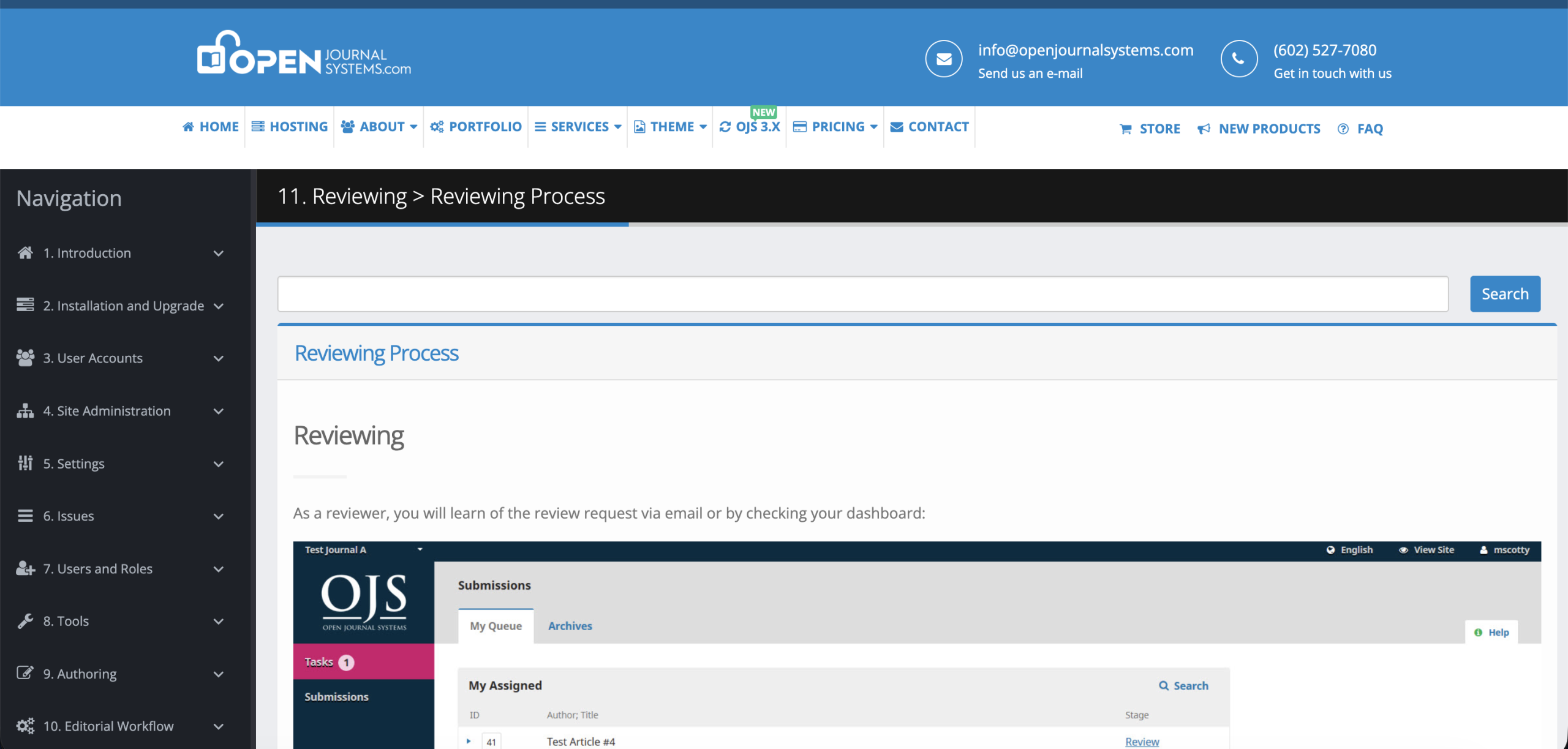
Best For: Academic institutions looking for a free, open-source software to manage year-round scholarly publishing.
Key Features
- Search engine optimization designed for indexing in Google Scholar.
- Open-source code allows your internal IT team to fully customize features.
- Archiving feature designed to store research volumes over multiple decades.
Strengths
- Free to download and host on your own university web servers.
- Highly trusted by global scholars as the international standard for independent publishing.
Limitations
- Requires dedicated internal IT staff to handle server setup.
- Lacks basic on-site event logistics.
Ideal Conference Types: University-backed open-access journals and recurring departmental research sessions.
Essential Features Every Peer Review Platform Should Have
If you’re learning how to choose peer review software, use this checklist to compare platforms before making your decision.
- A simple way to collect submissions and manage different versions of the same paper without confusion.
- A reviewer database that makes it easy to invite reviewers and manage reviewer profiles.
- Support for single-blind, double-blind, triple-blind, or open review depending on your conference requirements.
- Built-in conflict-of-interest checks and declaration tools to help prevent biased reviewer assignments.
- Smart reviewer assignment based on expertise, keywords, reviewer bids, and workload.
- Flexible scoring forms with customizable rubrics and scorecards that match your evaluation.
- Support for senior reviewers or meta-reviewers to oversee reviews and make final recommendations when needed.
- Tools that let reviewers discuss submissions and reach a consensus before final decisions are made.
- Automated emails and status updates that reduce manual follow-up.
- Integrations with registration systems, event websites, agendas, and program builders to keep everything connected.
- API access, Single Sign-On (SSO), and third-party integrations that make it easier to connect with the rest of your event technology stack.
Knowing these features is an important part of how to choose peer review software.
What academic conferences need beyond peer review software?
Let’s face a hard truth. Getting research papers submitted and reviewed is only part of the challenge. While peer review software for academic conferences helps manage submissions and evaluations, it does not solve the many operational demands that come with running the conference itself.
Here are the key features that help keep your entire conference running smoothly:
- Registration Management: Your platform needs to handle tiered pricing, early-bird tickets, university discount codes, and institutional invoices without manual intervention. If this fails, your event budget drops into the danger zone.
- Event Websites: First impressions are very crucial in academic events. The software must clearly showcase your deadlines and submission criteria while drawing in new ticket buyers.
- Speaker Management: Managing speaker profiles, session details, presentation schedules, and travel information can be time-consuming. A centralized system keeps everything organized and gives presenters a dedicated space to update their own information whenever needed.
- Session Scheduling: Once papers are accepted, organizers need a process for building the conference agenda. Scheduling tools make it easier to allocate rooms and coordinate presentation times.
- Mobile Event Apps: Attendees nowadays expect to carry the entire symposium right inside their pockets. A mobile event app lets guests view anything and everything on the fly.
- Attendee Engagement: Listening to back-to-back research presentations can get boring. You need integrated features like live polling to break the ice.
- Sponsorship Management: Sponsorship revenue is an important source of revenue for many academic conferences. Sponsorship management tools help organizers showcase sponsor visibility. Giving your top sponsors a digital booth keeps them happy and coming back next year.
- Analytics: The grading data from your peer review software for academic conferences only shows part of the whole picture. You need a analytics tool on foot traffic and session ratings to properly plan next year.
Mistakes to Avoid When Choosing Peer Review Software
It’s easy to get distracted by flashy features and demos. But if you’re figuring out how to choose peer review software, don’t overlook the basics.
These are the mistakes you’ll want to avoid before making a decision:
- Don’t make price your only deciding factor. A cheaper platform may end up costing more later if it lacks the features your conference actually needs.
- Pay attention to the reviewer experience. If the platform feels confusing or takes too many clicks to complete a review, reviewers may lose interest or miss deadlines.
- Test user permissions and blind-review settings before you commit. Small setup issues can affect review fairness.
- Don’t assume migrating from your current platform will be quick or automatic. Ask what the migration process looks like and what support is available along the way.
- Find out what training and customer support are included. A helpful support team can make a huge difference during your first review cycle.
- Always test the platform with a realistic number of submissions. That’s one of the easiest ways to understand how to choose peer review software that can handle your conference as it grows.
The Future of Peer Review Software – What to Expect
Peer review software has come a long way. Modern platforms do much more than organize submissions. They’re helping organizers automate repetitive tasks and create a fairer review process. If you’re researching how to choose peer review software, keep an eye on these trends.
- AI-assisted reviewer recommendations: AI can recommend reviewers based on their expertise. You still make the final call, but the shortlist is ready much faster.
- Smarter workload balancing: These days, it’s not just about giving every reviewer the same number of papers. Modern platforms also look at their availability and current workload, making assignments feel a lot fairer for everyone.
- ORCID and researcher identity integrations: Direct ORCID integration makes it easier to verify author and reviewer identities. It also helps keep researcher information accurate across different conferences.
- Built-in plagiarism and similarity checks: More platforms now include tools that flag possible duplicate content or unusually similar submissions before the review process begins.
- Better support for collaborative reviews: Reviewers can discuss submissions right inside the platform.
- Review analytics and quality insights: Organizers can monitor reviewer response times, completion rates, scoring patterns, and review quality through dashboards that highlight trends and potential issues.
- Responsible use of AI in decision-making: AI can help organize submissions or recommend reviewers but final acceptance decisions should always remain with human reviewers. Understanding that balance is becoming an important part of how to choose peer review software as AI continues to grow.
The Bottom Line
Managing academic submissions, reviewer assignments, acceptance decisions, and conference planning is not a walk in the park. Reliable peer-review software for academic conferences helps streamline every stage of the process and improves the overall experience for both authors and reviewers. Dryfta goes beyond peer review by combining abstract management, registration, scheduling, attendee engagement, and abstract book publishing in one unified platform.
Whether you’re organizing a small symposium or a large international conference, Dryfta can help simplify operations and save valuable time. Book a free demo with Dryfta today and see how it can support your next academic conference.
Frequently Asked Questions
1. What is peer review software for academic conferences?
Peer review software for academic conferences is a digital platform designed to automate the management of online abstract submissions. The system automates everything from the call for papers to reviewer assignments, grading tracking, and final event scheduling. Using peer review software for academic conferences replaces confusing email threads with a completely fair evaluation for scientific discoveries.
2. What is the best peer review software for conferences?
The best peer review software for academic conferences depends entirely on your needs, but Dryfta stands out as a premier choice. Dryfta offers incredible all-in-one software that combines advanced abstract peer review with registration, ticketing, multi-track schedule building, and a native event app in an affordable subscription.
3. Can peer review software handle abstract submissions?
Yes, absolutely. A core feature of peer review software for academic conferences is handling abstract submission. The system safely organizes these text files and flags any potential formatting issues before field experts even begin grading.
4. What features should conference peer review software include?
Your peer review software for academic conferences should feature automated reviewer matching, scoring rubrics, status reminders, program scheduling tools, built-in conflict of interest screening, and privacy toggles. These features protect your data integrity while saving you hundreds of hours of manual work.
5. What is the difference between conference software and journal software?
While journal software is built for year-round editorial curation and long-term archiving, conference-specific peer review software for academic conferences is optimized for event-driven timelines. It links the paper grading system to registration, ticket pricing tiers, multi-track agenda builders, room allocations, and live mobile attendee engagement apps
6. Can peer review software support double-blind reviews?
Yes. Most peer review software for academic conferences supports double-blind reviews, where reviewer identities remain hidden from authors and author details remain hidden from reviewers. It helps reduce bias and promotes fair evaluations. Many platforms also support single-blind and open review models, allowing organizers to choose the review method that best fits their conference requirements.
