With 18,949 submissions to ICLR 2026 alone, academic conferences are operating at a scale that’s hard to manage manually. Academic conferences involve intricate, multi-layered workflows like complex abstract submissions, rigorous peer reviews, session scheduling, and final publications that require specialized systems. Generic event tools often fail because they lack the technical depth to handle double-blind protocols, weighted scoring rubrics, or scholarly indexing requirements.
To maintain academic integrity and operational efficiency, organizers need purpose-built software that navigates these specific scholarly demands without compromise.
In this guide, we break down the platforms built to handle that pressure and help you run large, multi-day conferences with confidence.
What Is Academic Conference Management Software?
Academic conference management software is a specialized software designed to manage the complex, research-intensive workflows that general event platforms often do not address. Unlike standard tools that primarily serve as ticketing platforms and offer basic registration, academic conference management tools are all-encompassing hubs that support every step of the scholarly lifecycle.
They centralize many of the complex steps, including:
- Call for papers
- Multi-stage abstract submissions
- Double/triple blind peer reviews
Once all of your review stages have been completed, you can rest assured that only valid, vetted scholarly content will be presented at your event.
Even better: the software typically automates the final publishing stage by creating and formatting proceedings volumes or synchronizing accepted documents into digital libraries. Using comprehensive academic conference management software, organizers can manage their submission flow, engage with reviewers, organize their session schedules, and produce their published proceedings from a single system.
Why Academic Conference Management Software Is Important?
As you can imagine, handling a scholarly event comes with a mountain of moving parts that can overwhelm even the most organized teams. Academic conference management tools are highly significant because they streamline a multi-month admin process into an easy digital workflow.
Let’s make this easier by looking at how these specialized tools transform the planning process.
- The system automates submission and review workflows to ensure the timeline stays on track without having to constantly remind people.
- Having all the data on one platform will greatly decrease the number of manual errors, such as duplicate entries or lost grading sheets.
- The software consolidates information in such a way that registration lists and session schedules are always up-to-date with the latest accepted papers.
- Better communication tools allow for better coordination among reviewers and make it easier to assign complex topic areas.
- Digital agendas and integrated mobile applications improve attendee experience by delivering real-time updates.
Key Features of Academic Conference Management Software
Contrary to simple registration websites, academic conference management software knows the beat of scholarly events. It manages both the operational side and the academic workflow without affecting quality.
The best part? All things are interconnected; that is, when the status of a paper changes, it automatically changes the whole program.
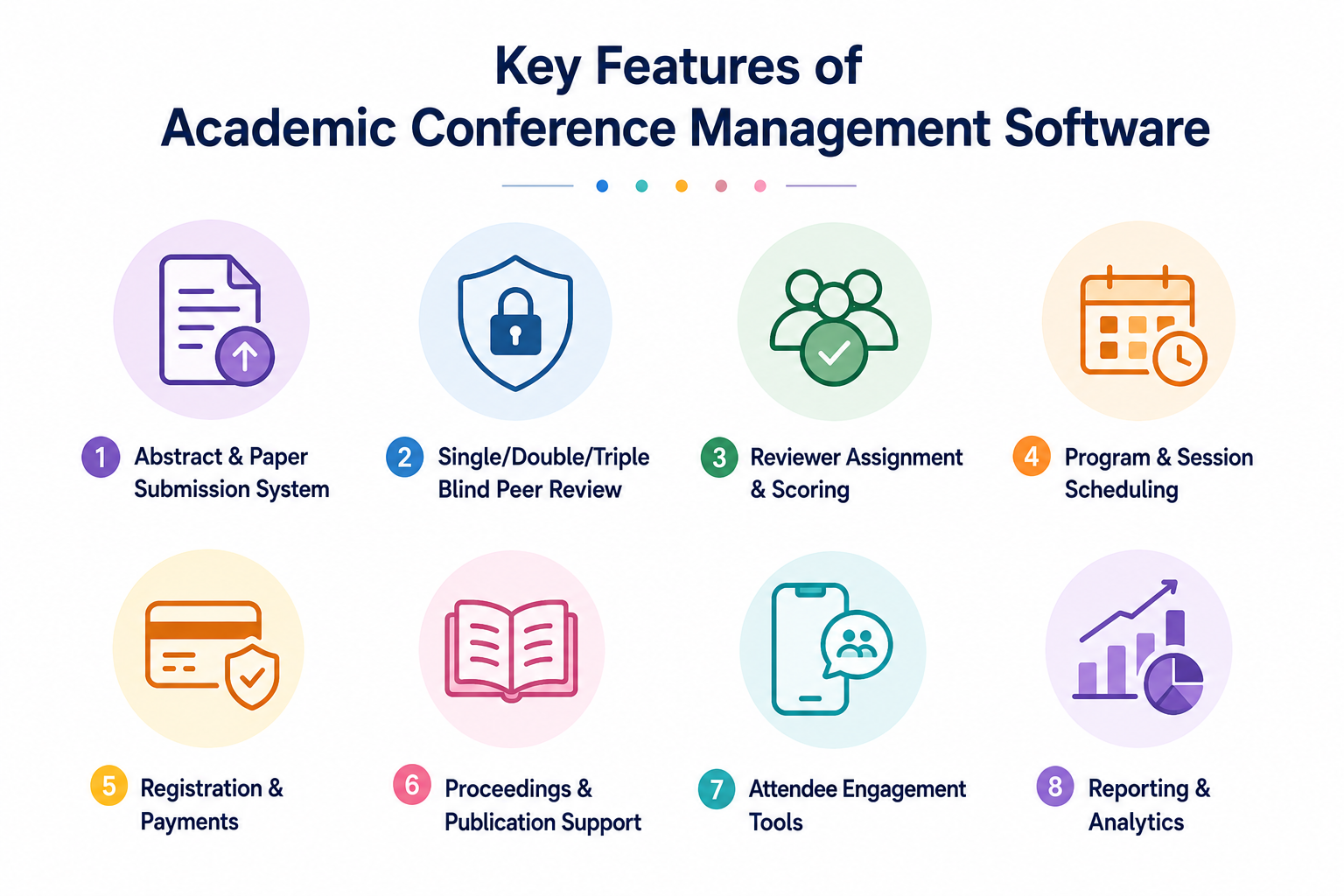
The following are some of the most important features of academic conference software:
- Abstract & paper submission system: A special portal where authors can submit documents and monitor their progress.
- Single/double/triple blind peer review: Automated workflows that safeguard identity and secure academic integrity.
- Reviewer assignment & scoring: Intelligent systems to pair papers with subject experts and combine their reviews.
- Program & session scheduling: Drag-and-drop interface to build multi-tracked programs and sessions.
- Registration & payments: Secure gateways to process university funds and international currency.
- Proceedings & publication support: With a single click, formatted versions of journals and digital archives can be created and published.
- Attendee engagement tools: Supports mobile apps and online networking platforms to boost real-time scholarly interaction among attendees.
- Reporting & analytics: In-depth information on submission rates, reviewer turnaround, and registration demographics.
Types of Academic Conference Software
There are those organizers who just need specialized conference management tools to ease the submission phase, and others who need a comprehensive solution that takes them through the last day of the event. Selecting the appropriate tool will make sure that your admin team and researchers are on the same page.
Now that you’re in control of how much flexibility you want, you can choose your best bet.
There are some obvious types:
- Abstract management systems, including EasyChair and Microsoft CMT, primarily focus on submissions and academic peer review.
- Full conference platforms like Dryfta or Whova offer a one-stop solution that includes registration, mobile apps, and attendee networking, apart from abstract management.
- Hybrid and virtual academic platforms provide personalized digital environments for streaming sessions and creating interactive digital poster galleries.
- Journal-integrated systems directly link your conference to editorial pipelines, allowing authors of accepted papers to have their work published in official journals.
Academic Conference Software vs Event Management Software: A Comparison
|
Aspect |
Academic conference software |
Event management software |
|
Core purpose |
Manage submissions, peer review, and program building |
Manage registrations, ticketing, and event logistics |
|
Paper submissions |
Built-in abstract and full paper submission workflows |
Usually not supported or very basic |
|
Peer review |
Advanced review workflows, scoring rubrics, and reviewer assignment |
Rare or completely missing |
|
Review integrity |
Conflict detection, anonymization, and multi-stage review |
Not designed for academic review standards |
|
Scheduling |
Program scheduling based on sessions, tracks, and speakers |
Agenda scheduling focused on sessions and attendees |
How Academic Conference Management Software Works?
Ever wondered how thousands of research papers move seamlessly from a laptop to a global stage without a single spreadsheet error? The answer lies within academic conference management software that manages the entire submission process for researchers.
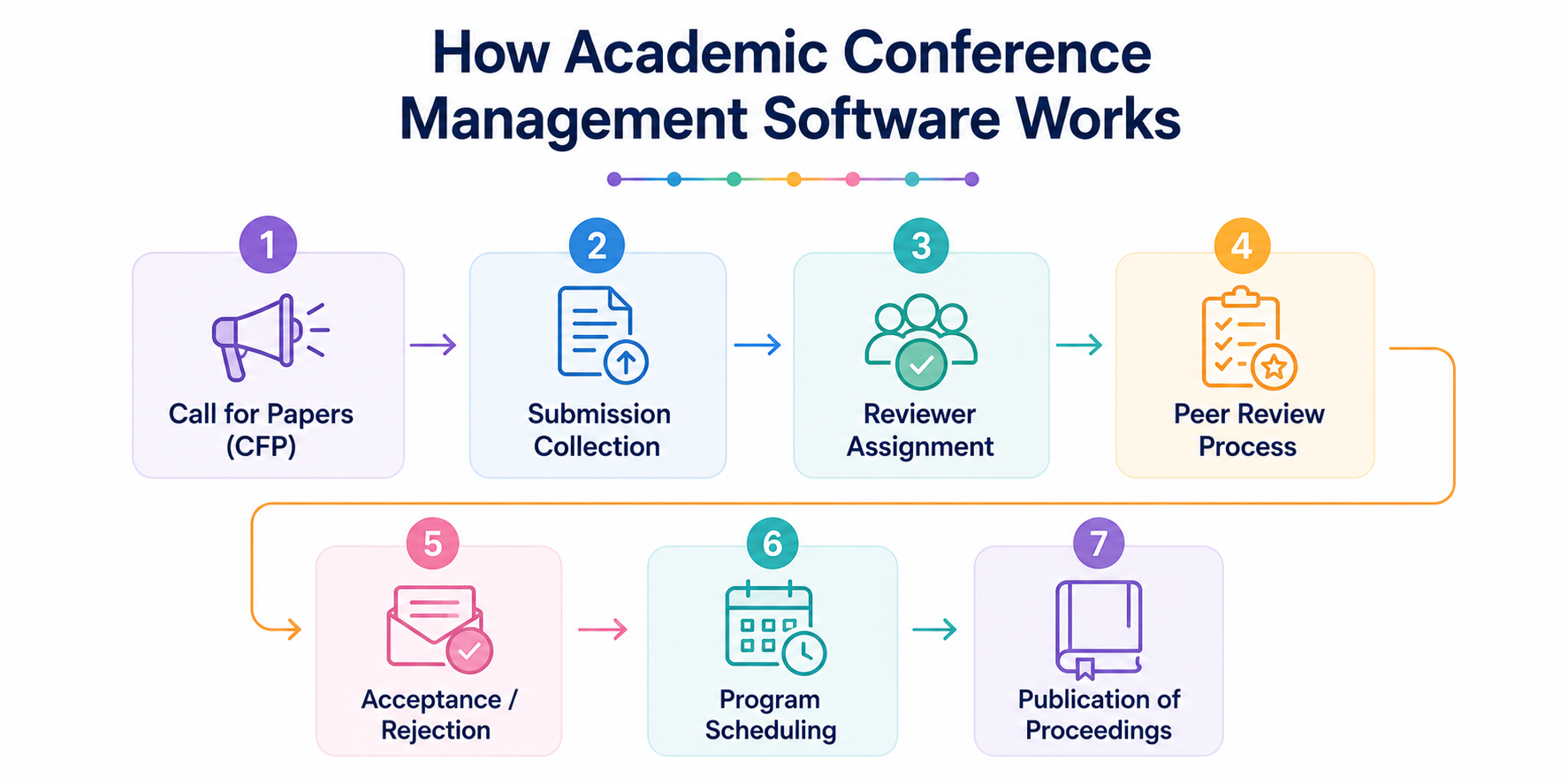
It takes care of:
- Call for papers (CFP): Announcement of CFP to researchers who will submit their work electronically through a structured submission portal.
- Submission collection: Collecting abstracts and papers in a centralized system to easily track and manage.
- Reviewer assignment: Matching submitted papers to appropriate reviewers based upon the reviewer’s area of expertise and current availability.
- Peer review process: Structured evaluation processes that allow scoring, comments, and feedback workflows between reviewers and authors.
- Acceptance/rejection: Finalizing decisions and informing authors through effective communication.
- Program scheduling: Schedule accepted papers into sessions, tracks, and timelines.
- Publication of proceedings: Compile and publish manuscripts or other conference-related materials in a systematic manner.
Academic Conference Workflow (End-to-End)
High-impact academic event management is an organized process with a distinct lifecycle that converts raw research data to published knowledge.
1. Pre-conference
This stage focuses on the call for papers and managing the submission portal. Organizers recruit reviewers and implement structured rubrics to manage the peer-review process. The goal here is that only high-quality manuscripts move to final acceptance and scheduling.
2. During conference
The focus shifts to the live experience, where the software enhances interactive sessions, oral presentations, and digital poster galleries. Real-time networking tools and Q&A features keep the scholarly discourse active, while the mobile agenda guides attendees through complex parallel tracks.
3. Post-conference
The final phase involves compiling accepted papers into formatted digital proceedings and generating ISBN-ready volumes. Organizers then use advanced analytics and reporting to evaluate submission trends and attendee engagement, and plan for future success.
Best Academic Conference Management Software Platforms
The choice of your academic conference management software will have a great impact on your professional reputation. Each of these platforms has its own benefits for academic workflow.
1. Dryfta
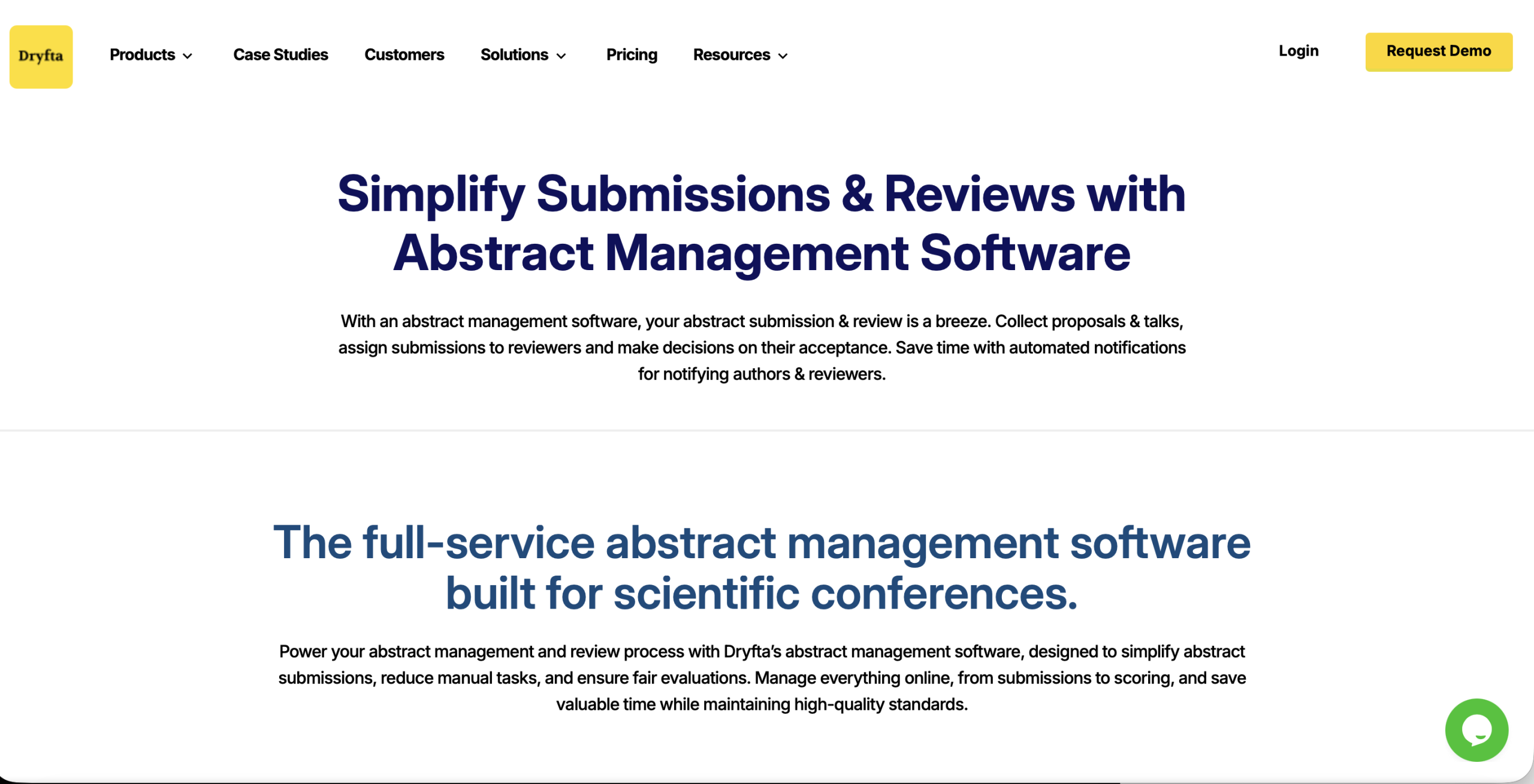
The most well-rounded scholarly conference platform, Dryfta, offers a sophisticated, all-in-one set of tools to manage every aspect of the academic workflow from the initial call for papers through final publication.
Core features that make Dryfta stand out:
- The platform has the best abstract management tool available today that will support both simple and very complex multi-stage submission workflows. It lets you manage initial abstract submissions, full paper submissions, and camera-ready revisions all within one place.
- Reviewers have access to a fully customizable evaluation dashboard with detailed scoring rubrics with criterion weights, so that all submissions are judged against the highest academic standards.
- Advanced reviewer-matching algorithms, based on subject-matter expertise, can help organizers reduce the burden of manual assignment and prevent conflicts of interest.
- Dryfta has a robust program builder that automatically inserts all accepted papers into fully functional, searchable sessions.
- Dryfta creates opportunities for scholars to network via dedicated discussion boards that extend well beyond the live session.
- Finally, Dryfta supports abstract archives with an option to display all or accepted abstracts with authors’ names, ratings, and summaries.
2. Whova
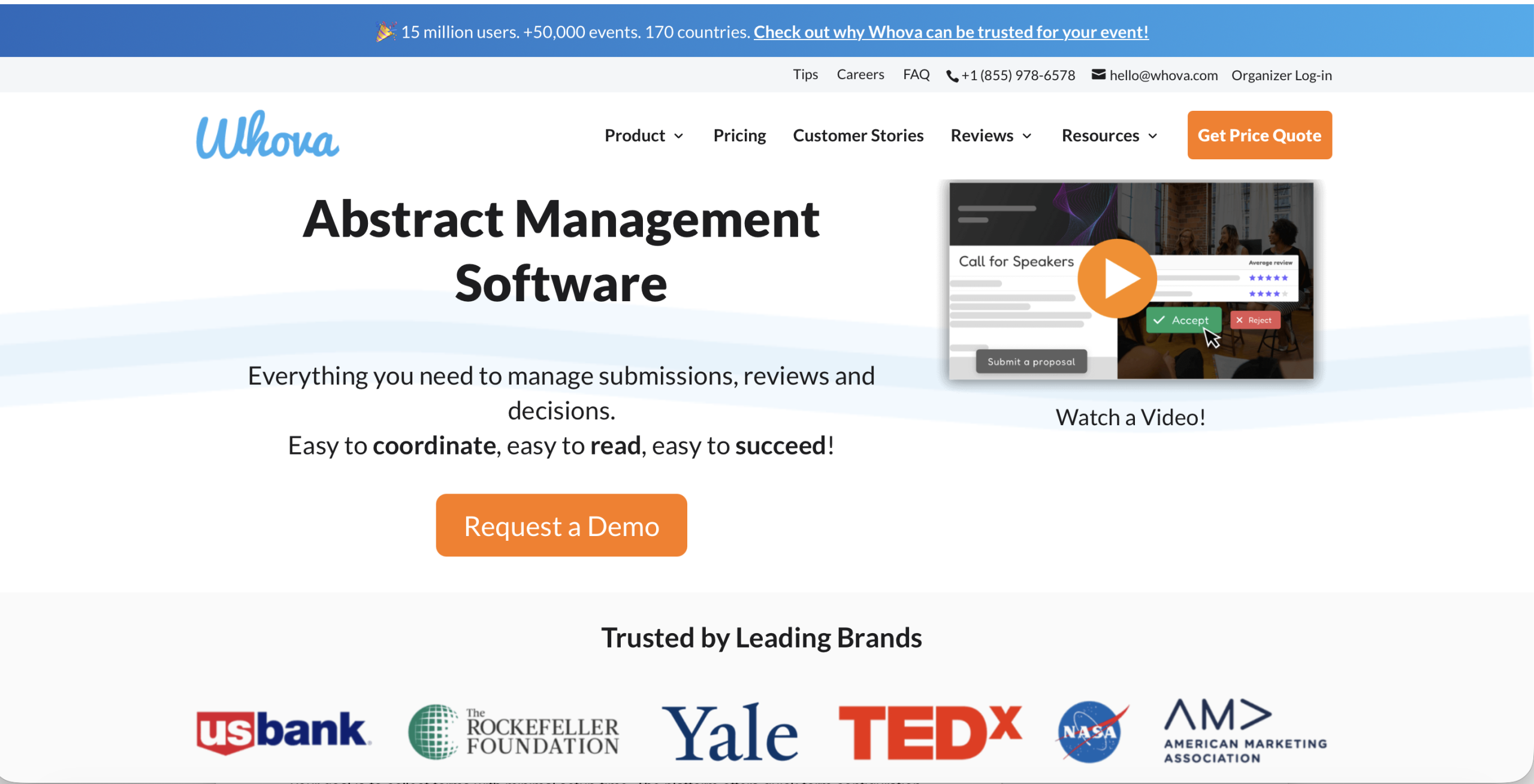
With its unique mobile app and speaker management tools, Whova lets organizations run highly engaging interactive programs.
Core features:
- A dedicated call for speakers platform with a bio and research upload portal
- Embedded Q&A and polling in sessions to increase participation during paper presentations
- Automates a searchable online agenda that lets attendees filter by tracks and keywords
- Automated reminders are sent to authors and reviewers to meet specific deadlines set by the organization
3. Ex Ordo
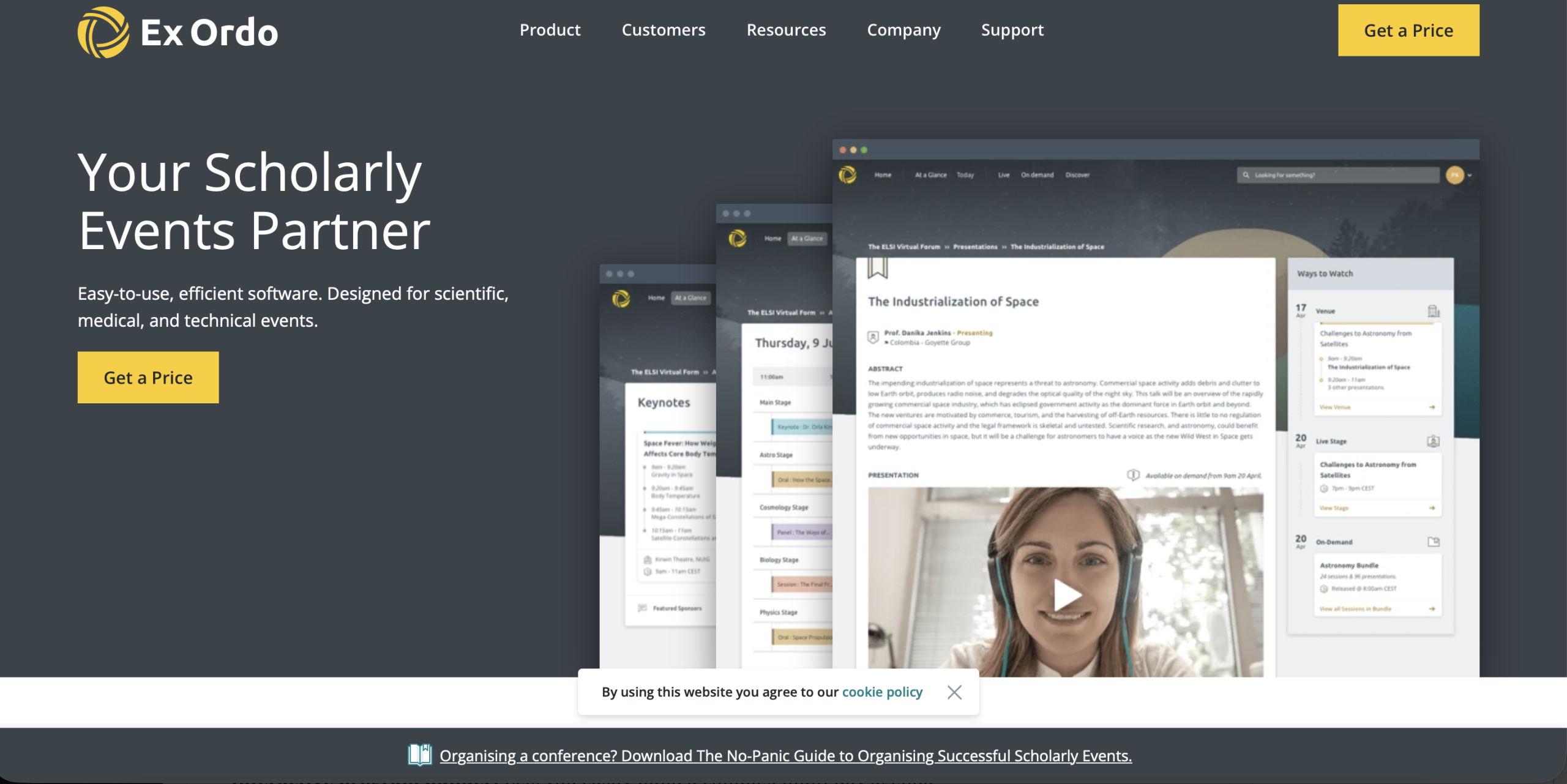
Ex Ordo is a good option for hosting a large-scale, research-based academic event.
Core features:
- A visual decision matrix to help chairs identify trends and discrepancies in scoring
- Strict double-blind review to guard the integrity of the selection procedure
- Print-ready book of proceedings
- A centralized hub for personalized bulk communication regarding submission status and revisions
4. ConfTool
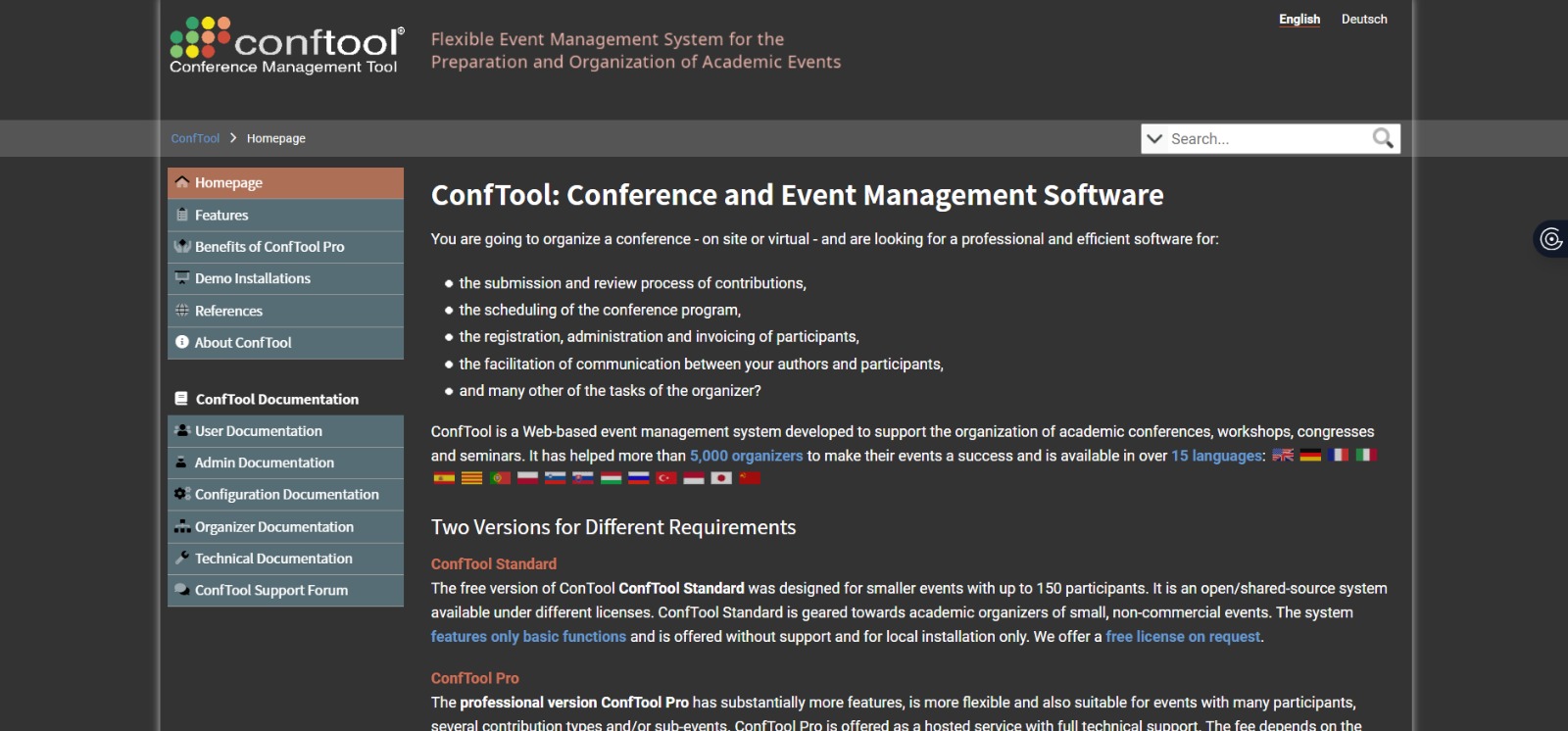
ConfTool is well-known as one of the most comprehensive systems that will give you the level of detail needed to manage your complex, interdisciplinary international symposia.
Core features:
- Flexible configuration engine to fulfill the submission needs of various fields of study
- Handles complicated scheduling logic to avoid presenter conflicts in parallel sessions
- A highly secure environment for the distribution of confidential research papers
- Generates detailed statistical reports on author demographics and reviewer performance metrics
5. EasyChair
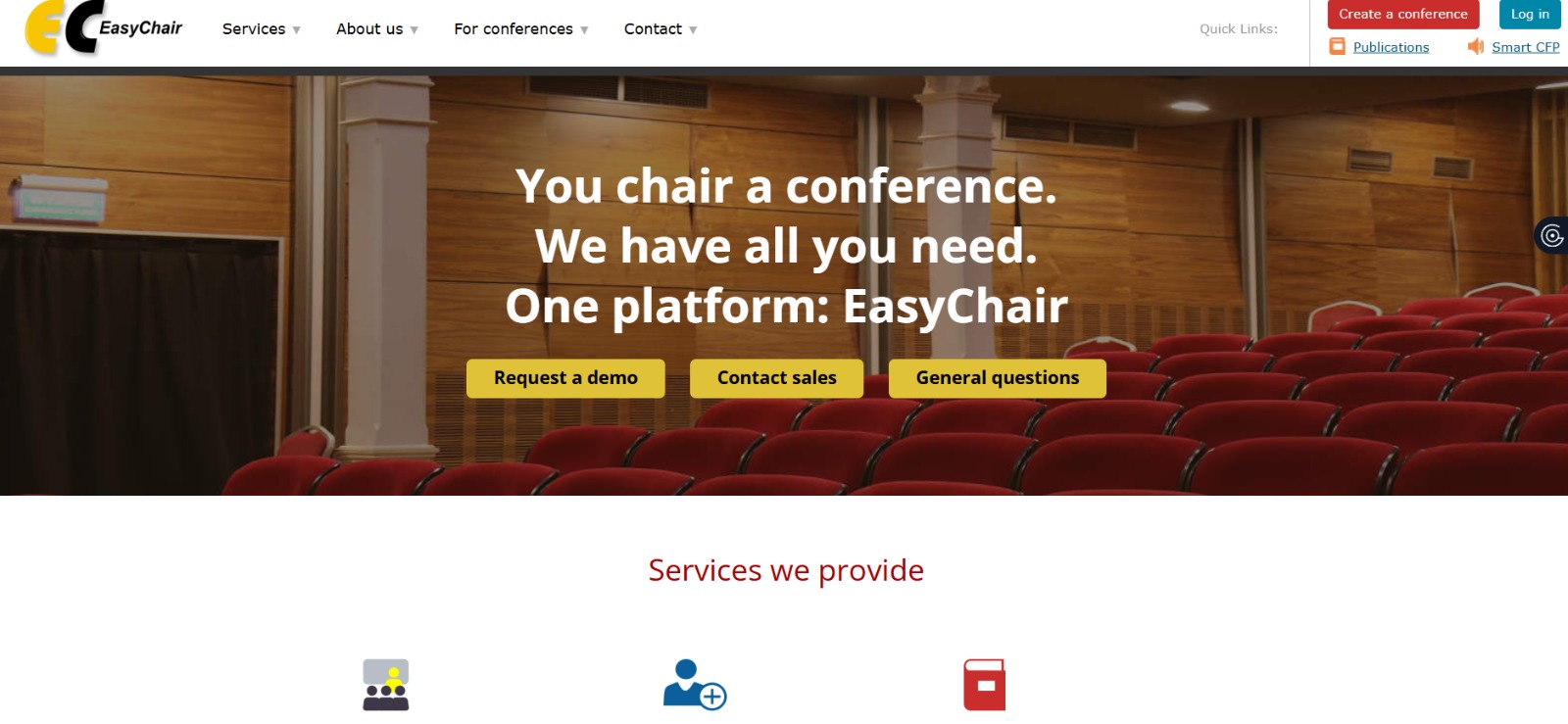
This is another popular choice among the computer science community, known for its high volume of technical paper submissions.
Core features:
- A stable base for processing very high volumes of submissions
- Allows primary reviewers to assign sub-reviewers tasks without losing quality control
- Enables a smooth metadata export to indexing in large digital academic libraries
- A rebuttal period during which authors can provide a response to the reviewer comments before final decisions
6. Microsoft CMT
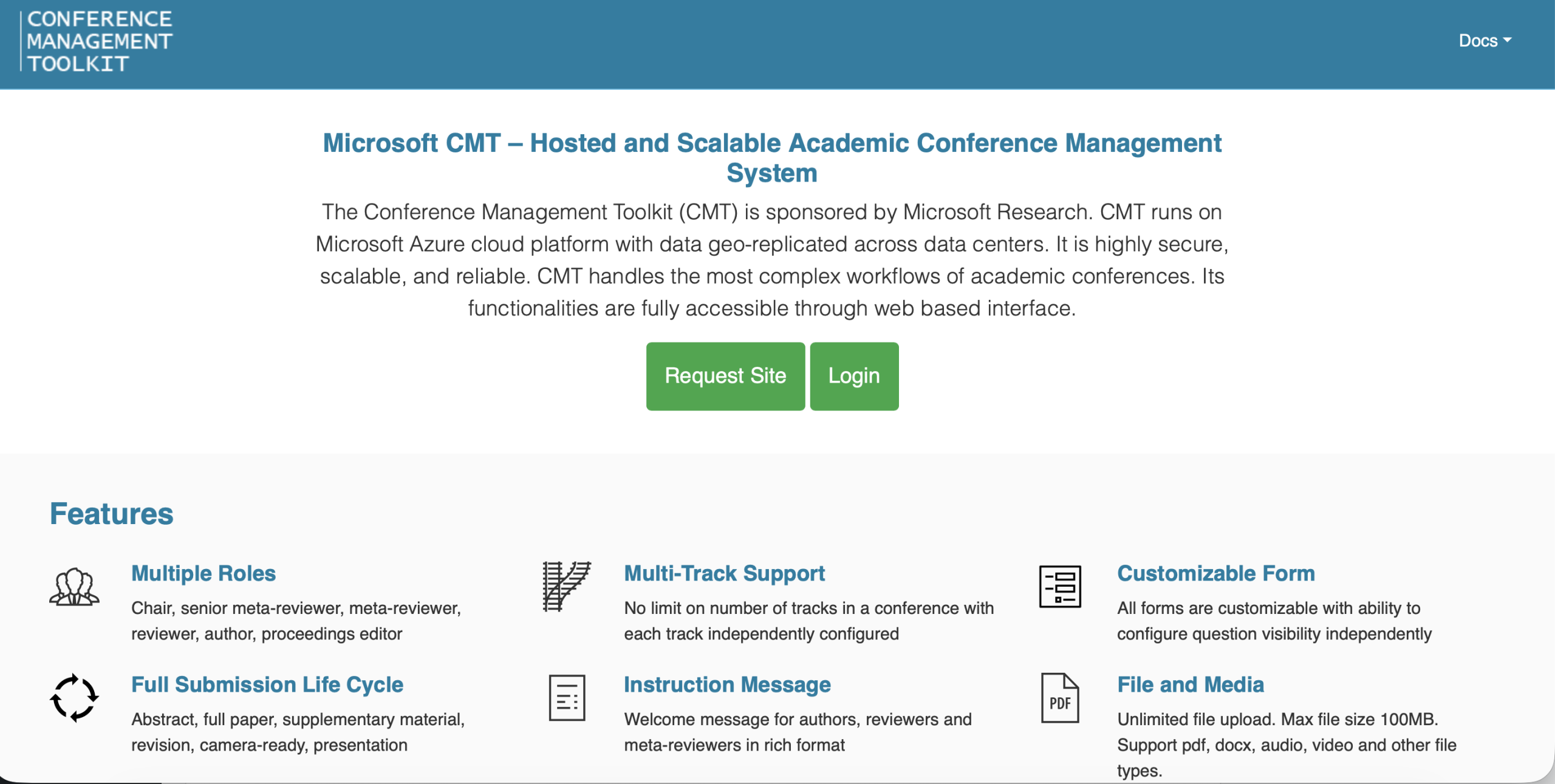
The professional version of Microsoft CMT provides an industry-standard workflow for the topmost research conferences.
Core features:
- A highly developed conflict-of-interest management system that cross-checks institutional and previous affiliations
- Uses a paper bidding system to match submissions with the most interested reviewers
- Supports multi-level organizational structures such as area chairs and program committees
- Powerful data exports to conduct a thorough analysis of trends in academic peer review and the quality of submissions
7. OpenConf
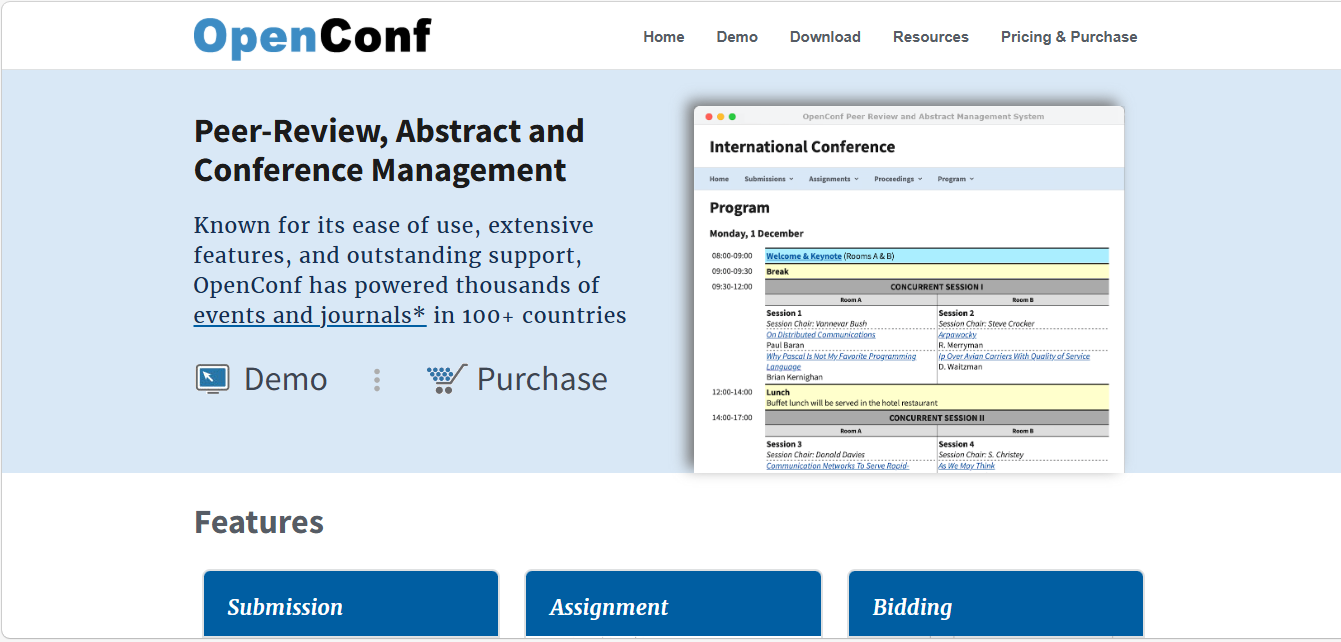
OpenConf offers an open-access philosophy focused on essential features for mid-sized academic gatherings.
Core features:
- A lightweight author interface designed to optimize submissions from global authors with varying internet connectivity
- Distinguishes between different types of submissions like posters, workshops, and full papers
- Has an automated assignment tool to even out workloads based on reviewers’ expertise
- Ensures that institutional branding is still prominent in the author submission portal
8. COMS
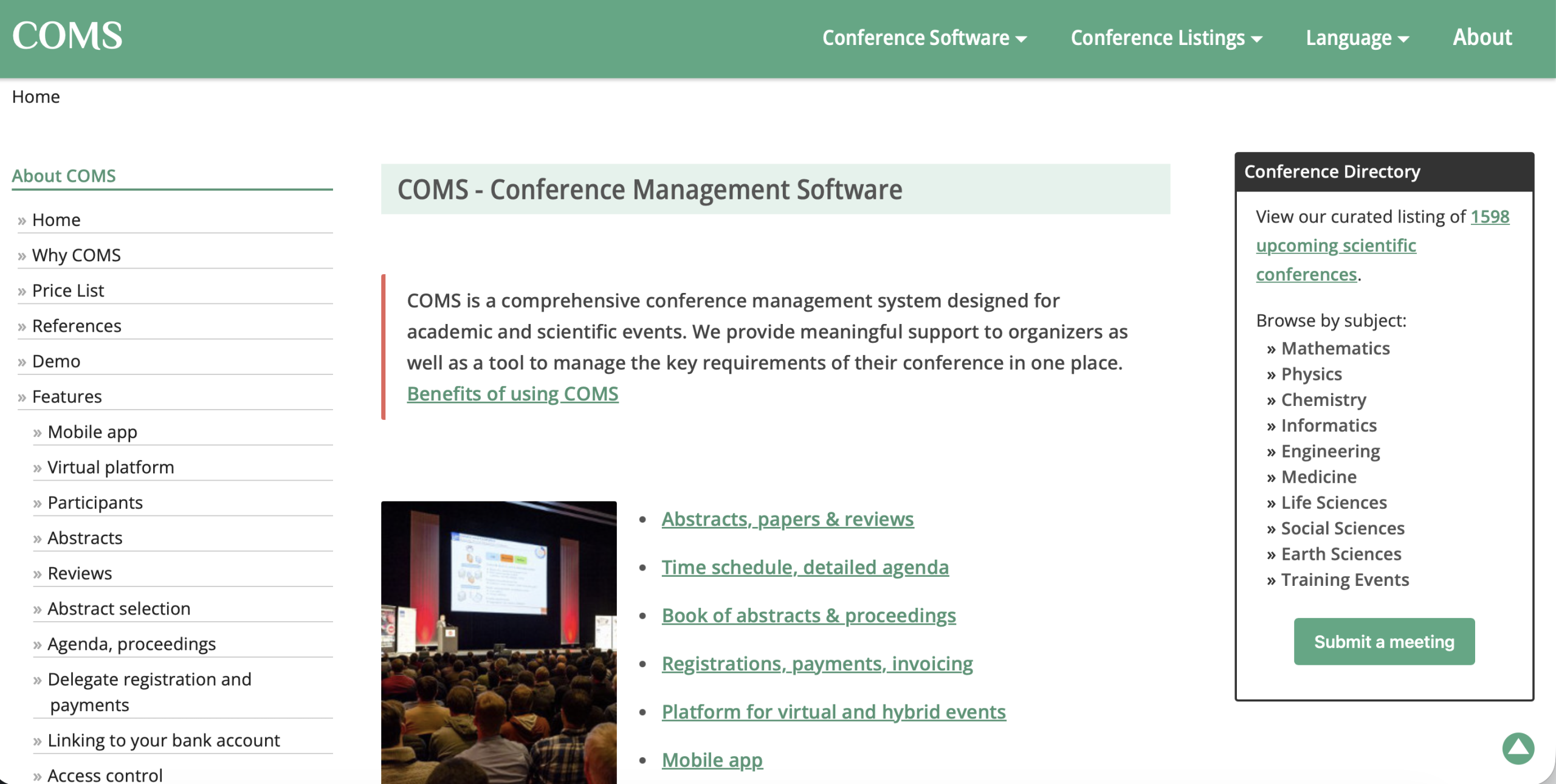
COMS is also devoted to delivering steady admin support, not leaving a single detail of the peer-review process unaddressed.
Core features:
- Tracks all submissions in real-time, from the first upload to the last time the work was published
- Has a special module for the academic review and presentation of research posters
- Offers a dynamic portal for reviewers to download papers for offline reviews
- Enables multi-language interfaces to support international attendees
How to Choose the Right Academic Conference Software?
Choosing the right platform will be the single best thing you do for yourself as an organizer, and for your attendees. However, with all the specialized tools available, the tricky part now is narrowing down the options to find the one that fits your unique workflow.
In order to select the appropriate academic conference software, you need to:
- Consider your peer-review needs to ensure the system supports single, double, and triple-blind workflows, as well as custom scoring rubrics.
- Ensure the platform can scale to whatever size you expect your conference to reach without affecting site speed or data security.
- Check the ease of use by both authors and reviewers to reduce the number of technical support requests during the submission window.
- Confirm deep integration features so that accepted abstracts automatically become part of the program and digital proceedings.
- Set the software price to your overall budget and check that the level of technical support matches your team’s expertise.
- Make sure the system can handle complex scheduling of parallel sessions to prevent conflicts among presenters.
Pricing Models for Academic Conference Software
Understanding the financial structure is important for making sure you are protecting your university or association’s profit margin. Most providers have tiered pricing for both small specialized workshops and large recurring international summits.
Here are some options to consider:
Per-submission pricing
This pricing model is based on a fixed fee per abstract or paper uploaded to the portal. It is very transparent and can be used for smaller symposia that only want to pay the exact amount for the research they are conducting.
Per-event pricing
A fixed charge applies throughout the conference lifecycle, regardless of the number of users. It enhances budget predictability for large-scale events, as costs will not increase even when the number of submissions exceeds expectations.
Annual license
A subscription model that provides access to the platform throughout the year to host multiple events. It is the most economical solution for universities or academic societies that hold a number of recurring meetings, workshops, or webinars annually.
Free tools (limited features)
Several platforms offer free tools with limited features. These can work for zero-budget workshops, but they often lack advanced peer-review rubrics, bulk communication tools, and dedicated support for large international conferences.
Pro tip: Always inquire about “hidden” transaction fees or per-user seat costs that may not be included in the base quote. For academic societies, request a multi-year discount.
Benefits of Academic Conference Management Software
A high-level academic conference management system essentially increases the quality of your event. And yes, it is so much more convenient to have a single source of truth where all submissions, review scores, and author revisions are indexed and immediately available.
The following are some of the outstanding advantages:
- Save a lot of time because abstracts and bios get filled in automatically, so you are not stuck doing manual data entry.
- Get a shared space where your team can review and discuss submissions in real time, without having to chase long email threads.
- Achieve more consistent reviews because everyone follows the same rubric, and the system flags conflicts early.
- Build your schedule quickly with simple drag-and-drop, and the system alerts you if a speaker is double-booked.
- All paper versions and reviewer comments are stored in a single secure and easily searchable repository.
- The complete abstract book publishing is made easier by generating fully formatted digital proceedings with a one-click feature.
Common Challenges in Academic Conference Management
Welcome to the tricky part. The following are common pitfalls organizers encounter when managing an academic conference.
- Managing large submission volumes requires robust software to prevent crashes during peak upload windows.
- Reviewer coordination involves managing reviewer schedules to ensure high-quality feedback arrives on time for tight deadlines.
- Scheduling conflicts occur when presenters are accidentally double-booked across different rooms or parallel tracks.
- Data fragmentation happens when using multiple spreadsheets and emails rather than a single unified system.
Best Practices for Managing Academic Conferences
Let’s dive into the high-performance habits that set extraordinary planners apart.
- Set clear review criteria: Give your reviewers a straightforward roadmap so they can grade submissions consistently and fairly without the guesswork.
- Automate reviewer assignments: Let the software do the heavy lifting by matching papers to experts based on their specialty, saving you hours of manual sorting.
- Use structured workflows: Keep everything moving in a clear sequence from the first upload to the final decision so nothing ever falls through the cracks.
- Maintain transparency: Keep your authors in the loop with real-time status updates so they always know exactly where their research stands in the process.
Why Use Dryfta for Academic Conferences?
For events that need strong academic standards, Dryfta is built to handle it all. It brings every part of managing a research-focused event into one easy platform.
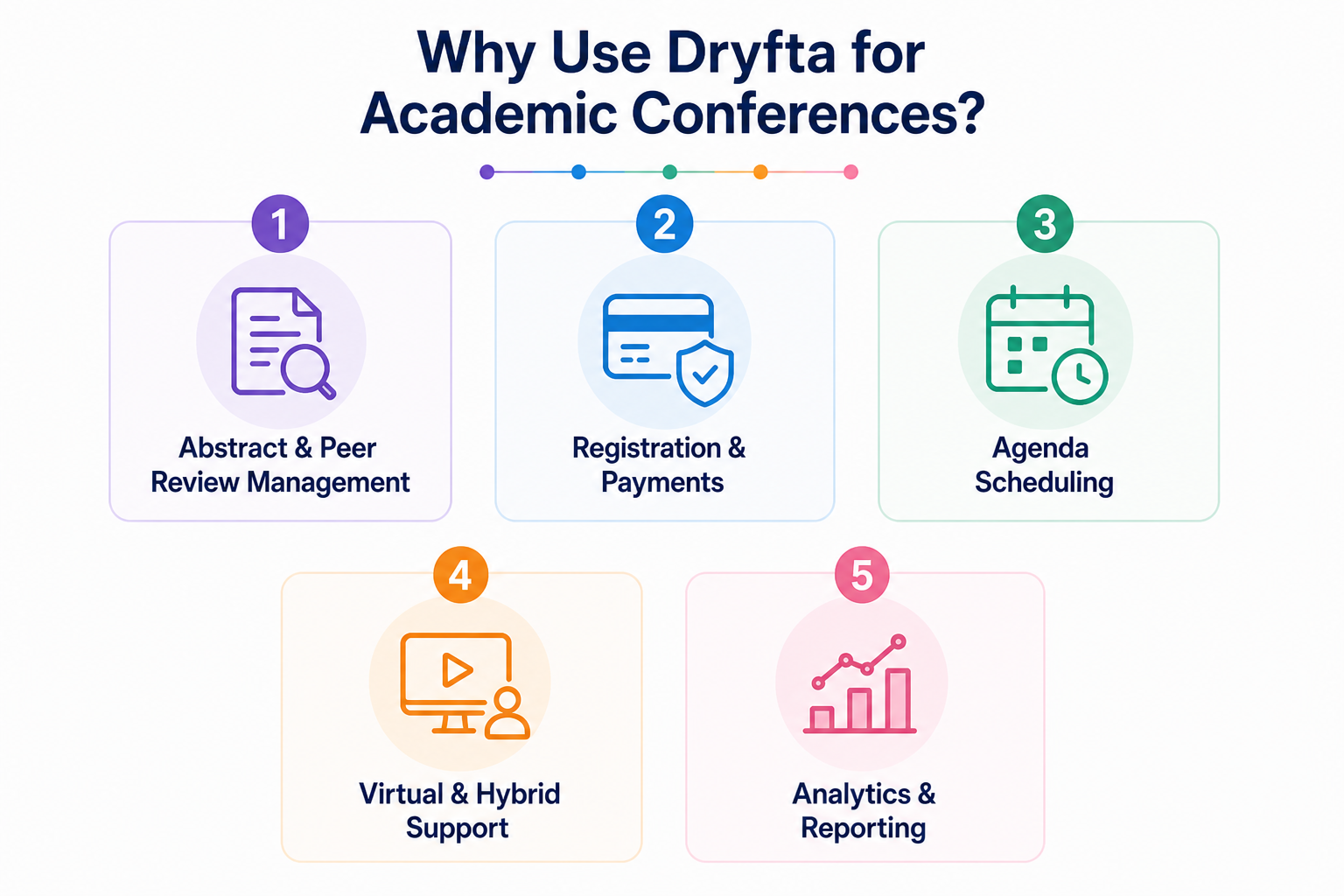
Dryfta supports:
1. Abstract & peer review management
- Set deadlines for submissions and reviews in one place
- Create different submission types with custom fields
- Assign abstracts to reviewers automatically or manually
- Limit co-authors and control submission flow
- Track submissions, reviews, and reviewer activity with reports
2. Registration & payments
- Set timelines and availability for each ticket type
- Organize tickets into sections with access control
- Assign roles automatically when tickets are purchased
- Offer add-ons like parking or special passes with tickets
- Support multiple currencies and payment options, online and offline
3. Agenda scheduling
- Display sessions across multiple tracks in one view
- Filter sessions by speaker, topic, format, or time
- Let attendees build their own personal schedule
- Enable session check-ins and easy sharing
- Host live sessions with video, screen sharing, and controlled access
4. Virtual & hybrid support
- Host live sessions with up to 500 participants using video and screen sharing
- Record sessions and offer them later as on-demand content
- Control access with capacity limits and waiting lists
- Collect feedback with post-event surveys
- Add engagement tools like polls, chat, and Q&A
5. Analytics & reporting
- Build custom reports using filters across different data types
- Share reports easily with a simple link
- Track event performance in real time with a quick dashboard view
- Monitor attendee activity, speaker popularity, and session engagement
- Get instant insights on registrations, check-ins, and submissions
FAQs About Academic Conference Management Software
- Who uses academic conference management software?
Academic conference management software is the backbone for university departments, professional societies, and research institutions. They are designed for program chairs, authors, and faculty reviewers who need a structured environment to exchange high-level research.
- Can academic conference software support virtual and hybrid events?
Absolutely. Modern systems integrate seamlessly with video conferencing and live-streaming tools to bridge the gap between physical and digital attendees. They offer interactive features such as virtual poster galleries, digital Q&A, and on-demand session recordings, ensuring that remote attendees can participate just as effectively as on-site attendees.
- How much does academic conference management software cost?
Pricing is highly flexible to suit different needs, typically ranging from a few hundred to several thousand dollars. Most providers use a per-submission fee, a flat per-event rate, or an annual subscription for recurring series. It is essential to look for all-inclusive models to avoid hidden costs for additional reviewers or technical support.
- How does peer review work in conference management software?
The software automates the entire lifecycle, from call for papers to final acceptance. It allows chairs to assign submissions to experts, who then score papers based on custom rubrics within a secure portal. The system automatically handles single-blind or double-blind protocols to make sure every evaluation remains confidential.
- How do I choose the right academic conference management software?
Look for a platform that balances deep functionality with a user-friendly interface for busy organizers. Dryfta is widely considered the premier choice here, as it offers a specialized, all-in-one ecosystem specifically for academic communities. It wonderfully handles everything from multi-stage peer reviews to interactive program scheduling, making it the gold standard for academic events.
The Bottom Line
Academic conference management software has evolved far beyond its early days. Tools that once focused only on abstract submissions now handle the full journey, from academic peer review and scheduling to attendee engagement and post-event insights, all within one connected system.
For smaller or technical events, Microsoft CMT and EasyChair work well for basic workflows. Mid-level platforms like Oxford Abstracts, Ex Ordo, and ConfTool add more structure.
Now, if you want everything working together without switching between tools, Dryfta stands in a different league. It combines abstract management, peer review, registration, attendee experience, and full event logistics in one platform, giving you complete control from submission to closing session.
Book a free demo and see how it actually works in real time.