




Ticketing, as users expect, ought to be the simplest part of your event management work stream. Ask why? Well, modern ticketing platforms and the rise of online-only bookings for events have made simple ticketing a norm out of necessity. If you are an event planner, make a virtue out of this necessity. Ticketing platforms that function like clockwork, smooth and fuss-free and similarly convenient to install, set up, and sustain. Doesn’t that sound like a win-win?
Struggling with functions like tracking your ticket sales, the inflow of ticket revenue, and managing the queue at check-in on event day is so not 2026. These are only optional inefficiencies and not inevitable accompaniments of the ticketing process like they used to be earlier. In 2026 and in the years to come, there are few things capable of slowing down your event ticketing operations. Number one being your resistance to investing in an all-in-one event management software for your programs.
In this article, let’s break down that resistance for you. You’ll read everything there is to know about online event ticketing systems, their mechanisms, the best players in the market, and why you need to switch yours. Not switching to an online ticketing system is costing your event dearly. Don’t continue to let it do so. Read along and we’ll change your mind.
What Is an Online Event Ticketing System?
Online event ticketing systems are software tools, powered partially or fully by automation, that make the function of ticketing simple to set up. For users and buyers, from the outside, a good event ticketing system works almost like a vending machine. The user selects a ticket of their choice for an event that they prefer to attend and proceeds to pay the ticketing fees and obtain the digital ticket almost immediately. It is a process that takes minutes to complete. For event organizers as well, modern event ticketing systems break down the ticketing process into a few simple steps. As opposed to having to keep track of buyers individually and track details like their contact and payment receipts, an automated system performs these crucial actions. You’ll be able to verify if a user’s payment has gotten through and if they have received their confirmation email. On event day, the ramifications of having used a modern event ticketing system like Dryfta begin to show up. The consequences you’ll face are namely a fascinating zero-queue and fuss-free check-in that performs itself at self-service kiosks.
Armed with a mobile event app with an intuitive interface, attendees can get their name badges printed at once in case of corporate events. Other entertainment and leisurely gatherings adopt QR-based sign-ins, with users having to do nothing more than scan using their devices. This leaves little room for any attendees confused and upset at the last minute discovering that they have forgotten to carry their physical ticket along with them. Or perhaps their cat tore it up into pieces, and there’s no way to erase that feline decision anymore. With an online event ticketing system, your pets and you can risk making as many mistakes as you need to, because ultimately, the automated check-in is the boss.
Why Online Event Ticketing Systems Are Important
Online event ticketing systems come flowing with a number of benefits that are hard to look past. More than just being a website where organizers can create, manage and sell tickets for their events on the internet, online event ticketing systems come with other advantages that move beyond just the ticketing tab. Some of these upsides, that make online event ticketing systems important, include but are not limited to the following:
- Streamlined ticket sales that are rejoiced by all: Who doesn’t like using an event platform whose interface flows like water? That is the first upside. An automated platform makes life incredibly easier for the organizing team, saving them a few dozen insomniac nights and jittery days before D-day.
- Check-ins processed at the speed of light: Well, speed of light is obviously an exaggeration. However, anything is quicker when compared to the long queue that one has to stand through at big events. Quick check-insights eliminate this hassle entirely, ensuring that a queue never forms in the first place.
- An overall better attendee experience: Everyone likes a good customer experience regardless of personal preferences. Expecting smooth service is almost universal so make sure to deliver just that with an adept online event ticketing system.
- Tracking attendee data in real-time is now possible: You can now do the impossible: actually see if your attendee’s payment got through without needing to show up at your bank or a third-party payment. Tracking important information in real-time becomes a feasible reality with an online event ticketing system, leaving no room for hassles in the final minute.
- Your revenue flourishes: With repeated and consistent customer satisfaction, you’ll find yourself selling more ticketing and hosting bigger events. Customer experience is a great determiner for new users, therefore, when you prioritize that, the ROI is almost immediately visible.
Key Features of an Online Event Ticketing System
A good ticketing platform is really important for your event. It is not merely a way to sell tickets but an important aspect of how you structurally run your event. Here are some key features to watch out for when picking an online event ticketing system:
- Custom Ticket Types: A good event ticketing platform will allow you to create dynamic ticketing compartments as opposed to rigid, single flat fees. The former will discourage buyers who value their dollars. Offering tickets priced across levels is proven to increase attendee participation.
- Secure Payment Processing: Opt for platforms that employ and associate with PCI-DSS compliant payment gateways. If you abide by other regional, specific regulations pertaining to payments, make sure to account for that too. Prioritize support for credit and debit cards, digital wallets and bank transfers. If you are hosting events that welcome multinational audiences, pay attention to multi-currency options.
- Mobile Ticketing and QR Codes: These are unique, one-time usable codes that are issued per ticket and made sannable via iOS, Android and equivalent apps. A bonus feature to test for is your system’s offline capability, should you find yourself in a venue where internet connectivity is unreliable for attendees.
- Real-Time Inventory Management: Inventory management refers to everything from ticket availability tracking, preventing overselling to supporting waitlist management. Modern event ticketing platforms make inventory management simple by employing automatic notifications, keeping everything in check.
- Automated Confirmations and Reminders: Email and SMS confirmations are issued to customers immediately after an online ticket. This is also supplemented with timely and scheduled pre-event reminders that roll out periodically to ensure that attendees don’t miss out on attending.
- Analytics and Reporting: Modern event ticketing systems are equipped with interactive dashboards that visualise sales data, revenue breakdowns, referral sources and demographic information all in real-time. This gives you a clear, on ground picture of how well you event is performing.
- Check-In and Access Control: Mobile check-in apps and badge printing services are all bare minimum today for users who cannot stand queues. Pun intended. If you are selling tickets across segments or hosting multi-track events with different entry points, a good software will aid in coordinating that.
- Integrations with CRMs: Customer Relationship Management or CRM is an essential, inextricable part of good event management today. Check for compatibility with platforms like Salesforce and HubSpot and other third-party tools you may be using for CRM. Email marketing platforms and accounting tools can extend what your ticketing system can do beyond its own interface.
- Embeddable Widgets: These allow ticket purchase functionality to sit within an organizer’s existing website and keep attendees within the brand experience rather than redirecting them elsewhere.
- Promo Codes and Discounts: A non-negotiable pricing consideration for ticket sellers increasingly operating on scarcity and urgency principles today. Opt for softwares that support percentage and fixed-amount codes, limited-time offers, referral incentives and affiliate tracking.
Types of Online Event Ticketing Systems
Not all ticketing solutions are built the same. Some are simple, while others handle events. Here are the most common types of Online event ticketing systems:
| Type of Platform | Description |
| Self-service ticketing platforms | Self-service ticketing platforms are ideal for smaller events and offer quick setup and ease of use. |
| Enterprise-level ticketing platforms | Enterprise -level systems are built for large conferences and multi-day events, where advanced features and scalability are crucial. |
| White-label ticketing solutions | White-label ticketing solutions allow organizers to customize branding, while mobile ticketing apps focus on convenience and on-the-go management. |
| Hybrid event ticketing systems | Hybrid and virtual event ticketing systems have also gained popularity, where it supports both in-person and online experiences within a single platform. |
Online Event Ticketing System vs Event Registration Software
While often used interchangeably, ticketing systems and registration software serve different purposes.
| Feature | Ticketing System | Registration Software |
| Primary Function | Ticket sales and payment | Attendee data collection |
| Focus | Transactions | Information management |
| Use Case | Paid events | Free or RSVP-based events |
| Revenue Handling | Integrated payments | Limited or external |
How an Online Event Ticketing System Works
An online event ticketing system, at its most basic, works like this:
- Create Event Page: Firstly, the organizers create a page for their event. Online event ticketing platforms like Dryfta offer well-equipped website builders for you to build an interface of your choice. The process is easy and requires only basic technical literacy and not advanced coding skills.
- Configure Ticket Types: Once a formal website is created, organizers then decide what types of tickets are to be sold at their event.
- Enable Payments: Organizers then set up a way for people to pay and keep track of who is coming to the event. It is at this point that you choose your third-party payment gateway, the most important choice of your ticketing monetization workflow.
- Sell Tickets Online: People who want to attend the event can buy tickets on the website. Buyers then receive an email or text message confirming their purchase almost immediately, thereby sealing their spot for the event.
- Validate Tickets Upon Entry: On event day, attendees simply use the confirmation QR on their phone to gain entry into the event. The online event ticketing system makes it easy for people to buy tickets and for event organizers to manage their events.
- Track Sales and Performance: A capable event ticketing platform also makes it possible for organisers to see how they perform in terms of tickets sales, attendance rates and other metrics. The cherry on top is that modern platforms like Dryfta allow this tracking in real-time.
Benefits of Using an Online Ticketing System
Using an online event ticketing system can make a big difference in how things run and how satisfied people are when they attend an event. Here are some key benefits:
- Increased Ticket Sales: Online ticketing systems make it easier for people to buy tickets because they can do so from anywhere,
- Reduced Operational Costs: It also helps cut down on costs because of automation replacing manual tasks.
- Faster Entry and Crowd Management: When people get to the event, they can get in faster because their tickets are checked in digitally. With the help of an online ticketing system, event functions run. Therefore, attendees have an overall better time at the event.
- Real-time Reporting: Check the status of attendee payments and entry percentage by time on event day. These are only two of the countless tracking and analytics features offered by online event ticketing platforms.
- Better Customer Experience: The online event ticketing system is beneficial in making sure that people have a productive experience at the event, augmenting overall customer experience and satisfaction.
Best Online Event Ticketing Systems (Top Platforms)
Dryfta
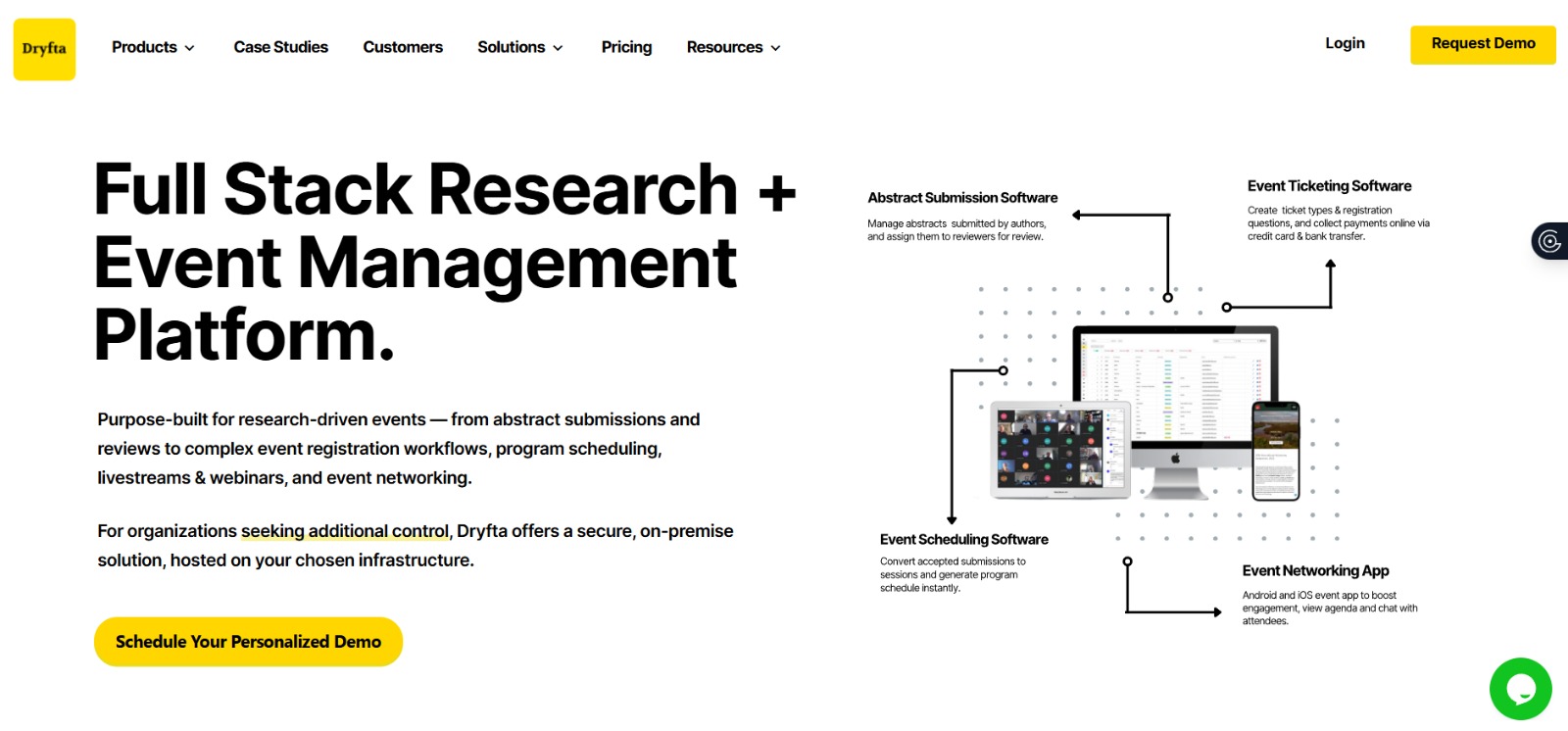
Dryfta stands out for its registration and ticketing capabilities, among other things. Here are Dryfta’s most impressive ticketing features at a glance:
- Customizable form fields: Form fields that are equipped with conditional logic to customize as per ticket type.
- Flexible payments: Flexible payment options that support currencies from around the globe.
- Global currency: Compatibility with global payment platforms such as Stripe and PayPal.
- Smart pricing: Unique features like early-bird discounts and group concessions for users that work based on scarcity marketing principles.
Eventbrite
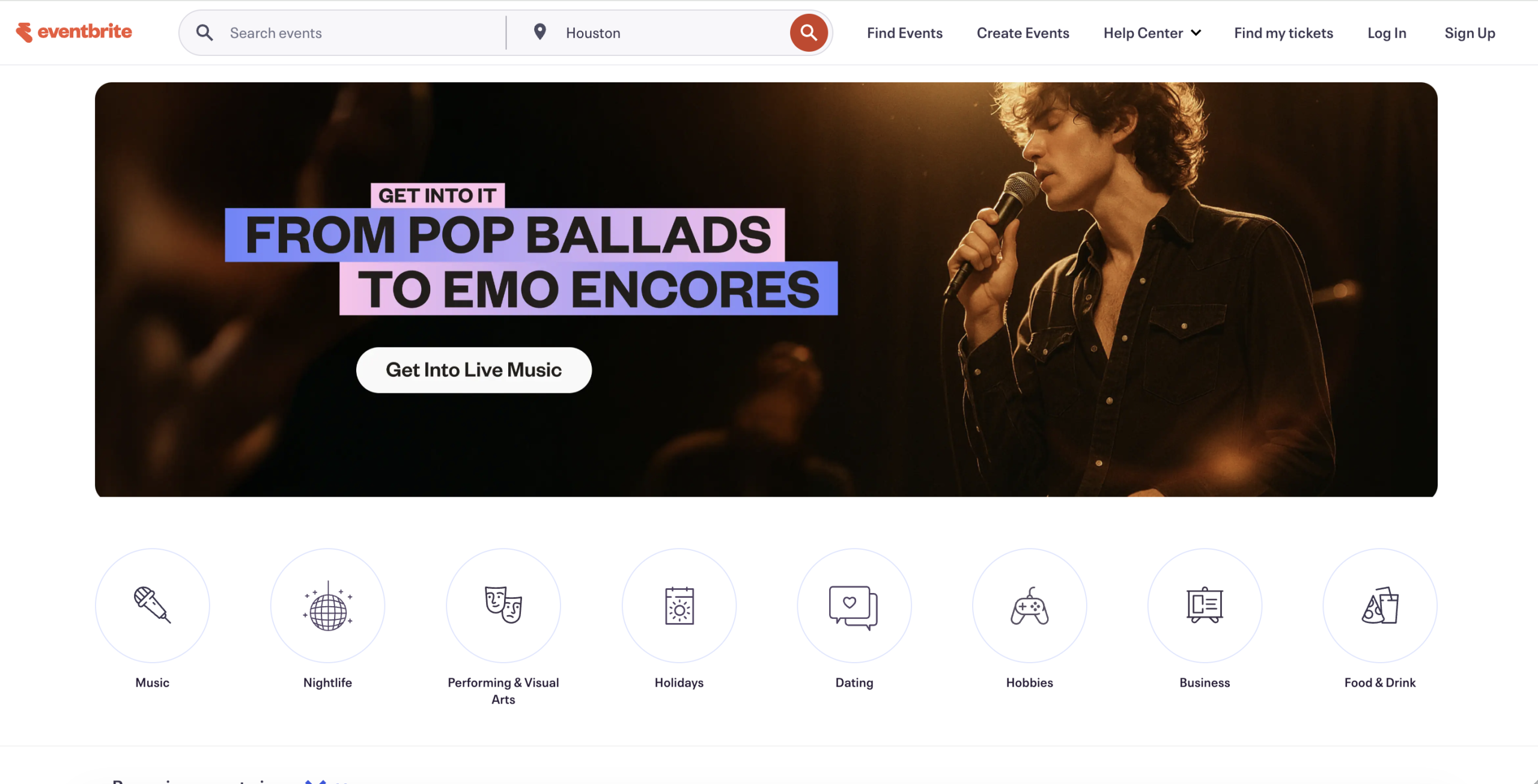
Eventbrite is a platform that is widely cited by customers for its ease of use and accessibility for event organizers. Eventbrite allows organizers to publicize their events for free of cost. Its ticketing system, an extension of the core platform, carries variable charges per ticket pricing and add-ons.
Cvent
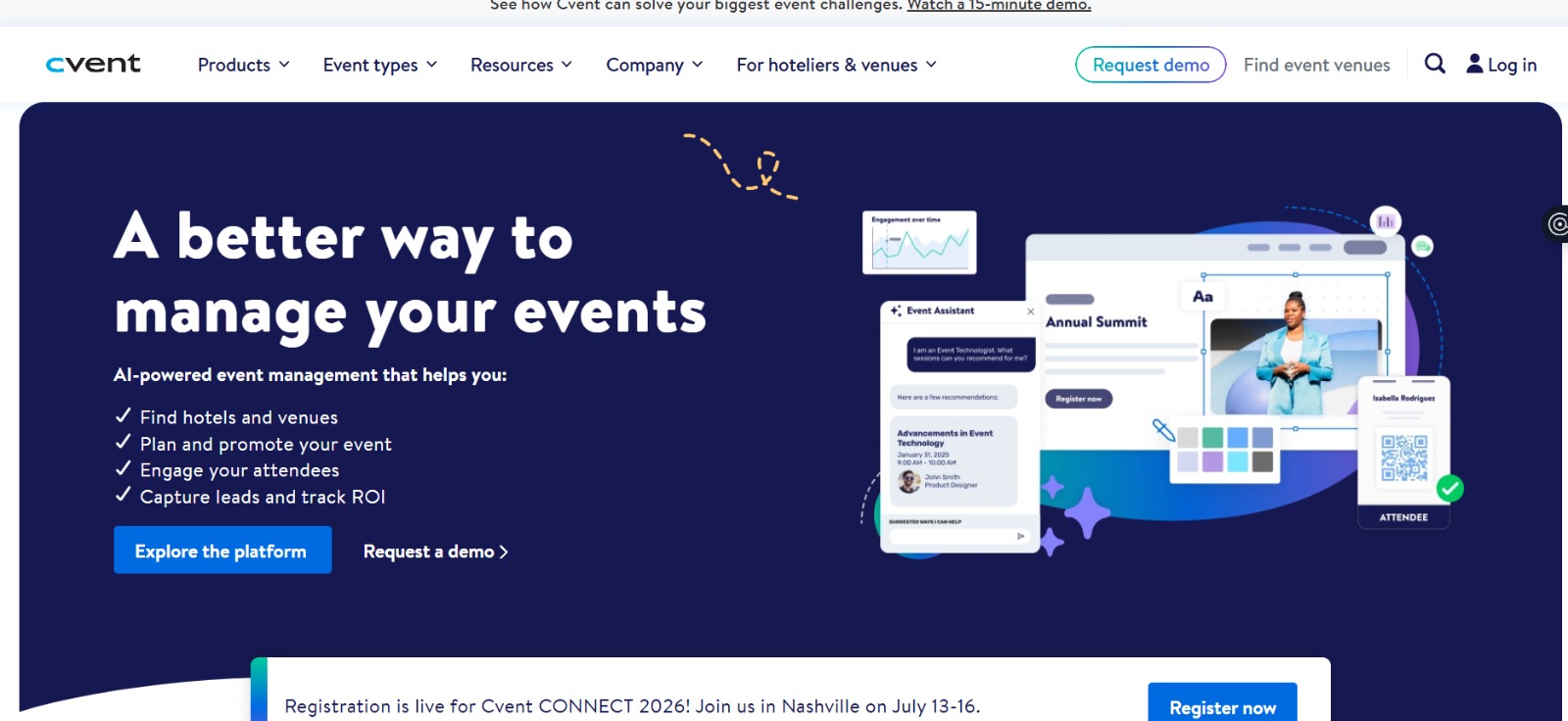
Cvent is a well-known enterprise-grade event management platform with advanced and intuitive features for organisers. A major deterrent for users exploring Cvent is its price tag. Costing $19,550/year on an average, organisers of small and medium-sized events prefer competitors like Dryfta who offer the same features at only a fraction of the price point. Dryfta starts at $1,499 per year.
Whova
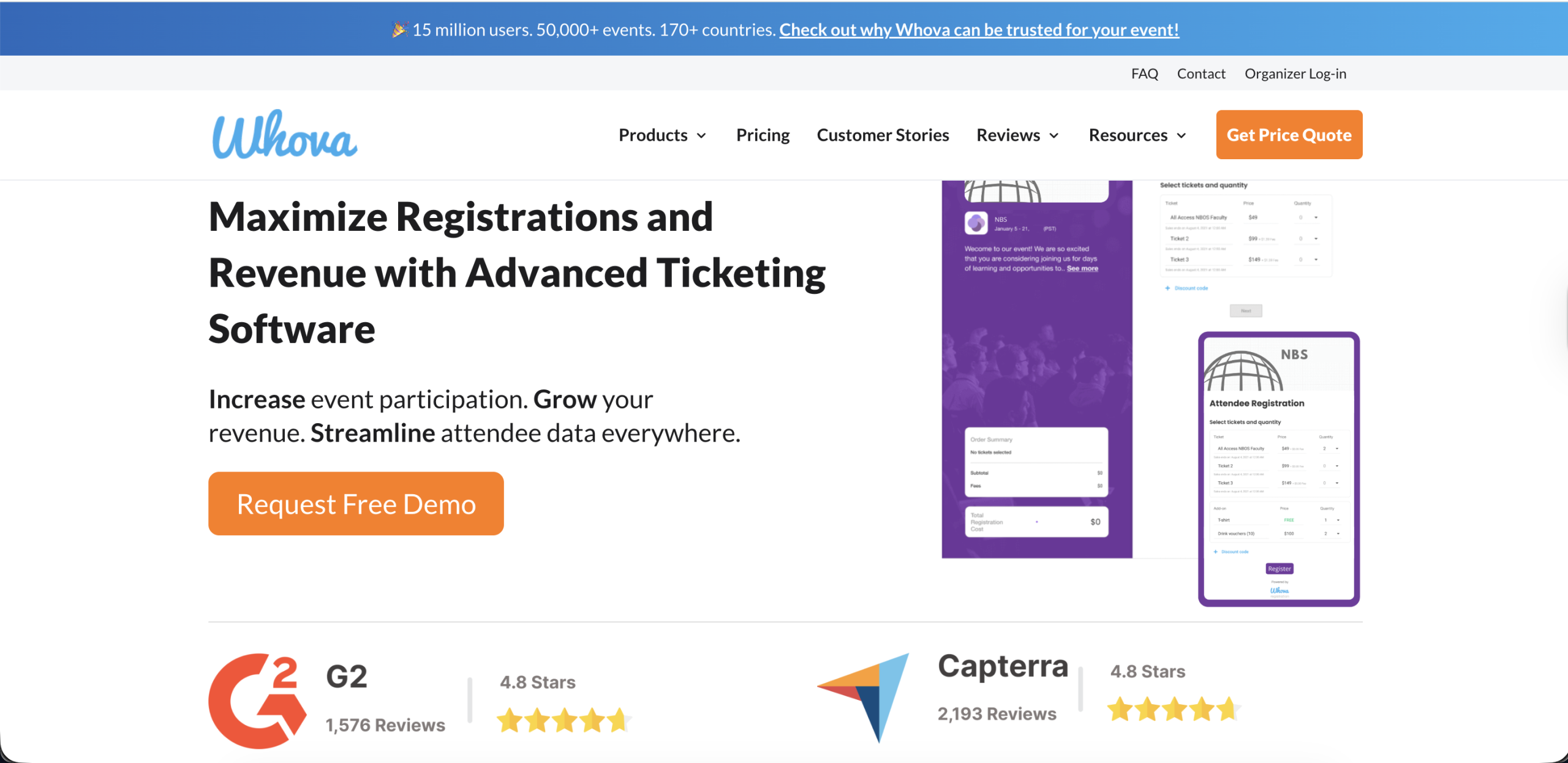
Whova performs best in conference and networking settings. It hosts some tools that encourage attendee participation including a mobile event app that’s highly regarded. Organizers opting for Whov’s ticketing functionality may find that it underperforms in the arena, with its main strengths lying in the attendee networking segment.
Ticket Tailor
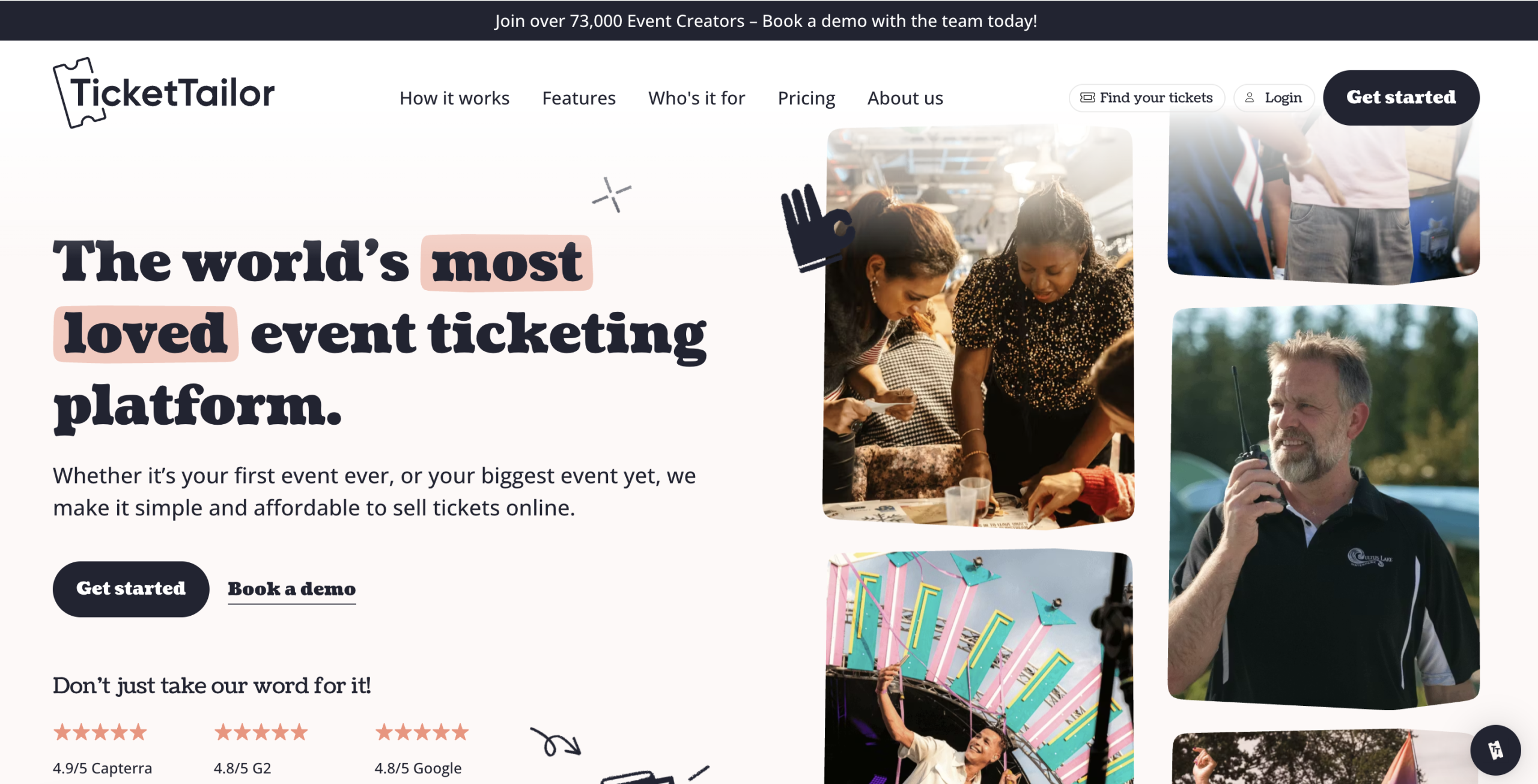
Ticket Tailor can be a cost-effective choice if you are someone hosting smaller events. It operates on a flat fee per ticket rather than a percentage model. It is clean and straightforward to use. That being said, users of the platform note that the interface has a tendency to lag and appeals as somewhat rudimentary in design. This can be an impediment for organisers seeking several different pricing tiers and an intuitive interface.
Zoho Backstage
Zoho Backstage, a part of the broader Zoho tech ecosystem, makes it the obvious choice for users who may be using other services offered by the tech firm. A notable con is that Zoho Backstage’s third-party integrations are less comprehensive than those offered by its competitors like Dryfta. Users have also chided the platform’s mobile experience lagging behind its desktop one, with the former showing some inconsistencies in optimization and interface design.
Bizzabo
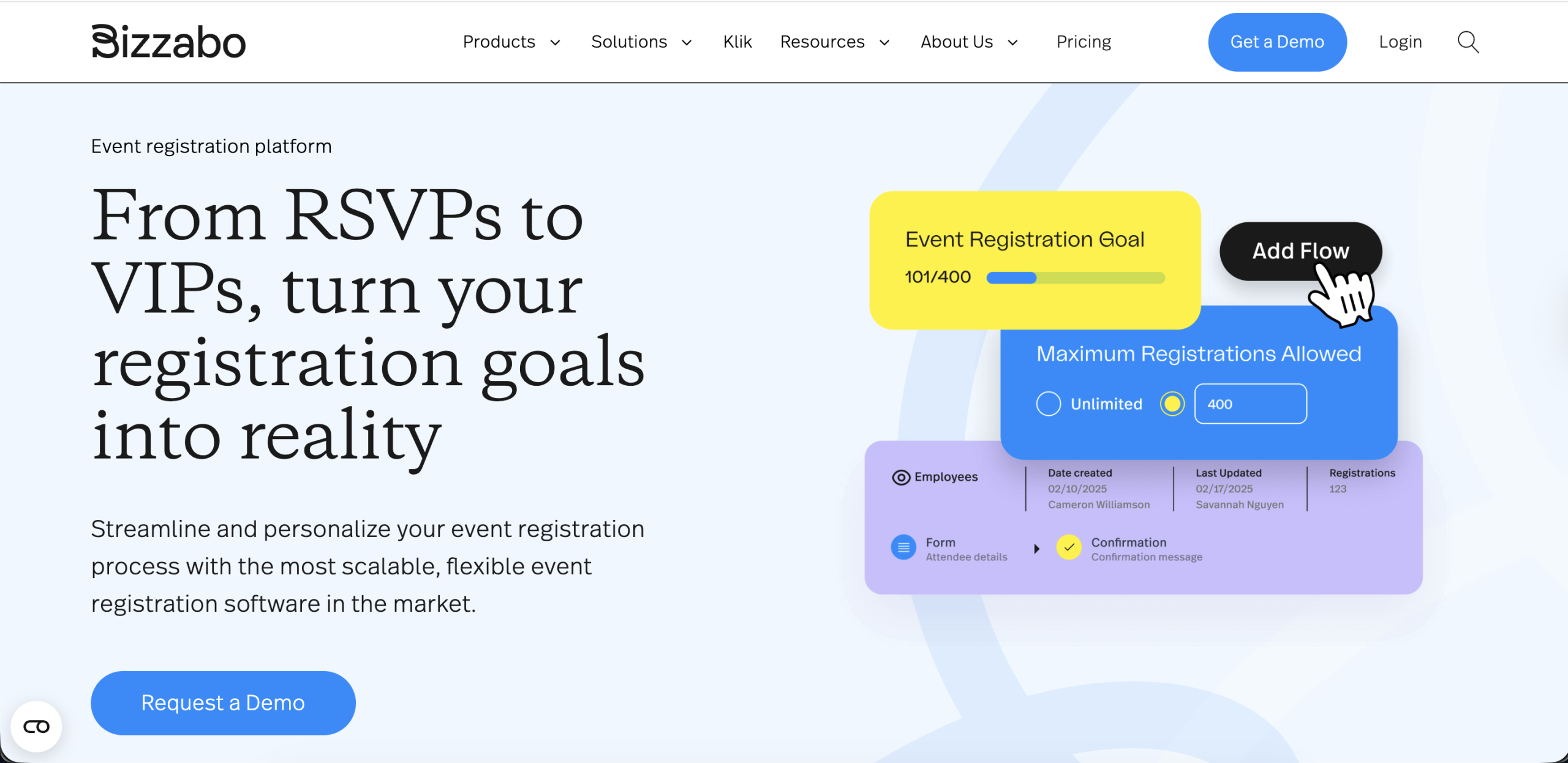
Bizzabo is a premium B2B event platform for in-person, virtual and hybrid events at the enterprise level. Its Event Experience OS, while comprehensive and comparing ticketing with CRM connectivity, is priced at $17,999. annually. This makes it an option to skip for new users who are bootstrapped but can be an effective choice for event management entities with more capital.
How to Choose the Right Online Ticketing System
When you are trying to pick the platform for your event, you have to think about a lot of things. Some aspects are to be prioritized than others, given they affect your event in fundamental ways. Therefore, when choosing a ticketing system for your event, there are several important things to offer your thoughts and deliberation to keenly. Scrutinize the below 5 features carefully before locking an online ticketing system:
- Event size and scale: This should be the first box on your checklist. Platforms that are built for small events may struggle to work for larger ones. The vice versa is also true. Employing an enterprise-level platform to host a webinar is a waste of the system’s resources and your capital. Striking the right balance is key here. Do an honest assessment of your maximum anticipated attendance and then make a choice.
- Budget: Money should be your next important consideration. Perform a careful audit of the pricing models offered by the platforms you’re scouting. Some platforms charge percentage-based fees per ticket and others can charge you flat per-ticket fees. For high-volume events, flat-fee or subscription models are almost always the more cost-effective structure.
- Required features: What are the features that are impossible to compromise on at your event? Answer this question before you even begin to evaluate your platforms. Your answers will serve as an important blueprint in your search for the ultimate correct platform for your ticketing needs.
- Payment flexibility: This matters particularly for events with international audiences. So if this is your arena, multi-currency support is a baseline demand for your global events. Beyond that, also be sure to exhaustively read through and not skim regional payment guidelines. Doing so will make sure there are no last minute compromises on payments..
- Integration: Integrations with other platforms and features ought to be verified directly before committing to a platform. If email marketing campaigns, CRM synchronization or accounting software connections are part of your event workflow, then native integrations should exist within the platform of your choice.
- Support and reliability: For large events, platform downtime during a ticket sale launch or on event day is a catastrophe. What’s a bigger disaster is being left with little guidance from your host platform. Or worse, being put on a waitlist. Yes, you’ll be responded to within 3 business days and via email. Now that is not very helpful, is it? Therefore, make sure that your platform offers support within reasonable response times and dedicated account management.
Common Challenges in Event Ticketing (and Solutions)
As organizers, problems can crop up when you’re using online event ticketing platforms. While opting for an all-in-one platform like Dryfta has substantially decreased their likelihood of mistakes cropping up, the possibility is never certainly zero. Some challenges that can arise when hosting ticketing using a platform can include:
- Payment failures: Sometimes, third-party payment gateways can fail to process purchases. Although not a direct flaw of the ticketing system in itself, it is important to opt for a ticketing service provider who will work to flag and resolve such failures immediately.
- Overselling tickets: The solution to overselling rests in selecting platforms that implement database-level locks on ticket availability. On the contrary, relying entirely on manual and application-layer checks can lead to overselling that often goes unnoticed and sometimes unrealized until event day.
- Fraud & security issues: Fraudulent QR codes and other kinds of financial fraud are always possibilities, particularly for large-scale events. To combat this, ensure that your platform’s security is authenticated, sturdy and in compliance with platform regulations. Being regulation-compliant makes it easier to raise grievances should any security inconvenience occur.
- Data fragmentation: Data fragmentation is when your event functions fail to coordinate with one another, often temporarily. This short period of infrastructure failure can still lead to considerable costs especially for large events. where ticketing, marketing and CRM systems.Platforms with native CRM integrations or open APIs that allow real-time data synchronization across the full event technology stack can remove this structural problem at its source.
Event Ticketing Best Practices
With choosing the right online event ticketing platform, your work as an event organizer does not cease to be. The practices that you apply on top of any platform is what will actually determine how well a ticketing campaign fares in action.
- Use tiered pricing: Tiered pricing, or pricing across points, when approached deliberately, is a brilliant way to create urgency for buyers. both revenue and urgency. Early-bird pricing rewards early commitment and locks in revenue. Standard pricing, on the other hand, forms the base layer. Additionally, things like VIP and premium tiers can extract maximum revenue from the most responsive audience segments.
- Offer early-bird discounts: Discounts for buyers who arrive early and purchases within a stipulated time period can motivate speeder purchases. Publicize your early bird pricing offer via email and social media and build anticipation amongst your viewers.
- Optimize mobile experience: Mobile optimization deserves attention long before launch day, not on it. More than sixty percent of ticket purchases now occur on mobile devices. Every step of the checkout flow should be tested on both iOS and Android, with attention paid to things like image loading times and form field auto-completion.
- Simplify checkout process: Simplifying the checkout process is perhaps the single most direct lever available to improve conversion. Every additional step reduces it. 2 screens from ticket selection to confirmation is an achievable and effective target. Collecting only the most important information at purchase keeps your purchase path short.
- Use promo codes: Promo codes assigned to partner organizations, media sponsors and speaker networks, tracked for redemption rates, identify the most productive promotional partnerships and create a basis for replicating them in future events. Abandoned cart recovery, which are automated follow-up emails to attendees who began checkout but did not complete it, is a hidden gem waiting to be tapped into. A simple reminder sent 24 hours later can recover a meaningful proportion of what would otherwise have been lost purchases.
Online Ticketing System & Event Marketing Integration
An online ticketing system for events is not something that works by itself. It actually works well with the marketing department. Know some fantastic ways in which an online event ticketing system works as a marketing tool.
- Email automation: Upon successfully linking your chosen event ticketing system to an email marketing platform like Mailchimp, you set up automated sequences that trigger based on purchase behavior. You can automate separate, scheduled messages for ticket buyers across pricing tiers. More general content like event preparation guides and post-event surveys can also be facilitated for attendee perusal via email automation.
- CRM integration: Syncing attendee data to a CRM makes data from your one-time events usable insight for the next ones to come. Sales teams can gain visibility into which of your prospects attended which events, enabli
