The budget may look healthy in a spreadsheet, but late deposits and unpaid balances can quickly put an event under pressure. Organizers need to know more than the total amount due. They need to see who owes it, when it should arrive and exactly what it covers.
An event invoice provides that clarity by listing the services delivered, their costs, payment terms and due dates. Invoicing software for events makes the process easier by helping organizers create invoices, track outstanding amounts and collect payments at different stages. These may include registration fees, initial deposits, planning instalments and the final balance due before the event begins.
However, the term “invoicing software” can refer to two very different types of tools. Generic invoicing software usually creates a single bill for completed work. Event registration and invoicing software follows a longer payment journey, showing organizers who has paid, what remains outstanding, handle the unique payment patterns, collect payments through event registration, deposits, planning, and final balance, and when the next payment is expected.
That distinction matters because event payments often extend across several weeks or months. Organizers may need to secure a date with an initial deposit, collect payments at agreed milestones, maintain client and contract details, pay vendors on time and clear the final balance before setup begins. Keeping these activities connected makes it easier to understand the event’s financial position at every stage.
Although many invoicing platforms may look similar, the processes they support can be very different. This blog explains those differences and compares ten of the best invoicing tools for events and conference organizers, helping you choose a platform that fits the way your events are planned, billed and paid for.
Difference between Client-invoicing tools Vs. Registration-integrated invoicing
- Client-invoicing tools like HoneyBook, Plutio, Agiled, Dubsado, and Maroo are designed for service businesses. These tools helps planners, agencies, and venue teams for generating and sending invoices, requesting deposits, automating reminders, and tracking balances. These tools focus on business relationships before the event, so they work best when the revenue comes from booked services rather than only attendee registrations.
- Registration-integrated invoicing has a distinctive workflow. Platforms like Dryfta and other event management platforms generate invoices within the conference workflow itself. They link payments to registrations, abstracts, tickets, and attendee records, which makes them the best fit for academic conferences, summits, and multi-session events. Instead of chasing separate client invoices, organizers can manage attendee payments in the same place where the registration is present.
What to Look for in Invoicing Tools for Events?
An event invoicing software must have all the attributes that matches the way money moves through an event’s business. A small event business requires tools that bill clients accurately even when there are changes in plans. A conference team needs software that connects invoicing to registration, attendee types, sponsors, and payment records.
Client-invoicing needs
Client invoicing needs often change, especially for wedding and small event businesses. Businesses need software that makes client billing simple, transparent, and defensible. The right features should let planners schedule an initial deposit and collect the remaining balance closer to the event date, helping them maintain predictable cash flow.
- Deposit and balance scheduling tied to the event date
Client invoicing software should let planners collect a deposit first and schedule the remaining balance around key planning milestones or the event date. This approach keeps cash flow steady and reduces the need for awkward manual follow-ups. - Itemized line items for vendor pass-throughs
Event organizers should be able to break out venue costs, rentals, staffing, catering, and other pass-through charges. Itemized invoices make pricing clearer for clients and easier to reconcile later. - A paper trail that holds up in postponement or cancellation disputes
Maintaining a complete record of invoices, approvals, payment dates and billing changes gives planners a reliable history of each transaction. When a client postpones or cancels an event, these records help teams review what happened, explain the financial history and support clear communication. - Total cost including payment processing fees
Consider full cost, not just the subscription price. Payment processing fees can change the real value of the software fast.
Conference invoicing needs
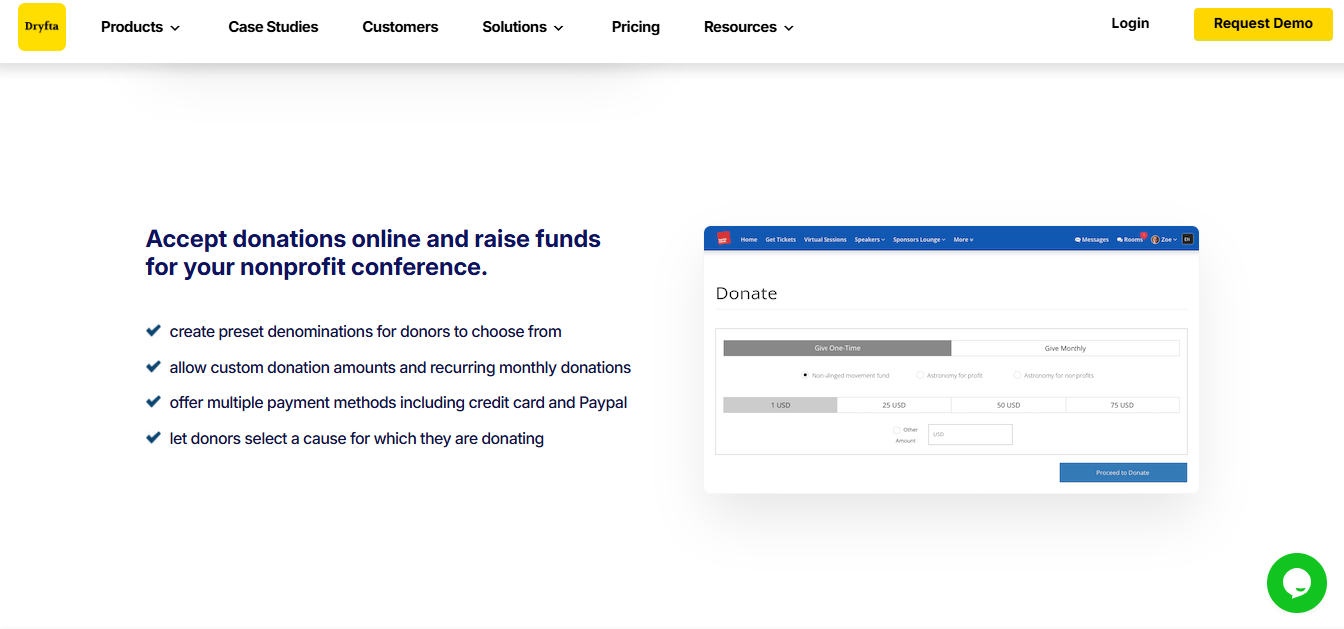
For conferences and larger events, invoicing should be available within the registration process. The invoicing tools for events must support payment by invoice or purchase order at the moment someone registers, so institutional buyers can pay the way they normally do.
- Purchase order and invoice-on-request as a built-in payment option at registration
Registration systems should let attendees select invoice-based payment or provide a purchase order during registration. This option helps universities, hospitals, companies and other organizations follow their internal procurement and payment processes without requiring event planners to manage invoices manually. - Automatic tiered invoicing by registrant category
The system should apply the right price automatically based on each registrant’s category, such as member, non-member, student, speaker, or early-bird attendee. This reduces manual edits and keeps pricing consistent across the registration flow. - Separate sponsor and exhibitor invoicing distinct from attendee billing
Sponsors and exhibitors often require different billing rules, so the platform should keep those invoices separate from attendee transactions. - Bulk or group invoicing for institutional block registrations
Large organizations often register many people at once. Bulk invoicing saves time and avoids duplicate admin work. - Refund and cancellation processing
A streamlined refund process helps planners issue refunds accurately while preserving the related payment and accounting records. Keeping each adjustment documented also makes it easier to reconcile transactions and maintain a clear financial trail. - Visa invitation letter generation tied to confirmed payment
For international events, the software must generate invitation letters only after payment is confirmed. This protects the event from issuing letters too early.
According to SuperAGI – AI-driven systems can process invoices in as little as 1–2 seconds per document, dramatically accelerating throughput compared to manual or rule-based methods.
A Quick Glance at the Top 10 Invoicing Tools for Events
Here is a quick comparison of the best invoicing software for event organizers with the pricing. Some invoicing tools for events are built for planners billing clients, while others are built for conferences handling registration, invoices, and payment rules in one system.
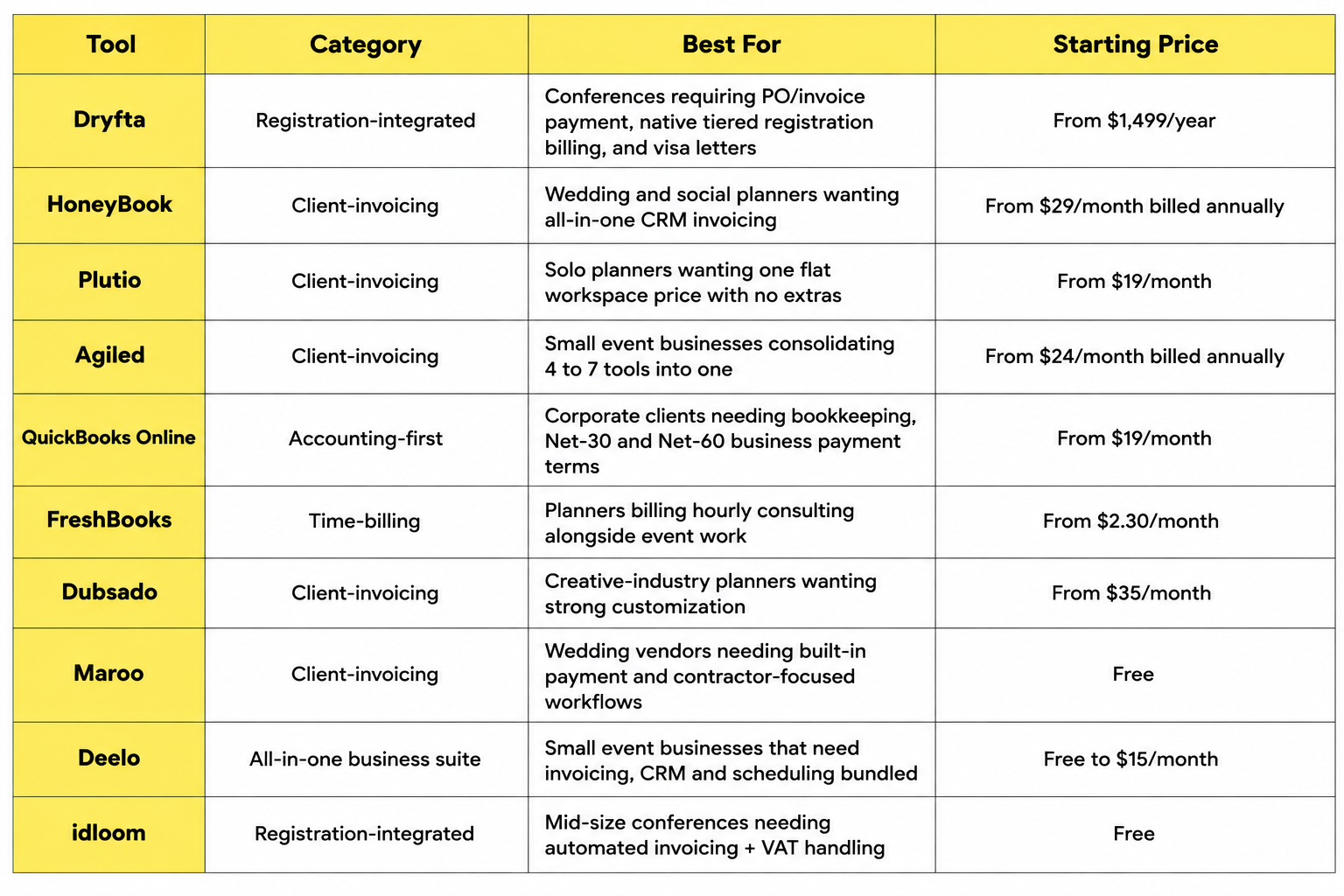
A Detailed Explanation of Top 10 Invoicing Tools for Events
When selecting an event registration invoicing platform, choosing the right platform depends heavily on the event’s scale, institutional compliance requirements, and budget. This section compares invoicing tools for events based on their abilities tailored specifically for conference organizers and institutional planners.
Registration-Integrated Invoicing (Conference & Institutional Events)
Registration-integrated invoicing works best when billing is part of the event workflow. These invoicing tools for events help teams handle registration payments, invoice requests, refunds, and attendee records in a single system. Some of the popular platforms are:
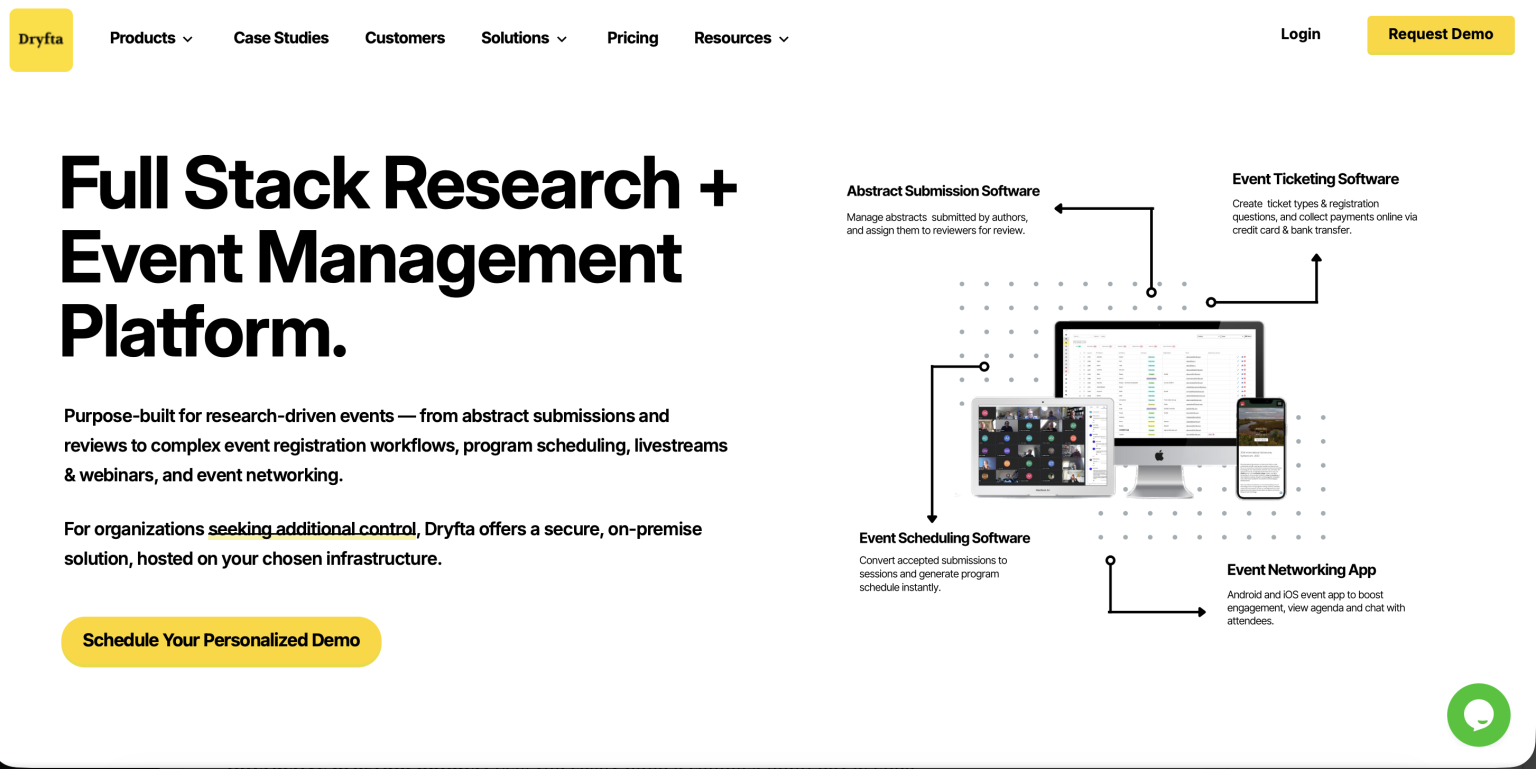
Dryfta
- Best For – Events such as academic conferences, research symposiums, and university and educational institutions that require registration, invoicing, payments, refunds, and attendee management in one platform.
- Overview – Dryfta is an all-in-one software that also offers exclusive invoicing tools for events built for event registration and ticketing, with broader event management features that cover scheduling, abstract workflows, and attendee operations. It unifies ticketing, abstract submissions, contact management, and automated invoicing in a single cloud dashboard.
- Pros – Strong fit for conference-style and highly customizable workflows, supports registration-led payment handling, and keeps event data centralized.
- Pricing – Plan starts from $1499/year. Offers free demo and a free trial. Custom pricing also available with add-ons.
Deelo
- Best For – Mid-sized institutional conferences, small event businesses, regional workshops, and associations looking for a modern and user-friendly registration setup, invoicing, CRM and scheduling.
- Overview – Deelo combines invoicing with 50+ business apps, like CRM, invoicing, scheduling, helpdesk, eCommerce, and more in one platform. The invoicing data connects directly to your invoicing, customer records, and scheduling without any integration work.
- Pros – Invoicing features built with event planning workflows. Built-in AI assistant that works across all your business data.
- Cons – Individual invoicing features may be less deep than single-purpose tools. Newer platform with a smaller community than legacy-driven invoicing tools for events. Third-party integration ecosystem is still growing.
- Pricing – Offers flexible and no long-term contracts. A free package is also available. Their Starter plan pricing begins at $15 per user/month, billed annually, where $180/year per user gets billed.
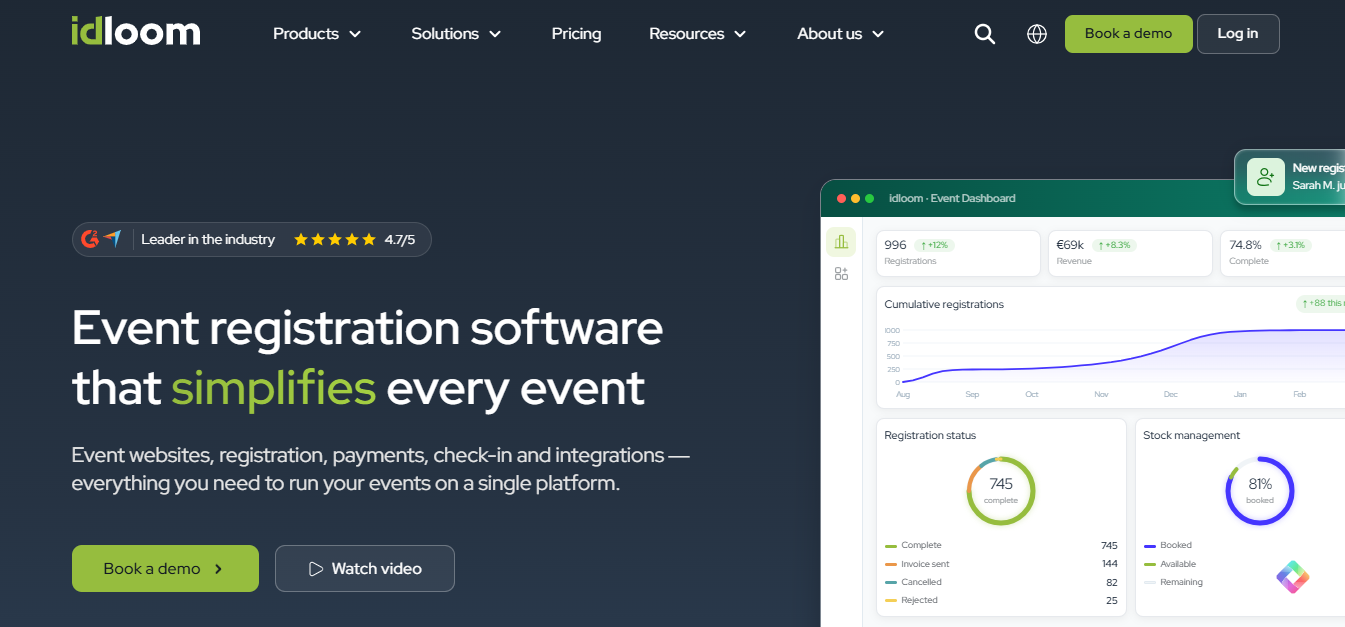
Idloom
- Best For – Corporate event planners, global enterprise institutions, and compliance-focused organizations requiring multilingual support.
- Overview – Idloom consists of features that explicitly include registrations, payments, check-in, attendees, and invoicing. It works well for organizations that want a cleaner registration-to-payment flow without stitching together multiple invoicing tools for events.
- Pros – Advanced VAT/tax handling across international regions, strict GDPR compliance, and seamless integration with ERP systems like SAP and QuickBooks.
- Cons – High-tier features like custom domain white-labeling are reserved for premium plans.
- Pricing – Offers a Freemium plan-a permanently free for unlimited free events with up to 50 attendees per event. A 15-day free trial is also available. The Light plan starts from $195/month, billed annually.
Client-Invoicing (Wedding, Social, and Small Corporate Event Businesses)
Wedding planners, boutique coordinators, social, and small corporate event business vendors rely directly on streamlined invoicing to keep cash flow steady and client relationships strong. This invoicing software for event organizers works best when there is a requirement for proposals, combining estimates, deposits, contracts, reminders, scheduled payments, and invoices that support a service-based workflow into a single system and frees up valuable time for event execution.
Although these invoicing tools for events are not built for registration-heavy conferences. They perfectly combine flexible billing with specialized features to strengthen client management rather than attendee billing. Their features help event teams to collect payments on time without excess administrative loads.
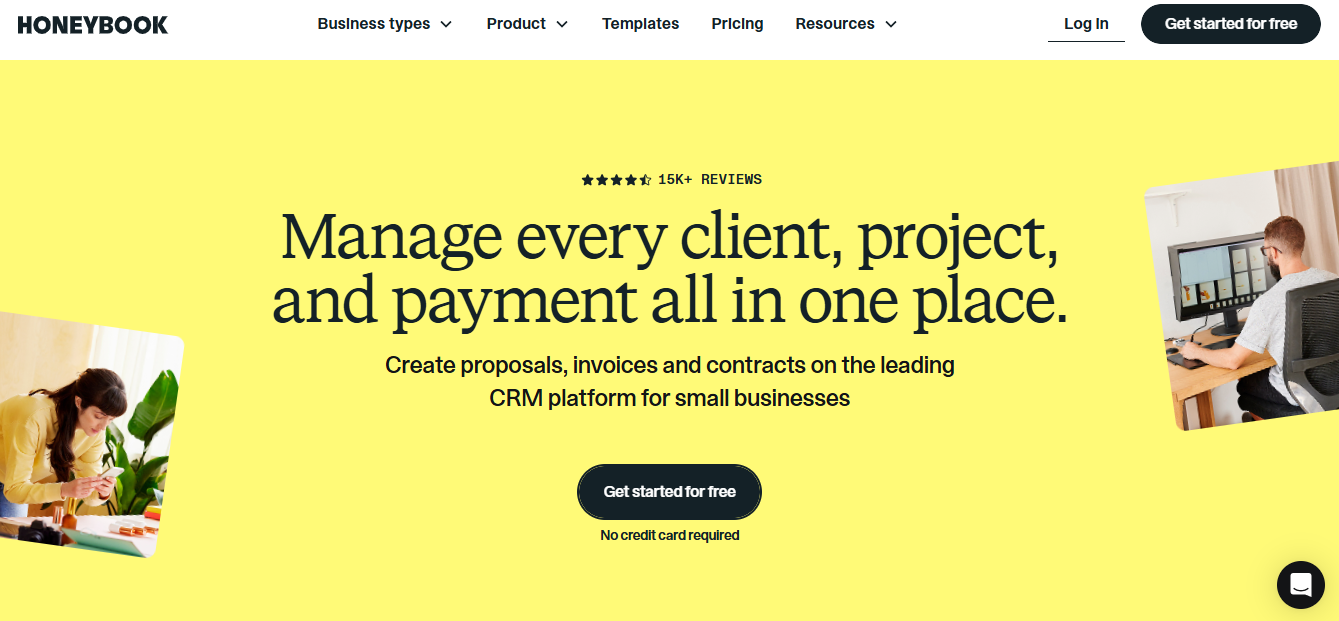
HoneyBook
- Best For – Wedding and social event planners who want a polished client journey from inquiry to final payment.
- Overview – HoneyBook combines proposals, contracts, online invoices, scheduling, payment processing, and a client experience platform in one flow, which makes it easy to book clients quickly.
- Pros – Strong branding, smooth client experience, beautiful interactive proposals, integrated payments, instant digital contract signatures, and good all-in-one convenience for small teams.
- Cons – Processing fees apply, and it lacks advanced venue inventory tracking. It is weaker for corporate Accounts Payable (AP) workflows, PO numbers, and heavier accounting needs.
- Pricing – Starter plans are available for $29/month billed annually, with higher tiers above that.
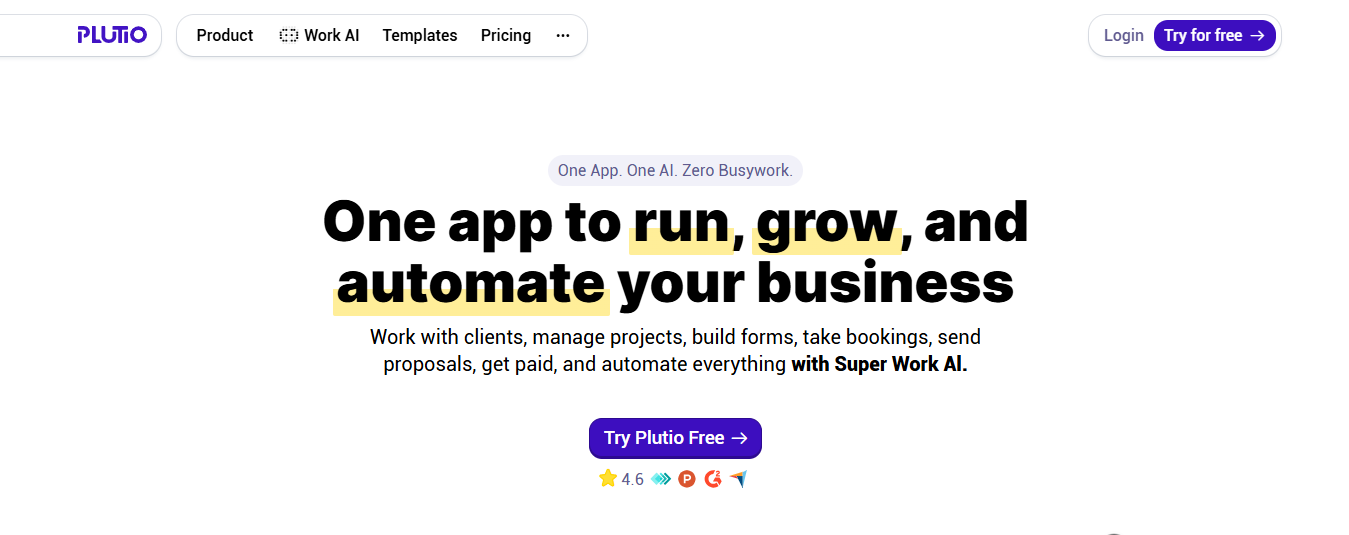
Plutio
- Best For – Solo and small corporate event planners who want a lower-cost all-in-one workspace with project management tightly linked with client billing.
- Overview – Plutio provides a customizable workspace with projects, proposals, contracts, task boards, invoicing, time tracking, and a client portal into one subscription.
- Pros – Deep customizability, flat pricing, multi-currency support, broad feature set, useful workflow coverage beyond invoices and task tracking linked to billable hours.
- Cons – It is less specialized for event-specific billing than a dedicated event platform. It consists of an extensive settings list that requires extra setup time during initial configuration.
- Pricing – Plans start at $19 per month for 9 active clients a month.
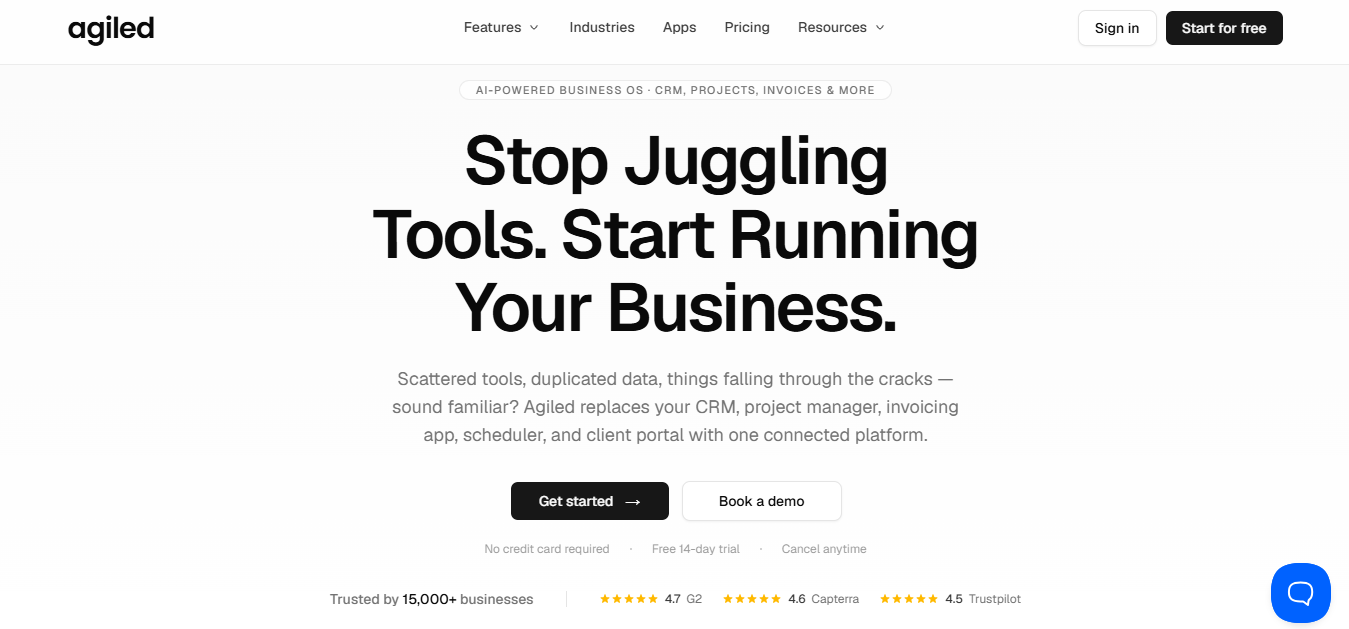
Agiled
- Best For – Small and growing event businesses that require CRM, invoices, contracts, robust client management, and automation together.
- Overview – Agiled offers a business portal that integrates invoicing, CRM features, proposals, contract management, automation, and team tracking into a central dashboard.
- Pros – Consolidates invoicing tools for events into one subscription and supports custom invoice fields and purchase order (PO) numbers. It also consists of good white-label client portals and broad integration options with payment gateways.
- Cons – The interface feels less tailored than a simple invoice tool if you only need basic billing.
- Pricing – Plans start at $24 per month billed annually with higher tiers available.
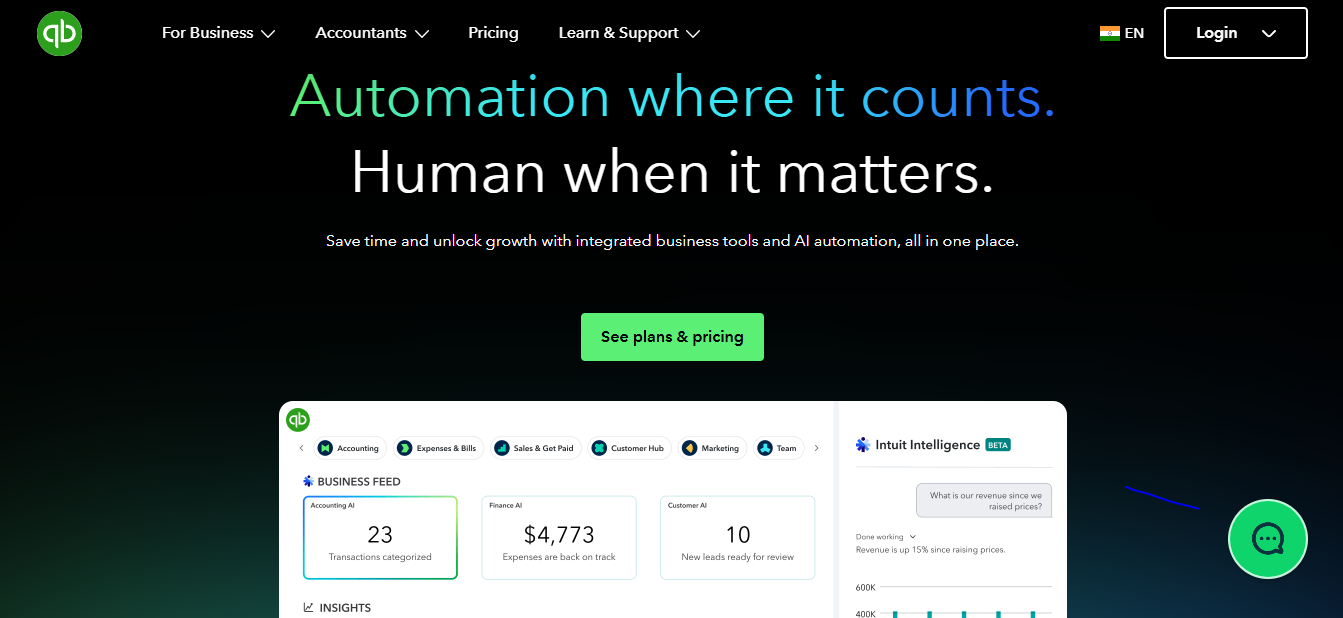
QuickBooks Online
- Best For – Established event businesses and corporate clients with complex accounting needs, dedicated standard bookkeeping and invoice controls.
- Overview – QuickBooks is a well-known invoicing tool for businesses that need accounting-first and invoicing second. It offers solid invoicing features with automated invoicing, expense tracking, bookkeeping, billing, and deep financial reporting.
- Pros – Industry-standard accounting trusted by accountants. Robust payroll add-on and seamless tax filing capabilities. Massive integration ecosystem with 750+ apps.
- Cons – Invoicing is just a feature inside an accounting tool — not the main focus. Pricing has increased significantly and adds extra fees for more features. No CRM, scheduling, helpdesk, or operational tool. Lacks client-facing invoicing tools for events.
- Pricing – Official pricing varies by plan. Simple Start plans begin at $19 per month.
FreshBooks
- Best For – Freelancers, social coordinators, and small service businesses needing straightforward billing, hourly consulting, time tracking, mixed service work with complex accounting needs, and dedicated bookkeepers.
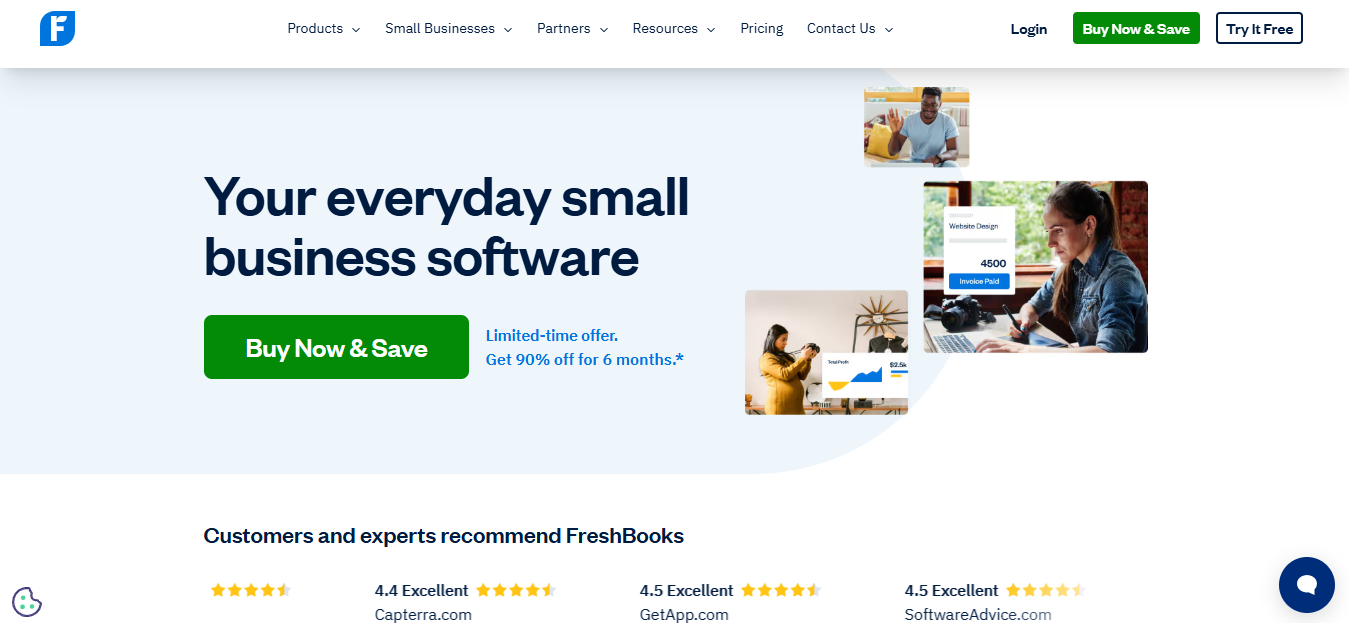
- Overview – FreshBooks is a well-known invoicing tool that offers solid invoicing features with simple invoicing, automated retainer billing, time-based services, and client payment tracking.
- Pros – Client-friendly invoice design. Strong time tracking with automatic invoice generation. Excellent mobile app for invoicing on the go. Automated payment reminders for fast collections.
- Cons – Client limits on lower tiers (5 and 50 clients). No CRM, scheduling, or field service capabilities. Double-entry accounting feels bolted on rather than native. Entry-level plans limit the total number of active billable clients. Less robust for complex event operations.
- Pricing – Official pricing varies by plan. Plans start at $2.30 per month, where invoices can be sent to 5 clients.
Dubsado
- Best For – Solo wedding coordinators and creative planners looking for automated payment workflows and deep customization for client branding.
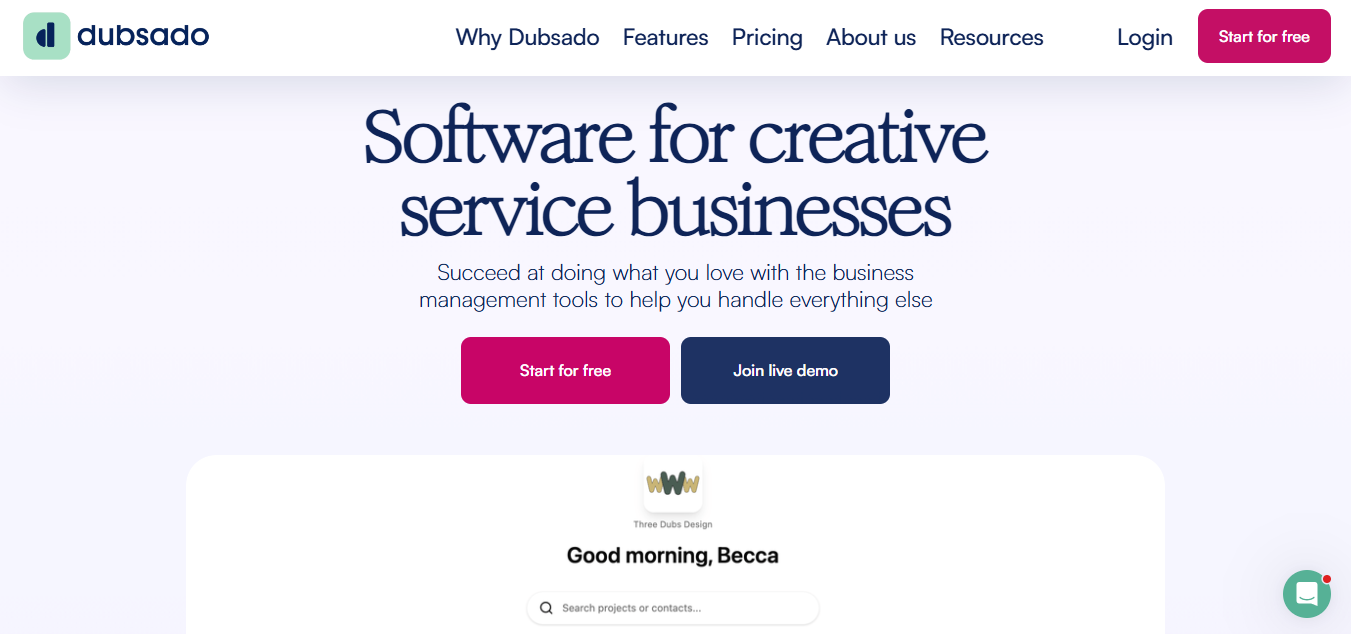
- Overview – Dubsado is a business suite focuses on client workflows, flexible automation, customizable booking forms, contracts, payment schedules, and invoices.
- Pros – Powerful automation rules, zero transaction markup fees, flexible client experience, and strong customizable forms.
- Cons – Requires extra setup time upfront due to complex workflow options.
- Pricing – Official pricing varies by plan. Plans start at $35 per month and $335 per year.
Maroo
- Best For – Wedding vendors who want flexible payment workflow options for couples without high processing fees.
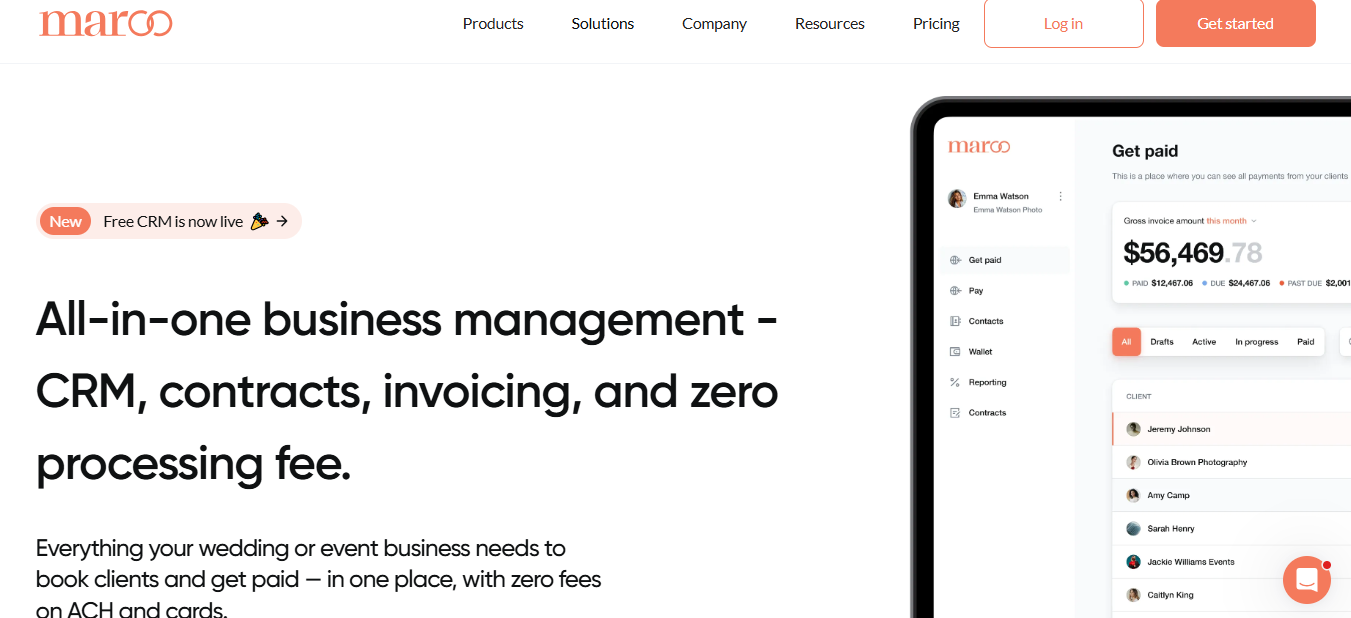
- Overview – Maroo provides specialized financial software built for the event industry, especially wedding professionals, offering flexible payment plans and low-cost processing.
- Pros – Offers fee-free payment choices and flexible payment schedules tailored for wedding businesses.
- Cons – Smaller footprint than broader all-in-one platforms. Focuses strictly on payments rather than full project management or scheduling.
- Pricing – Official pricing varies by plan. They have a free Starter plan, and the Business plan starts at $50 per month.
According to Ardent Partners, which specializes in Accounts Payable (AP) automation market research and adoption trends. Processing cost per invoice (2025 Best-in-Class) is $2.78 per invoice for AI-Automated Processing and $12.88 for Manual Processing.
Which Invoicing Tools for Events is Right to Choose?
Selecting the right invoicing tools for events is based entirely on the event model. Event organizers usually need registration-linked billing, while planners and small event businesses need client invoicing, deposits, and project-based payment tracking. Matching your specific workflow to the right platform saves valuable administrative hours and helps in steady cash flow.
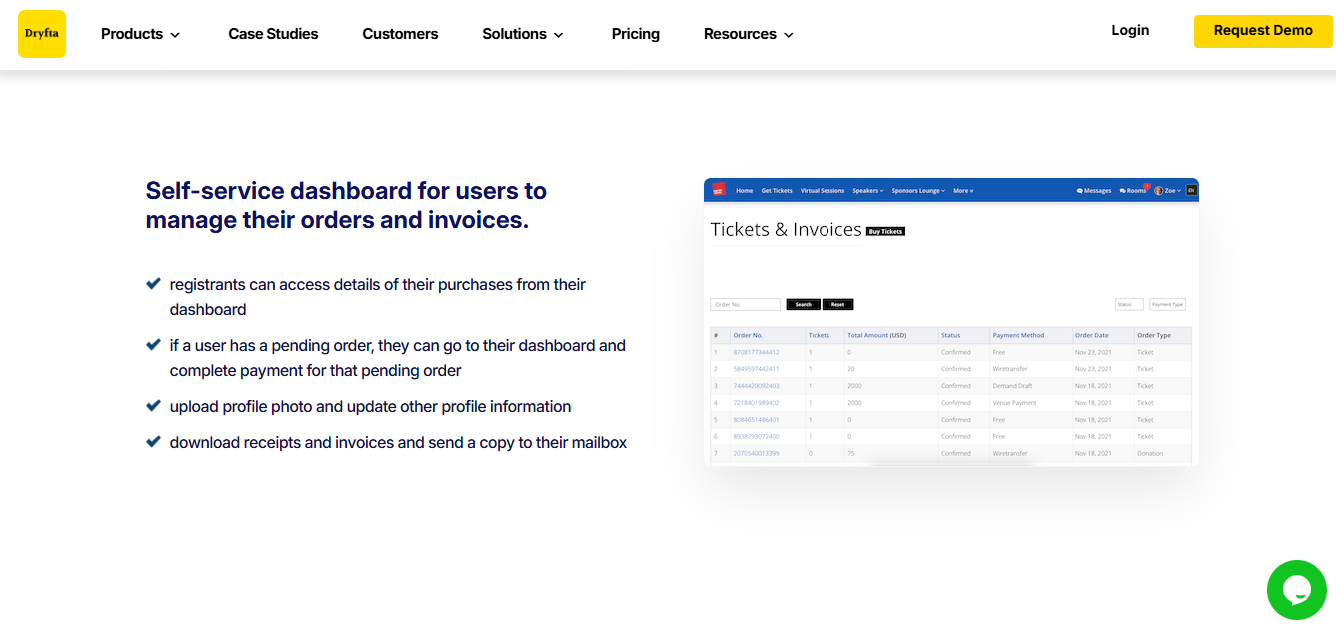
- Dryfta is the perfect event registration invoicing software for event organizers who run academic conferences, research symposiums, or professional associations. It seamlessly combines registration and ticketing, abstract and peer review system, with automated multi-currency invoicing in the same workflow.
- HoneyBook or Plutio are stronger choices for weddings, social events, boutique client billing, or small corporate events that usually do billing for individual clients. They combine proposals, contracts, invoices, scheduled deposits and client management in one place.
- Maroo is a good choice for solo operators who are just starting and want to avoid heavy monthly subscription fees. It offers fee-free processing options and flexible payment plans tailored for event vendors.
- FreshBooks is a decent choice if you bill hourly for consulting alongside project-based event management. Its built-in time tracking and automated retainer billing keep client invoices accurate and hassle-free.
- QuickBooks Online is a better fit for standard accounting and deep finance processes. It is reliable if your primary clients are corporations requiring Net-30 or Net-60 payment terms.
- Agiled or Deelo are right choices if you are consolidating multiple business tools to reduce total operating costs. They maintain streamlined registration, CRM tracking, and invoicing in one central platform.
Frequently Asked Questions
What’s the difference between invoicing software for wedding planners and invoicing for conference organizers?
Invoicing software for wedding planners usually requires deposit billing, milestone payments, vendor pass-throughs, and a clear paper trail for cancellations or postponements. Invoicing software for conference organizers usually needs invoicing tied to registration, attendee categories, purchase orders, refunds, and sometimes visa letters. In practice, wedding billing looks like client-service invoicing, while conference billing is more about event-registration finance.
Can event registration software handle purchase order payments for university or institutional registrants?
Yes, many event registration platforms can support invoice or purchase order payments for institutional buyers. This matters for universities and associations because those registrants often cannot pay by card at checkout. A platform like Dryfta is rightly positioned for that kind of workflow, and registration-focused systems such as Idloom also emphasize invoicing within the registration process.
What is the best free invoicing tool for event planners?
The best free option depends on whether you want a full platform or just invoice generation. For simple free invoicing, tools like invoice generators and free-start products can work well. Dryfta, Maroo, and some other platforms may offer a free trial or a free starting tier depending on setup.
How much does event invoicing software typically cost?
Costs change widely based on category. Client-invoicing tools often start around the low tens of dollars per month, while registration-integrated event platforms can run much higher because they include registration, payment handling, and event management features.
Do I need separate invoicing software if I already use an event registration platform?
No. If your registration platform already handles invoices, refunds, PO payments, and attendee billing cleanly, you may not need a second tool. But if your business also bills clients for planning work, vendor coordination, or post-event reconciliation, a separate client-invoicing tool can still be helpful.
The Final Takeaway
There are several invoicing tools for events; each has its own unique set of features and attributes. It is very difficult to say which one is the best. If you are an event organizer looking for invoicing software, first identify what your event really needs, then compare the tools based on it. Once you understand the requirements, it will become easier and clearer to choose a platform.
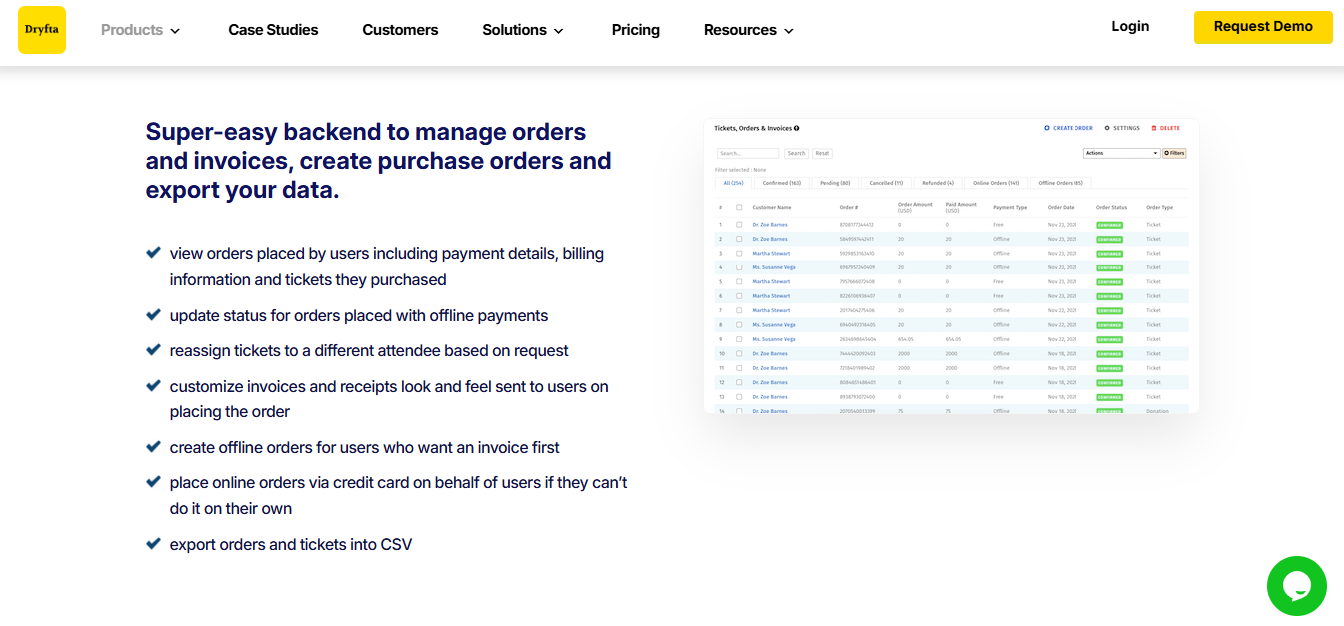
Dryfta is a strong choice for associations, universities, research conferences, and professional events collecting registration fees. Its main purpose is to connect invoices, payments, tickets, and attendee records within a conference-management workflow. It allows organizers to customize invoice templates and include participant billing details.
Book a free demo today to manage orders and invoices, create purchase orders, and export your data all at one place with Dryfta.