




Universities need robust virtual event management tools to host successful online events. Today, virtual events have become a big part of university life. Due to the rise in remote work and learning environments, many universities now host online workshops, guest talks, training sessions, interviews, and open house programs. As a result, event management teams need tools that support video streaming, live chat, breakout rooms, and easy check-ins.
This article shares 15 virtual event management tools tailored to universities’ needs. Below, each tool helps with teaching, student engagement, and clear communication.
Why Virtual Event Management Still Matters for Universities in 2026?
Think virtual events were just a passing trend? Think again. In 2026, many universities will continue to use virtual academic events throughout the entire year to engage students, promote networking opportunities, and foster a sense of campus community.
Here is why the academic community is leaning into the top virtual event management tools to keep its competitive edge:
- Universities now have a year-round schedule of online events that extends beyond the class schedule
- Shifting to digital events opens the doors to unmatched global participation for remote scholars
- International researchers who face strict travel visa limits can now present papers from home
- Using the top virtual event management tools completely cuts physical venue and catering bills
- Organizers instantly save high-quality session recordings to build valuable on-demand libraries
- Most modern platforms let departments host academic events like thesis defenses, workshops and alumni fundraisers
- Students with disabilities and those balancing work can attend more flexibly
Ultimately, this modern approach keeps your institution competitive and financially smart.
Did you know? The global virtual events market reached approximately $243 billion in 2025 and is growing at a compound annual growth rate (CAGR) of 17.8%.
What Universities Should Look for in a Virtual Event Platform?
Basic event tools do not work for universities. Academic conferences need much more than just a sign-up form. That is why universities are using top event management tools to keep their academic and daily workflows thriving. Choosing the right platform means looking for specific academic tools that handle everything from research papers to multi-track schedules.
Here is the ultimate checklist for what universities should look for when evaluating top virtual event management tools on the market.
1. Virtual Session Management
- Multi-track agendas: Coordinate parallel tracks for different departments simultaneously so users can switch rooms easily.
- Speaker management: Give individual dashboards for guest lecturers to upload their presentation slides and confirm tech requirements.
- Session recording: Automatically archive live streams into an organized on-demand video library for students who missed the live event.
- Breakout rooms: Split large lectures into smaller, interactive workshops for active classroom discussion.
- Live streaming quality: Ensure high-definition broadcast feeds that do not lag when thousands of users log on at once.
2. Academic Conference Features
- Abstract submission and peer review: Dashboards must streamline blind grading workflows by assigning research papers to review committees and review boards anonymously.
- Research paper management: Databases should securely store uploaded PDFs and index documents by author names and topic tags.
- Certificate generation: Design and automatically email professional participation certificates to attendees and presenters based on their attendance logs.
- Session moderation: Portals must grant hosts strict mute controls and waiting room permissions.
- Presenter workflows: Tools should help presenters share their screens and display digital presentation slides without having to install third-party software.
3. Student & Attendee Engagement
- Live polls and Q&A: Presenters need to spark instant crowd participation by pushing interactive question boxes onto user screens.
- Gamification: Award digital badges and points to students who attend multiple workshops to increase overall participation in sessions.
- Discussion forums: The software should create text message boards where students can debate presentation topics outside the live stream.
- Virtual lounges: Interfaces should be designed as casual video hangout spaces where attendees can drop in for face-to-face networking.
- Chat and networking: Let students chat to help introverts find potential collaborators.
4. Hybrid Event Support
- In-person & virtual attendee management: Software should be able to record both in-person and virtual attendance in a single system.
- Hybrid session synchronization: Broadcast live physical auditorium presentations to online viewers with zero audio delays.
- Cross-format engagement tools: The presenter should be able to interact simultaneously with both in-venue attendees and those attending remotely via QR code.
- Virtual exhibitor booths: Platforms must have an interactive digital space where sponsors can upload brochures and chat with students.
5. Mobile Event Experience
- Mobile agenda access: Let students browse the complete event lineup easily on their smartphones via native apps.
- Push notifications: Send live alerts about room changes or sudden schedule updates directly to participants.
- Session reminders: Give attendees automated text alerts ten minutes before their selected presentations officially begin.
- Networking via app: Profiles must let attendees swipe-connect easily with potential employers and research partners during mixers.
- Personalized schedules: Let attendees build custom calendars by saving specific presentations they want to attend.
6. Accessibility & Inclusivity
- Captioning support: The platform must generate real-time automated subtitles to assist hearing-impaired students during live keynote speeches.
- Language accessibility: Offer instant audio translations or multi-language text interfaces for a global academic audience.
- Mobile accessibility: Make sure the UI is perfectly readable and easy to navigate for users without a desktop.
- Inclusive participation tools: Offer hand-raising features that give remote users an equal voice.
- On-demand playback: Let users adjust playback speeds and rewatch complex research presentations at their own learning pace.
7. University Security & Compliance
- GDPR compliance: Protect user privacy by strictly following international data laws when handling student information.
- Student data protection: Keep sensitive academic records safe via highly encrypted cloud hosting servers.
- SSO integrations: Connect the platform directly to your university’s existing login systems so students can sign in using their standard university credentials.
- Access permissions: Control exactly who can view specific research data by setting clear public, student, or admin-only viewing roles.
- Data ownership: Contracts should guarantee that the university maintains absolute legal rights over all recorded academic content.
8. Analytics & Reporting
- Attendance tracking: Generate precise logs showing exactly who logged into specific sessions and how long they stayed online.
- Participation analytics: Review overall attendance patterns across different university departments to measure total event success.
- Sponsor analytics: Measure total clicks on banner advertisements to prove return on investment for donors.
- Post-event reporting: Portals should download visual ROI charts to simplify presenting final results to stakeholders.
9. Scalability & Pricing
- Per-event vs annual pricing: Look for flexible pricing models that let your school pay as you use or buy cost-effective year-round subscriptions.
- Scalability for large universities: Pick platforms that can effortlessly scale up from a 20-person workshop to a 10,000-user graduation broadcast.
- Hidden streaming costs: Watch out for sneaky extra fees attached to high-definition video data or hosting limits.
- Add-on pricing for networking or mobile apps: Verify if mobile apps require extra hidden fees before purchasing.
According to Deloitte’s 2026 Higher Education Trends, international students now account for nearly 1.2 million enrollments in U.S. higher education, representing about 6% of total enrollment. Universities increasingly use virtual and hybrid events to engage these globally distributed audiences
Top Virtual Event Management Tools in 2026.
| Virtual Event Management Tools | Ideal for | Key Features | Skill Level |
| Dryfta | Research events and academic conferences | Handles abstracts, reviews, and check-ins | Easy |
| vFairs | Virtual career fairs and open house events | Virtual booths, chat rooms, and 3D halls | Medium |
| Whova | Student events and campus activities | Mobile app, community groups, and chat | Easy |
| EventMobi | Campus workshops and student club events | Simple ticketing and RSVP pages | Easy |
| Airmeet | Orientation programs and virtual panel sessions | Stage streaming, breakout rooms, and lounge tables | Medium |
| Brella | Networking-heavy events and career fairs | AI matchmaking, meeting booking, and user profiles | Medium |
| Zoom Events | Guest talks and multi-session lecture series | Session switching, branded pages, and attendance analytics | Easy |
| GoTo Webinar | Online lectures and training sessions | Stable streaming, speaker controls, and recordings | Easy |
| BigMarker | Online seminars and virtual training | HD streaming, polls, Q&A tools, and screen sharing | Medium |
| Crowdcast | Guest lectures and online workshops | Chat, polls, replays, and simple live session tools | Easy |
| PheedLoop | Research conferences and poster sessions | Poster galleries, abstract uploads, and exhibitor booths | Medium |
| Swapcard | Alumni meets and virtual research fairs | Interest-based recommendations and networking tools | Medium |
| Accelevents | Open houses and recruitment events | Event pages, ticketing, live sessions, and expo booths | Easy |
| Cvent | Large university conferences | Registration, session setup, and detailed reporting | Medium |
| Hubilo | Virtual seminars and hybrid campus events | Engagement tools, live chats, and branded event pages | Easy |
1. Dryfta
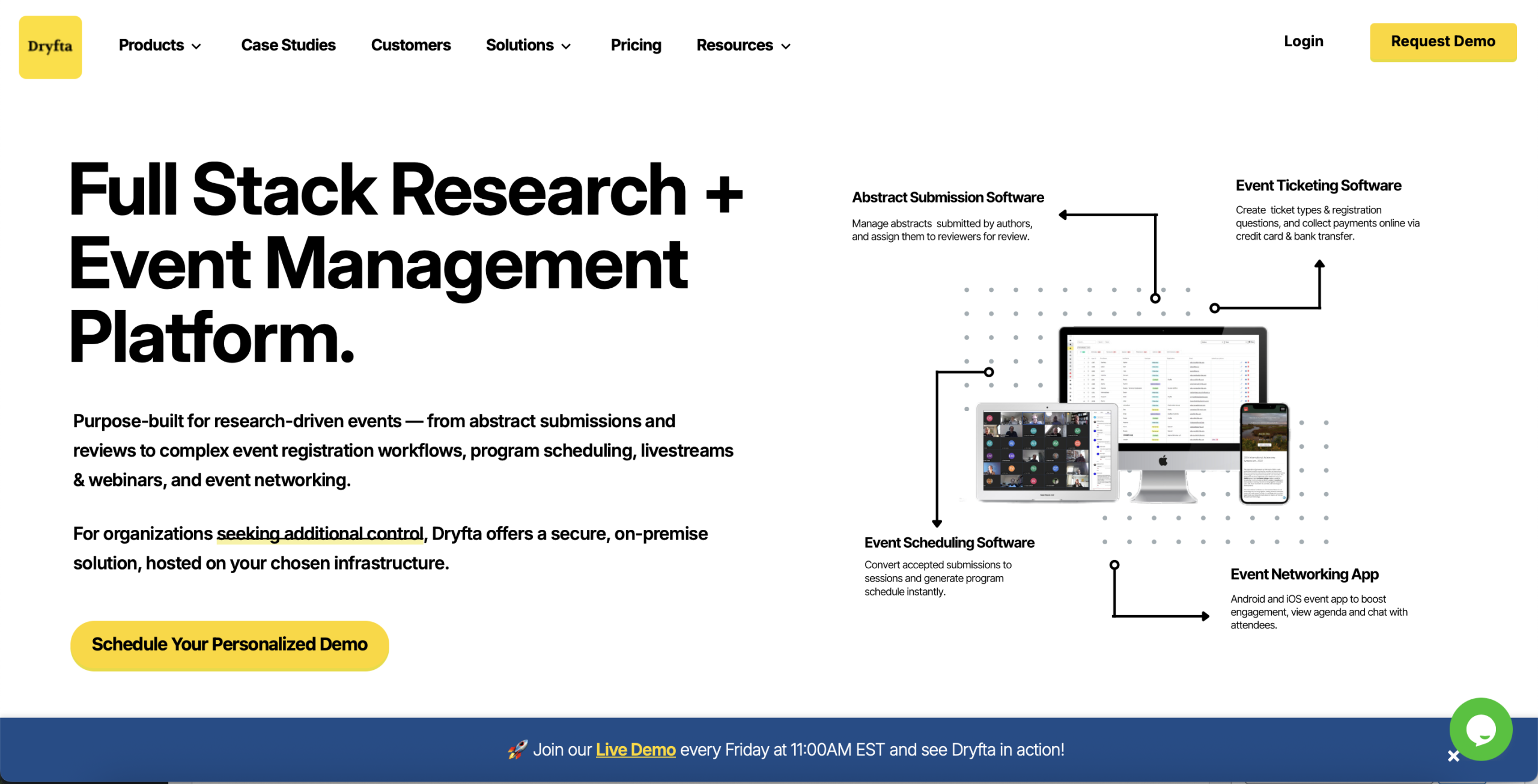
- Verdict: An all-in-one event management platform built to manage academic research papers and ticket sales under a single dashboard.
- Best For: University research symposiums and multi-track academic conferences.
- G2 Rating: 4.8/5
Overview: Dryfta is designed specifically for the unique needs of universities and research groups. Unlike the generic tools on the market, it combines event ticketing with specialized research submission and peer-review portals.
Key Features:
- Built-in abstract submission and anonymous peer-review grading portals
- Smart registration forms that change fields based on the type of user logging in
- Built-in budget tracking sheets that update automatically with live ticket sales
Pros:
- Completely eliminates the need to buy a separate abstract management and review tool
- Offers predictable flat-rate annual pricing that protects tight university budgets
Limitations:
- The advanced backend setup takes extra time for non-technical staff to learn
- The visual layout looks simple compared to corporate marketing platforms
Pricing
Choose the pricing plan that fits your event size and budget. With the small annual plan starting at $1,499/year, you get full access to submissions, reviews, registration, ticketing, and the event website setup. For larger or enterprise-level events, a custom quote is available that supports unlimited attendees, unlimited abstracts, and full virtual or hybrid features.
If you prefer to pay only for what you use, the “Pay as You Go” option lets you scale based on actual registration or submission volumes.
2. vFairs
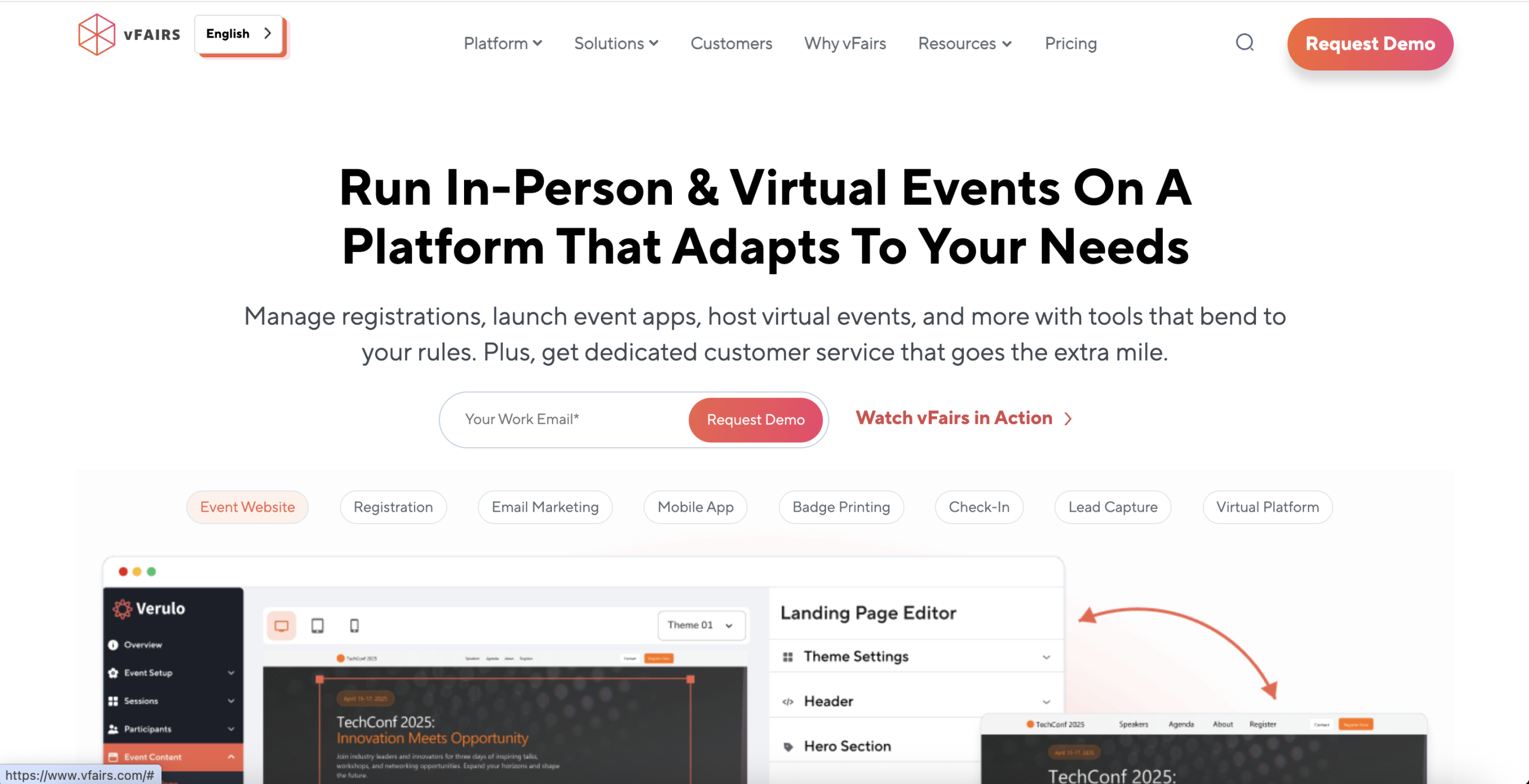
- Verdict: A premium event platform that builds immersive, 3D virtual venues for massive global crowds.
- Best For: University career fairs and virtual campus exhibitions.
- G2 Rating: 4.7/5
Overview: vFairs is a comprehensive platform that enables your universities to host all types of events, including on-campus, off-campus, in-person, and online events. It offers a complete set of tools to help universities run open houses, virtual fairs, orientations, research showcases, student workshops, and large-scale academic conferences.
Key Features
- Visual 3D virtual exhibitor booths with text, audio, and video chat
- Mobile app integrations featuring digital badges and fast event check-in tools
- Real-time data tracking for sponsors
Pros
- Provides round-the-clock customer support
- Offers good accessibility features like multi-language translations and live subtitles
Limitations
- The enterprise pricing plans are too expensive for small-scale departments
- Building and customizing the 3D environments requires several weeks of preparation
Pricing
vFairs provides customized pricing based on the number of attendees at your event and the features you select (for example, virtual booths, webinar tools, mobile app tools). Reach out to the vFairs team to get a clear quote for your university event.
3. Whova
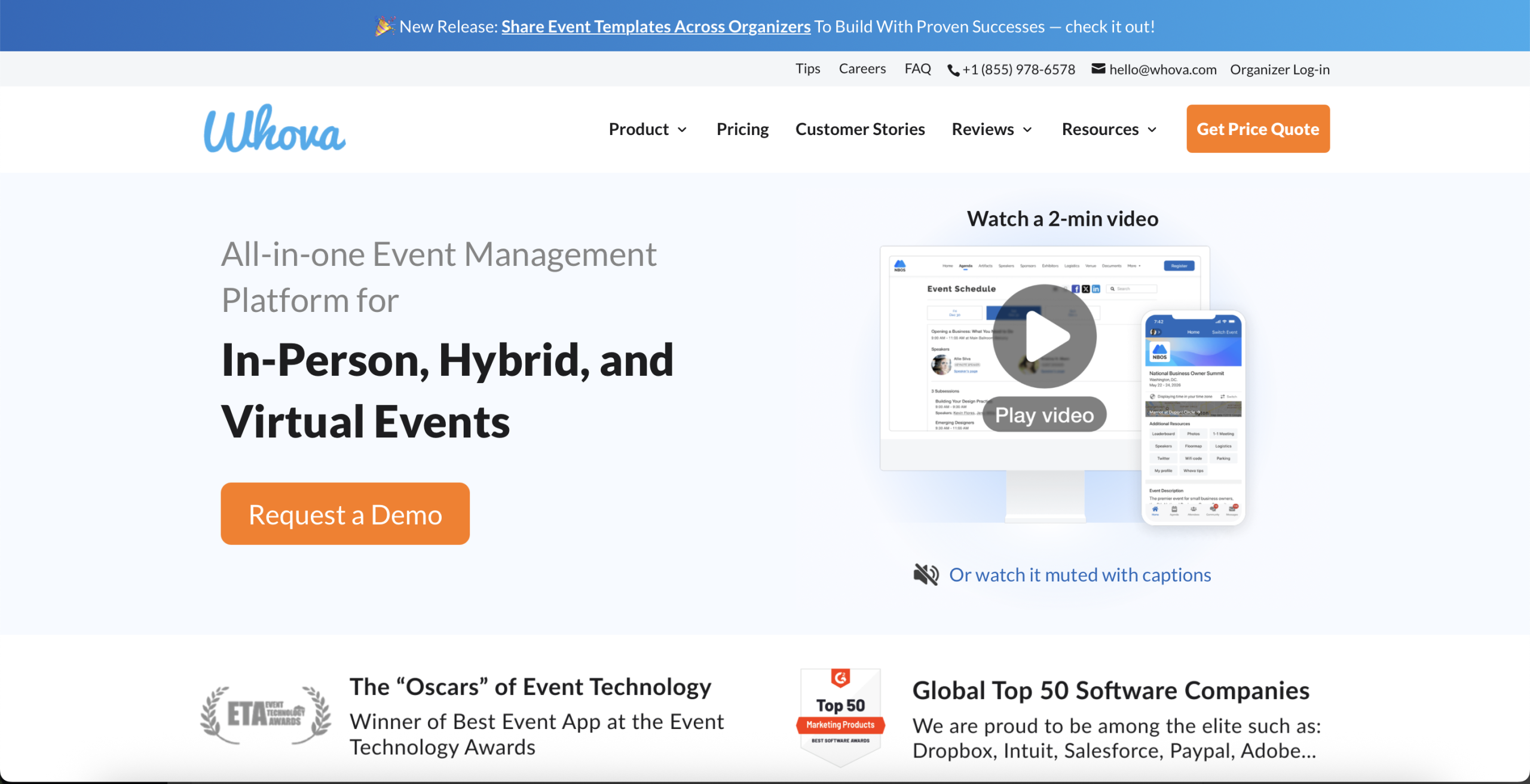
- Verdict: A popular mobile-first platform that maximizes audience chat interaction and simplifies messy schedules.
- Best For: Student-led events, academic networking mixers, and multi-day campus summits.
- G2 Rating: 4.8/5
Overview: Whova is a cloud-based platform that offers virtual event management tools for universities. It combines schedules, check-ins, speaker pages, and student engagement in one place. Many academic teams use Whova because the app keeps event details easy to find and works well on any device.
Key Features
- Community message boards featuring student-led discussion groups and icebreakers
- Mobile agenda builders that push automatic room updates to user
- Lead scanning tools that let event sponsors distribute digital brochures quickly
Pros
- Consistently achieves very high attendee participation rates via the mobile app
- Simplifies manual tasks like automated name badge printing and check-in rosters
Limitations
- Lacks advanced academic workflows like peer review
- The desktop web portal interface feels less modern than the mobile app experience
Pricing
Whova offers flexible pricing based on your event size, format, and the features you include. Costs depend on your expected attendee numbers and whether the event is virtual, in-person, or hybrid.
4. EventMobi
- Verdict: A community-focused platform built to keep audiences connected and informed before, during, and long after the event day.
- Best For: Year-round campus community sessions and multi-day workshops.
- G2 Rating: 4.6/5
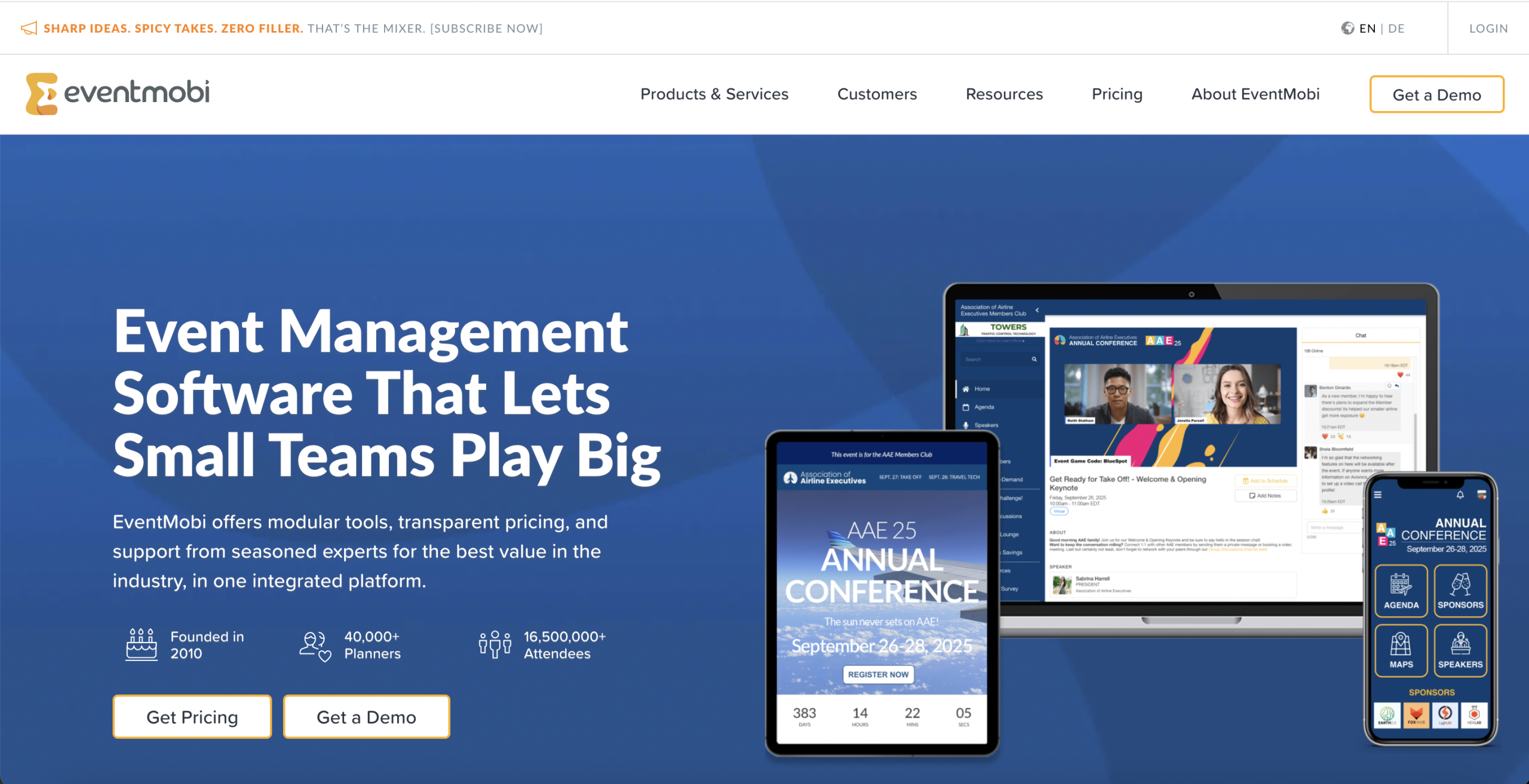
Overview: EventMobi is one of the most effective virtual event management tools that supports both virtual and hybrid university events. It provides all the necessary tools to manage your events, including registration, event apps, check-in, and analytics.
Key Features
- Attendee directories featuring private chat tools and social networking profiles
- Interactive digital gamification tools to keep attendees engaged
- A content library that stores recorded lectures for year-round streaming access
Pros
- Customizable styling options that match exact university branding guidelines
- Intuitive layout design that is exceptionally easy for non-tech users to navigate
Limitations
- Does not include specialized academic abstract tools for handling blind peer reviews
- Large file uploads can occasionally load slowly on mobile
Pricing
EventMobi provides event-based and yearly plans. The event-based option starts at $3,000 per event, and the annual plan begins at about $8,900 per year for unlimited events. Final pricing depends on the event size, the chosen features, and the level of support required, so that event teams can request a custom quote for accurate rates.
5. Airmeet
- Verdict: An engagement-driven virtual platform built to mimic real-world backstage interactions.
- Best For: Virtual workshops and university networking events.
- G2 Rating: 4.6/5
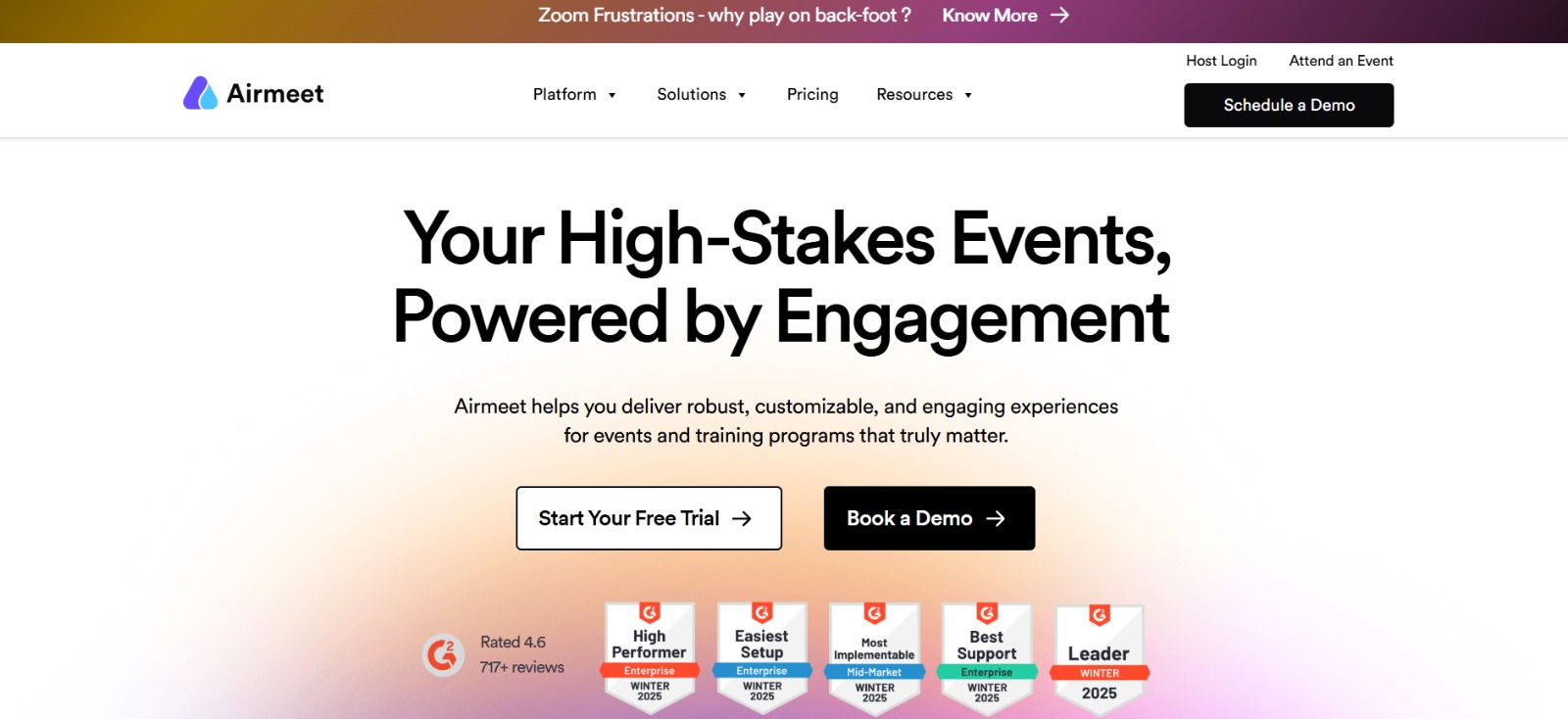
Overview: The most popular use of Airmeet by academic teams is to host virtual academic panel discussions, student orientation programs, guest lecture series, and virtual student workshops. One of the key reasons the platform works well is its stage streaming.
Key Features
- Virtual social lounges featuring multi-seat video tables for casual attendee networking
- Custom virtual backstage where speakers and hosts prepare before going live
- Interactive stage features like live emoji reactions and upvoted Q&As
Pros
- Modern browser interface that requires zero software downloads to join
- Scales perfectly to handle small classroom webinars or large-scale online conferences
Limitations
- Connectivity issues can occasionally kick users out of video social tables
- Analytics dashboards lack the in-depth tracking metrics found in enterprise tools
Pricing
Airmeet uses custom pricing based on the number of attendees, event frequency, and required features. Universities need to request a quote from the Airmeet team to get a quote on the pricing structure.
6. Brella
- Verdict: An intent-based networking platform powered by smart matchmaking to connect attendees with shared goals.
- Best For: University career fairs and research collaboration summits.
- G2 Rating: 4.6/5
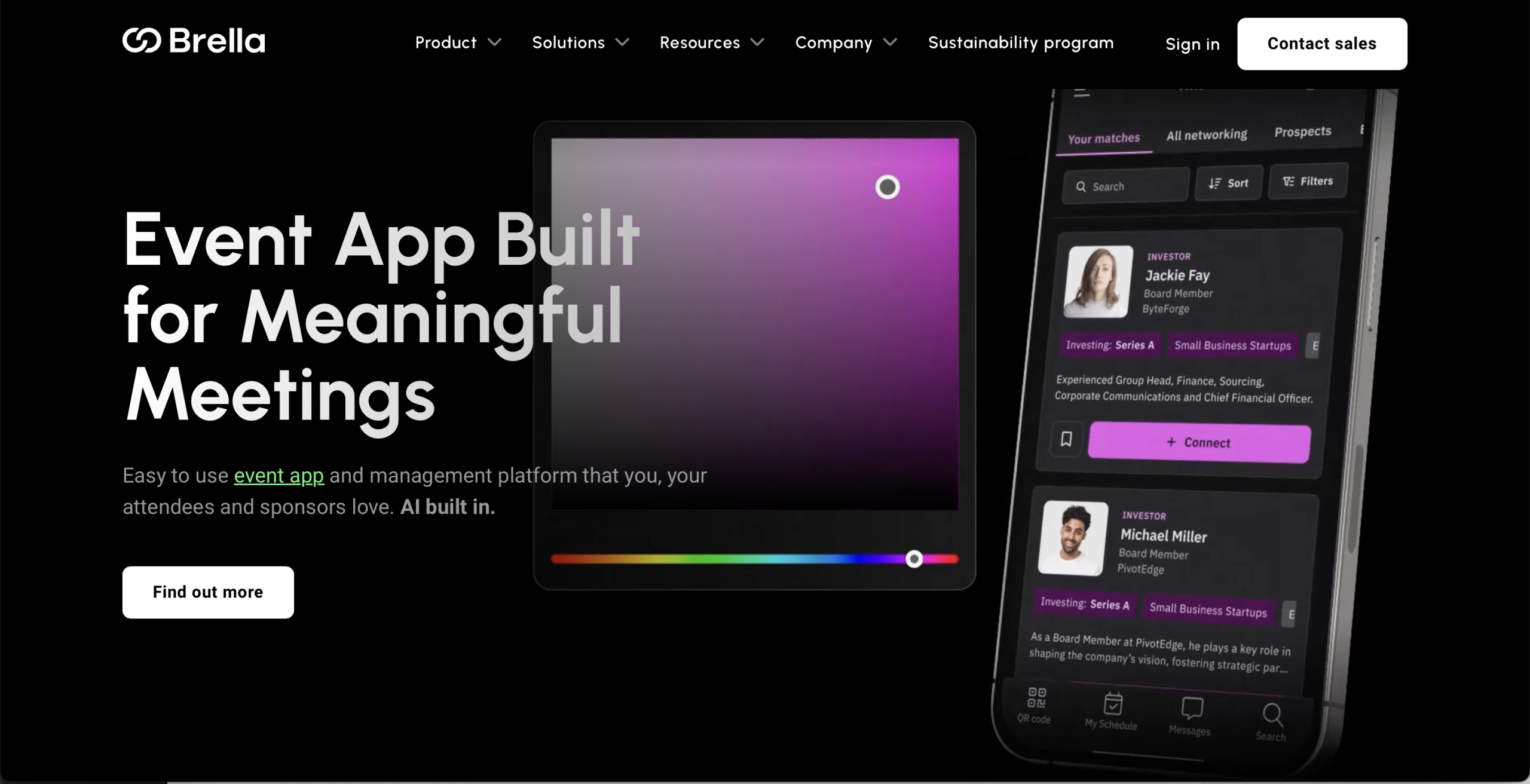
Overview: Brella is a hybrid and virtual event platform used by universities to host career fairs, networking events, and showcases of university research. It leverages AI-powered matchmaking to create opportunities among students, employers, mentors, and faculty based on their areas of interest.
Key Features
- Interest-based matchmaking algorithms that instantly pair compatible event attendees
- Integrated meeting scheduling tools to automatically book open virtual video rooms
- High-visibility digital sponsor booths featuring dedicated chat channels
Pros
- Drastically increases the total number of successful professional connections made
- Minimalist interface helps users find relevant partners within seconds
Limitations
- Lacks complex session management tools like multi-track abstract grading
- Relies entirely on attendees filling out profiles to make matchmaking successful
Pricing
Universities will need to contact the Brella sales department to receive a custom pricing quote.
7. Zoom Events
- Verdict: An expanded version of the world’s most familiar video tool.
- Best For: Complex webinars and familiar digital classroom settings.
- G2 Rating: 4.5/5
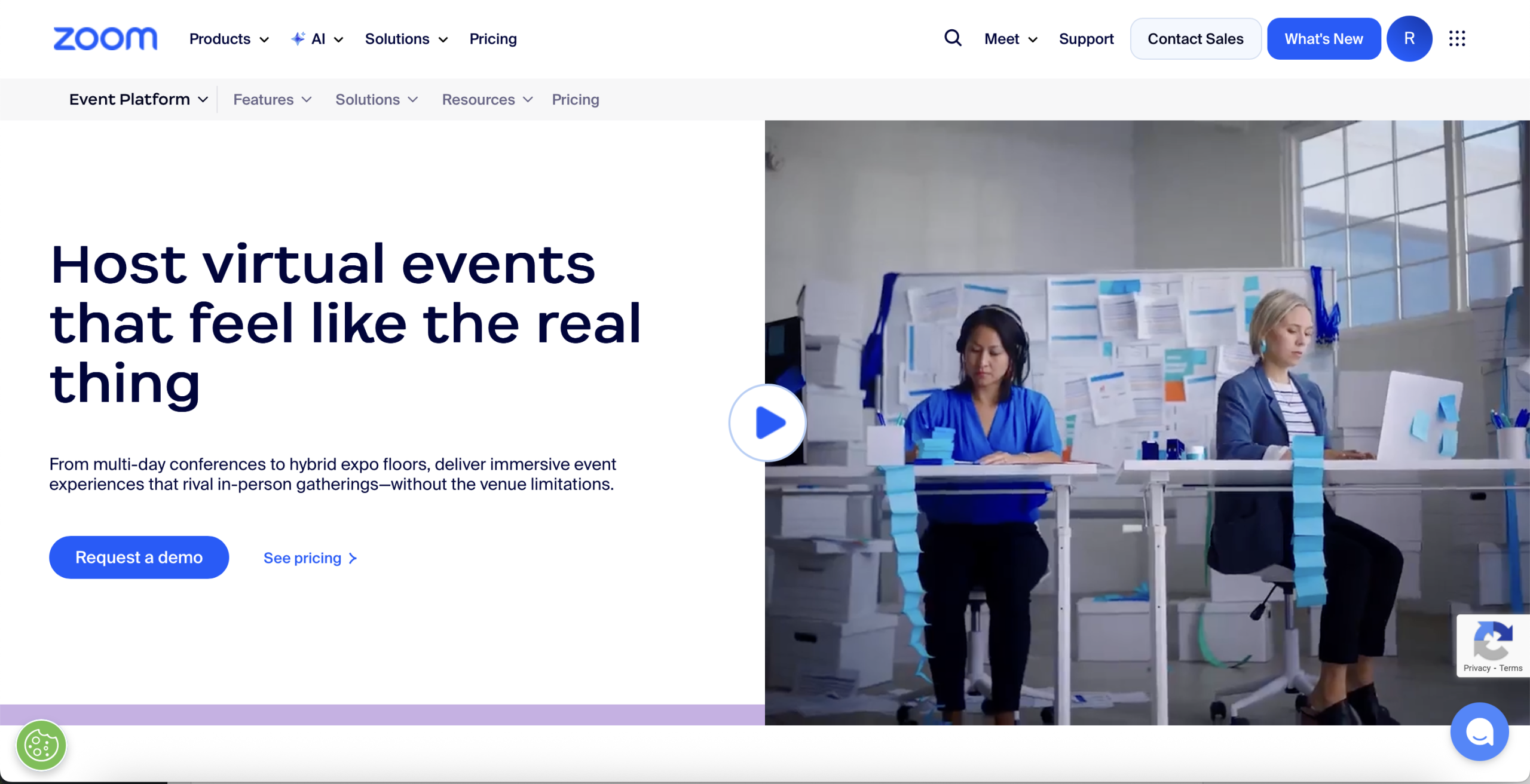
Overview: Zoom Events is an extension of the regular Zoom app, which allows a university to offer multiple sessions as part of its program. It includes registration, branded event web pages, tracks, and the ability to switch between sessions. Many universities are drawn to Zoom Events because they are familiar to both students and faculty.
Key Features
- Centralized event hubs that compile multiple live streams into a single ticket option
- Interactive virtual chat lobbies where attendees can connect before the session starts
- Flexible ticketing options supporting both free passes and paid registrations
Pros
- Demands virtually zero technical training or software onboarding for presenters
- Exceptionally reliable video and audio streaming quality over weak network connections
Limitations
- Highly restricted custom branding options make pages look like generic tools
- Lacks robust native features for physical hybrid venue tracking or abstract reviews
Pricing
Pricing begins at $79/month per license and increases based on the number of event attendees and the additional features chosen by the organizer.
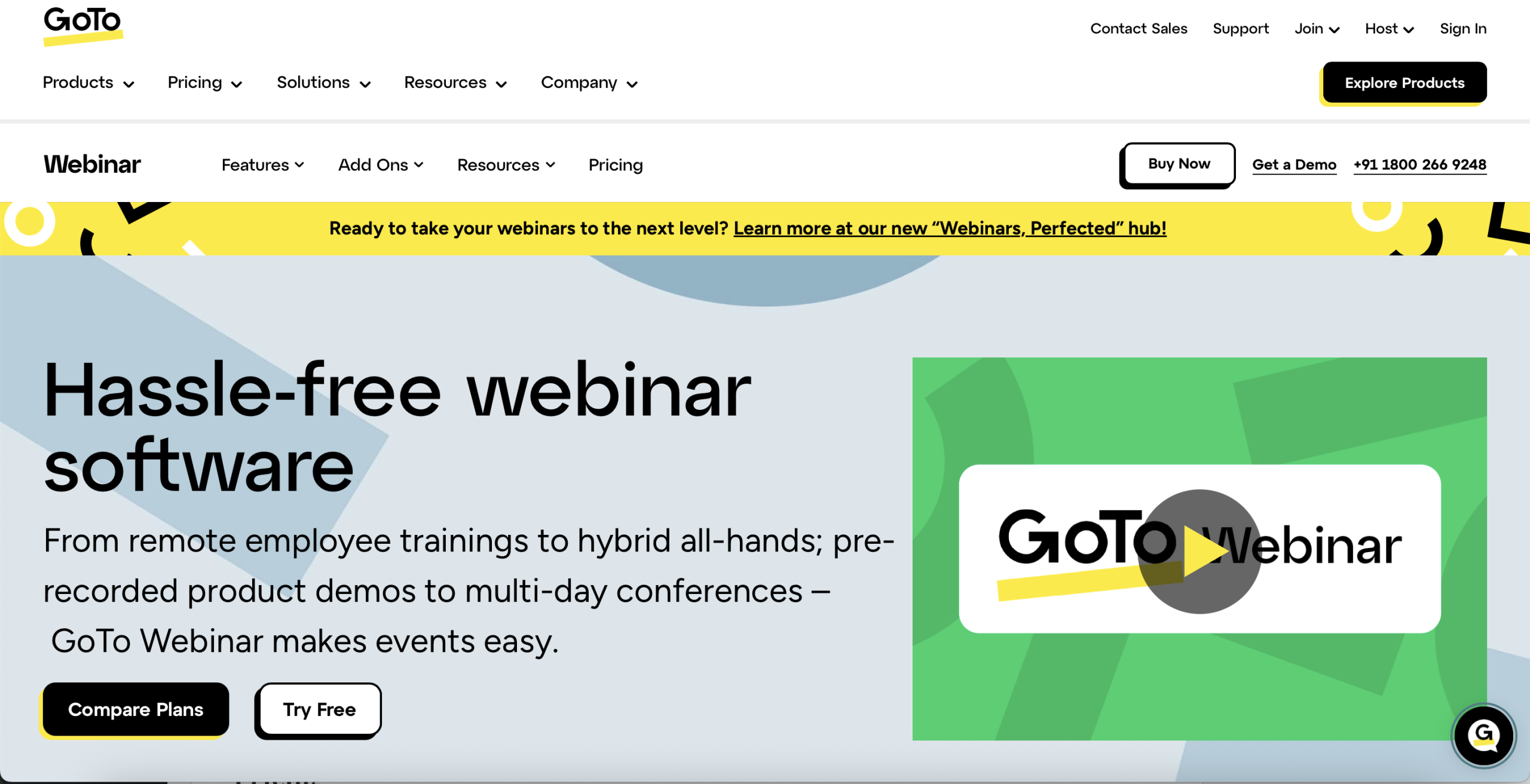
8. GoTo Webinar
- Verdict: A highly reliable broadcasting tool built for lecture-style sessions.
- Best For: Online training sessions and single-speaker panels.
- G2 Rating: 4.2/5
Overview: For lectures, GoTo Webinar is a simple and dependable platform for training sessions and campus-wide virtual programs. It offers stable streaming and easy speaker controls, making it ideal for departments that frequently host online learning events.
Key Features
- Automated email marketing for event invitations and follow-ups
- Built-in interactive polling and multiple-choice user quizzes
- Detailed post-webinar attendance tracking that helps with viewer attentiveness metrics
Pros
- Solid video stability that rarely drops streams during high-volume lectures
- Simple admin interface that makes launching single-speaker panels effortless
Limitations
- Lacks modern interactive features like virtual avatar lobbies or open discussion boards
- The platform’s UI looks somewhat dated compared to newer tools
Pricing
GoTo Webinar uses tiered plans based on attendee capacity. Final pricing depends on the number of people attending your events and the tools you need.
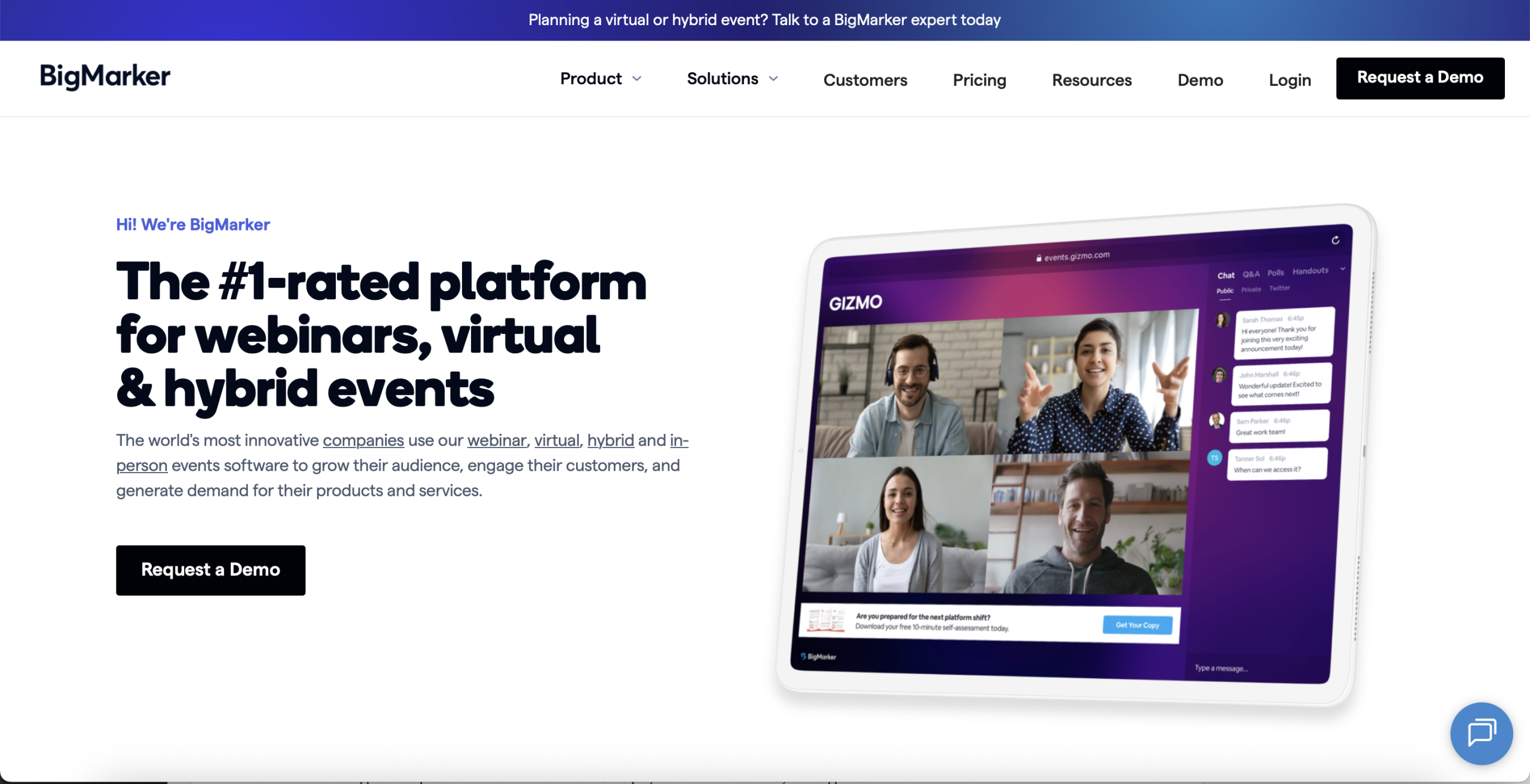
9. BigMarker
- Verdict: A browser-based streaming platform designed to run video-rich marketing campaigns and large webinars.
- Best For: University marketing events, virtual open houses, and automated alumni webcasts.
- G2 Rating: 4.7/5
Overview: BigMarker is one of the most used virtual event management tools for universities that host online seminars, training programs, speaker sessions, and virtual conferences. BigMarker is ideal for academic event teams that require high-quality streaming without complicated setup.
Key Features
- Fully customizable, white-label registration pages and video streaming
- Automated video playbacks that run pre-recorded presentations at scheduled times
- Interactive on-screen call-to-action buttons that push links or donation pages
Pros
- No software or browser extensions are required for speakers or attendees to join
- Incredibly flexible customization options that match a university’s exact branding rules
Limitations
- Multi-track hybrid event scheduling can become complicated in the backend dashboards
- High-definition video streams demand stable internet speeds from your presenters
Pricing
BigMarker provides custom plans. However, get in touch with the BigMaker team to get a customized quote.
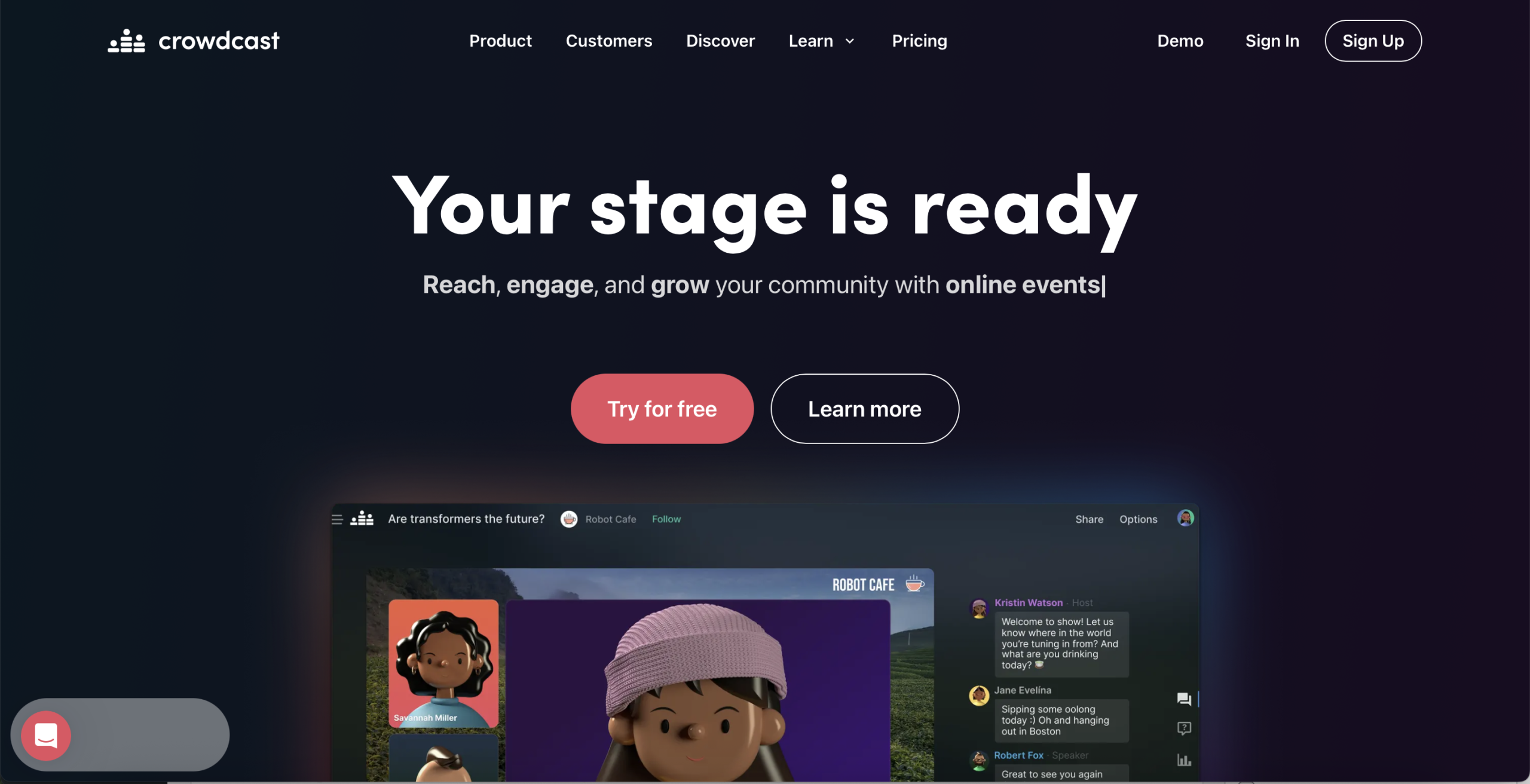
10. Crowdcast
- Verdict: A single-page streaming application designed to maximize viewer interaction during live events.
- Best For: Campus Q&A sessions and casual university talk shows.
- G2 Rating: 4.4/5
Overview: Crowdcast is an excellent option for online workshops, seminar series, and guest lectures. It has a clean, intuitive interface for attending live sessions and includes chat, polls, and replays. Faculty members can use it for interactive virtual teaching and student discussions.
Key Features
- Single-page layouts that keep video feeds and chat features together
- Advanced time-stamped Q&A that lets users jump straight to specific answers
- Direct streaming connections to major social networks like YouTube Live
Pros
- Perfect for high-engagement events that demand fast user onboarding
- Allows attendees to easily browse and view recorded past sessions
Limitations
- Totally unsuitable for large-scale hybrid conferences running simultaneous multi-track rooms
- Lacks complex administrative tools for managing research data
Pricing
Crowdcast offers tiered pricing based on audience size and streaming needs.
11. PheedLoop
- Verdict: A highly adaptable end-to-end management suite built to handle physical, virtual, and hybrid events uniformly.
- Best For: Large university conventions requiring deep automation and on-site hardware support.
- G2 Rating: 4.8/5
Overview: For research teams, PheedLoop is an all-in-one event management platform that helps host conferences with poster sessions and exhibitor booths. Many research groups like PheedLoop support poster galleries and abstract uploads.
Key Features
- Automated on-site badge-printing and digital self-check-in kiosks
- Custom website builders that generate multi-page event portals instantly
- Interactive virtual exhibition halls featuring video chat tools for sponsors
Pros
- Offers an incredibly wide range of tools within a single software subscription
- Highly transparent pricing model that lets you pay only for the needed features
Limitations
- The extensive selection of backend settings can feel overwhelming to newbie planners
- Visual design layouts can feel tough without custom CSS work
Pricing
PheedLoop offers modular pricing based on the features required, including registration, virtual platforms, and mobile apps. A quote is needed for the final numbers.
12. SwapCard
- Verdict: An artificial intelligence-driven event platform built to optimize attendee networking.
- Best For: University research conventions and business-sponsored summits.
- G2 Rating: 4.6/5
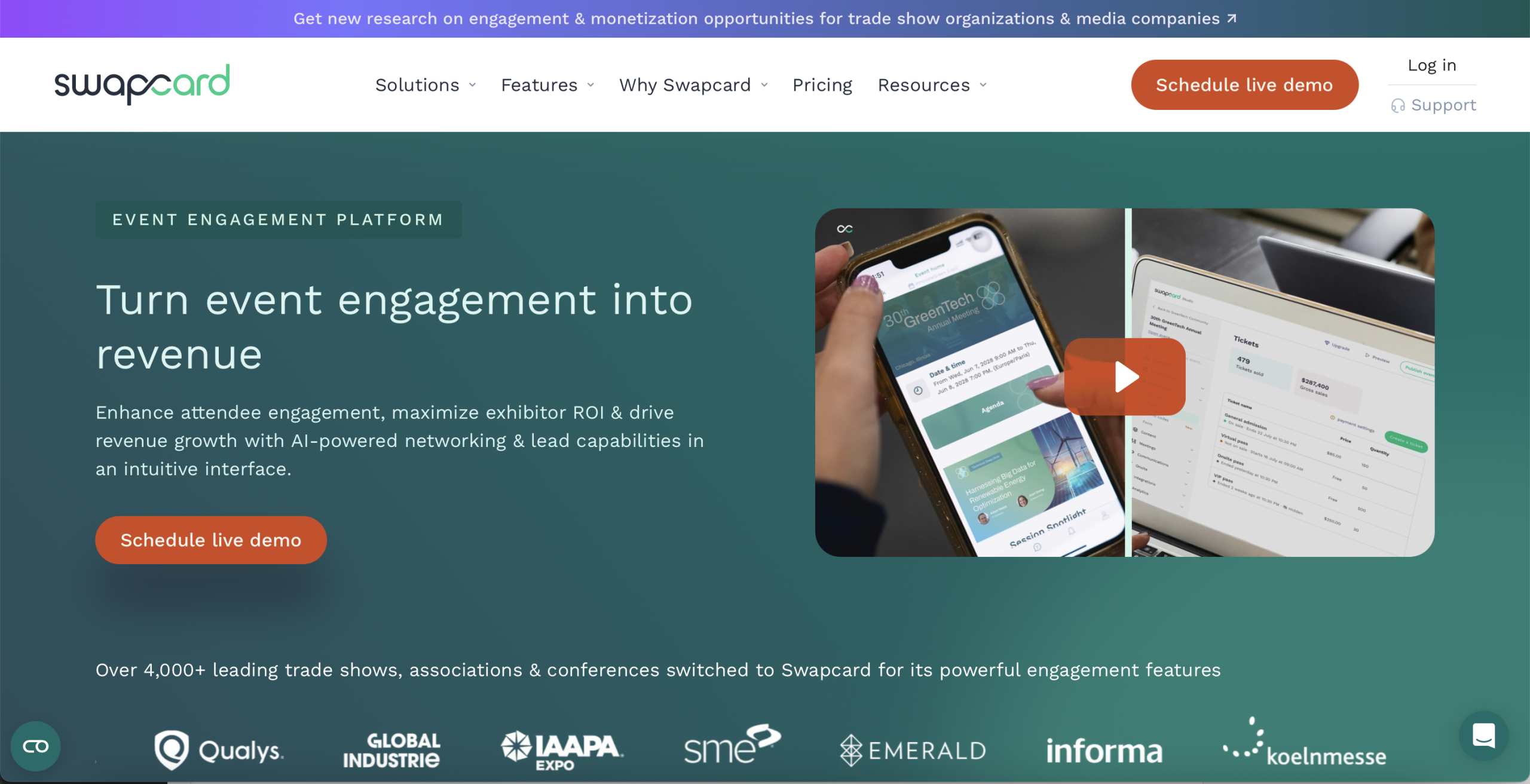
Overview: Swapcard is a student-friendly virtual event management tool that focuses on engagement and networking. Event teams can use it for research fairs, alumni meetups, and virtual conferences. The platform recommends sessions to students based on their interests and helps them connect with speakers or peers.
Key Features
- AI-powered matchmaking that recommends relevant connections to event attendees
- Interactive digital floor plans to help onsite attendees find meeting rooms easily
- High-volume lead retrieval scanners integrated into the mobile app
Pros
- Creates highly personalized attendee journeys through smart automated recommendations
- Seamless UI design that functions perfectly across mobile and web
Limitations
- Does not include built-in scholarly features like abstract management
- Customer support responses can lag if you do not purchase a premium help package
Pricing
Swapcard’s pricing depends on the event size, type, and support level. Universities request a quote for exact pricing.
13. Accelevents
- Verdict: An easy-to-use platform built for data collection and seamless registration.
- Best For: Mid-to-large university fundraisers and multi-track conferences.
- G2 Rating: 4.7/5
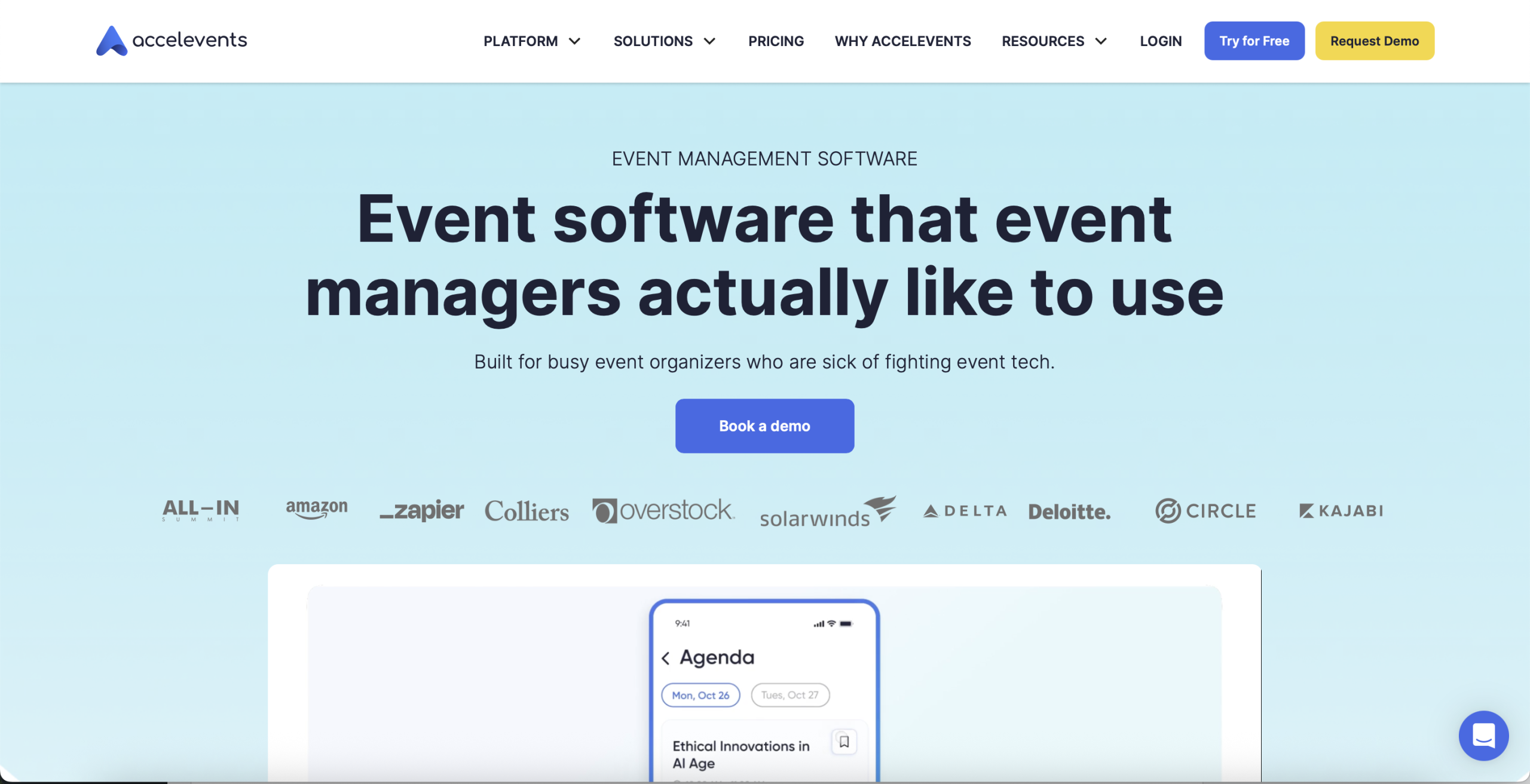
Overview: Accelevents is widely used in universities, given that it combines event pages, ticketing, live sessions, and expo-style booths on a single platform. It works well for open houses, recruitment days, and research fairs. Students and faculty can join sessions easily without needing extra setup.
Key Features
- Robust ticketing systems handling multi-tier access
- Interactive virtual booths for live badge scanning and file downloads
- Real-time custom data tracks financial return on investment
Pros
- Remarkably good backend design that reduces staff onboarding and training hours
- Highly responsive customer support available 24/7 during your live event
Limitations
- Custom modifications are somewhat restricted within the default themes
- Lacks highly specialized academic tools like multi-stage paper review management
Pricing
Accelevents has event-based pricing starting around a few thousand dollars per event, but the final cost depends on your event scale and preferred features.
14. Cvent
- Verdict: One of the top virtual event management tools built for large-scale global organizations.
- Best For: University-wide graduation coordination and institutional procurement.
- G2 Rating: 4.3/5
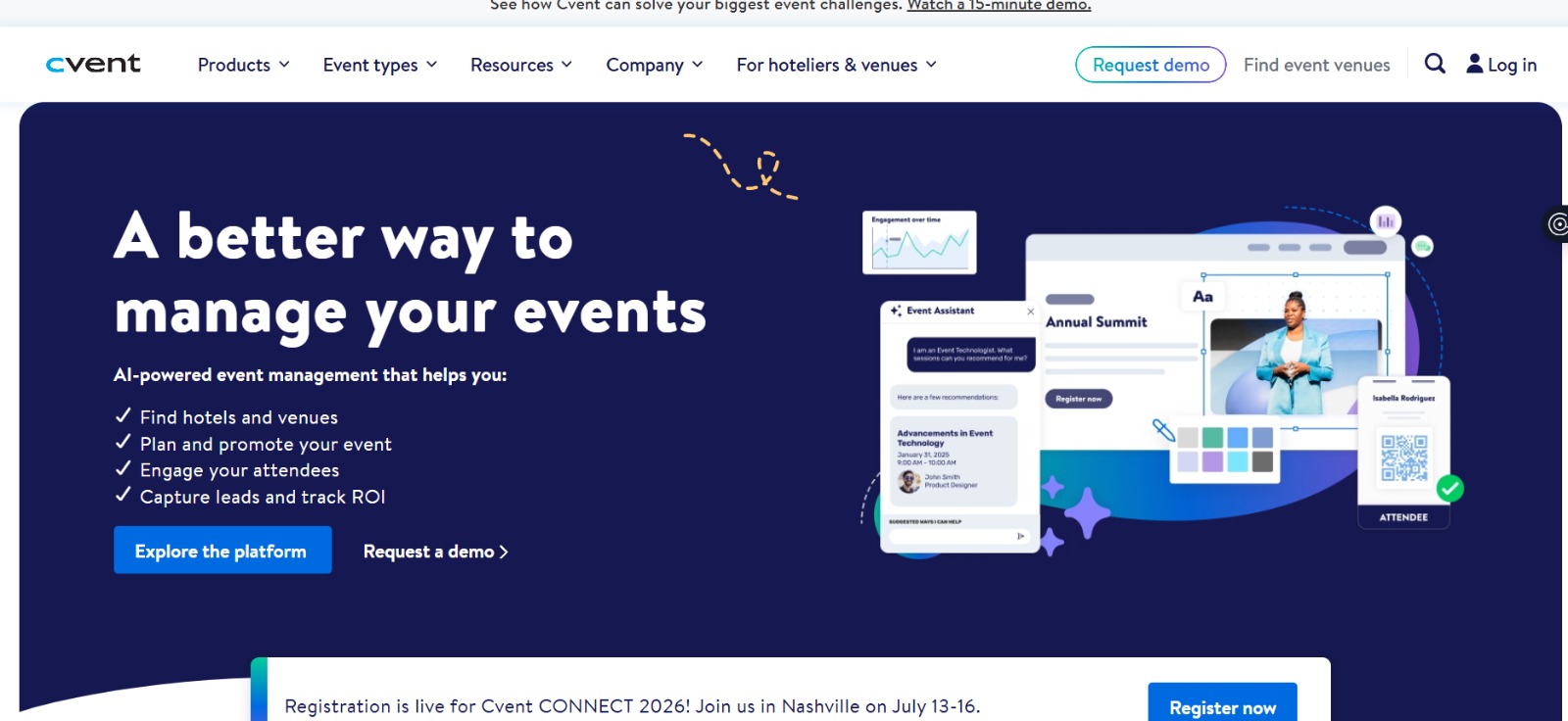
Overview: Cvent is a well-known tool that helps universities run large or complex academic events. It supports registration, check-ins, session setups, and post-event reports in one place. Many campus teams prefer Cvent because it handles big crowds without slowing down and keeps event details organized across departments.
Key Features
- Enterprise-level venue sourcing tools and hotel block management portals
- Highly secure registration engines built to handle hundreds of thousands of entries
- Fully custom-branded mobile event applications featuring deep navigation
Pros
- The platform can support the largest university networks easily
- Security certifications (SOC 2, ISO 27001) that guarantee data compliance
Limitations
- Highly complex implementation phase that demands weeks of dedicated technical training
- Price structures are far too expensive for standalone campus events
Pricing
Cvent offers custom pricing based on the tools you need. Event size, features, and support level all influence the final cost. Universities can request a quote directly from the Cvent team.
15. Hubilo
- Verdict: A high-end marketing and event platform built to maximize sponsor visibility and audience engagement.
- Best For: University fundraising galas and career expos.
- G2 Rating: 4.6/5
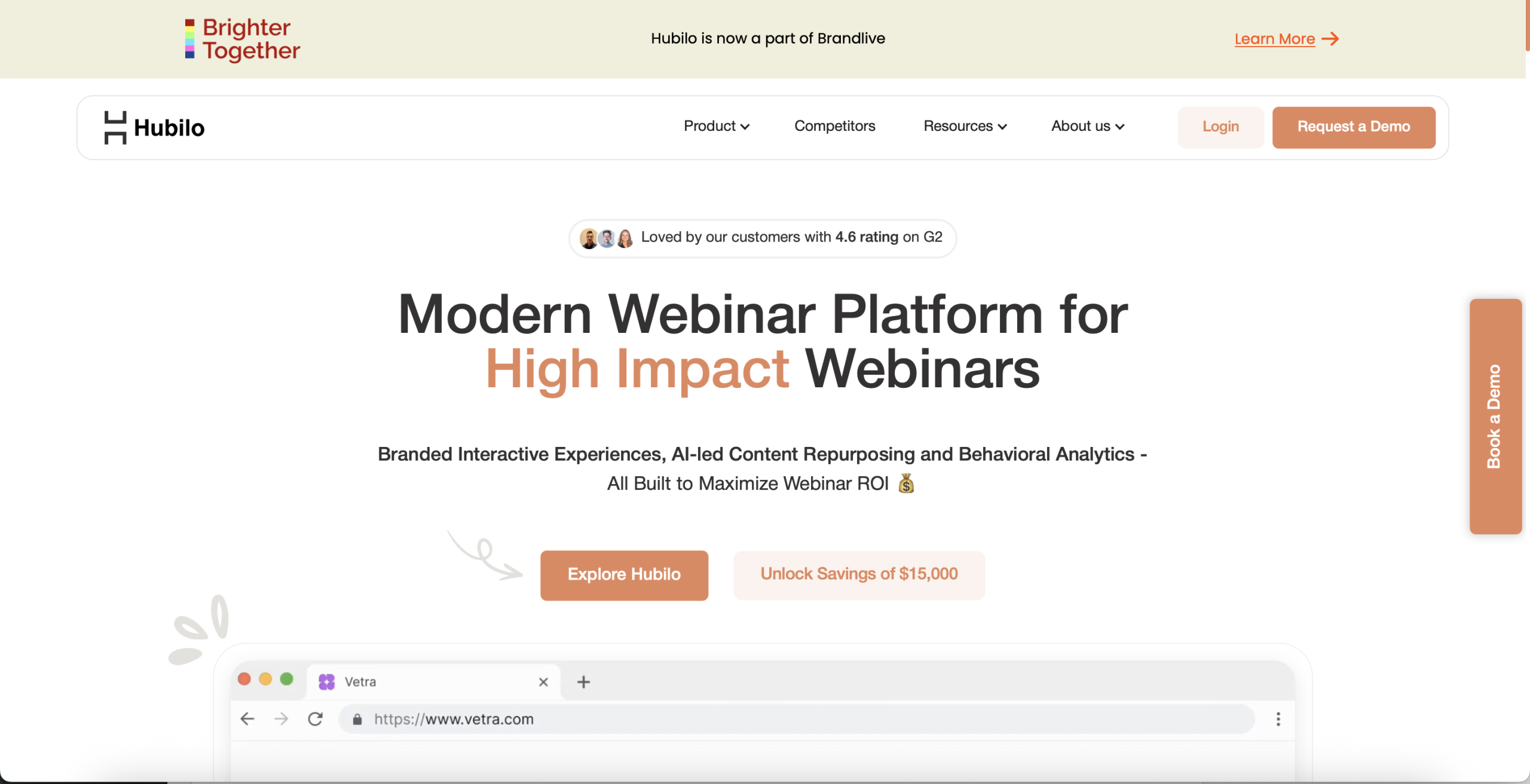
Overview: Finally, Hubilo is a virtual event platform that’s well-suited for universities seeking strong engagement and easy session management. It’s great for hosting virtual and hybrid events for student orientations, guest speaker webinars, or alumni talks, and academic conferences.
Key Features
- High-visibility sponsor branding built straight into live video frames
- Interactive user dashboards featuring leaderboards and chat walls
- Integrated meeting schedulers that connect remote students with active company reps
Pros
- Visually rich interface that looks highly professional
- Strong analytics dashboards tracking exactly how users interact with sponsor logos
Limitations
- Lacks academic conference tools like abstract collection
- Initial system setup requires significant graphic asset prep to look its best
Pricing
Hubilo provides customized pricing based on event size and the tools you choose.
Which Virtual Event Platform Is Right for Your University?
For Academic Conferences & Research Symposiums: When hosting academic events, research content management is as crucial as live streaming. Dryfta supports the entire conference lifecycle with built-in features such as abstract submission, blind peer review, event registration, and virtual streaming.
- For Student Engagement Events: When student engagement is your number one priority, Whova and Airmeet stand out from the crowd. They offer powerful networking and chat features to make sure your younger audiences stay engaged throughout the session.
- For Large Hybrid University Conferences: Hybrid events add an extra layer of complexity to event management. Event platforms like vFairs, RingCentral Events, and Accelevents are designed to connect with both virtual and physical audiences while maintaining event operations.
- For Webinars & Lecture-Style Events: If your department’s primary events are webinars and lecture-style events, Zoom Events and Livestorm are the best options. They offer a very intuitive user interface that doesn’t need any technical expertise from your guest speakers or students.
- For Alumni & Community Events: Maintaining long-term connections with your alumni and donors requires special networking tools. Platforms like EventMobi and Whova offer community dashboards where graduates can network.
- For Sponsor & Exhibitor-Focused Events: When university career fairs drive your revenue, you must give partners high-visibility branding options. Platforms like vFairs, Hubilo, and Accelevents specialize in this. These platforms include analytics tools to track and prove precise return on investment for your donors.
- For Budget-Conscious Universities: Finally, for budget-conscious universities trying to maximize every dollar, platforms like Dryfta, Zoom Events, and Airmeet deliver excellent cost-effective plans. They give you all the essential streaming, ticketing, and tracking tools you need, with no hidden overhead or surprise fees.
What the Data Shows? A 2026 report found that 75% of schools plan to operate fully online or through hybrid learning models.
Common Problems Universities Face With Virtual Event Platforms
The top virtual event management tools help universities manage complex digital events with fewer technical issues. Addressing common obstacles in advance can improve event performance and attendee satisfaction.
1. Low Student Engagement
- Attendees quickly turn off their video feeds and stop paying attention when online lectures have zero interactive features.
- Remote viewers get tired when forced to watch long presentations without any breaks.
- Speakers get very few responses when the chat and feedback tools are confusing or hard to find.
2. Technical Complexity
- Presenters struggle to use dashboards that require hours of technical training and complicated setup.
- Guest speakers might cause major delays on event day when the login process is slow and confusing.
- Live videos crash or blur when the university network cannot handle large spikes in streaming traffic.
3. Weak Networking Experiences
- Attendees fail to make meaningful connections if text chats do not encourage casual conversations.
- Researchers find it hard to schedule private meetings when the software lacks a calendar tool.
- Online guests feel left out when there are no shared social spaces or visual meeting lounges.
4. Hybrid Event Coordination Issues
- Remote viewers lose interest fast when the online stream feels poorly planned.
- Staff struggles to sync video feeds with live campus speakers which might cause annoying audio delays for online viewers.
- Audiences cannot communicate across online and offline formats because the tool lacks shared polling and message boards.
5. Budget Constraints
- Academic departments cannot grow because corporate-level pricing plans are too expensive for university budgets.
- Universities face surprise bills when software vendors charge extra for using high-volume streaming data.
- Organizers get stuck when platforms charge extra per-user fees just to unlock mobile apps or chats.
6. Accessibility Gaps
- Hearing-impaired students face learning barriers when platforms do not offer accurate live captions.
- Remote scholars abandon checkouts entirely because the platform’s registration forms do not resize correctly for mobile screens.
- Institutions face serious legal risks when third-party software fails to meet strict international web accessibility compliance benchmarks.
The Takeaway
Overall, universities need an event tool that is simple, streamlined, and easy to manage. Since each platform has its own objectives, the final decision will be based on what your campus event teams want in terms of organization, communication, and student participation.
Dryfta’s virtual event management tool aligns closely with academic workflows. It handles all the aspects of an academic event, including abstracts, reviews, schedules, and registration within a single tool set. The check-in tools, forms, and attendance-tracking features will make it easier for your event staff to collect the data needed for reporting and planning future events.
Dryfta would be an excellent fit for universities looking for a well-structured event management system with all the required features. To know more, check out our live demo every Friday at 11:00 AM EST.
FAQs
-
What is the best virtual event platform for universities?
Dryfta is the absolute best choice among the top virtual event management tools for universities. It includes a specialized dashboard to manage tickets, registration, event schedules, and budgets easily, making it far better than general tools that lack university-focused features.
-
Which virtual event platform is best for academic conferences?
Dryfta is the top choice among the top virtual event management tools for academic conferences, as it handles peer reviews perfectly. While vFairs or RingCentral Events offer basic streaming, Dryfta is exceptional with features like abstract submission and management that directly feed into your final event schedule.
-
What features should universities look for in virtual event software?
Universities should look for custom registration forms, student data privacy, hybrid and interaction features, high streaming quality, and data syncing. The top virtual event management tools help you combine student engagement features with automated attendance tracking to save staff time.
-
Can virtual event platforms support hybrid university events?
Yes, the top virtual event management tools seamlessly connect live campus stages with remote online viewers. They track digital layouts well and help you match on-site check-ins with your remote attendee database smoothly so everyone feels included.
-
Which virtual event platforms support abstract management?
Finding options with built-in abstract management is essential for academic events. The top virtual event management tools, like Dryfta, include specialized systems to manage grading via single/double/triple blind reviews, paper submissions, and reviewer assignments, which standard streaming tools completely lack.
-
What is the difference between webinar software and virtual event platforms?
Basic webinar tools only stream video to your audience. In contrast, the top virtual event management tools let you host multi-track agendas, chat lobbies, workshops, gamification, and complex data tracking in a single system.
-
Which virtual event platform is best for student engagement?
We all know how important it is to keep our attendees engaged, especially in a virtual event. Dryfta, Airmeet, and Whova are excellent options among the top virtual event management tools for driving student interaction. They offer smart features like gamified leaderboards and casual chat spaces that align with students’ interests.
-
Are virtual event platforms still relevant in 2026?
Yes, absolutely! In 2026, modern universities use the top virtual event management tools year-round to host international events. Through virtual events, you can reach global audiences, cut travel costs, track precise attendee data, and turn live presentations into permanent, on-demand video libraries that add value all year long.
