




The virtual events market is projected to reach $16.61 billion in 2026, according to Mordor Intelligence, underscoring the growing adoption of virtual events by organizations seeking cost-effective solutions and wider audience engagement. What began as simple video calls has evolved into comprehensive digital experiences designed for meaningful interaction. In 2026, choosing suitable event technology is essential, as attendees now expect seamless networking, interactive sessions, and active participation throughout the event.
Already comparing a platform for your organization? Explore Dryfta’s virtual event platform for registration, engagement, analytics, and academic-event workflows.
To make things easier, we have put together a decision guide comparing eight options for conferences, focusing on features that truly improve audience participation.
What Are Virtual Events and Why Do They Matter in 2026?
It’s helpful to get some basics down before evaluating event software.
A virtual event is an experience held entirely online. It allows participants to connect with each other via live streaming, webinars, and other forms of digital content. These can include:
-
- Global conferences and summits that connect audiences from around the world
- Webinars and workshop-type events focused on learning and discussion
- Online trade show/exhibition featuring virtual booths
- Hybrid events combining both onsite and remote attendees
- Town halls and internal meetings
In contrast to basic video calls, modern tools offer key virtual event software features, including analytics and audience interaction.
Why Do Virtual Events Matter?
Virtual events remain significant because they reach larger audiences, are less expensive, deliver useful data, and keep the interaction going. They are still a part of the event strategy of many teams.
How to Choose a Virtual Event Platform?
Choosing the right virtual event platform depends on your event goals and the level of engagement you want to deliver.
Things to keep in mind:
- Event type: Different platforms specialize in different event formats, like webinars, which require strong broadcasting tools, conferences need multi-track session management and networking, virtual events need lead generation features, and academic events often need abstract management, certifications, and peer review workflows.
- Audience size: Small workshops and enterprise-scale conferences require very different infrastructure.
- Level of interactivity needed: Audience engagement is now one of the biggest success metrics for virtual events. Key engagement features include live pools, breakout sessions, question and answer sessions, live chat, gamification, and more.
- Budget constraints: Pricing varies significantly across providers. Some platforms charge per organizer or per attendee; others charge both and include annual licensing. Usually, these things combine to make the pricing structure.
- Integration requirements: Your chosen software should integrate smoothly with CRM tools, marketing automation platforms, payment gateways, email systems, and analytics dashboards.
What Makes the Best Virtual Platforms for Events Stand Out?
In 2026, leading event solutions work much more like a content engine than a basic video streaming tool. Today’s modern virtual platforms for events are focused on three things: automation, data synchronization, and engagement.
Here’s what sets the strongest options apart from the rest:
-
- An AI tool scans live sessions and automatically creates social media clips, blog summaries, and highlight videos based on those sessions, without requiring manual input from participants or staff.
- All attendee activities, including poll responses and downloads, are automatically connected to CRM tools to follow leads and gauge actual impact.
- Attendees have browser-based access, allowing easy entry into the virtual event on any device.
- A smart algorithm analyzes the attendance patterns of all participants and recommends similar sessions or potential networking opportunities.
- Virtual reality (VR) technologies provide interactive 3D representations of both exhibit hall and lobby areas at virtual events.
- Security features protect sensitive information with end-to-end encryption and meet today’s compliance standards.
A Buyer’s Checklist for Evaluating Event Software
Modern event software should aim to transform all attendee engagements into content and quantifiable results. The most important capabilities, particularly customization, should be closely reviewed to make sure that they are in line with your branding.
This is what you can expect from leading platforms:
-
- Predictive revenue analytics: Each attendee’s actions (poll responses, download activity, chat activity) will be synced directly with CRM systems (Salesforce).
- Customizable branding: Event pages, email communications, and attendee portals must be fully customizable (down to font selection) so your brand is reflected in every aspect of the platform.
- Library of on-demand content: Recordings of each session should be stored on the platform so that attendees can replay them after the event.
- Role-based access and team permissions: Admins should be able to set role-based access and team permissions to determine who can edit, view, or manage different aspects of the event.
- Flexibility in integration: The platform needs to work seamlessly with your current tools so your workflow remains continuous.
Comparison Checklist: Eight Options at a Glance
| Platform | Best For | Key Features | Limitations | Pricing |
| Dryfta | Academic conferences & complex events | Abstract management, certificates, registration, networking, analytics | Requires onboarding for advanced workflows | Starts at $1,499/year |
| Zoom Events | Webinars & internal meetings | Stable video streaming, event hubs, backstage tools | Limited branding and automation | Starts at $70.83/month |
| Hubilo | Marketing-focused events | CRM sync, lead scoring, gamification | Expensive for smaller teams | Starts at $10,000/year |
| Remo | Networking workshops | Visual tables, breakout networking, collaboration tools | Limited scalability for large events | Starts at $299/month |
| Airmeet | Community events | Social lounges, backstage tools, engagement features | Desktop performs better than mobile | Starts at $167/month |
| vFairs | Trade shows & expos | 3D environments, virtual booths, multilingual support | Longer setup time | Custom pricing |
| Whova | Hybrid conferences | Mobile-first experience, networking, agenda management | Less immersive desktop experience | Custom pricing |
| RingCentral Events | Enterprise virtual conferences | Multi-stage events, networking roulette, branded experiences | Interface may feel rigid for smaller teams | Starts at $99/month |
Eight Providers to Evaluate for a Virtual Conference
Here are eight providers to evaluate against your event requirements.
1. Dryfta
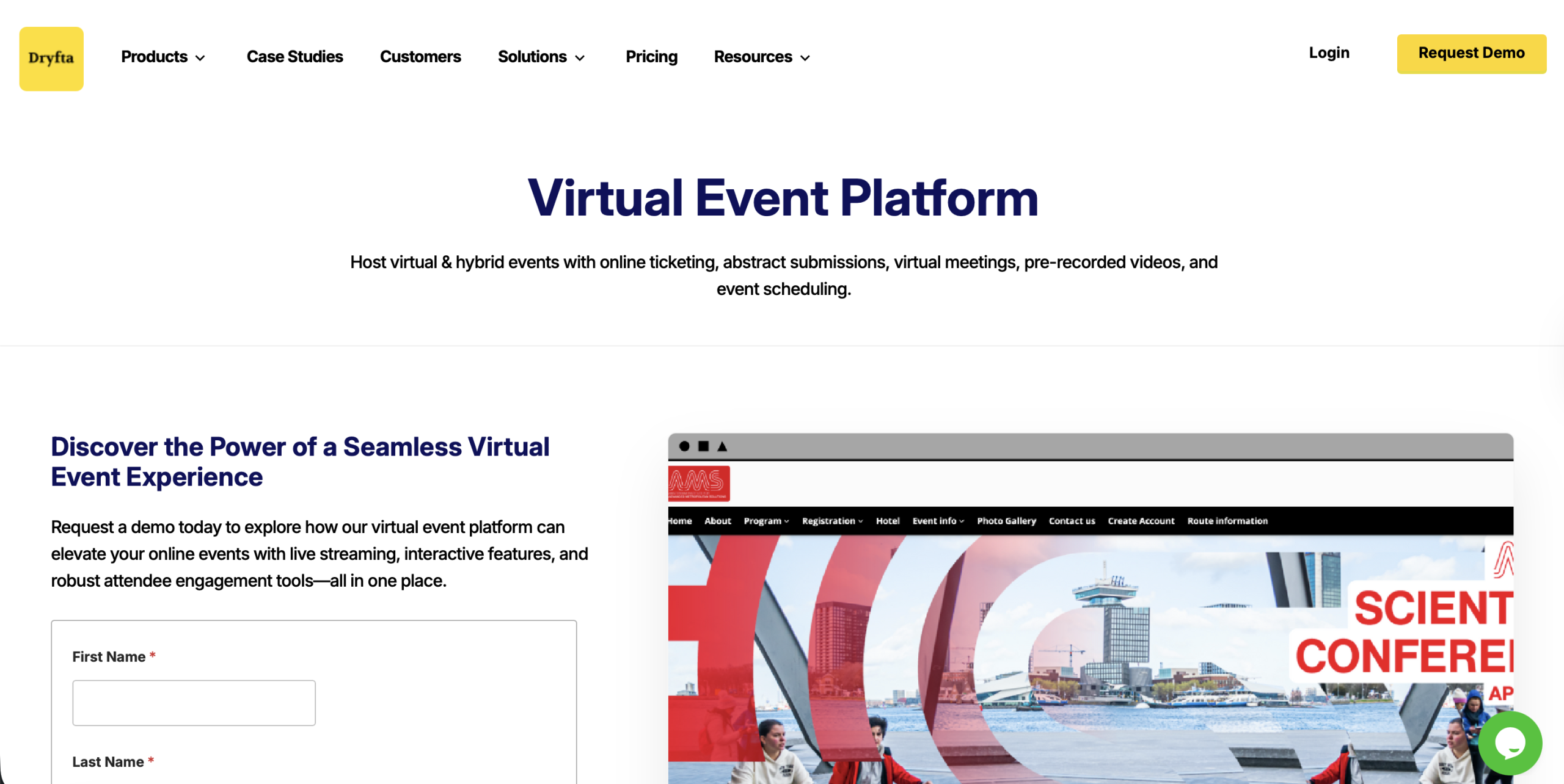
Best for: Academic events that need structured sessions, certificates, and detailed attendee management across multiple tracks, making it a suitable option for conferences.
Key virtual event features:
-
- Conduct interactive virtual meetings for up to 500 people, with audio, video, screen sharing, and various engagement tools, all on a single platform.
- Easy access to control events with session limits, waitlists and attendee permissions, and easily manage multiple sessions and concurrent meetings.
- Create and send customized participation certificates in large quantities with self-downloading options.
- Engage using interactive applications like live polling, group chat and Q&A to keep the sessions interactive.
- Facilitate sponsor exposure and lead generation with special lounges and downloadable materials.
Pros:
-
- Monetization is flexible and can support paid event models with minimal setup.
- In-built communication systems minimize the use of third-party email and messaging services.
- Reliable performance with high uptime supports smooth delivery of large-scale events.
Cons:
-
- Feature depth offers flexibility, though teams may need time to explore and adopt all available capabilities.
- Larger or multi-track events may benefit from initial planning to align features with event goals.
Pricing: Pricing begins with small events at $1,499/year with access to core features and a free trial. Medium and large event plans have custom prices depending on the event size, requirements, and features.
2. Zoom Events
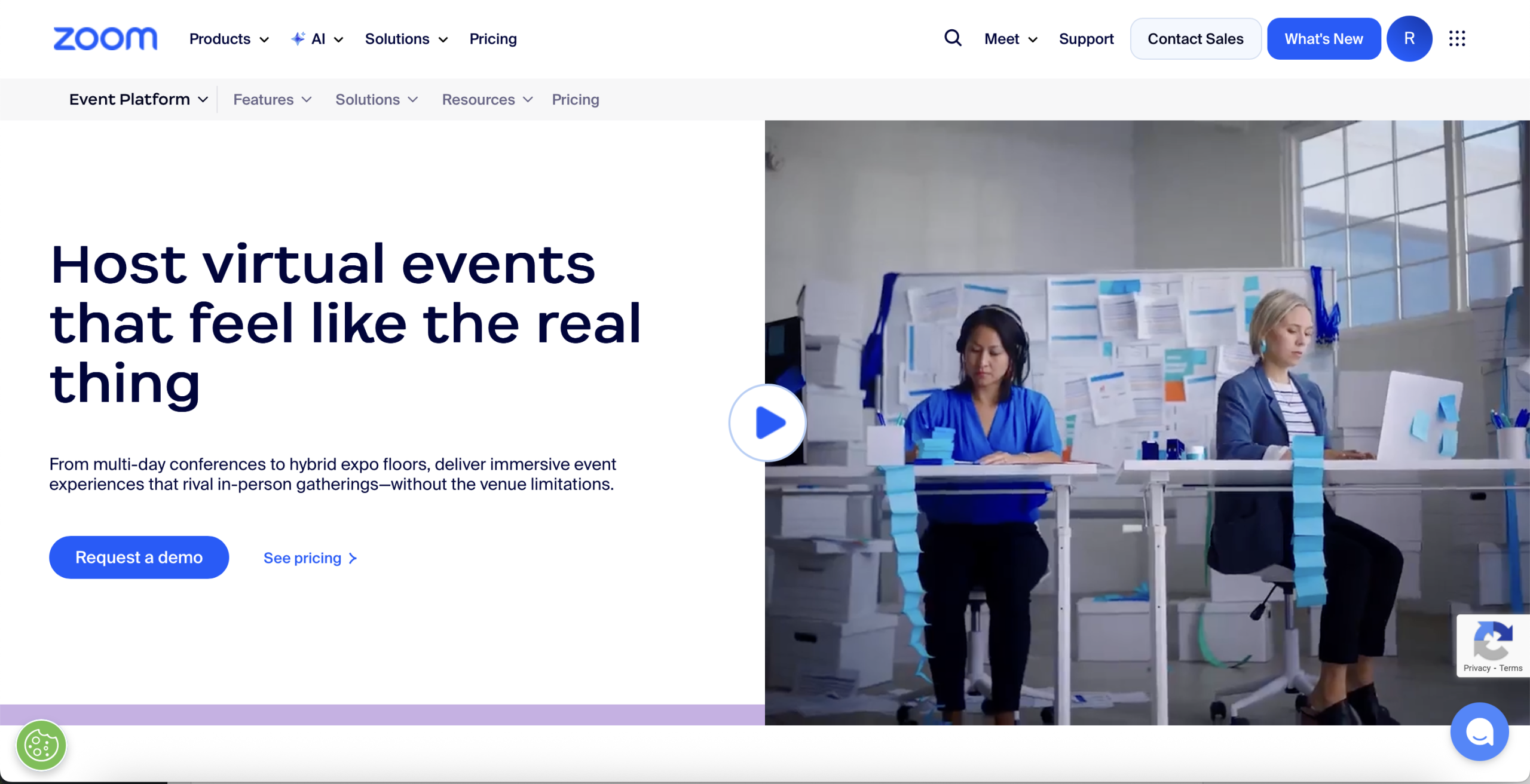
Best for: Small to medium-sized teams seeking a well-known and trusted tool to conduct regular webinars and virtual meetings.
Key virtual event features:
-
- An inbuilt backstage where speakers can rehearse, organize and rehearse arrangements before they go live.
- Multiple sessions can run concurrently in a single centralized event hub.
- A networking lobby where attendees stay connected via chat throughout the event.
- Customizable registration pages with integrated ticketing and automated email workflows.
Pros:
-
- The video performance is stable even when hosting large audiences.
- Integrates smoothly with larger Zoom ecosystem and hybrid event setups.
Cons:
-
- Weak branding freedom as compared to more sophisticated platforms.
- Lacks built-in AI tools for content repurposing and automation.
Pricing: Webinar pricing starts at $70.83 per month for basic broadcasts. Webinars Plus costs $290.83 per month and adds advanced tools and on-demand features. Events plans begin at $415.83 per month and support multi-session and hybrid experiences.
3. Hubilo
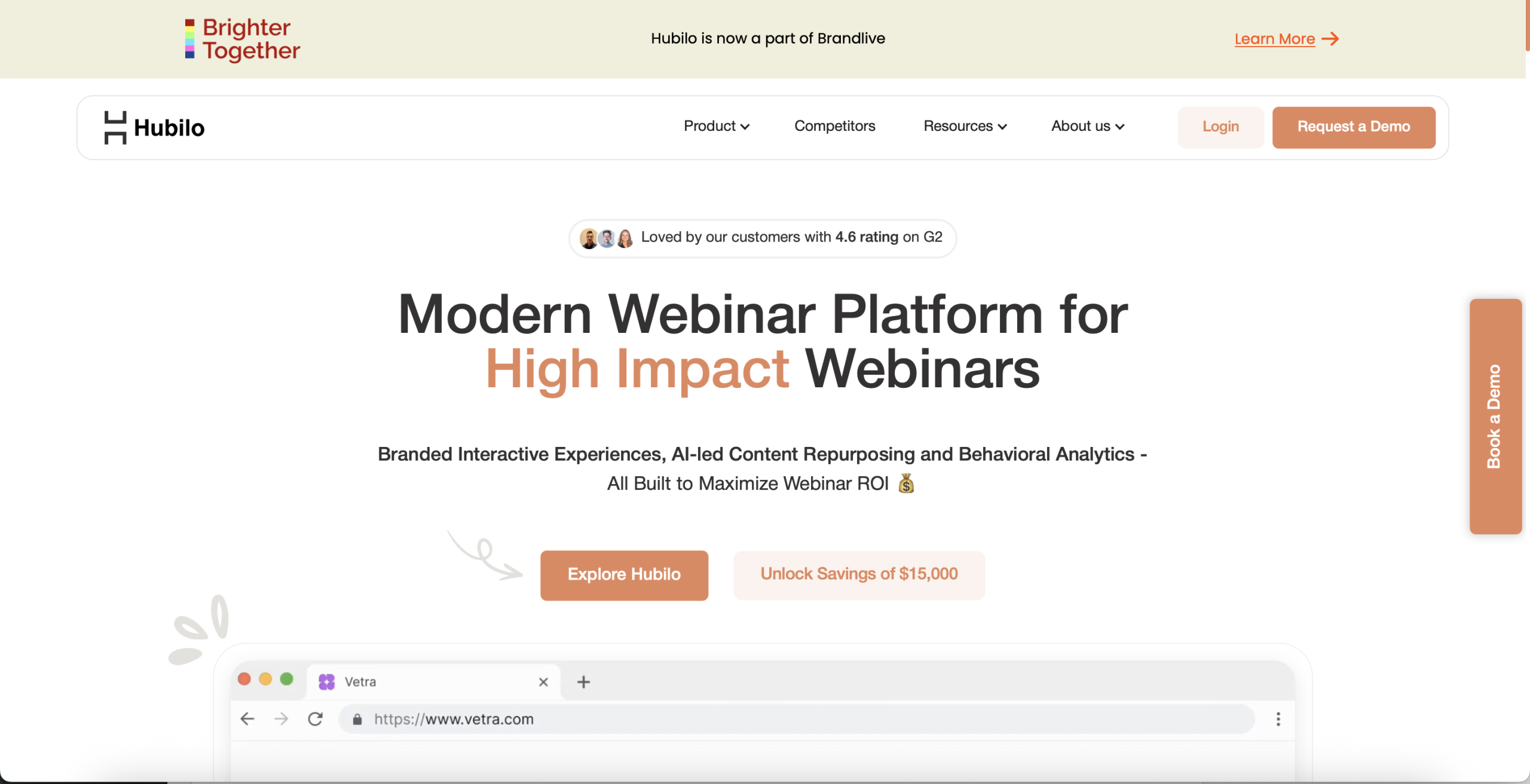
Best for: Marketing teams interested in lead generation and want deep data integration with their sales stack.
Key virtual event features:
-
- Real-time lead scoring tracks attendee engagement across sessions and activities.
- Gamification tools like leaderboards encourage participation and booth visits.
- Booths for sponsors include video meeting options and downloadable content.
- Two-way CRM sync with tools such as Salesforce and HubSpot.
Pros:
-
- Clean and modern interface feels premium and polished.
- Specialized support groups that remain engaged in the event execution.
Cons:
-
- The feature set can feel overwhelming for first-time users.
- Pricing is high for smaller teams.
Pricing: Webinar+ costs $10,000 per year and includes unlimited webinars, no-code landing pages, email tools, and a broadcast studio. Webinar Multiply costs $15,000 per year and adds content hub features and lead generation tools.
4. Remo
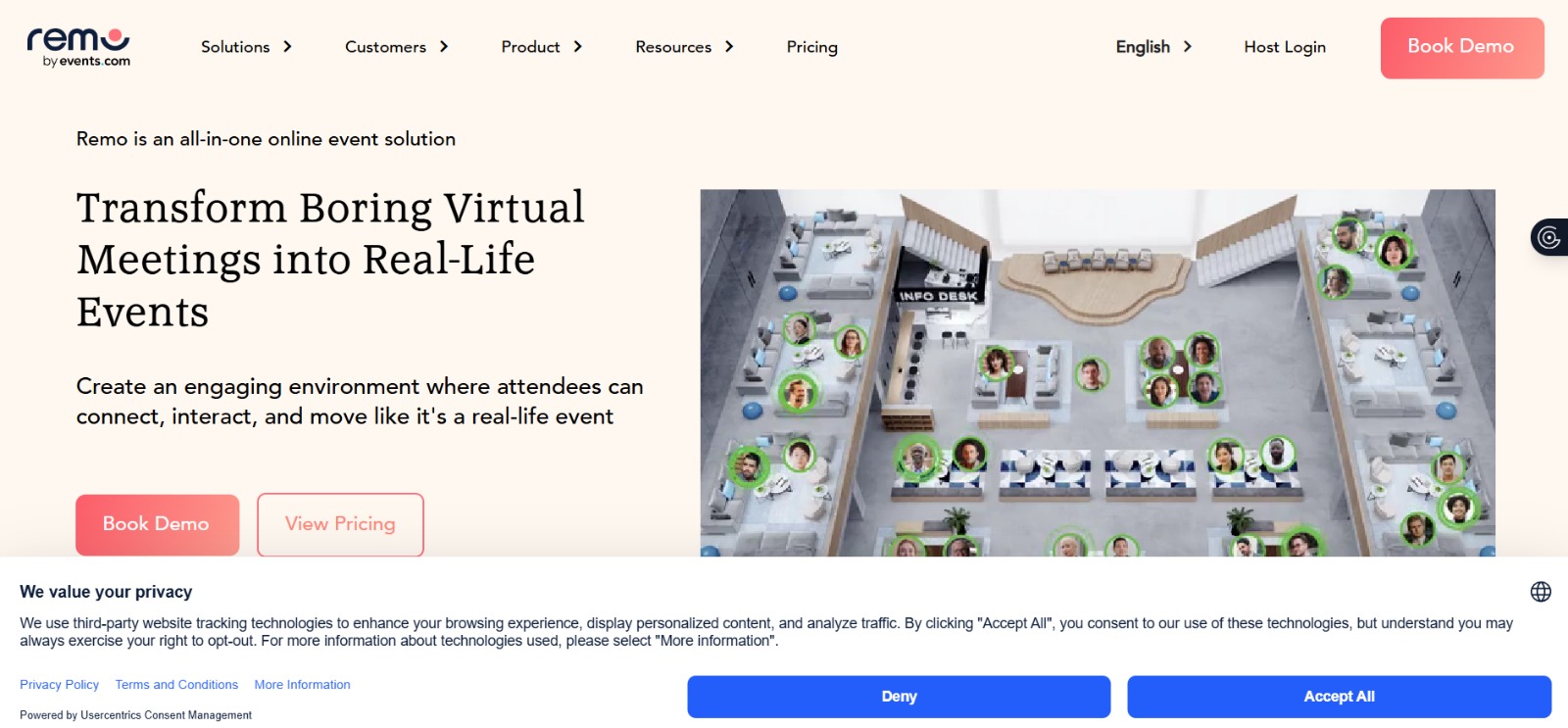
Best for: Workshops and networking-intensive events where small group discussions are more important than broadcasting.
Key virtual event features:
-
- A visual floor plan that allows the attendees to move around the table to have conversations.
- Spatial audio/video connects people within shared spaces.
- Collaboration tools, such as a whiteboard, are located at each table.
- Custom floor layouts designed to mirror real-life networking areas.
Pros:
-
- Encourages natural small group conversations similar to in-person Events.
- Easy to navigate due to its visual nature.
- Works well for interactive workshops and breakout-style events.
Cons:
-
- Not suitable for very large events that have thousands of attendees.
- Limited support for complex sponsorship set-ups or long agendas.
Pricing: Starter plans begin at $299 per month for recurring events. One-time events start at $699 per event. Enterprise plans offer custom pricing based on needs and scale.
5. Airmeet
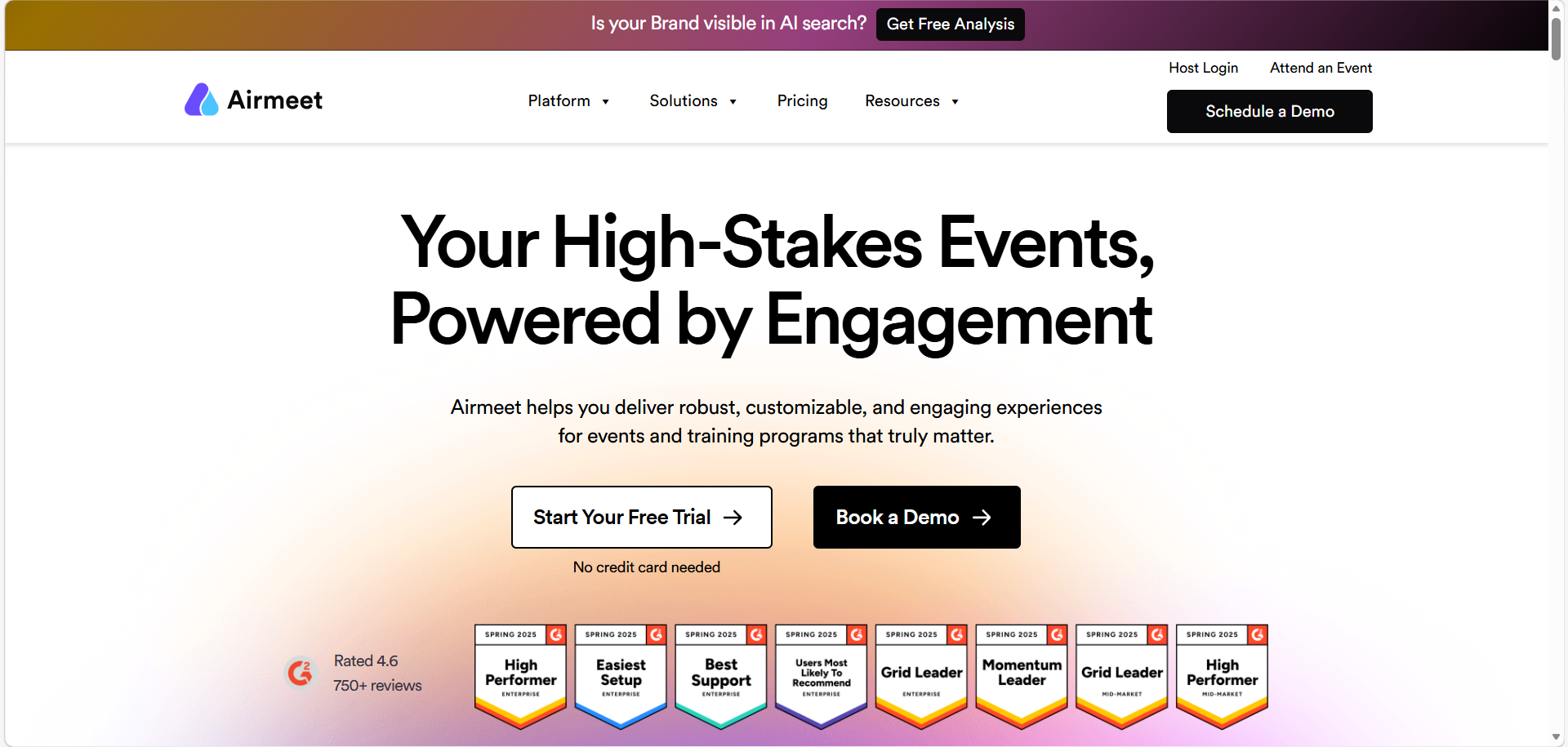
Best for: Community-driven events that need a mix of structured sessions and casual networking.
Key virtual event features:
-
- An online lounge where participants can engage in unplanned video chats.
- Host backstage tools to control sessions privately.
- Built-in recording and cloud storage of session playback.
- The “Raise Hand” feature allows attendees to join speakers on stage.
Pros:
-
- Smooth interface that is suitable for both business and casual events.
- Good networking tools that will make attendees stay longer.
- Valuable analytics to trace the attendance throughout the event.
Cons:
-
- The mobile experience is not as complete as the desktop version.
- Browser performance may slow down for some users.
Pricing: Premium Webinars start at $167 per month and support engagement-focused sessions. Event plans offer custom pricing with options for branded and hybrid experiences. Managed Events provide end-to-end support, with pricing based on event scope, starting at $4,999 for larger setups.
6. vFairs
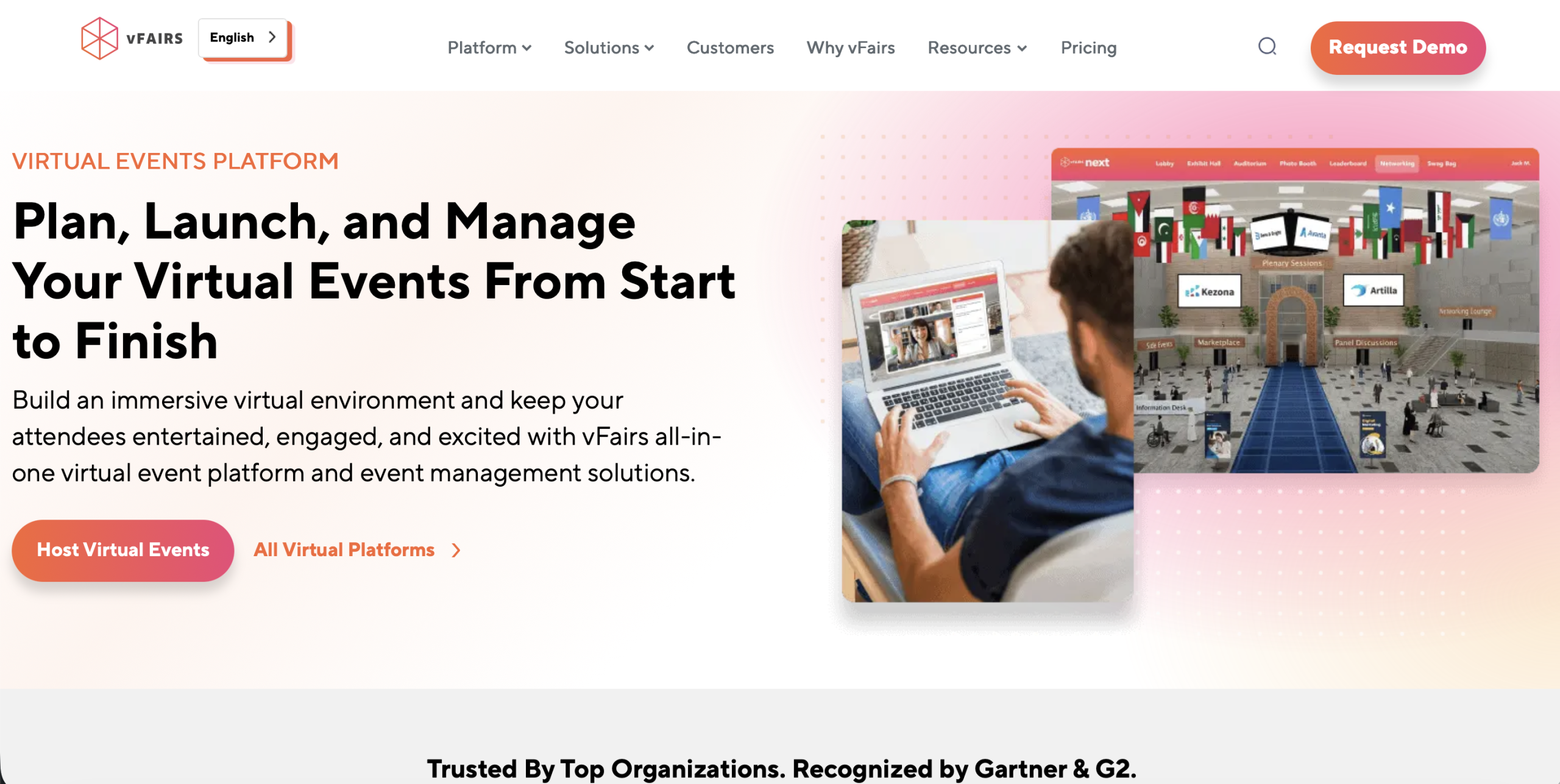
Best for: Big trade shows and job fairs where a visual and immersive experience is essential.
Key virtual event features:
-
- An online three-dimensional virtual lobby that replicates a real-life event space.
- Individual avatars of attendees to improve interaction.
- An online swag bag where attendees can receive resources.
- Multilingual assistance to international attendees.
Pros:
-
- Performs well with exhibitors that desire high brand presence.
- Popular with large recruitment and career events.
Cons:
-
- More setup time is required due to design complexity.
- Performance can slow down at lower internet speeds.
Pricing: Request a quote.
7. Whova
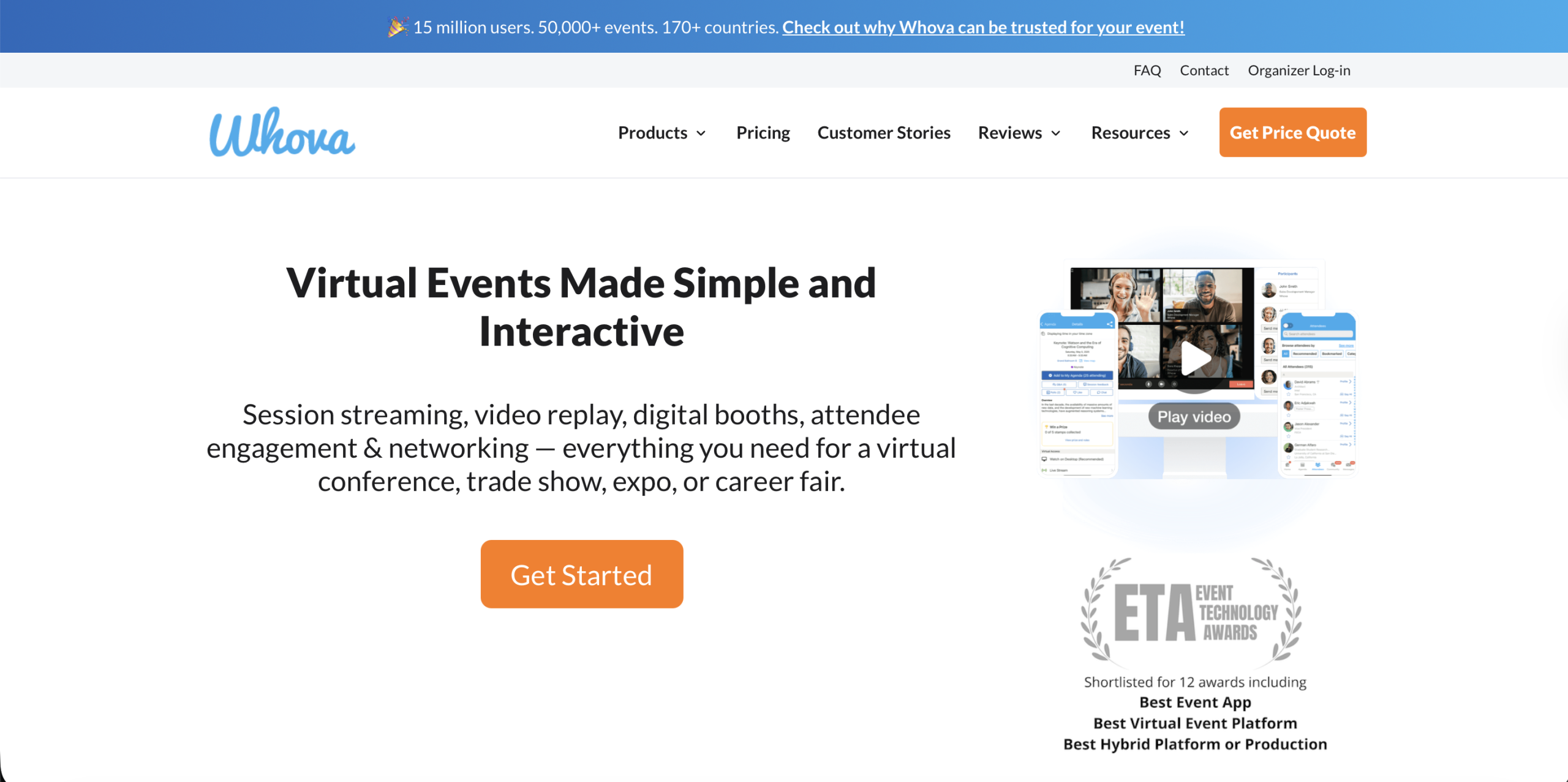
Best for: Hybrid events that rely on a robust mobile experience to bridge in-person and virtual attendees.
Key virtual event features:
-
- Gamification and leaderboards that motivate attendee engagement.
- Intelligent profiles that fetch LinkedIn information to enhance networking.
- Mobile-first design that helps on-site attendees as a digital guide.
Pros:
-
- Maintains pre-event, during, and post-event engagement.
- Quick and easy to update schedules.
Cons:
-
- Less immersive experience on desktop compared to virtual-only platforms.
- Video hosting is often dependent on third-party integrations.
Pricing: Request a quote.
8. RingCentral Events
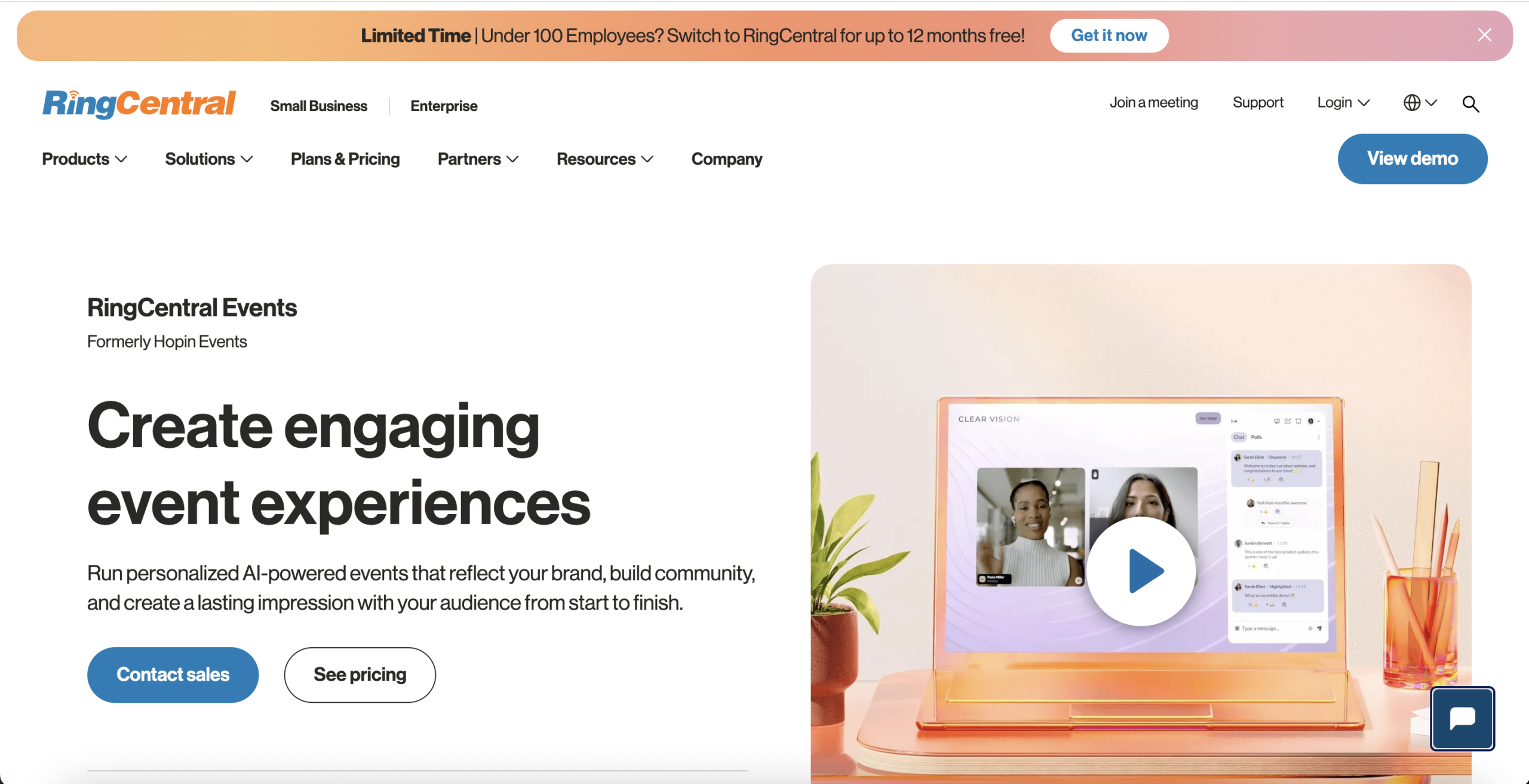
Best for: Large virtual conferences requiring multiple stages and advanced networking solutions.
Key virtual event features:
-
- Networking roulette randomly pairs attendees together.
- Built-in streaming studio provides professional-quality videos.
- Features to design branded event reception areas.
Pros:
-
- Very scalable to large audiences and intricate event arrangements.
- Connects with a broad range of marketing and business applications.
Cons:
-
- Some users might find the interface too rigid or corporate.
- Changes in ownership have affected support experiences for some teams.
Pricing: Events pricing includes a free 30-day trial to test core features. Paid plans start at $99 per organizer per month for basic events, $199 for advanced features and integrations, and $299 for enterprise-level tools with custom support.
Which Option Fits Each Event Type?
Today’s event software supports everything from webinars to large online conferences. Use the following examples to match a provider to your primary use case.
Best for Conferences: RingCentral Events & Whova
- Multi-stage conference and summit management
- Hybrid, virtual, and onsite event support
- AI-powered engagement and networking tools
- Built-in polls, Q&A, chat, and attendee matchmaking
- Strong branding and customization options
- Supports expo booths, sponsor areas, and breakout sessions
- Advanced analytics and CRM integrations for enterprise events
Best for Academic Events: Dryfta
- Abstract submission and peer review workflows
- Automated certificate generation and distribution
- Multi-track agenda and speaker management
- Registration, ticketing, and attendee management in one system
- Designed specifically for academic conferences and symposiums
- Role-based permissions for committees and organizers
Best for Webinars: Zoom Events & Hubilo
- Reliable webinar broadcasting with stable video quality
- Speaker backstage and rehearsal tools
- CRM integrations with Salesforce and HubSpot
- Real-time attendee analytics and lead scoring
- Gamification, polls, and audience engagement features
- Good for lead generation webinars and corporate sessions
- Supports branded landing pages and automated email workflows
Best for Large-scale Events: vFairs & Airmeet
- Supports thousands of attendees at once
- Virtual expo halls, booths, and sponsor spaces
- Interactive networking lounges and attendee matchmaking
- Gamification, polls, and live engagement tools
- Suitable for trade shows, expos, and global conferences
- Dedicated event support and scalable infrastructure
Best for Small Teams: Remo
- Easy-to-use interface with quick event setup
- Table-style networking and small group discussions
- Interactive workshop and collaboration tools
- Visually immersive virtual spaces
- Strong attendee engagement for smaller communities
- Good for workshops, training sessions, and team meetups
- Built-in networking and webinar functionality in one platform
Common Mistakes When Choosing a Virtual Event Platform
Choosing the right virtual event platform can be challenging, especially with so many options available. Here are some common mistakes organizers should avoid.
1. Choosing Based Only on Price
The cheapest platform is not always the most cost-effective. Low-cost webinar tools may lack:
- Networking features
- Multi-session support
- Analytics
- Integration capabilities
2. Ignoring Engagement Tools
Many organizers focus on streaming quality while overlooking attendee participation. Without engagement features such as polls, networking, and Q&A sessions, attendees may quickly lose interest.
3. Not Checking Scalability
Some platforms perform well for smaller meetings but struggle with:
- Thousands of attendees
- Concurrent sessions
- Sponsor booths
- Large networking environments
4. Using Webinar Tools for Full Events
Webinar platforms are primarily designed for broadcasting, not for managing full conferences. Complex events typically require:
- Registration systems
- Session management
- Networking
- Sponsor management
- Analytics dashboards
Using webinar software alone can create workflow limitations.
Why Dryfta is a Strong Choice?
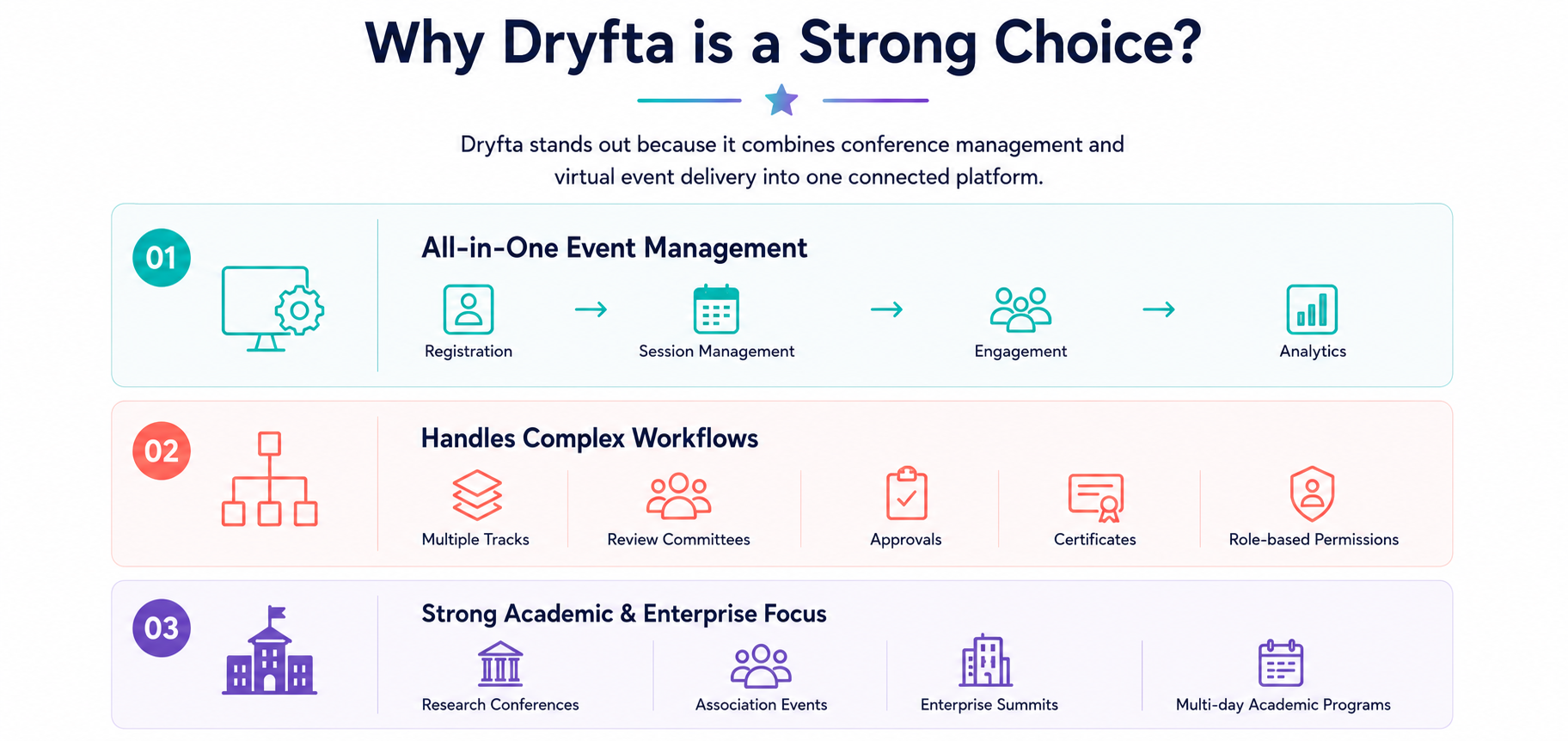
Dryfta stands out because it combines conference management and virtual event delivery into one connected platform.
Instead of relying on multiple disconnected tools, organizers can manage:
- Registration
- Ticketing
- Abstract submissions
- Single/double/triple blind peer reviews
- Networking
- Live sessions
- Participation certificate generation
- Sponsorship management
- Analytics
1. All-in-One Event Management
Dryfta supports the entire attendee lifecycle:
Registration → Session Management → Engagement → Analytics
This reduces operational complexity and improves workflow efficiency.
2. Handles Complex Workflows
Academic and enterprise events often involve:
- Multiple tracks
- Review committees
- Session approvals
- Certificates
- Role-based permissions
Dryfta is built to support these advanced workflows without requiring multiple third-party integrations.
3. Strong Academic and Enterprise Focus
Unlike platforms designed mainly for webinars, Dryfta supports:
- Research conferences
- Association events
- Enterprise summits
- Multi-day academic programs
Its structure makes it particularly useful for organizations running highly detailed event operations.
2026 Trends in Virtual Events
Here are some of the biggest virtual event trends shaping 2026.
1. Engagement-First Platforms
Platforms are prioritizing attendee participation over passive viewing. Modern platforms now support features like:
- AI networking recommendations
- Interactive polls
- Gamification
- Live collaboration tools
- Real-time audience analytics
2. Hybrid Events Continue to Dominate
Most organizations now combine:
- In-person attendance
- Virtual participation
- On-demand access
Hybrid flexibility allows events to scale globally while maintaining a streamlined physical experience.
3. Growth of On-Demand Content
Attendees increasingly expect session recordings after the event ends. Modern event platforms now act as:
- Content libraries
- Educational hubs
- Long-term engagement channels
On-demand replay functionality significantly extends the lifespan and ROI of virtual events.
Planning a Hybrid Event Instead?
If your event combines onsite and virtual participation, use our best hybrid event platforms guide to compare tools built for both audience types.
The Bottom Line
Your event’s needs dictate which virtual event platform will best serve you. The size of your audience, the level of branding control you desire, the type and extent of networking, and the number of speakers or sessions you plan to manage are all key considerations when evaluating an event platform.
If you are looking for a solid solution for running your next virtual event, then check out Dryfta. Dryfta pairs academic-grade tools with robust community-building and engagement tools, offering a single system that handles large, complex events. Book a free demo with Dryfta today!
FAQs
What should teams compare before choosing?
When comparing providers, most teams want something that covers everything without extra tools. With Dryfta’s complete integrated ticketing, abstract submission, and audience interaction, there is little reason to consider other options. While Goldcast is better suited for events where marketing is at the forefront, Cvent is ideal for larger enterprises with numerous events across various regions.
What is the future of virtual events?
The shift is clearly toward automation and smarter data use. Strong event software in 2026 helps teams reuse session content with AI. Virtual event hosting platforms are now driving towards personalization, where participants receive customized agendas and intelligent networking.
How to make virtual meetings more interactive?
Use interactive features that actively involve attendees. Live polls, Q&A sessions and leaderboards help maintain attention. A strong solution also includes networking lounges and quick connection formats. Many virtual event hosting platforms now focus on interaction so attendees do more than just watch sessions passively.
Which virtual platform is best?
The right choice depends on how detailed your workflow is. Dryfta works well for teams that want everything in one place, from registration to analytics. Compared with other providers, it handles structured workflows efficiently. Its feature set helps teams manage complex events without relying on multiple disconnected systems.
