




Organizing a world-class academic conference on a limited budget is no small feat. Unlike corporate events, academic gatherings demand specialized systems for double blind peer reviews, multi-track technical sessions, and the publication of credible proceedings, all while working with tight financial resources.
The right technology setup can make the entire process far more manageable. It helps organizers move away from long email threads toward a more professional workflow. From abstract submission platforms used by major research institutions to engagement-driven apps that encourage spontaneous networking between sessions, these 7 tools have become reliable choices for faculty organizers. Especially when the goal is to protect academic standards while keeping administrative work under control.
1. Dryfta
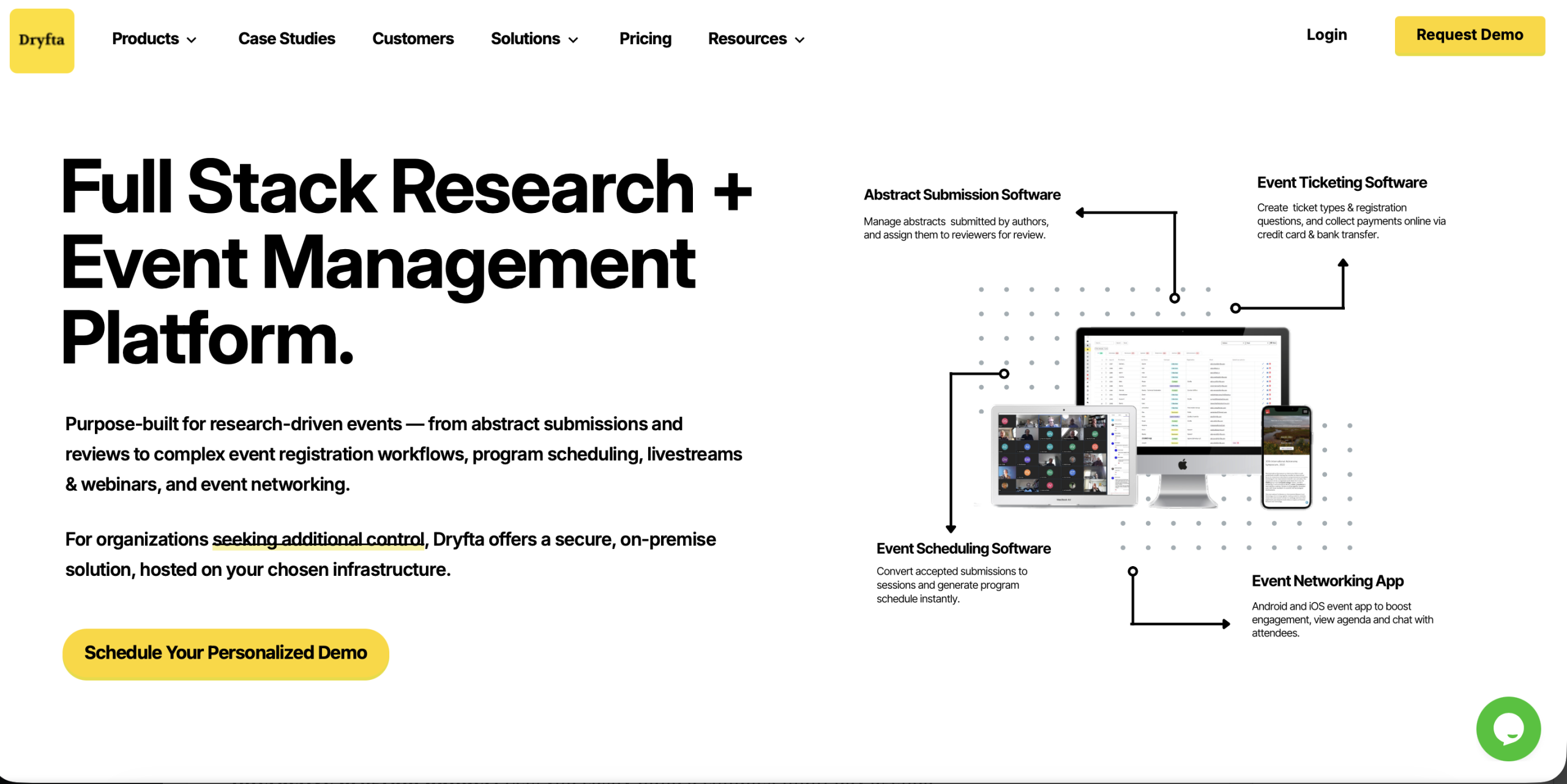
Dryfta is a comprehensive, all-in-one event management platform built specifically for universities and nonprofit organizations that regularly host academic conferences. What makes it stand out is the way it brings everything into one connected system. The platform combines abstract management, registration tools, and a dedicated mobile app.
Dryfta handles the entire conference workflow, from the first stage of peer review all the way to distributing digital certificates at the end, without relying on extra third-party plugins.
Key features:
-
- Customizable abstract management: A fully customizable abstract management system will allow organizers to have a flexible submission process.
- Interactive program builder: Lets you easily build a complex multi-day agenda using a simple drag-and-drop event scheduler. It will automatically sync all session updates in real-time on your website and mobile app.
- Dedicated mobile app: Includes a native mobile event app where attendees can build their own schedule, view digital posters and communicate with other attendees.
- Integrated registration and payments: It helps manage different registration types such as student, early bird or member while securely processing payments in more than 100 currencies.
- CRM and membership management: Includes a built-in contact system that tracks each attendee’s history from year to year.
2. Ex Ordo
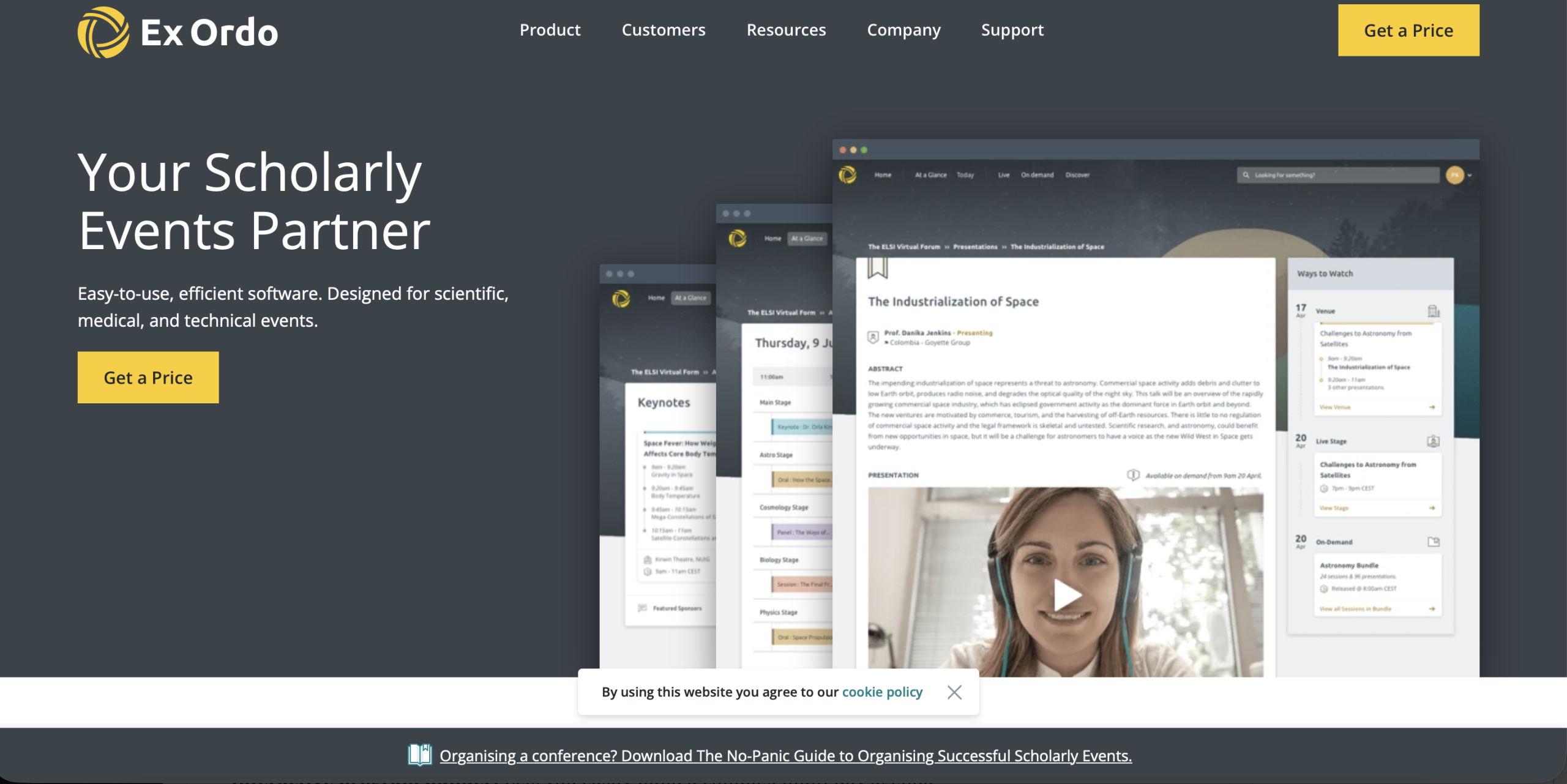
Ex Ordo is a cloud-based event platform built specifically for the complex workflows of scholarly and research conferences. Starting from the first call for papers and registration, it provides a centralized hub for organizers to manage the event. The platform also supports generating a citable book of proceedings once the conference concludes.
Many organizers prefer the platform because it helps automate routine administrative work. Ex Ordo integrates abstract management, registration, and scheduling into a single, user-friendly interface. This approach reduces the need for fragmented spreadsheets and multi-system data transfers.
Key features:
-
- Scholarly peer review: Supports detailed peer review workflows commonly used in academic conferences. Organizers can run both single blind and double blind reviews to ensure fairness.
- Automated allocation engine: Includes a matching system that assigns papers to reviewers with relevant expertise.
- Advanced scheduling: The visual builder will assist the conference organizer in building an event schedule for multi-track programs and parallel sessions.
- Integrity safeguards: Uploaded documents are scanned for identifiable information to prevent disclosure of authorship during the double-blind review. It makes sure the reviewer identities remain anonymous.
- Unified communication: All communications, including messages and reminders sent to authors, reviewers, or delegates, are delivered through a single portal.
3. Microsoft CMT (Conference Management Toolkit)
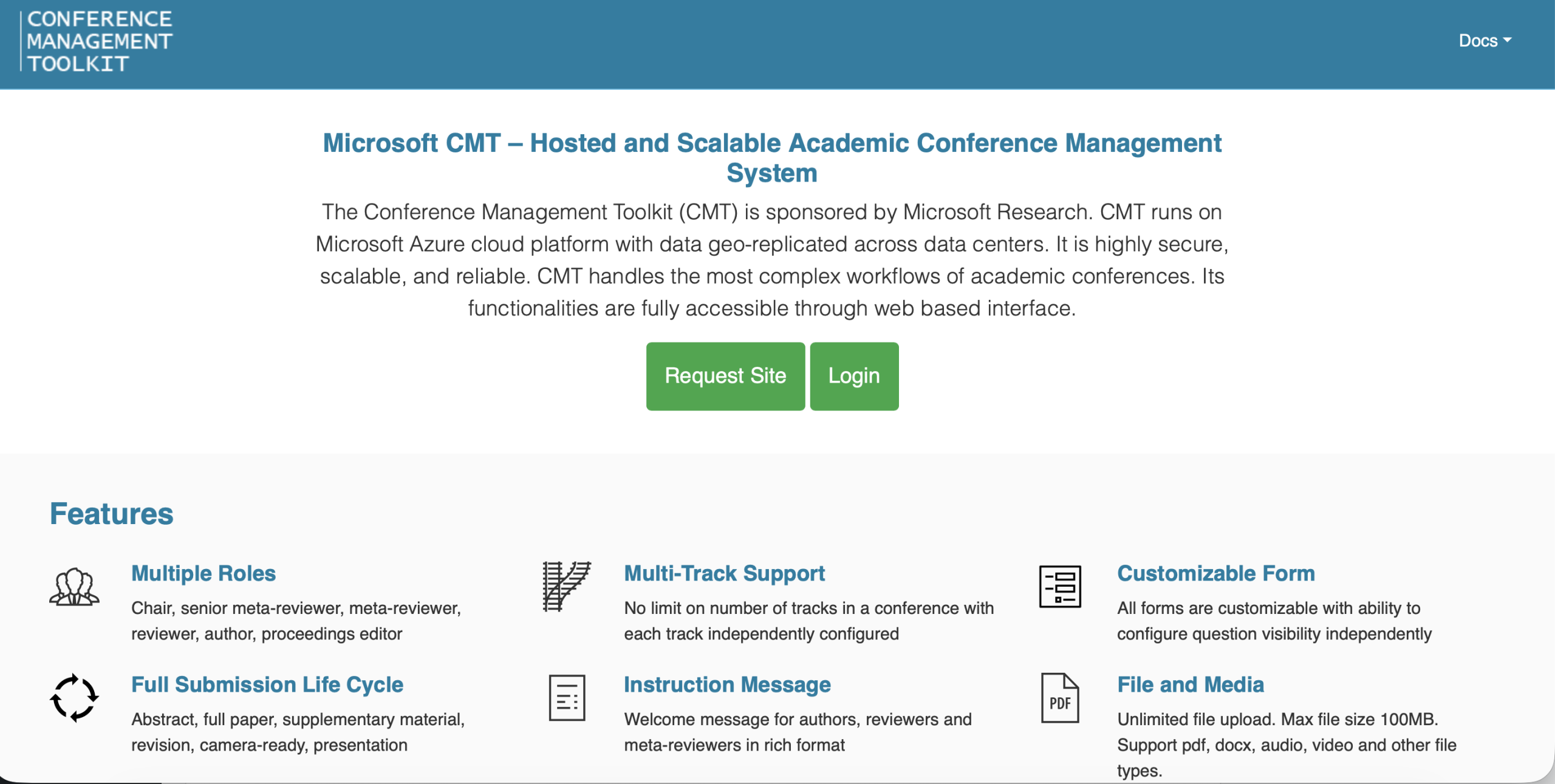
The Microsoft CMT, a secure cloud-based tool developed by Microsoft Research, has been in use since 1999 as a means to manage major technical conferences. The platform favors conferences in fields like computer science and engineering, where submission volumes are high.
Many organizers consider CMT the industry benchmark for complex academic conferences. Unlike many commercial platforms, CMT is free of cost for most academic conferences. That makes it particularly valuable for university departments or research committees working with limited budgets.
Given its strong emphasis on data accuracy and strict academic review standards, it continues to be a preferred option for many prestigious international academic conferences.
Key features:
-
- Complex review workflows: The platform supports layered review structures with roles such as track chair, presentation chair, proceeding editor, senior meta-reviewer, meta-reviewer, and settings reader.
- Automated conflict management: A built-in conflict of interest system carefully checks author and reviewer information to prevent ethical issues during the review process.
- Reviewer assignment: Advanced matching tools, including integration with the Toronto Paper Matching System (TPMS), help pair each paper with reviewers who have relevant subject expertise.
- Data exporting: Organizers can export final papers, metadata, and other essential files easily when preparing materials for digital libraries or publishers.
4. EasyChair
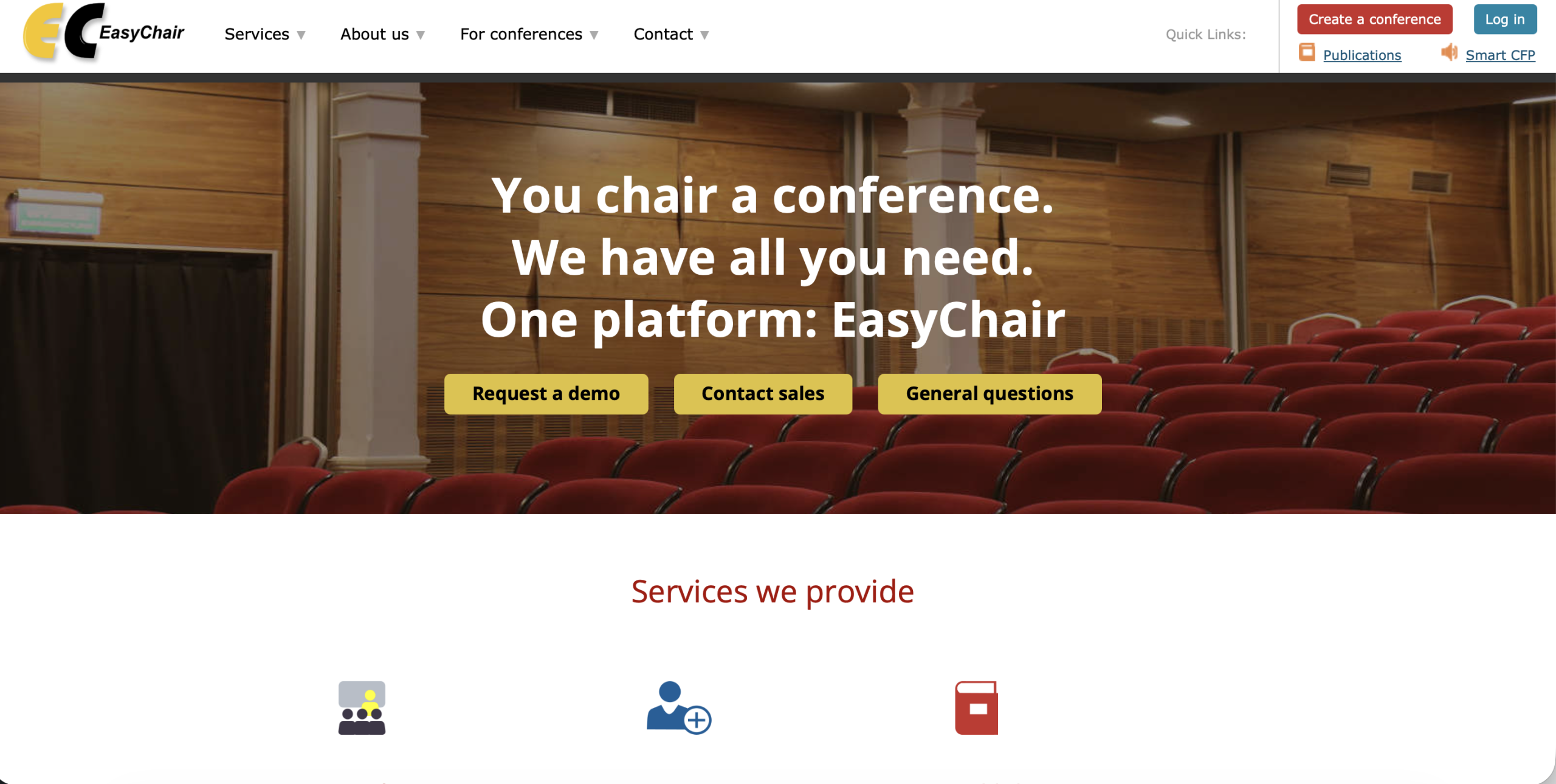
EasyChair is a very popular university conference management system. It is focused primarily on handling conference paper submissions, peer reviewing, and automatically matching papers to qualified reviewers. EasyChair runs on a powerful backend that handles large submission volumes with impressive speed and stability.
Many faculty organizers rely on it because the licensing options stay flexible. Smaller workshops can use a free version, while larger academic conferences often upgrade to professional or executive plans that add features such as registration management and publishing support.
Key features:
-
- Matching algorithm: Uses an automated system for matching submitted papers with reviewers based on expertise and topic preferences. The system also checks conflicts of interest, so reviewers never evaluate papers they should not handle.
- Smart program technology: Helps organizers generate structured programs for complex multi-track conferences without extra formatting work. The system can also create printable schedules while checking for speaker conflicts.
- Multi-track and hierarchical support: Designed for academic conferences with layered committees and multiple subject areas. Roles such as track chairs and superchairs manage different tracks within one coordinated system.
- Integrated publication services: After papers are accepted, the platform helps prepare proceedings for publication. It supports exports compatible with major academic publishers such as Springer LNCS, ACM, and IEEE.
5. COMS (Conference Management Software)
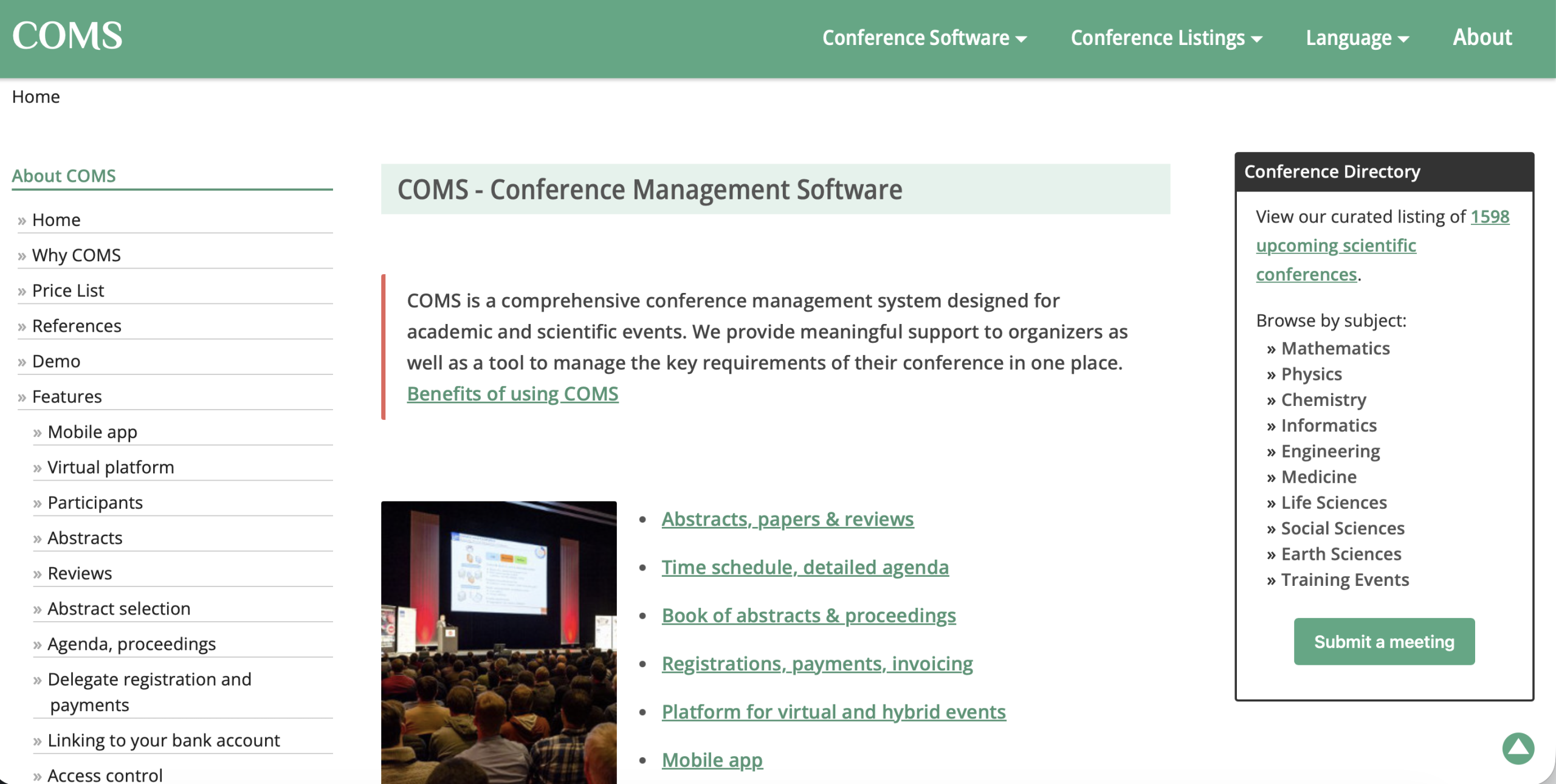
COMS is a web-based conference management system for managing all administrative and financial aspects of international academic events. The platform supports faculty organizers who coordinate participants from different countries, time zones, and institutional backgrounds.
COMS combines submission management with multi-currency payment processing in one system. Organizers gain a single reliable place to manage scholarly content alongside the operational side of the event. Academic committees are drawn to COMS because it allows them to connect the rigorous peer review processes with the practical logistics required to run a professional conference.
Key features:
-
- Multilingual interface: The multilingual interface enables international associations and conferences held outside of English-speaking countries to use a more user-friendly system.
- Payment processing: The platform handles online registrations and payments in multiple currencies. It also supports credit cards and bank transfers while automatically generating invoices for participants.
- Personalized document creation: Documents are generated automatically based on the registrants’ details, such as certificates of attendance and payment receipts.
- End-to-end abstract management: Helps organizers with managing a multistage evaluation and preparing the final conference proceedings.
- Centralized communication tools: Includes mass mailing and targeted messaging features.
6. OpenWater
OpenWater is an enterprise-level platform built to manage complex submission and review processes for academic awards, research grants, and conference abstracts. It offers a highly customizable form builder that can handle the detailed information requirements often needed by professional associations and large faculty committees.
The system works well for institutions that run several academic programs at once. OpenWater also supports integrations with systems many institutions already use, including Single Sign On (SSO) protocols.
Key features:
-
- Form builder: Lets organizers design detailed submission forms with conditional logic.
- Awards and grant management: Supports the full lifecycle of academic awards and research funding applications alongside regular conference abstract submissions.
- Third-party integrations: Connects smoothly with platforms such as Salesforce, MemberSuite, and Personify, so data flows directly into the organization’s main system.
- Public gallery publishing: Approved submissions can be automatically displayed in a searchable public gallery or digital library for attendees to explore.
7. Whova
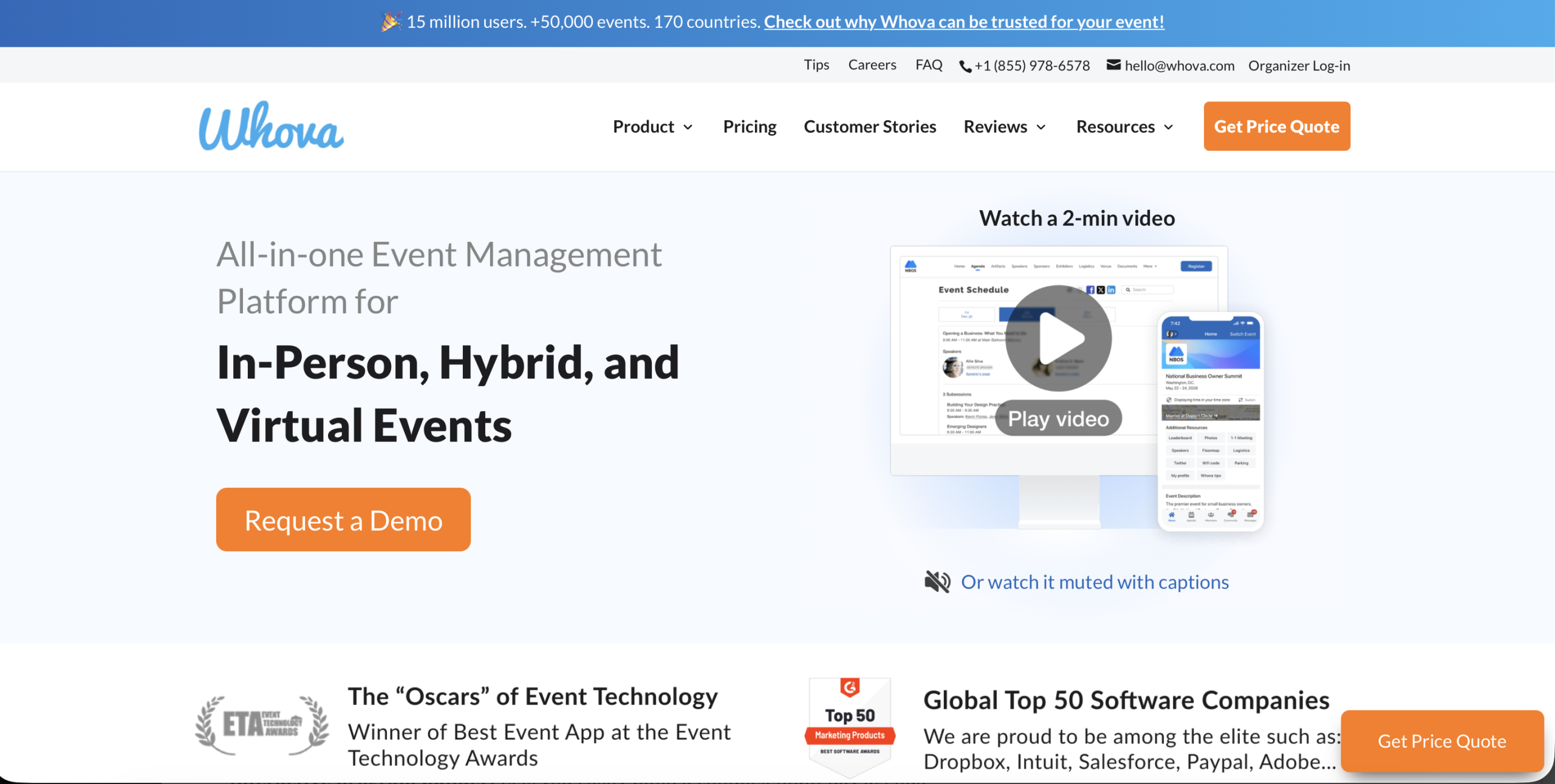
Whova is an event platform that many conference organizers rely on when the goal goes beyond logistics and focuses strongly on attendee interaction and networking. While several conference tools concentrate mostly on the technical side of peer review, Whova focuses on the overall participant experience. The platform’s mobile app works smoothly for in-person, virtual, and hybrid academic events.
Organizers can streamline speaker management because the system allows presenters to submit their own bios, photos, and session details directly while building the conference agenda. Community-focused features such as the “Community Board” let users start discussions and arrange small meetups.
Key features:
-
- Mobile app: Lets you access a personal agenda, view venue maps, and receive live updates (including announcements) during the conference.
- Community board and networking: Includes a live chat function for attendees to begin a conversation with other researchers interested in the same subject matter.
- Speaker and logistics management: Each speaker has their own portal to upload profile, bios, and session materials that are then available on the website.
- Artifact center: Let presenters upload digital versions of their poster presentations, slides, or even video recordings. Attendees can review the material and leave comments at their convenience.
- Lead retrieval and gamification: Uses gamification techniques such as leaderboards and photo contests to increase attendee engagement with both exhibitor booths and designated sessions.
Final Thoughts
The right mix of tools can completely change how conference planning feels. When faculty committees combine an all-in-one platform like Dryfta with a few focused productivity tools, the entire experience becomes far more streamlined. If you want to see how it works in practice, book a free demo with Dryfta and explore how the platform can support your upcoming academic conferences.
