


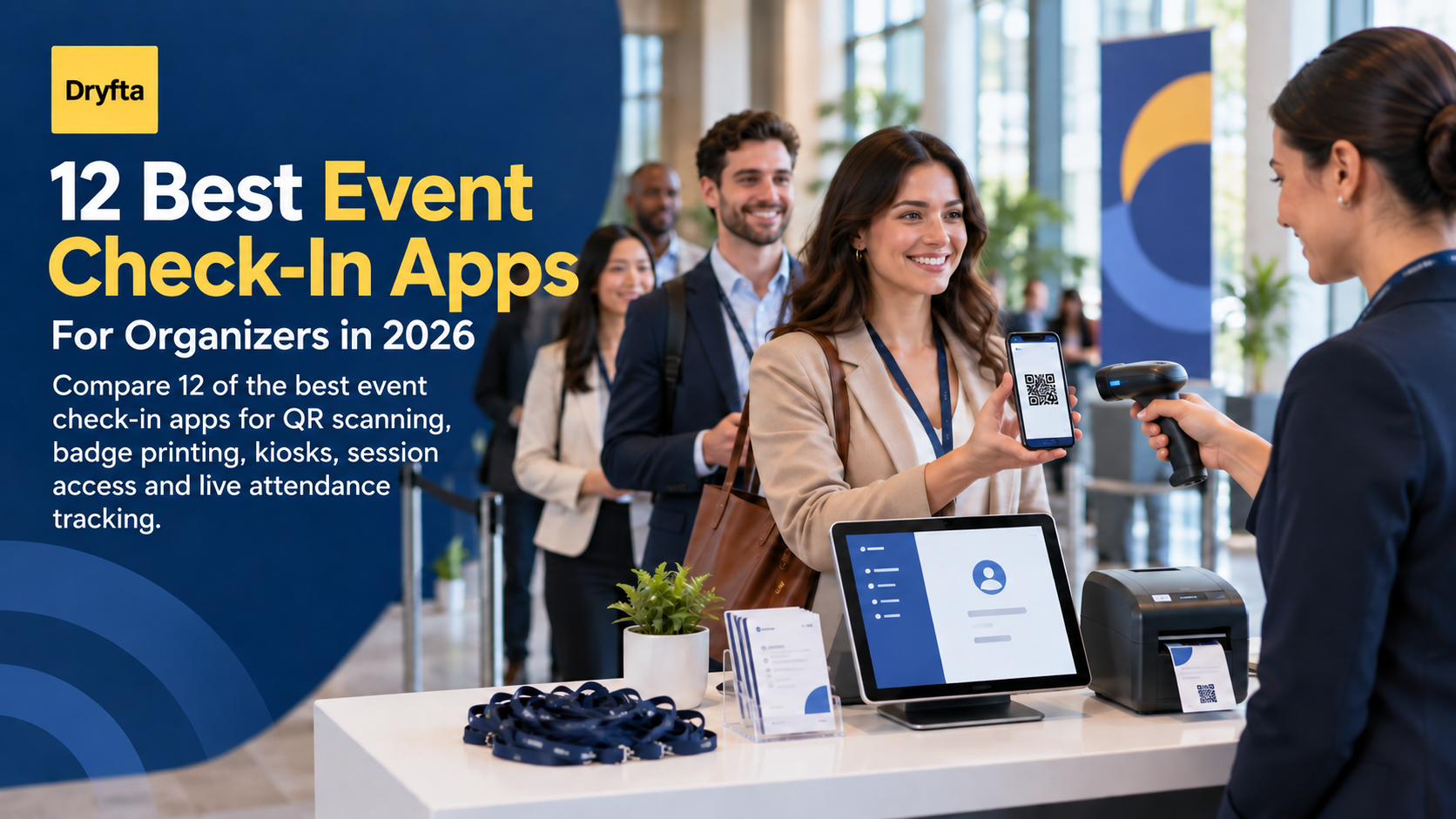
The best event check-in apps do more than scan a ticket. When several hundred people arrive within the same 20-minute window, the right app keeps the line moving, gives staff a reliable attendee record, and handles the exceptions that usually slow a desk down.
A forgotten QR code, a misspelled name, a walk-in registration, or a full session should not bring entry to a halt. Organizers need a tool that works with their event format, badge plan, staffing level, and reporting needs.
This guide compares 12 check-in apps for conferences, corporate events, trade shows, workshops, public ticketed events, and VIP gatherings. It explains what each option handles well and what you should test before making a decision.
Editorial note: Dryfta publishes this guide and appears in the comparison. We reviewed official product and help documentation available on September 23, 2026. We focused on the complete arrival workflow, not a vendor’s claim about scan speed. We did not run the same onsite test on every platform, and features can vary by plan, device, printer, event format, and region. Ask each vendor to demonstrate your busiest arrival period with realistic attendee records.
What should an event check-in app handle?
A basic ticket scanner may be enough for a small public event. A multi-day conference needs more control. Before you compare brands, decide which of these jobs the app must perform:
- Find and verify attendees: Scan a QR code, search by name or email, and flag an invalid or previously used ticket.
- Manage exceptions: Correct attendee details, register walk-ins, replace a lost badge, and handle guests or group registrations without leaving the check-in screen.
- Print badges: Create the right badge for each attendee type and print or reprint it as the person arrives.
- Support self-service: Let attendees check themselves in at a kiosk when that suits the venue and audience.
- Control entry: Check permissions, ticket types, session registration, room capacity, or continuing education requirements before admitting someone.
- Keep staff coordinated: Sync activity across devices and restrict volunteers to only the tools they need.
- Protect the arrival plan: Continue working when connectivity becomes slow and provide a practical recovery path if a printer or scanner fails.
- Report attendance: Show who arrived, when they arrived, which sessions they attended, and what data can move into the organizer’s other systems.
Not every event needs all eight. The point is to choose deliberately. Paying for complex onsite hardware makes little sense when two volunteers can scan 150 tickets. A simple scanner is a poor fit when ten sessions begin at once and attendance determines CE credits.
How we compared these event check-in apps
We reviewed each platform against seven practical questions:
- Can staff check people in by QR code and manual search?
- Can the app handle walk-ins, corrections, duplicate scans, and re-entry?
- Does it support kiosks, badges, or session-level access where needed?
- How does it behave across several devices and during poor connectivity?
- Can temporary staff use it without receiving broad account access?
- Does attendance data update quickly and export cleanly?
- Is the product suited to the event types it claims to serve?
We gave more weight to a complete, testable workflow than to a long feature list. Badge printing, for example, only helps if the app can also correct a name, select the right template, route the job to the right printer, and recover from a failed print.
Event check-in apps at a glance
| Platform | Best fit | Useful check-in strengths | What to confirm |
|---|---|---|---|
| Dryfta | Academic, association, nonprofit, and multi-session conferences | Event and session check-in, QR scanning, kiosks, role controls, CE credits, and connected attendee records | Plan the devices, printers, badge stock, and onsite layout your team will provide |
| Cvent OnArrival | Large enterprise events and complex event portfolios | Staffed or self-service entry, walk-ins, badges, offline basics, session capacity, hardware, and onsite services | Which OnArrival tier, equipment, staffing, and premium features are included |
| InEvent | Business events that want configurable kiosks and onsite badging | QR and manual entry, kiosk mode, on-demand badges, offline-first operation, signatures, and access controls | Supported devices, printer setup, onsite support, and package limits |
| Bizzabo | Enterprise event marketing teams | Onsite check-in and badging tied to event engagement and SmartBadge options | The hardware, service bundle, and tracking features included in the proposal |
| Whova | Conferences that also need an attendee app | Staffed, self-service, and kiosk check-in with instant badges, forms, and live attendance data | Badge-printer choices, report customization, and features available in your plan |
| EventMobi | Associations and conferences that value portable check-in stations | Wireless BadgeON stations, QR and name search, self-service mode, session access, and live counts | Regional availability, Apple-device requirements, shipping, badge stock, and rental costs |
| vFairs | Large conferences, expos, and branded onsite programs | QR entry, self-service kiosks, flexible badge design, bulk or on-demand printing, and multiple printer options | Hardware, onsite support, badge materials, and the cost of the required service package |
| RingCentral Events | Onsite and hybrid events using the wider RingCentral event environment | QR and name check-in, walk-ins, check-in areas, kiosks, badges, segment access, and live reports | Which onsite features are available for your event format and subscription |
| zkipster | VIP events, galas, launches, and invite-only guest lists | Fast guest search, QR check-in, mobile teams, self-service mode, invitations, and seating | Whether you also need conference sessions, ticketing, or a broader content program |
| Eventbrite Organizer | Public ticketed events, classes, performances, and timed entry | QR ticket scanning, manual lookup, synchronized devices, live attendance, and onsite sales | Whether your event needs badges, complex session access, or conference workflows beyond ticket entry |
| RegFox | Training, workshops, camps, and configurable registration programs | QR and manual entry, app keys for staff, group check-in, registration edits, multi-device sync, and fraud alerts | Connectivity needs, badge-printing setup, and how quickly new registrations reach every device |
| Eventzilla | Small and midsize ticketed events that want kiosk options | QR or name-based check-in, kiosk PINs, self-service, branded screens, onsite sales, and optional badge printing | Kiosk fees, compatible printers, supported devices, and plan-specific limits |
12 best event check-in apps for 2026
1. Dryfta
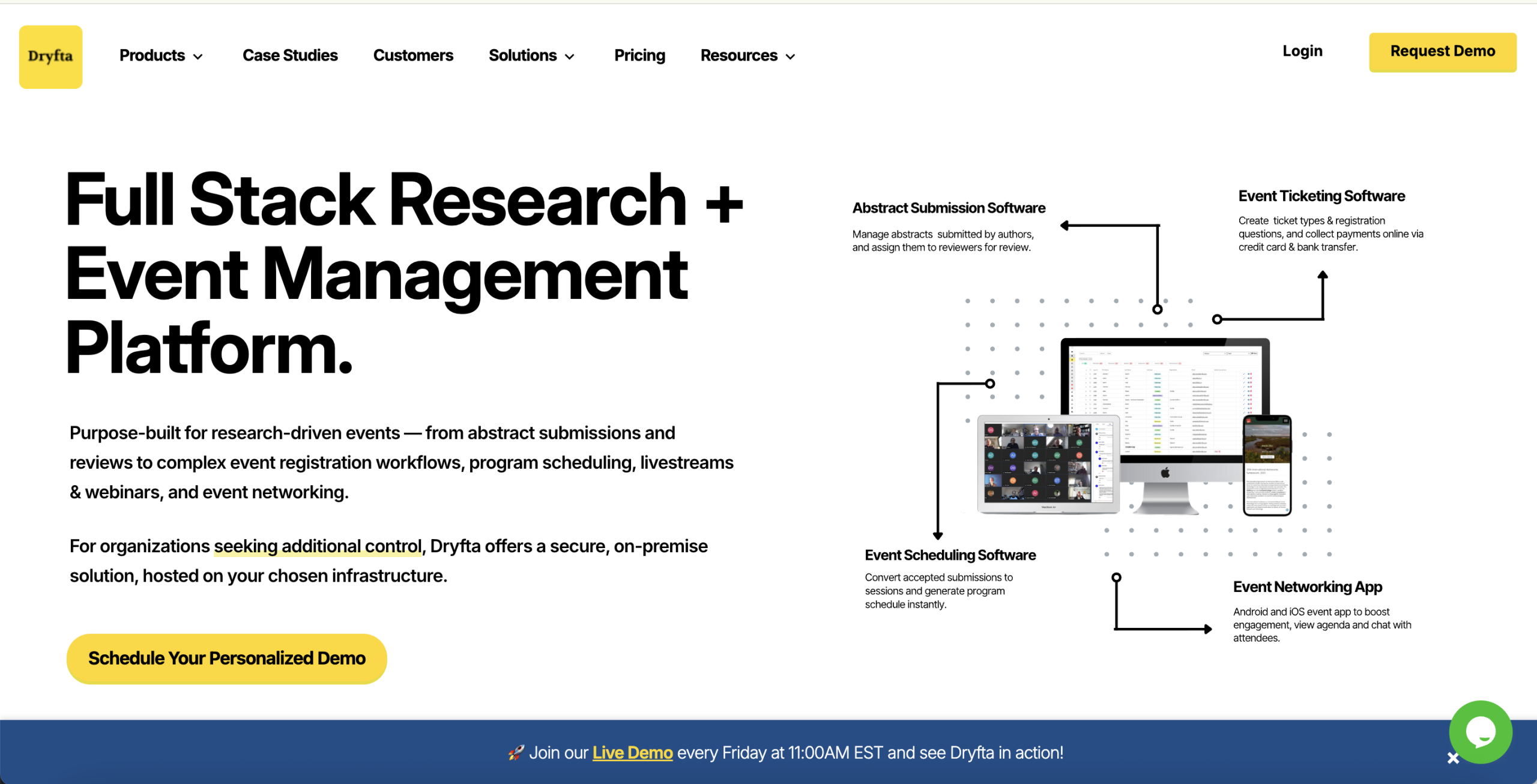
Dryfta is particularly useful when check-in must connect with the rest of a complex conference. Staff can check attendees in through the web or mobile app, scan QR codes from tickets or badges, search for a person manually, or let attendees use a kiosk. Organizers can create a limited check-in role for volunteers instead of giving them full administrative access.
The same system can record session check-in and check-out times, enforce capacity or eligibility, award CE credits, and export attendance. Dryfta also supports app-free session self check-in: an attendee scans the session’s displayed QR code, enters the email used for registration, and checks in from the phone’s browser. This connected approach suits academic and association events where a person may also be an author, reviewer, speaker, member, or donor. A small ticketed event may not need that breadth, but multi-session conferences can avoid splitting attendance data across several tools. See how Dryfta handles event and session check-ins.
2. Cvent OnArrival
Cvent OnArrival is built for organizations that run large events or need a repeatable onsite setup across an event portfolio. Staff can scan a code or search by name, email, company, or confirmation number. The app can handle walk-ins, payments, attendee edits, on-demand badges, self-service kiosks, and session attendance or capacity checks.
Its basic check-in, attendee editing, scanning, and badge printing can continue offline after the event data has been downloaded. Cvent also offers self-service hardware kits and a full-service OnArrival 360 option with equipment, setup, training, and onsite help. That range is valuable for enterprise teams, but smaller organizers should compare the total cost, service level, printer options, and premium requirements with the complexity of their event.
3. InEvent
InEvent focuses heavily on the arrival desk. Its kiosk app supports QR scanning, manual search, walk-ins, self-service entry, profile edits, and on-demand badge printing. Organizers can also collect signatures or photos when the workflow requires them. Duplicate scans display an already checked-in warning, which helps staff avoid duplicate badges and inaccurate totals.
The platform promotes an offline-first kiosk workflow and supports common printer setups such as Zebra, Brother, and AirPrint where available. This makes it worth considering for business events that want configurable entry and badging. During the demo, ask the team to show the exact device and printer combination you will use, how locally stored data resynchronizes, and which kiosk or access-control features belong to your package.
4. Bizzabo
Bizzabo combines onsite check-in and badge printing with the event data used by enterprise marketing teams. Its onsite services can support the arrival flow, while SmartBadge options extend the badge into attendance, networking, and sponsor-interaction tracking.
That broader engagement picture can help a team connect the door experience with event performance and follow-up. It can also make the project more involved than a straightforward ticket scanner. Ask Bizzabo to separate the software, hardware, badge stock, onsite services, and SmartBadge features in its proposal. Your team should know which data points it will actually use before paying for a deeper tracking setup.
5. Whova
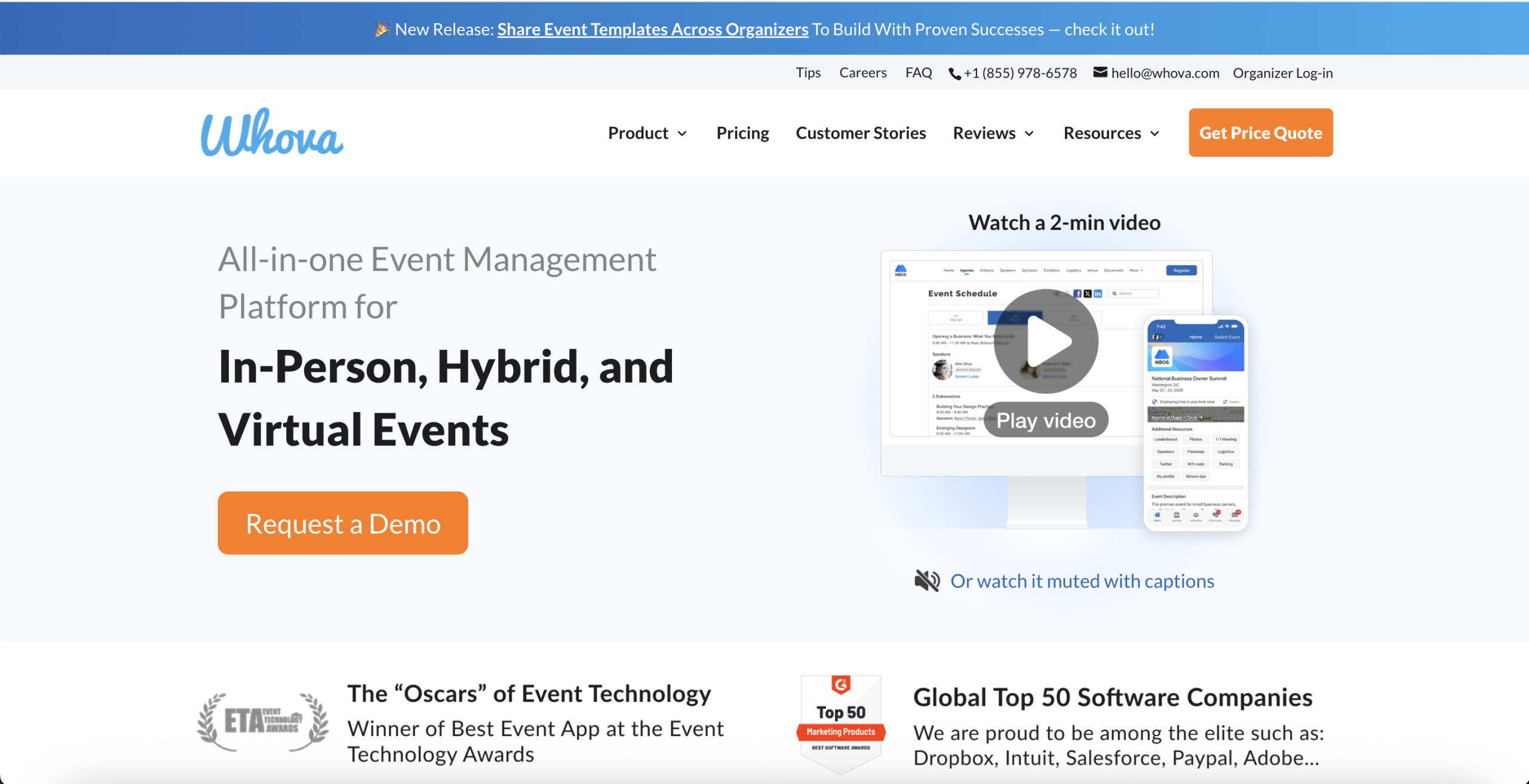
Whova offers several ways to admit attendees: staff can scan QR codes or search the list, attendees can check themselves in, and organizers can set up kiosks with badge printing. The system can prompt people to complete required forms or waivers during check-in and makes the updated attendee list available across Whova’s other tools.
This is a practical fit for conferences that already want Whova’s attendee app, networking, and engagement features. Buyers should still test their complete arrival path. Confirm the supported printers, what happens when a person has no code, how quickly several devices synchronize, and how much control the team has over badges and reports.
6. EventMobi
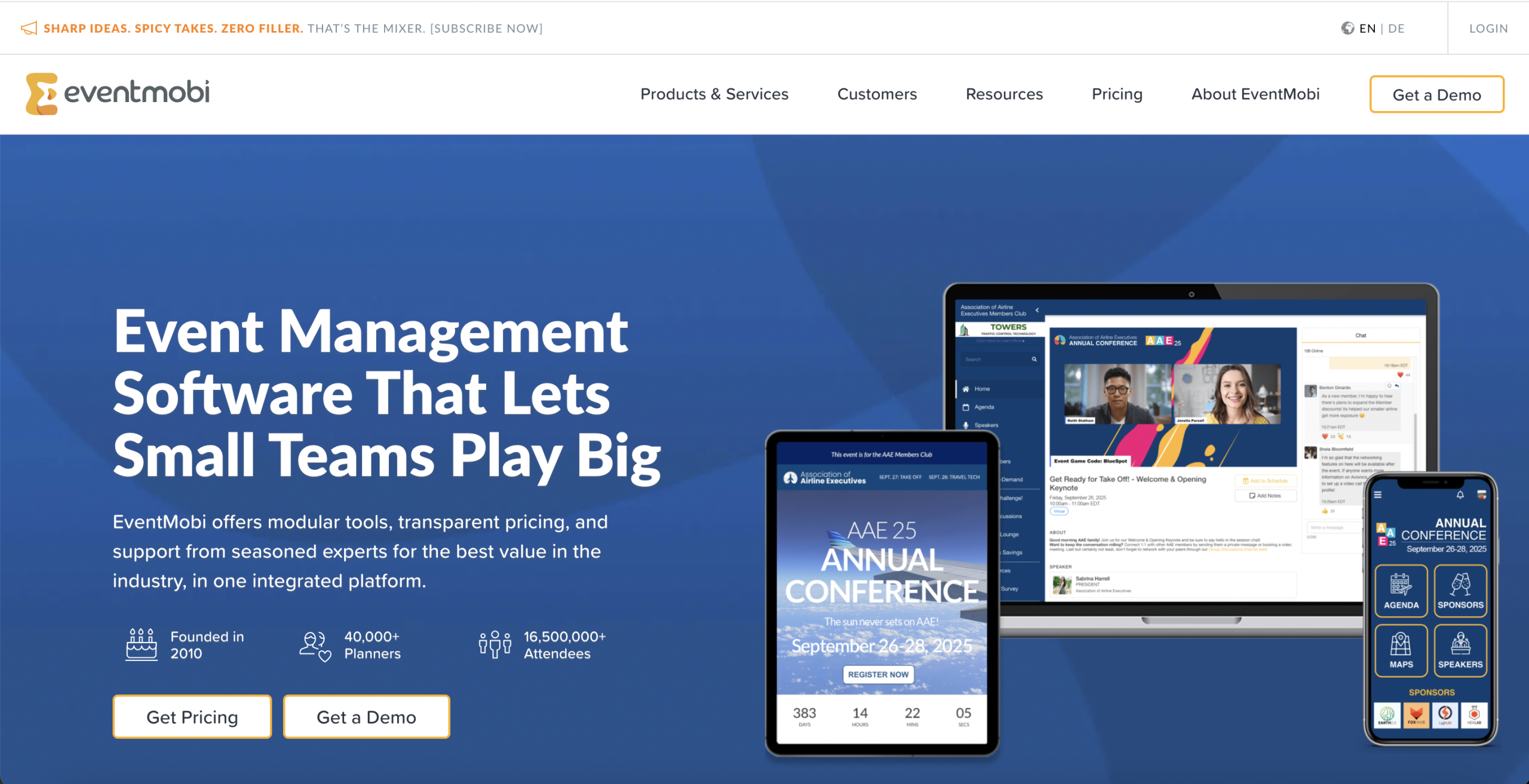
EventMobi’s BadgeON app handles QR scanning, name or email search, self-service kiosks, event and session check-in, eligibility rules, capacity, and live attendance counts. Its badge stations can use compact wireless printers and battery-ready floor stands, which lets staff move a station closer to a queue instead of sending everyone back to one registration desk.
That portability is useful for associations and conferences with several entrances, satellite desks, or evening functions. BadgeON is a newer 2026 offering, and an Apple device is required for check-in and printing. Confirm regional availability, shipping dates, supported badge materials, cellular or Wi-Fi needs, and the cost of each station before you build it into the onsite plan.
7. vFairs
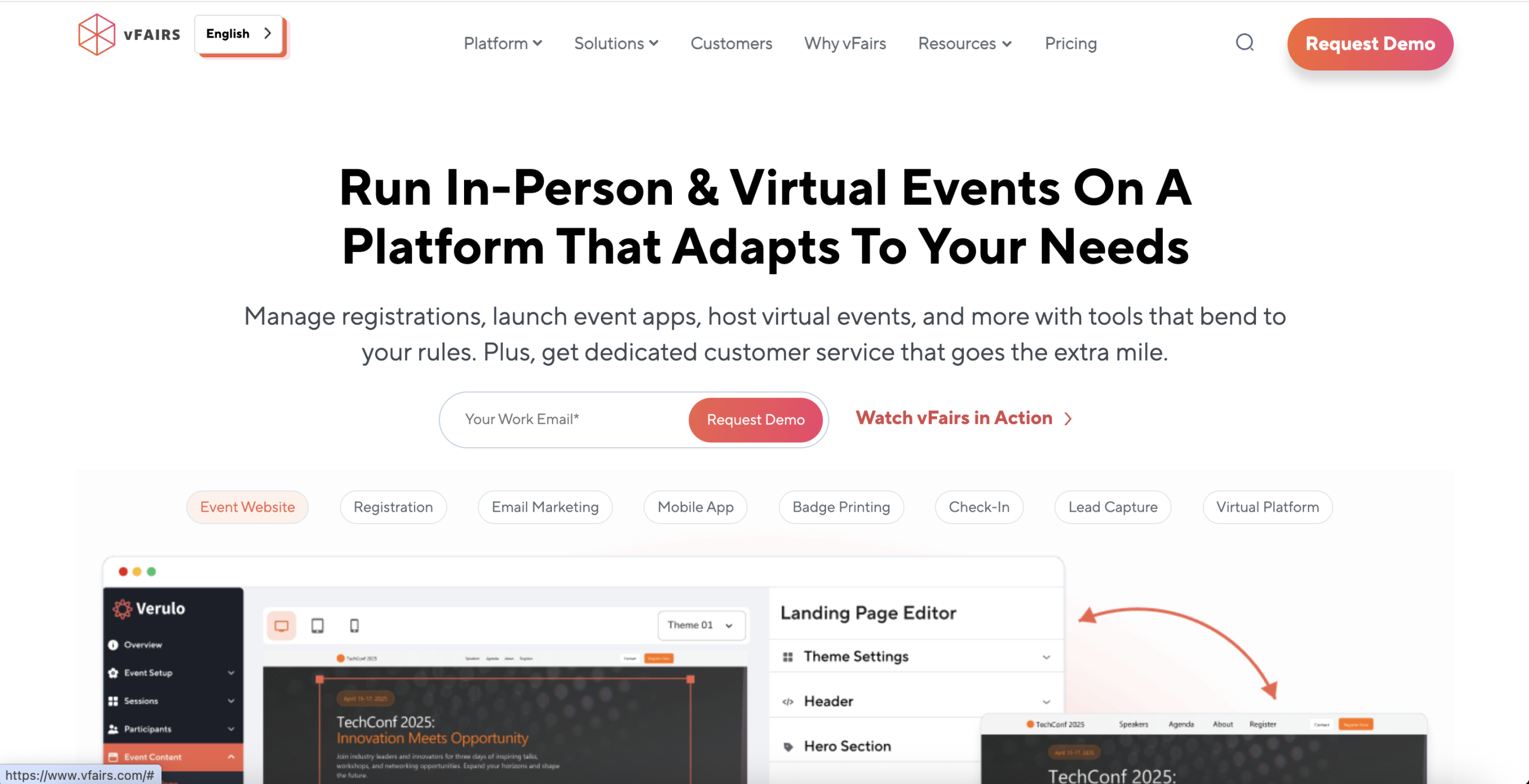
vFairs packages QR check-in, self-service kiosks, a drag-and-drop badge designer, and onsite printing for large conferences and expos. Teams can pre-print known attendees, print on demand, or run both approaches at separate desks. The badge workflow supports different designs for roles such as speakers, VIPs, exhibitors, or staff.
Its range of printer and kiosk choices helps when a branded arrival experience matters. It also creates more decisions about badge stock, printers, desk layout, shipping, and support. Ask for a floor plan based on your peak arrival estimate and have the vendor show how a walk-in, a corrected badge, a group, and a failed print move through the system.
8. RingCentral Events
RingCentral Events has an Organizer app for hybrid and onsite events. Staff can scan an attendee’s QR code, search by name, add walk-ins, update registration details, and check people into onsite segments. Organizers can create several check-in areas, offer kiosk mode, design badges, and connect supported Zebra or Brother printers.
Live onsite reports show checked-in attendees, remaining registrants, and activity by check-in area. This makes RingCentral a stronger option for physical entry than its virtual-event reputation may suggest. The onsite features depend on event format and subscription, so make sure the quoted plan includes the badges, kiosks, segment access, lead retrieval, and reports you expect.
9. zkipster
zkipster starts with the guest list rather than a large conference stack. Teams can search and check in guests from mobile devices, scan QR codes, turn devices into self-service kiosks, coordinate invitations, and manage seating. The focused workflow suits galas, launches, fashion events, dinners, and other invitation-led gatherings where the welcome needs to feel polished.
That focus is also the trade-off. An organizer who needs complex ticketing, academic submissions, a multi-track program, session capacity, or broad sponsor workflows may need other systems around it. Compare the full guest journey, not only the speed of the arrival screen.
10. Eventbrite Organizer
Eventbrite Organizer is a sensible choice for public ticketed events that already sell through Eventbrite. Staff can scan QR codes from digital or printed tickets, search by name or email, run several devices at once, and follow attendance and ticket sales in real time. The app can also sell tickets and merchandise at the door in supported markets.
Offline check-in can keep the line moving and synchronize the data after connectivity returns. This straightforward model works well for performances, classes, festivals, fundraisers, and timed entry. A conference that needs complex badges, session permissions, submissions, or continuing education records should confirm whether Eventbrite covers enough of the onsite workflow or would become one more separate system.
11. RegFox
RegFox connects its configurable registration forms with a focused check-in app. Each attendee receives a QR code, while staff can search manually when the code is missing. Multiple devices stay synchronized, groups can be checked in together, and organizers can create app keys for volunteers without sharing a full account login.
The app also supports registration edits, fraud or duplicate alerts, and current counts of who has arrived. That combination suits workshops, training programs, camps, and events with detailed registration paths. Ask how often new onsite or online sales reach every scanner, what connectivity the app needs, and how badge printing fits into the proposed setup.
12. Eventzilla
Eventzilla offers QR scanning, attendee search, and a kiosk mode that organizers protect with a PIN. The kiosk can let attendees scan a ticket or search by name or email, show a branded confirmation screen, and trigger badge printing when that option is configured. Staff can also handle box-office sales and manual registrations.
This makes Eventzilla useful for small and midsize teams that want registration, ticketing, entry, and simple badges in one service. Check the kiosk fee, printer and paper requirements, supported devices, and any plan limits. A short rehearsal with the real printer will reveal more than a generic feature demonstration.
How to choose the right check-in app for your event
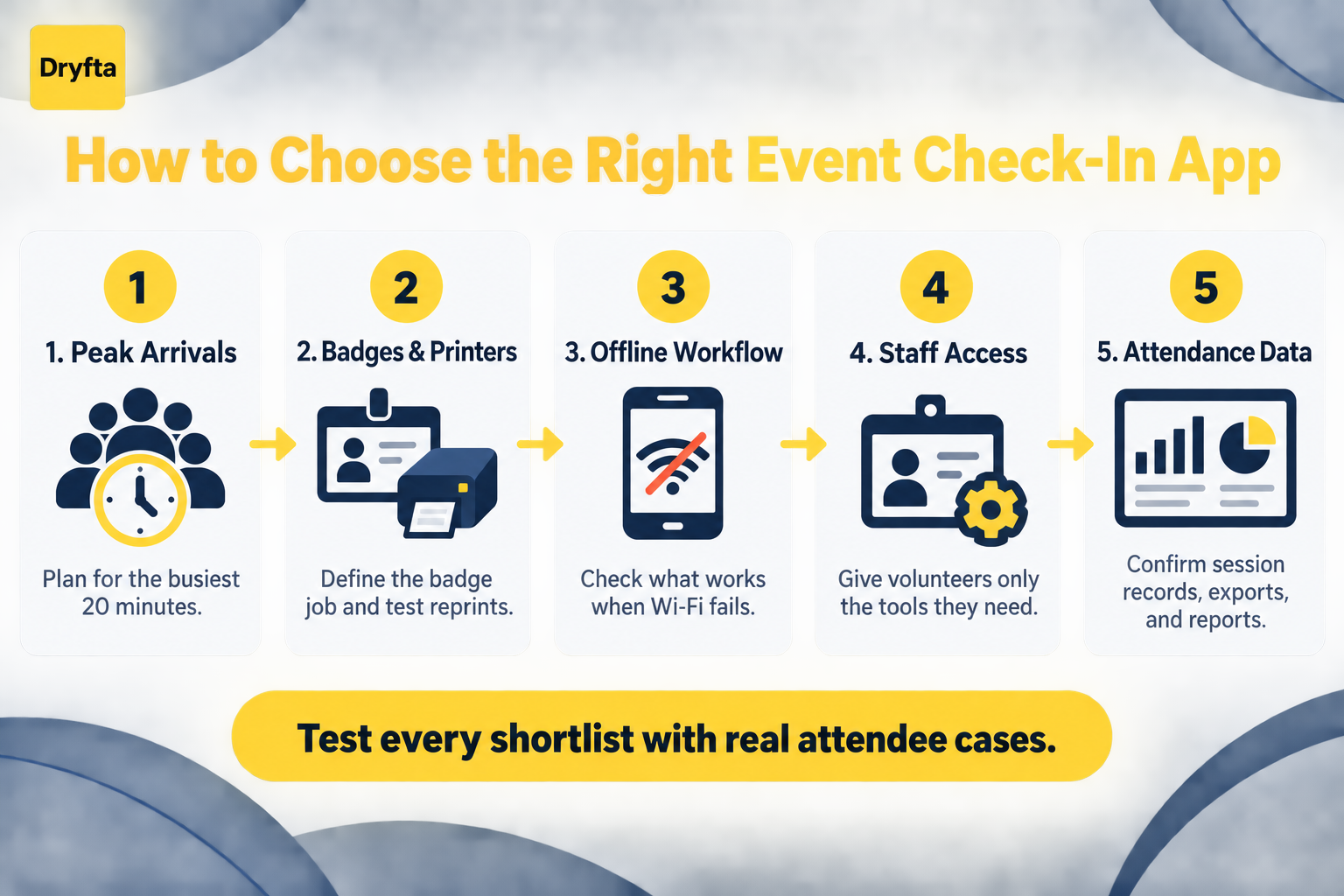
Start with the busiest 20 minutes
Estimate how many people may arrive during your peak window, not across the whole day. Then map the steps each person must complete. A QR scan and a pre-printed badge may take seconds. A walk-in who must register, pay, sign a waiver, correct a name, and print a badge needs a different lane.
Separate quick arrivals from exceptions. This usually improves the line more than buying a faster scanner.
Decide what the badge must do
A name badge can identify a person, control access, display a role, carry a QR code, record sponsor interactions, or support cashless activity. Do not pay for every possibility by default. Define the job first, then choose the badge stock, printer, and software.
Test poor connectivity before the venue does it for you
Ask exactly which actions work offline. Some apps can scan downloaded attendees but cannot add walk-ins, accept payments, or synchronize changes until the connection returns. Confirm how devices resolve conflicting edits and duplicate scans after they reconnect.
Give volunteers the smallest useful role
Temporary staff should not need the event owner’s password or access to payment, marketing, and attendee data they do not use. Look for dedicated check-in roles, app keys, check-in-area codes, or other limited permissions.
Follow the attendance record after the door
Entry data should lead somewhere useful. Check whether the platform can distinguish registration from actual attendance, record session participation, show no-shows, export times, and pass clean data to your CRM or reporting tools. If you are planning a QR workflow, this event QR check-in setup guide covers the operational steps around the app.
A useful check-in demo test
Give every shortlisted vendor the same ten attendee records:
- Two people with valid QR codes
- One person who cannot find the code
- One duplicate scan
- One canceled ticket
- One walk-in who must register and pay
- One attendee with a misspelled badge
- One VIP who needs a different badge
- One group registration
- One attendee trying to enter a full or restricted session
Run the same test on two devices, disconnect the Wi-Fi, reconnect it, and export the final attendance report. You will see the real workflow, including its delays and weak points.
Frequently asked questions
What is an event check-in app?
An event check-in app lets organizers verify arrivals and update attendance from a phone, tablet, computer, scanner, or kiosk. Depending on the product, it may also register walk-ins, print badges, control session entry, collect signatures, accept payments, and report attendance.
Can attendees check in with a QR code?
Yes. Most apps issue a unique QR code with the ticket, confirmation email, badge, or attendee app. Staff scan it, or the attendee presents it at a self-service kiosk. Some platforms also display one QR code at a session so several people can check themselves in from their phones.
Do event check-in apps work without internet access?
Some do, but offline coverage varies. An app may scan a previously downloaded attendee list while offline but require a connection for walk-ins, payments, badge changes, or cross-device updates. Test the exact offline actions you need and ask how the system handles synchronization after service returns.
Can a check-in app print badges?
Many can trigger a badge as soon as an attendee checks in. Printer models, badge stock, color options, device support, and hardware rental vary considerably. Test name corrections, different attendee roles, reprints, and printer failure before the event.
How many check-in stations does an event need?
Base the answer on peak arrivals, not total registrations. Estimate how many people may arrive during the busiest period, time the normal workflow and the exception workflow, then add a buffer for late starts, printer delays, and volunteers learning the system. Separate self-service, standard entry, and problem-solving lanes when space allows.
Which check-in app is best for conferences?
The right choice depends on the conference. Dryfta is a strong fit for academic, association, and nonprofit conferences that need event entry, session attendance, schedules, CE credits, submissions, communication, and attendee history in one platform. Cvent and Bizzabo suit enterprise programs, while Whova and EventMobi may appeal to teams that also prioritize a conference app. Ticket-led events with simpler entry may prefer Eventbrite, RegFox, or Eventzilla.
Give every attendee a calmer arrival
Check-in sets the tone for the event, but the best setup is not always the most expensive one. It is the one your staff can operate confidently when the doors open, the Wi-Fi slows down, and an attendee arrives with a problem you did not expect.
Shortlist two or three apps, give each vendor the same arrival test, and include the real devices, printers, badges, and volunteer roles in the demonstration. That will show you which product fits your event instead of which sales presentation looks best.
If your conference needs to connect registration, event and session check-in, program schedules, CE credits, attendee communication, and reporting, request a Dryfta demo. We will show the complete check-in path using a workflow that matches your event.