
If you’ve searched for event management software for associations, you’ve probably run into the same issue. Most blogs simply list a few platforms without explaining which one is actually the right fit for your organization.
Associations have very different needs than most organizations. Along with planning events, they also manage memberships, sponsors, exhibitors, and year-round member engagement. That’s why this guide goes beyond a simple list of platforms and helps you understand which one is the right fit.
We’ve compared the top event management software for associations based on features, pricing, strengths, limitations, and ideal use cases, so you can confidently choose the right platform for your association.
Before you start comparing platforms…
What Is Event Management Software for Associations?
If you run events for an association, you already know the drill. Member mixers. Annual conferences. Chapter catch-ups. Training days. Certification sessions. Networking nights. Board huddles. It adds up fast.
Enter event management software for associations: your new best friend for keeping it all organized and actually fun.
Think of it like this. Association event management software is designed specifically for organizations like yours. Unlike generic event platforms, it comes with features for managing members, chapters, dues, and the day-to-day details that come with running association events.
Here are some of the events it can support:
- Member event management with registrations, renewals, attendance tracking and member-only access.
- Annual conferences with abstract submissions, speaker management, ticketing, exhibitor portals and session scheduling.
- Regional chapter meetings that let local groups manage registrations and communicate with attendees without extra admin work.
- Training workshops with limited seats, waitlists, certificates and post-event feedback.
- Certification events that support registrations, assessments, attendance records and certificate distribution.
- Networking events with meeting scheduling and community engagement tools.
- Board meetings with invitations, RSVPs, agenda sharing and secure access for members.
With event management software for associations in place, you get more time hosting events your attendees genuinely enjoy.
Bottom line: No more keeping track of attendance manually or following up with people one by one.
Why Do Associations Need Specialized Event Management Software?
Running association events without the right tools is like trying to bake a cake with a spoon. Sure, you can do it, but why make life harder than it needs to be?
Associations manage more than just RSVPs and room bookings. You also need to handle members, speakers, volunteers, sponsors, and many other event tasks. That’s where event management software for associations can help.
Here is what makes it worth every penny:
-
Member registration
Signing up for an event should only take a few minutes. The right event management software for associations automatically applies member-only pricing and gives members access to the right events. -
Multi-event management
Most associations run more than one event each year. From conferences to workshops and chapter meetings, there’s always something coming up. A good event management software for associations helps you manage every event without mixing up the details. -
Membership integrations
Your membership database and event platform should work together. That way, member information stays up to date automatically and you avoid entering the same details more than once. -
Speaker management
Once your speakers are confirmed, there’s still plenty to do. You also need a simple way to collect session proposals, review submissions, share updates, and build the event agenda without creating extra work for everyone involved. -
Volunteer coordination
Association events often depend on volunteers. A good event management software for associations helps everyone know what to do, where to be, and when plans change. -
Sponsor and exhibitor management
Giving sponsors and exhibitors an extraordinary experience is just as important as taking care of attendees. A dedicated portal lets them submit company details, manage booth information, upload marketing materials, and stay updated throughout the event. -
Event analytics
Every event tells a story if you know where to look. Reports on registrations, attendance, revenue, and engagement help you understand what worked well and where you can improve the next event.
Every successful association event starts with the right tools. Association event management software helps your team create a better experience for everyone involved. That’s why more organizations are switching to event management software for associations designed around their needs.
How to Choose the Right Association Event Management Software?
Hopefully, you’re feeling more confident about what to look for in event management software for associations. Now it’s all about choosing a platform that plays nice with your existing tools while making everyday tasks ridiculously easy for your team.
Let’s look at the non-negotiable features you need to audit before signing any contracts.
- Membership CRM integration: Your event management software for associations should connect with your membership database in real time so that active users get automatic tier discounts without manual verification.
- Registration and ticketing: Look for mobile-friendly sign-up workflows that can handle discounts and group registrations without a hitch.
- Mobile event apps: Attendees love having everything in their pocket, from agendas to networking. So, a solid mobile event app is a must-have for engagement.
- Hybrid event support: Some members will attend in person, while others will join online. Pick an event management software for associations that connects on-site check-in kiosks with virtual streaming spaces so remote guests do not feel left out.
- Agenda management: You need an intuitive dashboard where dragging and dropping sessions automatically updates the public website layout instantly.
- Networking features: Give people a reason to show up by picking a platform that includes speed-networking tools and secure attendee chat spaces.
- Reporting and analytics: Reliable association event management software must provide you with visual reports on ticket sales, member attendance trends, overall revenue and much more.
- Budget and scalability: Choose a platform that fits your budget today but can also support your association as it grows. The last thing you want is to replace your software every time your events get bigger.
Did you know? According to the 2025 Association Events Survey by Associations Forum, 76% of associations hold an annual conference, while 66% start planning their biggest conference more than a year in advance
Best Event Management Software Compared
| Platform | Best For | Mobile App | Hybrid Events | CRM Integration | Member Management |
|---|---|---|---|---|---|
| Dryfta | Academic associations & professional societies | Fully branded app | Native hybrid support | Built-in CRM & integrations | Full membership management |
| Cvent | Enterprise associations | Event app | Enterprise hybrid events | Salesforce & enterprise CRMs | Basic member support |
| Glue Up | Membership associations | Community mobile app | Hybrid event support | Built-in CRM | Advanced membership management |
| MemberClicks | Small & mid-sized associations | Basic attendee app | Not a core feature | Built-in AMS/CRM | Strong membership management |
| Fonteva | Salesforce-based associations | Mobile access | Hybrid support | Native Salesforce | Advanced membership management |
| WildApricot | Small associations & nonprofits | Member mobile app | Virtual event integrations | Basic integrations | Built-in membership database |
| EventMobi | Hybrid & engagement-focused events | Feature-rich event app | Excellent hybrid tools | Third-party integrations | Basic member features |
| Stova | Large enterprise conferences | Branded event app | Advanced hybrid platform | Enterprise CRM integrations | Basic member tools |
| Whova | Networking-focused conferences | Highly rated event app | Strong hybrid support | Third-party CRM integrations | Basic attendee profiles |
| EventsAir | International conferences | Event app | Full hybrid support | CRM integrations | Basic member capabilities |
10 Best Event Management Software for Associations
Not sure which event management platform is right for your association? You’re not alone. With so many platforms offering similar features, choosing the right one isn’t always easy. To save you time, we’ve reviewed some of the top platforms to help narrow down your choices.
Here is our honest breakdown of the top options on the market to help you find your perfect match.
1. Dryfta
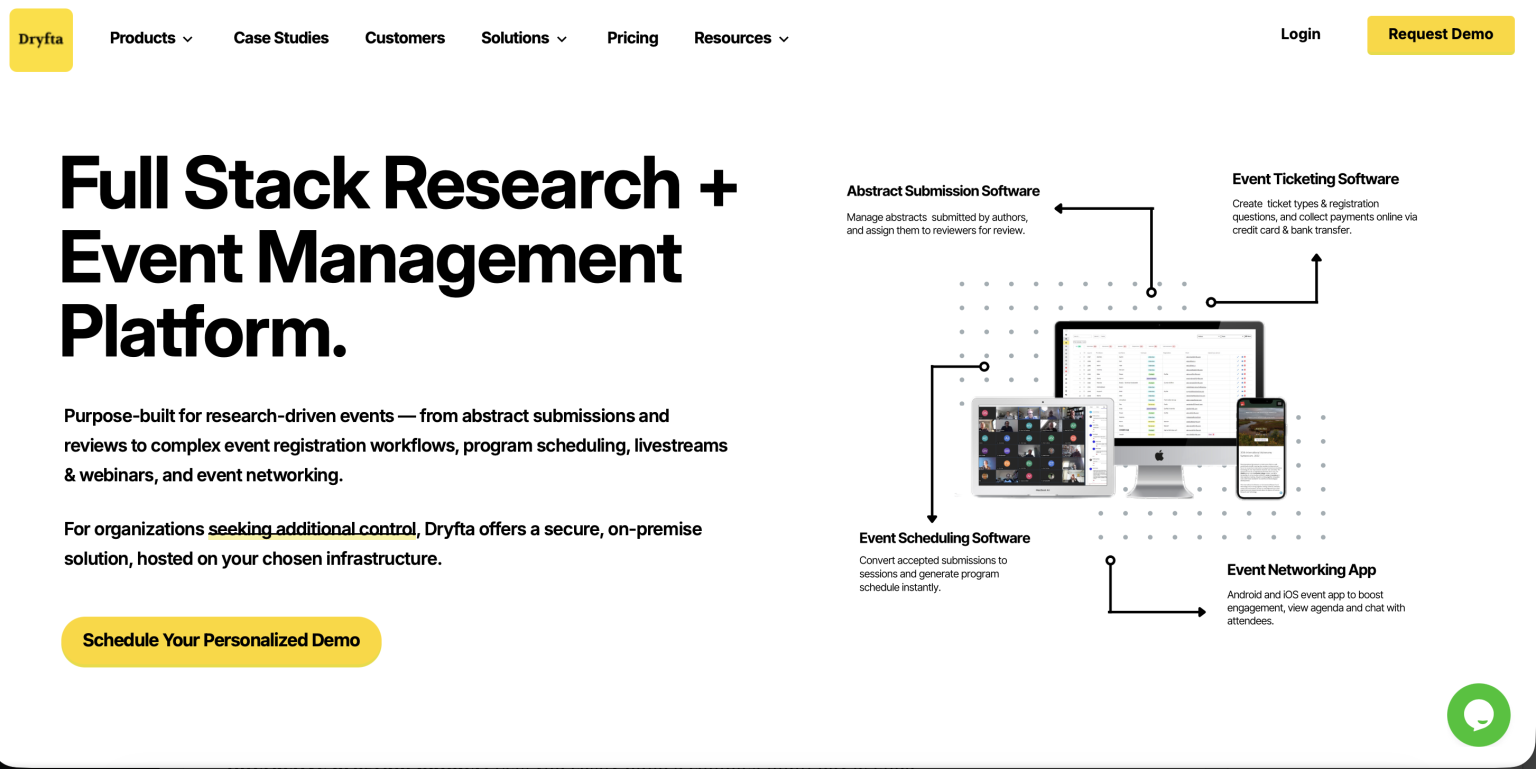
Best For: Academic and professional societies needing powerful abstract submissions and peer review alongside full event registration.
Key Features
- Abstract submission portals that let researchers upload papers directly into your secure review system
- Automated peer review assignment workflows that match submitted research to the right industry experts
- Interactive drag-and-drop schedule builders that can organize multi-track presentations without double-booking rooms
- Custom participation certificates with automatic attendee information and one-click distribution
- Custom badge generator and ticket scanner for fast onsite check-ins
Pros
- Incredible abstract management features for scholarly communities
- All-in-one system design saves money on separate apps
- Super reliable customer support tailored to academic event workflows
Cons
- Custom setup takes a bit of time to configure
- Offers more features than smaller events may require
Pricing: Dryfta offers three pricing plans based on your event size. The Small plan costs $1,499 per year and supports up to 100 abstract submissions and 100 attendee registrations. The Medium plan costs $14,999 per year, increasing the limits to 1,000 abstract submissions and 1,000 attendee registrations. For larger conferences, the Large plan comes with custom pricing and includes unlimited abstract submissions, attendee registrations, reviews, and sessions.
2. Cvent
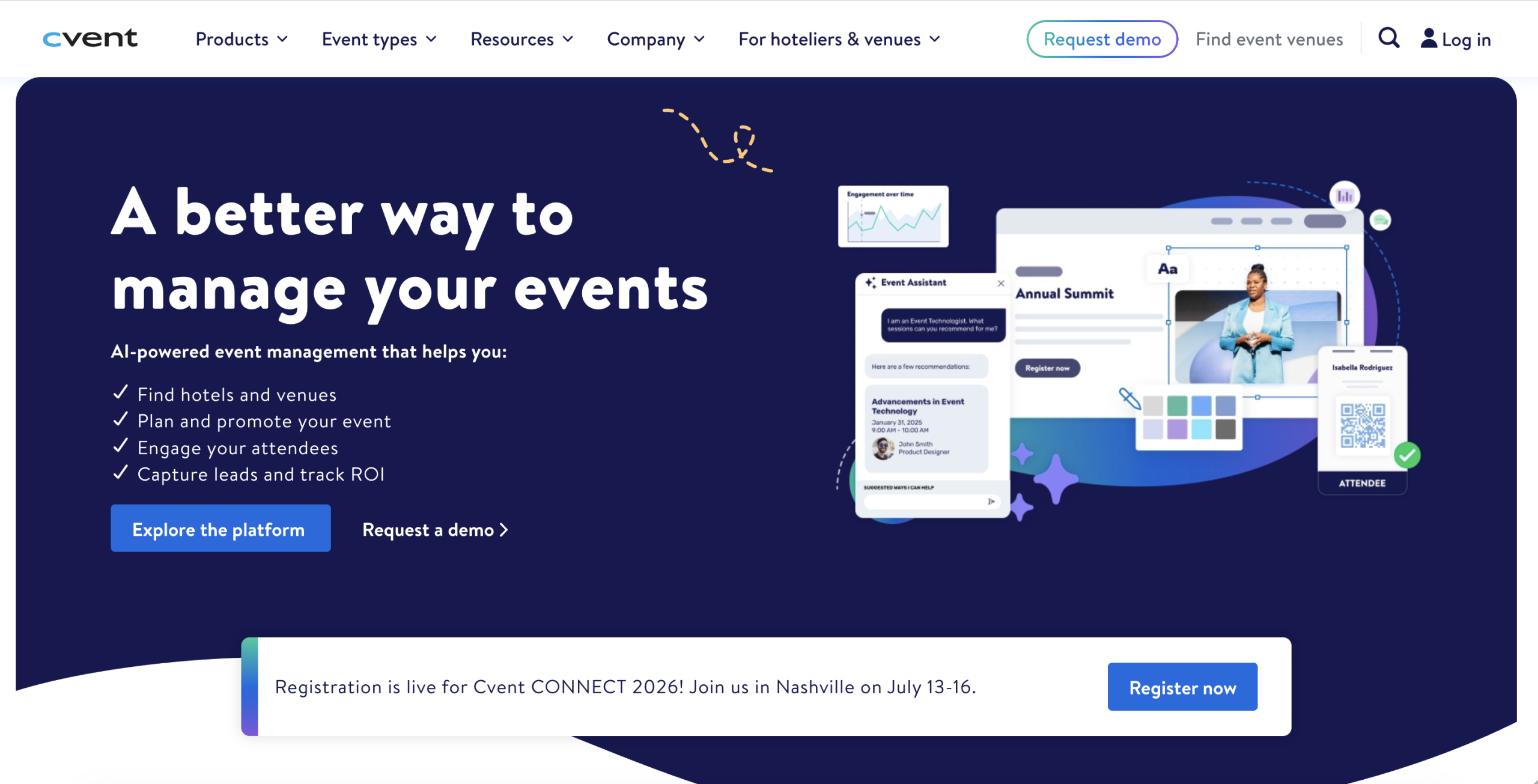
Best For: Enterprise-level professional societies throwing massive, multi-city international conventions.
Key Features
- Robust registration workflows that handle thousands of attendees across multiple venues
- Built-in supplier network to source venues and compare hotel rates
- Onsite check-in kiosk that lets your registration desk print wireless attendee badges on demand
- Customized registration that lets different member tiers through unique payment and session checkout
Pros
- Excellent for large-scale events
- Powerful reporting and automation tools
- Trusted by many enterprise organizations
Cons
- Higher pricing than many alternatives
- Can feel overwhelming for smaller associations
Pricing: Cvent does not publish standard pricing on its website. Pricing is provided through custom quotes.
3. Glue Up
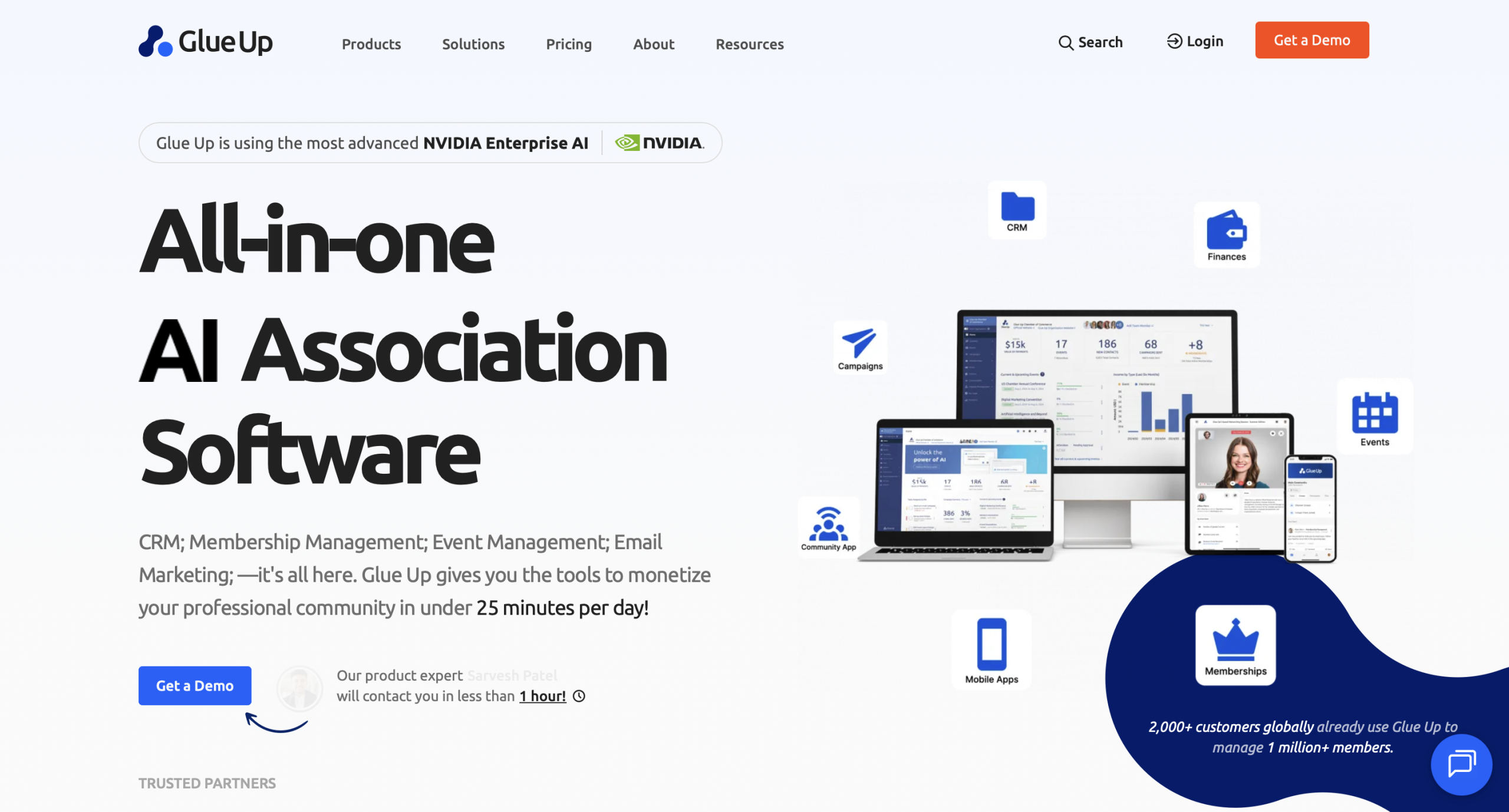
Best For: International associations looking to combine event management with community engagement and a built-in CRM.
Key Features
- Centralized contact database tracking member event history and engagement
- Automated email campaigns that send personalized invitations and event updates to every audience
- Chapter management tools that let regional teams organize their own events
- Built-in payment tools that support recurring dues and one-time event payments
- Mobile community app that helps members network before, during, and after every event
Pros
- Modern user interface that looks great on mobile screens
- Built-in community features to keep members chatting post-event
- Good automation for recurring tasks.
Cons
- Advanced customization can be limited
- Some features require higher-tier plans
Pricing: Glue Up offers three pricing tiers. The Professional plan starts at $3,000 to $6,500 per year and includes core features for membership management, event management, CRM, email communications, online payments, and marketing emails. The Advanced plan ranges from $8,000 to $18,500 per year, adding more automation, reporting, integrations, and tools for growing organizations. For larger associations, the Enterprise plan comes with custom pricing, so you’ll need to contact the sales team for a personalized quote based on your organization’s size and requirements.
4. MemberClicks
Best For: Small-to-medium trade associations wanting an easy way to run events alongside regular membership tasks.
Key Features
- Membership integration that verifies member status and applies the right registration fees
- Custom registration forms that collect attendee information during the sign-up process
- CE credit tracking linked to attendee participation and session attendance
- Financial reports that are ready to export into your accounting software
- Exhibitor portal where sponsors can manage booths
Pros
- Easy for small teams to use
- Smooth syncing between event attendance records and main member profiles
- Helpful customer onboarding and setup guidance
Cons
- Event features are not as advanced as conference-focused platforms
- Limited flexibility for large events
Pricing: MemberClicks does not publish pricing online. Request a quote.
5. Fonteva
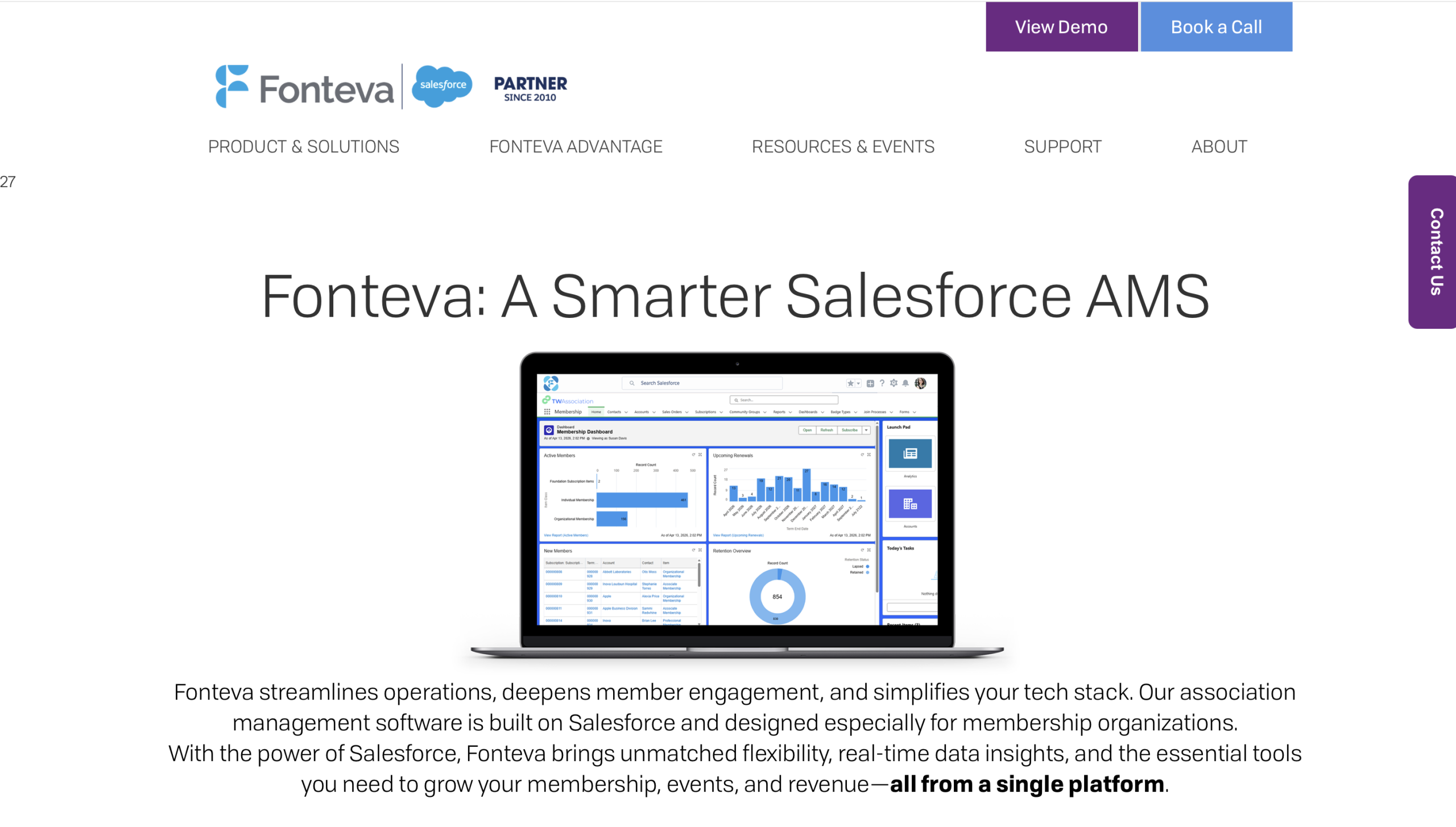
Best For: Associations that already use Salesforce and want event management built into their CRM.
Key Features
- Native Salesforce integration that keeps your event and member data synced automatically
- Multi-currency payment support for members and attendees around the world
- Committee management that keeps agendas and records organized
- Custom badges and flexible ticket types for every attendee group
- Real-time dashboards with insights into registrations and attendee activity
Pros
- Excellent choice for Salesforce users
- Unlimited custom fields and reporting configurations
- High level of scalability for growing global organizations
Cons
- Salesforce knowledge is often needed
- Setup can take longer than other platforms
Pricing: Pricing is quote-based and tied directly to your organization’s Salesforce user count and required features.
6. WildApricot
Best For: Small volunteer-led clubs and grassroots non-profits that need an affordable, easy-to-use platform.
Key Features
- Drag-and-drop website builder for creating event pages and registration forms
- Automated membership renewal emails with timely payment reminders
- Mobile event check-in with QR code and ticket scanning
- Online member directory that makes it easy to find and connect with members
- Interactive event schedule with speaker profiles and session information
Pros
- Simple setup requiring zero coding experience to get started
- Budget-friendly entry plans suitable for non-profits
- Free trial period available to test features
Cons
- Limited options for large conferences
- Advanced customization can be restrictive
Pricing: WildApricot’s pricing is based on the number of contacts in your database rather than the number of events you run. For 100 contacts, pricing starts at $66 per month with monthly billing. Choosing an annual plan lowers the cost to $59.40 per month (saving $79.20 per year), while a two-year prepaid plan reduces it further to $56.10 per month (saving $118.80 per year). As your contact list grows from 100 to 50,000 contacts, the monthly subscription cost increases accordingly.
7. EventMobi
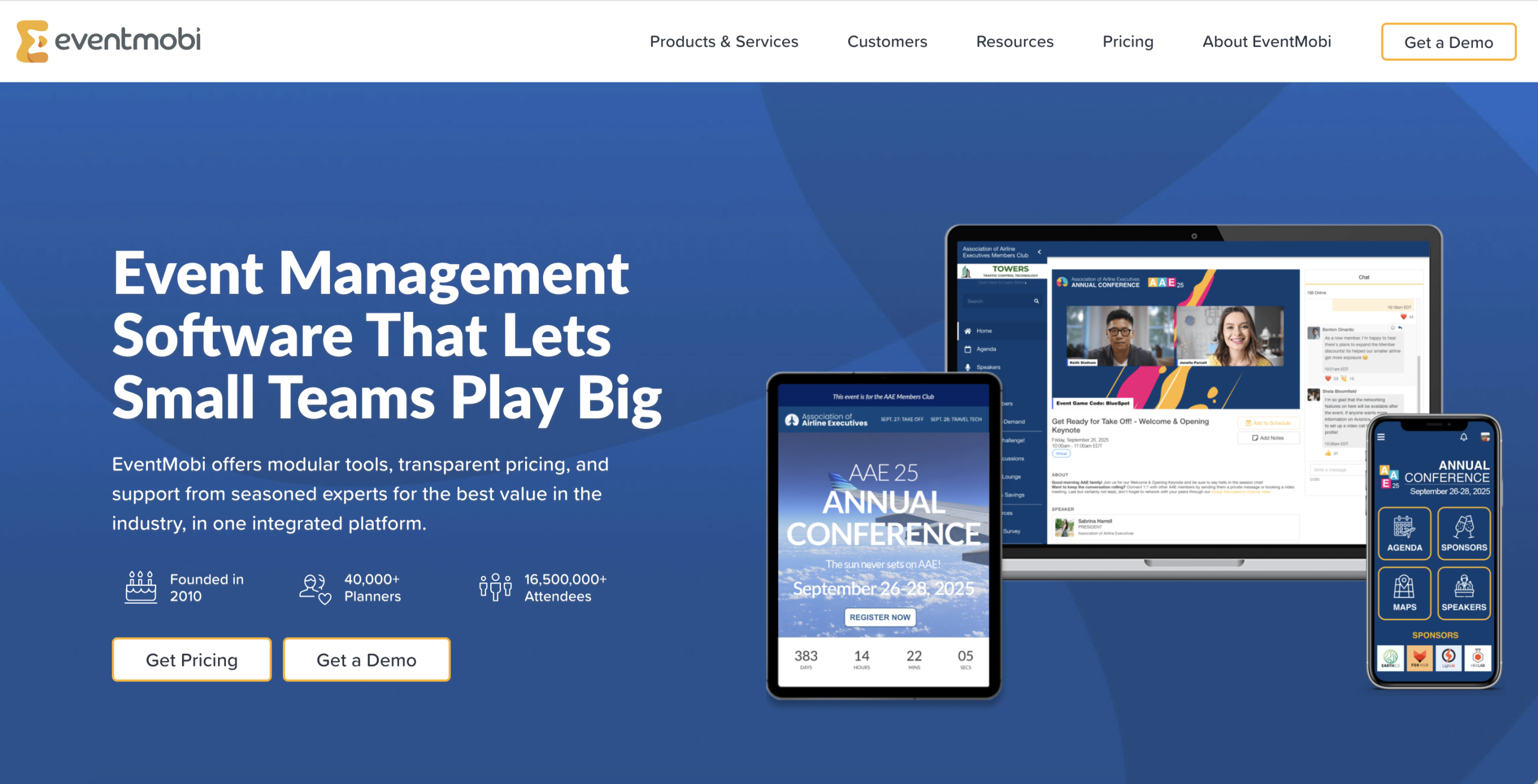
Best For: Associations that want to prioritize attendee engagement and gamified on-site experiences.
Key Features
- Customizable mobile event app with schedules, maps, alerts, and attendee networking
- Event gamification that rewards attendees with points and digital prizes for visiting sponsor booths
- Live audience polls and Q&A built into every session
- Digital signage that pushes real-time schedule updates onto screens around your physical venue
- Built-in virtual event platform for remote attendees to stream presentations and chat with physical attendees
Pros
- Mobile app interface is exceptionally intuitive
- Tools to keep audience engaged
- Great hybrid event features
Cons
- Membership management is limited
- Pricing can be expensive for smaller associations
Pricing: EventMobi offers two pricing options. The Per Event plan starts at US$3,500 per event, with costs varying based on your event size and selected products. The Per Year plan starts at US$7,900 per year and includes unlimited events, with pricing based on the total number of unique attendees across your annual events. Optional add-ons are available for an additional cost.
8. Stova
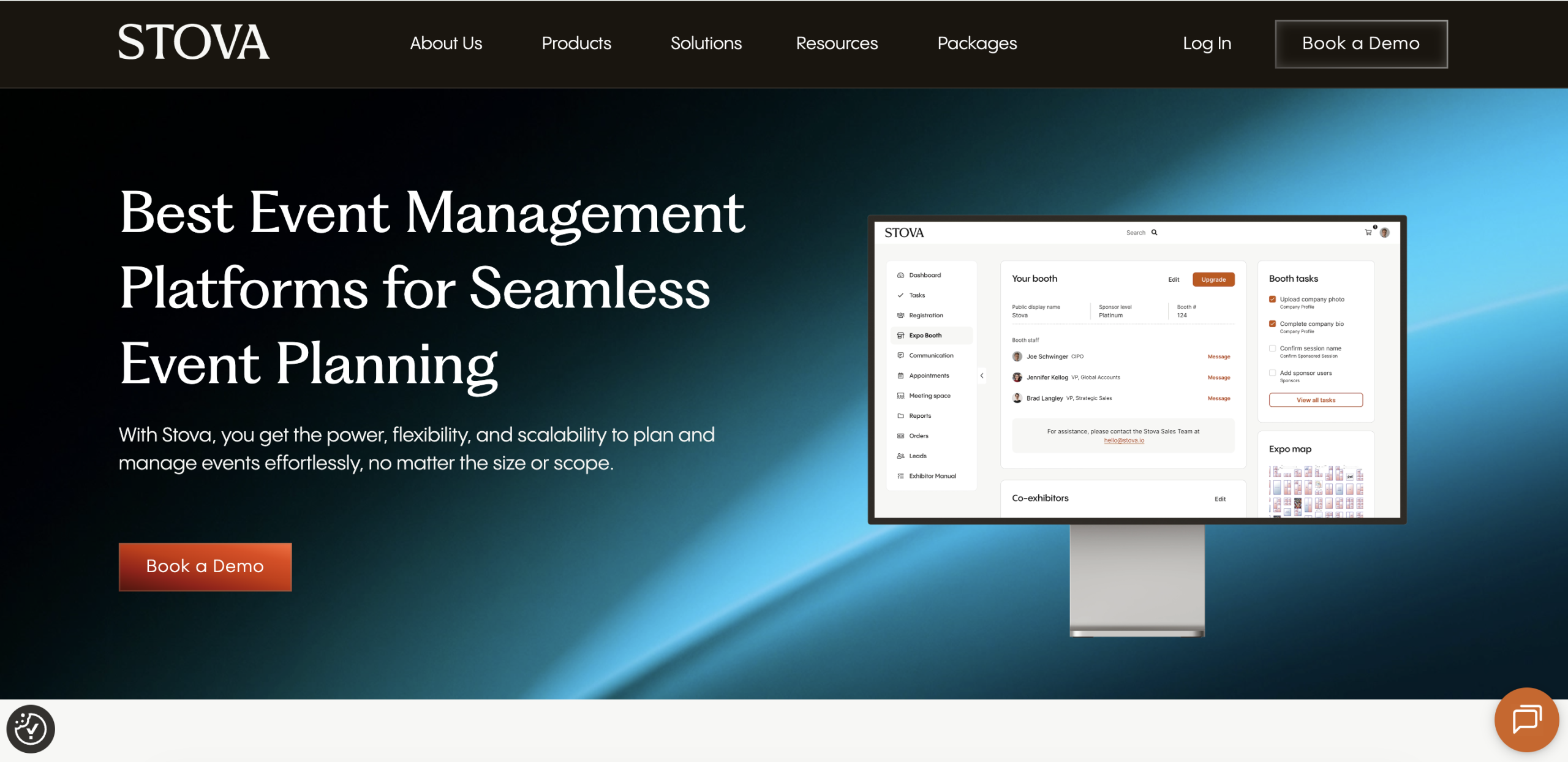
Best For: Large associations managing complex hybrid conferences requiring enterprise-grade streaming and logistics.
Key Features
- Comprehensive hybrid event setup connecting virtual viewers with live physical stages
- Advanced seating and room capacity management tools
- Custom website builder with full branding control and white-labeling options
- Onsite badge printing equipment and check-in hardware support
- Detailed attendee tracking showing session times and exhibit interactions
Pros
- Handles complex technical requirements for hybrid streaming
- Extensive customization options across web portals and apps
- Powerful security features protecting sensitive attendee data
Cons
- Not suited for small organizations
- Takes time to learn
Pricing: Stova offers three pricing tiers. The Core plan starts at $1,995, plus $3.00 per registration. The Pro plan starts at $5,995, with registration fees starting at $4.50 per attendee. For large-scale events, the Enterprise plan starts at $12,995, plus $5.60 per registration, and includes additional enterprise-level features and support.
9. Whova
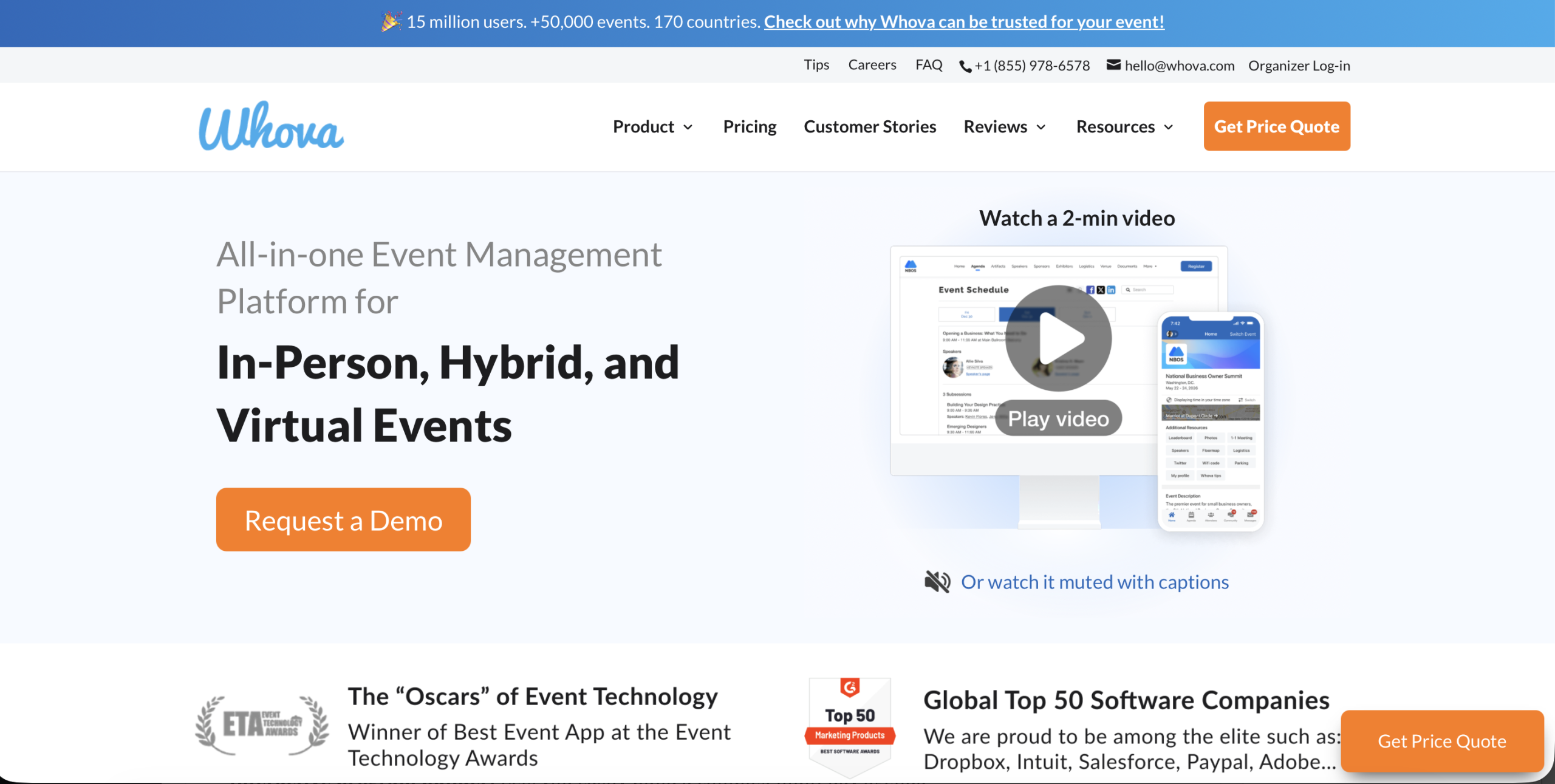
Best For: Mid-sized conferences aiming to spark attendee networking and active community discussions.
Key Features
- Discussion boards that help attendees network before, during, and after events
- Business card scanning for quick contact sharing and lead capture
- Marketing dashboard with ready-to-share event content and graphics
- Digital sponsor booths for sharing company information and promotional content
- Offline event app that works even without an internet connection
Pros
- Community board creates massive attendee participation before events even start
- Highly rated mobile app
- Quick implementation compared to a few enterprise software solutions
Cons
- Lacks year-round membership CRM tracking
- Custom branding limits exist on standard tier packages
Pricing: Whova provides customized per-event quotes that scale alongside your estimated attendee count and required feature add-ons.
10. EventsAir
Best For: Global associations running international conventions that demand absolute data control and security.
Key Features
- Task management with shared timelines to keep every project moving forward
- Exhibitor portal where vendors can book booths and manage event details
- Enterprise-grade security with support for global data privacy regulations
- Interactive floor plan tools for designing and managing exhibition spaces
- Built-in abstract submission and review management
Pros
- Packed with specialized features for VIP management
- High level of data security
- Flexible customization options
Cons
- Interface might feel dated compared to newer platforms
- Can require extensive training to use all features
Pricing: EventsAir offers custom pricing based on your organization’s requirements. Since pricing isn’t publicly listed, you’ll need to contact the sales team to discuss your event needs and receive a quote.
Common Event Management Challenges for Associations
No association sets out thinking, “Let’s make event planning complicated.”
Yet somehow, registrations pile up, volunteers need updates, speakers change schedules, sponsors have questions, and someone always emails five minutes before the event asking where to go.
That’s exactly why many organizations invest in event management software for associations. It helps your team stay on top of every detail without the extra hassle.
Here are the common challenges you probably know too well:
- Managing member registrations without double-booking or losing track of who paid what
- Coordinating volunteers who sometimes ghost you right before the big day
- Speaker scheduling changes where last-minute slide updates and room swaps throw off the entire timeline
- Sponsor management when every sponsor has different requests
- Multi-track conferences with sessions running at the same time and attendees wanting to be in two places at once
- Hybrid events where both in-person and virtual attendees expect a great experience
- Keeping members engaged before, during, and after every event
- Reporting ROI to prove your events are worth the budget and keep stakeholders satisfied
Sound familiar?
That is why event software for professional societies is such a game changer. Investing in one is the easiest way to take the pressure off your shoulders.
Why Associations & Professional Societies Choose Dryfta?
By now, you’ve probably seen that associations need more than a basic event platform. Managing members, events, registrations, and engagement all from one place is much easier with software built specifically for associations.
That is exactly why top groups around the world rely on Dryfta as their go-to association event management software.
Let’s look at exactly why this platform has become the preferred choice in recent times:
-
Built for Conferences and Membership Events
- Annual conferences: Easily manage thousands of attendees and international guests without breaking a sweat.
- Member meetings: Organize member-only events that help your community stay connected throughout the year.
- Workshops: Set attendance limits and manage workshop registrations with ease.
- Training events: Keep attendance records and award continuing education credits automatically.
- Scientific congresses: Leverage specialized features tailored explicitly for the heavy academic demands of top-tier event software for professional societies.
2. End-to-End Event Management
- Registration: Launch professional registration forms that capture exact attendee details securely.
- Ticketing: Create flexible pricing rules for early birds, groups, VIPs, and student passes.
- Event websites: Build stunning, fully branded landing pages using a simple drag-and-drop editor.
- Speaker management: Collect biographies and final presentation files through upload portals.
- Agenda planning: Create multi-track agendas that attendees can browse and filter easily.
- Mobile app: Keep attendees informed with schedules and live notifications.
- Networking: Spark meaningful peer-to-peer conversations with smart matchmaking and private text chats.
- Sponsors: Drive valuable ROI for your corporate partners with dedicated digital booths and prime logo placements.
- Exhibitors: Manage vendor booth maps and lead retrieval tools with absolute precision.
- Certificates: Automatically generate and send participation certificates after the event.
- Analytics: Track real-time ticket sales and financial trends to prove your overall success.
3. Membership & Engagement
- Personalized registration: Returning attendees can register faster with their information filled in automatically.
- Member-only events: Limit access to selected sessions or events based on membership status.
- Networking: Help attendees connect before the event by browsing profiles and scheduling meetings.
- Session recommendations: Suggest sessions based on each attendee’s interests and registration choices.
- Communication tools: Send personalized emails to different registration groups.
Why Does Dryfta Stand Out?
There are plenty of options on the market, but Dryfta stands out for organizations looking for an all-in-one platform built specifically for associations.
- Association-focused workflows: We built our platform around the way associations and non-profits plan events and work every day.
- Academic and professional society expertise: We understand abstract management and peer review, making our platform a trusted event software for professional societies.
- Flexible customization: You can customize forms and branding to match the way your organization works.
- All-in-one platform: You get one centralized database that keeps all your event and member data in one place.
- Scalable for small and large organizations: Our platform grows with your organization, whether you’re hosting 50 attendees or 50,000.
Ready to see how it all works together? Book a free demo and see why so many associations and professional societies trust Dryfta and discover why it is the ultimate event management software for associations!
Frequently Asked Questions
- What is event management software for associations?
Event management software for associations is an all-in-one digital toolkit built specifically to handle the needs of member-based groups. Unlike basic ticketing tools, this software manages everything from member-only discounts and multi-track conference schedules to automated certificate issuing and sponsor packages, all from a centralized dashboard.
- What features should association event software include?
To keep your events running without a hitch, look for these core features:
- Automated member registration with tier-based pricing
- Seamless database and event CRM sync
- Self-service speaker and abstract management
- Custom mobile apps for attendee schedules and interactive networking
- Live hybrid streaming support
- Built-in lead collection tools for sponsors and exhibitors
- Visual analytics dashboards for post-event reporting
- Which software is best for professional societies?
When it comes to event software for professional societies, Dryfta stands out as a top choice. Built specifically for academic organizations, Dryfta combines registration, ticketing, scheduling, and community networking with robust abstract management and peer review tools. With Dryfta in place, you can effortlessly manage abstract submissions and host virtual or in-person conferences seamlessly.
- Can association event software integrate with membership CRMs?
Yes, and it should. The right event management software for associations syncs with your membership CRM so you always know who is active and who needs a nudge to renew. They must be designed to connect directly with popular membership databases and CRMs. This two-way sync ensures that attendee records update across all your systems instantly.
