




If you’ve ever managed an event and found yourself dealing with too many spreadsheets, email threads, and constant last-minute changes, you’re not alone. At some point, most teams reach a stage where their tools start causing problems, and they explore new event planning software or question whether their current setup truly supports their needs.
Whatever brought you here, this guide will help you make a more informed decision.
What is Event Planning Software?
Event Planning Software is an all-inclusive Digital Platform that takes care of everything from start to finish throughout the life cycle of an event. This way, you do not have to worry about making simple mistakes, nor will you need to keep track of every update.
Organizers use it to manage registrations, build event websites, schedule speakers, and coordinate vendors without constant back-and-forth. On the day of the event, it can power check-ins, networking, and live interactions, keeping things organized.
Here’s what it typically covers:
Registration and ticketing with automated workflows
Event website creation with branded pages
Agenda and speaker management without manual chaos
Onsite tools like check-ins, apps, and engagement features
Real-time data and analytics to measure performance
How to Choose Event Planning Software?
When comparing online event planning software, focus on the basics that actually influence your operations and attendee experience.
-
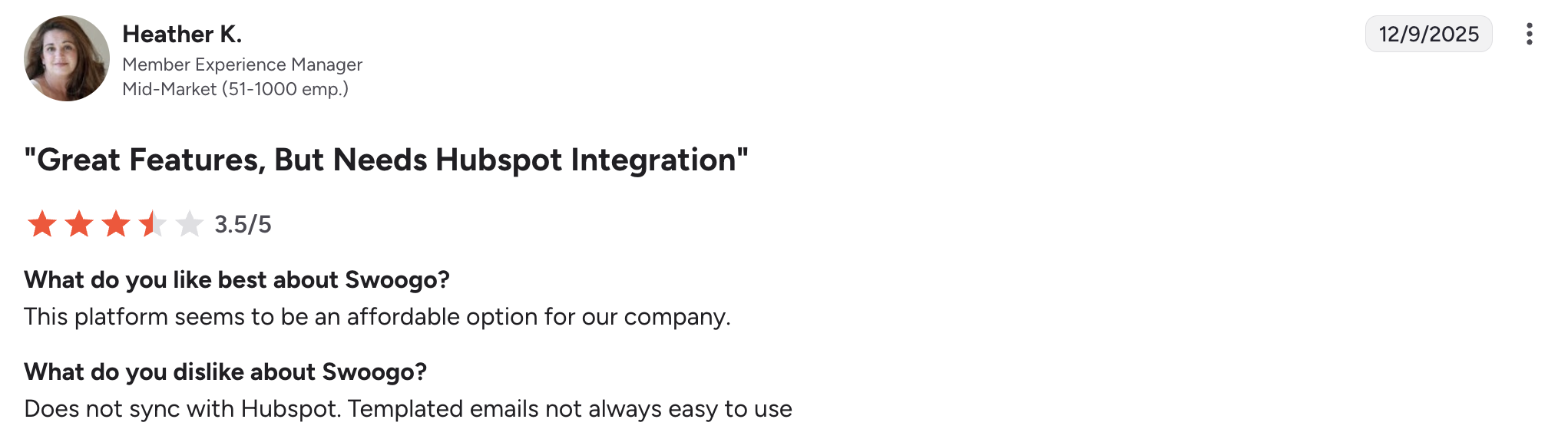
- Reputation: Read what actual customers have said about their experience using that particular event planning software. Most review sites (like G2) give insight as to whether or not it’s user-friendly and how responsive the technical support was when something did break down.
- Early payouts: Event planners don’t realize just how important cash flow is. Accessing funds early through a platform lets you pay vendors, cover unexpected expenses and more without having to build an emergency fund.
- Reliability: The software for event planning should remain online and not experience frequent problems. Even a brief outage in a ticket sale window can cost you a significant portion of revenue and cause your team needless stress.
- Data Protection: Protecting attendees’ payment and personal information should be a top priority. Make sure your selected event planning software meets some form of standard, such as Payment Card Industry Data Security Standard (PCI DSS) and System and Organization Controls 2 Type II (SOC 2 Type II).
- Ticket fees: Be careful of the amount that the event planning software charges per ticket. Reduced charges are a real difference in the long run, and free tickets must not be accompanied by hidden charges that eat up your budget.
Why Most Event Teams Struggle With Event Planning?
Event Teams often struggle to manage information effectively because they use multiple tools and documents to store their registration data, vendor information, and marketing materials. This makes it very difficult for these teams to create a single place where everyone can reference, serving as a single point of truth.
Small mistakes such as double bookings and missing attendee information become commonplace. The team spends more time cross-checking than improving the event experience. However, things get worse if the event team has not established specific milestones throughout their planning process.
What to Look for in Event Planning Software (And What to Ignore)
The key to a good online event planning software is its reliability and compatibility with the tools you already have. When your registration system is not compatible with your email campaigns or financial tracking, you are simply adding another system that is not connected to the rest of your systems.
A time-saving event management software that helps save hours of manual work per week provides much more value than a tool loaded with features that you hardly use.
What to look for:
-
- Integration with CRMs (Salesforce, Hubspot), where attendee information remains consistent across teams.
- Automatic workflow generation, which takes care of confirmations, invoices, and reminders without requiring a manual process.
- A mobile interface that is both user-friendly to organizers on the ground and attendees at the event.
- Reporting tools indicating real-time figures on revenue and session interest.
- Support in case something goes wrong during the event.
What to ignore:
-
- Complex 3D environments that most attendees find difficult to use or just ignore.
- Adding gamification elements to your event experience if they do not add a tangible benefit to either networking or learning.
- Having branding control options that require extensive coding knowledge in order to make basic design modifications.
- Offering unlimited user access if the online event planning software is difficult to use, limiting consistency among teams.
- Investing in advanced AI features when many of the basic registration functions are either slow or unreliable.
Latest Trends in Event Planning Software
The event tech sector has evolved well past providing logistical & registration features. Modern platforms are focused on automating many processes, making each attendee’s experience as customized as possible. The trend here is that event software is no longer simply supporting the event. Event planning software is actually shaping how each attendee interacts with the event from start to finish.
Few trends worth keeping up with:
- AI-powered automation: Modern event platforms use artificial intelligence to automate tasks such as generating marketing copy, running chatbots, matching attendees, and automating workflows, so teams spend less time on repetitive tasks.
- Hybrid event dominance: As hybrid events continue to gain popularity, event planning software is focusing on developing a single system for all aspects of the event experience for both in-person and virtual attendees.
- Data-driven personalization: Today’s event planning software can measure attendee activity and preferences. It then uses this information to recommend specific sessions or opportunities for attendees to network.
- Mobile-first event experiences: Smartphones have become the center of attendee engagement, powering live polls, networking, schedule updates, notifications, and real-time event interactions.
Event Planning Software: A Comparison Table
|
Software |
Best For |
Pricing Model |
Key Features |
Limitations |
Rating (G2) |
|
Dryfta |
Academic conferences |
Transparent pricing |
Abstracts, peer review, scheduling, CRM, analytics |
More focused on academic events |
4.8 / 5 |
|
Cvent |
Large corporate events |
Custom pricing |
Venue sourcing, registration, CRM |
Expensive, complex setup |
4.3 / 5 |
|
Eventbrite |
Small events |
Free + ticket fees |
Ticketing, event promotion |
Limited advanced features |
4.3 / 5 |
|
Bizzabo |
Corporate events |
Custom pricing |
Engagement tools, analytics, hybrid events |
High cost |
4.3 / 5 |
|
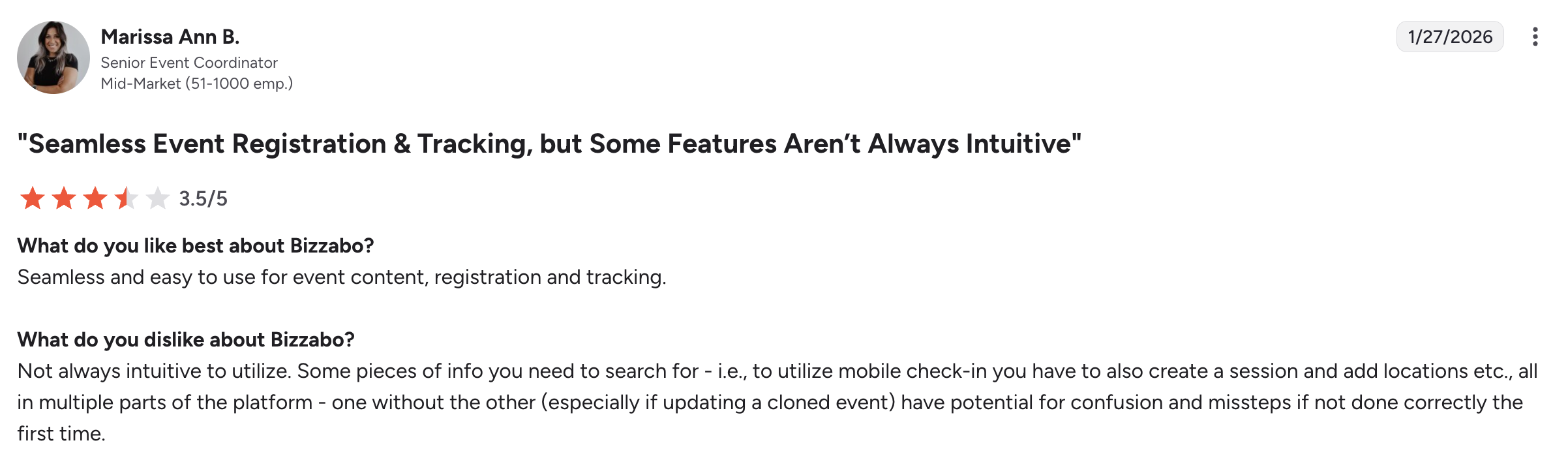
Whova |
Networking events |
Tiered pricing |
Mobile app, engagement tools |
Less customization |
4.8 / 5 |
|
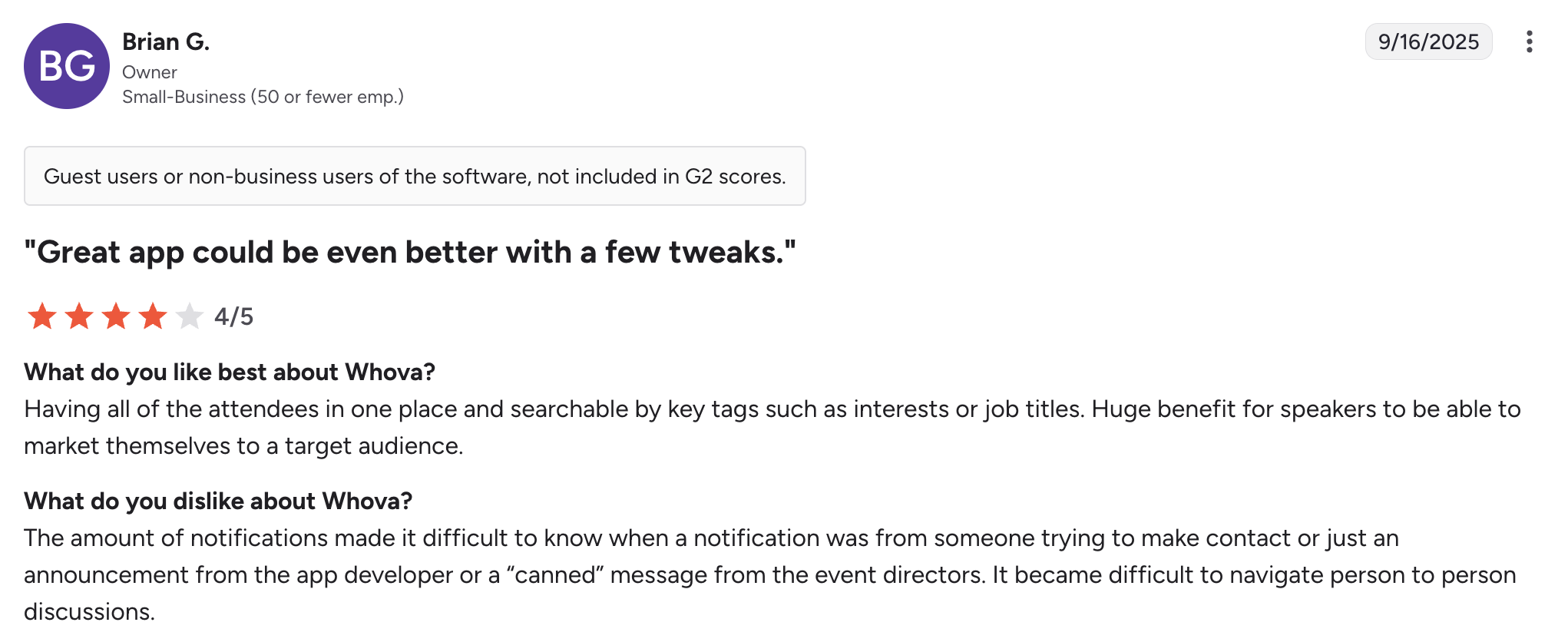
Swoogo |
Custom setups |
Flat pricing |
Website builder, flexible registration |
Setup takes time |
4.9 / 5 |
6 Best Online Event Planning Software
Here are six online event planning software options that stand out for different use cases and team needs.
1. Dryfta
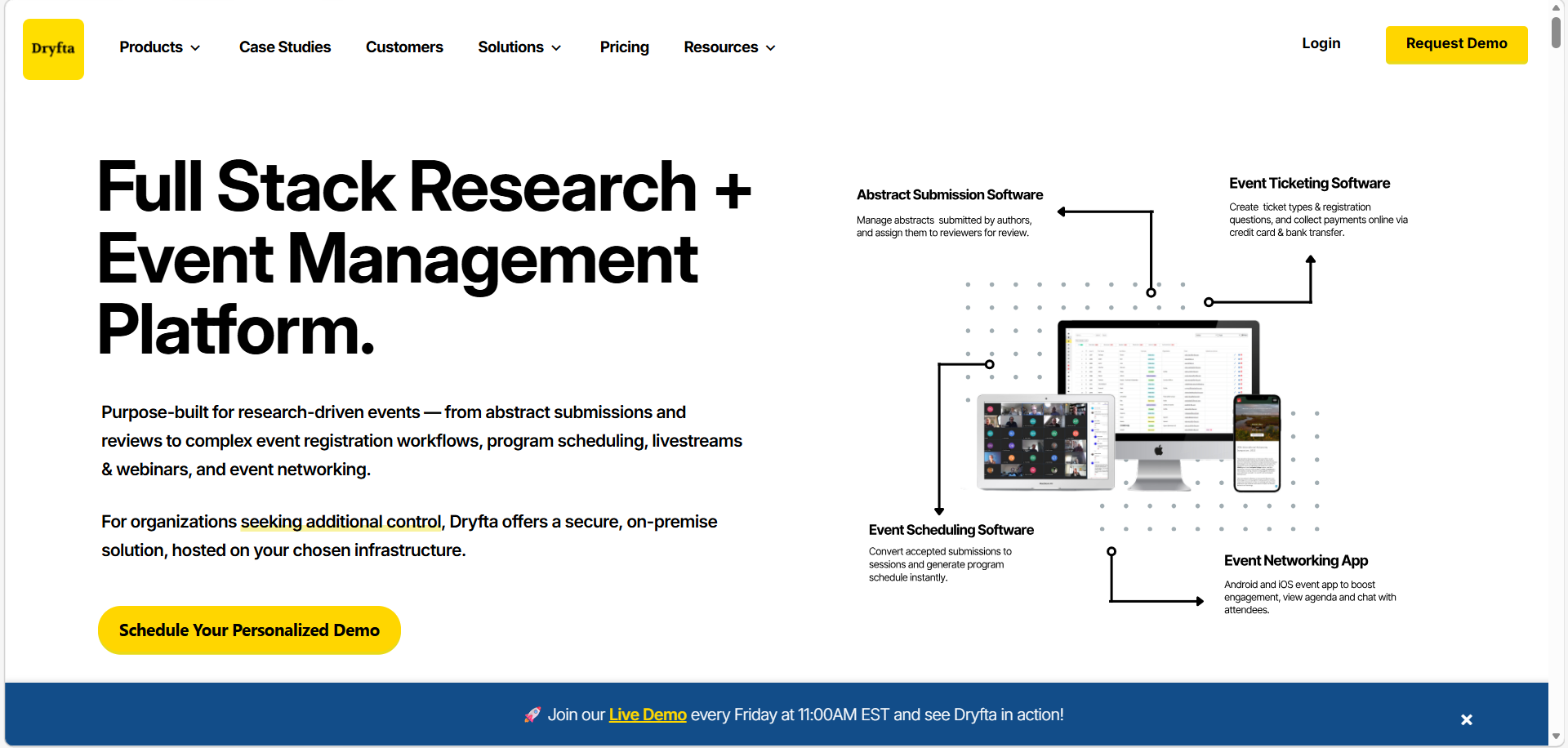
Dryfta stands as the most sophisticated, all-in-one event planning software, specifically engineered to meet the rigorous demands of academic conferences, research symposia, and professional associations. The event management software goes beyond basic ticketing and handles the full journey of an event, from collecting research submissions to organizing sessions and sharing final outputs.
Key event planning features:
-
- A fully-fledged abstract management system to collect, organize and monitor research paper submissions across various tracks.
- Inbuilt peer-review processes enable reviewers to review, rate, and accept submissions in a safe, organized portal.
- An integrated program builder to automatically generate a multi-track schedule from accepted abstracts.
- Native mobile app for Android and iOS devices synchronize in real time and provide attendees with their own personal agenda and detailed information for each session.
- An efficient CRM system for events to track attendee engagement and participation history at each event.
- Automated certificate generation for sending out customized participation certificates based on attendee data.
Review:
2. Cvent
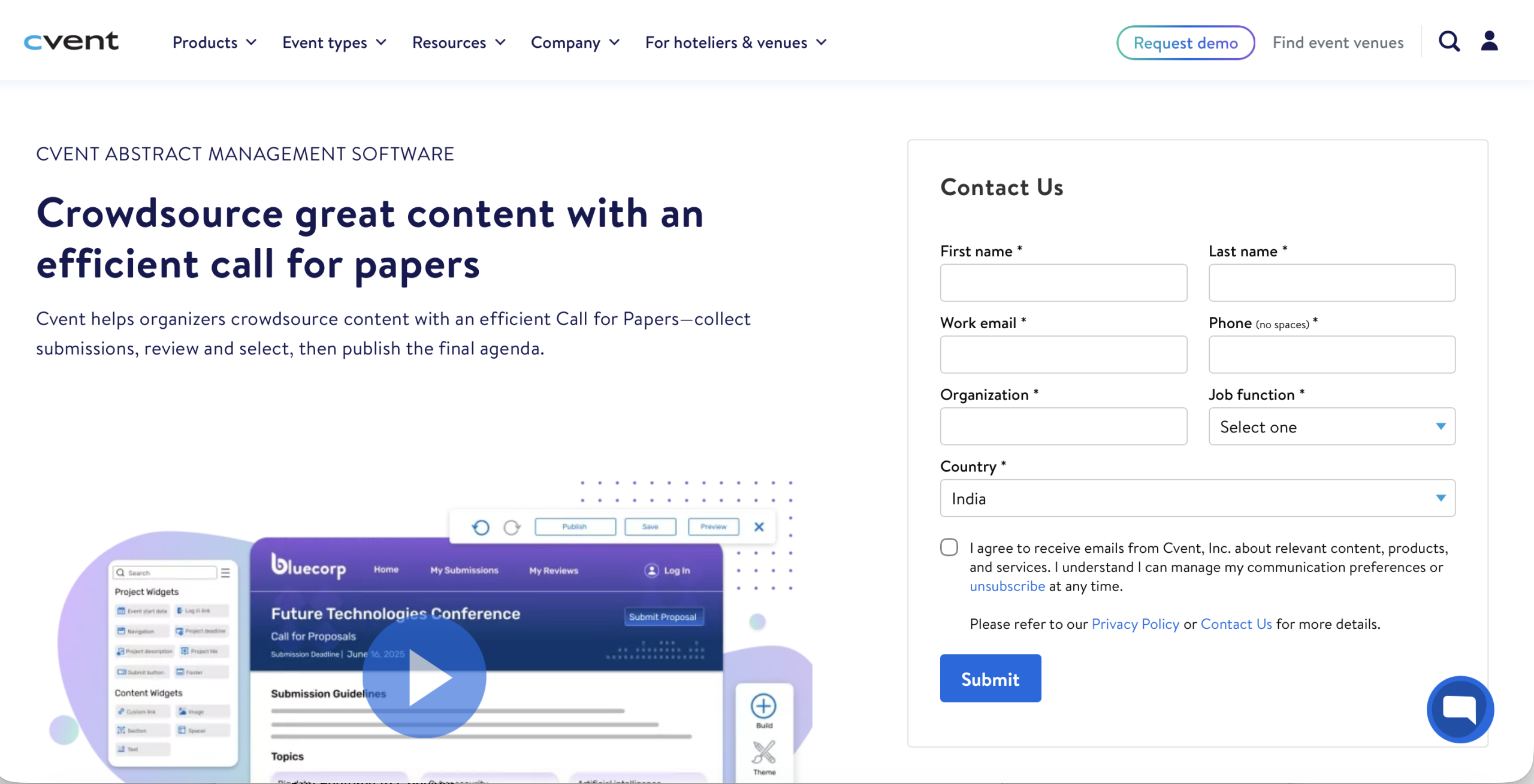
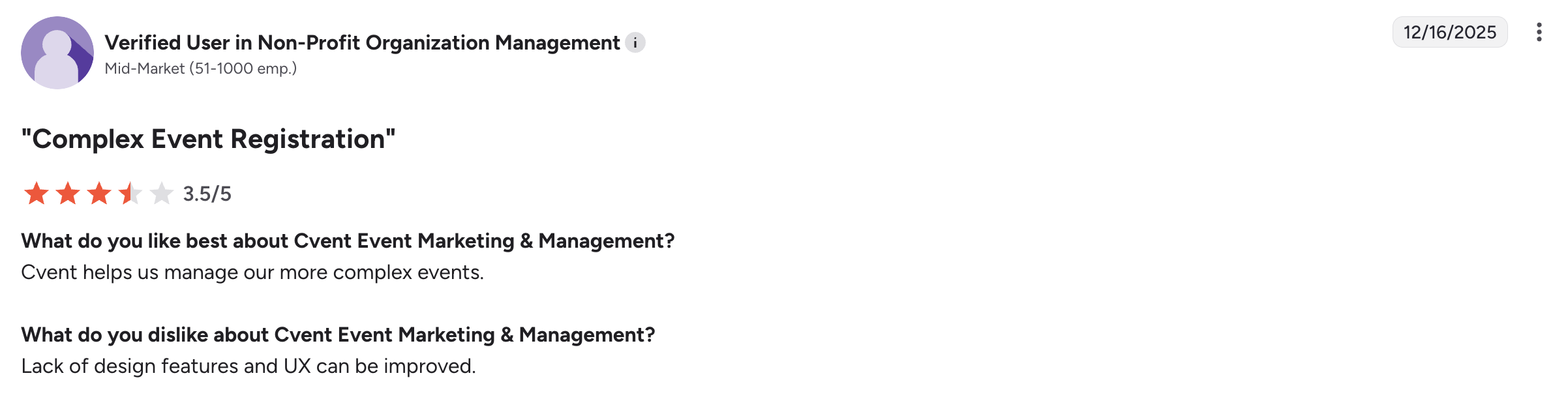
Cvent is most effective for enterprise teams that plan large-scale, complex events across multiple venues and stakeholder groups.
Key event planning features:
-
- Thousands of hotels and convention centers can receive an RFP simultaneously through Cvent’s Global Venue Sourcing Network.
- Advanced registration processes deal with the complicated ticketing based on attendee roles, access levels, or membership status.
- In-room block management that helps you monitor hotel reservations and visitor stay patterns in real time.
- On-site services like badge printing and lead retrieval systems will make exhibitor interaction easier.
- Deep CRM integrations synchronize attendee behavior and event data directly with Salesforce.
Why choose Cvent?
-
- Cvent supports large, multi-day global events without performance issues.
- High compliance and security levels meet strict corporate and government standards.
- Marketing and logistics can be handled by teams in a single system to eliminate fragmented data.
- Financial tracking tools are useful in justifying event spend and measuring ROI.
- 24/7 support means assistance during live events when needed.
Review:
3. Eventbrite
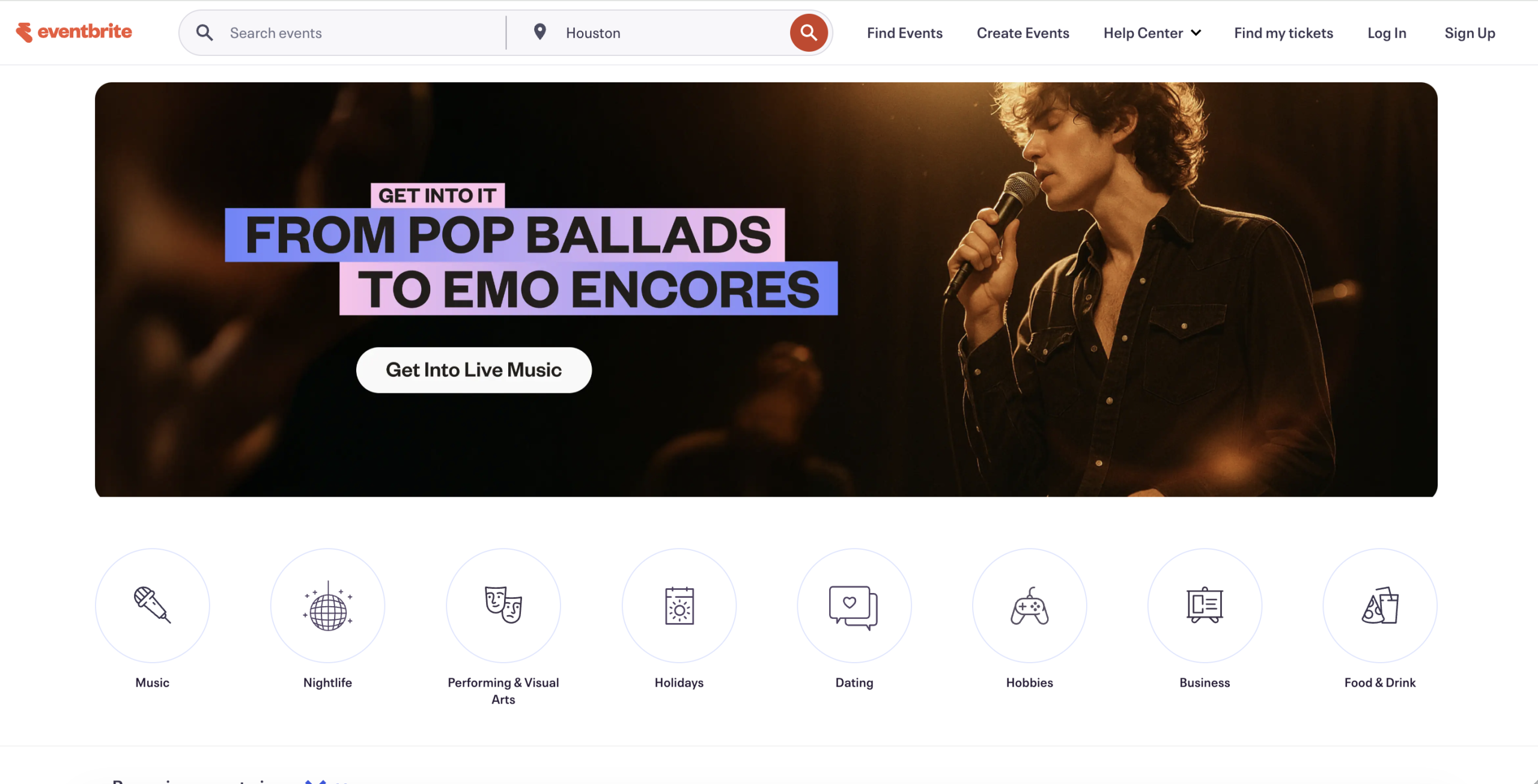
Eventbrite is an excellent choice if you are looking for a way to host a simple public event and have it be easily visible to your target audience.
Key event planning features:
-
- It has a large marketplace that promotes your event to users in close proximity to the event and who have expressed an interest in attending events similar to yours.
- The mobile organizer app lets event teams scan tickets and control entry.
- Social media checkout lets visitors buy tickets without leaving platforms like Facebook or Instagram.
- Multiple payment options are available for organizers to receive funds from ticket sales prior to the event date.
Why choose Eventbrite?
-
- Eventbrite is free for events that do not charge for tickets.
- You can create a live registration page for your event in minutes without requiring any technical assistance.
- Each event listing includes all relevant details and is indexed by search engines.
- A known checkout procedure enhances the likelihood of ticket purchases.
- Eventbrite provides sales analytics for the channels that generate the most registrations.
Review:
4. Bizzabo
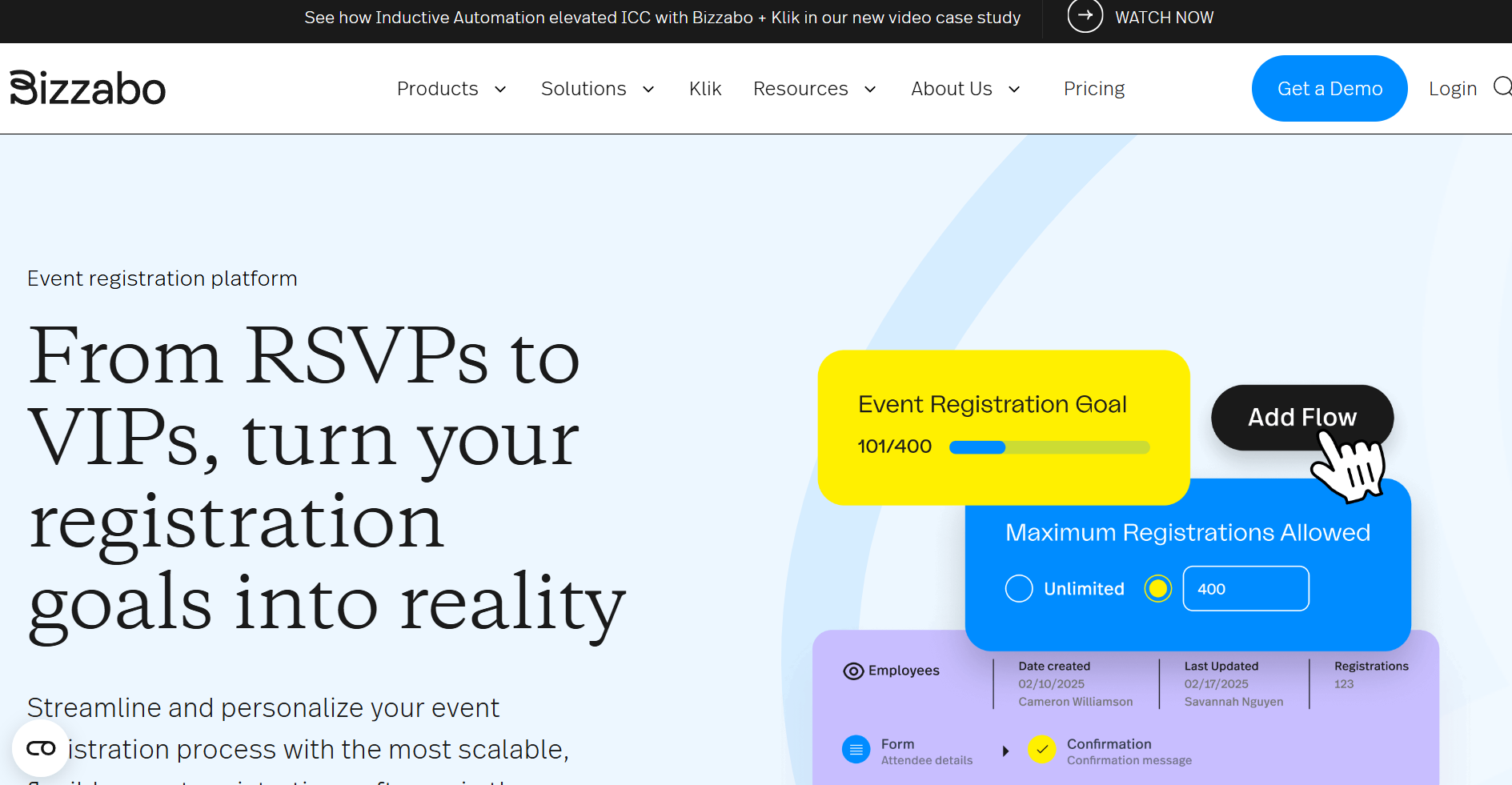
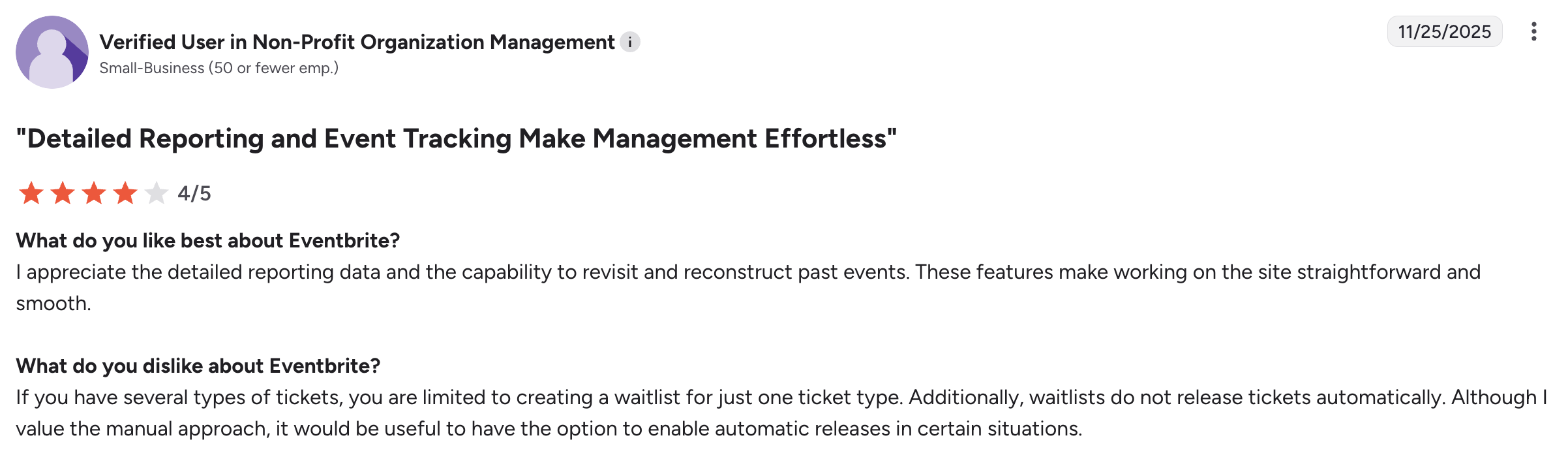
Bizzabo is a contemporary corporate event planning software that values branding, engagement, and quantifiable outcomes.
Key event planning features:
-
- Speaker and agenda management software make it easier to plan a big, content-intensive event.
- Individual attendee experiences vary depending on user profiles.
- Event data is automatically synchronized with marketing and sales systems using data orchestration tools.
- Wearable technology aids in contact exchange and session tracking at live events.
- AI-driven networking uses attendees’ common interests to suggest relevant connections.
Why choose Bizzabo?
-
- Bizzabo’s interface is designed to be more intuitive and easier to learn than many traditional corporate event planning software.
- Hybrid event support provides both physical and virtual participants with a similar experience.
- Advanced analytics offer more in-depth insights into engagement beyond simple metrics.
- Bizzabo’s integration with collaboration tools will help streamline communication internally throughout the planning process.
- Web building tools give you full control over your branding and digital presence.
Review:
5. Whova
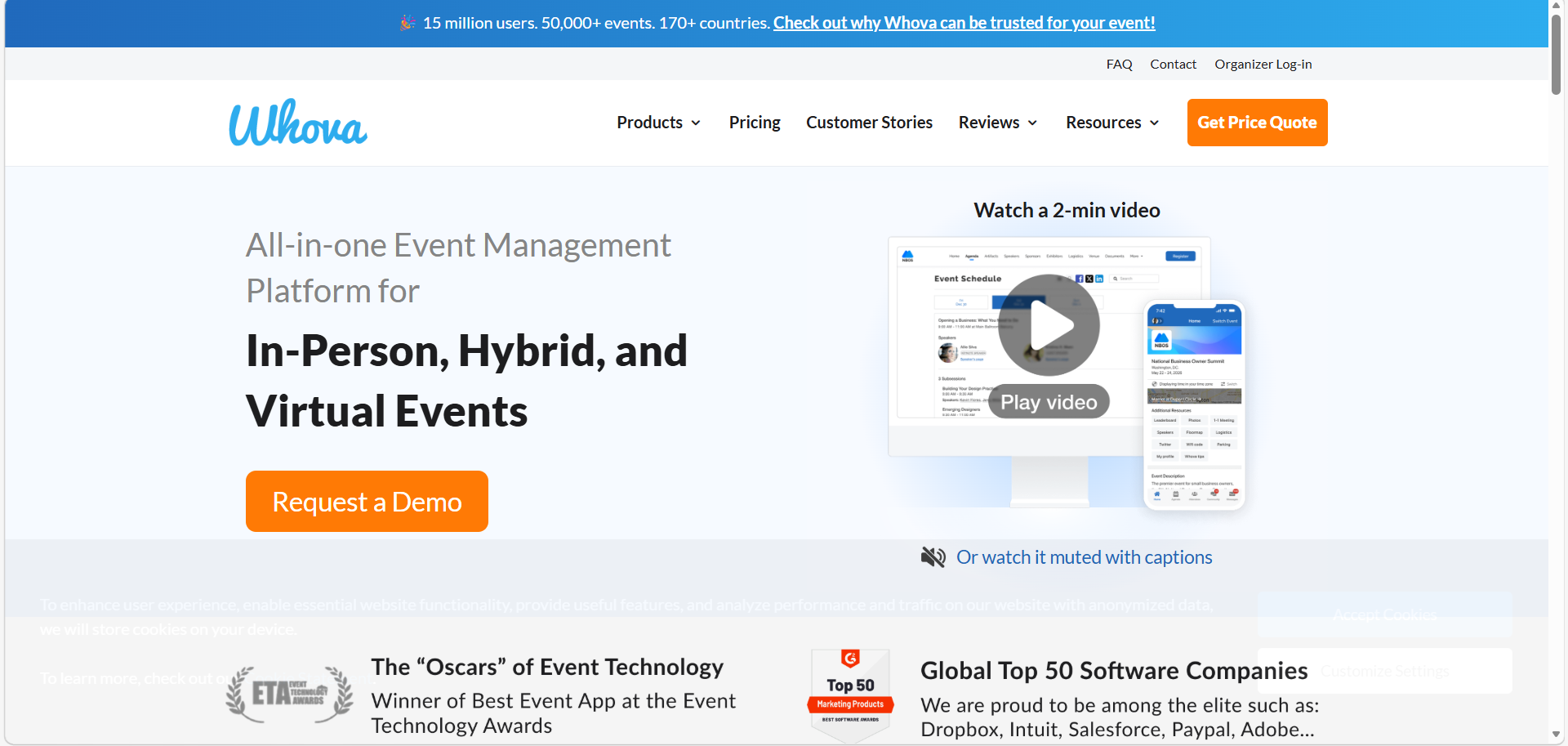
Whova pays close attention to attendee engagement, particularly through its mobile application. It is effective in events where networking and interaction are more important than complex backend customization.
Key event planning features:
-
- The community board lets attendees communicate and arrange meetups during the event.
- Automated badge generation pulls attendee information from registration forms automatically, so you do not have to spend extra time.
- Digital content galleries help sponsors and exhibitors display materials to both physical and online audiences.
- Live polling and Q&As promote engagement during presentations and sessions.
- Lead retrieval systems let exhibitors retrieve and handle attendee information effectively.
Why choose Whova?
-
- Whova has a high attendance and application rate.
- The dashboard makes it easy to manage multi-track agendas and extensive speaker lists.
- The pre-event networking feature helps build momentum before the event begins.
- Interactive features such as Gamification are available without breaking the bank.
- Responsive customer support will have you set up and ready to go quickly.
Review:
6. Swoogo
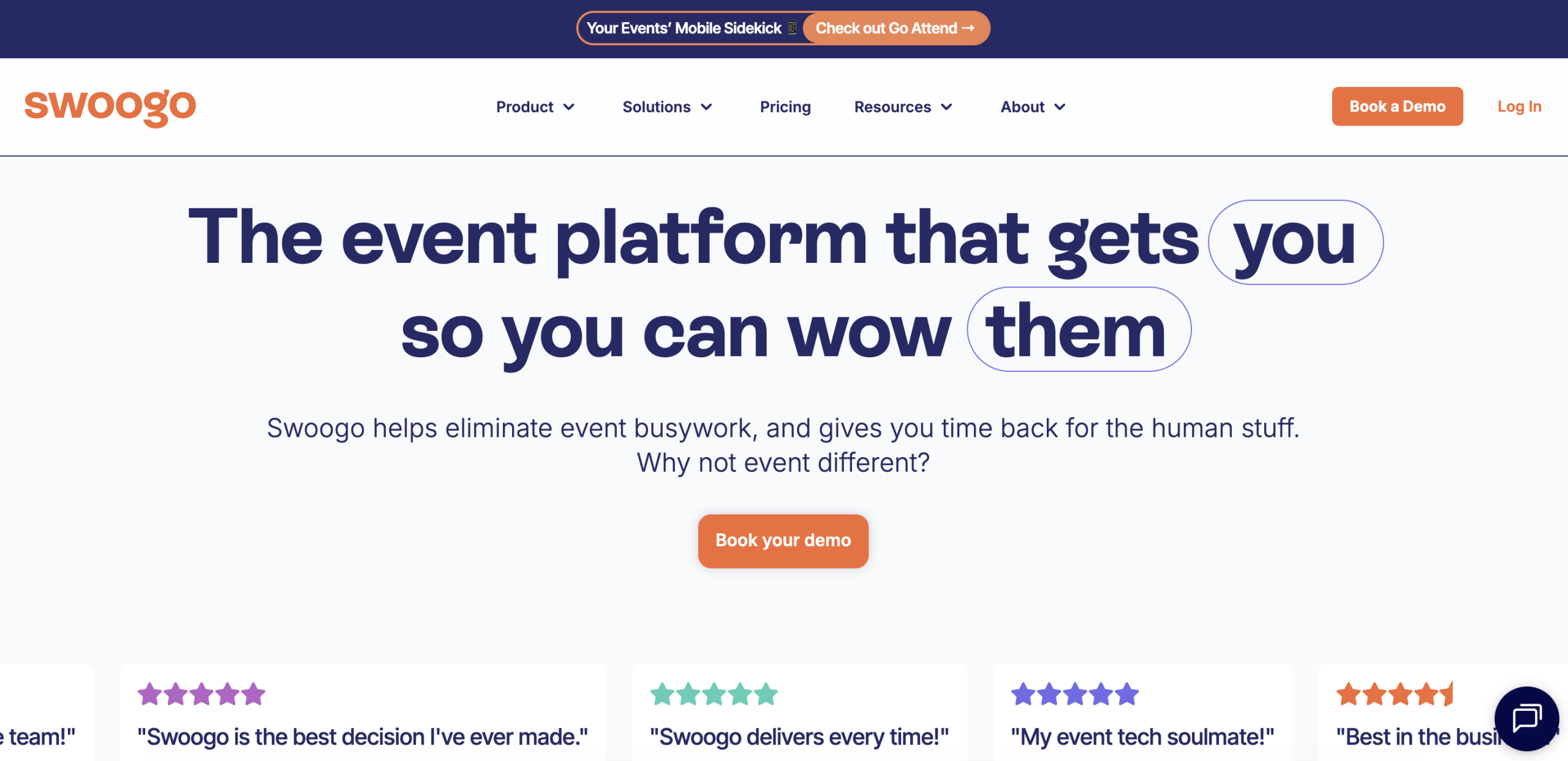
Swoogo lets event planners be creative in designing their own event registrations and websites using their choice of templates. This is ideal for planners who want complete control over the function and design aspects of their event site.
Key event planning features:
-
- A drag-and-drop website builder enables teams to make fully customized event pages without coding.
- Advanced conditional logic allows extremely customized registration flows depending on attendee data.
- Multi-event management tools assist various teams operating events on the same account.
- Waitlist and capacity tools automatically manage registrations and notify attendees when spots open.
Why choose Swoogo?
-
- Flat pricing means you won’t be paying higher fees as your number of registrants increases.
- Swoogo is easily integrable with other tools via a flexible API.
- Swoogo strikes a balance between offering very powerful features and also providing ease-of-use for small teams.
- Automation features cut down on manual labor and enhance efficiency.
G2 Review:
Best Event Planning Software by Use Case
Choosing the right platform comes down to one thing: finding software that fits your event, not forcing your event to fit the software. Some tools work better for academic workflows, while others focus more on networking, branding, or large-scale logistics. Here’s how the leading platforms stack up across different event types.
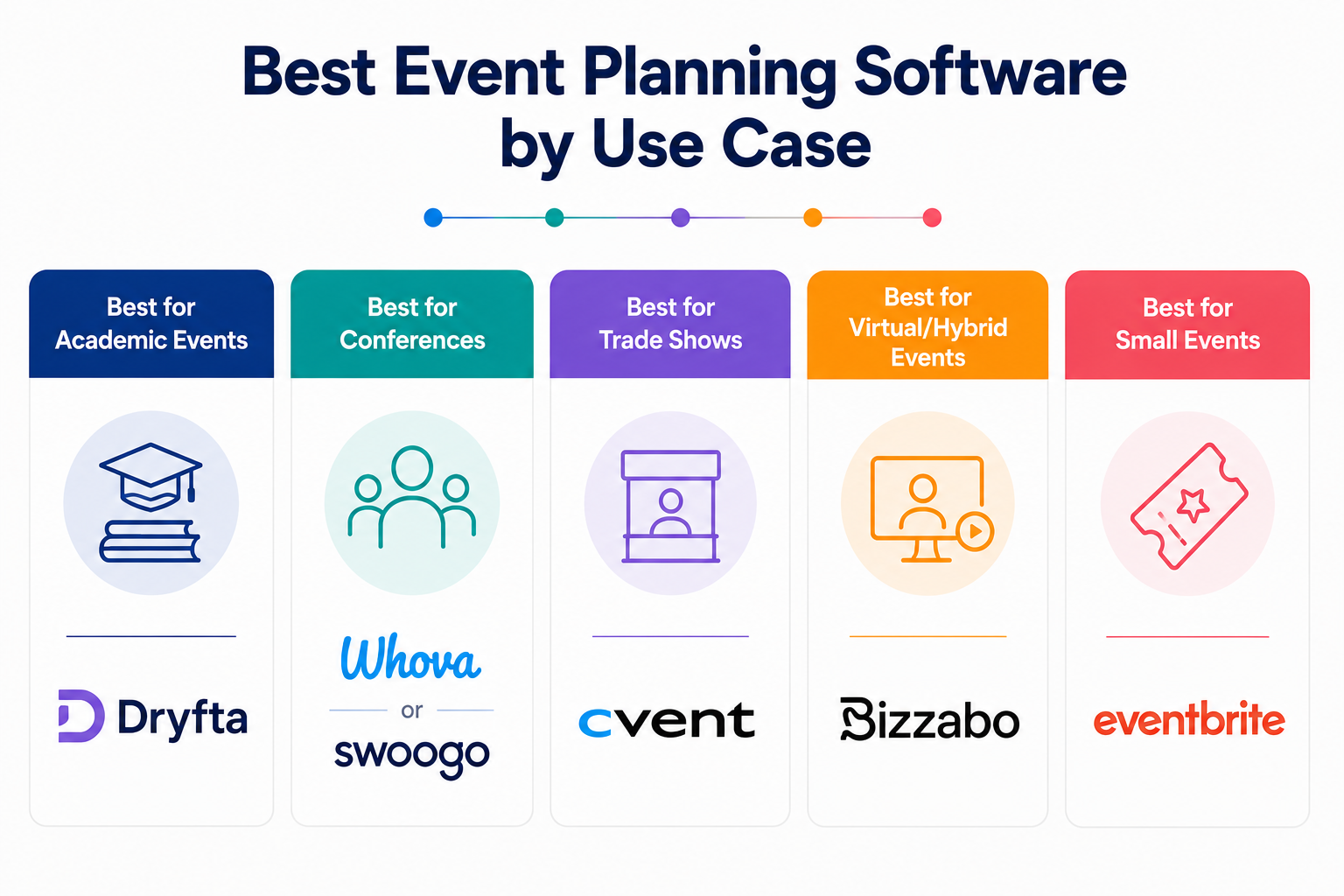
Best for Academic Events: Dryfta
When it comes to research-driven gatherings, Dryfta is the gold standard. It is specifically engineered for the academic and scientific community, moving far beyond simple registration. You can manage abstract submissions, double-blind peer reviews, reviewer assignments, multi-track scheduling, and proceedings publishing from one platform. Universities and academic organizations often choose Dryfta because generic event tools often fall apart as submissions and peer review become more complex.
Best for Conferences: Whova or Swoogo
Whova works especially well for attendee networking and mobile event experiences. Swoogo, on the other hand, fits conferences that need strong branding and more design flexibility. Its website builder and user-based pricing model appeal to organizers who want customization without scaling registration costs too aggressively.
Best for Trade Shows: Cvent
Cvent remains a major player for enterprise trade shows and large exhibitions. It handles complex logistics, including exhibitor management, interactive floor plans, lead retrieval, and large-scale reporting.
Best for Virtual/Hybrid Events: Bizzabo
Bizzabo works well for hybrid experiences, offering an “Event Experience OS” that bridges the gap between physical and digital audiences. It focuses on delivering a unified experience with high-end production tools.
Best for Small Events: Eventbrite
For workshops, local meetups, and simple ticketed events, Eventbrite remains popular for its simplicity. Organizers can run events with minimal technical setup.
Pros & Cons of Event Planning Software
Event planning software can completely change how your team manages events. But like any technology investment, it comes with trade-offs. Let’s look at the pros and cons before you commit to a platform.
Pros
- Keeps registrations, schedules, payments, and attendee data organized inside one centralized system.
- Automates repetitive tasks like confirmation emails, reminders, and invoice generation, reducing manual workload.
- Gives you real-time analytics so you can track registrations, engagement, and attendee behavior more accurately.
- Improves attendee experience with faster check-ins, mobile access, and streamlined event communication.
- Simplifies complex workflows like agenda management and abstract handling.
- Makes team collaboration easier through shared dashboards.
- Creates stronger sponsorship opportunities with digital exposure and measurable lead tracking.
Cons
- Initial setup and onboarding can take time, especially for teams switching from manual workflows.
- Subscription costs or per-attendee pricing may become expensive for larger events.
- Live events still depend heavily on stable internet and reliable technical setup.
- Some attendees may struggle with new platforms if they are not comfortable with technology.
- Weak security can create data privacy concerns.
- Advanced customization may require higher-tier plans or additional technical support.
Pricing Comparison of Event Planning Software
Most professional platforms fall within a typical pricing range of $500 to $5,000 per year for mid-tier solutions, while enterprise-grade systems for large trade shows can exceed $20,000. Understanding the underlying fee structure is critical to avoiding unexpected costs during registration.
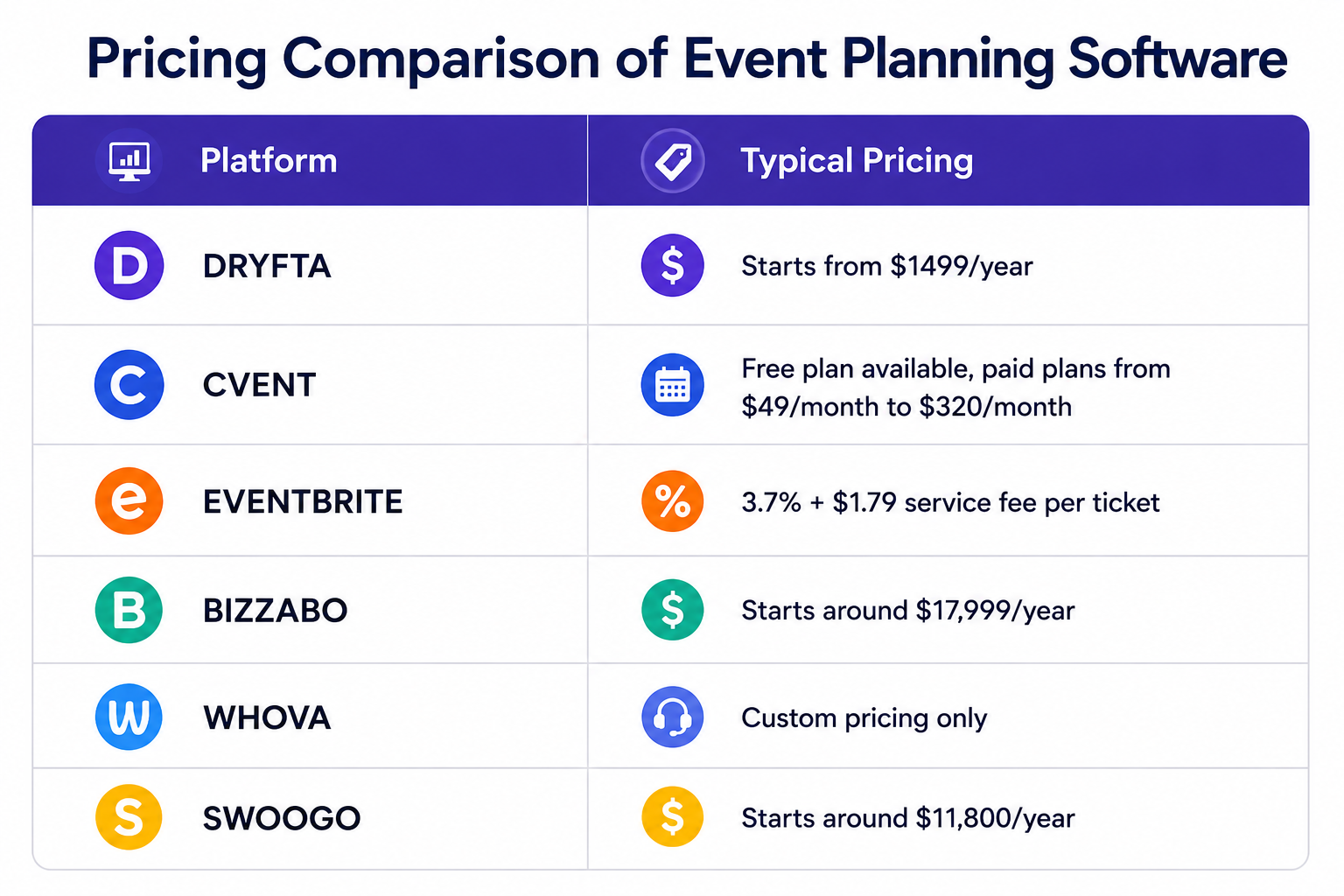
Organizers generally encounter one of three primary billing models:
- Subscription-based: Platforms like Dryfta and Swoogo often use this model, charging a flat annual or monthly fee. This is ideal for organizations hosting multiple events, as it provides predictable costs regardless of attendee growth.
- Per-attendee: Whova, Cvent, and Bizzabo typically provide custom quotes based on the specific event size or a flat fee per registered participant. While it scales with your event size, costs can escalate quickly for large-scale conferences.
- Commission-based: Popular with Eventbrite, this model takes a percentage of every ticket sold plus a small flat fee. It is the most accessible for small events, as there are often no upfront costs for free gatherings.
Common Mistakes to Avoid While Choosing Event Planning Software
To ensure you invest in a platform that supports your goals, steer clear of these pitfalls:
- Focusing solely on the price range rather than the long-term return on investment.
- Overlooking specific niche requirements like abstract management for academic sessions.
- Ignoring the quality of the mobile app experience for on-site engagement.
- Failing to verify if the software integrates with your existing CRM or email tools.
- Choosing a platform with a steep learning curve that your team cannot master quickly.
- Underestimating the importance of data security and GDPR compliance standards.
- Opting for a rigid system that lacks the flexibility to scale as your event grows.
- Forgetting to check the hidden fees associated with payment processing or extra registrations.
Why Choose Dryfta as Your Event Planning Software?
Dryfta stands out as a specialized platform designed to handle the intricate requirements of professional gatherings. It offers a lot more control over complex academic workflows than any generic platform on the market.
- Dryfta offers specialized academic workflows that most online event planning software do not.
- It saves money as it includes abstract and review tools that, in most cases, are paid separately.
- Research data, reviewer information, and attendee information are securely stored and organized in a centralized database.
- It manages complex, multi-day schedules without collapsing.
- Transparent pricing for large-scale events eliminates surprise per-attendee fees.
- Supports branding for professional events so they align with institutional standards.
Parting Thoughts
Hopefully, this comparison has made things a bit clearer regarding which software for event planning may be best suited. Pay attention to what is really important, whether it’s pricing, the features you require to register, or time-saving features such as check-in, badge printing, and attendee engagement.
Events go far beyond basic registrations, and an all-in-one event planning software like Dryfta helps you manage everything in one place without extra hassle. Dryfta offers flexible registration options, built-in management tools, and features that enhance the attendee experience from start to finish. Book a free demo and explore Dryfta firsthand.
FAQs
- Which event planning software is best for conferences?
When you organize academic or research-oriented conferences, Dryfta is more suitable, as it can process abstracts and peer reviews without additional software. Cvent remains a good option for large corporate events when logistics are complex.
- How does event planning software automate the registration process?
Registration in modern event planning technology is fully automated through workflows that send instant confirmation of attendance via email, invoices, and badges as soon as a guest registers. Dryfta takes it one step further by automating the integration of attendee registration data into session schedules and abstracts, eliminating manual data entry and ensuring all attendee data is up to date across the entire platform.
- What is the most secure software for event planning?
Given how important security has become in today’s world, especially for professional events where attendees may be sharing confidential research or other proprietary data, many corporate event planning software now offer industry-leading compliance standards and encryption options to protect the private information of your attendees and your research content. Teams can therefore rely on these systems to meet the most stringent privacy requirements while minimizing the risk of data breaches.
- Is there any completely free event planning software available for small teams?
Yes, a few platforms offer free event planning software for budget-conscious teams. Tools like Google Forms handle basic RSVPs, while Eventleaf and RSVPify offer limited free plans for smaller events. Free tools come with clear limits in customization, automation, and scalability. For more structured workflows and advanced features, platforms like Dryfta provide a more complete and reliable solution.
