


Badges. Everyone likes badges, these tiny wearables that instantly make the day brighter for everyone involved. It’s whimsy, but for events. And no matter how formal a gathering you may be hosting, slipping on a little badge makes everyone belong a little more within the venue. It’s fairly simple: the human need to feel a sense of community.
And no, this isn’t entirely philosophical; badge builders for events do, in fact, add to attendee satisfaction. For conference and event organizers today, that makes badges for your attendees among the most essential items on your pre-event checklist. So, what’s keeping you from designing wearables that your attendees can instantly slip on and feel better as they walk into the venue?
Your attendees enjoy wearing badges at your event but only under a particular circumstance: when their personal information is printed right. Nobody wants to wear a badge where their name is misspelled abhorrently, right? Therefore, the rules are extremely simple for event organizers looking at badge builders for events:
- Find a badge builder that churns out badges that look good, feel good, and are appealing to your audiences.
- And more importantly, make sure that your badge builder for events prints attendee information accurately.
When the information on the badge is accurate and printing is fast, the attendee registration process gets over with in an instant. And this sets the tone for your long day ahead. When an attendee enters the venue and is greeted by a super quick registration and badge printing process instead of a queue that stretches as far as the eye can see, their spirits remain high.
What to Look for in a Badge Builder?
For a conference and event’s organizers one of the most essential elements to consider is providing badges to the attendees. Attendees notice badges instantly they slip it on and walk into the venue. They get attracted to the badges that are comfortable-to-wear and looks appealing.
An event badge acts as a digital representation and serves multiple purposes, such as branding element, functional identity pass, networking tool, labeling roles based on participation, skills obtained, qualifications a person possess, and much more. It creates a lasting impression on overall branding and professionalism.
A seamless badging system does more than just printing the name tags. The right badge-building platform connects registration, check-in, and access control, also has different badge types for attendees, speakers, reviewers, sponsors, and staff. This is useful in keeping session access clear and the on-site experience professional.
What Are Badge Builders For Events?
An event badge acts as a digital representation and serves multiple purposes, such as being a branding element, a functional identity pass, a networking tool, a label for roles based on participation, skills obtained, qualifications a person possesses, and much more. It creates a lasting impression on overall branding and professionalism.
Remember we discussed how badge builders for events can add to attendee satisfaction at events? Here is a statistic to back that claim we made previously.
Data analyzed by Event Gamification show that events incorporating digital badges saw 70% higher attendee engagement during its course.
A seamless badge builder for events does more than just printing the name tags. The right badge-building platform connects registration, check-in, and access control and also has different badge types for attendees, speakers, reviewers, sponsors, and staff. This is useful in keeping session access clear and the on-site experience professional.
Key Features to Look for in Badge Builder Systems
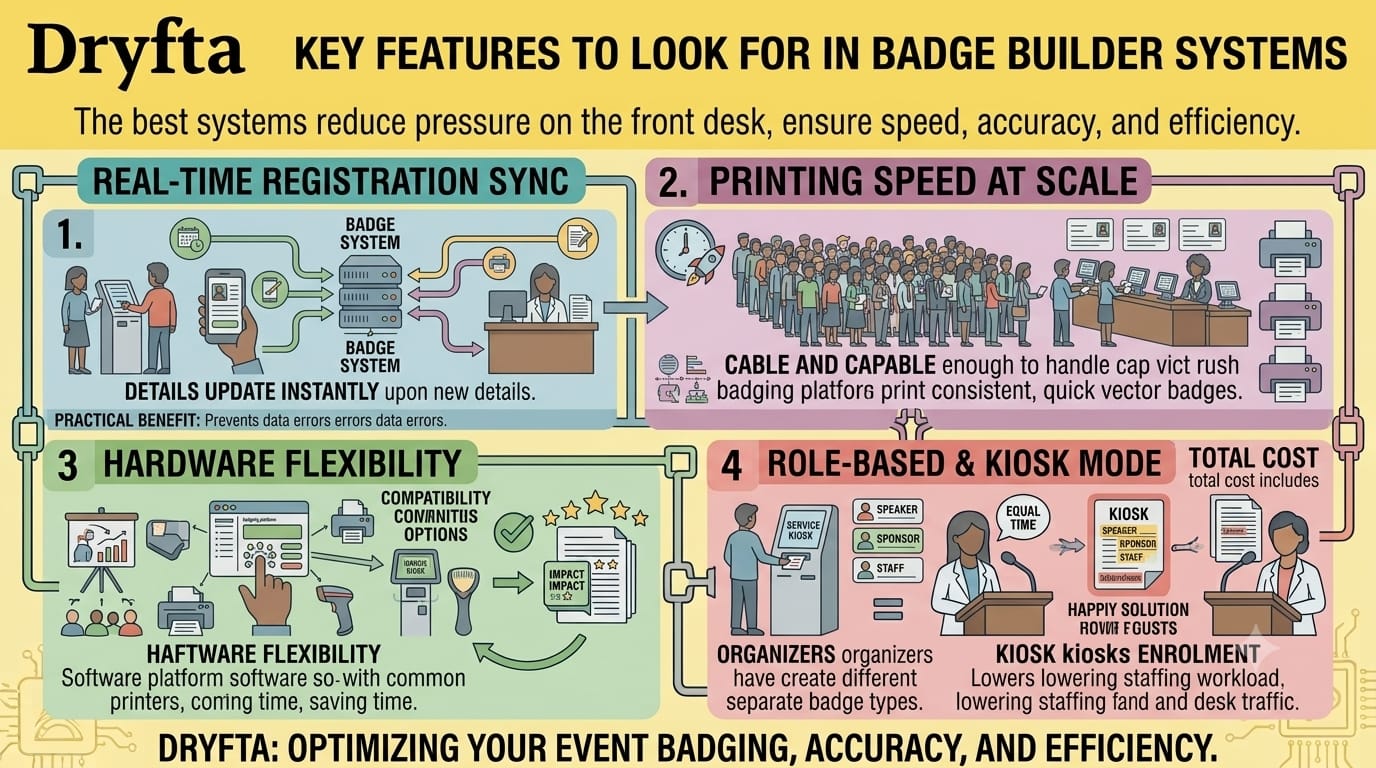
The best badging systems help reduce pressure on the front desk team. When a badge platform updates in real time, supports high-volume printing, and works with your existing hardware, your staff can focus on helping people instead of fixing data errors. Elements to look out for are:
- Real-time sync with registration data: Badge details should get updated instantly when a guest registers, changes details, switches sessions, or is added onsite. This keeps names, titles, QR codes, and company details accurate without any fixes.
- Printing speed at scale: Good badge builders for events are capable enough to handle rush periods without slowing the overall registration process. This is important because many times in the event hundreds of attendees arrive at once and staff needs quick and consistent output.
- Hardware compatibility: Look for a software platform that works with common printers, scanners, and kiosk setups. Hardware flexibility usually saves a lot of time and avoids last-minute setup issues.
- Offline fallback: Even if the Wi‑Fi signal is low, the system should still print badges from cached data. The system must ensure registration is moving instead of creating a long line.
- Role-based badge types: Organizers should have options to create different badges for speakers, sponsors, staff, students, and attendees.
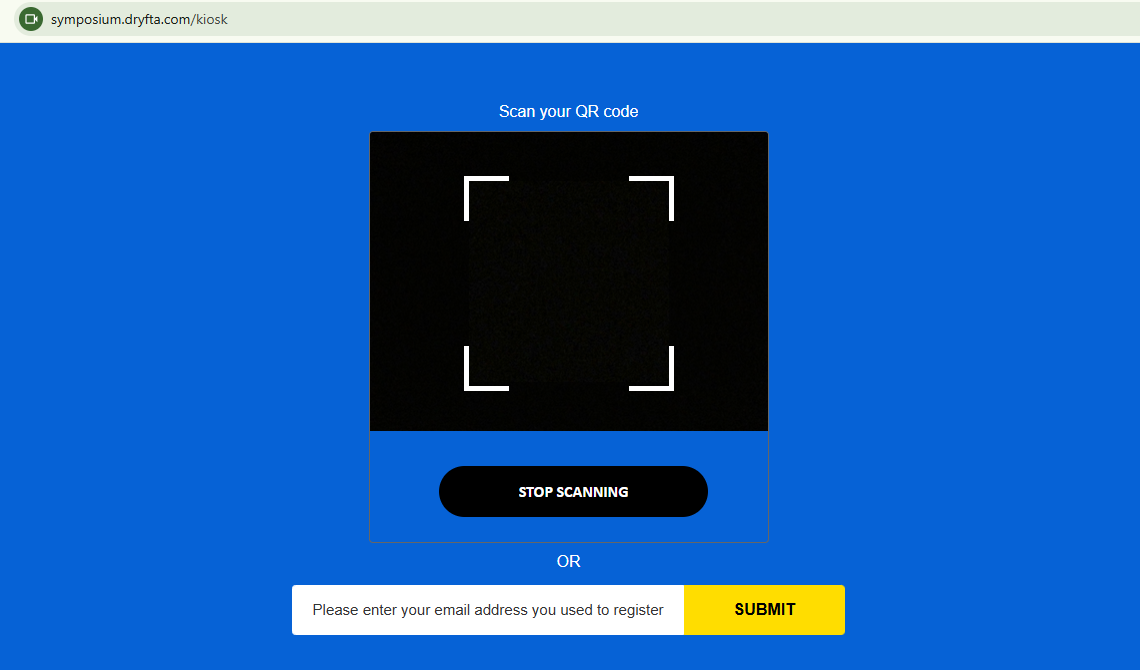
- Self-service kiosk mode: Kiosks let attendees print their own badges and reduce desk traffic. A self-service kiosk speeds up enrolment and lowers staff workload.
- Total cost including hardware: The total cost should include software, printers, scanners, labels, and support. This is where a reliable event-badging platform becomes essential.
Quick Comparison of Top 10 Badging Software
Registration-integrated tools work best when you want badges to stay synced with check-in data and attendee records. They are quite helpful when you only need to create and print badges without a full event-management stack. For academic and research conferences, the biggest advantage usually comes from role-based badge logic, quick printing options, easy customization, and fewer manual updates at the desk.
Here’s a quick comparison of the top 10 badge builders for events and how best they are used, with their starting prices. This makes it easier to understand various event badge options and choose the right fit for the conference workflow.
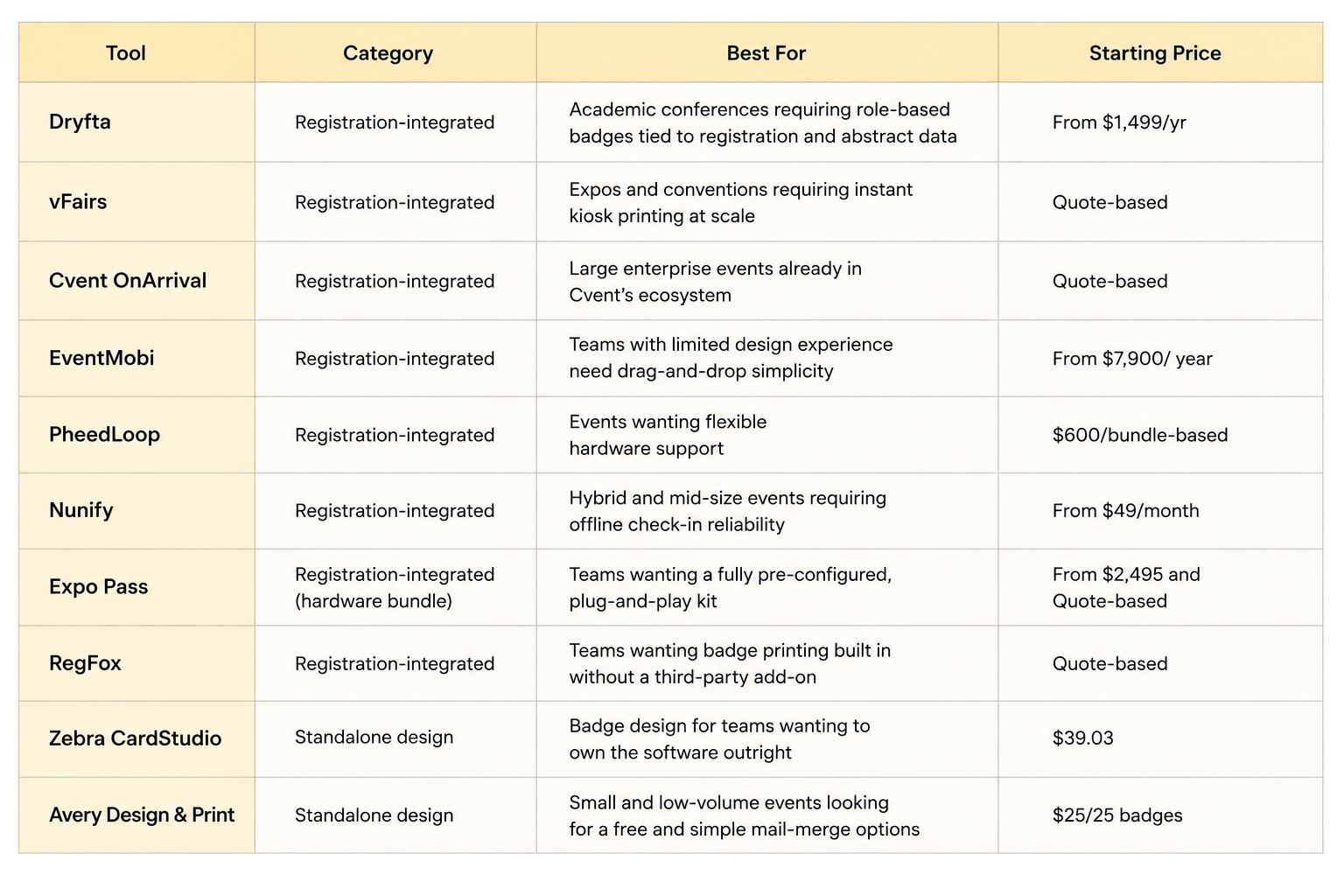
Complete Breakdown of the Top 10 Badge Builders For Events
Let’s understand in detail about each platform that offers a registration-integrated badging system. A registration-integrated badging system is among the best options when the badge system stays connected to attendee data in real time. This is useful for the event organizers to print accurate badges in no time, reduces manual entry, and keeps the registration process smooth.
Dryfta
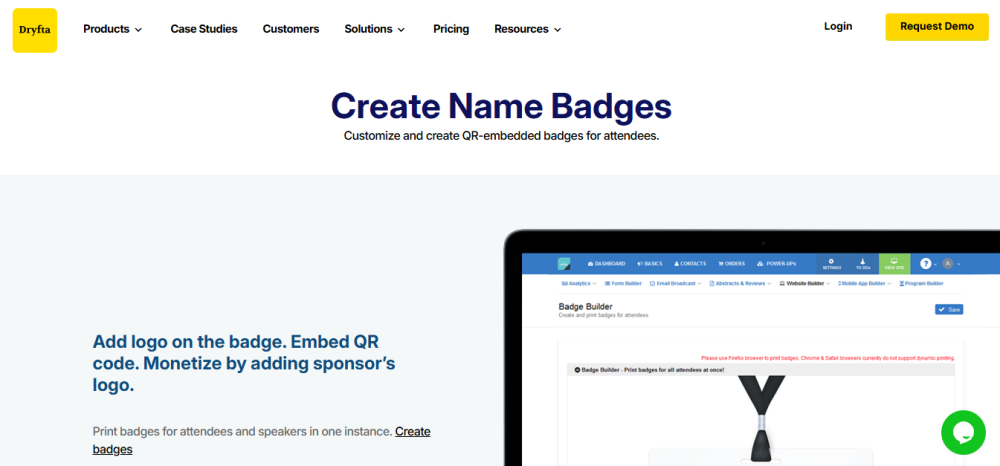
- Best For – Offers good conference printing software that requires role-based badges tied directly to registration, abstract data, and attendee profiles. It may suit when you want a badging system to stay connected to the full conference workflow.
- Overview – Dryfta includes name badge generation as part of a vaster event management platform. It positions itself as an all-in-one event management platform for conferences and events, with registration, abstracts, scheduling, and engagement in one place. It matches workflows for academic conferences that want fewer separate tools.
- Pros – Good customization in terms of – texts, fonts, and styles. Incorporates information with short codes, logos, QR codes, and profile photos. Boosts overall branding with customized name badges.
- Pricing – Dryfta’s listed starting price is $1,499 per year. Offers a free trial and tailored estimations.
vFairs
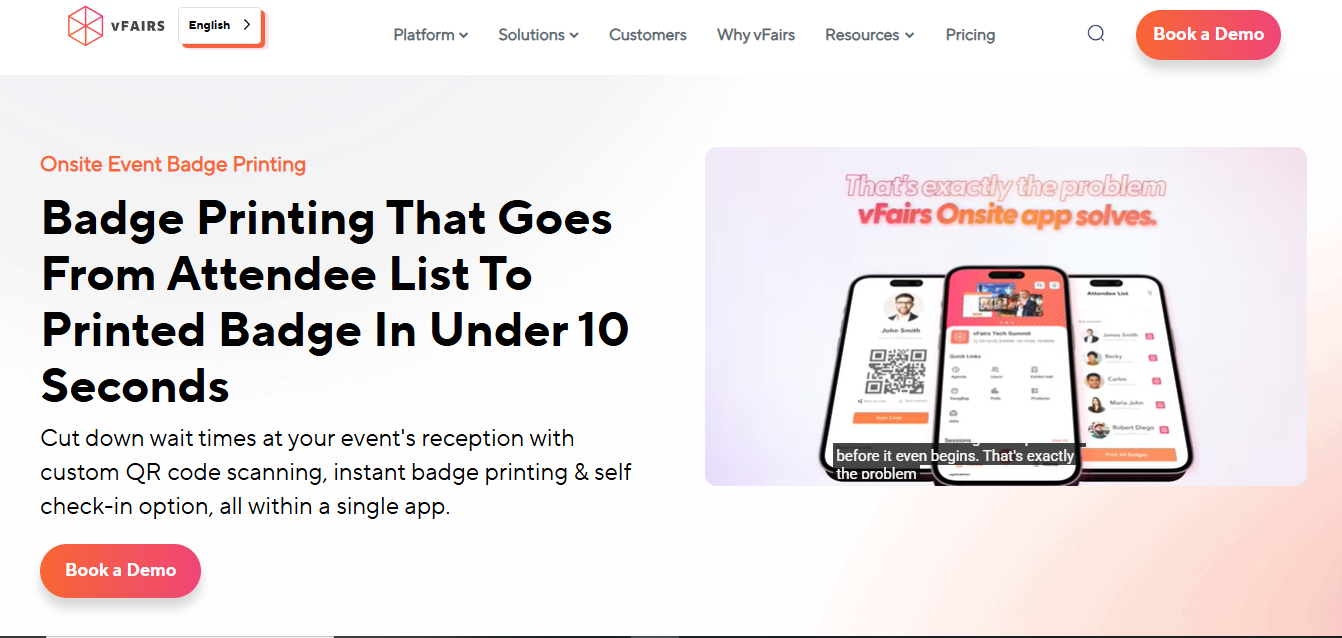
- Best For – Expos and conventions that need fast kiosk printing at scale, especially when the badge platform is part of a larger hybrid or in-person event setup.
- Overview – vFairs supports printing and self-service enrolment as part of its event platform. Its badge-printing app and onsite workflow help attendees check in quickly, print badges, and move through registration without much manual handling.
- Pros – Supports onsite and self-service badging software. Works across in-person, hybrid, and virtual event formats. Helps reduce queues with QR-based flows.
- Cons – The platform may feel broader than necessary if you only need simple printing.
- Pricing – Custom price that fits event size and product requirements. An annual license or an event plan is also available.
Cvent OnArrival
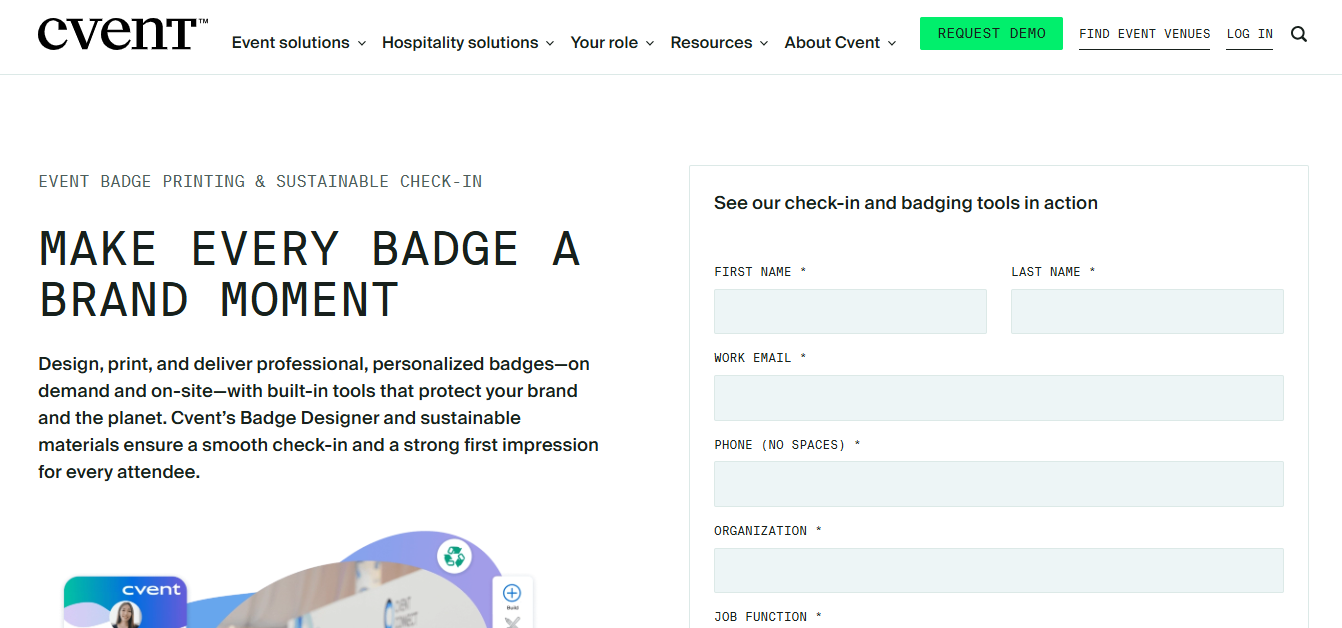
- Best For – Cvent OnArrival works for enterprise events already using Cvent’s ecosystem. It handles high-volume onsite registrations and printing with a strong focus on speed and control.
- Overview – It supports onsite registrations, on-demand badging tools, walk-in registrations, and attendance tracking. Cvent’s latest badge designer gives more control for customized badge creation and bulk printing from attendee records.
- Pros – Prints badges on demand and keeps data synced with registration. Supports kiosk-style registrations and real-time attendance tracking with bulk badge workflows for large events.
- Cons – Works best only in the Cvent ecosystem, so it can feel less flexible outside that stack.
- Pricing – Only quote-based pricing is available.
EventMobi
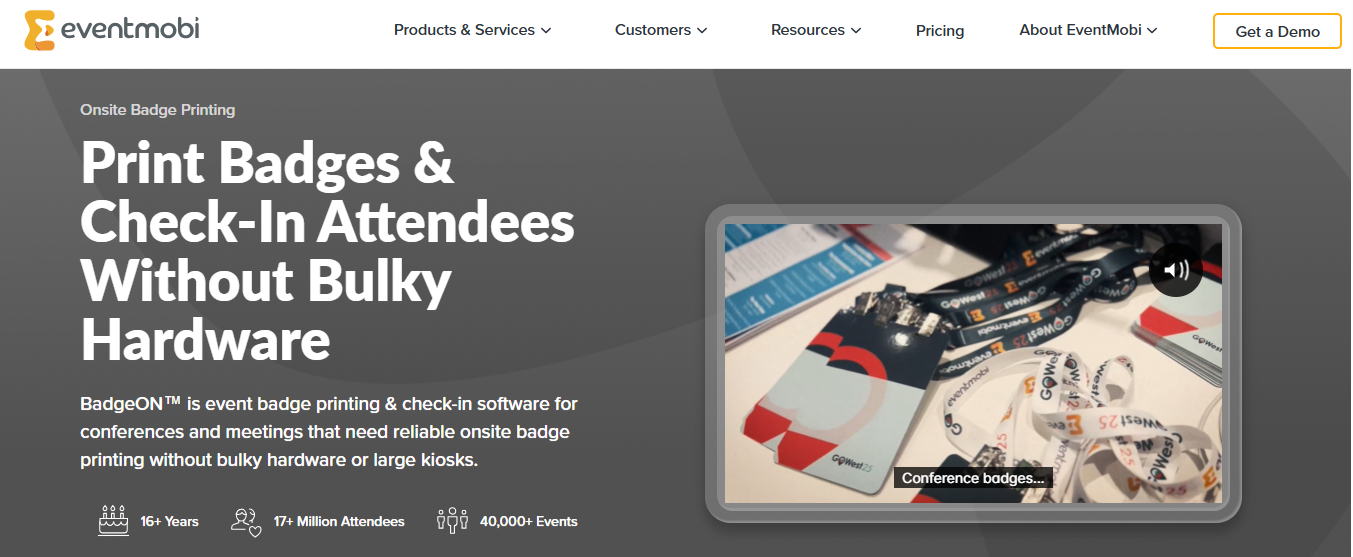
- Best For – Flexible badge workflow with registration and onsite printing in single system. It works well when there are multiple badge delivery options and a straightforward attendee experience.
- Overview – It offers pre-printed badges, onsite label printing, and full-service printing. Its pricing page shows that badge platform printing can sit alongside registration, check-in, and event app features, which makes it useful to stay with connected attendee management.
- Pros – Offers multiple printing options for different event formats. Supports onsite registrations and the badging platform together. Integrates badge workflows with a wider event platform.
- Cons – Hardware rental and full-service options can raise total cost. Advanced setups may need more planning than simpler tools.
- Pricing – Per-event pricing starts at $3,500, and per-year pricing starts at $7,900. Hardware rental and badge stock are present as add-on features starting from $1.99 per badge. Pre-printed badges start at $3.99 per badge, including taxes and shipping. (Available in the US, Canada, the UK & Germany). Hardware rental packages typically start at $1,000 for two iPads and printers for a 7-day rental period. Quote-based pricing is also available.
PheedLoop
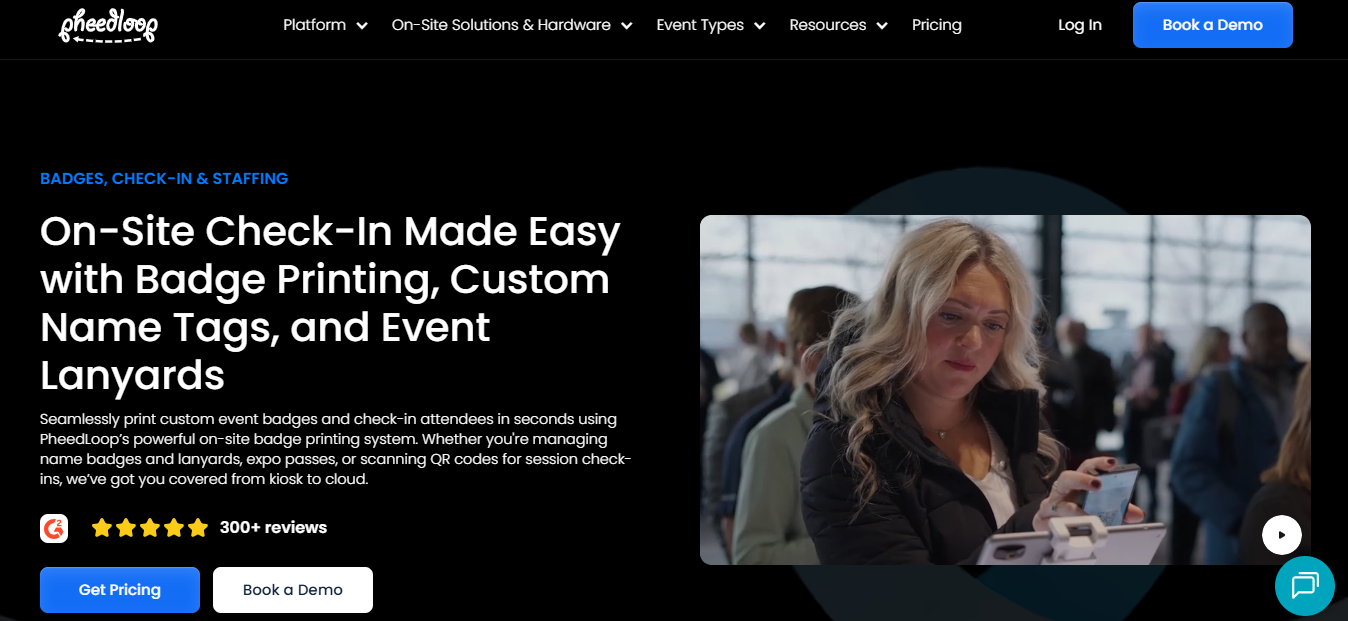
- Best For – PheedLoop suits events that want flexible hardware and modular pricing for onsite badging system. It works especially well to gain control over check-in, ticketing, and badge production.
- Overview – It consists of registration, onsite check-in, and DIY badge platform in a modular event platform. Its pricing structure shows separate modules and hardware options, which gives event teams flexibility in how they build their setup.
- Pros – Combines registration and badging tools in one workflow. Supports flexible hardware and kiosk-style operations. Freedom to choose only the modules that are necessary.
- Cons – Smaller events may find the platform more robust than necessary. Complex pricing structure because of modular add-ons.
- Pricing – Starting at $950/year for the core platform with additional modules from $1per attendee and for unlimited events – pay as you go option. On-site check-in and badge printing starting at $600/bundle with 2 kiosks + printer. Badges from $1.50 per unit and Lanyards from $1 per unit. Exact pricing depends on the modules, attendee count, and event type with custom quote based pricing.
Nunify
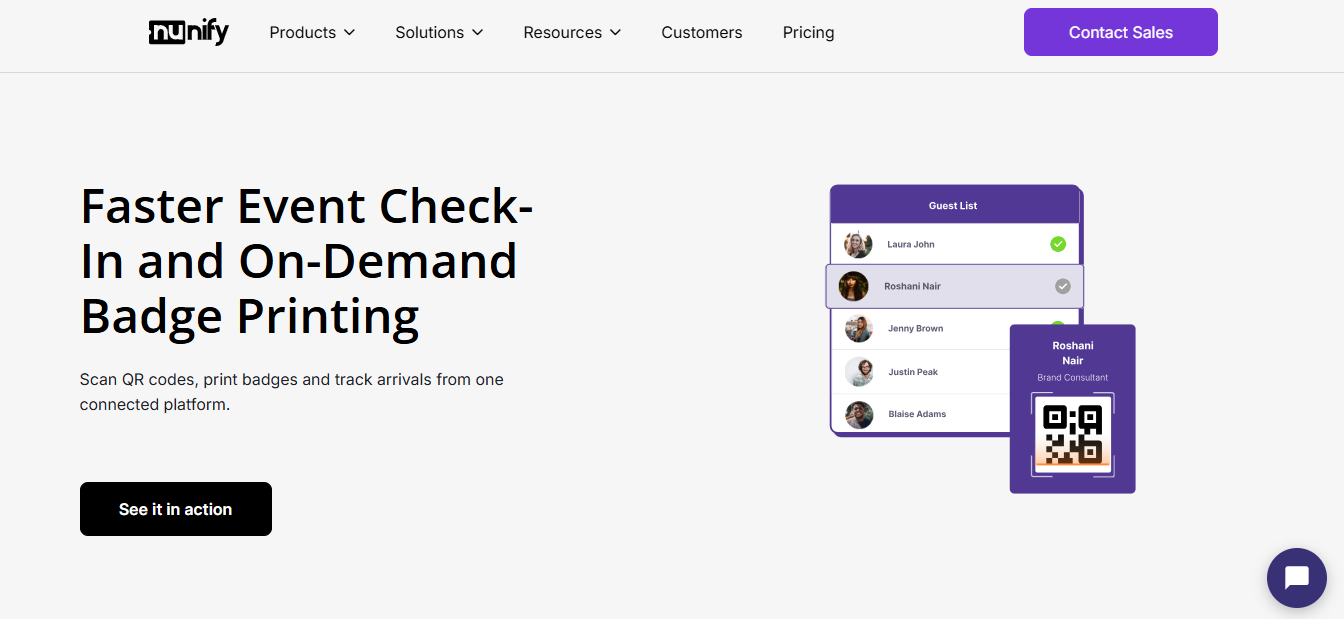
- Best For – Nunify fits hybrid and mid-size events that need reliable onsite check-in and badging tools with offline-friendly support. Teams that require a simple path from registration to badge output often choose this.
- Overview – It includes onsite printing in its Elevate plan and supports QR, NFC, and RFID check-in. Its pricing page also shows guest list management and mobile app support, which helps keep badge operations connected to event flow.
- Pros – Includes printing software in the check-in workflow. Supports multiple scan methods and offline-friendly event operations. Offers a clear pricing structure for growing events.
- Cons – Badging software is not included in the cost-effective plan. More advanced engagement features sit in higher tiers.
- Pricing – If billed annually, the Elevate plan starts at $49 per month, which offers the onsite badging tools option. However, to avail the custom printing software feature The Engage plan should be chosen, and that starts from $99 per month; it also offers 15-day free trial that comes only with this plan. There is also a partner pricing option to choose.
Expo Pass
- Best For – Expo Pass offers a plug-and-play printing platform setup with hardware bundled in. It consists of reduced setup time and keeps the onsite process simple.
- Overview – It focuses on event badges and onsite printing of badges as part of a ready-to-use event workflow. It emphasizes professionally printed badges and event badge solutions, which makes it useful for teams that want a more packaged approach.
- Pros – Offers a bundled, practical badge-printing approach. Helps teams reduce setup complexity with preconfigured hardware options. Works well for on-site event check-in workflows.
- Cons – It is more hardware-driven than software-first, which becomes complicated for event management teams.
- Pricing – Pricing starting at $2,495. It offers a custom quote-based pricing package that matches the event budget.
RegFox
- Best For – RegFox offers a badging system built directly into registration without adding another system. It suits for agencies and event teams that want a flexible, registration-first setup.
- Overview – It has expanded beyond basic registration to include email automation, SMS marketing, printing, and attendee engagement. Its pricing update shows a bundled approach, which makes printing of badges easier to keep inside the same workflow as event registration.
- Pros – Includes badging software as part of the registration platform. Minimizes third-party add-ons. Comes with a broader event workflow for agencies and clients.
- Cons – A bit complex and overwhelming for absolute beginners or those running very simple and small events. Doesn’t have the built-in event discovery marketplace.
- Pricing – Uses bundled plans instead of a simple standalone badge-printing price. Quote-based pricing is also available.
Zebra CardStudio
- Best For – Zebra CardStudio provides standalone badge design and prefer to own the software. It works well when you already have hardware and only need a design tool.
- Overview – It is just a card and badge design tool rather than a full event platform. It focuses on designing cards and printing them through compatible hardware, which makes it a practical option for low-volume or design-led badge creation.
- Pros – Gives teams standalone badge design control. Works well for users who already have badge hardware.
- Cons – Does not handle full event registration workflows. Requires more work than integrated badge platforms.
- Pricing – According to Bar Code Giant, Zebra CardStudio 2.0 software pricing starts from $39.03. Quote-based pricing is also available.
Avery Design & Print
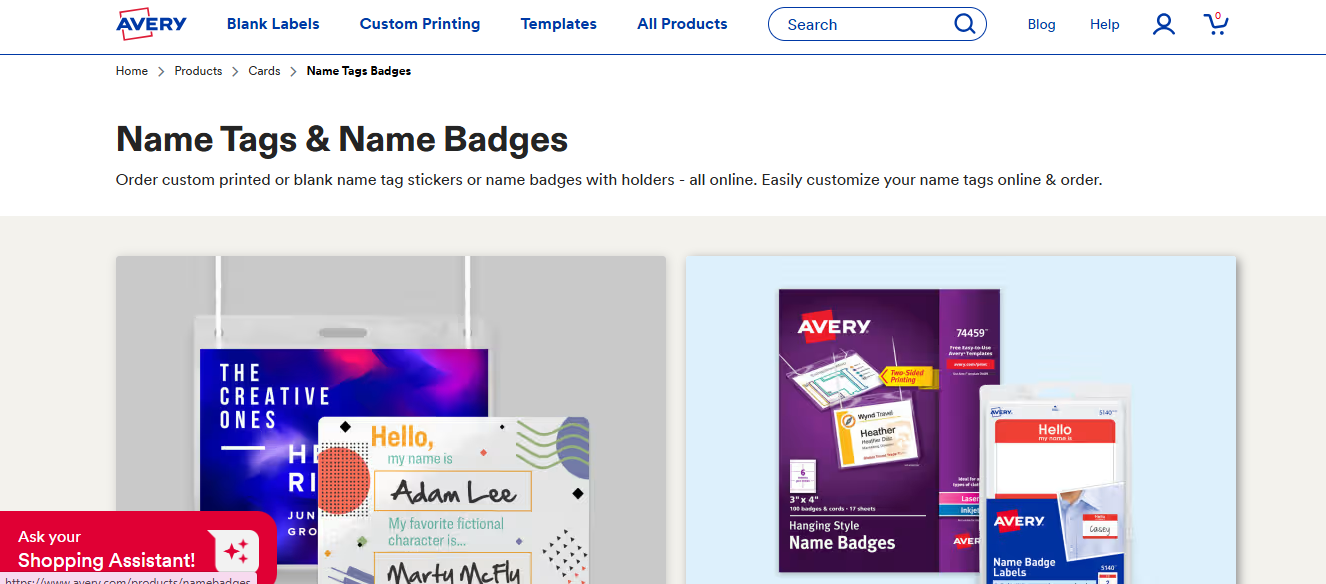
- Best For – Avery Design & Print suits small and low-volume events that need a simple mail-merge option. It works when you only need basic badge creation, not a full event platform.
- Overview – It is a straightforward design tool for labels and badges. It is useful for simple event badge creation, but it does not offer the registration-integrated workflow that larger conferences usually need.
- Pros – Simple for small events and a basic badge platform. Good for straightforward mail-merge-style workflows.
- Cons – Not meant for full conference operations. Lacks the advanced registration and check-in features that larger events need.
- Pricing – Starts from 25 badges for $25. Quote-based pricing is also available.
Badge Printing for Academic and Research Conferences — What’s Different
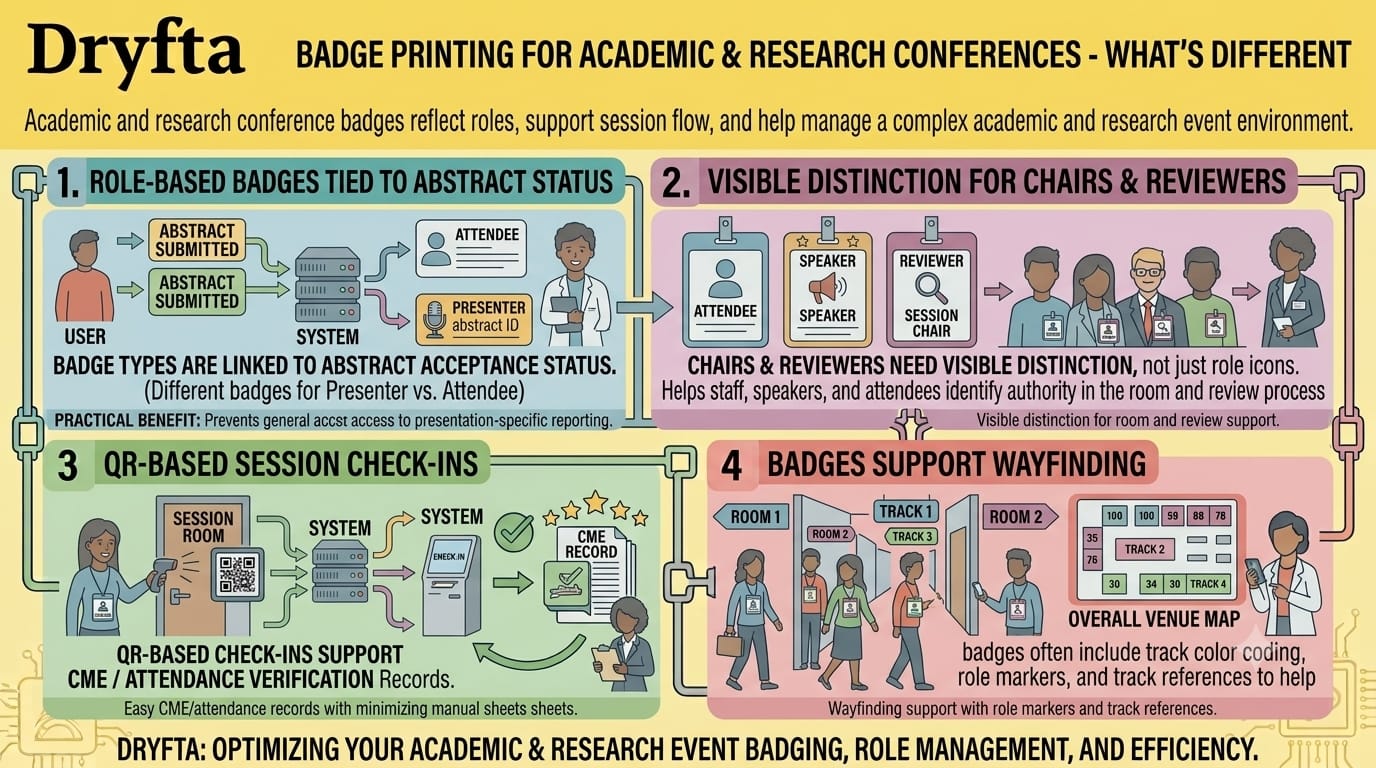
Badge printing for academic and research conferences works very differently because the badge does more than just identifying a person at the entrance. The badge has to clearly reflect a person’s role, support session flow, and help staff manage a complex academic and research event environment.
Academic conferences mainly focus on learning, teaching, and vast scholarly exchange, so badges often need to distinguish attendees, presenters, chairs, and reviewers in a clear but simple way. When it comes to research conferences, there should be more precise role tracking, because accepted authors, session leaders, and reviewers need different access, visibility, or reporting.
- Role-based badges tied to abstract acceptance: Academic and research conferences usually link badge types to abstract status, so an accepted presenter does not get the same badge as a general attendee. This helps organizers assign access correctly and makes it simple to identify who is presenting, chairing, or attending.
- Session chairs and reviewers need visible distinction too: Chairs and reviewers play a different role in comparison to standard attendees, so their badges should show that clearly. A visible distinction helps staff, speakers, and attendees know who has authority in the room and who is supporting the review or session process.
- QR-based session check-ins support CME/attendance verification: Many research events need attendance tracking for continuing education, participation records, or compliance purposes. QR-based check-ins make it easier to confirm who attended each session and minimizes the need for manual sign-in sheets.
- Multi-track conferences need badges that support wayfinding, not just identification: In a multi-track event, badges often do more than display a name. They can include color coding, role markers, or track references that help attendees move around the venue and find the right rooms faster.
Which Badge Builder Is Right for Your Event?
There’s plenty of choice when it comes to badge builders for events. But which one does one reliably choose? A small association meeting, a research symposium, and a high-volume trade show all need different check-in speeds, badge types, and hardware support. The best badge builder for events is one that matches with your event’s workflow, budget, and how much your team wants to manage onsite.
- If you are an event organizer who mainly runs academic- and research-driven conferences, research symposiums, or professional association events, then choose Dryfta’s badge builder, which operates within its broader event-management platform. It connects badge printing with registration, abstracts, and role-based access.
- If you organize large expos, trade shows, or conventions at a massive scale, then vFairs makes more sense because it supports fast badging, high attendee volume, and kiosk-driven check-in.
- If you’re already committed to Cvent’s ecosystem, then Cvent On Arrival is a decent choice. It keeps check-in, badging, and attendee data inside the same system.
- If your venue has unreliable Wi‑Fi, Nunify supports offline-friendly check-in that helps to keep badges printing even when connectivity drops.
- If you are looking for zero hardware sourcing hassle, Expo Pass works well. It gives a more plug-and-play setup with less equipment coordination.
- If you have a small, low-volume event and want a free service, Avery Design & Print’s mail-merge is enough for simple badge creation without extra software cost.
- If you want to own perpetual-license design software rather than pay an ongoing subscription, Zebra CardStudio is the good fit because it gives a standalone design tool you can keep using.
Frequently Asked Questions (FAQs)
What’s the difference between badge printing software and badge design software?
Badge printing software connects the design to registration data, prints badges on demand, and supports onsite check-in workflows. Whereas, badge design software is helpful to create the badge layout, add fields like names and titles, and export a print-ready file.
What printers are compatible with most event badge printing software?
Most event printing software works with common onsite badge printers, especially Zebra, Brother, Evolis, Fargo, and other similar models. Some platforms also support universal PDF output. This is useful to print from many standard office printers when the event does not require specialized hardware.
How do academic conferences handle role-based badges for presenters, session chairs, and reviewers?
Academic conferences usually assign different badge types based on role and acceptance status. Presenters may get one badge style, session chairs, and reviewers a separate badge so staff and attendees can identify them quickly and route them to the right sessions. This setup also helps organizers manage access, track responsibilities, and keep the conference workflow organized.
Is there free badge printing software for events?
Yes, there are a few free tools that offer design and printing for simple event badges. A few browser-based options support QR codes, CSV import, and print-ready PDF export without the need of creating an account, which makes them useful for small events or low-volume badge creation.
Can badge printing software work without reliable Wi-Fi at the venue?
Yes, there are some systems that support offline or low-connectivity workflows by caching attendee data or letting you print from locally saved files. A low-cost platform may become expensive once you add printers, scanners, supplies, and technical support. Offline printing is especially valuable during peak check-in, when an unreliable connection can quickly create long queues.
Wrapping Up
The right badge builder for events fastens the check-in process for your event, keeps all your attendee data in one place, and supports the specific needs of the event. For academic conferences, the best badge builder for events is usually the one that connects registration, on-site check-in, and badge printing within one smooth workflow. When you match badge builders for events to the size and scope of your event, its genre and format, as well as your hardware needs, you create a better experience for your team and attendees alike.
Choose Dryfta to create stunning badges that leave a lasting impression and uplift your brand. Book a free demo with us today!