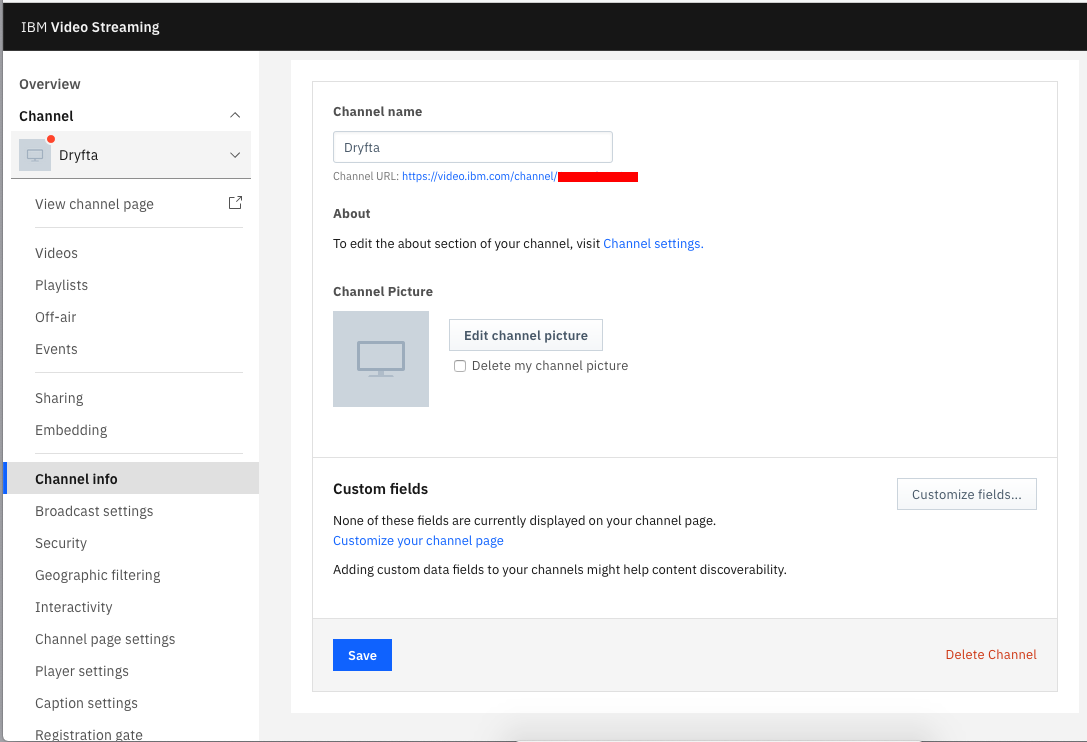
Vimeo is a video hosting platform with the ability to set up livestream for your events. Here’s a step-by-step process on how to create a livestream event:
See this YouTube video for the full walkthrough for setting up the live event:

Powerful, Enterprise-Grade Event Management Software
Sell tickets & Collect registration fees online

Full-Service Abstract Management Software: Collect ➩ Assign ➩ Review ➩ Decide ➩ Notify
Customizable forms to collect & review abstracts, symposia, proposals & grants

The Complete Event Schedule Builder to Create Virtual & Hybrid Sessions
Create Event Schedule with Slides, Group Chats, Survey forms & more

Engagement Tools to Host Virtual Conferences & Online Community Website
Engage attendees & Produce knowledge with online networking portal

Vimeo is a video hosting platform with the ability to set up livestream for your events. Here’s a step-by-step process on how to create a livestream event:
See this YouTube video for the full walkthrough for setting up the live event:

cPanel’s WHM is a graphical user interface and is used to manage your Linux server. Here’s a step by step process on how to log in to your WHM Manager with 2-Factor Authentication Enabled:
Continue reading

If the special characters and symbols in your CSV/Excel file are not displayed correctly, it needs to be converted into UTF-8 Character Set first. Here’s how to save a CSV file with UTF-8 encoding using Apple Numbers:
Continue reading
The Biggest Disadvantage of Webinar Platforms
For hosting virtual events, organizers generally use a webinar platform like Zoom and share a link to the webinar on their event website. This setup, however, means participants have to check-in to sessions on your event website. Then they’re redirected to the associated Zoom webinar that would open in a Zoom desktop client. Participants then flock back to the site and check-in to another session and are redirected again to the associated Zoom webinar. So, they have to switch between the website and the webinar platform continuously.
The Biggest Advantage of Live-Streaming
As a better alternative, if you want to improve the participants’ experience, so they do not have to move out of the website and go to Zoom to watch the webinar for each session, you can Livestream webinars on your website. This setup lets you offer a branded user experience, ability to monetize through multiple channels and provide audience engagement tools to participants and exhibitors right within the website.
In this article, we will talk about the steps required to Live-stream your virtual sessions on your event website. For this tutorial, we have used the following tools: