Google Analytics is a free tool from Google which lets you track real-time visits, clicks and other important details about your website. Here’s how you can set up Google Analytics on your website and start tracking:

Google Analytics is a free tool from Google which lets you track real-time visits, clicks and other important details about your website. Here’s how you can set up Google Analytics on your website and start tracking:

Vimeo is a video hosting platform with the ability to set up livestream for your events. Here’s a step-by-step process on how to create a livestream event:
See this YouTube video for the full walkthrough for setting up the live event:

If the special characters and symbols in your CSV/Excel file are not displayed correctly, it needs to be converted into UTF-8 Character Set first. Here’s how to save a CSV file with UTF-8 encoding using Apple Numbers:
Continue reading
Virtual events are becoming more and more prominent in today’s society. Not only are people more engaged and interested in them, but the opportunities they offer are numerous. Event Organizers planning virtual events are always looking for ideas to keep the attendees engaged. They employ various interactive tools like private messaging, live streaming, and state-of-the-art virtual event platforms.
For starters, an excellent virtual event should provide attendees with many levels of excitement. Start by creating a contest for attendees at your particular event to engage with your guests and yourself. You can create themes for each level and encourage people to take photos within various locations at the event. Give prizes to those who submitted the most creative, funny, or beautiful photos. This helps build up anticipation and energy throughout your entire event.
And if you feel like your last event turned out successful that means it went off without a hitch. However, don’t underestimate the power of simple gestures: gifts can remind people and they’ll appreciate them more than you know. They also establish a bond between attendees and the organizers. The more unique and thoughtful the gifts are, the more joyful and engaged attendees become.
When looking for gift ideas for a virtual event, it can be hard to think outside the box. Some people want something practical, others want something sentimental, and some people want something fun. As long as you are able to get your giftee interested in your idea, they will enjoy it!
A perceived value is a more reliable measure of effectiveness than the actual amount of money one spends. With virtual events, it’s important to give participants something that they’ll remember and appreciate more than they expected.
In this article, we’re going to share with you a list of great gift ideas that are perfect for any type of virtual event – whether it’s a launch party, a conference, or something else. With multiple categories like headphones, retro memorabilia, and upscale fashion, there’s something for every person.
Continue reading

The new offering from Dryfta includes a Personal Calendar and a Meeting Scheduler. The Personal Calendar lets each user create their own availability slots and be able to share the link to their Meeting Scheduler so anyone can go to this link and schedule a meeting with the user.
Continue reading

The virtual event is the present and the future of the event industry. Coronavirus has expedited what was supposed to happen a little later. People have adapted themselves to attend conferences and events from the confines of their homes. In the future, they’ll look for a choice between in-person and virtual events.
Continue reading

The updates for the Dryfta event website builder were long due, and that’s why we have been working hard on the new website builder over the past few weeks. Unlike the previous version, this new website designer tool makes it a lot easier and quicker to design the website homepage, edit top navigation menus and create content pages.
Starting with the new website designer’s user interface itself, the new interface would open standalone, with the main sidebar collapsing automatically. That means the admin has the full screen to design the website. Also, to choose a theme for the website, one does not have to go to a separate page anymore. They can do so using the Theme Switcher in the top left.
Continue reading

Use this guide to turn an agreed event plan into an action tracker. Give each deliverable an owner, a due date, its prerequisites and evidence of completion, so the team can see what is ready, blocked or waiting for a decision.
If you are still choosing where the team will chat, share documents and manage event information, use the event planning collaboration-tool comparison first. The task here is to run the work once those responsibilities and tools are agreed.
Copy these tracker fields: task ID, deliverable, owner, approver, due date and time zone, prerequisite, status, next action, and completion evidence. For “publish the final programme,” the evidence could be the approved version and published page; the next team should use that version rather than a separate attachment.
Ask any tool you consider to demonstrate this record, a blocked task, an approval and a change passed to the next team. Keep messaging, audience engagement and ticketing roles distinct from task ownership; confirm what the product actually supports and what your team will manage through another process.
The profiles below are legacy reference material covering several different tool roles. Check current availability, features and integrations with each supplier, then apply the handoff checklist above to the tools you use. A messaging, polling or ticketing role does not by itself establish who owns a task or how its completion reaches the next team.

Traveling to an Event? Here are the Best Travel Credit Cards in the United States in 2021. Based on Rewards, Bonuses & Key Features & Annual Fees.
Chase Sapphire Reserve® Credit Card
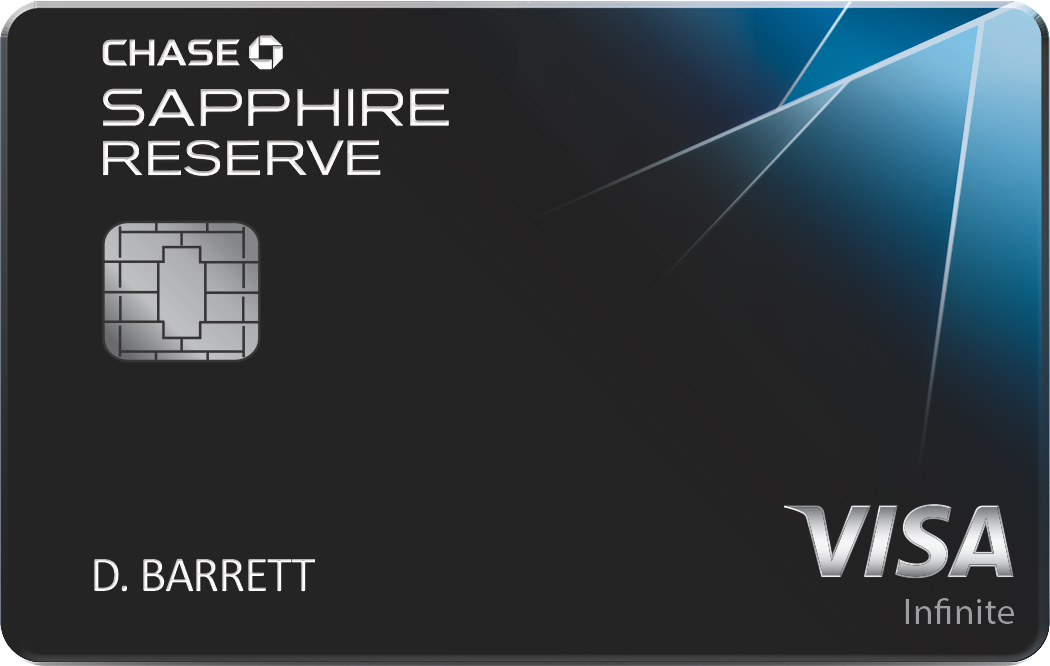
🎁 Rewards
☑ Annual travel credit of $300
☑ 50,000 bonus points on spending $4,000 in first 3 months
🎯 Key Features
☑ Unlimited 3x points on travel and dining purchases
☑ Priority Pass Select membership: Provides access to over 1,000 airport lounges worldwide plus a selection of restaurants. The cardholder and two guests can enter for free; additional guests cost $32 each.
☑ 1:1 point transfer to leading airline and hotel loyalty programs
☑ Visa Infinite Concierge: Call for non-emergency help of all kinds
☑ Reimbursement for the application fee for TSA PreCheck or Global Entry
☑ No foreign transaction fees
Continue reading
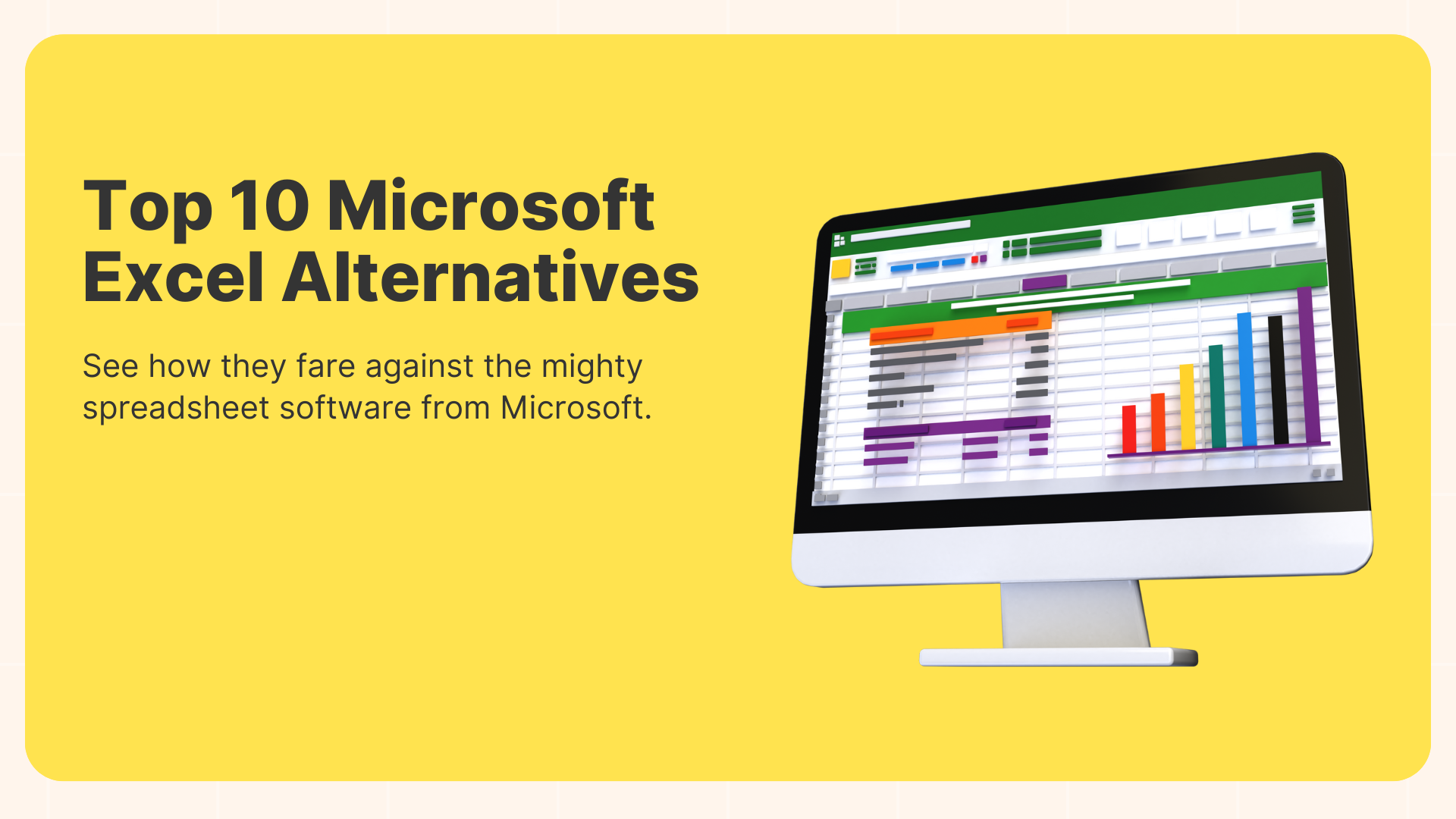
With the Microsoft Office suite becoming increasingly pricey with each update, it’s no wonder many are looking for more pocket-friendly versions of its components. For techies and professionals dealing with large blocks of data, Microsoft Excel is a key software in data organization and management. However, if you’re an occasional user, you would most likely shy away from investing a chunk of cash on this suite. Luckily, there are a few great paid and free alternatives to Excel on the Internet. Let’s check them out and see how they fare against the mighty spreadsheet software from Microsoft.

With the COVID-19 virus on the rise, it’s no wonder the boom in demand for virtual space and video conferencing. And with the presence of numerous virtual events on the internet, most event planners and even marketers are stumped at a single point, how to get the most pairs of eyes on their respective virtual events. Many would say that the key is to be as creative and attention-grabbing as possible. But isn’t that a bit too vague? So, here’s are a list of more substantial ideas to help you market your virtual event like a professional.
Academic social networking sites, or ASNS as they are referred to, are digital platforms that have been gaining immense traction over the last few years as means of publishing and sharing academic content. From research papers and academic events to professional networking, ASNS are bringing about a paradigm shift in academic information disbursement.
Having said that, social networks such as Facebook, Twitter, Pinterest & LinkedIn are communities that haven’t been given their due for their immense capabilities in event promotion & communiqué. Let’s look at how we ought to leverage these seemingly informal platforms to promote academic conferences.

