One of the greatest dilemmas for a modern event planner is deciding whether they need an app or not for their events to run smoothly. While there may be many factors that influence this decision, every conference planner is always looking at the best event planning apps for their initiatives.
Whether you need an app for your event is a decision that requires a lot of consideration. That’s why we are here to help. In this guide, we will help break down the features and benefits, and also walk you through several options for the best event planning apps. Let’s dive in.
Event App Features to Incorporate for Hosting In-Person, Hybrid, or Virtual Events
Building a mobile event app for different event formats isn’t about randomly checking off a list of features to include. You shouldn’t take this decision on a whim. It’s about selecting the right features that align with your biggest event goals, which may include-
-
- Driving engagement
- Streamlining logistics
- Enabling better connections
Mentioned below is a checklist of event app features that can enhance your in-person or virtual event experience to a whole new level.
Event Logistics and In-person Navigation
Speaking of offering great event experiences, nobody wants to wander around a venue and miss an engaging session because they couldn’t locate the room. Event day logistics should not feel like a race against time.
Features to add: Your dedicated mobile app should prioritize push notifications, real-time alerts, and interactive venue maps to allow attendees to navigate the space and stay informed.
Easy Access to All the Event Details
The event planning apps should include all event-related details that the attendees can check according to their convenience. The app should consist of speaker bios, session details, and various event guides, among other important things. The attendees can access the details from a single source as opposed to rummaging through multiple sources.
Features to add: Having an accessible event guide within the app brings all the crucial details together for easy access. Attendees can decide which sessions to attend or dismiss with a quick look at the speaker bios and session details. The mobile event app should include details for each session, such as topics, speakers, and timeframes, which helps the audience control their own event experience.
Seamless Attendee Engagement and Networking
Networking is one of the primary objectives why people attend in-person or virtual events. This is particularly true for industry-specific events. Event planning apps should empower the participants to connect with each other efficiently.
Features to add: Clear attendee directories, private messaging, and integrations with CRM solutions are some features that should exist in an app. The networking features provided by Dryfta are created to ensure that attendees connect with people who belong to their chosen niche.
Cashless Transactions Through Event Planning Apps
A mobile app for attendees is best used for cashless transactions. The whole seamless transaction process makes it easy to acquire services or products during the event. Additionally, it saves time and enhances the overall attendee experience.
Features to add: Digital wallets make purchases accessible to participants through the dedicated app. When attendees decide to buy products at the event, such as food or merchandise, or anything else, they can securely complete the transactions.
The app allows users to monitor their payment details so that attendees can pay the right way. Providing links for different payment methods on your mobile app automatically eliminates the need to take money out of your pocket and remember passwords for making payments.
Maintaining Cross-Device Compatibility
What can be more frustrating for attendees than an app that doesn’t work on their mobile device? The simple answer: nothing! Compatibility issues across Android, iOS or older versions of software can result in negative experiences and record low usage among attendees.
Featured to add: When building a sophisticated app, pay attention to cross-platform compatibility and ensure it’s extensively tested across different devices. Dryfta’s mobile app is built to function seamlessly on all major operating systems, so every attendee can benefit from it, no matter the tech they use.
Ready Access to Event Content
Conference apps for attendees provide access to event content, which allows them to check out any presentations or sessions they may have missed during the event days. The event apps ensure the content reaches the audience, whether the attendee was physically present for a specific session or not.
Features to add: Provide access to session recordings for people who couldn’t attend, so they can watch the discussions that went on during presentations, according to their convenience. This is a great value addition, particularly for people who would like to check information from past sessions.
People can access resources that can be downloaded, such as whitepapers, presentation slides, and handouts, on the event planning apps. As opposed to printed materials, these documents can be downloaded easily by attendees.
Benefits of Adopting the Best Event Planning Apps
Opting for the right mobile app for conferences can change the way you plan and measure the success across your events. Let’s take a quick look at the benefits of adopting event planning apps.
Minimize Operational Difficulties and Simplify Event Logistics
Managing schedules, speakers, sponsors, and staff communication can quickly become chaotic. A mobile app can serve as a central hub that allows you to keep everything organized and accessible in one place for both attendees and the event team.
Modern event management apps are capable of integrating speaker bio to real-time agenda updates and venue maps. This eliminates the need for manual coordination and ensures a streamlined flow from start to the end of the event.
Offering Real-time Updates and Minimizing Miscommunication
A conference app ensures attendees stay informed with real-time alerts, push notifications and updated information. This is to avoid last minute room changes or speaker delays. Attendees don’t have to rely on printed materials or chasing down staff.
Modern event apps notify the attendees of changes while keeping all stakeholders aligned and eliminating confusion. Such systems are particularly valuable for multi-track and large events with several sessions happening at once.
Collect Essential Data to Determine Event ROI and Success
Event apps accumulate extensive data that allows you to check what’s working for your event and what’s not. You gain solid insights into session attendance or engagement, which impacts your decisions for your next events.
Modern apps are integrated with real-time dashboards and analytics tools that help organizers prove their event’s impact through solid data.
5 Best Event Planning Apps to Watch Out For
This curated list features some of the most prominent names that help make the event experience memorable for the attendees.
Dryfta
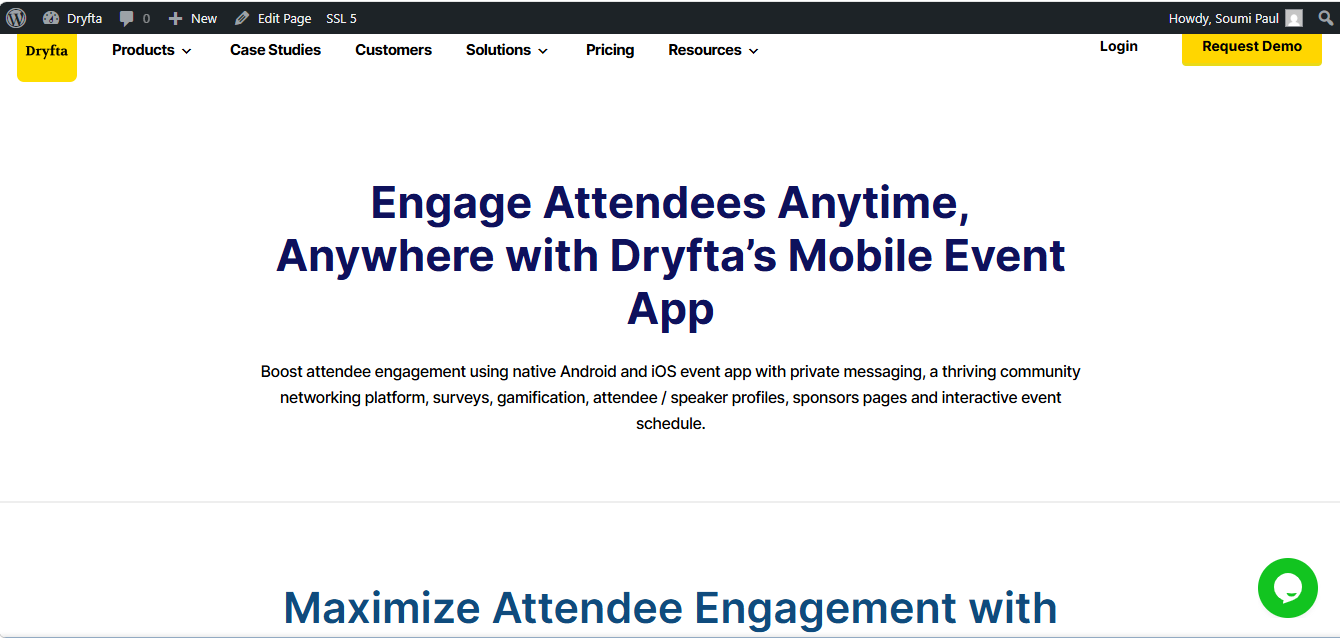
Dryfta is a purpose-built event planning and management solution provider with a specific focus on academic and research-based conferences. The platform is widely recognized for its advanced abstract submission and review tool, which has been used and appreciated by some of the most esteemed educational and research institutions.
Additionally, it offers an intuitive mobile app that works for all the different event formats.
Major features:
-
- Attendee engagement: Dryfta’s Android and iOS app helps maximize engagement through private messaging, community networking, and interactive schedules.
- Personalized schedules for attendees: Attendees can use the app to create a personal agenda by adding sessions to their schedules.
- Effective push notifications: Allows you to send push notifications about venue updates, sudden schedule changes, and more.
- Complete control of attendee profiles: Attendees have complete control over displaying their profiles and can update the basic details at any time. All their details are synced across the platform, on the website, and the apps.
- Easy participation in live polls: Attendees can take part in live polls and Q&As during in-person events and check real-time results through the app.
Pricing: Dryfta provides a tiered pricing structure for availing the services. The tiered plans are categorized as Small, Medium, and Large. The Small plan starts from as low as $1499/year.
Accelevents
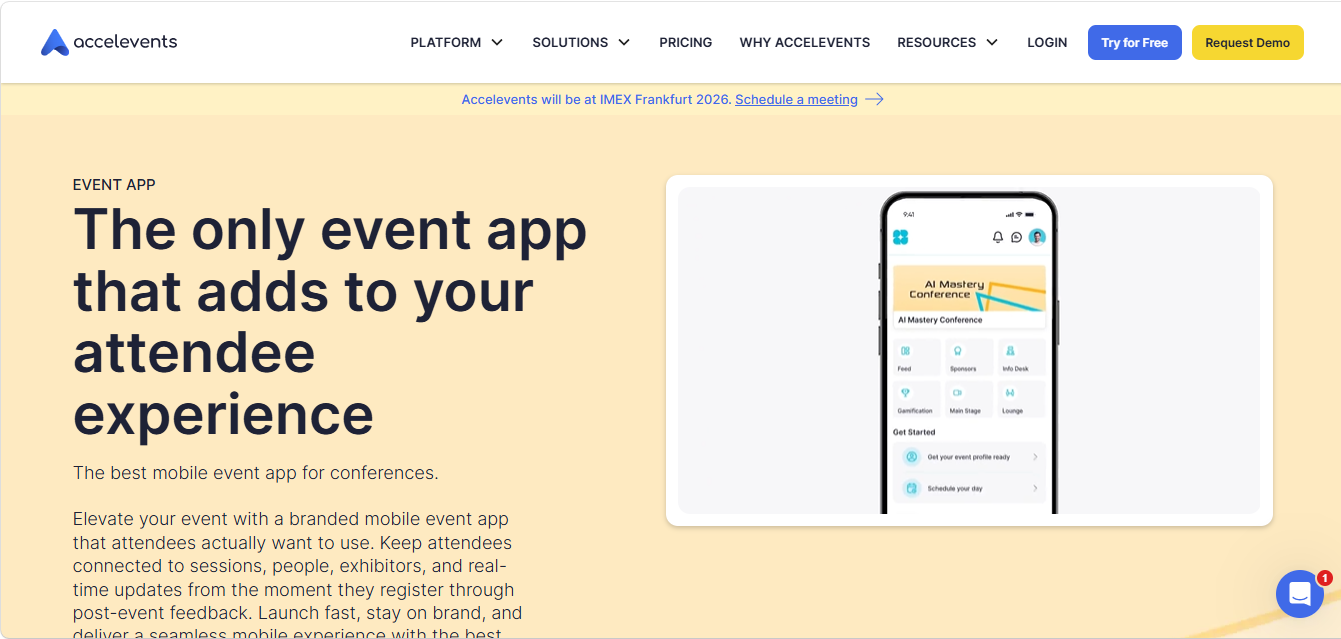
Accelevents is an event platform that supports hybrid, virtual and in-person event formats. One of its greatest strengths is hybrid execution, which means it’s equally suited for in-person and virtual events. Features such as registration, engagement, and on-site logistics can be managed through a single workflow.
Major features:
-
- The platform includes flexible registration forms, discounts and multiple payment options
- It supports badge scanning and attendee data export by default
- Live chat, polling and Q&A features are available for all attendees
Pricing: Accelevents offers three core tiers as part of their pricing structure, namely Professional (starts at $8.800) , Business ($15,800), Enterprise/White-label (custom pricing).
Whova
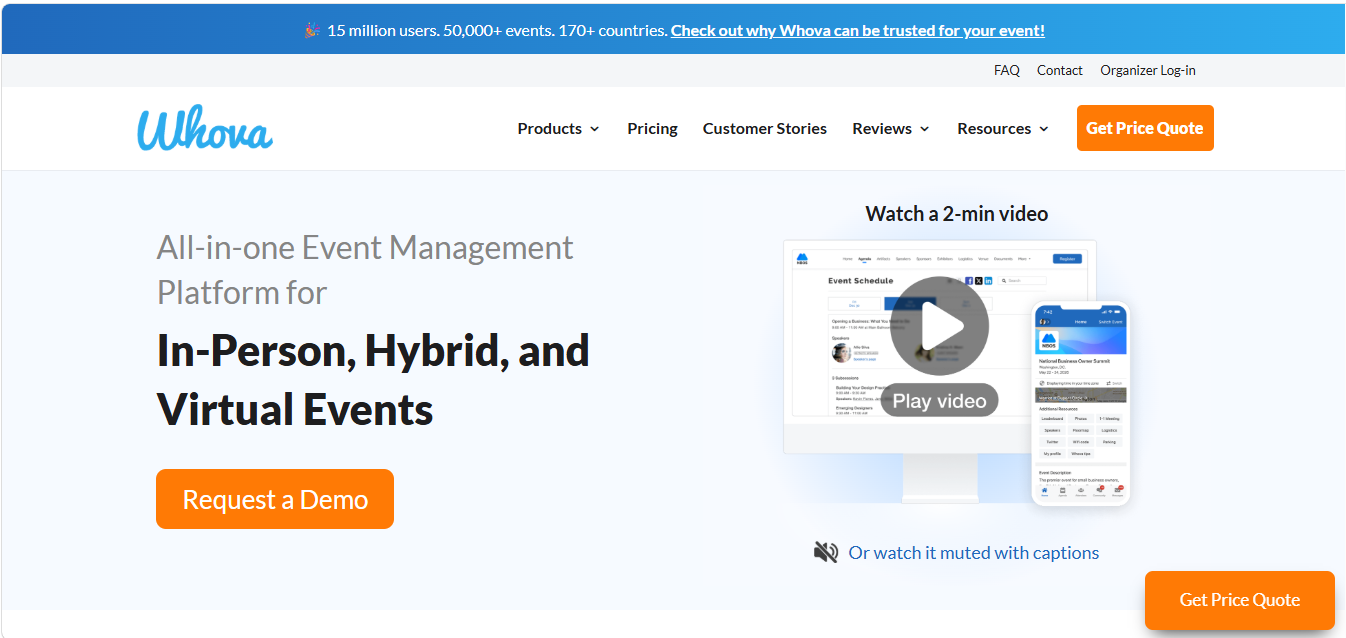
Whova is a full-fledged event platform that consists of registration, networking, engagement, and analytics across in-person and virtual formats of events. Whova particularly excels at providing pre-event networking opportunities, not just during the event, through its conference app.
Major features:
-
- The app offers a shared community space where attendees can post discussion topics and connect ahead of the event.
- Provides access to multi-track agendas with personalized schedules
- AI-powered attendee matching based on interests and profiles
- Overall event engagement reporting across sessions, networking activity and content interaction
Pricing: Whova presents a quote-based, custom pricing that is designed on a per event basis. Availing some features may incur additional charges.
Swoogo
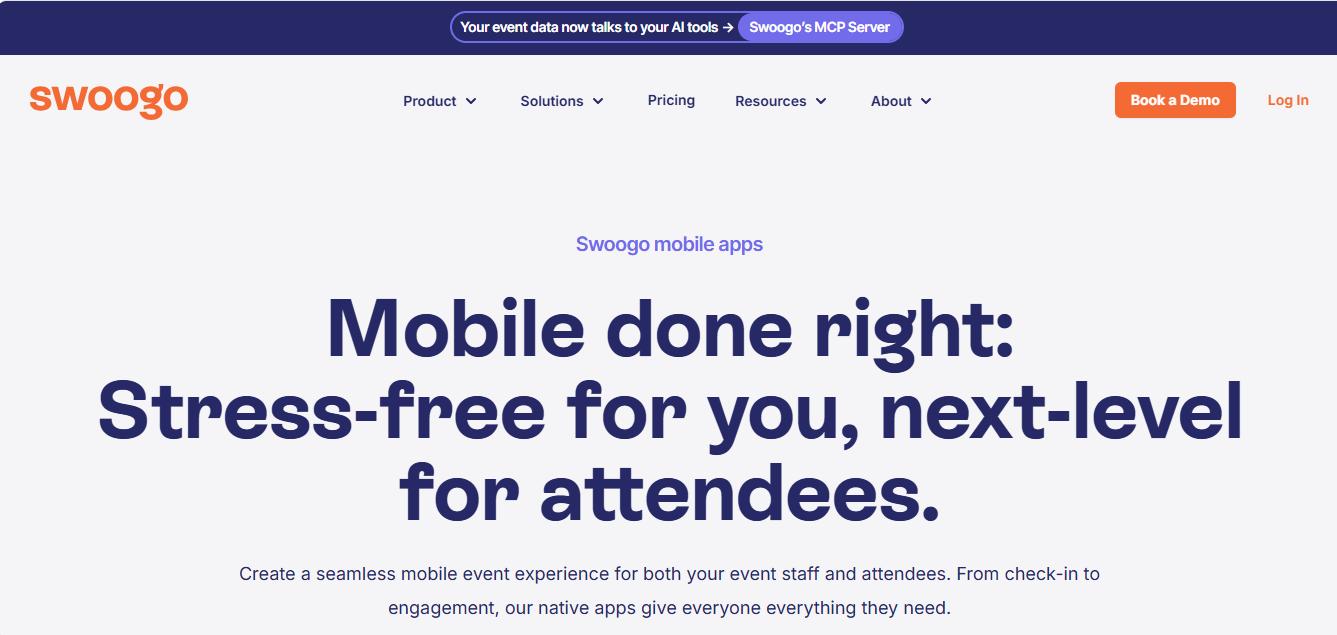
Swoogo is an event management app that mostly focuses on seat-based licensing. It doesn’t charge per event or per registration, instead the pricing depends on hw many internal users need access to its tools. This means the cost stays fixed even if the event volume increases. For organizations managing recurring programs, the capacity to host unlimited events without recalculating costs each time turns out to be a great advantage.
Major features:
-
- All pricing tiers allow hosting unlimited events
- Effective on-site check-in through mobile app
- Built-in email confirmations, reminders and segmented campaigns
Pricing: Swoogo offers seat-based pricing. All pricing tiers include unlimited events and registrations. However, some add-on features may be priced separately.
Stova
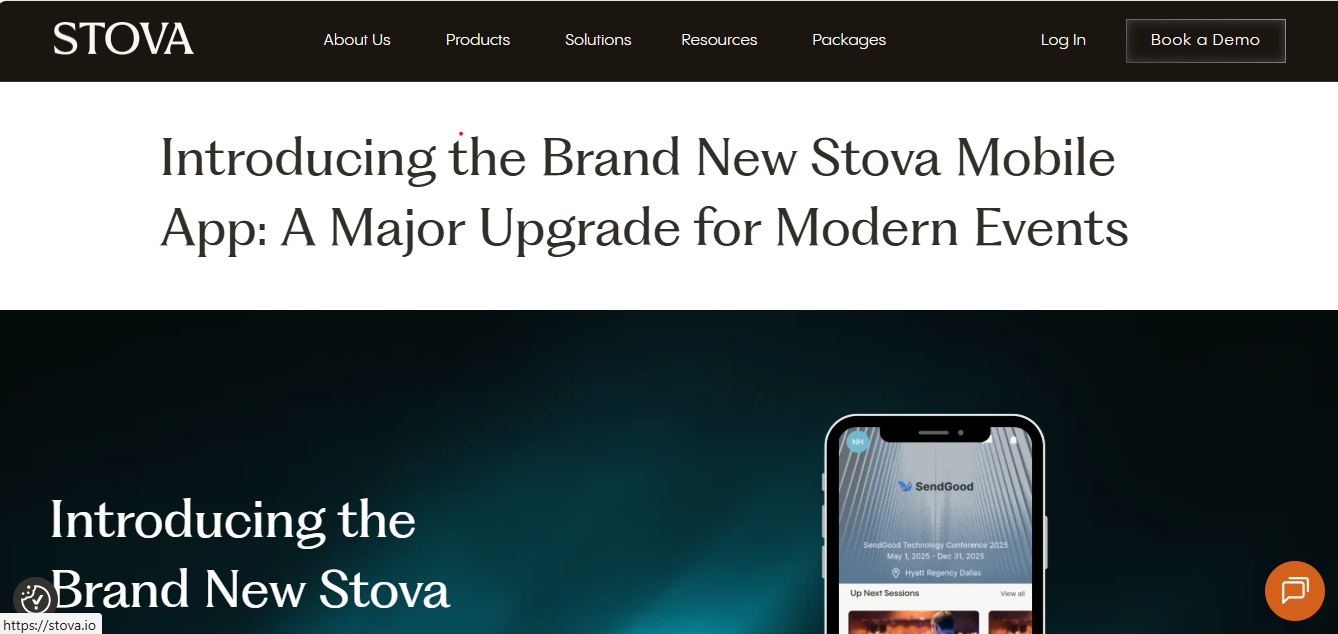
The platform is specifically known for its managed services model. The tool can carry out on-site operations and registration setup on its own without needing the event teams to operate the technology themselves. For organizations that don’t want to invest in event staff extensively, Stova is a great addition.
Major Features:
-
- The Stova team handles registration setup and on-site staffing on its own
- Stova’s merger with MeetingPlay allows them to offer streaming and virtual engagement features
- It provides integrated hotel booking and travel coordination for multi-day events
- It comes with features, such as badge printing, check-in QR and facial recognition for smooth attendance tracking
Pricing: Stova adopts custom pricing, which requires connecting directly with the sales team for a quote.
Wrapping Up
When you’re looking for event planning apps for your next initiatives, you need to make an informed decision. That’s the reason we have simplified the event app features to help you make the right choice. Your app should be more than functional; it should perfectly align with your event operations, so you derive the maximum benefits out of it. That’s where Dryfta comes in.
Dryfta’s responsive mobile app is built with the thought of offering convenience to your attendees. Apart from the glimpse that we have provided in this guide, if you’re curious to know what the app is capable of, schedule a free demo today.