




Well-managed ticket sales are a big part of what makes an event successful. As 2026 gets closer, one thing is clear: using the right tech is no longer optional if you want to stay competitive. For most events, ticket revenue funds everything else, making the setup behind it a core part of your event’s success. Review our selection of 7 leading event ticketing software solutions to choose the one that best supports your event.
1. Dryfta
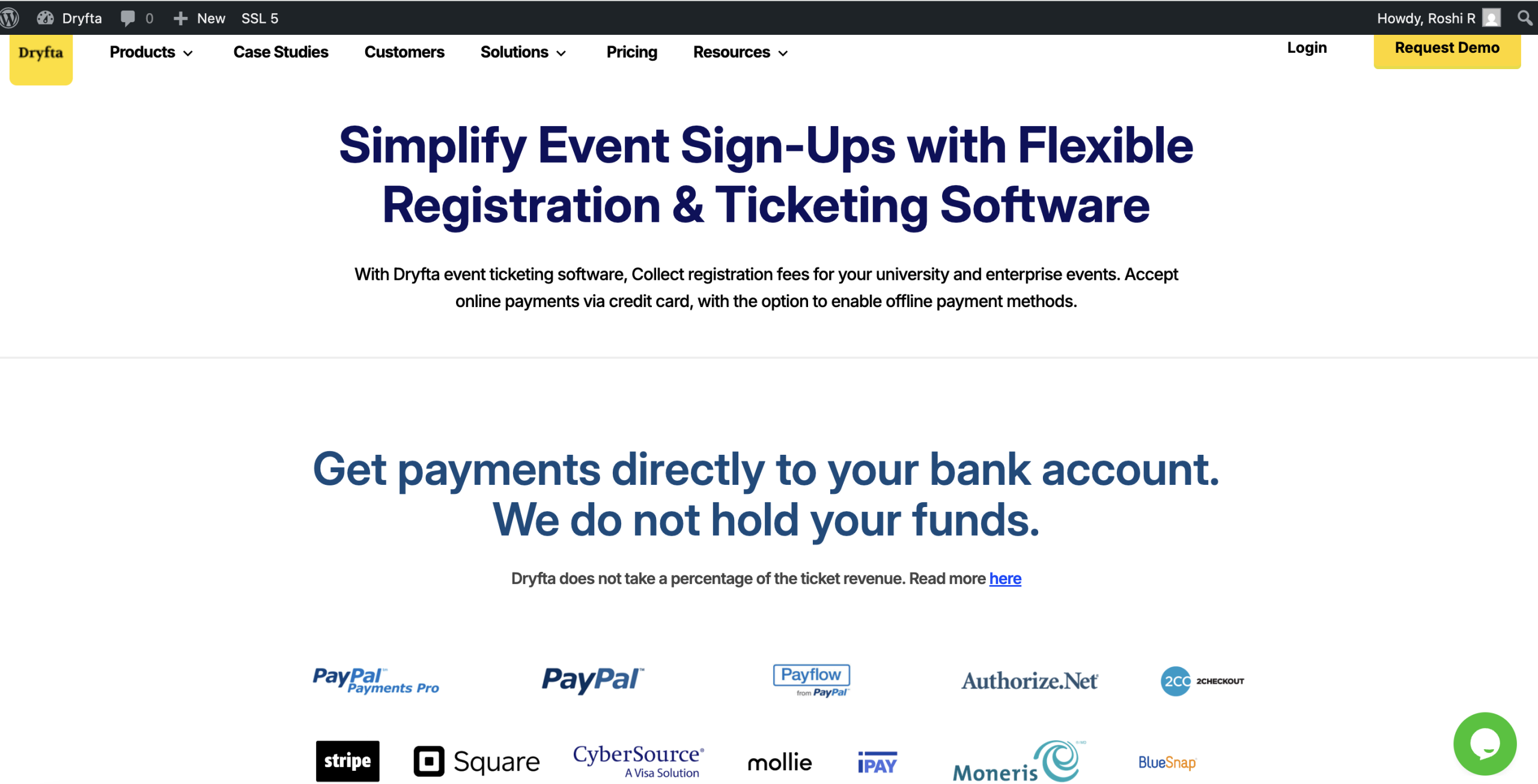
Dryfta’s event ticketing feature lets organizers sell tickets and collect registration fees online with high flexibility and control. You can set up multiple ticket types with customized pricing, availability limits, and conditional registration forms that collect the information you actually need from attendees. The system supports online payments through major gateways like Stripe and also accepts offline payment options such as bank transfers, giving registrants flexibility in how they pay.
Dryfta automatically generates invoices, receipts, and digital tickets, with QR codes for fast, efficient check-in at the event. Organizers can track ticket sales and revenue in real time, view detailed analytics on top-selling ticket types, and manage attendee orders all from a unified dashboard.
Key Dryfta event ticketing features
-
- Sell membership tickets with a defined validity period
- Offer workshop tickets and allow check-in only for confirmed buyers
- Add social sharing buttons and a “Share with a friend” option after purchase
- Provide members access to premium content using an access control system
- Send an automatic email alert to the main admin when payment settings are updated
- Enable online payments for abstract submissions when needed
- Generate invoices automatically and email them directly to the registrant
- Manage discount codes for participants and group registrations, including expiry dates and rule-based conditions linked to custom fields
- Restrict discount codes by user and ticket type
- Automatically apply discount codes when preset conditions are met
Pricing
Dryfta structures its pricing around three tiers designed to fit different organization sizes and event needs. The Small plan starts at 1,499 USD per year and includes core features suitable for smaller events or teams that want a straightforward setup without extra complexity. For large-scale events, the Medium and Large plans follow a custom pricing model, with costs tailored to attendee volume, feature requirements, and overall scope.
2. Bizzabo
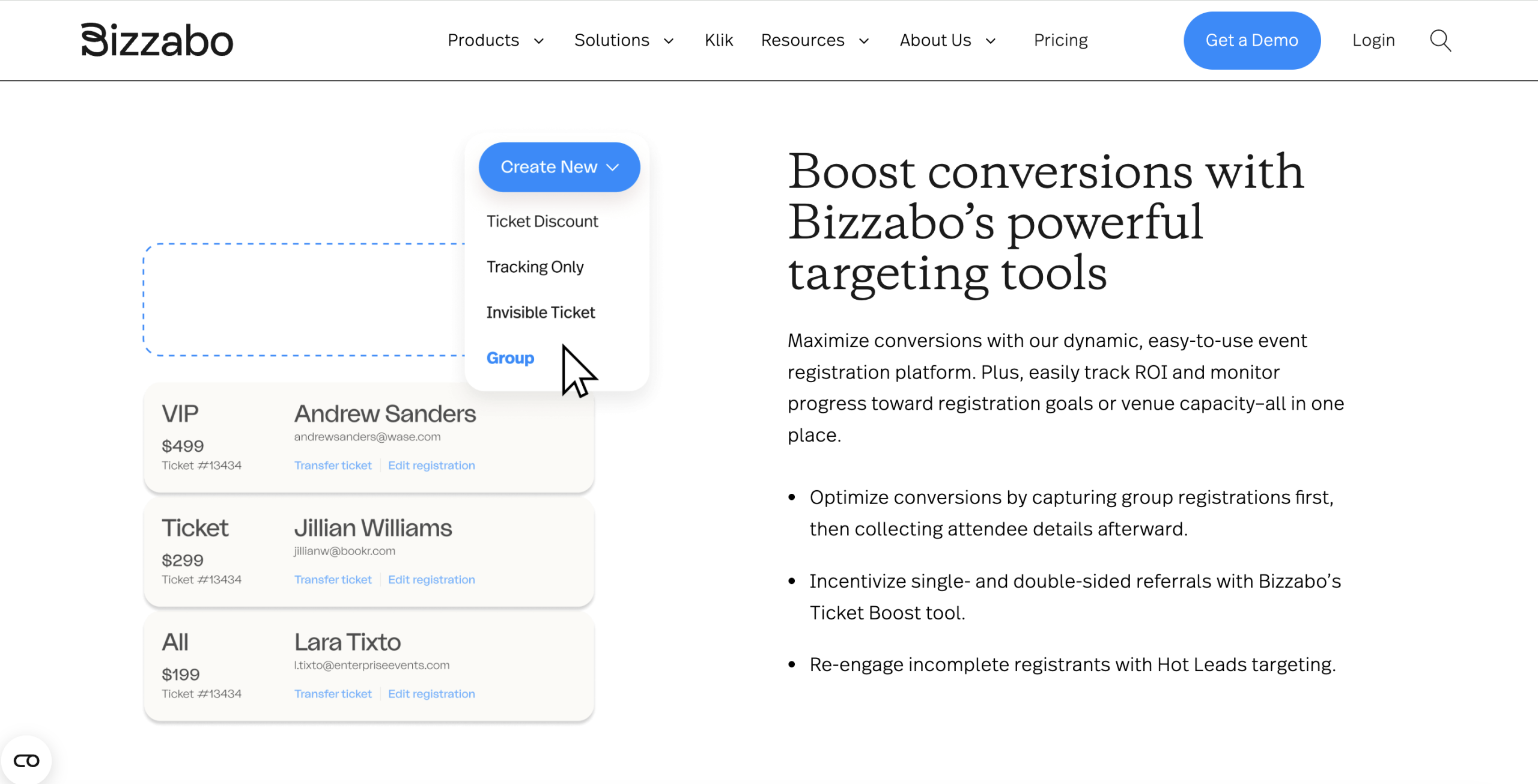
Bizzabo is a good option if you’re looking for an event ticketing system that can manage multiple large events per year. The software does more than just sell tickets or register attendees; it lets you manage every aspect of your event from one platform. Also, many teams appreciate the high level of customer support available to help if you are running on a tight timeline.
That said, it is not the budget option. Bizzabo is positioned as a more high-end alternative, which is reflected in its pricing. However, if you prioritize a stable system, strong tools, and less stress on event day, the added expense may be worth it. Put simply, you’re spending money on more streamlined workflows and the peace of mind that your ticketing and registration system will not fail you when it really counts.
Key Bizzabo event ticketing features
-
- Sponsor management tools that support lead tracking and lead scoring
- Event intelligence tools covering registration, networking, engagement, and cross-event analytics
- Registration personalization for attendee preferences, including dietary needs and pronoun choices
- Attendee data management to support smooth event operations
- Multi-day agenda management for easier event scheduling and coordination
- Branded event apps to support a more consistent attendee experience
Pricing
Bizzabo’s Event Experience OS starts at $499 per user per month, billed annually, with a minimum of 3 users.
3. Ticketbud
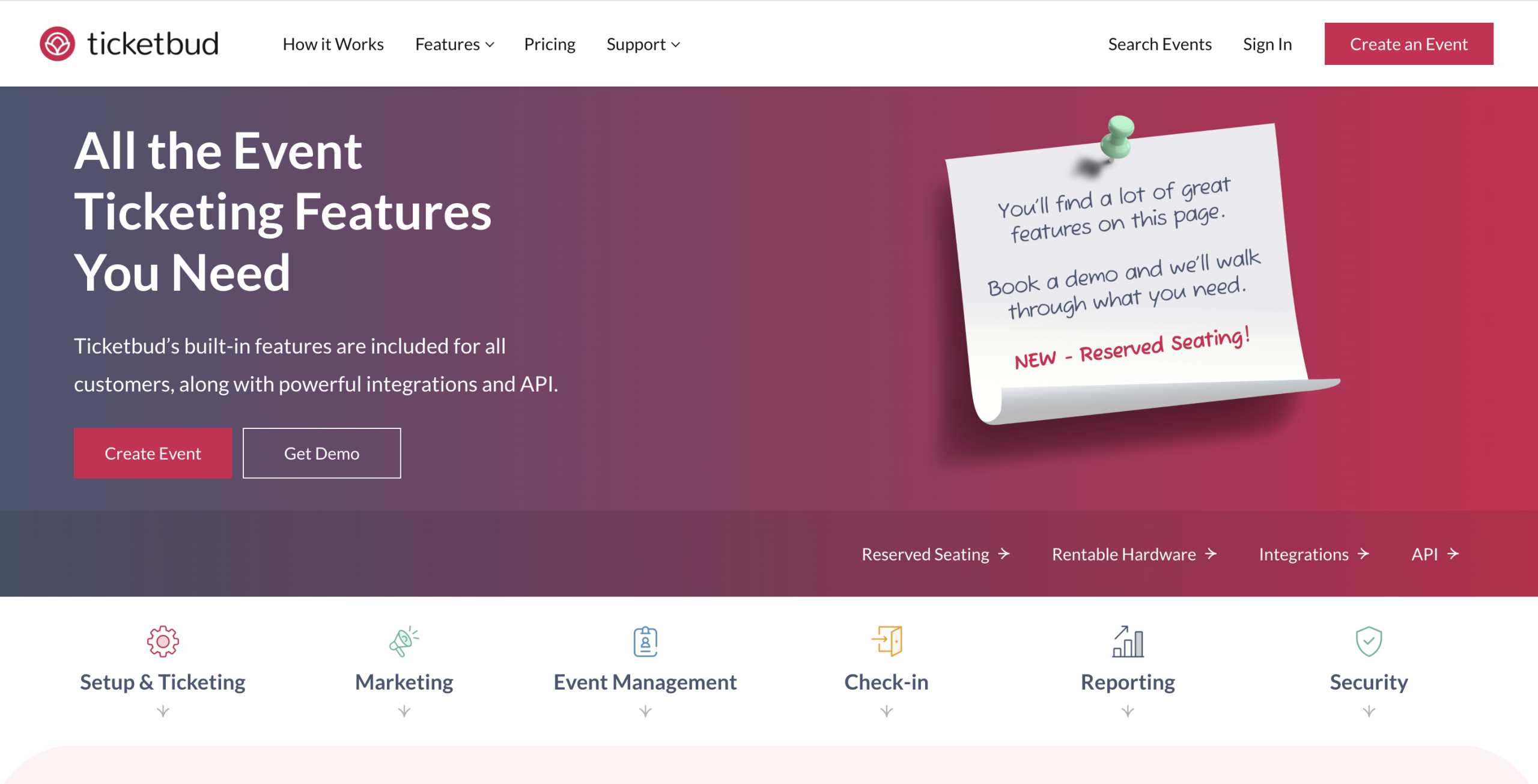
Ticketbud is a straightforward online ticketing tool that lets you set up ticket sales without much complexity. On top of the ticketing basics, it also comes with built-in promotion features so you can market smarter and reach the audience you want, showing up.
One of the most liked features from users is the ability to connect Facebook with Ticketbud, which makes it easier to sell where your audience already spends time. The ticketing platform also offers several tools, including custom URLs that let you easily track the performance of specific marketing campaigns. When you can see what is driving sales, you can adjust your marketing and put more effort into the channels that are performing best.
Key Ticketbud event ticketing features
-
- Easy event page setup and promotion that helps you start selling tickets quickly
- Integrations with popular payment processors, keeping transactions simple and smooth
- Advanced promo tools, including Facebook Pixel integration for more targeted marketing
- Audience segmentation and link tracking that show which paid ads and channels perform best
- Reporting features that give you clear insights to help you run a stronger event
- Point of sale and offline sales options for on-site payments when the internet is unreliable
Pricing
Ticketbud charges 2% + $0.99 per ticket, plus a 2.9% payment processing fee. Organizers can either pass these fees to attendees or cover them themselves.
4. RegFox
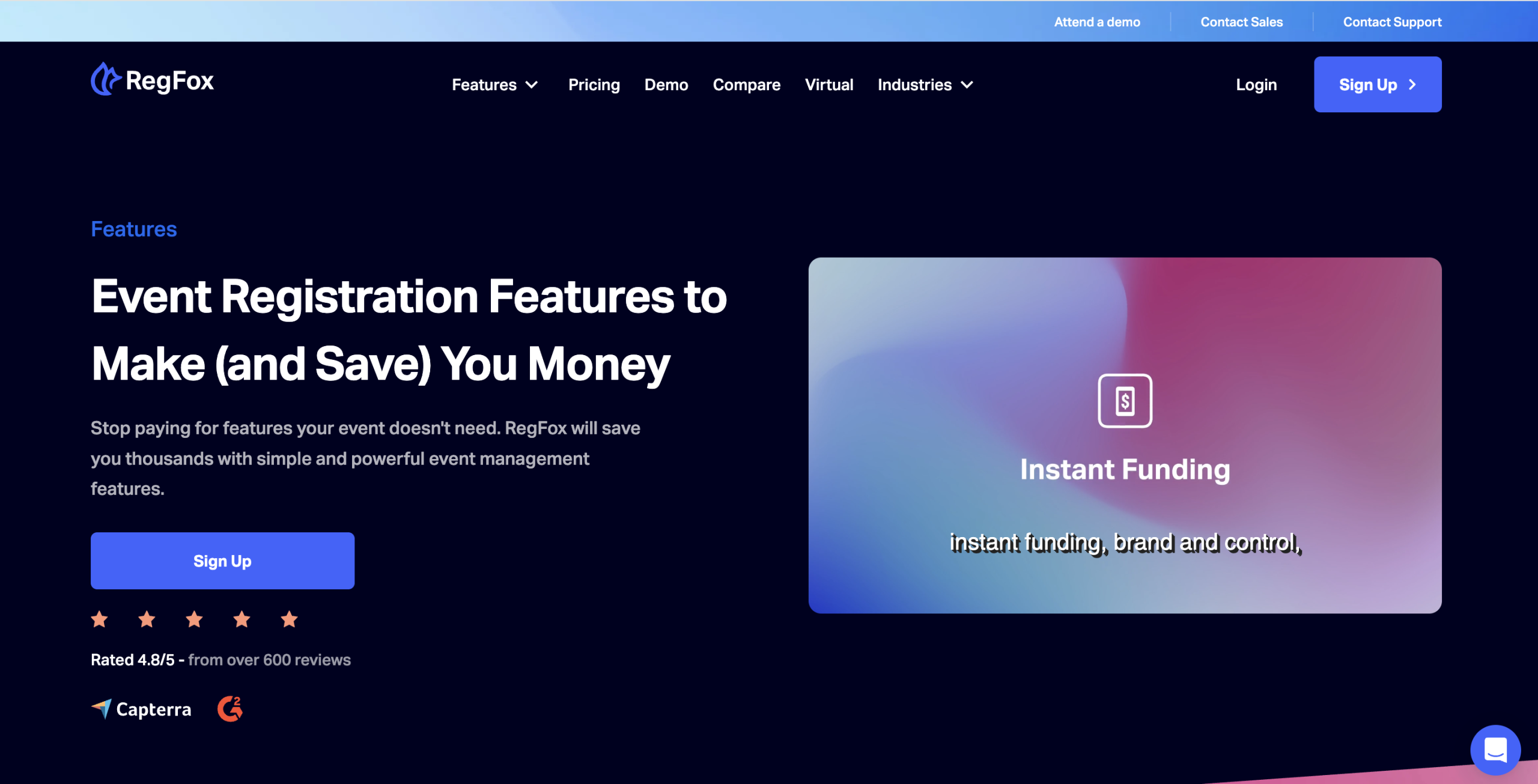
RegFox is a simple, budget-friendly registration tool that gives you more features without the big-platform price tag. It’s basically aiming to be the cheaper alternative to other platforms, and it claims you could save up to $2000 a year in fees for a hundred-attendee event, depending on how often you run them.
With its flat fee approach, RegFox includes features like a simple website builder, branding controls, and automated workflows that help you keep registration and follow-ups organized.
Key RegFox event ticketing features
-
- More control over branding, with flexible design customization options
- Conditional logic that helps you build custom workflows and set pricing rules
- The option to sell merchandise or add paid products directly during registration
- Inventory tracking, along with basic event CRM functionality to manage contacts and activity
- Bank reconciliation reports and support for badge printing when you need it onsite
- Support for offline payments, along with data export for reporting and follow-up
- Coupons, social media plugins, and onsite payment options to support promotions and sales
Pricing
RegFox uses a simple pay-as-you-go pricing model with no upfront charges. You pay $0.99 + 1% per paid registrant, and the platform fee is capped at $4.99 per person.
5. Accelevents
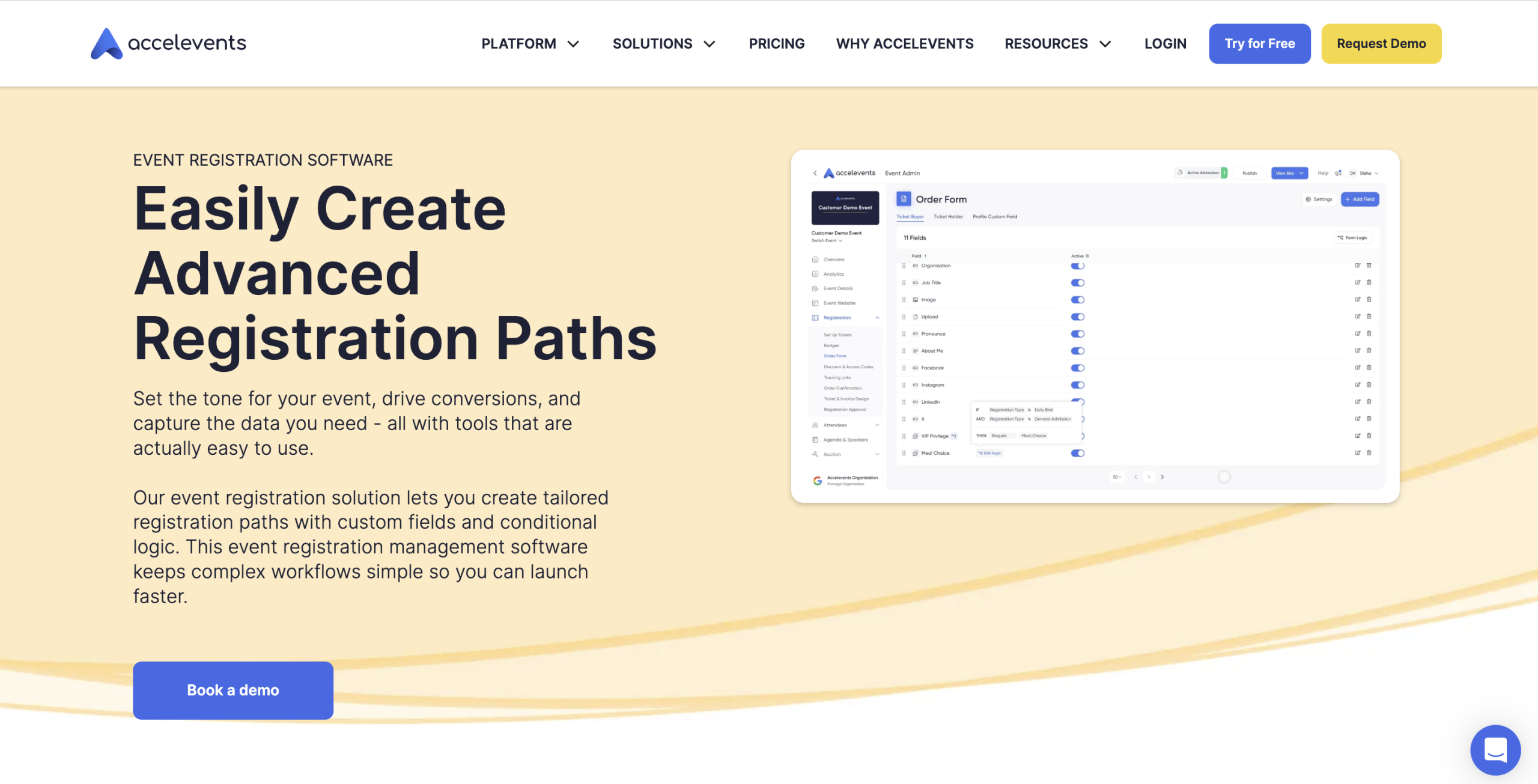
Flexibility is a big part of how Accelevents positions its ticketing and registration software. You see it in the workflows and confirmation emails, which you can adjust to match your event branding and tone. That way, the registration experience feels like an extension of your event.
Accelevents also focuses on making registration and attendee management easier to run day to day. It includes tools for things like assigned seating, badge design and printing, and session sign-ups. The idea is to get the details organized early, giving guests a smoother experience before the event even begins.
Key Accelevents event ticketing features
-
- Strong branding controls for event materials, helping everything look consistent across touchpoints
- Support for virtual and hybrid events, covering both online participation and onsite delivery
- Simple event page customization, so you can update content quickly without relying on developers
Pricing
Accelevents offers four pricing plans designed mainly for larger events, typically starting at around 500 registrants. Pricing begins with the Professional plan from $7,000 for a single event, the Business plan from $12,000 for teams running multiple events, and both the Enterprise and White Label plans are offered through custom quotes for large-scale or fully branded setups.
6. Ticket Tailor
Ticket Tailor comes across as one of those tools that tries to cover pretty much every ticketing scenario you can think of. From password-protected tickets and recurring events to custom URLs that make your event links easier to remember, it packs a lot in without feeling overcomplicated.
On top of that, it provides basic functionality, including unlimited ticket types, event categories, and private/public listing options. The event check-in app helps you scan tickets and keep the line moving. You can even sell merch or extra products alongside tickets.
Key Ticket Tailor event ticketing features
-
- Easily move or transfer orders between different event dates or occurrences without starting from scratch
- A broadcast tool to send quick email updates and important announcements to attendees
- The option to upsell products or add-ons alongside tickets to bring in extra revenue
- QR codes that make ticket purchases and event promotion quick and easy for everyone
- Easy discount code generation to run promotions or reward specific groups of attendees
Pricing
Ticket Tailor keeps pricing simple with two main options: Pay As You Go at $0.85 per ticket, or Pre-Pay credits starting at $0.30 per ticket for lower fees. Free events have no charges, while Stripe or PayPal processing fees apply depending on your location. Registered charities can also get a 50% discount on Ticket Tailor fees.
7. Eventbee
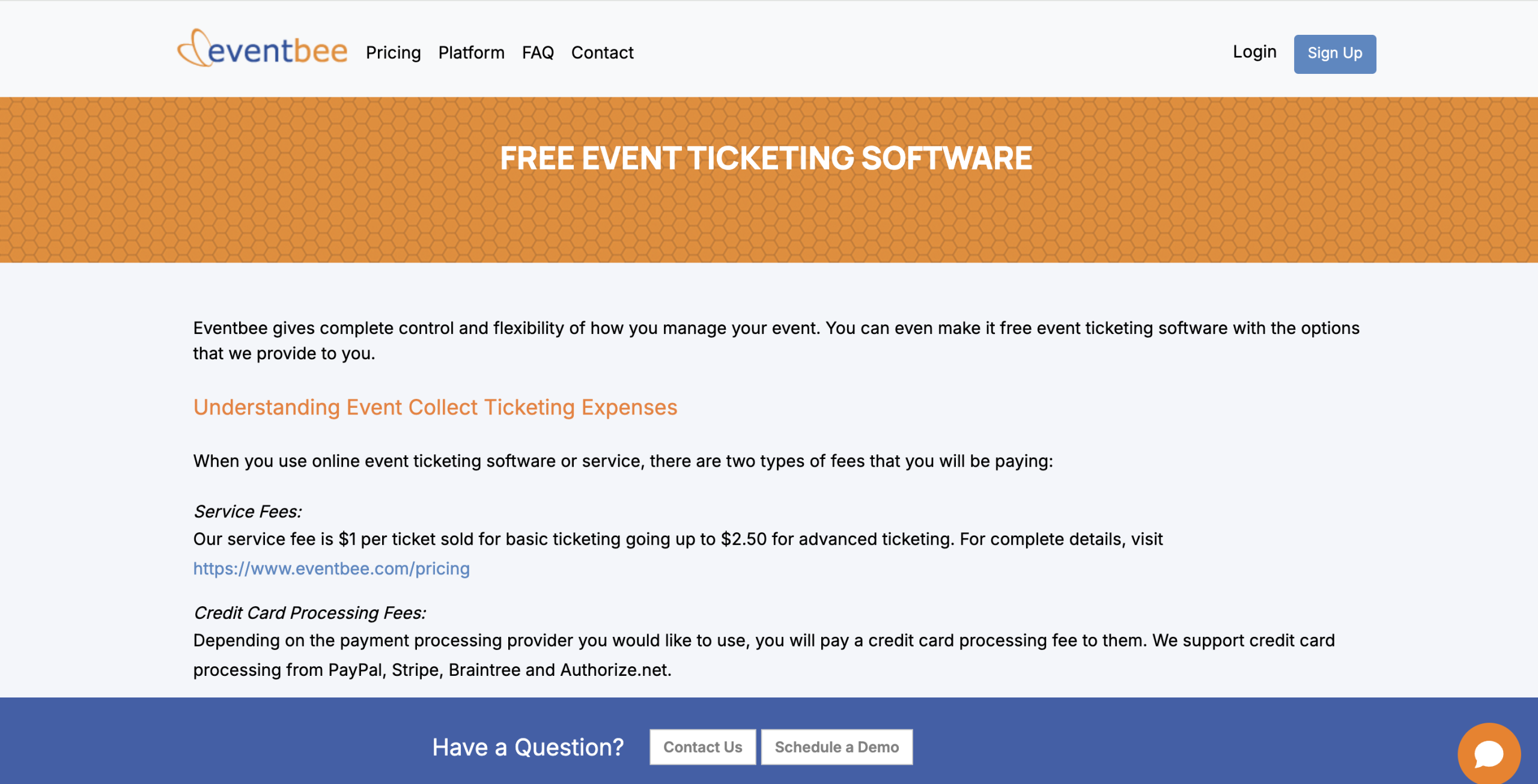
The Eventbee ticketing system is easy to use, quick to set up, and a fast way to manage your event promotion and event planning. It works especially well for large-scale events where logistics and check-in speed matter. Pricing starts at a flat $1 per ticket, with core features including registration forms, mobile ticket scanning, social sharing tools, and built-in reporting to track performance. Therefore, if you are looking for a good ticketing service with minimal extra complexity, then Eventbee may be a good choice for you.
Key Eventbee event ticketing features
- The live activity dashboard provides instant analytics and valuable insights during the event
- The API integration feature allows the user to integrate the platform with other systems they are currently using
- Allows the user to manage attendee data to allow them to track and organize registration and attendee data in one location
- Provides built-in codes for promotions and discounts for specific attendee groups
Pricing
Eventbee uses a flat-fee pricing model based on the plan you choose, with higher tiers offering more features. Rates start at $1 per ticket for the Basic plan, then increase to $1.50 (Pro), $2.50 (Advanced), and $3.50 (Business) per ticket.
Final Thoughts
A strong ticket sales platform takes a lot of pressure off your team by making ticket setup, payments, and attendee details easier to manage in one place. Not every ticketing tool holds up when volume increases, though. Some come with security gaps or surprise fees. Smaller tools can work fine when ticket numbers are low, but once you are dealing with hundreds of attendees, you need something more reliable.
A platform like Dryfta shows what solid ticketing looks like when it is built to be secure, flexible, and easy to tailor to your event. Some platforms handle only ticket sales, but an all-in-one event tech platform usually works better because it covers more than one piece of the event puzzle.
Ready to see how it works? Book a free demo to explore how Dryfta can match your setup, scale with your event, and support a smoother attendee experience from the first ticket purchase through the final wrap up.