




Planning and hosting events has never been more exciting, or more complicated. Many organizers keep running into the same problems over and over. Some are thinking, “I honestly don’t know how to promote this properly and attract the right crowd.” Others are stuck switching between a bunch of tools that don’t integrate well together.
All of this contributes to one truth. If you don’t have the right tools and a solid plan in place, your best event idea will fail. This blog breaks down some of the best event marketing software options out there, so you can find the one that actually fits your setup and goals.
8 Best Event Marketing Tools in 2026
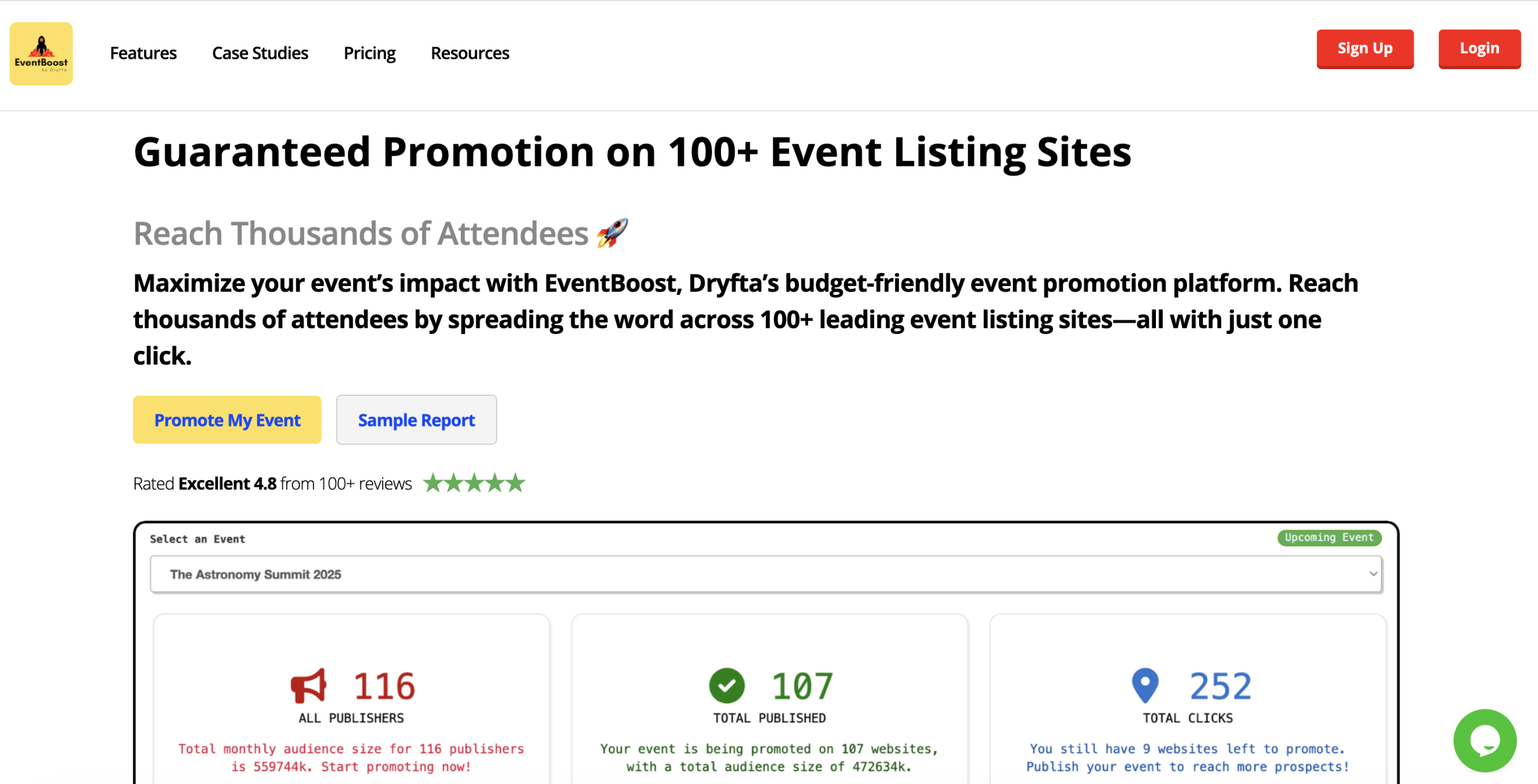
1. EventBoost
Dryfta is an all-in-one event management platform designed to manage key workflows. It supports registration, ticketing, event websites, abstract management, payments, email communication, analytics, and marketing within a single system. Using this integrated approach, teams do not need to rely on multiple applications to execute their events, reducing manual data entry.
As part of Dryfta’s marketing toolkit, EventBoost helps extend event visibility through streamlined distribution and measurable performance tracking.
Key Features:
-
- Submit event details once and publish across 100+ event listing websites
- Choose specific publishers based on relevance, audience, or category fit
- Reduce manual posting by managing listings from a single submission
- Dryfta handles distribution to requested publishers to save administrative time
- Track clicks and pageviews in real time to monitor campaign reach
- Receive daily reports with publisher-level performance details
- Reduce marketing costs compared to traditional advertising approaches
Best Use Cases:
Academic and Research Conferences: Dryfta is ideal for managing complex, research-heavy events that require the end-to-end handling of thousands of abstract submissions, peer reviews, panel discussions, and the subsequent generation of abstract books and session scheduling.
Corporate and Non-Profit Hybrid Events: Dryfta will provide a low-cost single application for organizing hybrid events (in-person/online) for sessions, registration and donation tracking, as well as a native mobile application for attendee networking and engagement.
2. HubSpot
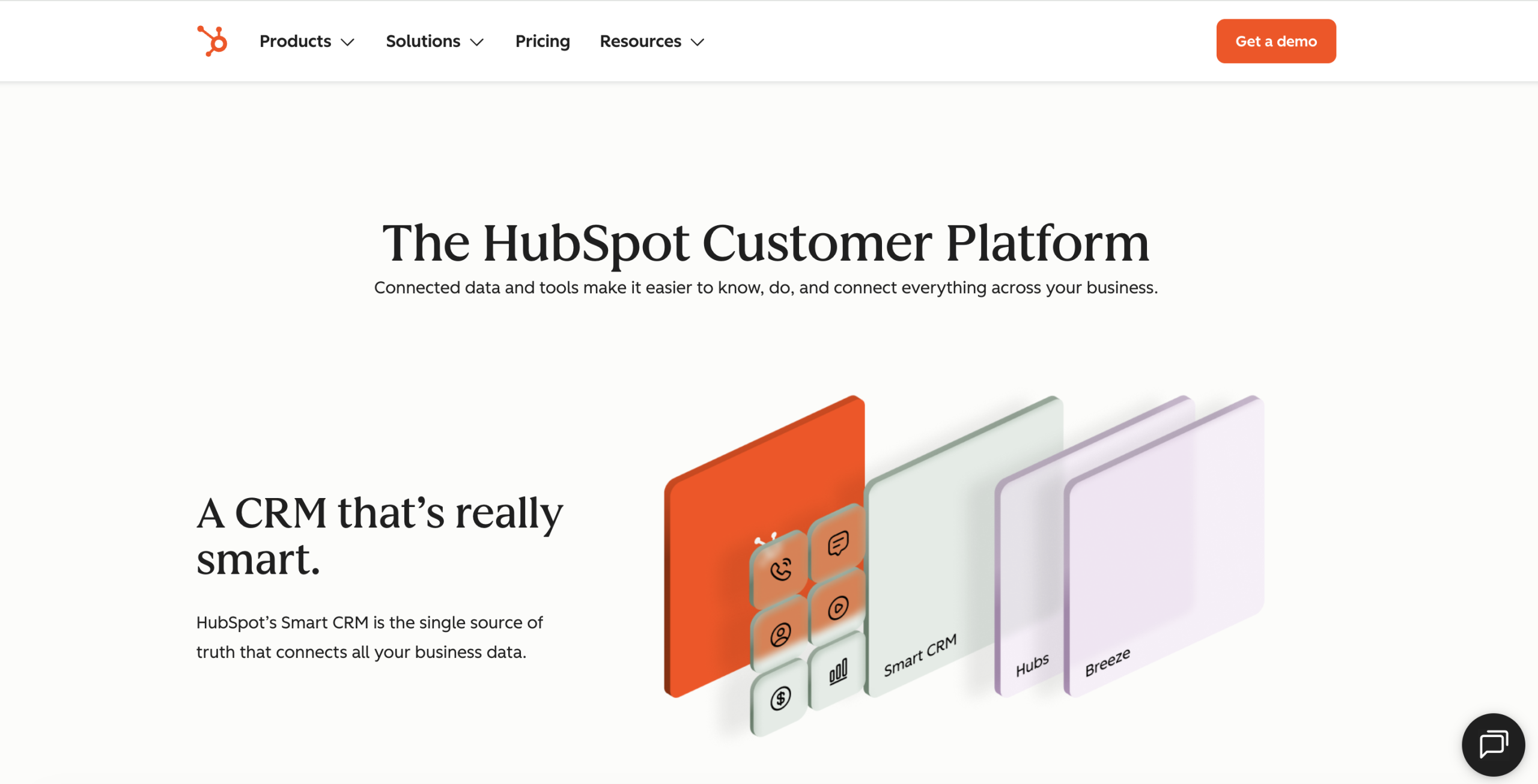
HubSpot is a well-known email marketing platform and CRM that gives you customizable templates, A/B testing, and automated workflows.
The tool uses event CRM data to personalize emails for each of your contacts by using their behavior, what they care about, and where they are in your funnel. One of the most significant features of HubSpot is automation and using workflows that can be triggered by actions people take, time delay, or when specific criteria are met.
On the reporting side, HubSpot provides insights into metrics such as open rates, click-through rates (CTR), and conversion rates, which are useful for improving your event’s promotional efforts going forward. Creating an email is also relatively simple too, thanks to the drag-and-drop builder and ready-to-edit templates.
Key Features:
-
- Built-in marketing automation
- Customizable landing pages and forms
- Comprehensive data management
- Native and third-party integrations
- Ticket and payment handling
- Advanced reporting and ROI tracking
Best Use Cases:
Small to medium conferences: Good for small to medium-sized conference teams who want a single setup for their event registration, marketing and CRM.
Hybrid and virtual events: Especially useful for hybrid or virtual event teams for tracking digital engagement and managing attendee data in real time.
3. Canva
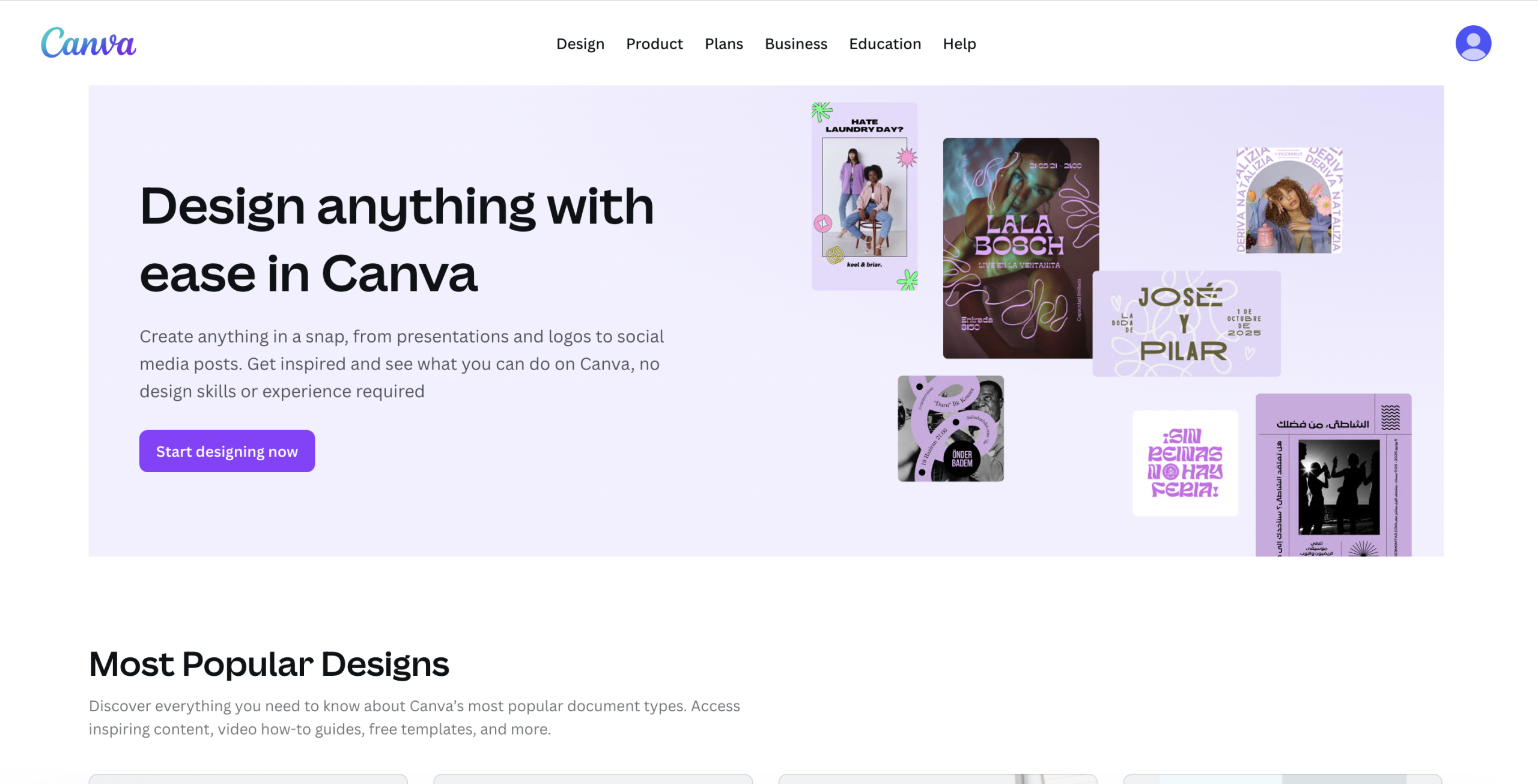
If Photoshop, Illustrator, or InDesign feels intimidating, Canva is your friend.
Canva lets you create visual content like presentations, social graphics, posters, documents, and other marketing materials. And the new AI features take it to an entirely new level. You can use them to generate design ideas, create images and illustrations, build video avatars and voiceovers, and even create music.
Canva’s AI tools can save time because the interface is simple and easy to learn. It is very easy to navigate; you can collaborate with your team members and get them to review faster than before. You can remove backgrounds from speaker headshots or add original, copyright-free background music to event videos as well.
Key Features:
-
- Extensive template library
- Magic studio (AI tools)
- Brand hub
- Real-time collaboration
- Content planner
- Canva print
Best Use Cases:
Dynamic event marketing: Build a whole set of promotional materials using Canva’s Event Templates so you don’t have to start from scratch. Create a teaser video for social media and resize it for other platforms using Magic Resize.
Guest experience: The fastest way to add sponsor logos is to use Brand Kit and use Bulk Create to generate hundreds of clean, professional attendee badges in minutes.
4. Hootsuite
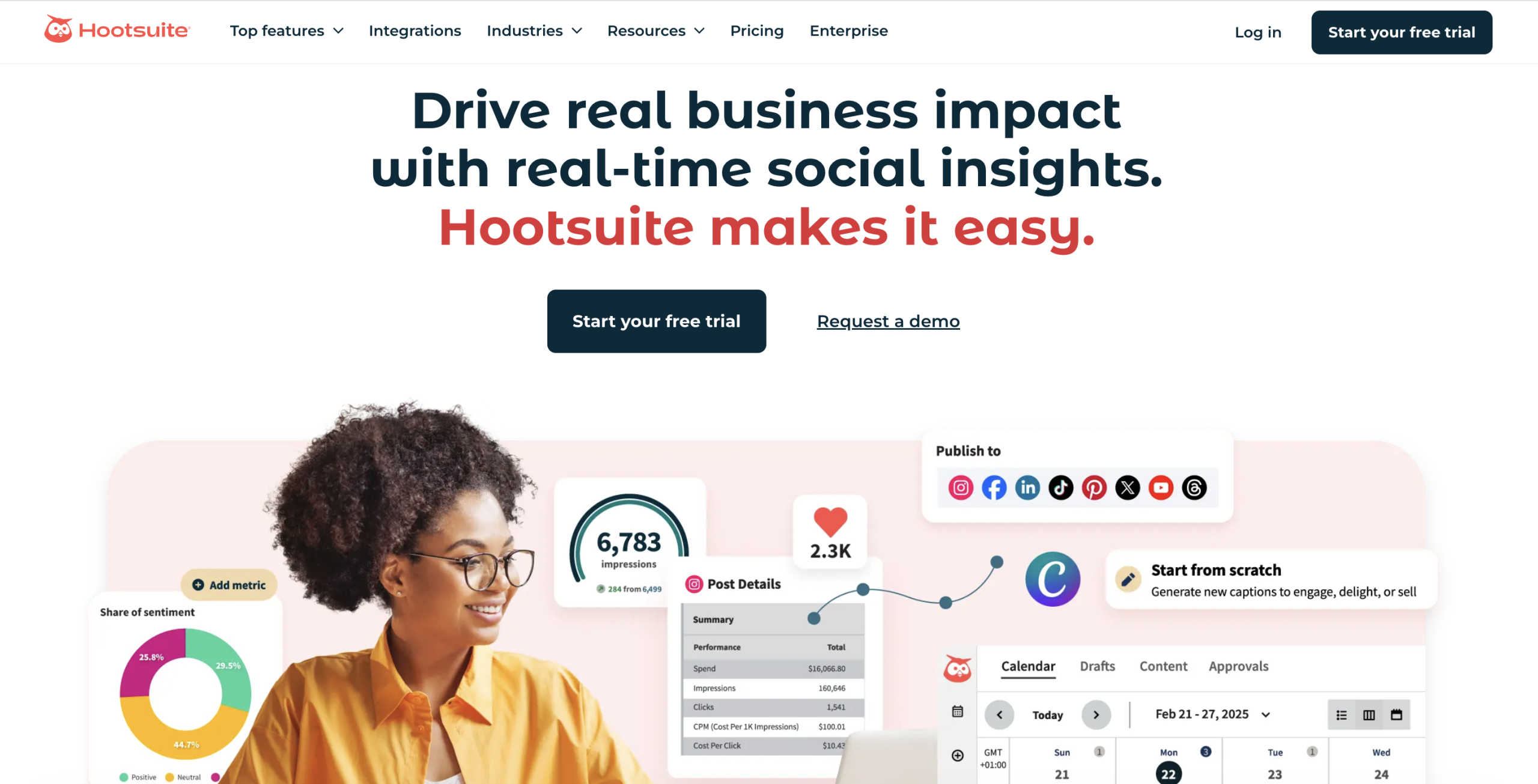
Hootsuite is a social media management platform that helps schedule event promotions across multiple channels.
Hootsuite’s main win is the centralized dashboard that supports planning, creating, and publishing content. The content calendar gives you a clear view of what’s going out when, across organic and paid.
You can also keep up with what people are saying using social listening and trend tracking, then turn those insights into content using its built-in AI tools. And when your week is packed, bulk scheduling helps you queue posts in advance.
Key Features:
-
- Multi-platform scheduling
- Social listening streams
- Unified social inbox
- Bulk post scheduling
- Hootsuite mobile app
- Customizable analytics
Best Use Cases:
Promotion and registration drive: Use bulk scheduling to plan a multi-week countdown with speaker spotlights and ticket deadlines.
Live event management: Set up a real-time listening stream on your official hashtag during the event to capture attendees’ posts.
5. Mailchimp
The email marketing and automation brand, Mailchimp, integrates with a ton of popular tools, making it handy for event promotion.
Mailchimp is used by 11M+ people globally, and it’s been around since 2001. It also claims users can see up to 30x ROI in certain contexts, which is the kind of stat marketers love to quote when they need budget approval.
Event marketing with Mailchimp is great because it makes the most basic things easy, like pre-built templates for newsletters, promos, drip campaigns, and even an “abandoned cart” reminder. Plus, the automation features will send emails to your target audience based on their actions.
Key Features:
-
- Event-specific automations
- Registration and landing pages
- Seamless platform integrations
- Real-time SMS updates
- “Add to calendar” links
- Audience segmentation
Best Use Cases:
Drip campaigns for major events: Create a series of drip campaigns that build on each other as the event approaches (for example, share teasers about some speakers for a week, followed by posting the complete agenda for the second week, and conclude with a final push for those who are late to register).
Feedback post event: Set an automation to send a survey 48 hours after the event ends, so you catch feedback and testimonials while they’re still fresh.
6. Zapier
Zapier is a no-code automation tool that helps connect apps and turn manual event tasks into simple workflows called Zaps. You can automate a big chunk of the registration flow. As an example, when someone signs up for a virtual conference via a landing page, the trigger adds that person into your CRM, sends them a welcome email, and creates their own personal virtual meeting link.
You can also set up live updates so that every time you have a new registration, it will go directly into your Google Sheet or send a Slack message to your team. It is flexible enough to work for in person, virtual and hybrid events because it connects with many different types of software used in modern event workflow.
Key Features:
-
- Multi-step zaps and logic
- Massive app ecosystem
- AI-powered automation
- Conditional paths
- Zapier interfaces and tables
Best Use Cases:
Real-time coordination and alerts: Send instant Slack or SMS alerts when something important happens, like a high profile guest registering, a session update going live, or a support request coming in.
Instant attendee onboarding: Automate onboarding by pulling new attendees, adding them to your CRM (HubSpot or Salesforce) and the Mailchimp email list, and syncing their data automatically.
7. Asana
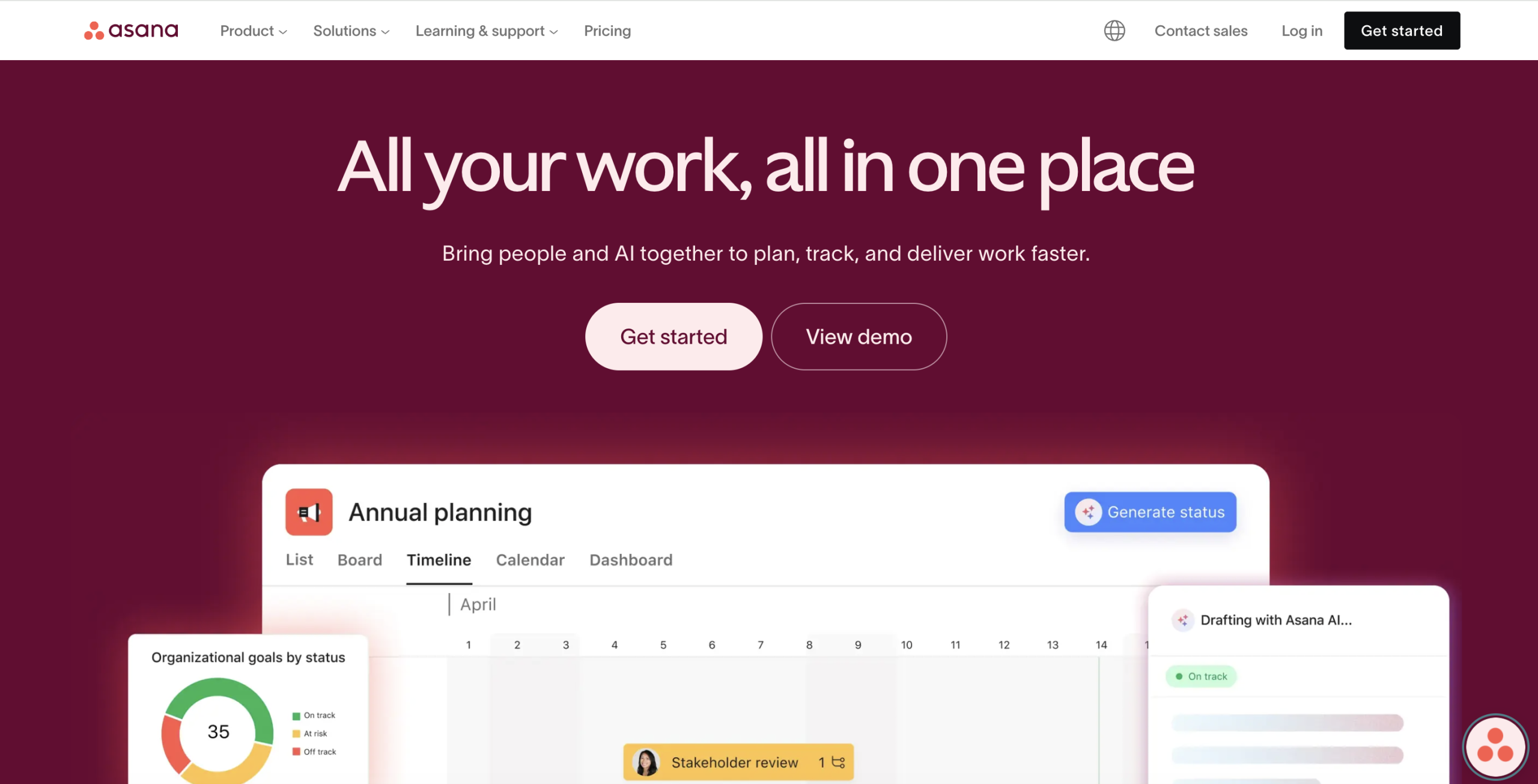
Asana is a cloud-based tool for organizing all of the logistics associated with event planning by including tasks, communication, and documents in one location. It allows you to create an overall project using templates and break down large logistical aspects of your event into smaller task elements. You can then assign those tasks to specific individuals with due dates and build dependencies.
The tool helps your team view the same work differently using tools such as lists, kanban boards, and calendars, making it much easier for you to track your event’s progress.
With Asana, you can stay on top of details like venue planning, vendor contracts, and marketing assets, and the mobile app helps with coordination on event day. The mobile app allows for better coordination during the event and by tracking everything in a single platform, Asana is a single source of truth, creates accountability, reduces the number of pointless status meetings, and reduces the overall stress associated with running large-scale events.
Key Features:
-
- Timeline view (Gantt style)
- Event templates
- Custom fields
- Run of Show (ROS) management
- Guest access
- Asana AI (smart status and summaries)
- Mobile app
Best Use Cases:
Multi-stakeholder large conferences: Teams use Asana Portfolios to keep an eye on progress across multiple tracks like marketing, speaker management, and logistics in one place, so it’s obvious if one area is slipping behind.
On-site event day execution: On event day, planners use a run-of-show template in the Asana mobile app to manage live handoffs, such as cueing the AV team for a speaker’s entrance or confirming catering arrivals.
8. Google Analytics
Google Analytics is a free tool that helps you track what’s happening on your event site, like registrations, landing page performance, and conversion rates. For years, Google Analytics was the primary web analytics tool in use and today it remains the most widely used and recognized way to see how visitors are behaving across various websites and devices.
The tool itself is complimentary and provides insight as to how many visitors register (and at which rate) and how well your landing pages perform. It has advanced tracking features, such as cross-device tracking and custom events, and integrates directly with Google Ads.
Key Features:
-
- Event-based data model
- Acquisition tracking with UTMs
- Funnel exploration
- Demographic and interest insights
- Real-time reporting
Best Use Cases:
Marketing attribution: Identify the marketing channel driving ticket sales (a specific Facebook ad vs. an email from a partner), so you can allocate your budget.
Conversion path analysis: Use path exploration to see what people do before they register, like watching a teaser video or checking the FAQ, so you know which content is helping people decide and what deserves more visibility.
Summing Up
As we enter 2026, there will be a number of changes to event marketing driven by increasingly practical technologies. Personalized invitations, reminders, and follow-up communications based on an individual’s behavior or interests are among the most significant changes in AI-driven personalization, transforming platforms’ ability to send tailored communications to attendees, whether at scale or one-on-one.
Don’t just choose the trending tools. Test the tool, compare it to others, and make changes according to which tools actually work best for your event. The correct setup of analytics and promotions will allow you to run events that appear professional and will generate legitimate registrants.
And if handling registrations, ticketing, promotions, communications, and on-site logistics across five different tools already sounds exhausting, it probably is. That is exactly where an all-in-one platform like Dryfta makes sense. It brings all your event tasks from registration and ticketing to attendee management and reporting into one place, so that your team can focus on running a great event.
Book a free demo with Dryfta and talk to the team for professional help tailored to your event setup.
