Have you ever planned an event and thought there has to be a better way to do this?
Planning events in this day and age has become a marathon of registrations, ticketing, emails, scheduling, and promotions. However, with the right event management platform, you can take much of that pressure off and help turn what once was a marathon into more of a sprint.
Events are becoming increasingly important for businesses and communities, so it is essential that you have a robust event management platform by your side in 2026.
This article will give an overview of many of today’s most popular budget-friendly event management software. We’ll break down what each one actually offers and which features matter for everyday planning.
1. Dryfta
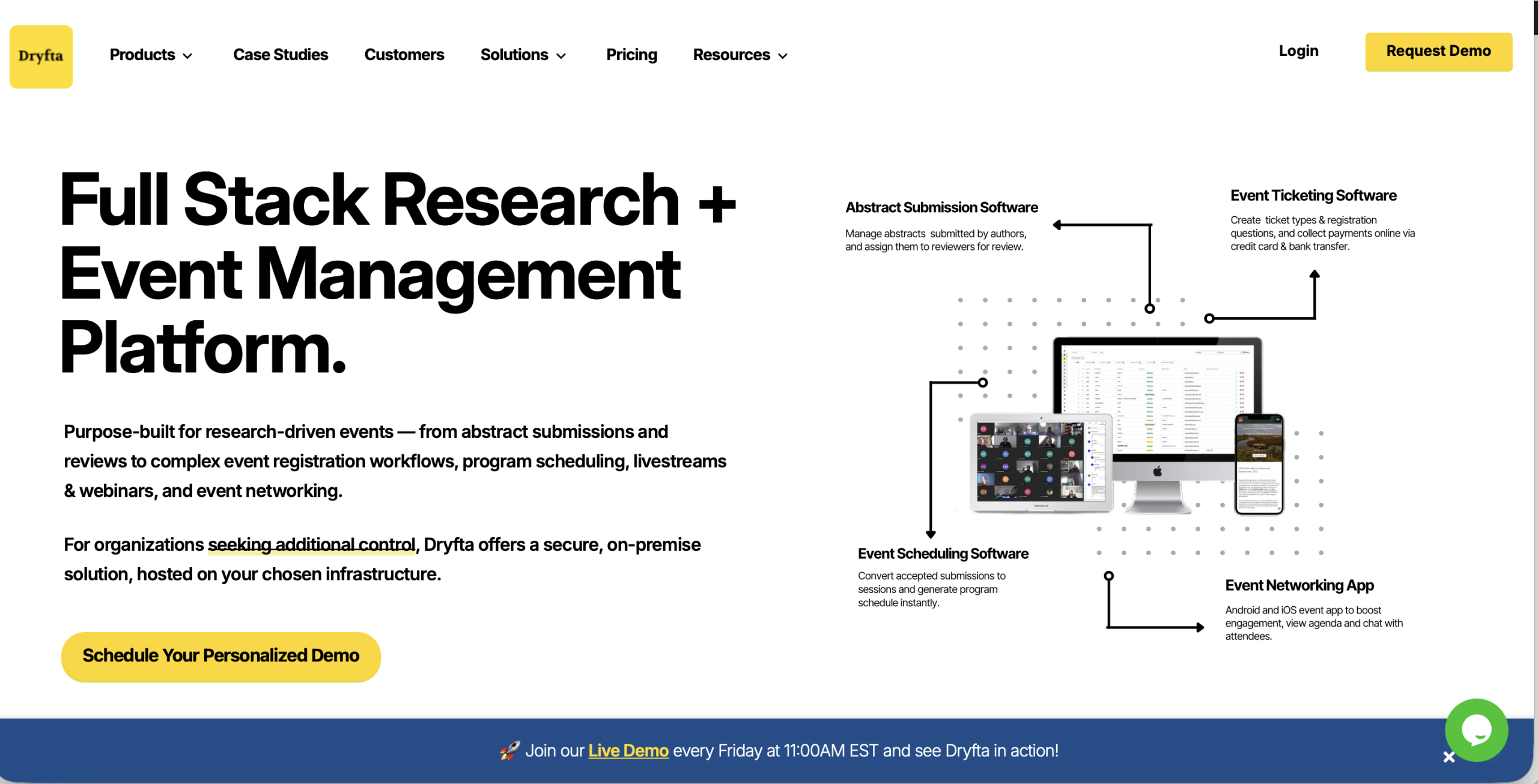
Dryfta is an all-in-one, cost-efficient event planning software that’s especially well known in the academic and research conference space. The platform includes core features like:
Registration and ticketing
Abstract submission and Peer review
Event scheduling
Virtual sessions
Event networking
Event CRM
For teams that care about data control and deeper customization, it can also be deployed in different ways, including cloud-based options and on-premises setups.
Boost revenue through flexible ticketing tools:
-
- Create tickets for registrations, memberships, workshops, sponsorship packages, and donations.
- Use the built-in Event CRM to follow all of the activities of an attendee across the entire event lifecycle.
- Collect payments online or offline by depositing funds directly into your merchant account.
- Use the user-friendly dashboard to manage orders, invoices, and purchase orders.
Manage abstract submissions and reviews for conferences:
-
- Enable users to search an abstract index to find relevant work quickly.
- Send automated updates to authors for key milestones, such as confirmations and submission status changes.
- Assign abstracts to reviewers automatically or handle assignments manually when you need more control over who is assigned to whom.
- Provide authors with a self-service dashboard for submitting, editing, and managing their abstracts and associated information.
Improve turnout for virtual events:
-
- Use browser-based virtual meetings backed by a 99.99% uptime Service Level Agreement(SLA).
- Create email campaigns, send push notifications, and text messages to promote sessions.
- Help sponsors gain stronger visibility and engagement with sponsor-focused tools that drive ROI.
Pricing:
The Small plan starts at $1,499 per year and includes a free trial option. For Medium and Large plans, contact our team to request a quote based on your event needs.
2. Eventbrite
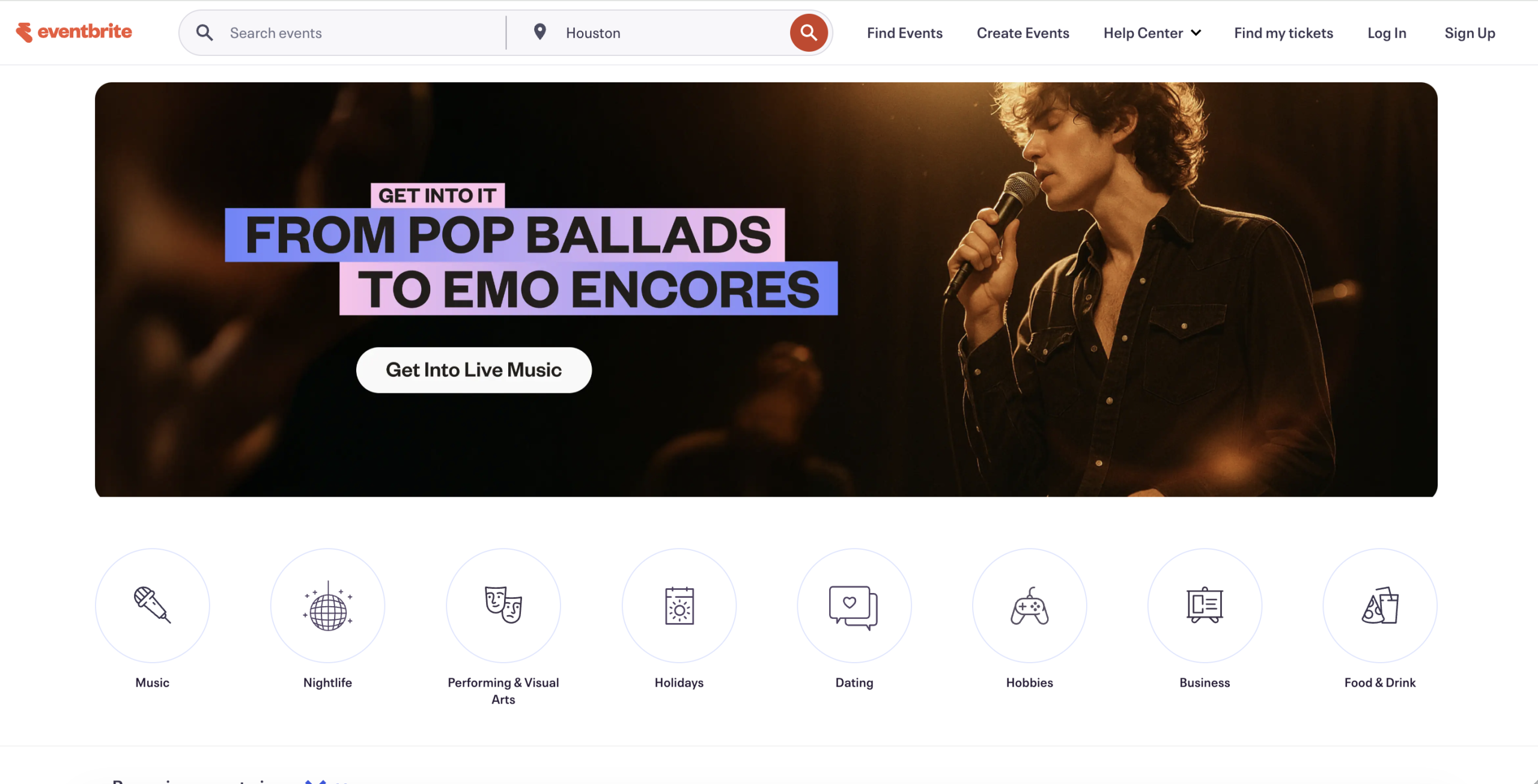
It is a popular event planning software that many teams are currently using mainly for ticketing. In addition to ticket sales, Eventbrite offers features such as registration management, basic marketing tools, and reporting to help you view signup statistics and performance metrics. The interface makes it easier to set up and customize for small events.
Key features of Eventbrite:
Branding and emails: Create a website page for your event that matches your brand, or update confirmations and promotional emails to align with your branding and messaging.
Social promotion: Connect with social media channels to boost your event’s visibility with minimal effort.
On site registration: You can sell tickets and check people in on the same day at the event location, which makes last minute registration easier to handle.
Managing events: Manage multiple events from a single account and have all your event planning tools in one place.
Pricing:
No fees for free events. Paid tickets are charged a 3.7% plus $1.79 service fee per ticket and a 2.9% payment processing fee per order.
3. eShow
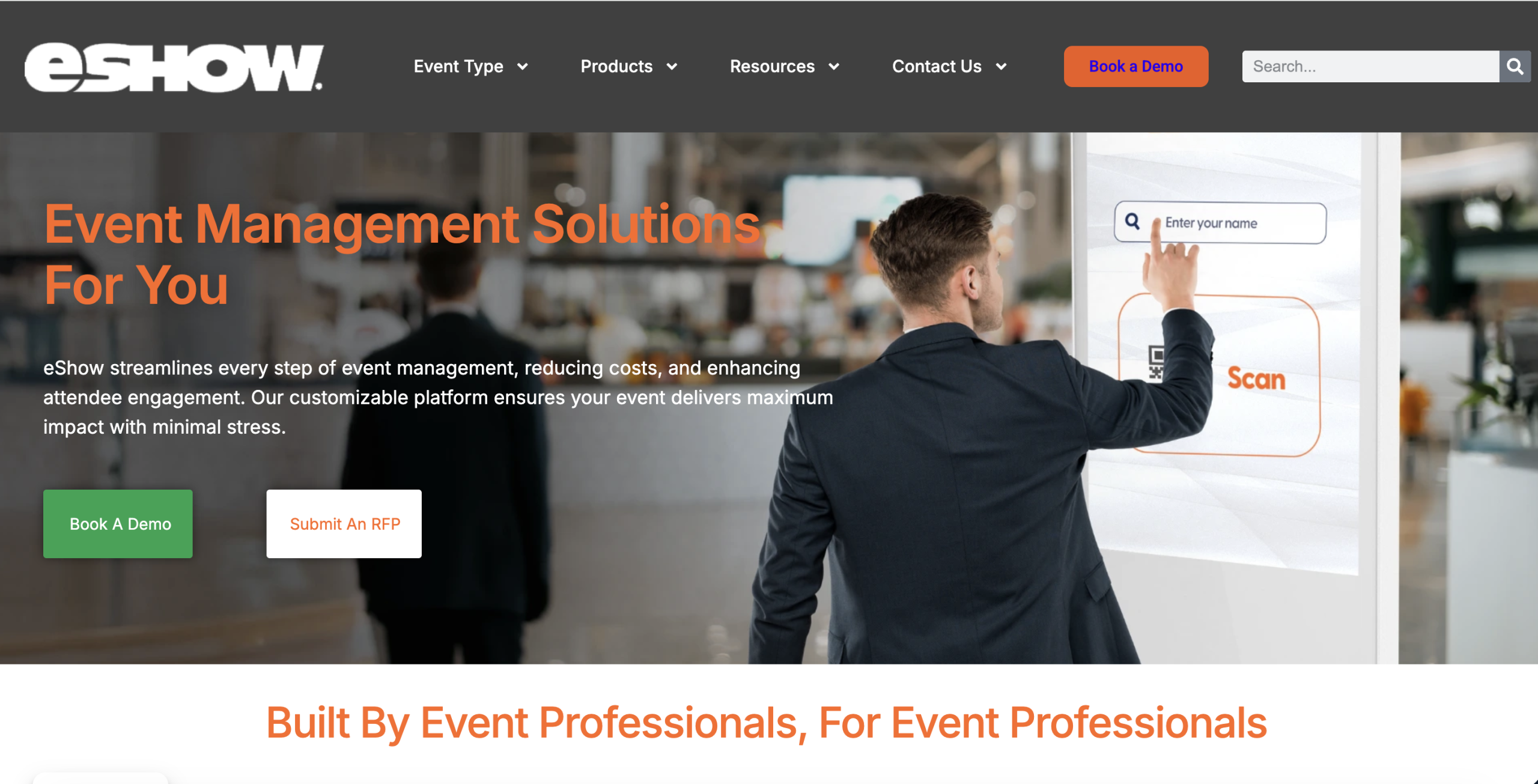
With a global client base of more than 1,900 organizations, eShow is a cloud based event platform built to support in person, hybrid, and fully digital events. It’s designed for teams that need a reliable system to manage different event formats without switching tools.
The platform includes features for registration, event websites, abstract collection, and other core event tasks. It also connects with select AMS and CRM systems, which helps keep attendee data and event workflows in sync and reduces manual work behind the scenes.
Key features of eShow:
Exhibitor lead retrieval: Provide exhibitors with an easy method to collect and organize leads during the event to aid in follow up communications.
Interactive floor management: Convert printed floor plans to interactive, click-able online maps to help both attendees select booths and make exhibitor placement easier to manage.
Attendee tracking: Use RFID (Radio Frequency Identification) tracking to see attendee movement and session participation, which helps you understand traffic patterns and engagement.
Integrations: Use the registration hub as a single point of connection for attendee badges, tickets, sponsorships, etc., with connections to AMS and CRM systems.
Pricing:
Get in touch with the eShow team to request pricing details.
4. Eventleaf
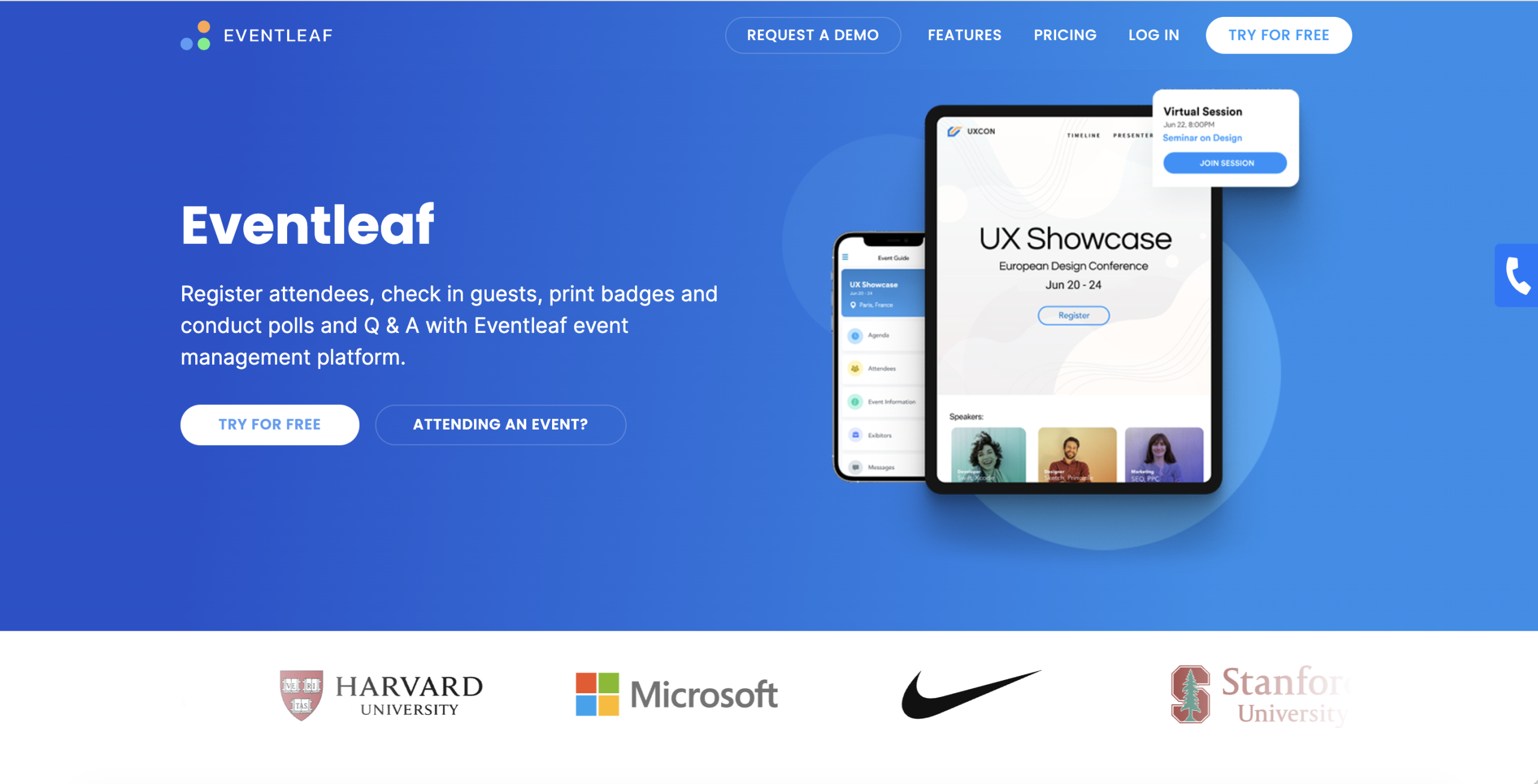
Eventleaf tends to be a go-to option for small businesses because it keeps pricing reasonable while still covering the essentials. It includes core registration features, badge printing, and enough customization to fit different event types.
On top of that, it offers attendee and registration tracking, which makes it easier to stay organized as registrations come in. For event day, kiosk-based check in can speed things up and reduce the usual bottleneck at the registration desk.
Key features of Eventleaf:
Ticketing and promotion: Handle online registration, send invitations, and follow up with automated emails while keeping an eye on turnout.
Flexible registration forms: Customize forms to collect the details you need, then pull that data straight into your attendee list without extra cleanup.
Event apps: Use separate apps for the attendee experience, onsite check in, and lead tracking.
Pricing:
Pricing is structured by plan and attendee volume. The Starter plan is free to use, while the Basic plan starts at $1 per attendee and the Professional plan at $2 per attendee. The Ultimate plan uses custom pricing and requires contacting the team to request a quote.
5. Wild Apricot
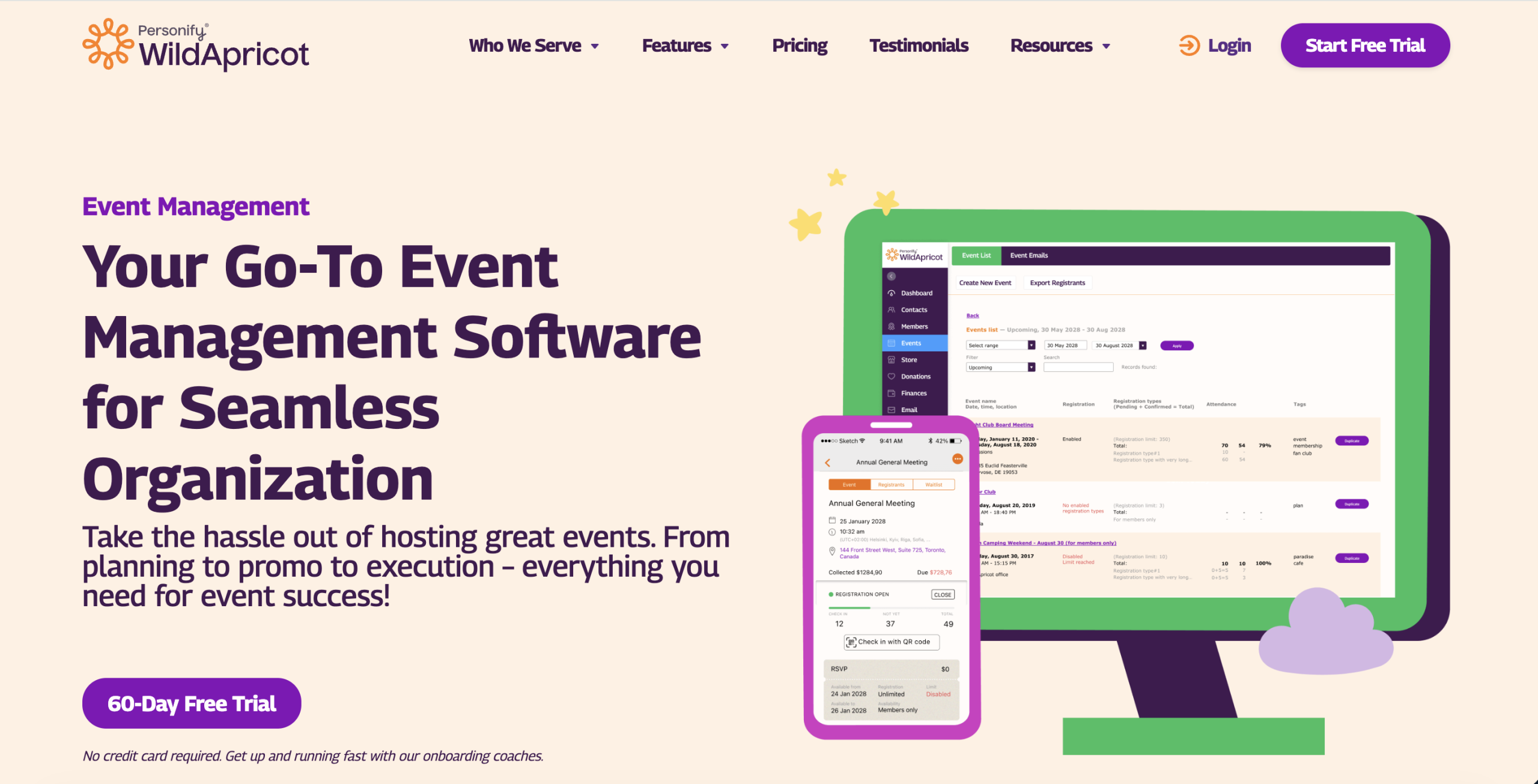
Wild Apricot is a cloud-based all-in-one platform that’s widely used by associations, non-profits, clubs, and membership-driven groups. It’s built for organizations that need something practical to manage memberships and events.
The platform also supports member directories, automated emails, and basic reporting that may help you manage your members and maintain engagement throughout the year. In addition, if your organization has recurring membership-based programs and smaller events, this is likely a good fit because of the simplicity and one-stop-shop approach that the platform provides.
Key features of Wild Apricot:
Fast event setup: You can create an event in minutes and list it on a calendar, either on your Wild Apricot site or embedded into your existing website for members to see.
Custom registration forms: Registration forms are flexible. You can add discounts, extra options, and the fields you actually need.
Interactive event calendar: Members can browse upcoming events easily, without digging through emails to find links.
Pricing:
Pricing is based on contact volume with discounts for longer commitments. For 100 contacts, monthly billing costs $63 per month. Pre-paying for one year lowers the price to $56.70 per month, while a two-year pre-pay brings it down to $53.55 per month, offering the highest savings.
6. Eventcube
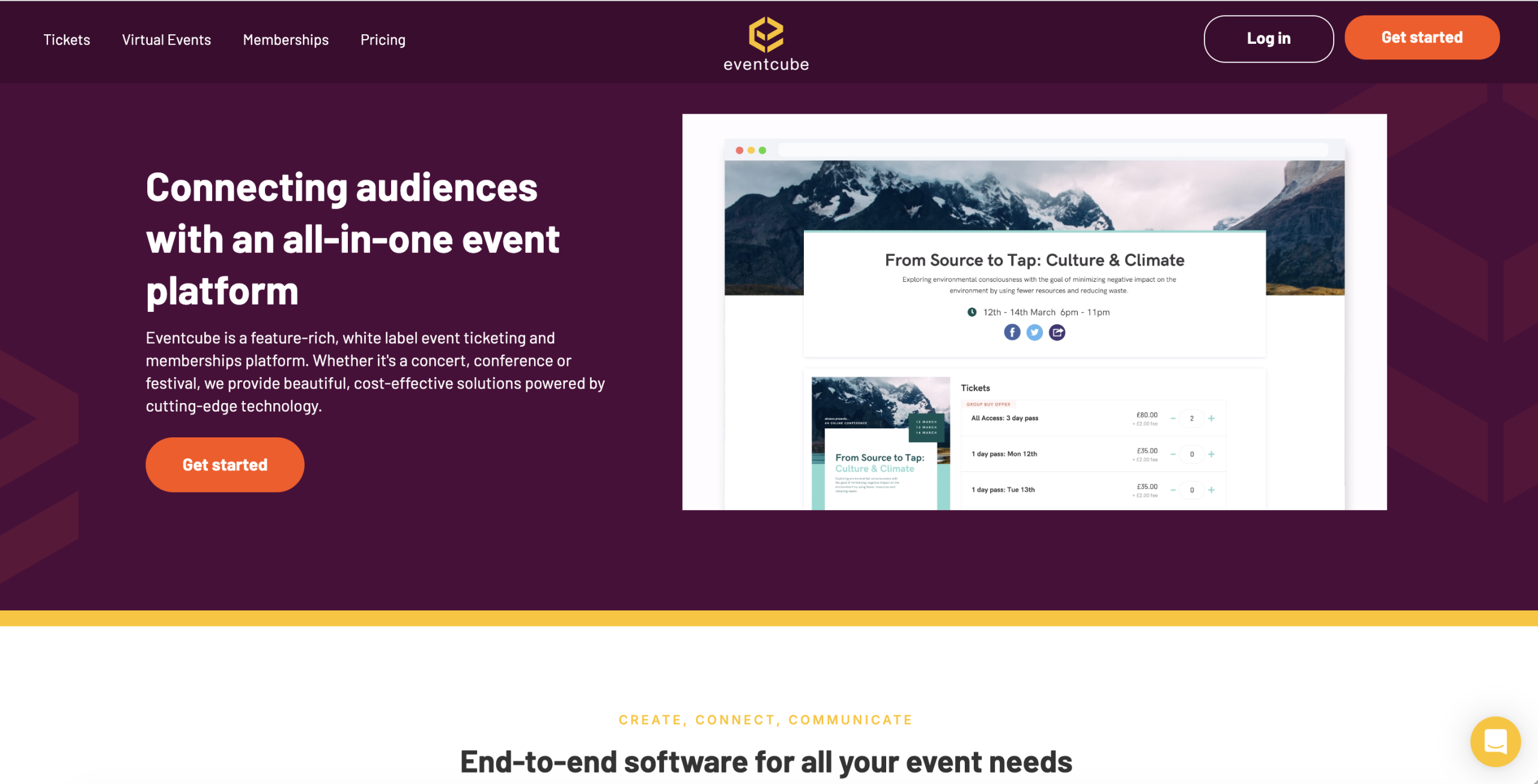
Eventcube is a white-label event planning software built for hybrid, virtual, and in-person events. The system lets you manage branding, ticketing, and data from one dashboard, so the experience feels like your own product rather than a third party page.
The platform also provides functionality to run an event store, sell tickets, manage membership programs and stream virtual sessions at high definition quality.
Key features of Eventcube:
Branded ticketing: Set up a white-label ticket shop with your own URL and branded emails.
Virtual venue: Host browser-based virtual or hybrid events with 4K streaming, multiple stages, lounges, and interactive session formats.
Memberships: Offer subscription tiers with exclusive access and perks, supported by recurring payments and a member portal.
Onsite tools: Track live sales, scan tickets for quick check in, and manage entry logistics without extra tools.
Pricing:
Pricing includes a free Starter plan, plus a Pro plan at $99 per month. The Enterprise plan does not list a public price and requires contacting the team for a custom quote.
7. EventX
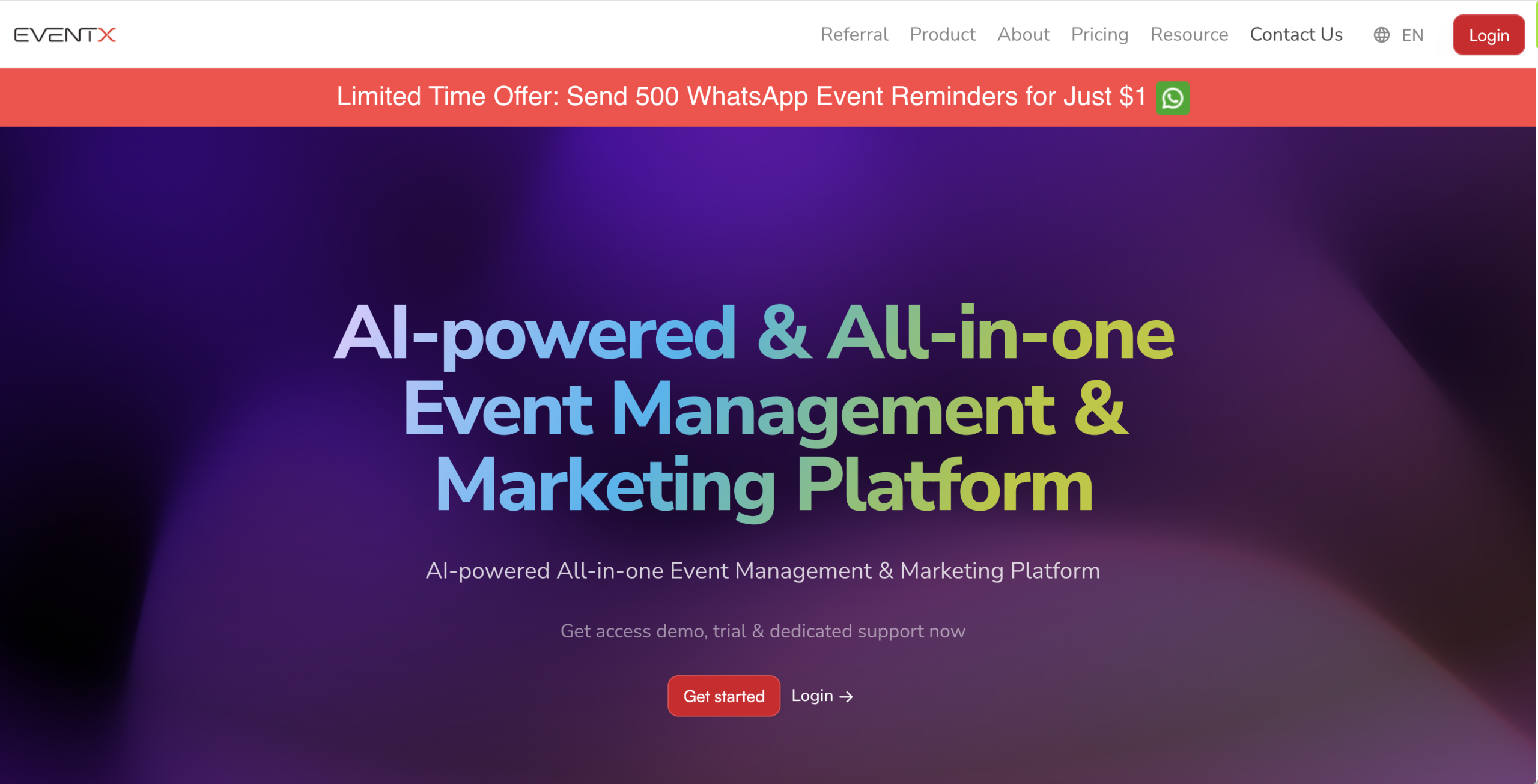
EventX is a full-scale event planning platform designed for large audiences. It has the capacity to support millions of attendees and has been used to run thousands of events over the years, making it a solid option for teams that need a system proven at scale.
Key features of EventX:
AI lead support: AI based lead finder can help you identify and attract potential attendees and sponsors, while keeping sales outreach more organized.
Flexible registration forms: You can customize forms to collect attendee details and shape a more tailored attendee experience.
Ticketing controls: Set up different ticket packages and control sales periods, which helps you manage pricing windows and drive ticket sales.
Built in marketing tools: Run email, SMS, and WhatsApp campaigns from the same dashboard.
Pricing:
Pricing includes a free plan that starts at USD $0 per month. The Essentials plan starts at USD $99 per month and is billed annually. Enterprise pricing is not listed publicly and requires contacting the sales team.
8. Eventzilla
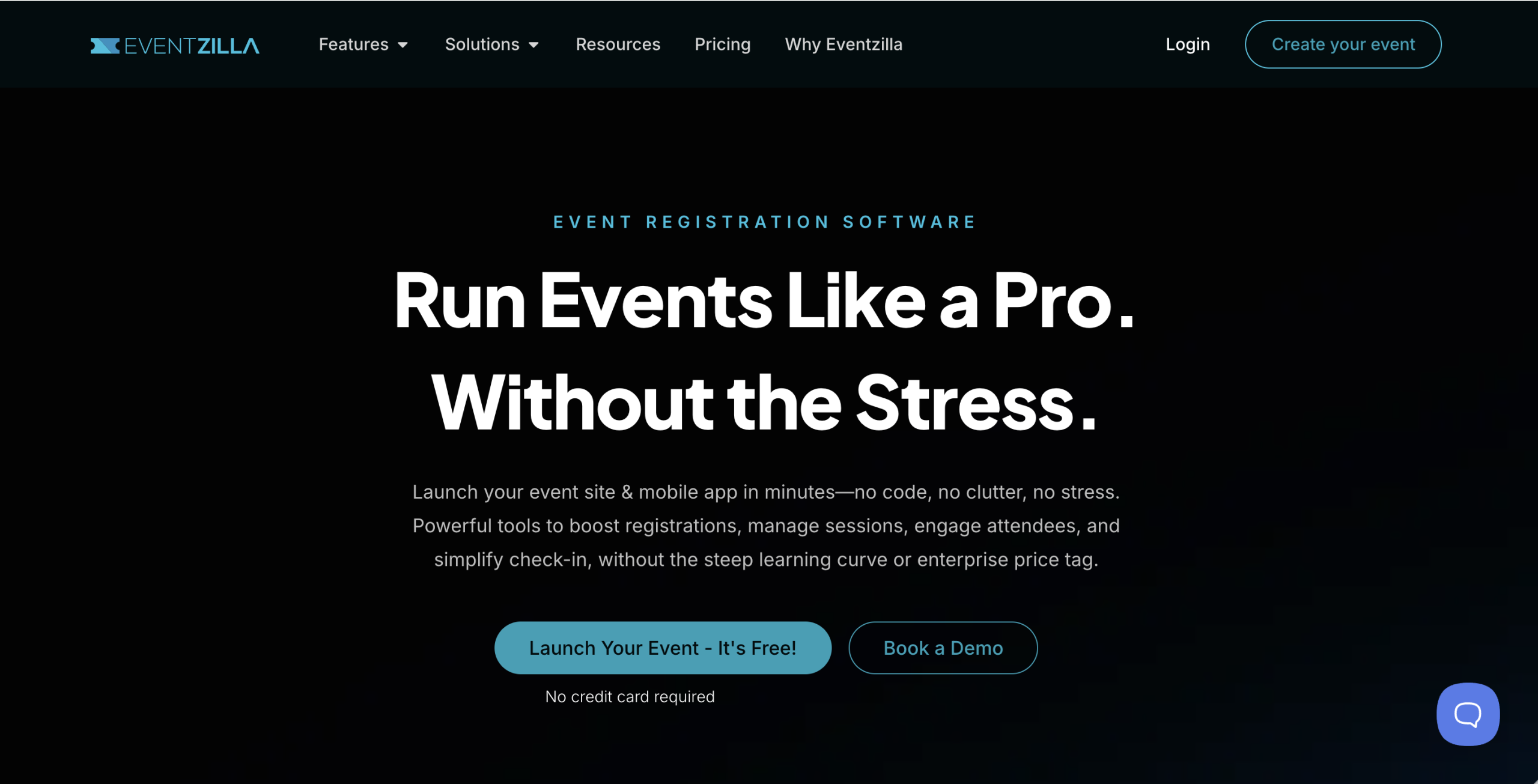
Eventzilla is an event planning software that will cover all of your needs in order to manage registrations and promote an event. It gives you tools for ticket sales, landing pages, attendee list management, and marketing.
The platform lets you create an online event page and sell tickets, with minimal setup requirements. Powerful analytics tools help track event performance and guide decisions using real data.
Key features of Eventzilla:
Event promotion tools: Email campaign tools and social media integration tools to help promote the event.
Integrations: Connect with tools like CRMs and email marketing platforms to extend what the system can do.
Ticket options: Sell different ticket types, including paid tickets, free tickets, and donation tickets.
Mobile check-in: Use a mobile app to check people in and manage on-site tasks.
Pricing:
The Basic plan costs $1.50 per registration. Pro charges 1.9 percent plus $1.50 per registration, while Plus charges 2.9 percent plus $1.50 per registration. Unlimited plan starts at $4,999 per year with one flat fee for all events.
9. EventBookings
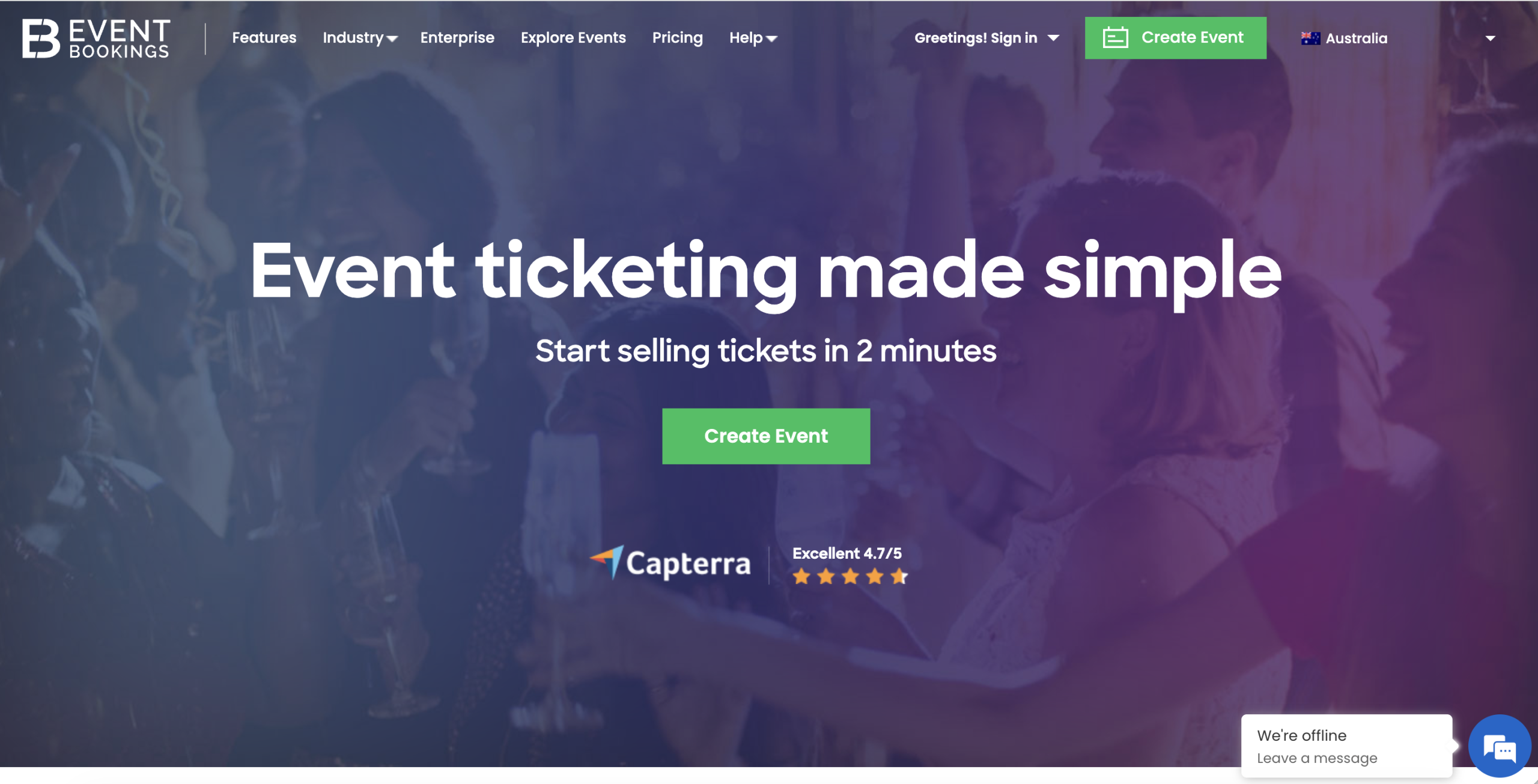
EventBookings is centered around being easy to use, so that event managers can run events quickly without having to search through an overwhelming number of menu items or workflows. Although the layout is easy to navigate, it includes many useful features like mobile ticket scanning, email marketing, smart registration forms, and customization options.
Compared to many tools in the market, EventBookings is considered more budget-friendly, especially for teams that want solid functionality.
Key features of EventBookings:
Check in: Mobile scanning apps on iOS and Android help you verify tickets fast on site, and handle last-minute sales without slowing down entry.
Attendee management: You can send updates to your guests and easily track RSVP’s.
Tickets and payments: It supports a variety of discount options as well as coupon codes and accepts payment from secure gateways such as Stripe, PayPal, and Apple Pay.
Pricing:
Get in touch with the EventBookings team to request pricing details.
Summing Up
There are many event planning software out there, and they are not all built for the same job. The best move is to identify what your event really needs, then compare tools based on those needs. Once you’ve identified your priorities, it will be much clearer which tools will improve your planning process and help the event run better overall.
Dryfta can be a very practical solution for events when you are managing more than basic registrations. The platform offers features such as abstract submission and review, scheduling, speakers, and attendee engagement, making it particularly useful for conferences of all sizes.
If you want to see what that looks like in a real setup, book a FREE DEMO with Dryfta and walk through your event with the team.