Whova has been a popular choice for years, but is it still the best fit for your specific event goals this year? As we move into 2026, expectations have changed. Organizers now look for platforms that support detailed workflows, stronger data tracking, and more control over branding and pricing.
Many Whova competitors now offer specialized tools for academic, enterprise, and hybrid events that go beyond basic event apps. Whova works well for general engagement, but some events need features like advanced submission management, full white-label options, or pricing that stays predictable as events grow. This guide looks at the top Whova alternatives in 2026, each with its own strengths, so you can find a system that fits the way your event actually runs.
What is Whova Event Management Software?
Whova is a comprehensive event planning and management software that lets event planners organize, host and track attendance. It automates many of the time-consuming processes involved in planning and running an event, such as attendee check-in, lead tracking, and registration.
Along with event logistics, Whova provides many ways to engage the attendees as well. Some examples include gamification, live polls, and community boards. Many organizations (including universities, large corporations, and conference organizers) use the platform to manage their complex events while simultaneously tracking attendee interactions with Whova’s analytics tool.
Factors to Consider When Choosing a Whova Alternative
When choosing a Whova alternative, consider the problems you faced before, such as unclear pricing, limited branding control, or mobile issues during live events.
-
- Check long-term usability and make sure the platform still works well when your event grows from small meetings to multi-day conferences
- Look for role-based access so admins, speakers, reviewers, and exhibitors can each have their own permissions and dashboards
- Review data export options and confirm you can download attendee lists, reports, and submissions without limits
- Test multi-event management to see if the system lets you reuse past event data, templates, and settings
- Check sponsor and exhibitor tools to ensure partners can manage booths, files, and leads from their own portal
Why Do Event Organizers Look for Whova Alternatives?
Many organizers are looking for Whova competitors, and some also search for free Whova alternatives, as pricing can increase at an unknown rate and costs become unpredictable. While the mobile app is generally easy to use, some users looking for Whova app alternatives feel the interface is outdated and navigation can take time to learn.
Some other reasons organizers start comparing Whova competitors include:
-
- High costs for smaller or budget-limited events
- Pricing can increase because of multiple paid add-ons
- Limited control over branding and event design
- Admin dashboard can take time to learn
- Reporting tools may not provide detailed analytics
- Personalized messaging options feel restricted
- Integrations with CRM and marketing tools are limited
- Some management tasks work better on a desktop
- Support response times can vary during live events
- Offline use can be difficult when WiFi is weak
How Do I Choose the Right Whova Alternative?
First, decide what type of events you plan to host (virtual/hybrid/in person), and make a list of all the things that didn’t go as planned with Whova. Once you have that, compare different Whova competitors and choose an alternative platform that is affordable and within your team’s skill level.
Also, check if the platform can easily connect with the other CRM or marketing tools that you currently use. Pay close attention to the attendee experience. Test the mobile version of the platform, the networking features and how easy the platform is to use.
Here is a quick checklist:
-
- Decide your budget: Pricing is best when it is transparent, especially if you are comparing paid tools with free Whova alternatives or flat fee platforms.
- Check how user friendly it is: Select an application with a clean organizer dashboard and a simple interface for users.
- Review customization options: Make sure that the event pages, emails and apps are customizable to your brand.
- Look at engagement tools: Matchmaking, polling, and networking tools should work smoothly inside the mobile app, which is important when choosing a Whova app alternative.
- Verify what integrations are provided: The platform should integrate with tools such as Salesforce and HubSpot to keep your event data updated.
Which Whova Alternative Is Best for Academic Conferences?
Dryfta is a complete and one-stop solution to simplify the complex logistics of scholarly events and university-sponsored symposia. Unlike Whova, which focuses primarily on attendee engagement, Dryfta offers a single set of tools built to handle the administrative and technical demands of the academic community.
-
- Abstract management: An advanced system to collect, track, and manage scientific abstracts using customizable submission forms that include specialized characters, images, and file uploads required by researchers.
- Peer-review workflow: Advanced tools for assigning reviewers based on their area of expertise, collecting blind scores from them, and managing the entire multi-level peer review process within one secure admin dashboard.
- Schedule builder: A scheduling feature that will help you build your large conference agendas with as many different tracks, sessions, posters and keynote talks as needed. Once built, the agenda can be easily edited using drag-and-drop functionality so that when there are scheduling conflicts, they can easily be fixed.
- Registration and ticketing: The system allows for different registration pathways to be set up for students, faculty, speakers, and guests. It also supports invoicing, purchase orders, and special pricing common to university and research group registrations.
- Networking features: Attendees can search for other participants based on research interests, institutions, or keywords from the submission. This will help scholars locate potential collaborators at the event.
- Mobile event app: Attendees can view schedules, save sessions, review speakers, and open presentation files, making it a strong Whova app alternative for conferences that rely on mobile access.
- Flexible pricing: The pricing model stays predictable with flat fee plans, which helps academic departments and non-profit organizations manage events without unexpected costs.
Why Choose Dryfta Over Whova?
While Whova offers strong attendee engagement features, Dryfta includes a number of features that are specific to academic conferences. Those features matter greatly to organizers managing complex submission workflows, multi-track programs and recurring events that require precise data tracking.
Universities will benefit from having many of these tools built into the system, as they save time and effort by automating much of their event planning process.
More reasons to choose Dryfta over Whova:
-
- Custom domain hosting: Dryfta supports full custom domain hosting, allowing the entire event site to run on your own URL (eventname.yourdomain.com). However, when you choose Whova, events are often hosted at Whova-managed pages(xxx.events.whova.com/registration), and therefore offer less flexibility in how domains will be structured.
- White-label mobile app: Dryfta offers a fully branded event app, making it a strong Whova app alternative that aligns with the organization’s branding. Whova is a container app where users must first download the “Whova” app and then search for their specific event.
- Native abstract and review system: Dryfta has a built-in abstract management and peer-review system to assist with academic workflows. Whova provides speaker submission options. However, the review process is more limited and not suitable for complex academic evaluation.
- Private hosting options: Dryfta offers private hosting, primarily through its Enterprise Private Cloud and On-Premise solutions for organizations that require better control of event data and access. On the other hand, Whova does not have private hosting options such as a self-hosted version or a dedicated private cloud. Whova is a Software-as-a-Service (SaaS) solution built on top of Amazon Web Services (AWS).
- Abstract book publishing: Dryfta has a native abstract book publishing system. Organizers can create and generate a complete and printable abstract book within minutes. However, Whova requires manual compilation of an abstract book.
- Support for institutional billing: Dryfta supports all types of institutional billing and offline payment workflows, and is specifically designed for universities and large enterprises. On the other hand, Whova does not have a built-in institutional billing module that generates and sends third-party department invoices.
Comparison Table- Dryfta vs Whova
| Feature | Dryfta | Whova |
| Core focus | Academic, research, and association events | Corporate, expos, and general events |
| Abstract management | Full built-in lifecycle (submission, review, decisions) | Not supported natively |
| Peer review system | Yes, supports blind review workflows | Yes, but limited |
| Multi-stage submissions | Yes, configurable workflows | Not supported natively |
| Reviewer assignment | Manual and automated matching | Yes |
| White-label mobile app | Yes | No |
| Networking | Profile-based + AI interest matching | Community boards, messaging |
| Engagement tools | Polls, Q&A, chat | Gamification, polls, live chat |
| Virtual & hybrid support | Fully integrated with event workflows | Supported, engagement-focused |
| Event website builder | Yes | Yes |
| CRM capabilities | Built-in attendee and submission tracking | Basic attendee management |
| Best fit | Academic and content-heavy conferences | Social, marketing-led events |
Top Whova Alternatives in 2026
Here are some of the strongest Whova competitors for different event types.
1. Dryfta- Best for academic events
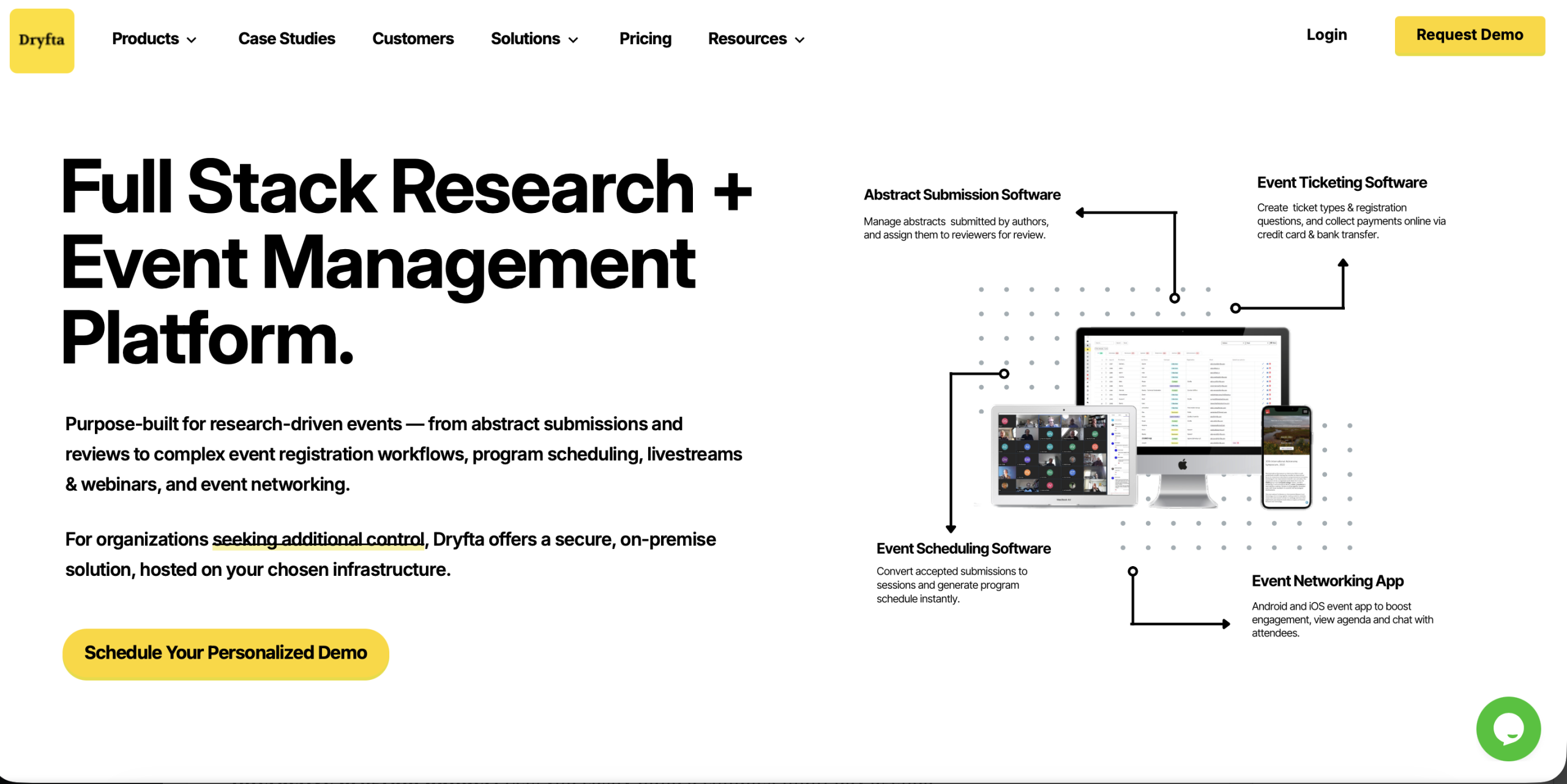
One of the most specialized Whova competitors is Dryfta. Dryfta is an all-in-one event management platform built for academic conferences, research societies, and non-profit organizations that require more than just simple event tools. It includes the entire call for papers process, meaning that submissions, reviews, and final outputs are all managed under one platform.
Who Uses? Academic societies and university research departments prefer Dryfta.
Key Features
-
- Community and networking site: Attendees can create detailed profiles that include research interests, affiliation, and past work. The platform enables participants to share contact information, join discussion groups, and connect with other attendees through intelligent matching tools to get acquainted with others with similar interests or areas of study.
- Multi-stage submission procedures: Organizers can initiate the full submission process across multiple stages, including abstract submission, full paper upload, revision and final submission. Each phase may include its own deadline, regulations, and announcements to make the overall review process manageable.
- Self-service dashboards: Each user is provided with a dashboard tailored to their position. Authors can monitor progress of the submissions, reviewers can access their assigned papers, speakers are able to add their presentations and attendees can manage their schedules without having to rely on the admin team’s help.
- Abstract assignment tools: Admins can use automatic matching or assign reviewers manually. The system will match reviewer expertise and selected topics, while imposing workload limits, to ensure each paper is directed to the appropriate reviewer.
- Submissions to event schedule: Once a paper has been accepted, the system can add it directly to the event schedule. Sessions and author information, as well as the presentation file, remain linked, saving time and eliminating errors.
Pricing
The Small plan begins at $1,499/year and includes core event management capabilities for small teams and conferences. Medium and Large plans are custom-priced plans dependent on the number of events, users, and features needed. Final price is determined by the size of the event, the level of use and configuration requirements.
2. Cvent- Best for enterprise events
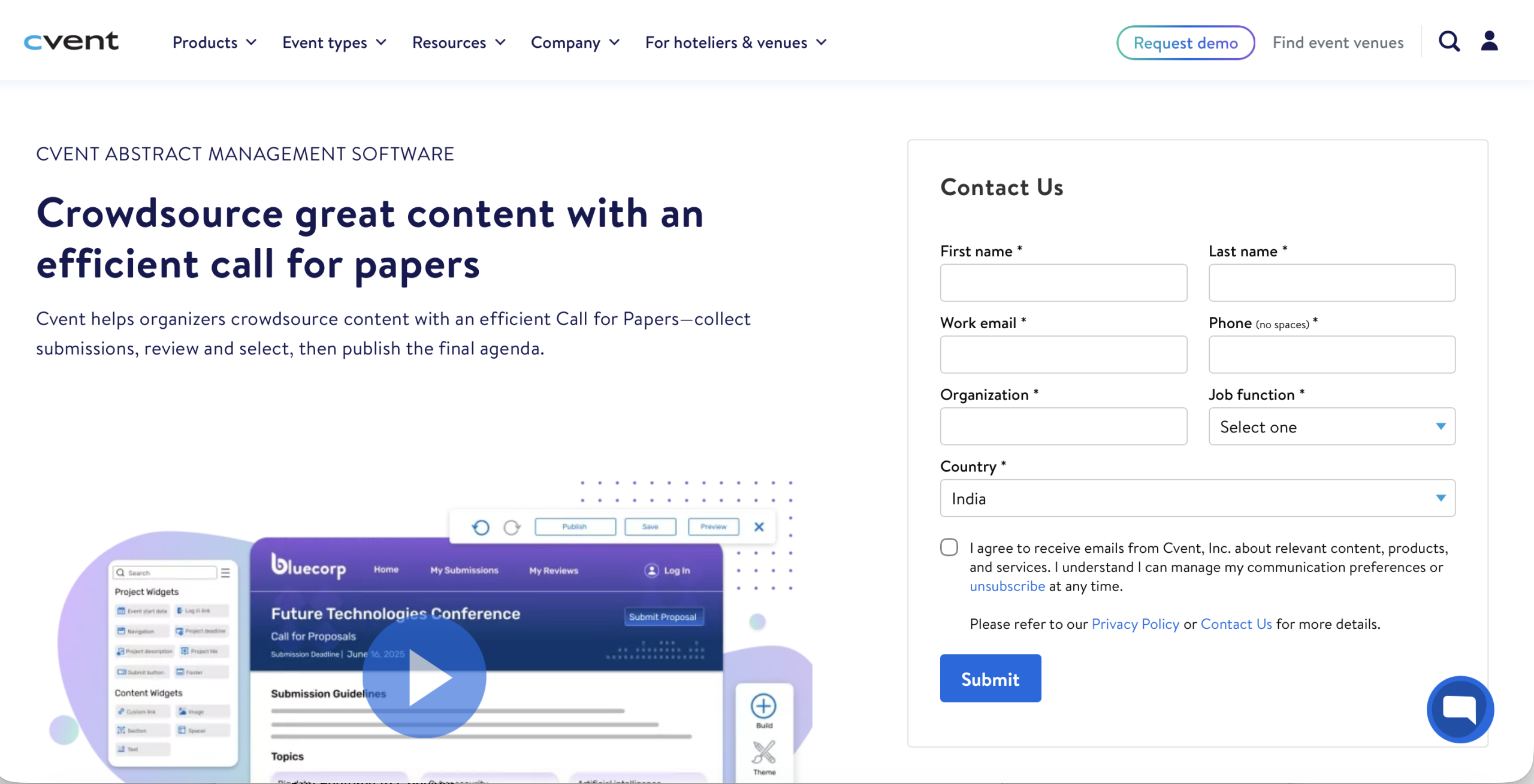
Cvent is one of the most integrated competitors for comprehensive, complex events involving large numbers of attendees.
Who Uses? Fortune 500 companies, large universities, and major associations running global conferences and trade shows.
Features
-
- Venue sourcing: A directory of in-app 340K venues and RFP.
- Management suite: 3D room diagramming, budgeting, and speaker/attendee travel management.
- Enterprise integrations: Integration with CRMs such as Salesforce, Microsoft Dynamics 365, and HubSpot.
Pricing: Personal quote-based pricing.
3. Bizzabo- Best for data-based B2B marketing
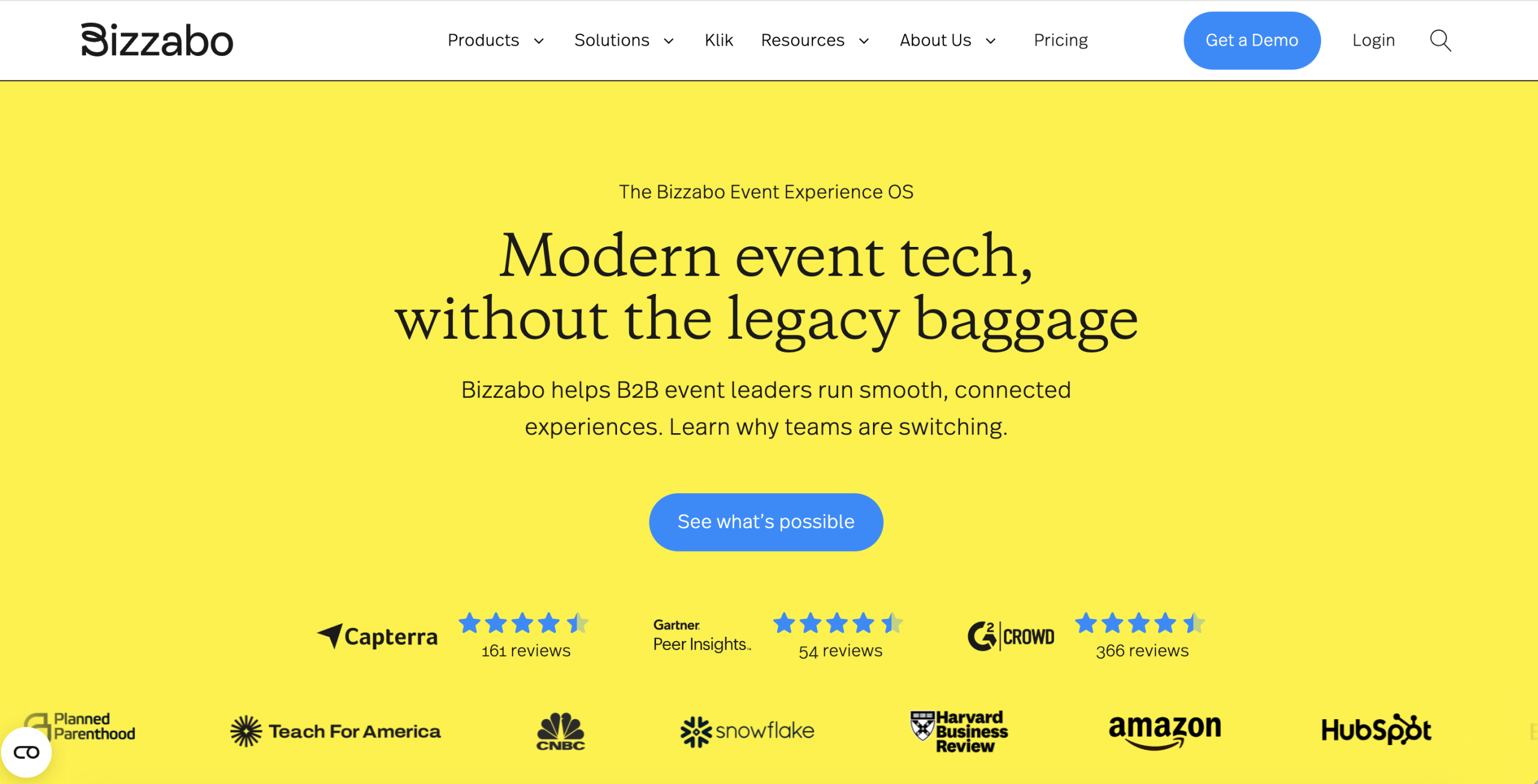
As an Event Experience OS, Bizzabo delivers insights into attendee behavior and marketing ROI.
Who Uses? B2B marketing departments of businesses like Amazon, Bloomberg, and the Financial Times, who are required to demonstrate how the event influences the sales pipelines.
Features
-
- SmartBadge technology: Wearable Klik SmartBadges allow attendees to be tracked and connect with each other with a tap.
- Command centre: A centralized dashboard tracking real-time performance and cross-event analytics.
- AI networking: Matching software that utilizes attendees’ data as a basis to suggest relevant contacts.
Pricing: Annual subscription tiered pricing. The published price is approximately $17,999 annually, with certain plans offered to users starting at $499 per user/month.
4. Guidebook- Best for in-person experience
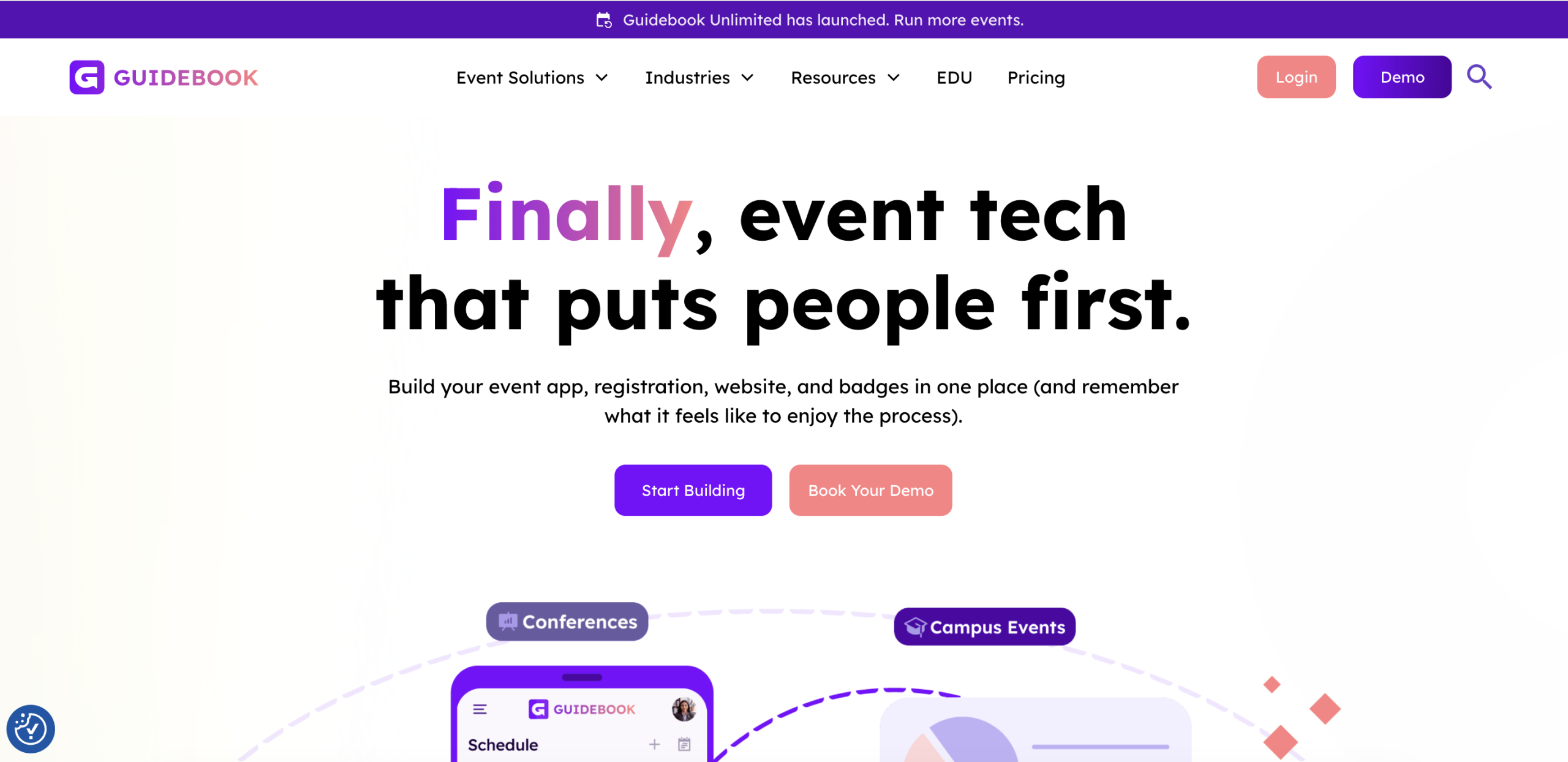
Guidebook focuses on the attendees’ mobile experience, specifically the campus life and corporate event.
Who Uses? Professional associations and corporate teams focused on student orientation or employee training.
Features
-
- Native-first app: High-performance iOS and Android apps, which will work consistently offline, which is essential when a venue has a weak WiFi network.
- No-code builder: An easy-to-use drag-and-drop platform allowing non-technical people to create branded event guides.
- Revenue tools: Sponsorship tools, such as banner ads and sponsored posts in the feed, can be built to help planners monetize their app.
Pricing: The Event plan starts at $3,750, while the Year-round plan begins at $4,750 for organizations that need an ongoing event hub. The Unlimited plan uses custom pricing for teams managing multiple events. Final cost depends on event size and required features.
5. Swoogo- Best in mid-market flexibility
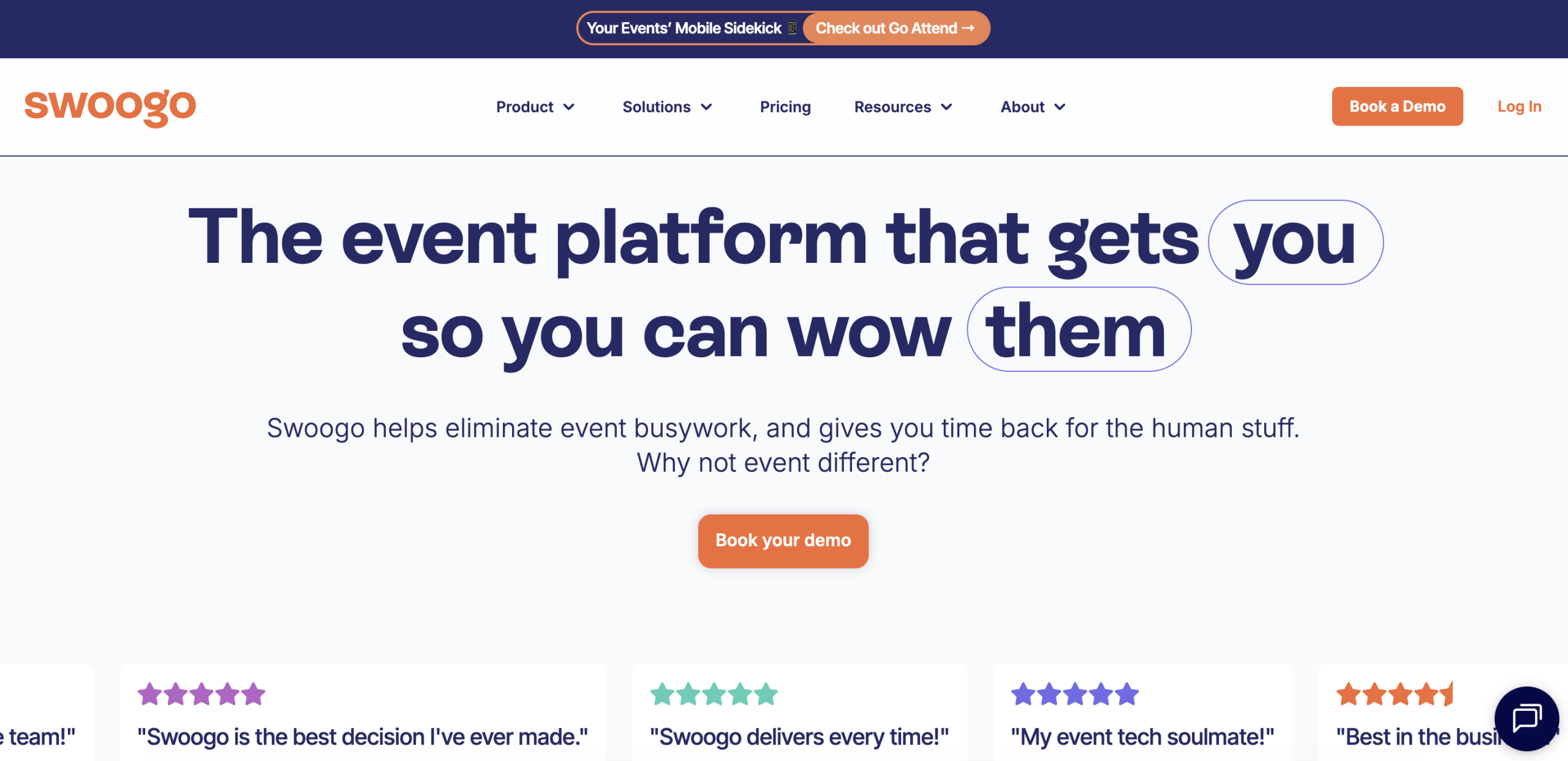
Swoogo is known for its flexible registration processes and user-friendly features.
Who Uses? Teams and marketing agencies working on 5-15 events annually and requiring additional branding functionality beyond what Whova provides.
Features
-
- Advanced registration: An advanced drag-and-drop registration tool with unlimited custom logic, conditional fields, and support for group registration.
- Unlimited events: Subscription plans can include unlimited events and registrations.
Pricing: The Professional plan starts at $11,800 per year and supports full event portfolios. The Enterprise plan uses custom pricing and includes additional automation, branding, and reporting tools. Final cost depends on usage and required features.
The Bottom Line
Choosing an alternative should focus on aligning the platform with the event’s goal, not just on lowering costs, even when considering free Whova alternatives. Research conferences often need structured submission tools, while large enterprise events may need deeper integrations and reporting.
Platforms like Dryfta work well for academic conferences, while others, such as Cvent or Bizzabo, may suit large marketing-driven events. Comparing features, pricing, and flexibility helps you select a platform that supports both organizers and attendees. Ready to make the switch? Book a free demo with Dryfta today.
FAQs
- What is the difference between Whova and Eventify?
Whova is most popular for its powerful networking and engagement features. Eventify, on the other hand, is simpler and faster, with an easier-to-use interface that costs a lot less. Whova is more academically focused, whereas Eventify is streamlined toward corporate events and trade show exhibitions, which need a more “B2B-first” approach.
- What is the difference between Whova and EventMobi?
The first difference is customization and branding. Whova is a template-based, structured, and simple-to-launch platform. EventMobi offers a much more versatile platform with enhanced branding capabilities, allowing planners to create custom home screens and pages. Gamification and live polling are also more integrated and native in EventMobi than in Whova.
- What is the difference between Whova and Dryfta?
Whova is a generalist event platform, while Dryfta is a specialist platform designed for academia. The main advantage of Dryfta is its high abstract management and multi-stage peer-review process, which Whova does not have. Where Whova is excellent at social interaction, Dryfta serves the sophisticated needs of research communities.
- What features should I look for in Whova alternatives?
Find a platform that can combine networking with your content requirements. Crucial characteristics include a native mobile application and offline functionality, strong registration logic, and automatic communication tools. If it’s a professional conference, make sure the alternative offers abstract management, speaker portals, and fixed, simple prices.
- Which Whova alternatives are best for hybrid and virtual events?
Dryfta is a top-tier platform for hybrid and virtual events. It streamlines live HD video and supports up to 500 interactive users simultaneously. Organisers can also record the sessions to monetize or distribute as on-demand content even after the event is over.
- Is there a cheaper alternative to Whova?
Yes, Dryfta is an affordable alternative because it uses a predictable flat-fee pricing model from the start. In contrast to most competitors, whose pricing is per-attendee or per-registration, Dryfta plans start at $1,499/year for professional events. This clear system prevents academic departments and NGOs from incurring unwanted expenses that sometimes accompany quote-based pricing in Whova.
- Can Whova alternatives support large events?
Dryfta is well-suited for large, complex events, especially those with parallel tracks and a high number of attendees. It is designed to operate on extremely large volumes of data, including thousands of research abstracts and multi-day schedules, without slowing down. It also has capacity management tools that enable admins to set individual session limits and run automated waiting lists to keep large crowds in check.
- What is the primary difference when comparing Whova vs Eventbrite?
When looking at Whova vs Eventbrite, both platforms support event registration, but they are built for different use cases. Eventbrite focuses on ticketing and public event discovery, while Whova provides a broader event management system with networking tools.