




An event organizer comes face-to-face with the challenge of managing an entire event. This level of responsibility can seem like a lot for manual labour. From juggling between teams to making budgets and negotiating vendors at once can seem chaotic. A good project management tool helps keep your work organized digitally, thus providing you with all the information you need to take care of at your fingertips.
A project management tool helps you organize tasks, automate workflows and ensure that no detail of the event gets overlooked. In this guide, we will look at the top 15 project management tools that event organizers can use for their benefit. Whether the event is a small gathering or a significantly large one, these tools help you to organize more confidently and efficiently.
1. Dryfta
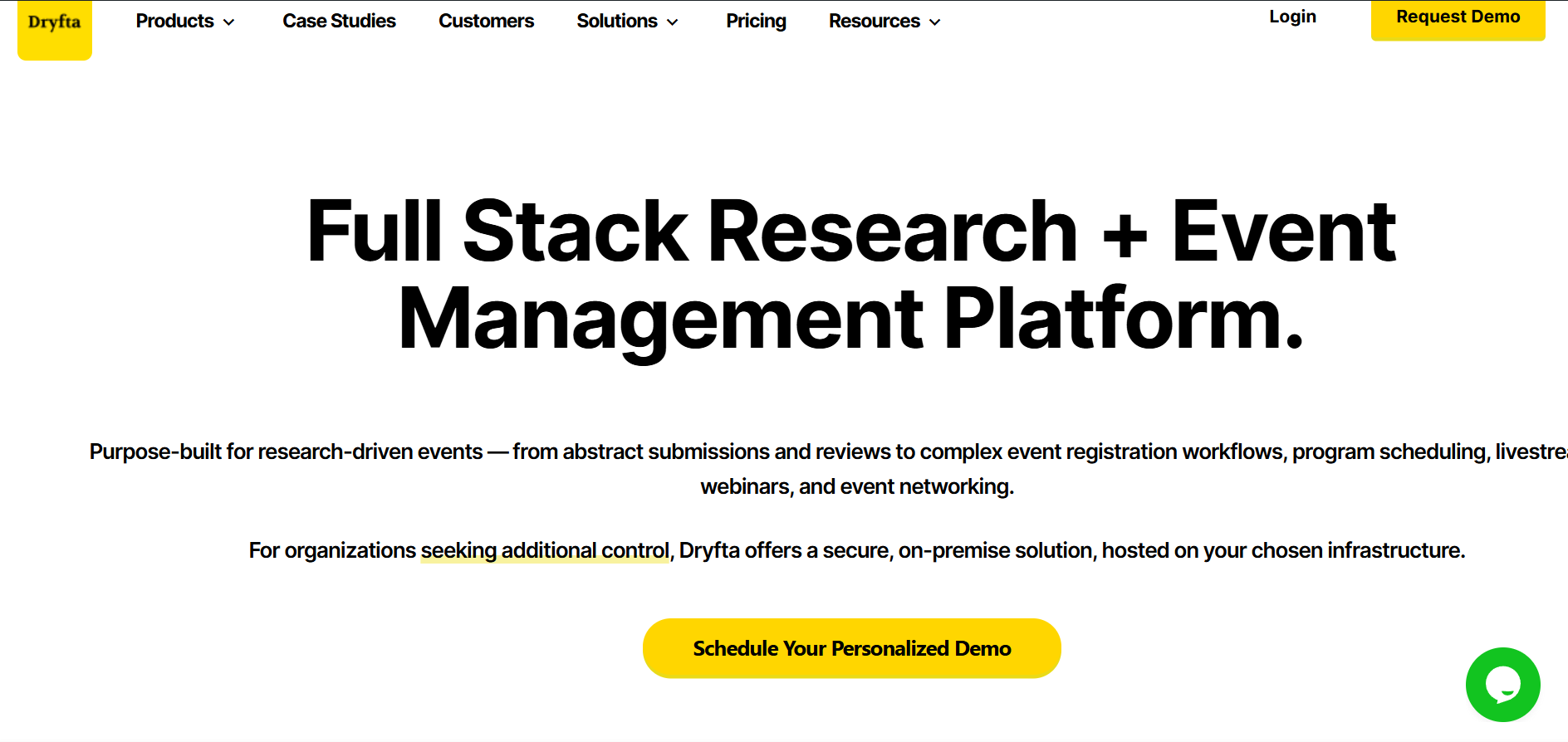
Dryfta is a powerful all-in-one event management and project planning platform that is built to work with any stage of the event cycle. It helps teams with abstract submission, registrations, analytics and more. The tool enables the custom creation of registration forms and selling tickets online. One can also take care of abstract submission and event schedules with the help of Dryfta. The pricing plans for Dryfta range from $1499/year to customised pricing plans that you can get according to your needs.
Pros of using Dryfta
- Offers a mobile application that helps with smoother operations
- Its strong engagement tools and comprehensive and integrated structure handle everything from marketing to networking in one system
Cons of using Dryfta
- The rich feature set may take some time for the new users to get used to
- Pricing may vary, as it is typically tailored to the event size
2. Asana
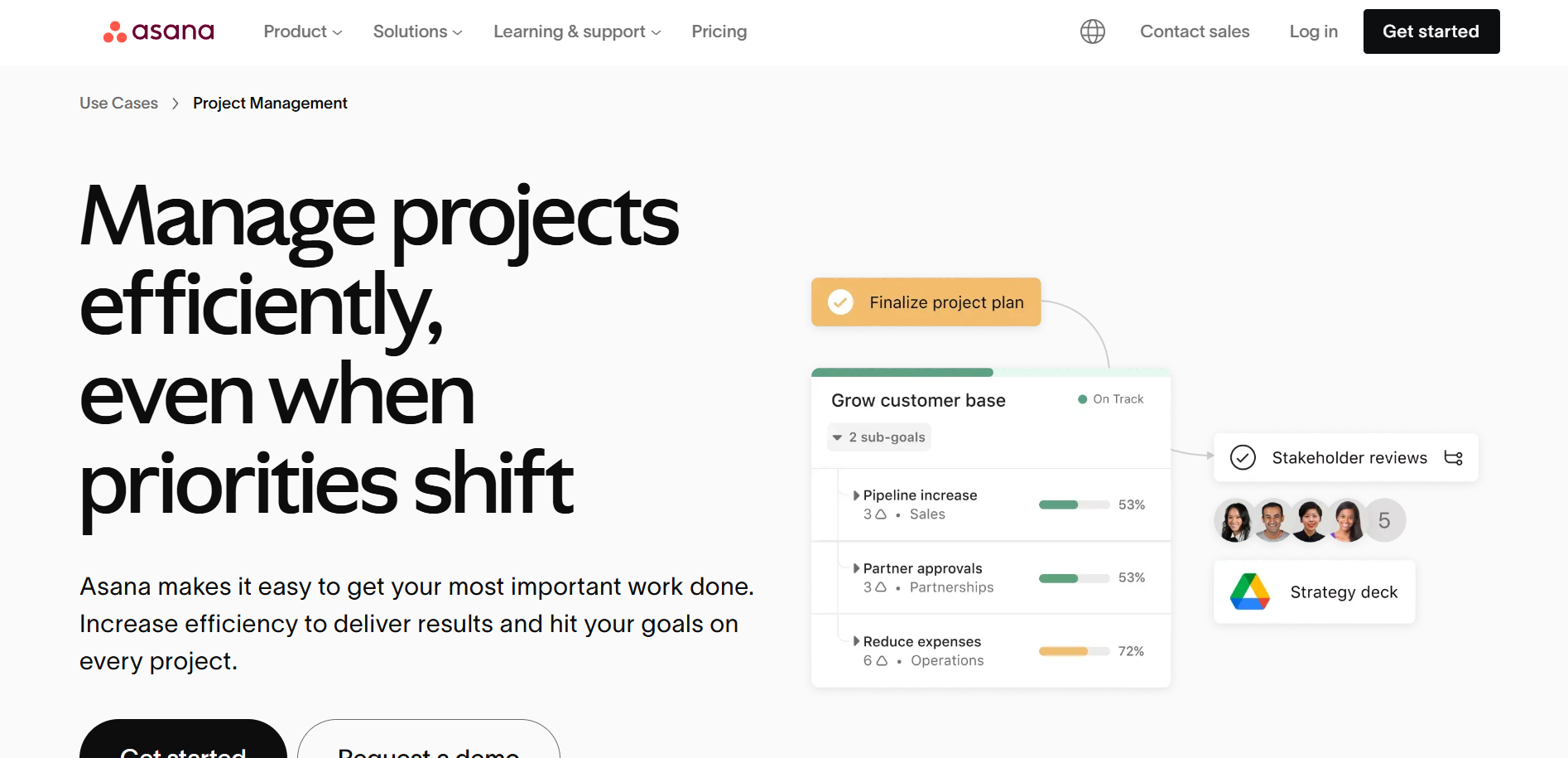
Asana helps structure the work into tasks and projects. It supports the timelines, deadlines and automation rules for tracking the progress of the event. The app allows you to create to-do lists and set reminders so that you do not miss deadlines. The app also helps you to add due dates and instructions to tasks and even share images from other apps directly to Asana. The pricing plans for Asana can range from $10.99 to $24.99. With Asana, you can stay connected with the progress of your event and share a project overview with other members of the team.
Pros of using Asana
- It lets you use the comment-only feature for projects to avoid unwanted edits
- You can turn your important data into charts and highlights for better understanding
Cons of using Asana
- It does not provide time tracking and has limited exporting capabilities
- The number of features that Asana presents can seem overwhelming to new users
3. Microsoft Planner
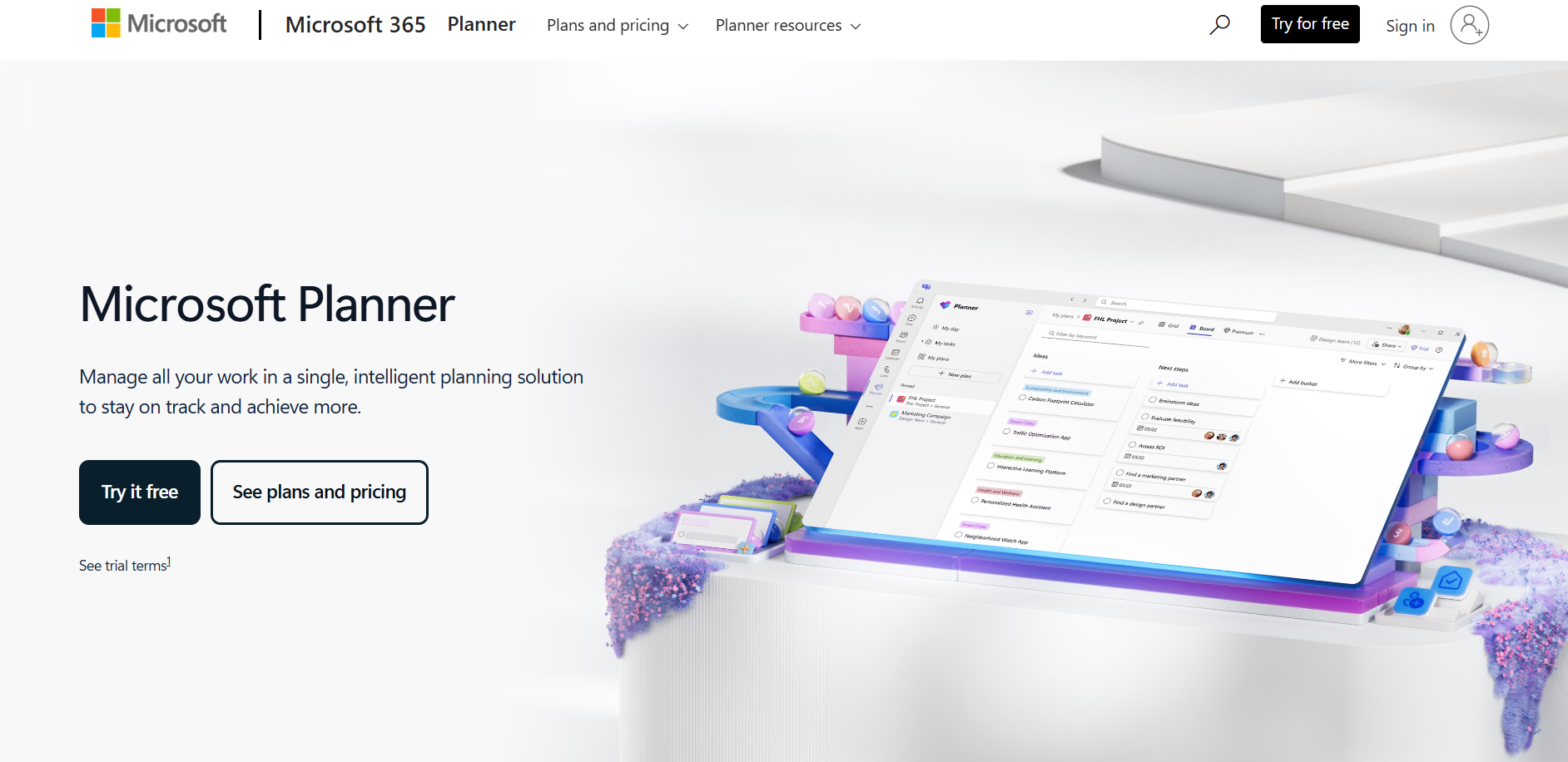
Microsoft Planner, which is originally known as Microsoft Project, is an advanced project management platform today. With the help of this, you can identify the best way to schedule projects and look for solutions to distribute your workload across all the teams. The Planner comes with different options, such as a spreadsheet to resource data and an interactive visualization of your schedule. Microsoft Planner serves as a good project management tool for experienced event professionals to assign data based on event details. The pricing usually varies from $10 to $55 with various plan options.
Pros of using Microsoft Planner
- It forecasts the project budget, making it easier for the organizers to understand the intricate details of the financial aspects of the event
- Microsoft Planner works with the Microsoft 365 cloud ecosystem. Organizations that require greater control have the project server and hybrid setups, which allow the teams to choose a deployment model that matches their infrastructure needs
- Teams can visualize timelines, dependencies and critical paths through charts. This helps the event planners to identify delays and adjust schedules to keep projects on track
Cons of using Microsoft Planner
- The cloud version can be expensive for large teams
- It does not have a decent mobile application
4. ClickUp
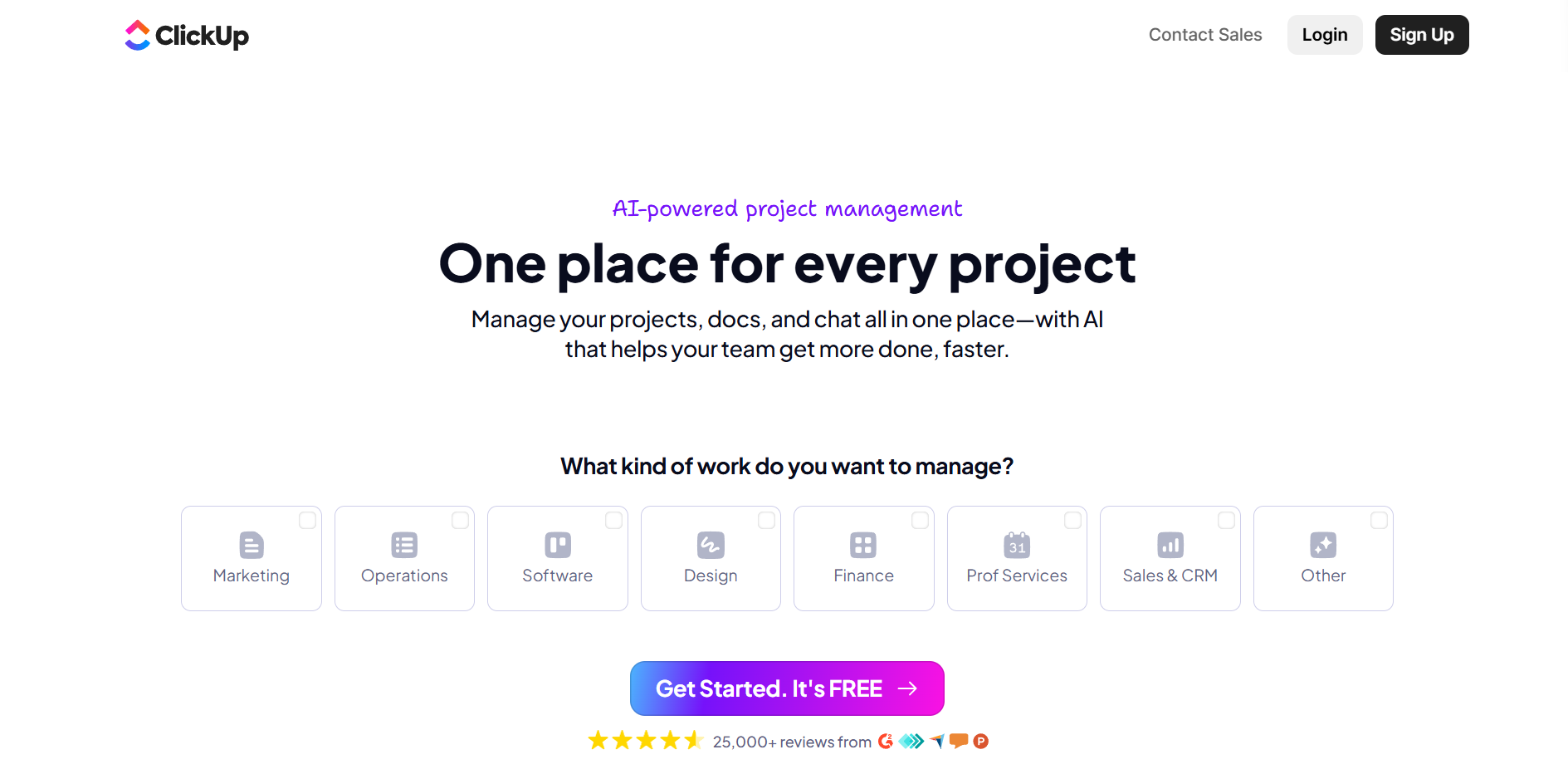
ClickUp is an all-in-one visual project management software. It helps you to plan your projects and schedule tasks with your teams. You can manage the work with views such as lists, gantts, boxes, calendars, and much more. The customizable dashboard and collaboration features, such as shared docs and instant messaging, are what make it much more convenient. It has various types of pricing plans, from free to customized ones as per your needs.
Pros of using ClickUp
- It provides unlimited storage across all paid plans
- This has many automation options that save time on daily work
Cons of using ClickUp
- Some of the features can seem overwhelming in the beginning
- Setting up the tasks for the event can be time-consuming and complicated
5. Monday.com
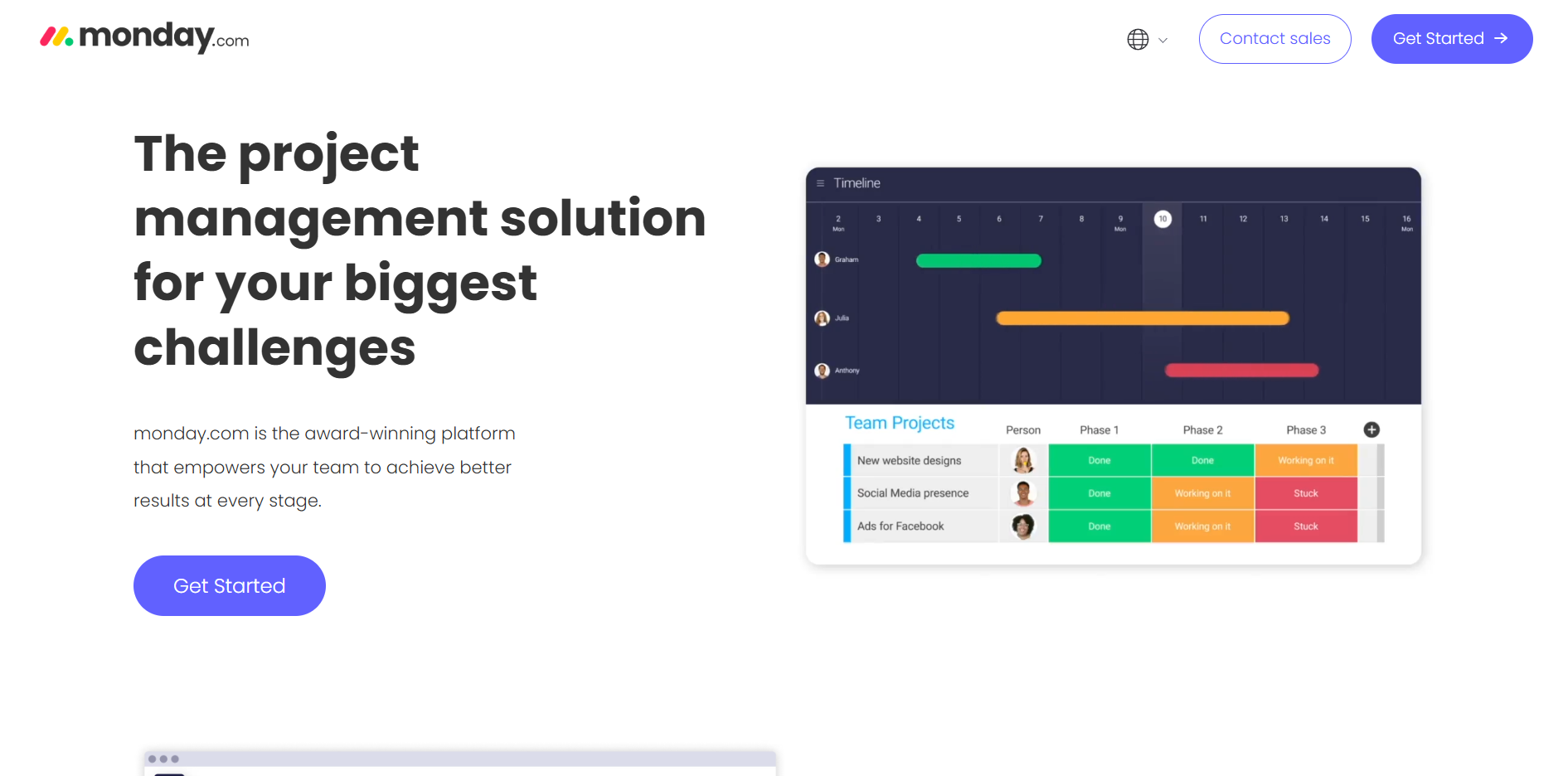
Monday.com is built to manage projects and campaigns. It helps in centralizing all your work and files into one place. The platform offers boards and different views to plan your work, docs and dashboards conveniently and allows automation of workflow at the same time. The visual boards help in managing the campaigns and projects, whereas the custom dashboards help in keeping track of progress and budgets. This platform has free plans to plans starting as low as $90/month, to customizable plans.
Pros of using Monday.com
- It has a simple and flexible user interface
- It offers more than 200 ready-made templates and workflows to get started with your work
Cons of using Monday.com
- There is no built-in chat feature available
6. Wrike
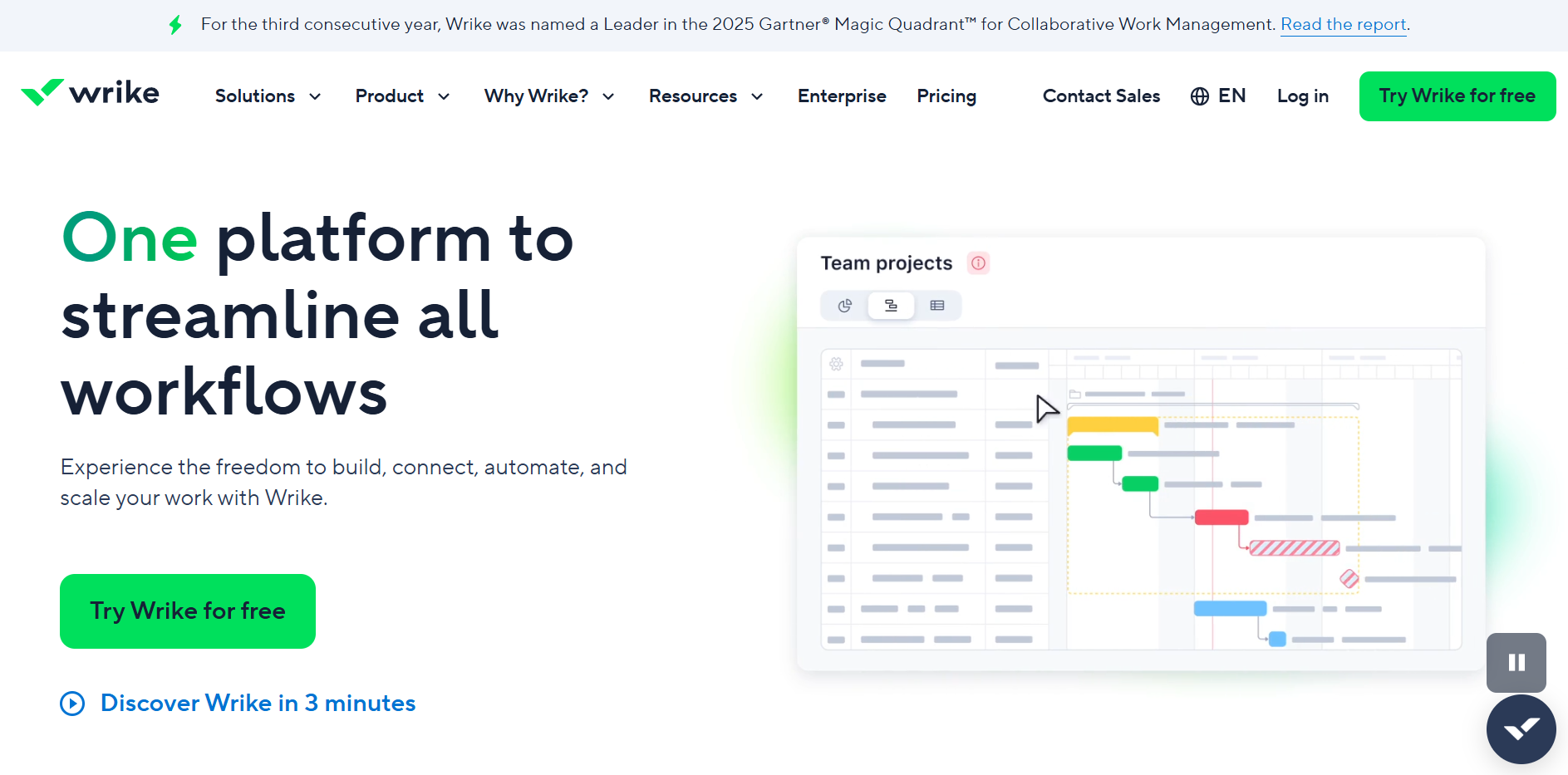
Wrike is a cloud-based working platform which is built for modern teams. With the help of its customizable dashboard, one can visually follow the teams’ performance while comparing it with real-time insights. Along with its shared team calendar experience, you can also use it for invoicing and billing for your event. You can use Wrike with plans from $10/month to plans that you can customize for your needs.
Pros of using Wrike
- Its AI-based risk prediction helps in predicting the possible risks in your tasks
- It has a pre-built workflow to help you get started with your event easily
Cons of using Wrike
- It takes some time for the user to get used to its features and understand them properly
- Wrike is comparatively more expensive than other event management tools
7. Airtable
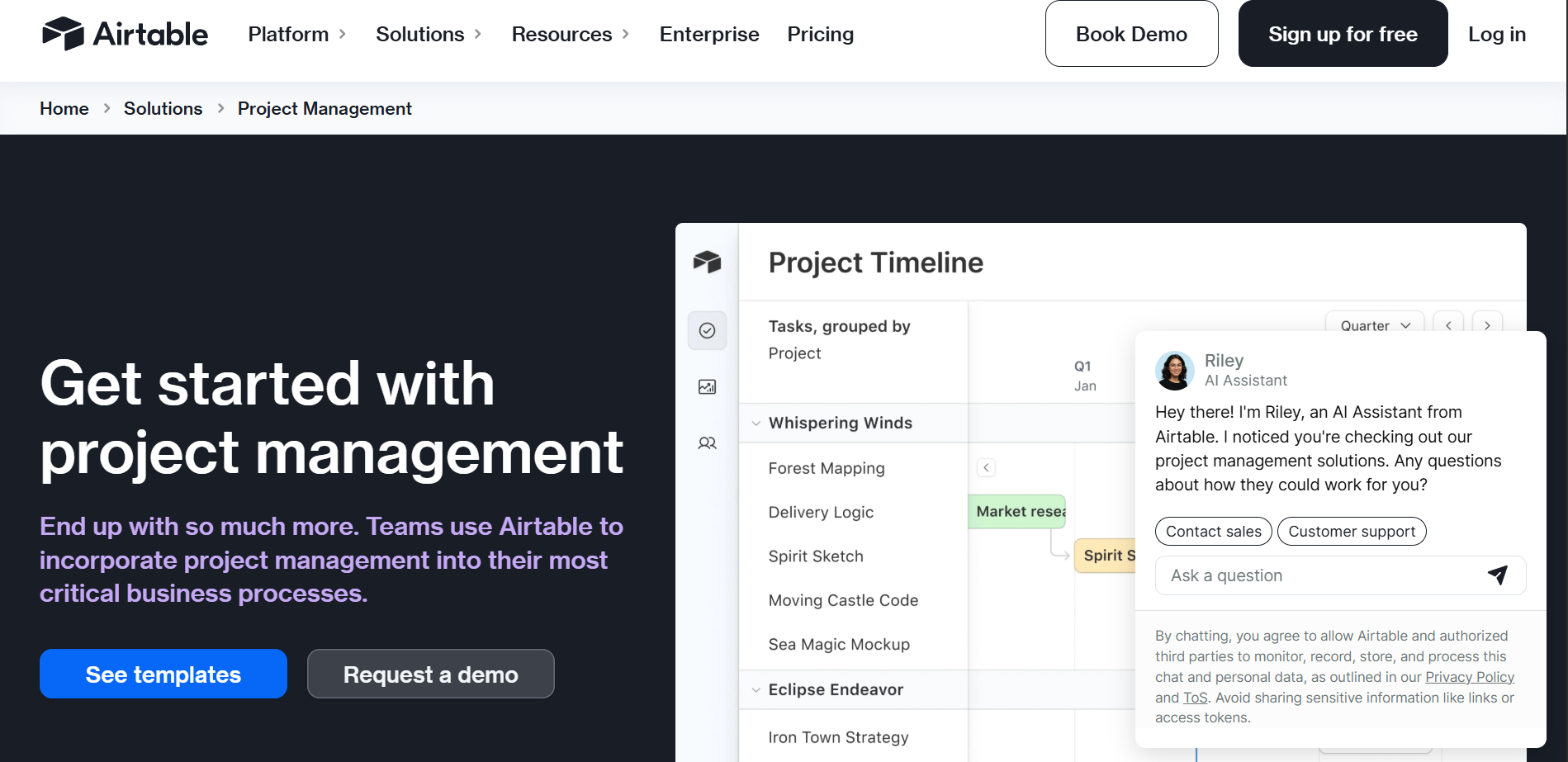
Airtable provides the option to track attendees, vendors’ working status, sponsorships, budgets and marketing plans, all with the help of linked tables. Every table view can be switched to gallery or kanban style. For example, the vendor table can connect to the contract and payments table to allow the easy flow of data. Airtable has templates for the planning of the event, and you can use automation to change the status of each task or set alerts for deadlines. Airtable has free plans as well as monthly plans starting from $20.
Pros of using Airtable
- It has a flexible database structure, which helps the user get their work done easily
- The templates help the user to get started with their work
Cons of using Airtable
- Some of the useful features require paid plans to get started with
8. Smartsheet
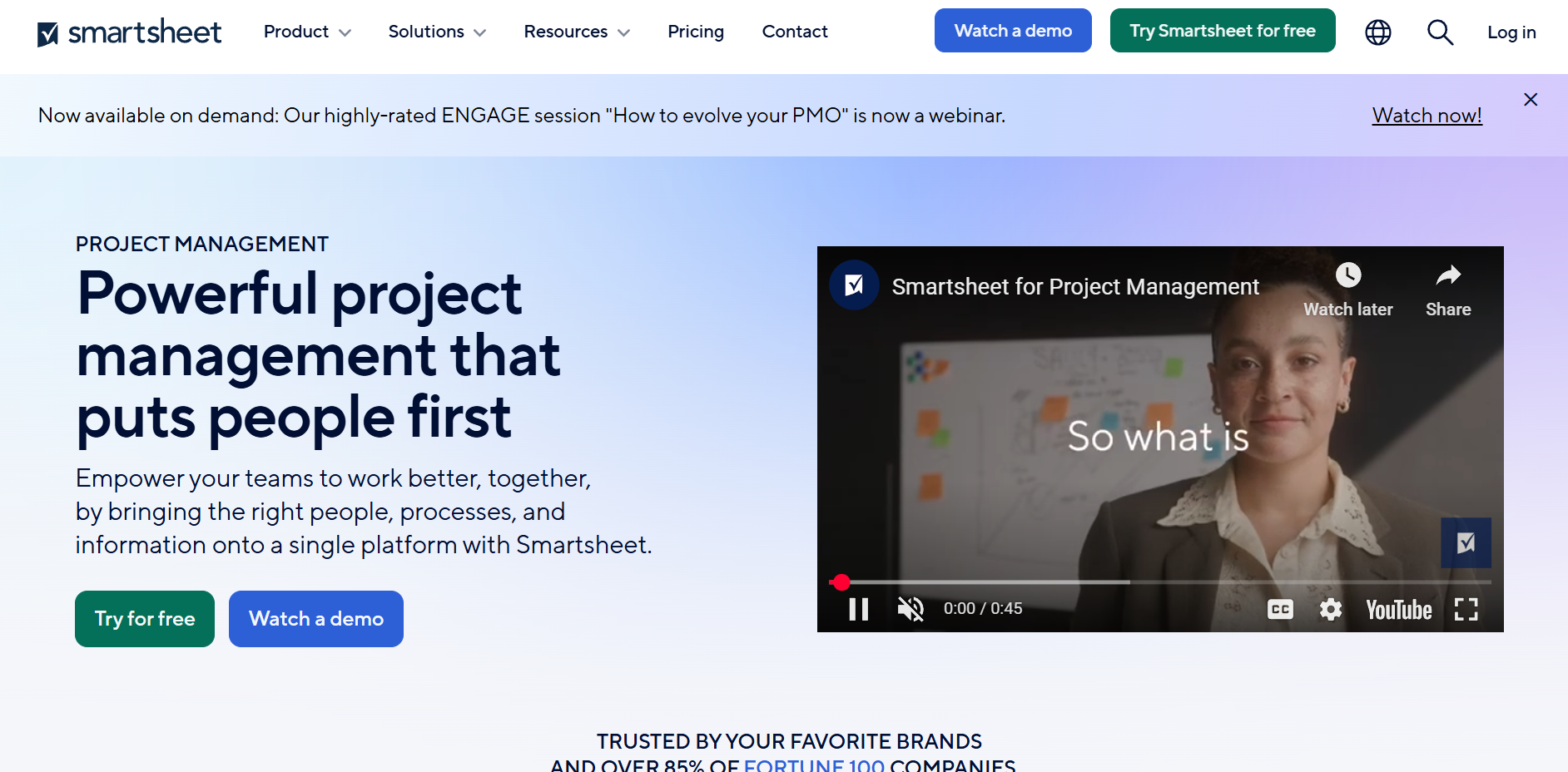
Smartsheet enables teams to manage tasks in a Kanban-style layout. It includes a built-in content collaboration tool that allows users to review and approve the files in the platform itself. One can also set automated reminders to keep everyone aligned in the team and updated. The spreadsheet has functions such as tracking expenses. It also allows for custom field tasks to be created for different teams and to manage resources across multiple projects. Smartsheet plans start as low as $9 to custom pricing options that are available for your needs.
Pros of using Smartsheet
- The use of automated workflow across spreadsheets helps the user get their work done easily and efficiently
- It helps in performing complicated calculations for projects
Cons of using Smartsheet
- It does not provide many team collaboration facilities
- Beginners might find it a bit difficult to use
9. Basecamp
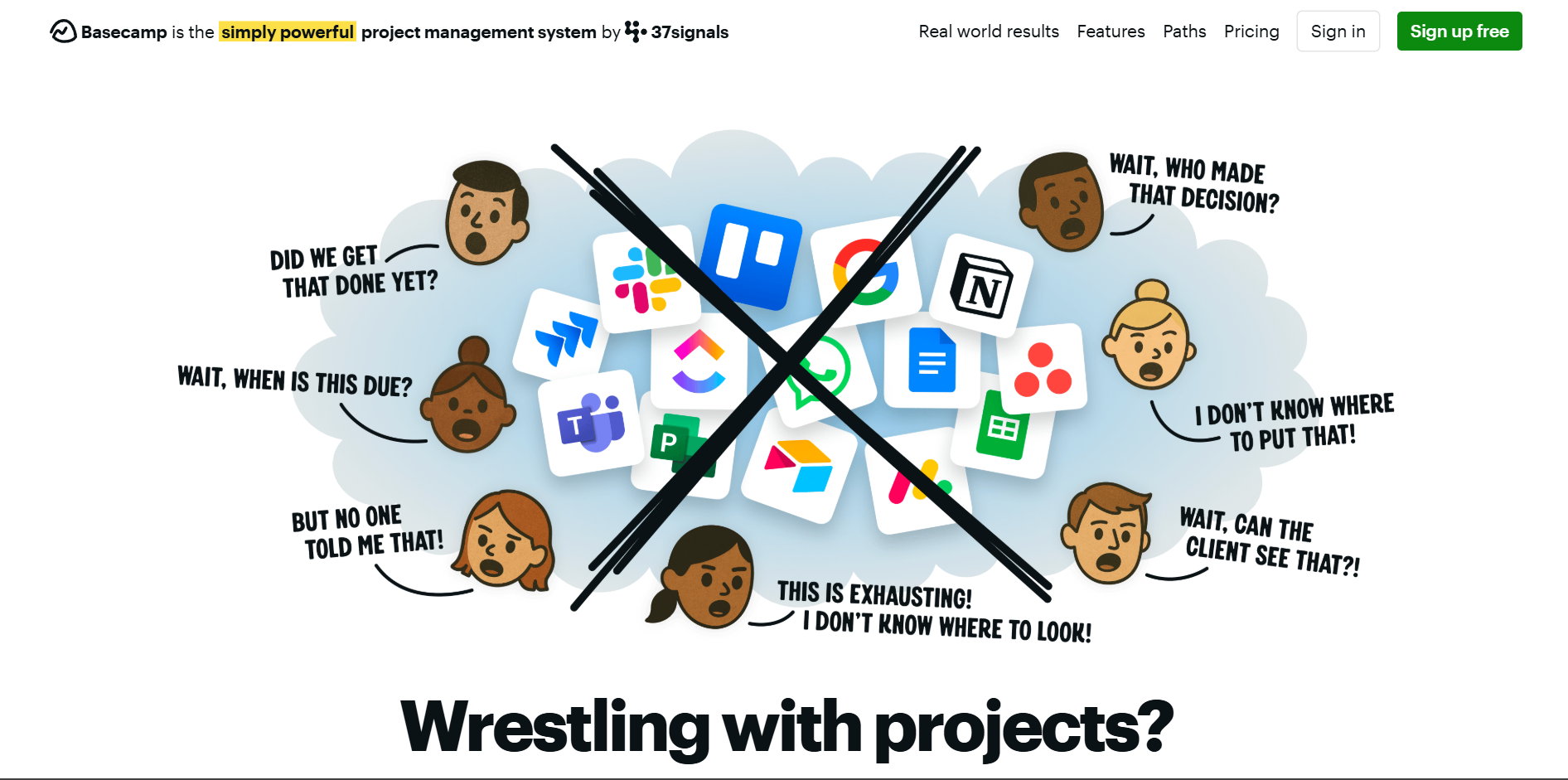
Basecamp focuses on the organization of the team and its communication. Although it is less structured than the others, its centralized messaging option, along with the file arrangement and scheduling options, helps in the planning of an event effectively. The message boards and group chat options keep updates flowing through the teams easily. Basecamp, along with its free plan option, has plans starting from $299/month.
Pros of using Basecamp
- It is simple to use with its simple infrastructure
- The pricing is minimal for many users
Cons of using Basecamp
- It is not a strong tool for detailed project tracking
10. Freedcamp
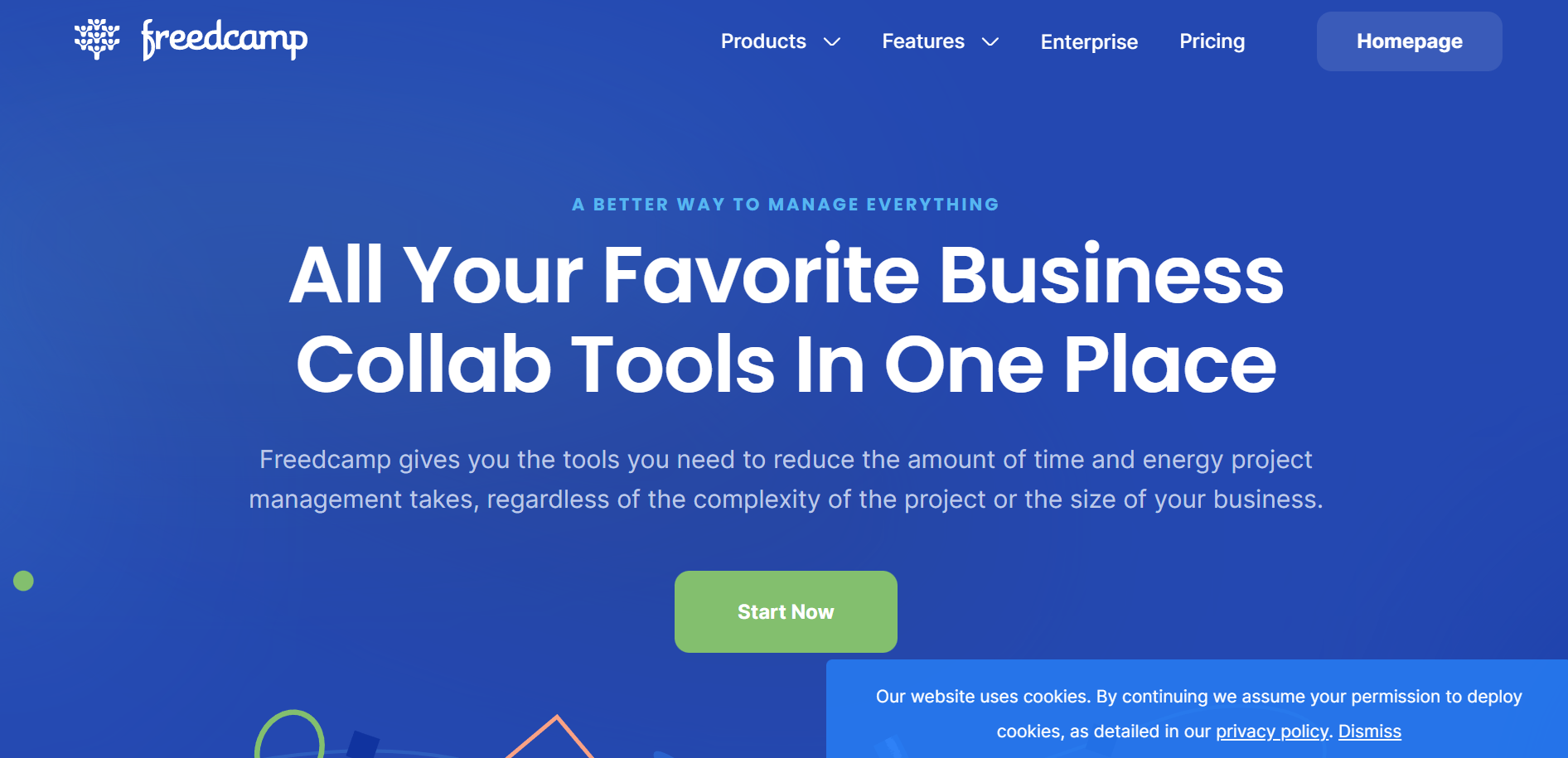
Freedcamp gives you a full set of tools for task completion. It is budget-friendly. The feature for unlimited users on its core tools makes it accessible across a wide range of users. Apart from its free plan, it offers services starting from $1.49/month to $16.99/month for users.
Pros of using Freedcamp
- Its core plan is free
- It has an unlimited project feature, making it useful for event teams to organize projects
Cons of using Freedcamp
- Some of the advanced features cost extra
11. NetSuite
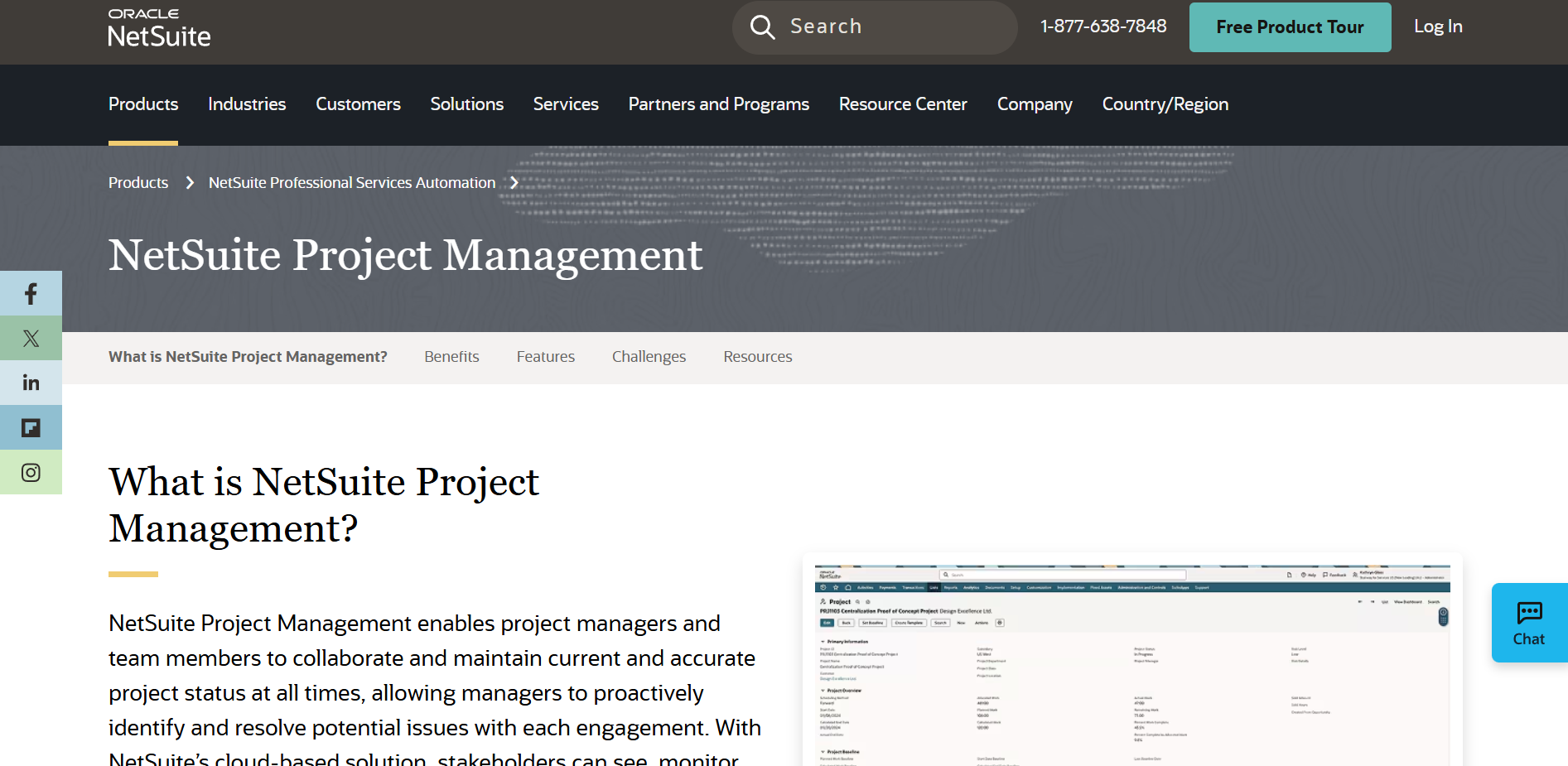
NetSuite is a resource planning platform that provides project management tools to help you monitor and manage revenue, expenses and billing. The teammates managing feature and task creation provide significant help for the easy flow of events. NetSuite plans differ from user to user, based on their needs and are customized according to each project.
Pros of using NetSuite
- Helps in team collaboration and communication across all teams
- Supports over 190 currencies for easy payment options
Cons of using NetSuite
- Its manual project setup can be time-consuming
12. SmartTask
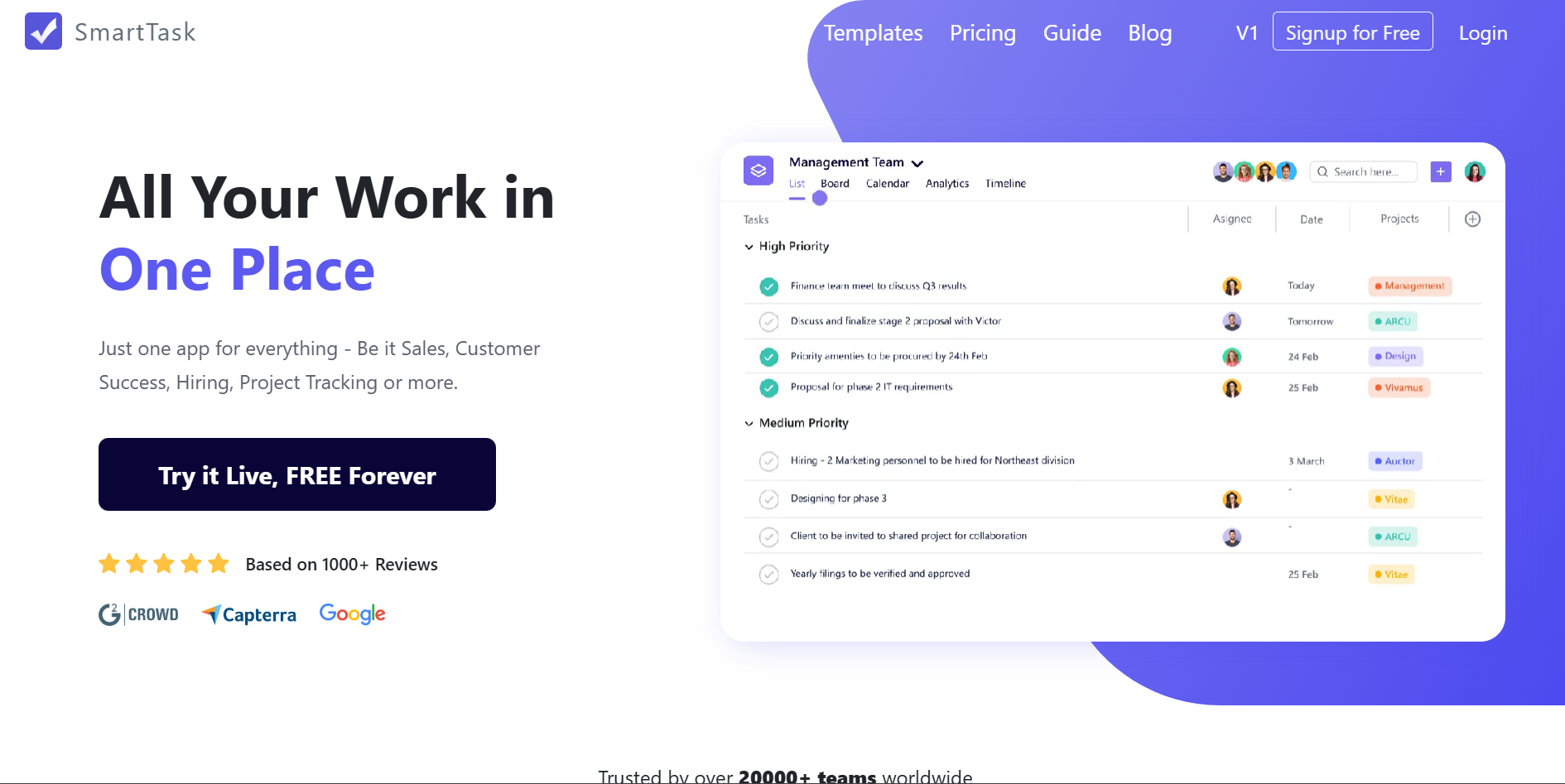
SmartTask is an all-in-one project management tool, especially known for its simple user interface. It allows you to create recurring tasks and set reminders for each of them. The time tracking feature allows you to complete tasks on time, and the built-in video conference and instant messaging features support smooth communication across all teams. SmartTask offers customizable pricing for your needs, along with the ability to use it for free.
Pros of using SmartTask
- SmartTask has a simple user interface
- The built-in video conferencing supports communication flow to take place easily
Cons of using SmartTask
- The free version offers only 100MB of file storage
13. QuickBase
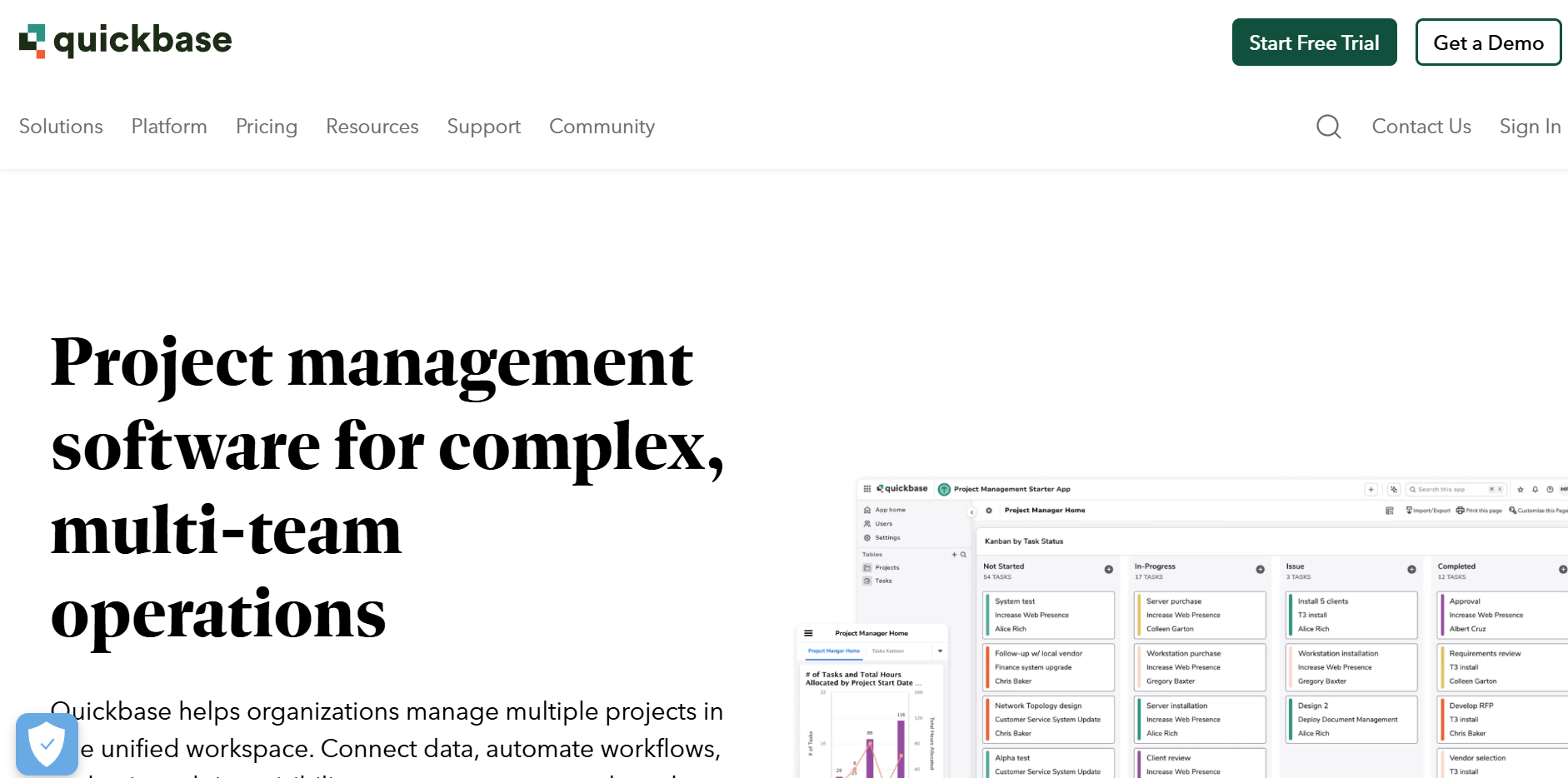
QuickBase is a low-code project management tool that is suitable for small businesses to manage complex workflows. Its customizable workflows and personalized reports features help in providing updates across all team members and keeping everyone updated on their tasks. Apart from its free plan, it has plans starting from $35 to plans that you can customize for your needs.
Pros of using QuickBase
- It has user-friendly dashboards
- It supports the smart build feature for the creation of new tables and fields
Cons of using QuickBase
- It is difficult to retrieve data from connected tables
14. Teamwork
Teamwork management software allows clients to collaborate on projects. The tasks and subtasks feature allows one to create detailed tasks efficiently, and time tracking helps in tracking the tasks within deadlines. The pre-built templates and customizable dashboards help in the easy flow of work throughout the project. The plans for Teamwork begin from free usage to plans starting from $10.99 to customizable plans.
Pros of using Teamwork
- It provides unlimited free client users
- It has a simple user interface
Cons of using Teamwork
- The free plan has limited functions available
15. Celoxis
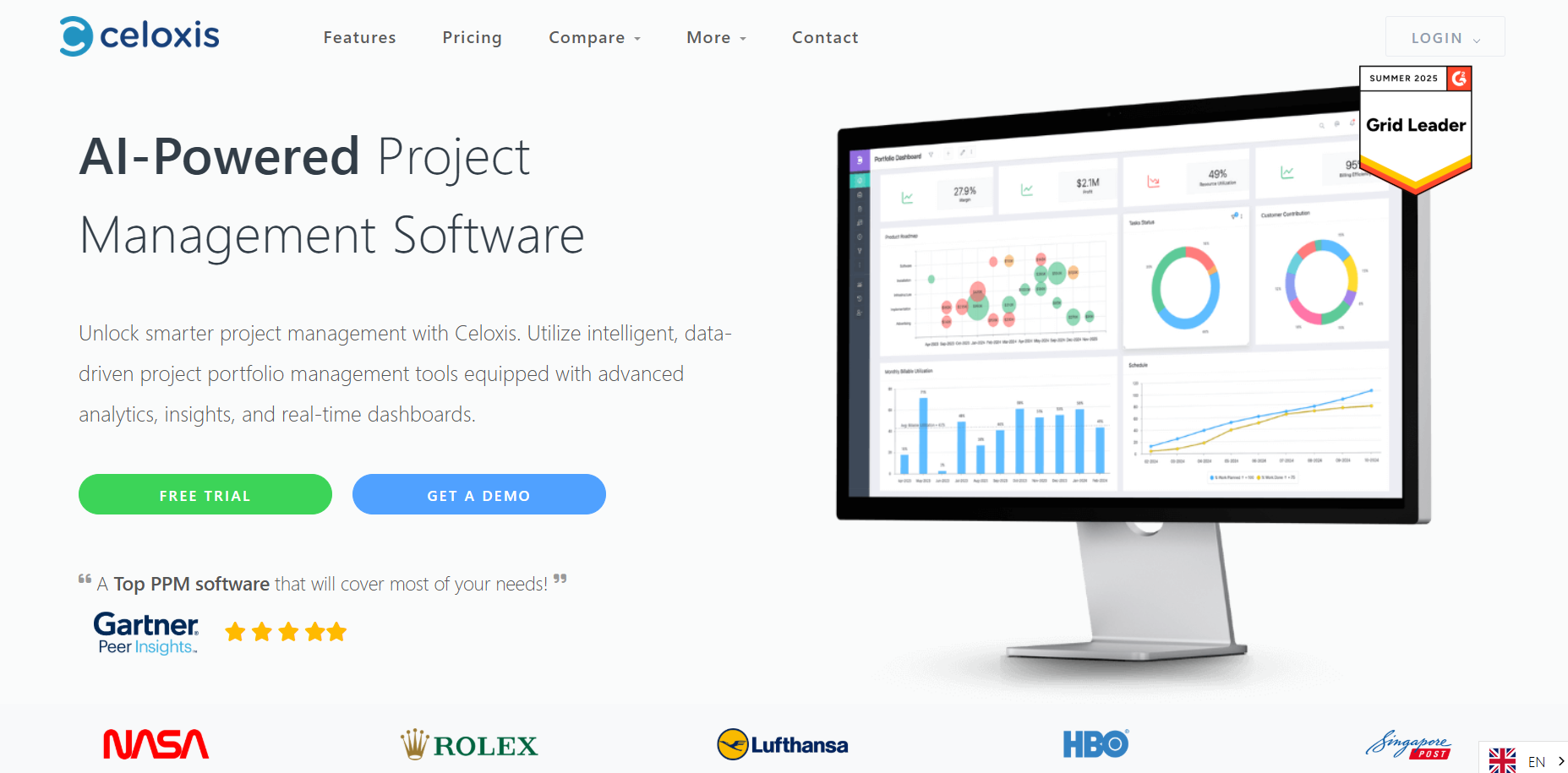
Celoxis is a software that has features with AI to simplify the workflow and deliver project efficiency. Its AI-powered insights help in project planning by helping teams predict tasks and make informed data-driven decisions. Also, its risk management highlights potential solutions and outcomes, ensuring a smart, planned event is in place. Plans for Celoxis start from $10 to pricing based on your needs and project.
Pros of using Celoxis
- Its advanced reporting and analytics, including the AI forecasting, help in the easy flow of the event tasks
- The expense tracking feature allows teams to streamline invoicing and budget management
Cons of using Celoxis
- It does not have a mobile application available
Final Thoughts
The best project management tools will revolutionize the way you organize and deliver events; these tools will keep your team members on the same page. And if you intend to invest in a flexible event platform, then researching these tools will guide you towards the right path.
Ready to integrate all your event-related activities and teams under a single platform? Plan a free demo session with Dryfta today and learn how you can use our solution to manage all your events in a smooth and simple manner.
