Assign a submission to several reviewers.
Open a research submission and select its reviewers. Each assigned reviewer receives an email with the submission details.

Assign reviewers
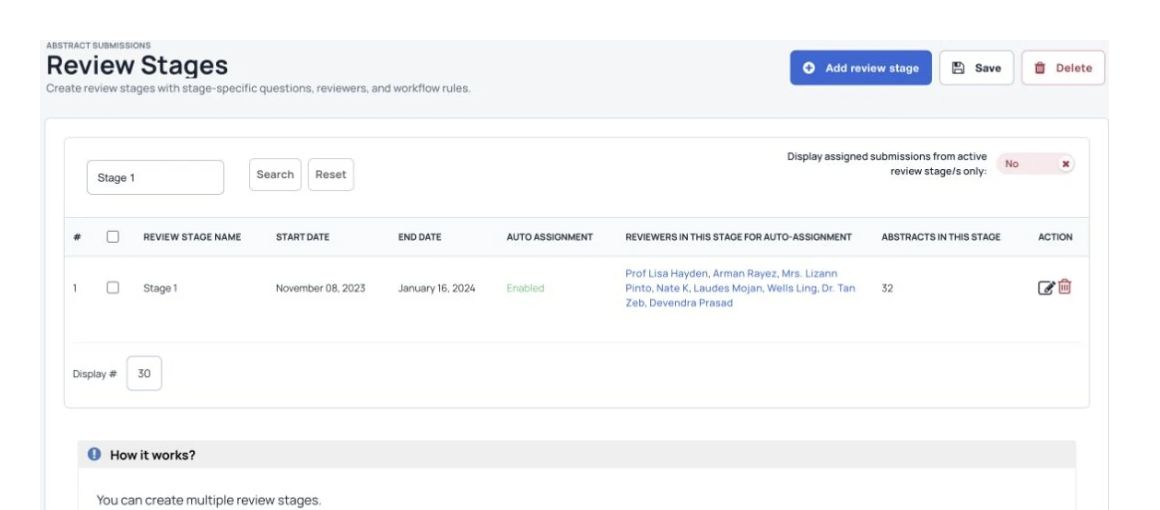
Assign research submissions manually or use rules for reviewer expertise and workload. Let reviewers record preferences and conflicts of interest so your team can manage assignments with more context.
What you can do
Open a research submission and select its reviewers. Each assigned reviewer receives an email with the submission details.
Select a group of submissions and the reviewers who should assess them. Reviewers receive one email listing the submissions assigned to them.
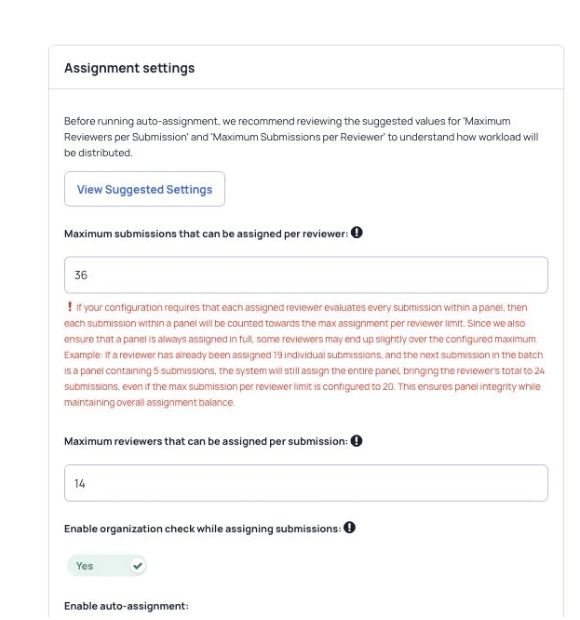
Set the number of reviewers per submission and the number of submissions each reviewer receives. Choose whether assignments should match reviewer expertise, then let Dryfta apply those rules.
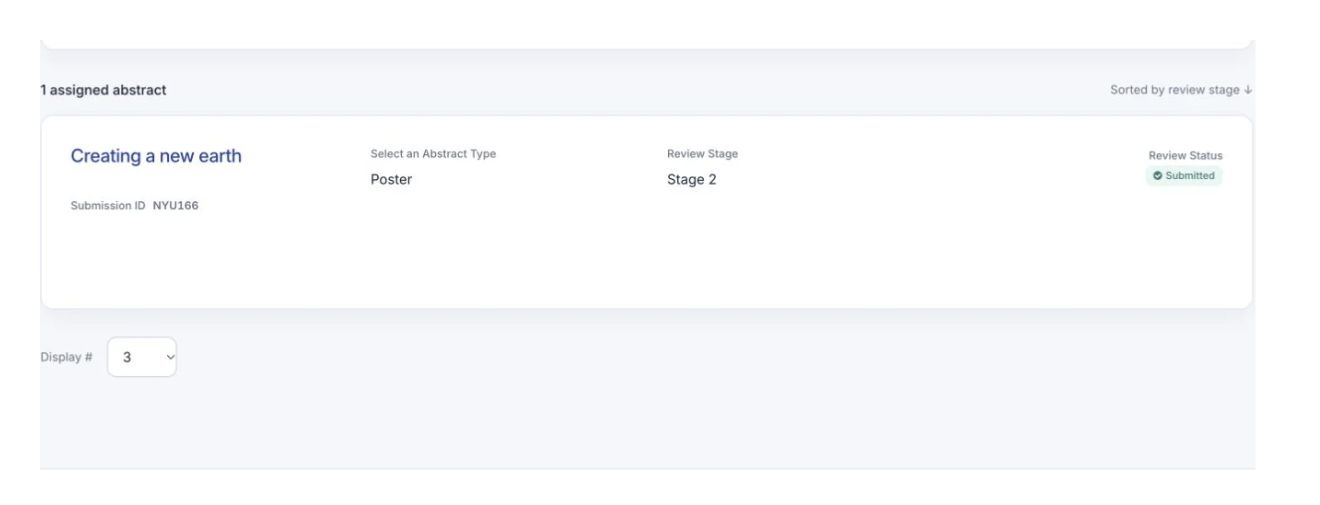
Reviewers can record which submissions they would like to review and flag conflicts of interest. Conflicted submissions are removed from their dashboard automatically.
See Dryfta for yourself
Tell us about your event and the tasks you want help with. We’ll show you how to do them in Dryfta.