Attendee dashboard
Let attendees update their profile, manage their personal schedule, download and print tickets and invoices, and find people with shared interests.
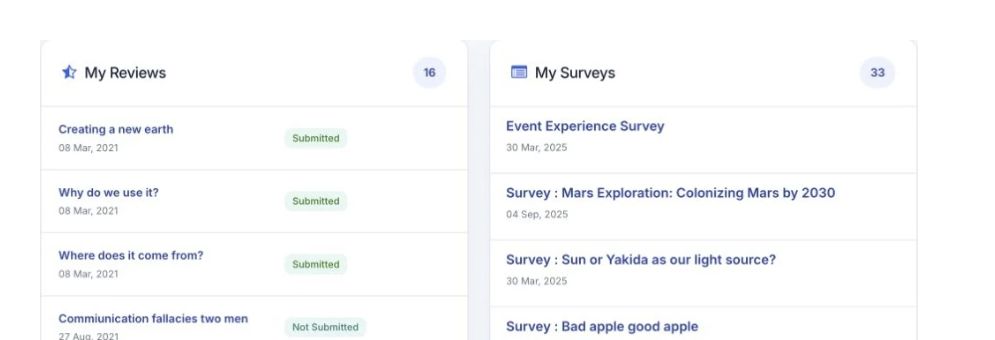

Personal dashboards
Dashboard for attendees, authors, reviewers, speakers and admin staff to perform their tasks.
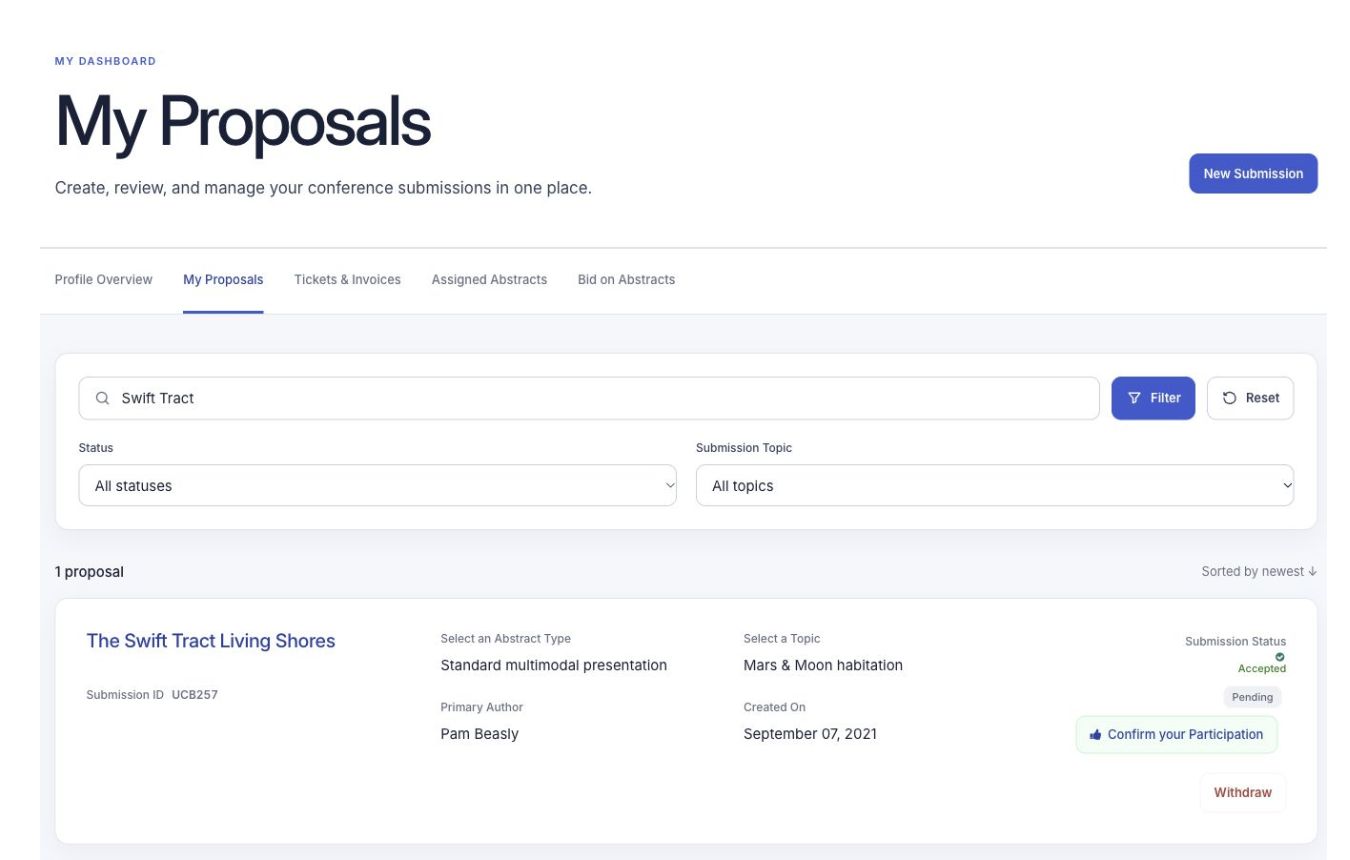
What you can do
Let attendees update their profile, manage their personal schedule, download and print tickets and invoices, and find people with shared interests.
Authors can submit, manage or withdraw abstracts and update their profile. They also have the tools available to attendees.
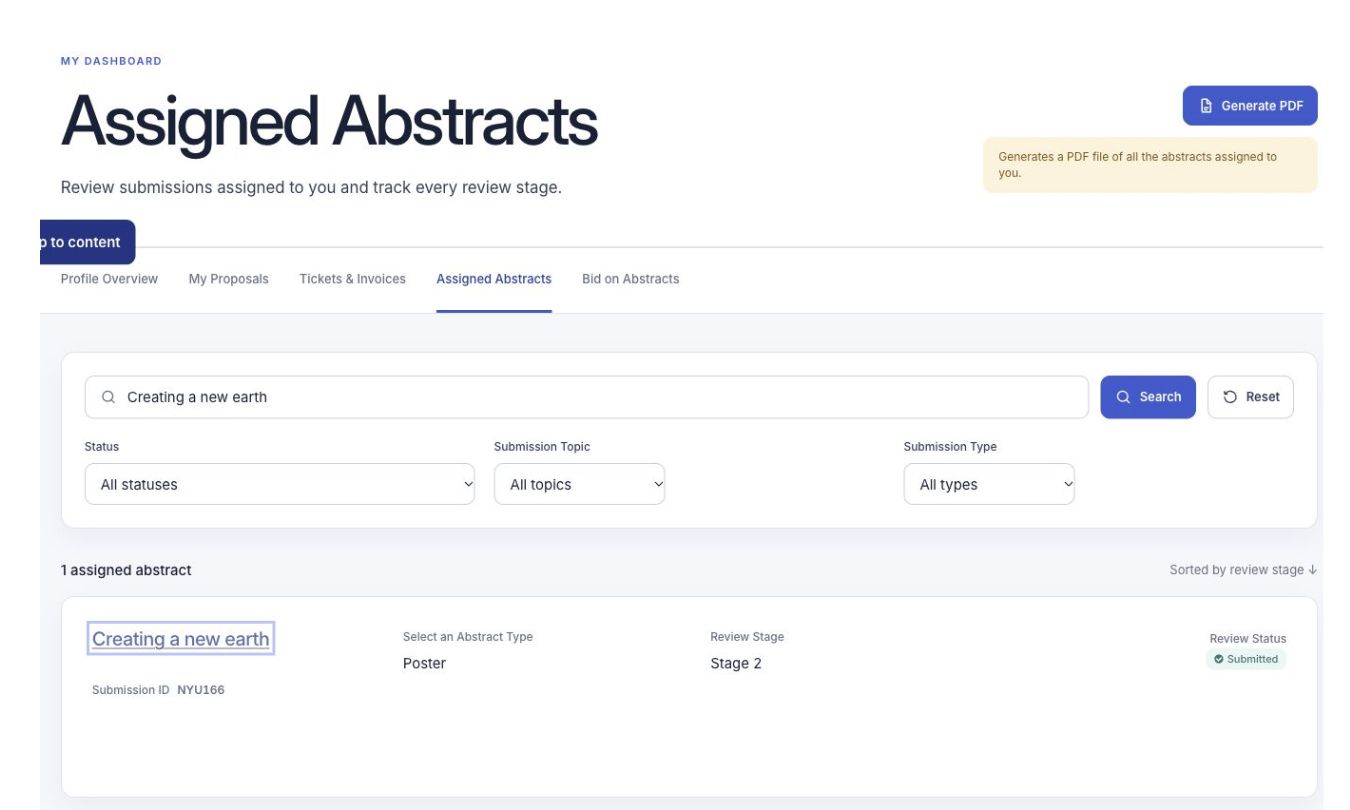
Reviewers can open their assigned abstracts and submit reviews. They also have the tools available to attendees.
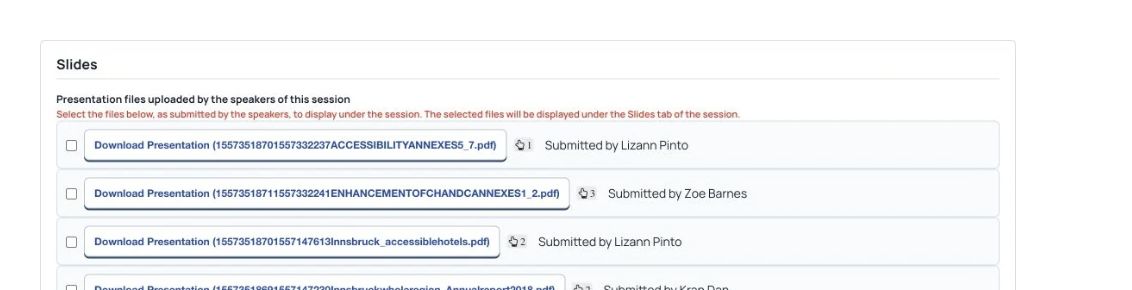
Dashboard for speakers to update profile, upload presentation files, enable their public profile and more.
Organizer staff can manage the event from their dashboard. The main administrator chooses which tools each staff member can use.
See Dryfta for yourself
Tell us about your event and the tasks you want help with. We’ll show you how to do them in Dryfta.