Build forms for every event role.
Create dropdowns, radio buttons, scales & rating buttons, videos, conditional/dependent fields, Google map, form separators and much more.
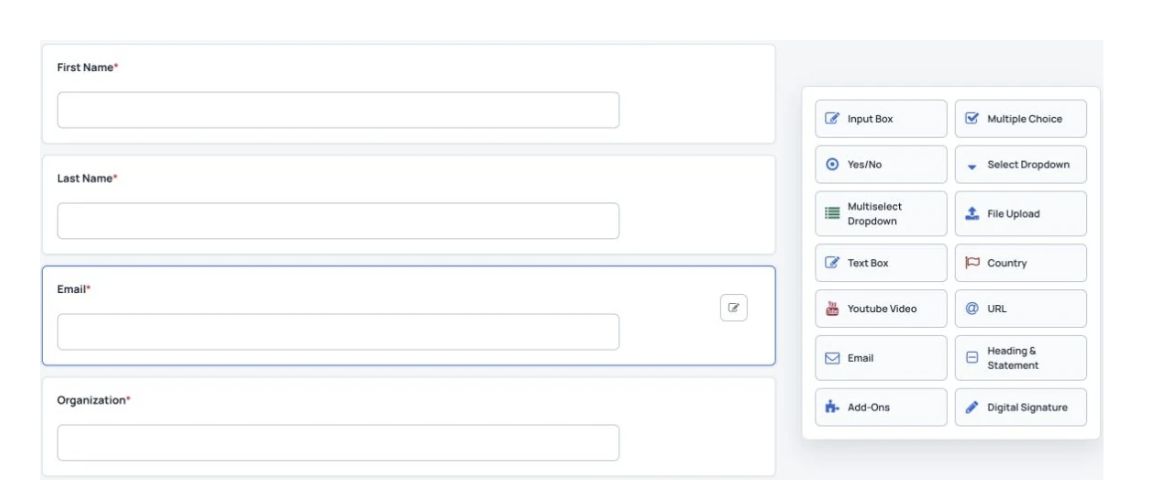

Registration forms
Build forms for abstract submissions, reviewer registration, reviews and attendee registration. Choose questions and submission steps that fit each role, track and part of your conference.
What you can do
Create dropdowns, radio buttons, scales & rating buttons, videos, conditional/dependent fields, Google map, form separators and much more.
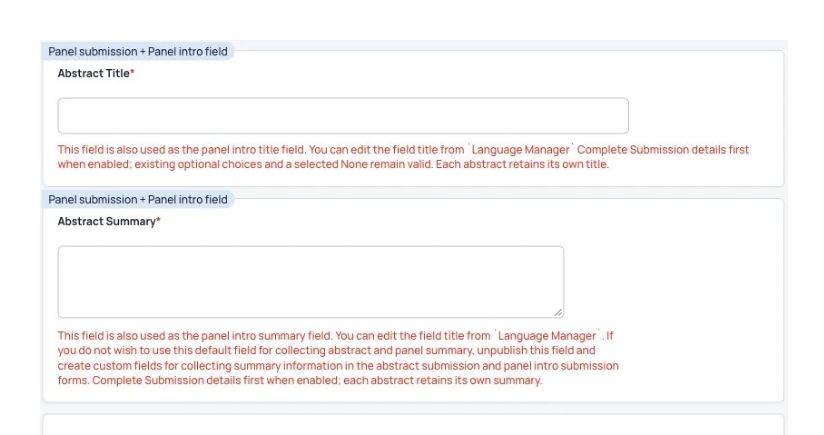
Collect co-author details and let authors upload PDFs and videos. Start accepting call for papers
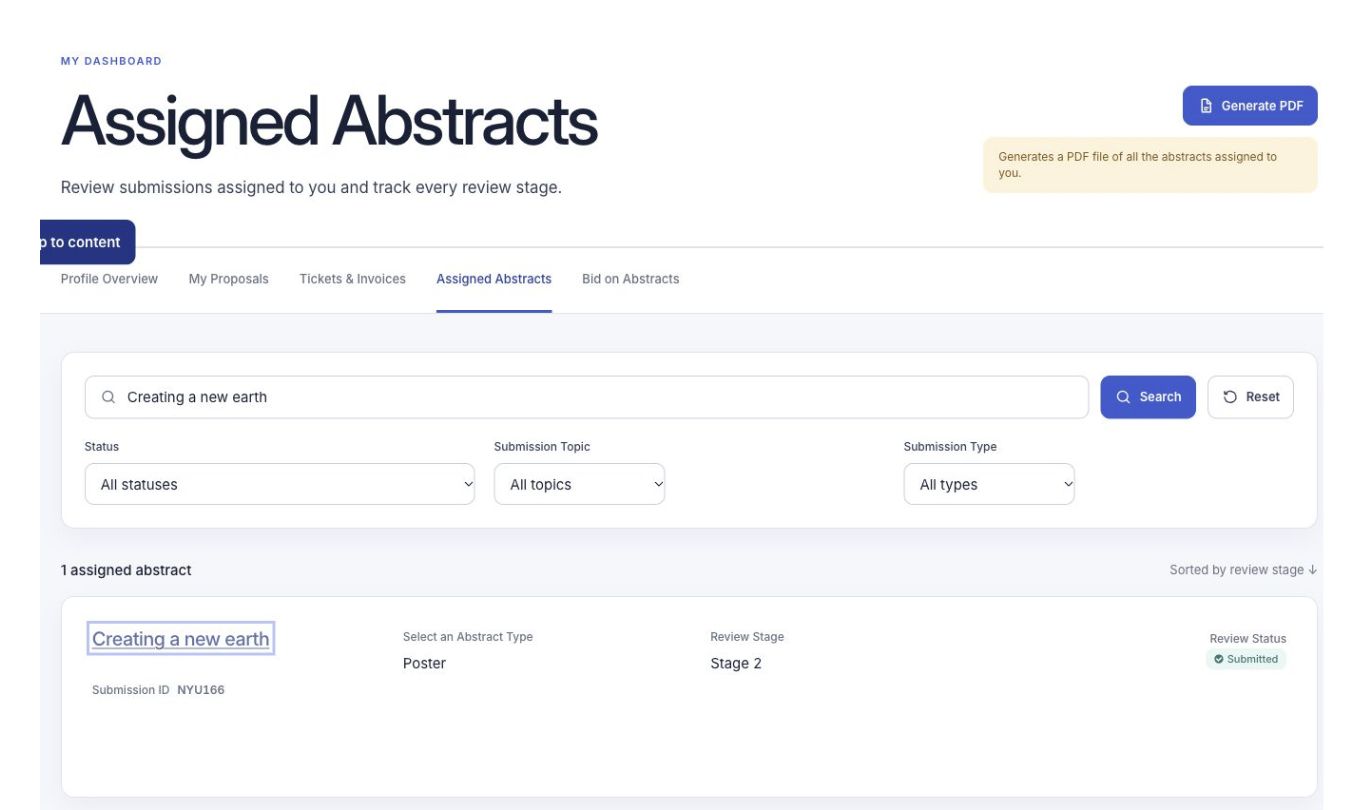
Let reviewers submit feedback on the abstracts assigned to them.
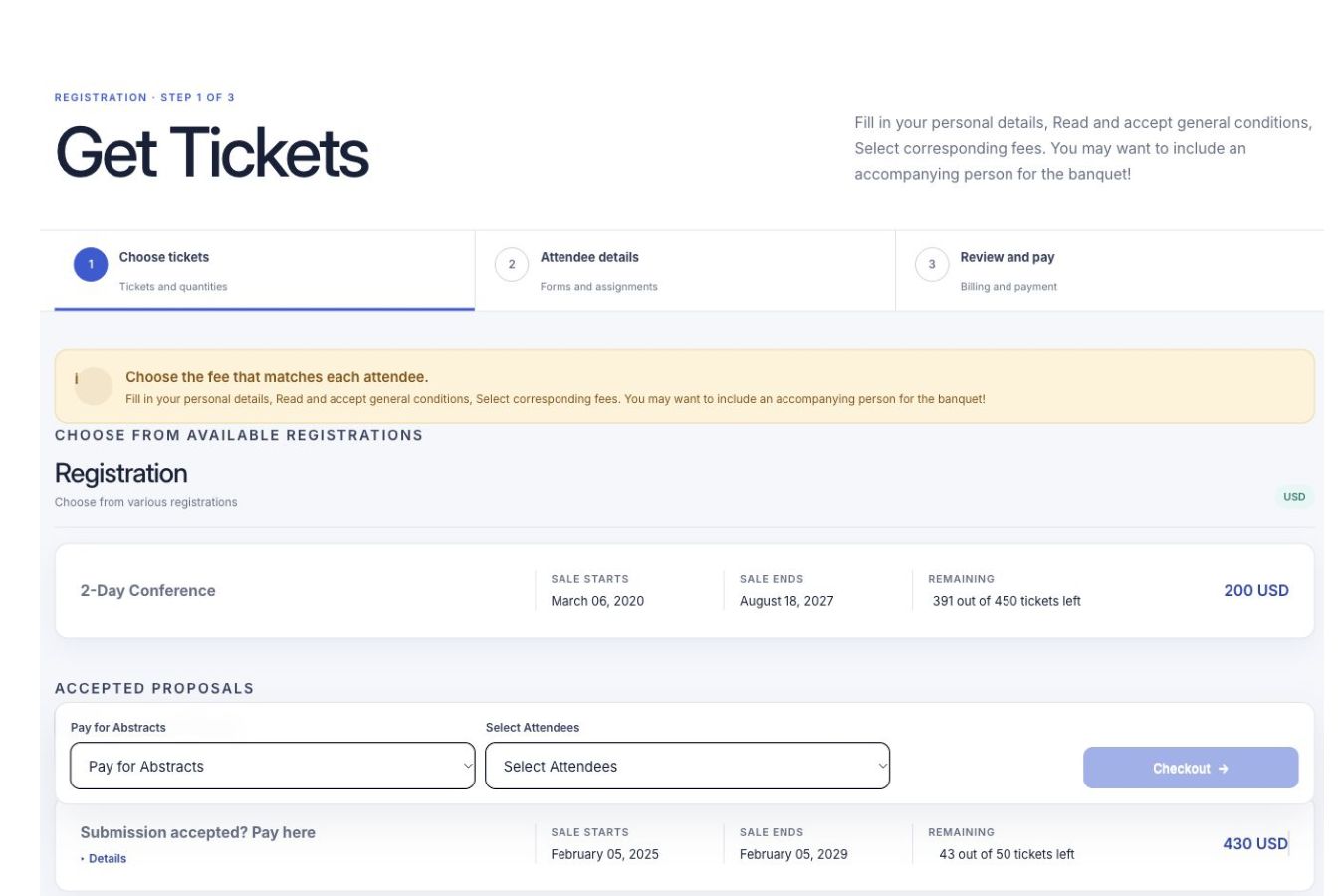
After registering, attendees can sign in to update their profile, print invoices, build a personal schedule and find people with shared interests.
Add simple yes/no questions or show follow-up questions based on earlier answers.
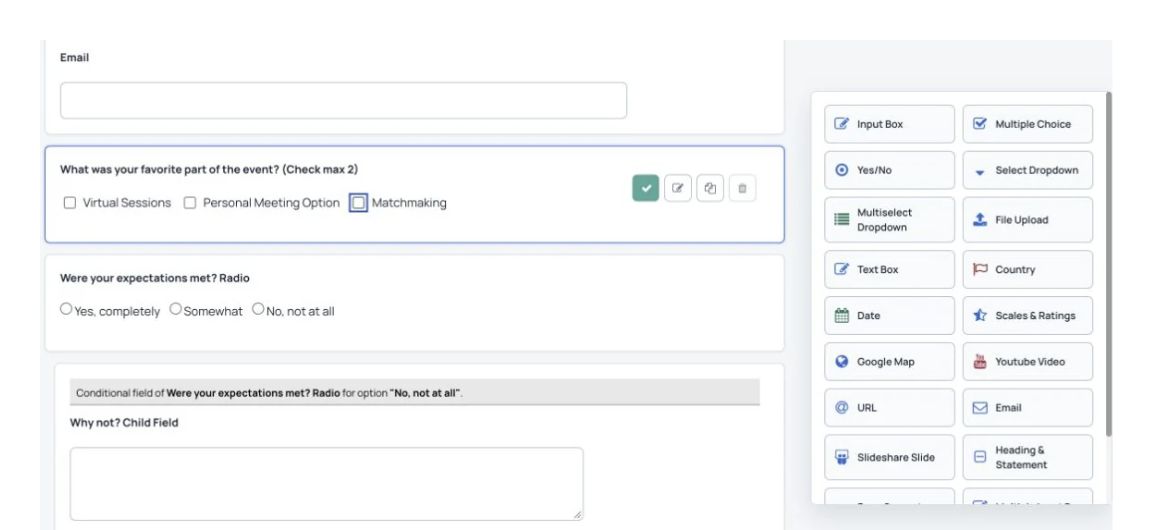
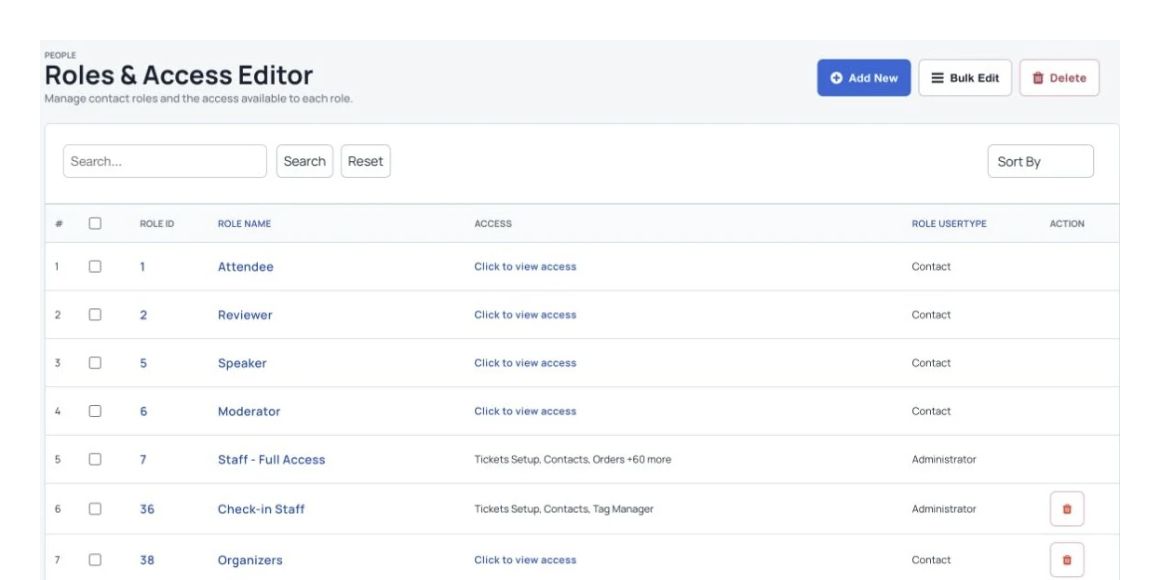
Choose separate registration and submission questions for participants, authors, speakers and reviewers.
Frequently Asked Questions
Frequently asked questions (FAQs) about event registration software
The best event registration platform depends on the type of event you’re organizing. Popular platforms like Eventbrite, and Dryfta offer comprehensive tools for managing both registration and overall event logistics. For example, Dryfta is an excellent choice for academic conferences and corporate events due to its customizable registration forms, integrated abstract management, and secure payment processing. The best platform will provide flexibility, ease of use, and integrations that match your specific event needs.
To create an event registration form, start by choosing an event management platform like Dryfta or Eventbrite. Once you’ve set up your event, use the form builder to include fields for necessary information such as attendee names, contact details, ticket types, and preferences. You can also add custom fields for specific data like meal preferences or session choices. Make sure the form is user-friendly and mobile-optimized, and offer multiple payment options for added convenience. Finally, test the form before publishing it to ensure a smooth registration process.
To encourage people to register for your event, focus on clear communication and compelling marketing. Start by creating a dedicated event website or landing page with all the essential information, including event details, speakers, and benefits of attending. Use email marketing, social media, and advertisements on platforms like LinkedIn or Google to spread the word. Offer early-bird pricing or limited-time discounts to create urgency. Provide exclusive content or experiences for registered attendees, such as networking opportunities or special workshops.
The typical registration process for an event starts with the attendee visiting the event website or registration page. They fill out a registration form, providing basic information such as name, contact details, and ticket preferences. Once the form is submitted, attendees are usually redirected to a payment gateway to complete the transaction. After payment, they receive a confirmation email with their ticket and event details.
To increase event registration, focus on targeted marketing and engagement. Use email campaigns to reach your existing contacts. Offering early-bird discounts or group pricing encourages more sign-ups. Make sure the registration process is simple and mobile-friendly. Creating engaging content like speaker previews, event teasers, or countdowns can generate excitement and drive more registrations.
Event registration provides numerous benefits for both organizers and attendees. For organizers, it helps maximise attendee management, provides valuable data for event planning, and ensures a smoother event day with pre-registrations in place. For attendees, a smooth registration process means they can secure their place at the event quickly and receive all the necessary details upfront, such as tickets, schedules, and event updates. It also offers the convenience of adding preferred sessions or workshops to their personal schedule in advance, ensuring a more personalized event experience.
See Dryfta for yourself
Tell us about your event and the tasks you want help with. We’ll show you how to do them in Dryfta.