




The most effective way to market your university conference nowadays is via a shareable certificate. But let’s be honest, we all know the exhaustion of generating hundreds of certificates by hand. Manually typing each name into a template is guaranteed to have at least one typo and some level of formatting issue, as well as put additional undue stress on the person organizing the event.
A better approach is combining thoughtful design with efficient workflows. This article provides some practical advice, design ideas, and automation options for creating certificates that participants will actually be proud to share.
The Purpose of Participation Certificates
To organizers, participation certificates are a marketing tool that continues to work even after the workshop, course, or event has wrapped up. Each time a participant shares their certificate, your event gains organic visibility before a new audience. Each post places your event in front of new audiences, frequently sparking interest among colleagues who may consider attending future sessions.
Participation certificates also enhance the overall event experience. Once the final session ends, each participant receives an email with the credentials for accessing their personal certificate. Participants have the ability to access their digital wallet at any time and easily download or print their certificate when they need to. On top of that, many platforms nowadays have integrated social media buttons that let attendees share their achievements via social media and further extend your event’s reach.
How to create a participation certificate
Creating professional participation certificates for a university conference does not have to feel hectic. With the correct tools and well-designed participation certificate templates, you can design your own certificates with ease.
Many teams use event management platforms or basic design software to create their own participation certificates with unique conference branding. The choice usually depends on two factors:
How many attendees do you expect?
How much automation do you want?
Details to Include
Professional participation certificates for a university setting serves as a formal record of academic achievement.
Follow this checklist to maintain high academic standards:
-
- Official header: List the university name, the department involved in organizing, and the title of the event. Including the logo or crest of the university adds authority to your certification.
- Participant details: Include the participant’s full name.
- Date and location: Include the date along with the venue (if applicable). If held virtually, mention the platform used to hold the conference.
- Authorized signatures: The certificate should include scanned signatures from the dean, organizing chair or registrar to guarantee its authenticity.
- Academic credits (Optional): Many conferences offer Continuing Education Units (CEUs) or Continuing Professional Development hours (CPD hours). If applicable, listing CEUs or CPD hours on the certificate may have value for professionals requiring them for licensing.
- Verification: In recent years, many organizers have added unique certificate ID numbers or QR codes to their certificates. When reviewed, this allows a person to quickly verify that the certificate is legitimate.
Step-by-Step Bulk Creation
Managing a university conference efficiently may involve a transition from dozens of attendees to hundreds or even thousands. Handling this manually is not only prone to human errors, such as misspelled names or misnamed job titles, but also a waste of admin time.
Bulk creation with tools such as Canva’s “Bulk Create” or Microsoft’s “Mail Merge” will allow for each attendee to receive their credentials at once with both accuracy and quality.
Master the bulk creation process by following these 5 easy steps:
Prepare the Data
-
- Start with exporting your event registration list to a spreadsheet (Excel/Google Sheets)
- Set up different columns for full name, email address and participation type so that you can organize the data correctly.
- Carefully review each entry on the list prior to using it. Capitalize the first letter of each name, remove unnecessary spaces from entries and spell check each entry.
- In case there are several participation categories involved at this event (presenter, panelist, or attendee), include a “Role” column.
Select a Template
-
- Select a layout that fits the theme of the academic conference and aligns with the university branding.
- Choose a design that has sufficient white space to accommodate full first and last names.
- Position the primary image (university logo), department name and authorized signatures in symmetrical areas on the certificate to enhance its credibility and formality.
- Using institutional colors and fonts also helps the certificate feel official.
Map Dynamic Fields
-
- Add placeholders like [Full Name] or [Participation Role], instead of static text in your certificate design.
- The placeholders allow you to link the design to your Excel data so the system can automatically enter the correct details about each participant.
- After mapping the fields, the system will create a new certificate for each participant’s name in the data set using the same layout.
- A fast preview before generating the certificates allows you to verify that each participant’s name, title and role sit in the right place on their certificate.
Generate and Distribute
After verifying the data and design, generate the complete batch of certificates in one go.
Certificate Distribution and Printing Options
Organizers can distribute the certificates through two common approaches.
Digital Distribution
-
- Export your certificates in an individual PDF format at high resolution.
- Send each participant their certificate via email so they can easily download it.
- The digital version allows attendees to post their certificate on their online portfolio or resume.
Physical Printing
-
- Export the certificates as a multi-page PDF for printing if physical copies are required for ceremonies or official records.
- A matte finish often works better for certificates since it reduces glare and keeps signatures and text easy to read.
- Use high-quality (200-250 gsm) cardstock when printing your certificate.
Recommended Methods to Design Participation Certificates
How to design certificates for an event will depend on how many people attend and what tool the event organizers feel comfortable with. For many university events, both accuracy and aesthetics are equally important.
For High-Volume Automation (Best for University Events)
When a conference grows beyond a few dozen attendees and starts moving into the hundreds, manually editing certificates becomes exhausting and risky. Automated workflows minimize the risk of typos and ensure every attendee receives their credential promptly.
Dryfta
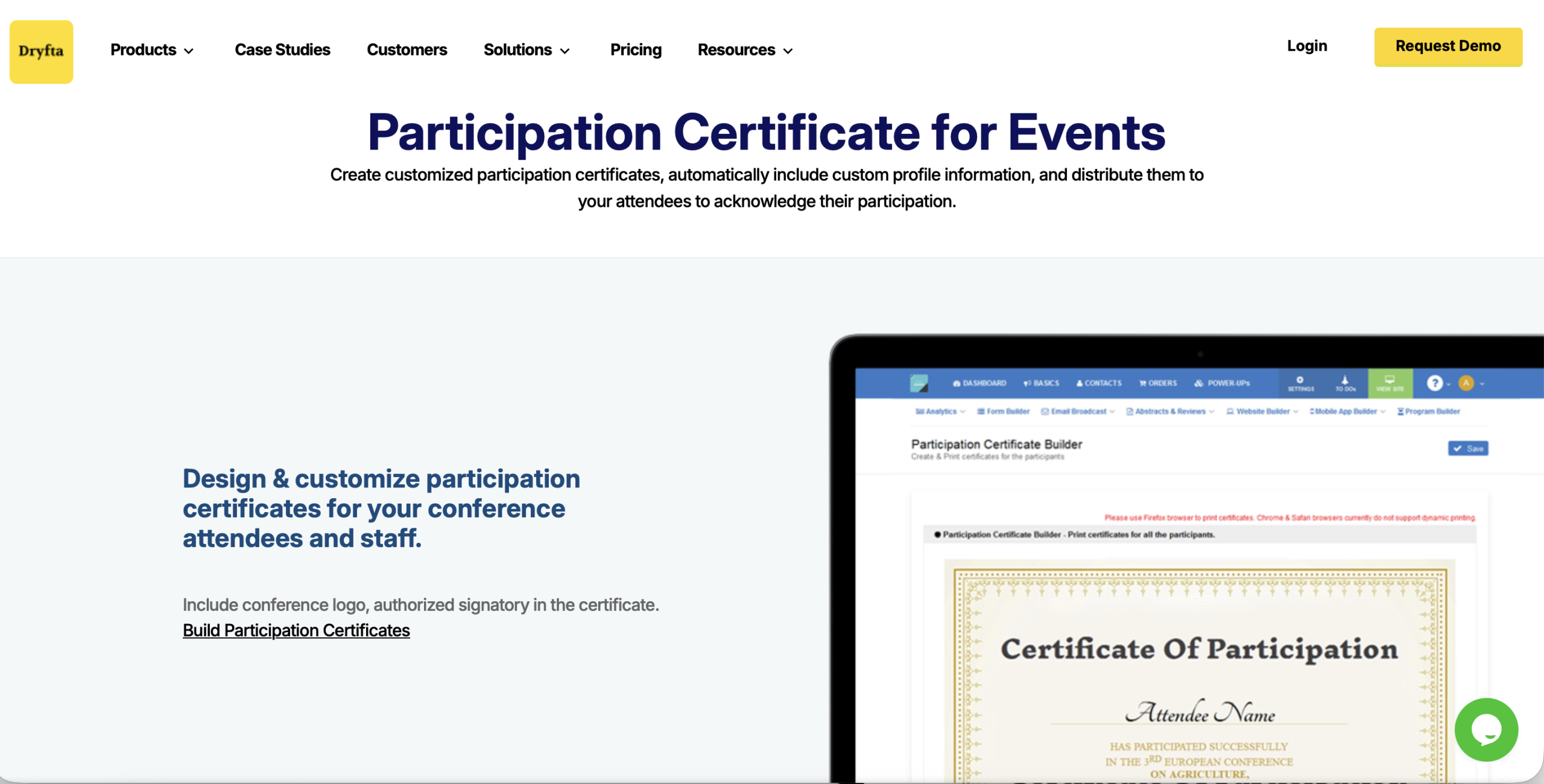
When organizing large academic events, Dryfta streamlines the certification printing through automation. Organizers can create a custom certificate template and let the platform automatically pull participant details. Since all data is stored within the platform, organizers will be able to generate certificates in a matter of minutes.
Google Forms + Add-ons
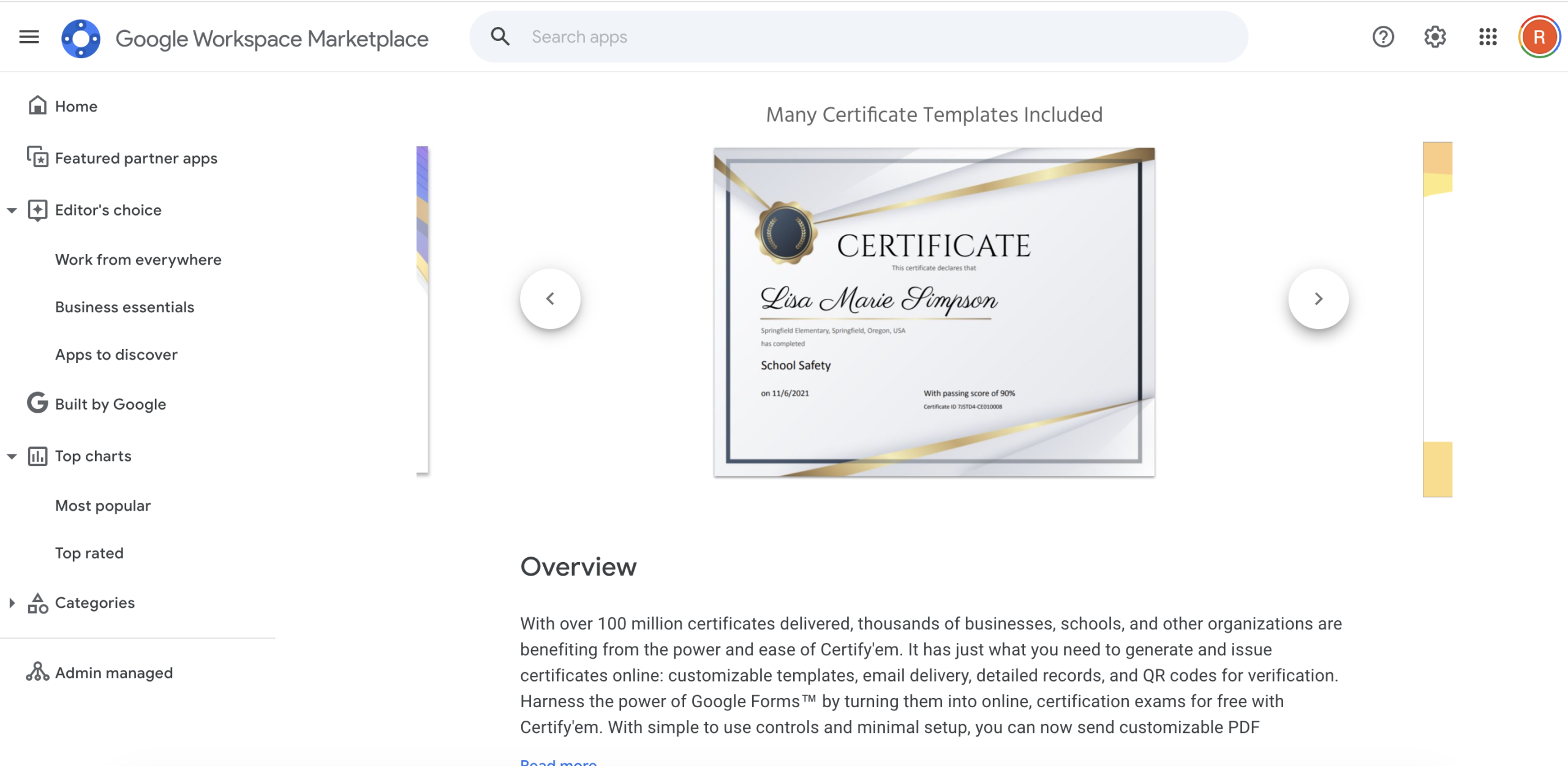
For departments with limited budgets, using Google Forms with low-cost add-ons such as Certify’em or Autocrat can be an inexpensive and effective alternative for both collecting post-event feedback and generating certificates. It involves collecting feedback through a post-event form connected to an automated certificate generator.
Once the participant submits the form, the system automatically generates a certificate based on the data provided and sends it directly to their email address.
For Custom Design (Best for Small Groups)
Smaller workshops or doctoral seminars are usually less formal in their approach. With fewer people attending, there is usually an opportunity for the organizer to have more control over the certificate’s design.
Canva
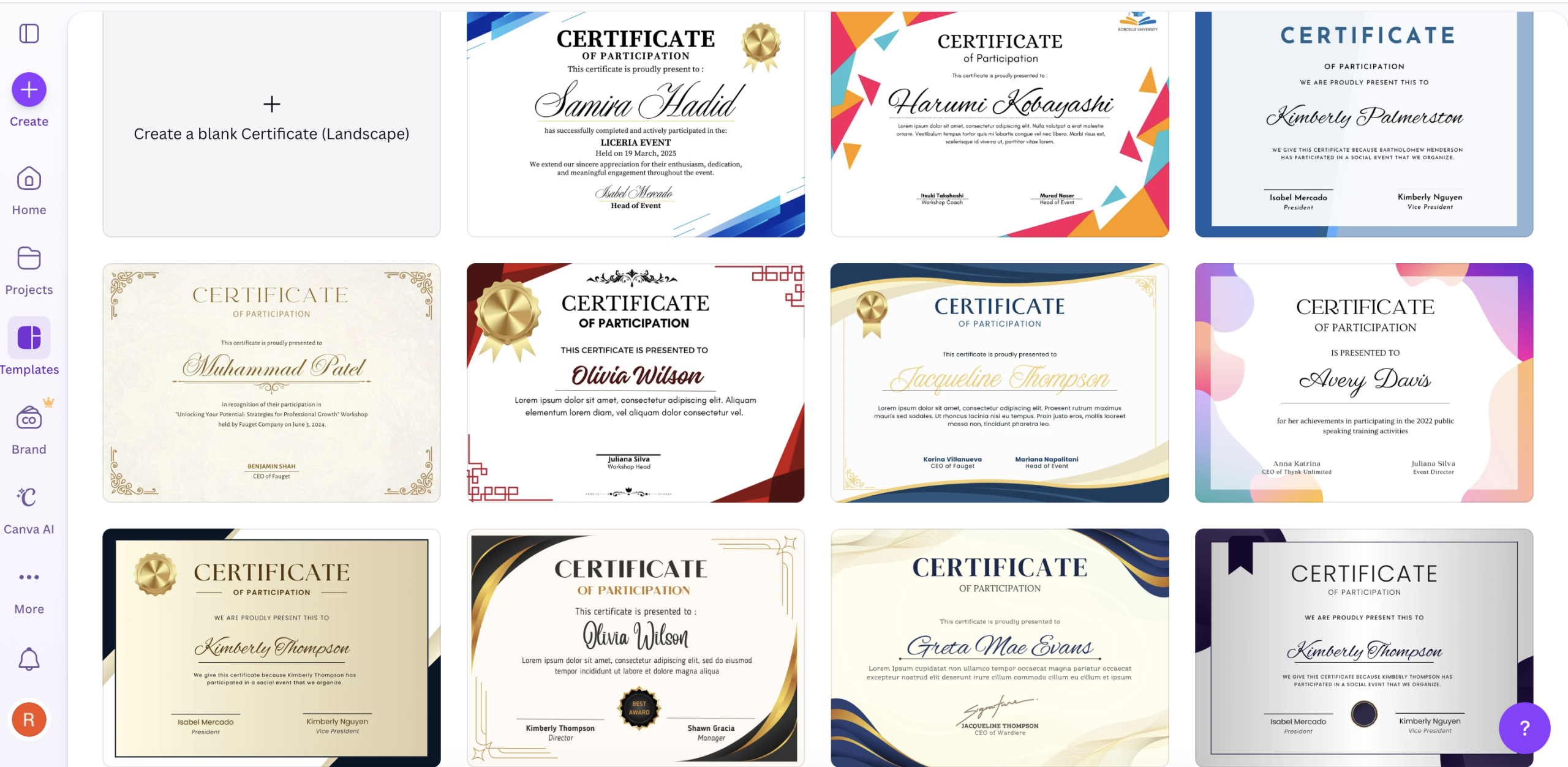
Canva is a good option for organizers who want polished designs without advanced graphic design skills. The platform offers a range of free printable certificate templates that can be customized for academic events. In addition, the fonts, colors, and text can be changed as needed. Canva will allow you to link spreadsheet data to the design, which makes it easier to generate multiple individualized certificates.
Adobe Express
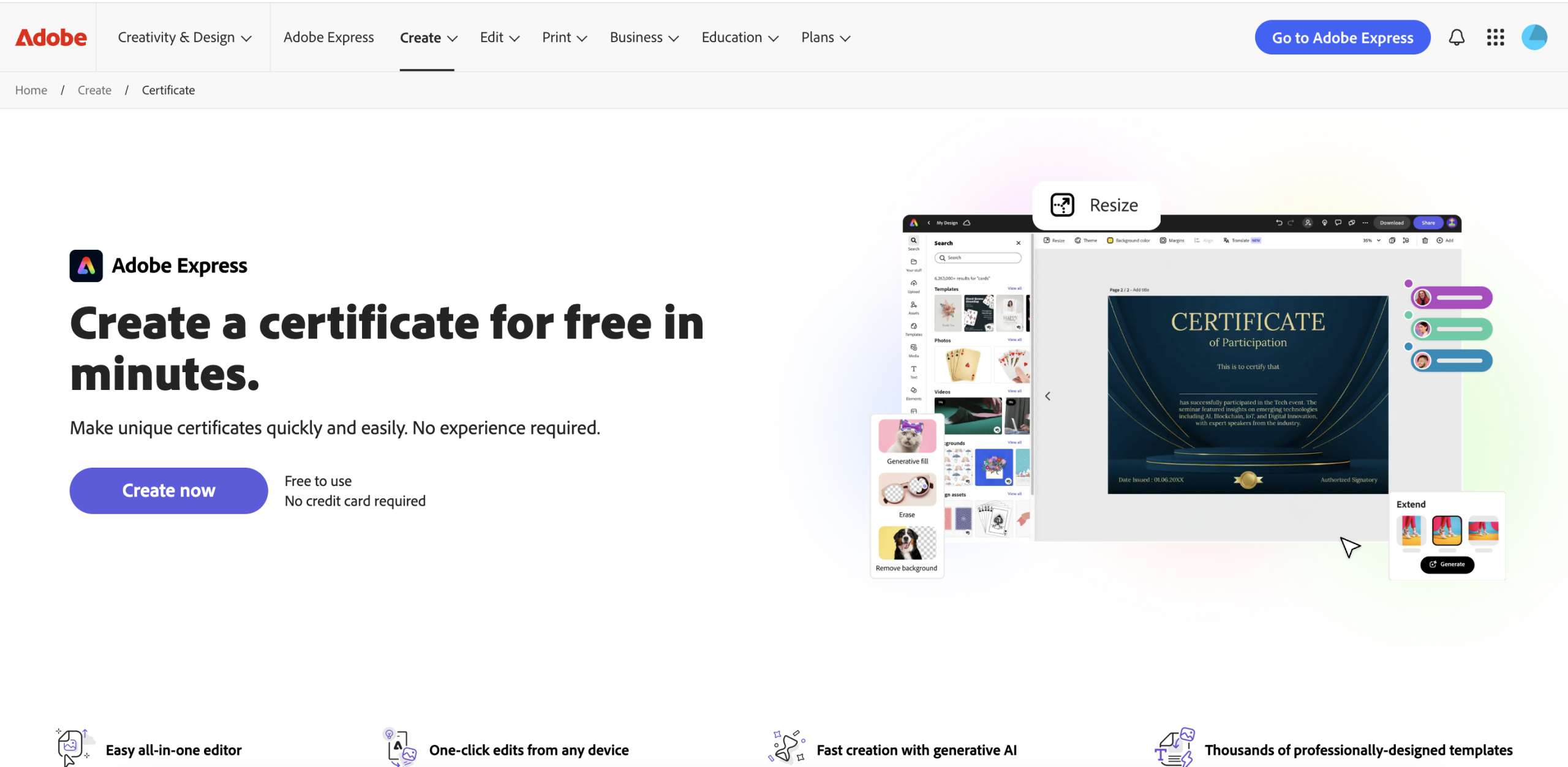
Some institutions prefer using tools from the Adobe ecosystem. Adobe Express offers modern templates that work well for lectures, faculty awards, or formal academic events.
Microsoft Word (Mail Merge)
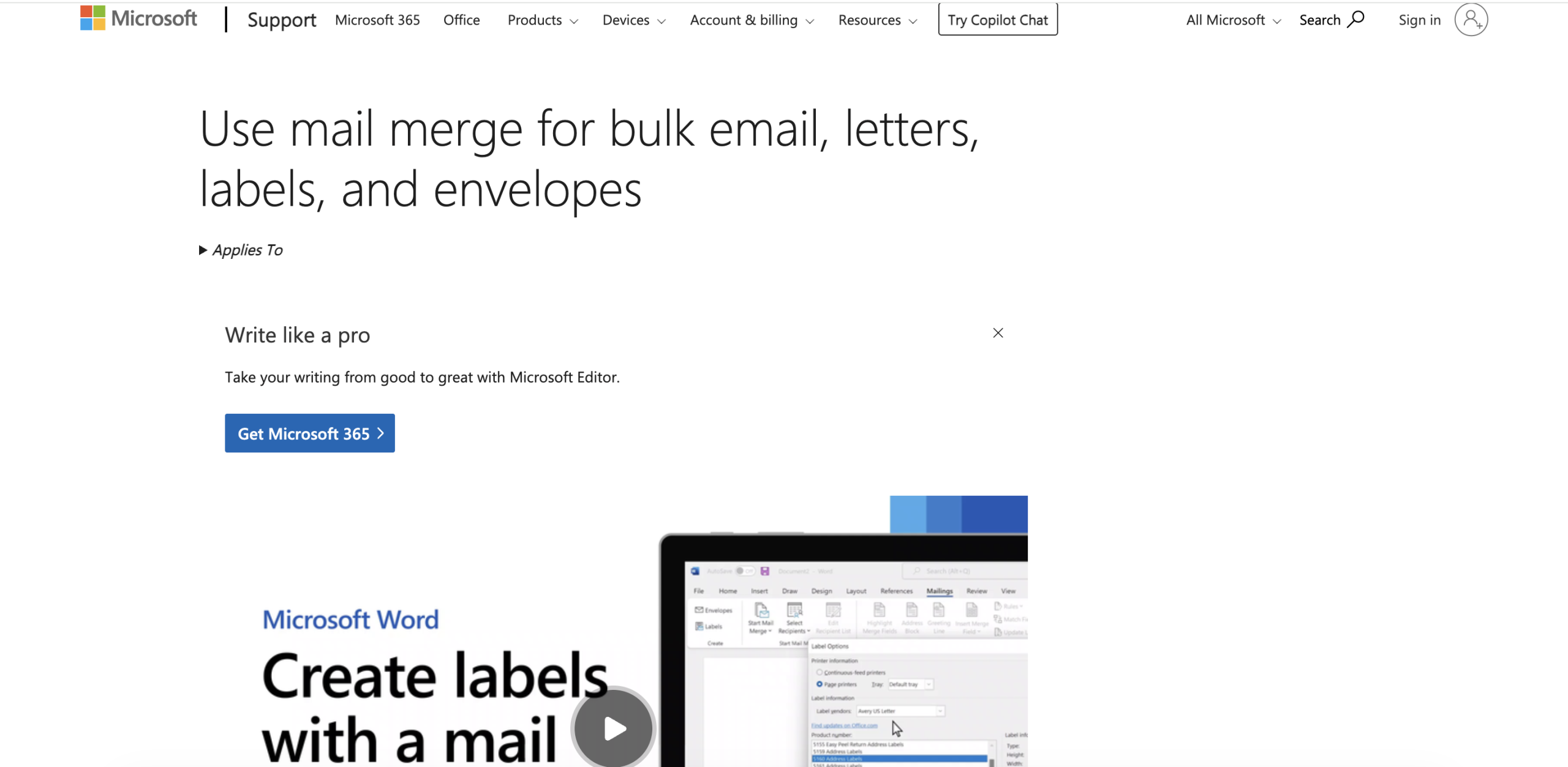
For Organizers who prefer Office-type software, Microsoft Word is a good choice. Using a landscape template, you can easily create a certificate in Word. The Mail Merge feature then connects the document to an Excel spreadsheet so participant names are inserted automatically, which works well for printed certificates.
Common Mistakes to Avoid
To create professional and legitimate-looking conference participation certificates, there are several things that organizers must avoid:
-
- Typographical errors in names: The value of a certification is greatly reduced if there is a typographical error in the participant’s name. Instead of manually entering the participant’s name into the certificate, export them directly from the registration database.
- Ambiguous participation roles: Clearly state whether the participant was an attendee, presenter, or keynote speaker. Different roles carry different academic significance.
- Poor font choices: Casual or decorative fonts can make certificates look unprofessional. Classic serif or clean sans serif fonts usually work best in academic settings.
- Missing verification details: Add a certificate identification number or a verification contact to help institutions and employers verify that the document is authentic.
- Inconsistent branding: The design and format of the certificates should reflect the official colors, fonts, and style guide to maintain credibility.
- Crowded layouts: Too much text can make a certificate look cluttered. The participant’s name and the issuing institution should remain the focal point of the certification.
The Takeaway
Participation certificates are the last official interaction between your university and its attendees. The degree to which a participation certificate has a professional look and feel is directly tied to your credibility. That credibility is what makes the certificate valuable when added to resumes and portfolios.
Dryfta has simplified that entire process by providing a pre-built participation certificate tool that is exclusively used for academic events. The tool allows you to upload the conference logo, input the certificate content, include authority signatures, and produce certificates in minutes for all types of attendees (speakers, presenters, registrants) without manual copy-paste.
Book a free demo with Dryfta today to see how we can assist you in streamlining certificate creation for your next event.