



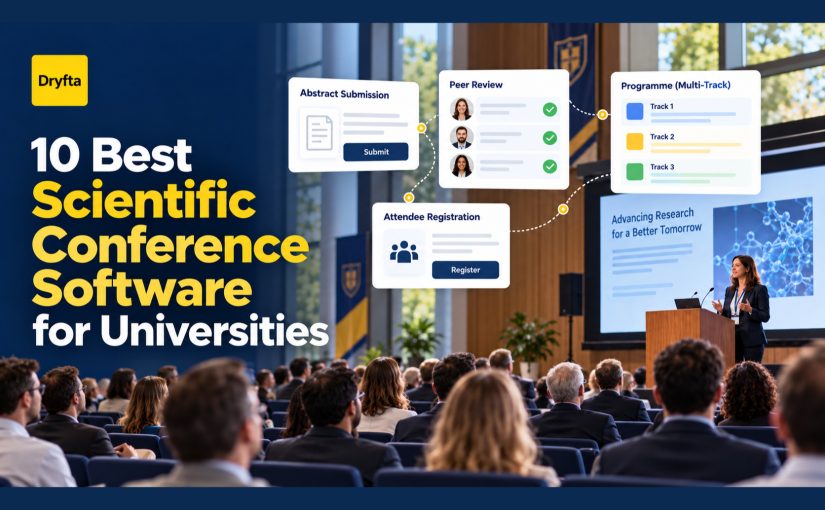
Choosing scientific conference software for universities starts long before registration. Researchers answer a call for papers, reviewers assess submissions, track chairs make decisions, speakers confirm, and organizers turn accepted work into a program. If those stages live in separate systems, the same names, titles, files, and decisions get copied again and again.
The best scientific conference software for universities keeps that chain intact. The right platform connects submissions and peer review with registration, scheduling, communication, onsite delivery, and reporting. It should also work for the people who use it only a few times a year, including volunteer reviewers, faculty chairs, student organizers, and visiting researchers.
This guide compares ten platforms through that university lens. It is not a ranking based on the longest feature list. It is a practical shortlist for research conferences, academic symposia, annual meetings, poster events, and other scholarly gatherings.
This comparison stays deliberately narrower than a full campus-event software review. If your institution needs one system for admissions, alumni, career, ceremonial, and student events, start with Dryfta’s university event management software page. For a broader comparison without the university procurement lens, read our guide to scientific event management platforms.
Editor’s note: Dryfta publishes this guide and appears in the comparison. We reviewed official product and help information available on October 5, 2026. Features, limits, services, and prices can change. We have not run identical hands-on tests on all ten platforms, so ask every shortlisted vendor to demonstrate the same real university workflow.
The shortlist in one minute
| Platform | Best fit | Why it stands out | What to verify |
|---|---|---|---|
| Dryfta | Universities that want one connected system for research and event operations | Abstracts, reviews, registration, program, CRM, onsite tools, app, and repeat-event setup | The right plan, onboarding scope, integrations, and any institution-specific customization |
| PheedLoop | Teams with strong onsite, sponsor, exhibitor, and attendee-experience needs | Broad event delivery toolkit with registration, check-in, badges, mobile app, and abstract tools | Academic review depth, conflict rules, proceedings, and total module cost |
| OpenWater | Universities with complex forms, applications, judging, or multi-round reviews | Highly configurable submission and evaluation workflows | How the selected setup connects to registration, program delivery, onsite work, and attendee reporting |
| Ex Ordo | Scholarly societies and research conferences that want a purpose-built workflow | Connected abstract collection, review, registration, program, virtual delivery, and proceedings | Pricing, regional support hours, required integrations, and mobile-app scope |
| EasyChair | Paper-heavy conferences with established program committees | Mature submission, reviewer, program committee, registration, and proceedings tools | Organizer experience, support level, payment needs, and attendee-facing presentation |
| OpenConf | Teams that value focused peer review, customization, or a self-hosted option | Submission-to-program workflow with hosted and own-server deployment choices | Which broader event, mobile, registration, and onsite functions need another system |
| COMS | Academic conferences that need multilingual, paper, registration, and agenda workflows | Detailed scholarly workflow, recurring-event transfer, mobile app, payments, and proceedings | Per-conference terms, service availability, local payment needs, and design flexibility |
| X-CD | Associations, medical meetings, and universities with continuing-education needs | Modular conference, association, onsite, CE, mobile, and learning tools | Which modules are essential and whether the complete setup suits the team’s budget and capacity |
| Converia | European universities that need research workflows, invoicing, and EU-based data hosting | Abstracts, registration, payments, program, check-in, repeat events, and university identity options | Procurement fit, payment services, deployment choice, and support for the institution’s region |
| dossier.events | Departments, student teams, and smaller academic organizers seeking a quick start | Website, abstracts, reviews, registration, agenda, delegate portal, and certificates in one product | Scale evidence, integrations, data migration, support coverage, and advanced review requirements |
What scientific conference software for universities must connect
The hard part is not collecting a form or selling a ticket. It is moving reliable information from one stage to the next without asking organizers to rebuild it.
Before comparing products, follow one accepted submission through the complete event:
- Submission: Can an author add co-authors, upload the correct files, choose topics, save a draft, and receive a clear confirmation?
- Review: Can the committee assign suitable reviewers, handle conflicts, apply the right blind-review model, monitor progress, and record decisions?
- Program: Can accepted work move into sessions without re-entering titles, presenters, affiliations, or files?
- Registration: Can the system identify which presenters have registered, paid, accepted terms, or completed required steps?
- Delivery: Can the same program feed the event website, attendee app, onsite check-in, room access, certificates, and post-event reports?
- Next edition: Can the team reuse a proven setup while keeping each year’s data, permissions, branding, and communications under control?
That final handoff matters more than it first appears. University conferences often return each year with a new committee and many of the same deadlines, tracks, forms, and reviewer roles. A platform that preserves the useful setup can save days of work before registration even opens.
1. Dryfta: Connected research and event operations
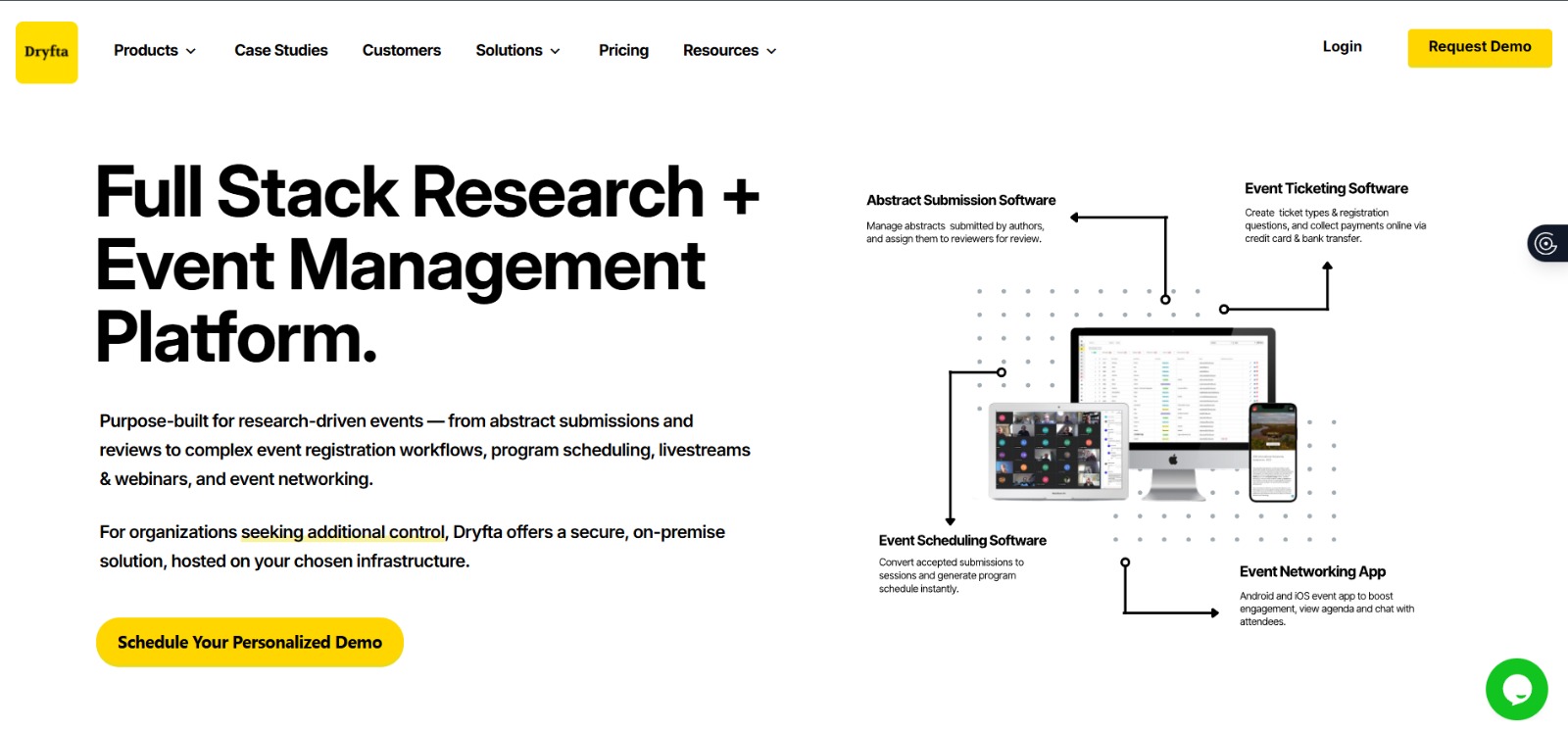
Dryfta fits universities, research institutes, nonprofits, and scholarly associations that want submissions, attendees, sessions, and communications to share one event record.
Dryfta covers the full conference path: custom abstract forms, single-, double-, or triple-blind review, manual or automated assignments, decisions, registration, payments, program building, event websites, virtual and hybrid delivery, mobile access, check-in, certificates, and reporting. Authors and reviewers use self-service dashboards, while organizers control roles and workflows from the same platform. Universities that need more detail can review Dryfta’s abstract submission and peer review workflow.
The practical advantage appears at the handoffs. Accepted work can move into the program, presenter records can connect with registration, and schedule changes can flow to the website or attendee experience. Teams running recurring conferences can copy a past event with all or selected content instead of rebuilding the next edition from the beginning.
Dryfta is also worth shortlisting when budget discipline matters. Its plans combine functions that universities sometimes buy from separate abstract, ticketing, website, app, and communication tools. Buyers should still compare complete written quotes, including support, payment fees, required integrations, and any custom work. Cost-effectiveness comes from the full working setup, not the headline subscription alone.
Before choosing it, a small team should identify the modules it truly needs and allow time for a structured setup. Institutions with unusual identity, procurement, data-hosting, or approval requirements should confirm those details early.
2. PheedLoop: Strong event delivery around the conference
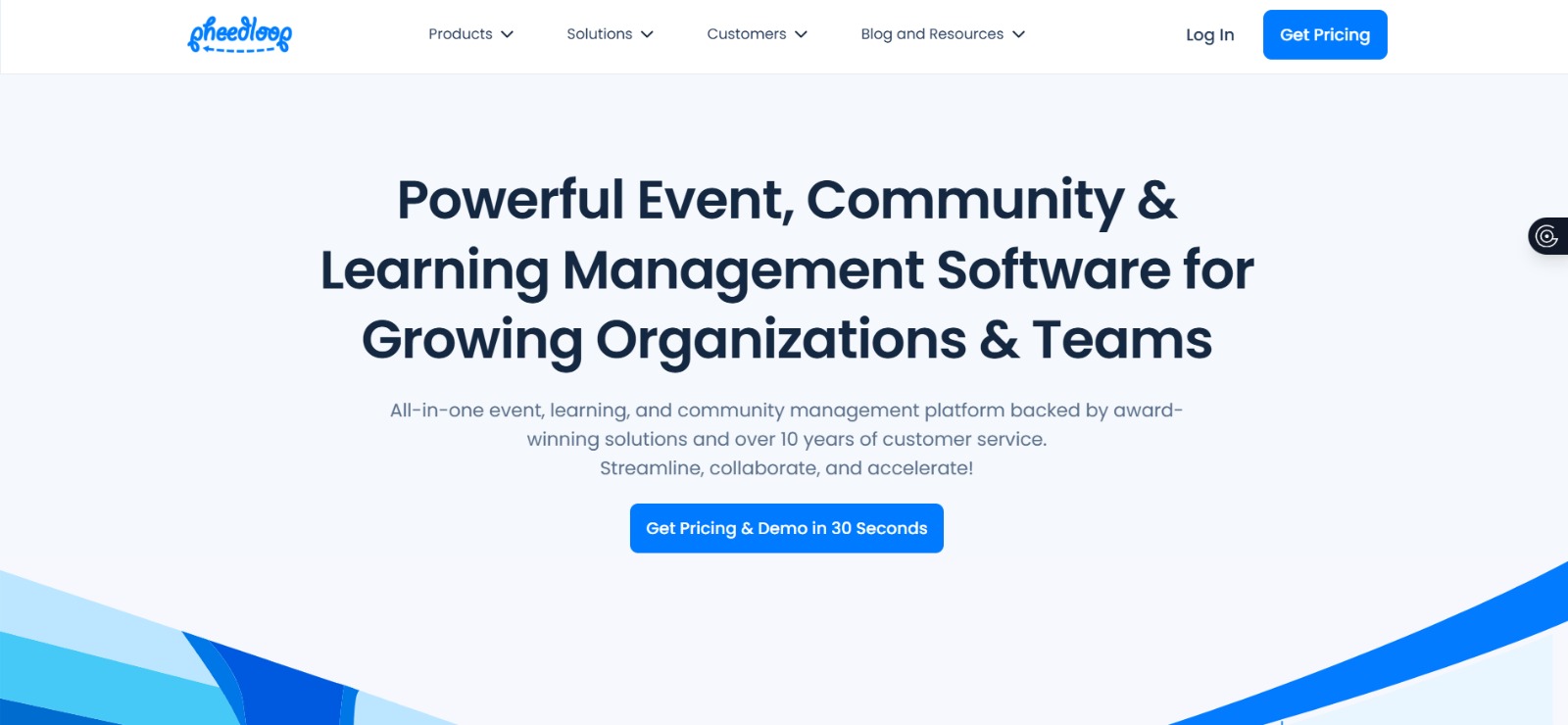
PheedLoop suits conferences that need polished registration, onsite check-in, badges, exhibitor tools, sponsor support, and a mobile attendee experience.
PheedLoop presents a broad event platform for small teams running large events. Its current product range includes registration, check-in and badging, a mobile app, exhibitor and sponsor tools, speaker and abstract management, CE tracking, plus virtual and hybrid delivery.
That breadth can suit a university conference with a busy expo floor or a strong professional-development component. The buying team should spend less time counting features and more time testing the academic workflow. Ask PheedLoop to show reviewer allocation, blind review, conflicts, decision emails, presenter registration status, and the move from accepted content into the final program.
During the demo, confirm which capabilities sit in the proposed package and whether the review process matches the committee’s rules. A convincing event-day experience does not automatically prove a good scholarly-review fit.
3. OpenWater: Flexible submission and evaluation workflows

OpenWater makes most sense for universities that manage complicated calls, applications, awards, grants, or several rounds of judging alongside conference submissions.
OpenWater’s strength lies in configurable forms, applicant workflows, judging portals, reviewer assignments, ranking, reporting, and program administration. Its documentation also covers collecting abstracts and proposed sessions, building sessions, detecting schedule conflicts, and placing content into a conference calendar.
This makes OpenWater useful when the submission and evaluation rules are the center of the project. It may also appeal to an institution that wants one platform for conferences and other application-based programs.
The main question lies beyond evaluation. Ask how the proposed solution will handle registration, payments, event communications, onsite check-in, mobile access, and post-event attendance records. Flexibility is valuable only when the team can maintain it without constant specialist help.
4. Ex Ordo: A scholarly conference specialist

Ex Ordo merits a place on the shortlist for scientific, medical, technical, and academic conferences that want a connected system built around scholarly work.
Ex Ordo links calls for papers, abstract or panel collection, reviewer matching, conflict management, decisions, registration, payments, program building, virtual or hybrid delivery, a mobile app, and proceedings. Its conference focus makes the product easier to evaluate than a general event platform that has added a submission form later.
Program teams should test the features that usually create late surprises: presenter payment status, room and speaker conflicts, multiple tracks, panel structures, camera-ready files, proceedings, plus updates after the team publishes the schedule.
Public pricing does not tell the whole story. Confirm the quote, support coverage, integration needs, data location, SSO requirements, and whether the package includes the required mobile or virtual experience.
5. EasyChair: Established paper and committee management
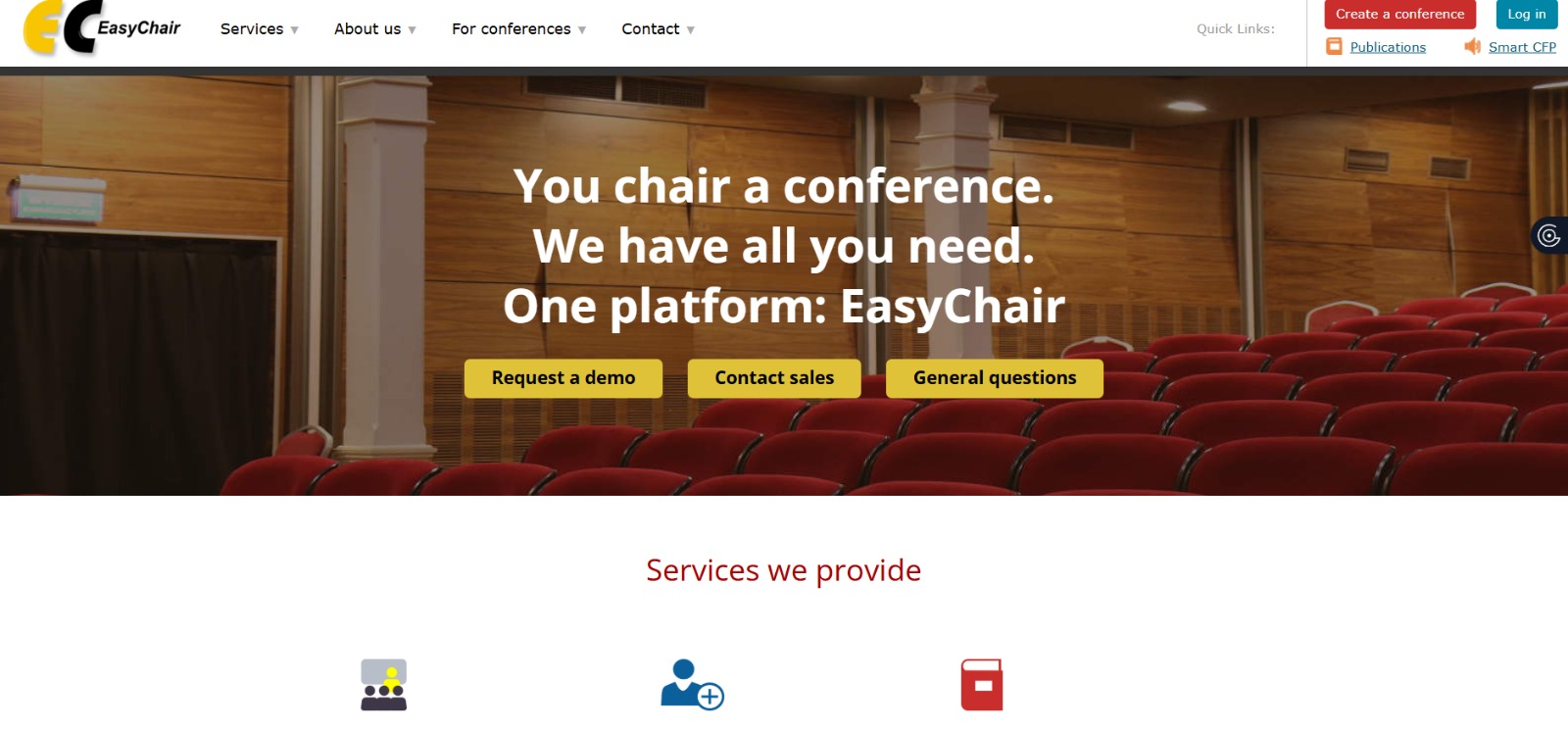
EasyChair remains a familiar option for research communities with mature program committees, paper-heavy workflows, and organizers who have used it before.
EasyChair supports calls for submissions, abstract and paper collection, reviewer preferences, assignment, conflicts, online discussion, rebuttals, program publishing, registration, payments, and proceedings. Its long academic history and large user base make it a familiar choice for many authors and reviewers.
Familiarity can reduce training, but the chair’s experience matters just as much as the submitter’s. Ask the committee to build a small test conference and complete the tasks it performs under deadline pressure. That includes replacing a reviewer, changing a decision, finding unpaid presenters, publishing the program, and exporting clean records.
Review the relevant license, helpdesk access, payment support, attendee-facing design, and broader event-delivery requirements. A strong paper-management system may still need companion tools for onsite or engagement-heavy events.
6. OpenConf: Focused review with deployment choice
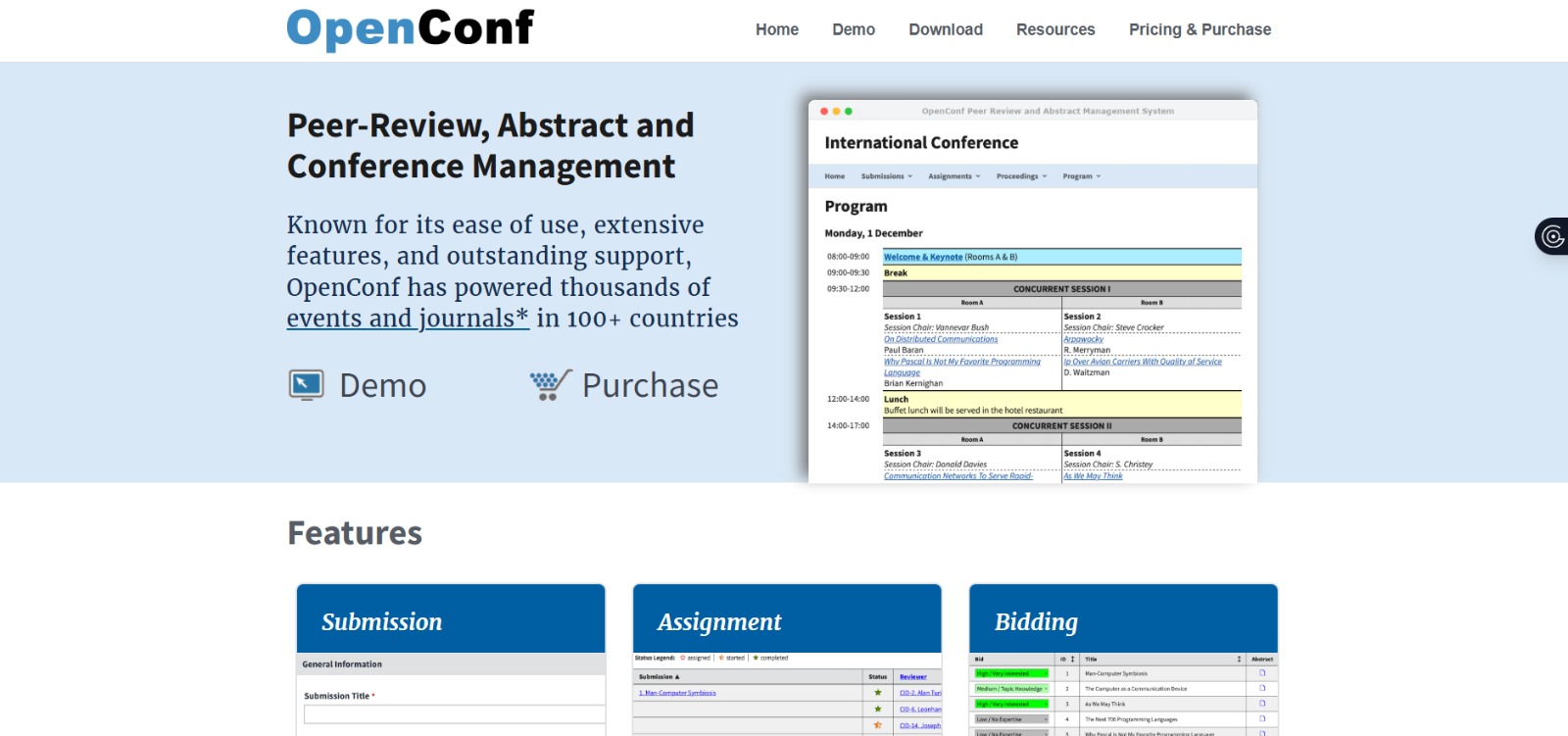
OpenConf gives institutions a focused submission and review system, multilingual access, customization, and the option to run the software on their own server.
OpenConf handles submissions, multiple file types, reviewer bidding, automated or manual assignments, discussions, scoring, acceptance, notifications, program creation, and online proceedings. Organizations can use the hosted service or license the software for their own server.
That deployment choice can be valuable when an institution has firm infrastructure or data-control preferences. It also means the internal team should be honest about its capacity to maintain a self-hosted system.
That focus creates a tradeoff. Registration, payments, attendee communication, badges, check-in, apps, networking, and analytics may require another product or a custom connection. Calculate the staff time as well as the software price.
7. COMS: Detailed academic workflows with multilingual support
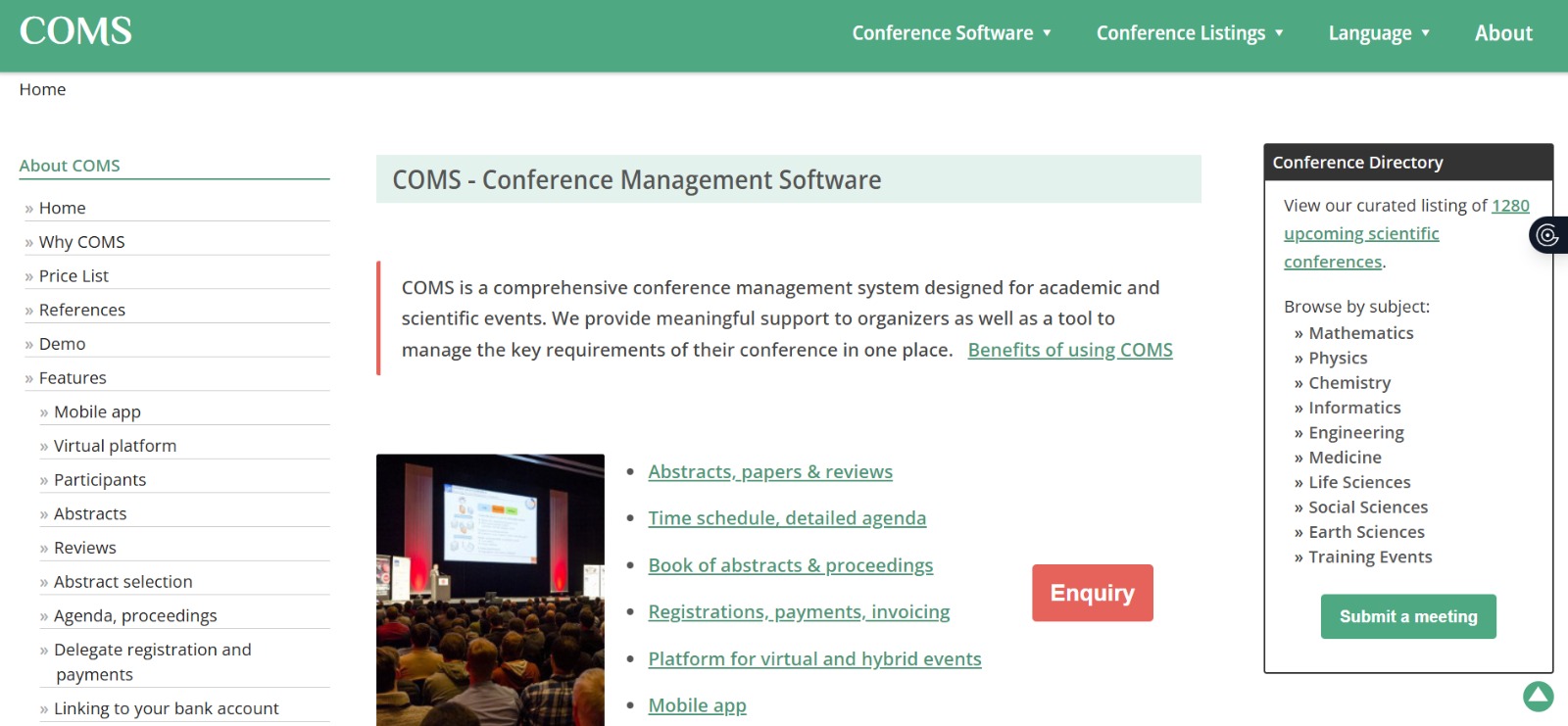
COMS suits academic and scientific conferences that need submissions, reviews, payments, agenda building, proceedings, multilingual delivery, plus recurring-event support.
COMS combines delegate registration, billing, payments, paper and abstract collection, reviewer assignment, decisions, program building, a book of abstracts, email, exports, an event app, virtual delivery, and onsite registration. It also supports several languages and role-based access.
Returning customers can reuse configuration and user accounts from an earlier edition. That is useful for annual conferences with a stable community, especially when organizers want past users to return without starting from zero.
Because COMS charges by conference, compare that model with annual platform pricing. Confirm the desired design, payment setup, support hours, data-retention period, mobile experience, plus any local institutional requirements.
8. X-CD: Conferences, associations, and continuing education
X-CD fits academic associations, medical meetings, and larger conferences that need speaker content, continuing education, onsite services, or membership connections.
X-CD offers modules for abstract and speaker management, peer review, program building, registration, mobile apps, association management, continuing education, onsite badging, presentation handling, virtual delivery, and learning content. The modular design lets organizations assemble a broader system over time.
This can work well when the conference is part of a year-round association or professional-learning program. It may be more capability than a department needs for one small symposium, so buyers should start with their essential workflow instead of every available module.
Ask for one complete diagram and one complete quote. It should show which modules own each record, how data moves, what staff must maintain, and which onsite services need separate planning.
9. Converia: European conference operations and invoicing

Converia deserves attention from universities and research institutions that need scientific workflows, detailed payments and invoices, EU-based hosting, or repeatable event portfolios.
Converia brings abstract submission, reviewer assignment, program planning, registration, ticketing, payment management, invoicing, conference websites, apps, check-in, and reporting into one system. Its current university offering highlights European hosting, GDPR compliance, identity connections, plus support for recurring conferences.
The platform deserves attention when finance and procurement processes are as important as the call for papers. A university may need different invoice rules, VAT handling, group bookings, identity management, or deployment options that a lighter conference tool does not cover.
Confirm the service model for your country, payment flow, integrations, implementation help, contract terms, and the features included in the proposed edition. Do not assume that every item in a broad feature matrix belongs to the same package.
10. dossier.events: A quick start for academic teams

dossier.events may appeal to departments, faculty teams, student organizers, research labs, and smaller academic events that want an approachable all-in-one starting point.
dossier.events brings together an event website, abstract management, peer review, registration, schedules, a delegate portal, communication, and certificates. Its academic positioning and quick-start message may appeal to organizers who do not have a dedicated event technology team.
A newer or less familiar platform can still be a good fit, but it needs a more careful proof process. Ask for references from events similar in size and complexity to yours. Test the admin workflow as well as the attendee experience.
A careful proof step matters here. Confirm scale, review controls, integrations, data exports, service hours, security documentation, migration help, plus the exact role of its AI-assisted features. Keep human approval in any workflow that affects academic decisions or participant communication.
Choose by the handoff your team cannot afford to break
Feature tables make every platform look similar. Real event records reveal the differences. Bring a small but awkward sample to each demonstration:
- One panel proposal with four speakers from three institutions.
- One submission with a potential reviewer conflict.
- One accepted presenter who has not registered or paid.
- One co-author who becomes the presenting author after acceptance.
- One session moved to a new room after the program is public.
- One attendee who needs an invoice, accessibility support, and a certificate.
- One annual event that the team must copy for the next edition without carrying over the wrong private data.
Then ask the vendor to complete the work on screen. A confident answer is useful. A visible workflow is better.
A practical procurement rule: Compare the full three-year operating cost, not only the license. Include payment charges, implementation, training, app or onsite add-ons, custom integrations, data cleanup, staff time, and the work required to rebuild recurring events.
Where Dryfta earns a closer look
Dryfta is not the automatic answer for every university event. A department that needs only a simple submission form may prefer a narrower product. A research conference that already has a trusted paper system may decide to keep it and improve the surrounding integrations.
Dryfta becomes especially relevant when the university wants one system to carry information from the call for papers through review, registration, program delivery, attendee activity, certificates, and reporting. That connected model reduces duplicate records and gives a new committee a clearer starting point for the next edition.
It can also be a cost-effective alternative to assembling several specialist tools. The fairest test is to give Dryfta and the other finalists the same workflow, the same attendee and submission volumes, plus the same integration requirements. Ask for a written quote with every essential module included.
Frequently asked questions
What is a research conference platform for universities?
A research conference platform helps universities manage scholarly events such as academic symposia, calls for papers, poster sessions, and annual meetings. Unlike a basic ticketing tool, it usually supports submissions, peer review, program creation, presenter coordination, registration, communication, and reporting.
How is scientific conference software different from campus scheduling software?
Scientific conference software manages research content and people, including authors, reviewers, abstracts, decisions, speakers, and delegates. Campus scheduling software focuses more heavily on rooms, facilities, calendars, approvals, and resources across an institution. Some university teams need both, but they solve different core problems. Our university event scheduling comparison covers that separate need.
Which features matter most for peer review?
Look for configurable submission types, reviewer expertise or topic matching, manual overrides, conflict controls, single- or double-blind options, clear scoring, progress tracking, decision records, rebuttals when needed, plus reliable messages to authors and reviewers.
Should a university choose one all-in-one platform or several specialist tools?
One platform reduces duplicate entry and broken handoffs. Specialist tools may offer deeper control in one area. Compare the actual integration, support, data ownership, staff workload, and full cost. A collection of inexpensive tools can become costly if people must reconcile records by hand.
How should universities compare conference software prices?
Ask each vendor to quote the same event size, submission volume, reviewer count, registration model, payment flow, mobile or onsite needs, support level, integrations, data migration, and recurring-event requirements. Compare the complete operating cost over several editions.
What should universities ask about security and data control?
Ask where the vendor hosts data, who can access it, how administrators manage roles and SSO, how the vendor protects backups, which subprocessors it uses, how long it retains data, how users can export data or request deletion, plus which security and privacy documents the vendor can provide for institutional review. Use Dryfta’s event software security review checklist to keep every vendor assessment consistent.
Take the same workflow into every demo
The best platform is the one your committee can operate confidently under real deadlines. Shortlist two or three options, bring the same difficult records to each demonstration, and ask to see the complete journey from submission to the next event edition.
If you are comparing scientific conference software for universities and need to connect abstracts, peer review, registration, scheduling, event delivery, attendee records, and recurring conferences, request a Dryfta demo. Bring one real workflow and a recent event setup. The goal is a clear fit decision, not a generic product tour.