🚀 Join our
Live Demo every Friday at 11:00AM EST and see Dryfta in action!
×
Skip to content
Products / Mobile Event App Mobile event app & scientific networking
A research conference companion for every attendee. Help people find relevant research, save sessions, open presentation materials and connect with speakers and other attendees. Keep the program and event updates close at hand.
Event home
My Schedule
Attendee networking
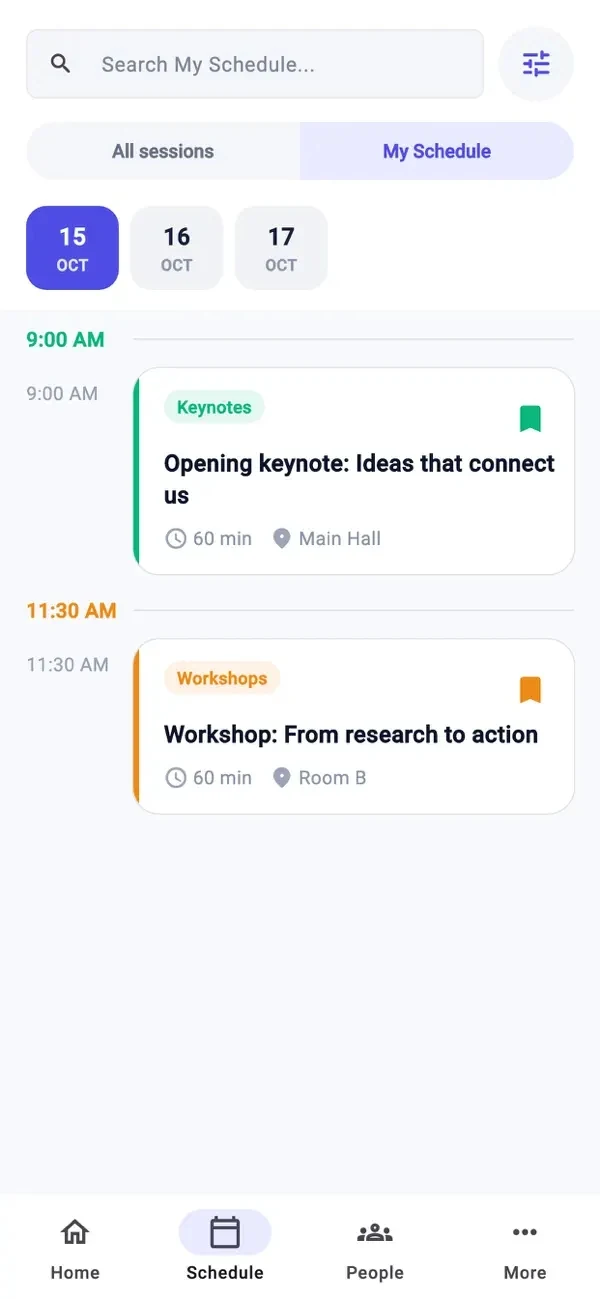
Keep a personal schedule in Dryfta’s iOS app.
Plan around research interests Browse the scientific program and keep selected sessions in a personal schedule.
Exchange ideas and make connections Explore speaker profiles, exchange contact details, send messages and join discussions.
Keep learning throughout the event Open session materials, answer surveys and follow important program updates.
How it works
Follow the research conference workflow. 1 Connect the conference content Prepare the program, speaker profiles, session files and the event details participants need.
2 Help people plan and connect Invite attendees to save sessions, find people, exchange contact details and arrange meetings.
3 Keep knowledge moving Share updates, collect feedback and keep conversations connected to the conference.
Mobile Event App
A personal route through the scientific program Help participants find research that interests them and plan their time across a busy conference.
Browse sessions and their research details Save selected sessions in My Schedule Open speaker information and presentation materials
Keep a personal schedule in Dryfta’s iOS app.
Mobile Event App
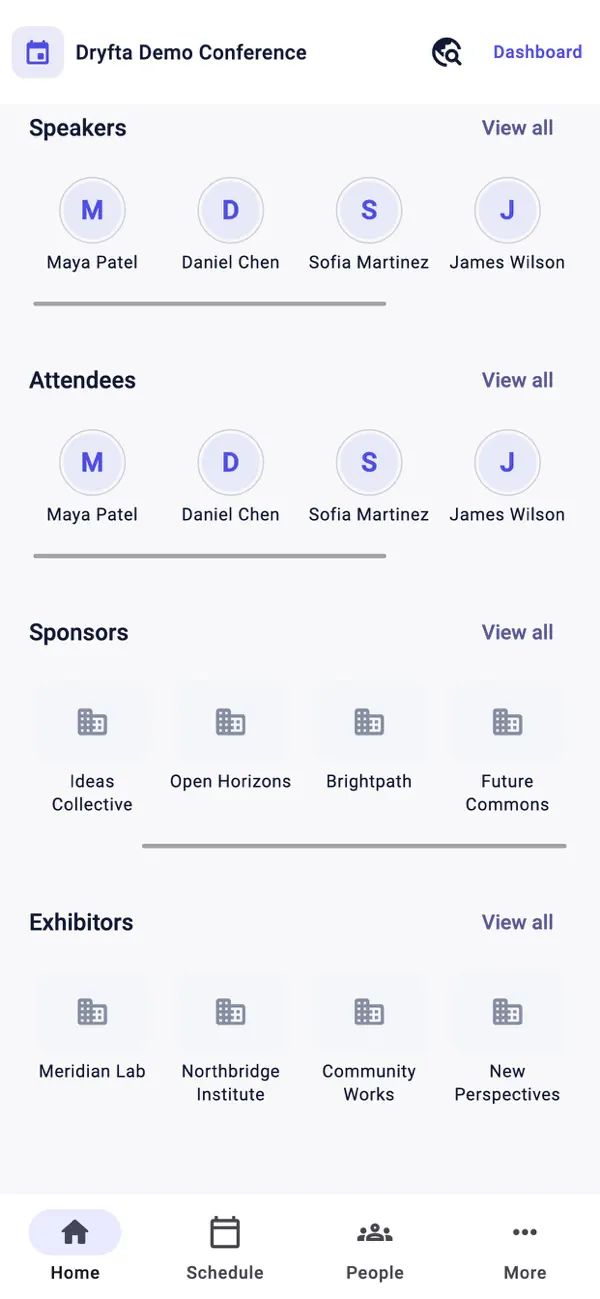
Connect the research with the people behind it Make it easy to find speakers and attendees, continue a conversation and find practical event information.
Speaker and attendee profiles QR contact exchange and digital contact cards Venue, sponsor and exhibitor information
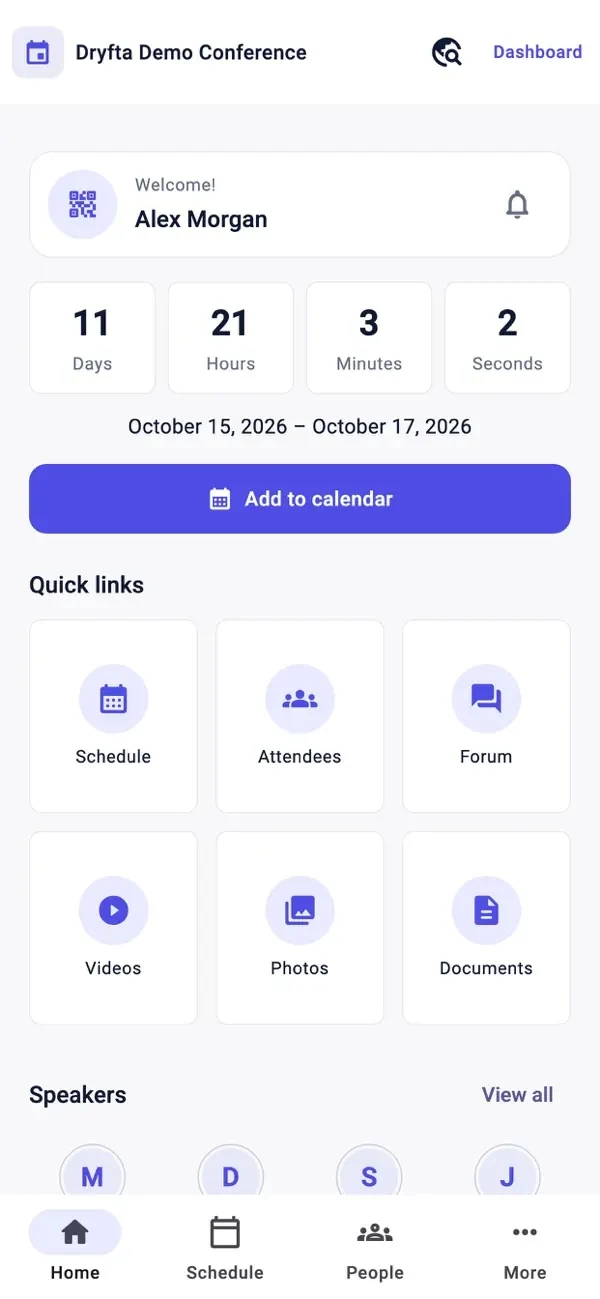
Dryfta’s iOS event home, as shown on the App Store.
Mobile Event App
Help people learn, connect and take part Put sessions, people and useful information in one app for iOS and Android.
Let attendees plan their day
Keep a personal schedule in Dryfta’s iOS app. Let attendees save sessions to a personal schedule and check in to them. Check for event date clashes. Flag venue or speaker clashes as they happen so organizers can fix them.
Help attendees connect and stay informed
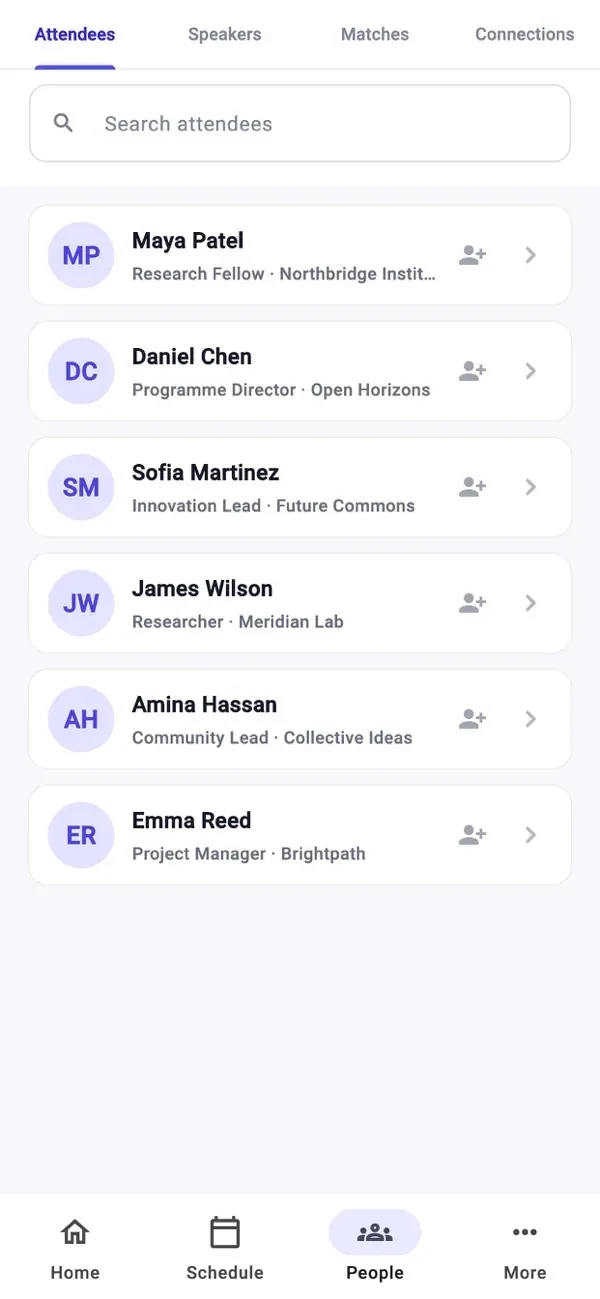
Discover attendees and connections in Dryfta’s iOS app. Show attendee details, abstracts and selected sessions. Keep this information up to date across Dryfta, the website and the apps. Let attendees update their details and choose whether to show their profile publicly. Let attendees send private messages with text, photos and links, or turn messaging off in their profile. Send app alerts about last-minute schedule changes, venue updates and other news during in-person events. Scan another attendee's QR code and save their contact details. Request a digital contact card (vCard) and save collected contacts to the phone's address book.
Make sessions more useful and interactive
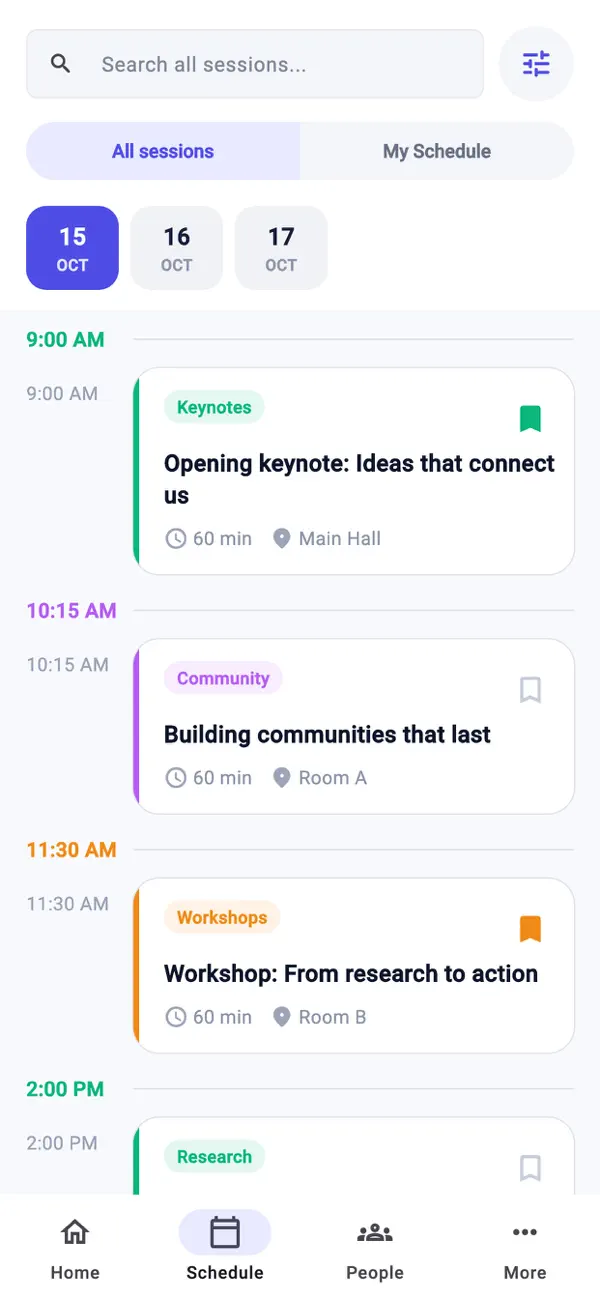
Browse all sessions in Dryfta’s iOS app, as shown on the App Store. Show session details, attendees and speakers, with buttons to save a session or check in. Include speakers’ slides, live chat, and questions and answers in each session. Send app alerts when session details change. Ask checked-in attendees for session feedback. Let attendees vote in live polls during in-person sessions and see results as they come in. Offer event surveys and session feedback so participants can share what they learned and what could improve.
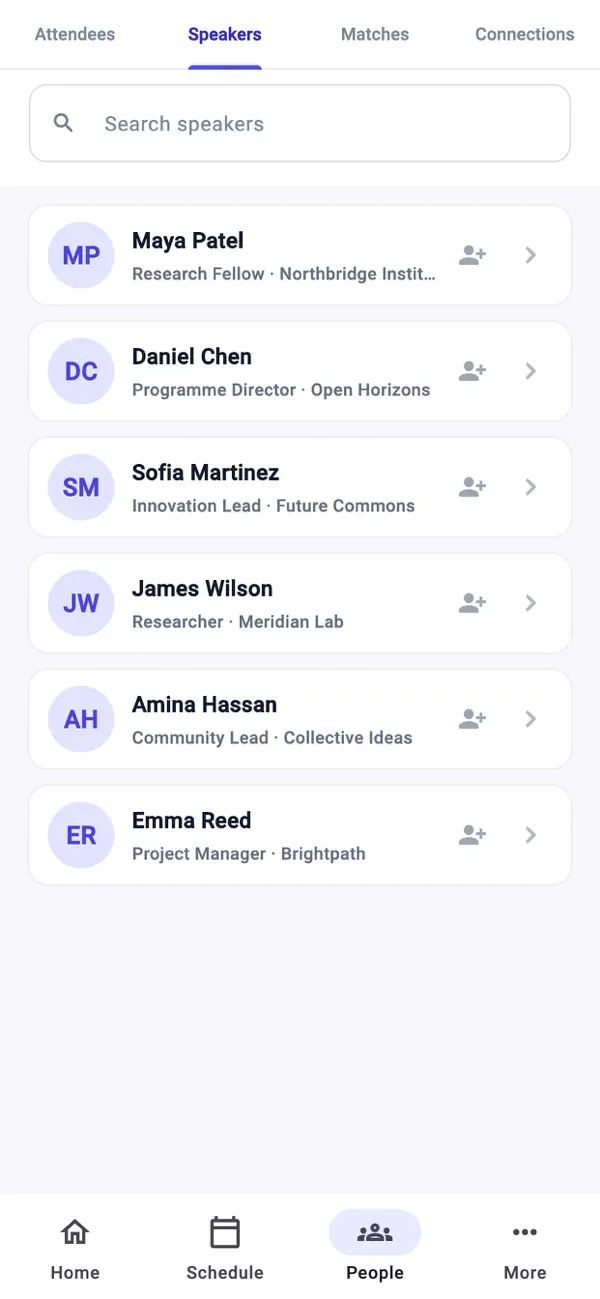
Introduce speakers and make connections
Discover speakers in Dryfta’s iOS app, as shown on the App Store. Show speaker details, speaking sessions and sessions they plan to attend. Let attendees send connection requests and arrange meetings with speakers. Let speakers choose which profile details to show publicly.
Help attendees meet sponsors and exhibitors
Find sponsors and exhibitors in Dryfta’s iOS app, as shown on the App Store. Show all sponsors and exhibitors in one place, with logos, links, videos and product details. Show the profiles of representatives attending on behalf of sponsors and exhibitors. Let attendees save sponsors’ digital business cards (vCards). Let attendees arrange meetings with exhibitor representatives.
Share venue details, maps and other information
Dryfta’s iOS event home, as shown on the App Store. Add as many pages as you need about the venue, accommodation, travel or other event information. Add maps, directories and floor plans. Create a floor plan in another tool and show it within a Dryfta page. Add links to ticket purchases and other websites.
Keep information available offline
Let attendees open the app and access their data when they do not have an internet connection.
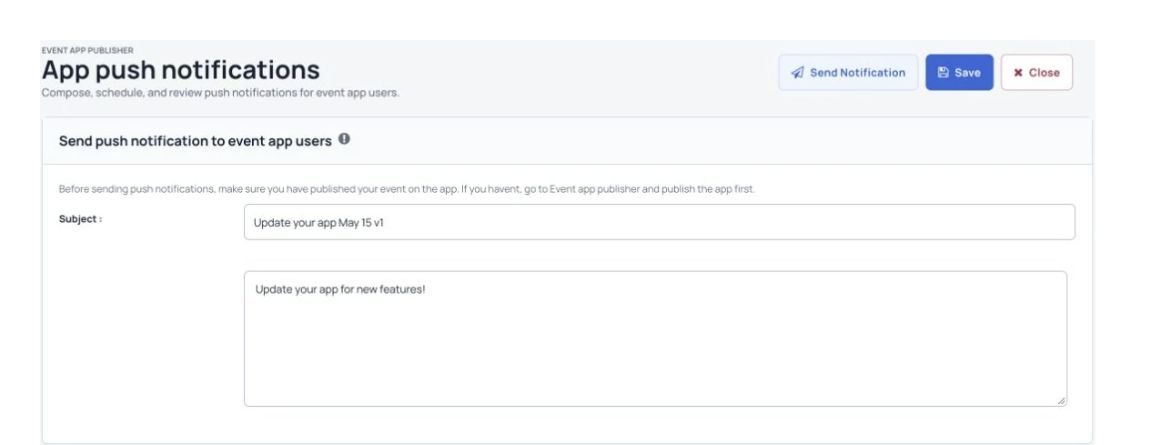
Compose and schedule a push notification for event app users.
Explore more support for knowledge sharing. See the tools for virtual-session knowledge in AI Research Workflows.
AI Research Workflows More useful tools
More ways to manage your event. Before you start These screens show the demo event. The content and tools attendees see depend on how you set up your event.
Is the app available for iOS and Android?+ Yes. The app is available for iOS and Android. Share the download links and access instructions for your event with attendees.
How do attendees find an event?+ Attendees use the event code you share with them. To try the demo event, enter the code symposium.
Can attendees use a personal schedule?+ Yes. Attendees can browse sessions and keep their selected sessions together in My Schedule.
See Dryfta for yourself
See the event app in action. Tell us about your event and the tasks you want help with. We’ll show you how to do them in Dryfta.
Request a demo